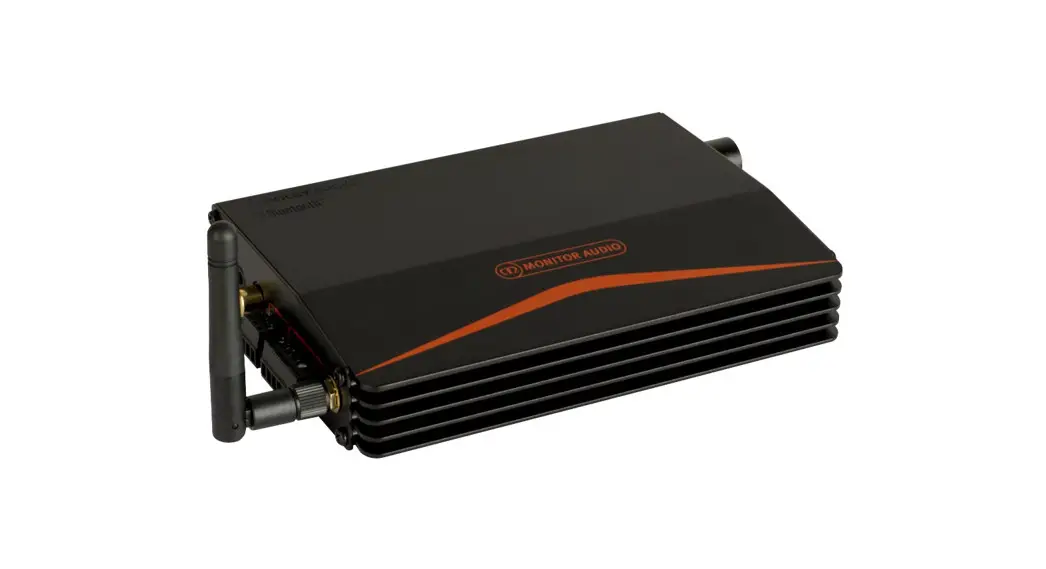
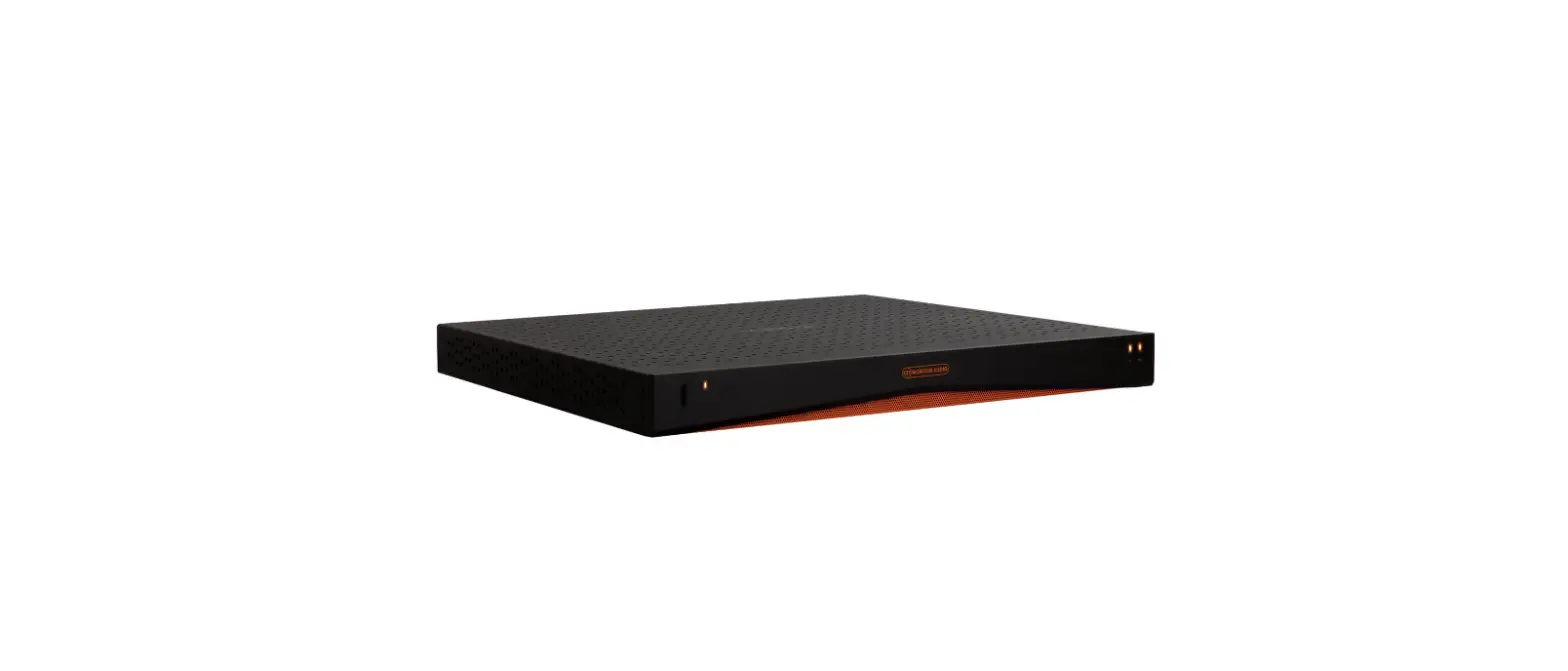
IA60-4 Installation Amplifiers
Product Information
The product is an amplifier unit with configurable GPIO, audio
inputs, S/PDIF audio I/O, and configurable speaker outputs. The
carton contents include a Quick Start Guide, the amplifier unit
(IA60-4, IA125-4, IA750-2, or IA750-4), rack mount brackets,
input/output connectors, GPIO socket connector, mains cable, and
adhesive feet. The product can be controlled through a
configuration web app that can be accessed via WiFi.
Product Usage Instructions
- Connect all inputs, outputs, and control connections before
powering on the amplifier unit. - For audio inputs, use the Euroblock or RCA phono connectors for
balanced or unbalanced inputs, respectively. - Connect the mains power input and ensure that the product is
earthed. - For network control, use the configuration web app which can be
accessed via WiFi. To do this:- Power on the amplifier unit.
- Connect to the amplifier in your WiFi network settings using
the password “password”. - Open your web browser and enter “192.168.4.1” into your address
bar. - Configure the product settings as needed through the web
app.
- Ensure that the product is installed in accordance with the
manufacturer’s instructions and that it is not installed near any
heat sources or water. - Follow all safety instructions listed in the manual, including
keeping the product away from water, cleaning only with a dry
cloth, not blocking any ventilation openings, protecting the power
cord from being walked on or pinched, and referring all servicing
to qualified service personnel.
Carton contents
Quick Start Guide
IA60-4 IA125-4 IA750-2 IA750-4
Support
IA60-4 IA125-4
IA750-2 IA750-4
Amplifier Unit
Amplifier Unit
x2
Rack Mount Brackets
Input / Output Connectors
GPIO Socket Connector
Mains Cable
Adhesive Feet
View the full manual and get support at monitoraudio.com/ia-support
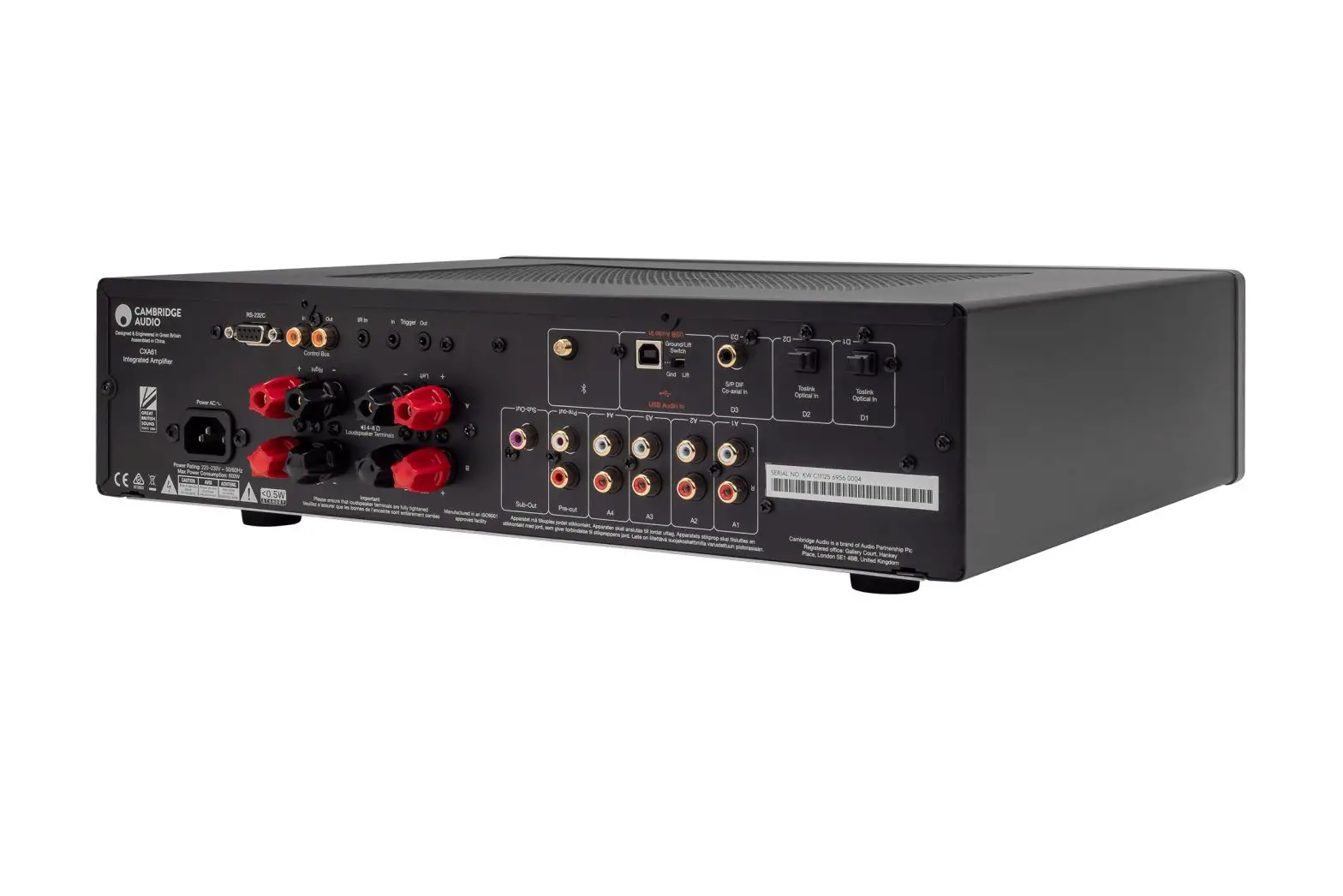
Connections overview
Connect all inputs, outputs and control connections before powering on.
Configurable GPIO
Audio Inputs Balanced: Euroblock Unbalanced: RCA Phono.
Mains Power Input
Network Control
S/PDIF Audio I/O
Configurable Speaker Outputs
Accessing the configuration web app via WiFi
1 – Power on the amplifier unit
2 – Connect directly to the amplifier in your WiFi network settings.
Use the password: password
3 – Open your web browser and enter the 192.168.4.1 into your address bar
WiFi
IA60-4 – xxxxx
Password: password
192.168.4.1
This symbol is intended to alert the user to the presence of uninsulated “dangerous voltage” within the product’s enclosure that may be of sufficient magnitude to constitute a risk of electric shock to persons.
AVIS
RISQUE DE CHOC ELECTRIQUE
NE PAS OUVRIR
CAUTION
RISK OF ELECTRIC SHOCK DO NOT OPEN
This equipment must be earthed.
This symbol is intended to alert the user to the presence
of important operating and maintenance (servicing)
instructions in the literature accompanying the appliance.
Ce symbole a pour but d’attirer l’attention de l’utilisateur sur la présence, à l’intérieur du boîtier de l’appareil, d’une « tension dangereuse » non isolée, qui pourrait être suffisamment puissante pour représenter un risque d’électrocution pour les personnes.
Ce symbole a pour but d’attirer l’attention de l’utilisateur sur la présence, dans la documentation qui accompagne l’appareil,
d’instructions importantes relatives à son utilisation et sa maintenance (entretien).
Important saftey instructions
Consignes de sécurité importantes
1. Read these instructions.
2. Keep these instructions.
3. Heed all warnings.
4. Follow all instructions.
5. Do not use this apparatus near water.
6. Clean only with a dry cloth.
7. Do not block any ventilation opening. Install in accordance with the manufacturer’s instructions.
8. Do not install near any heat sources such as radiators, heat registers, stoves, or other apparatus (including amplifiers) that produce heat.
9. To reduce the risk of electrical shock, the power cord shall be connected to a mains socket outlet with a protective earthing connection.
10. Do not defeat the safety purpose of the polarized or grounding type plug. A polarized plug has two blades with one wider than the other. A grounding type plug has two blades and a third grounding prong. The wide blade or the third prong are provided for your safety. If the provided plug does not fit into your outlet, consult an electrician for replacement of the obsolete outlet.
11. Protect the power cord from being walked on or pinched particularly at plugs, convenience receptacles, and the point where they exit from the apparatus.
12. Do not unplug the unit by pulling on the cord, use the plug.
13. Unplug this apparatus during lightning storms or when unused for long periods of time.
14. Refer all servicing to qualified service personnel. Servicing is required when the apparatus has been damaged in any way, such as power supply cord or plug is damaged, liquid has been spilled or objects have fallen into the apparatus, the apparatus has been exposed to rain or moisture, does not operate normally, or has been dropped.
15. The appliance coupler, or the AC Mains plug, is the AC mains disconnect device and shall remain readily accessible after installation.
1. Veuillez lire ces instructions.
2. Conservez ces instructions.
3. Respectez tous les avertissements.
4. Suivez toutes les instructions.
5. N’utilisez pas cet appareil près de l’eau.
6. Nettoyez uniquement avec un chiffon sec.
7. N’obstruez pas les ouïes de ventilation. Installez l’appareil en respectant les instructions du fabricant.
8. Éloignez l’appareil des sources de chaleur : radiateurs, bouches de soufflage, fours et autres (y compris les amplificateurs).
9. Pour réduire le risque d’électrocution, le cordon d’alimentation doit être connecté à une prise de courant avec une mise à la terre de protection.
10. Respectez le dispositif de protection de mise à la terre de la prise secteur. Une prise polarisée est équipée de deux fiches, l’une plus large que l’autre. Une prise avec borne de terre est équipée de deux fiches et d’une borne de terre. La fiche large, ou la borne de terre, est garante de votre sécurité. Si la fiche secteur fournie avec l’appareil ne correspond pas à la prise secteur de votre installation, faites remplacer cette dernière par un électricien.
11. Disposez les câbles de sorte qu’ils ne puissent pas être piétinés, coincés ou pincés ; une attention toute particulière doit être accordée au niveau des prises secteur et de l’embase secteur de l’appareil.
12. Ne débranchez pas l’appareil en tirant sur le cordon. Utilisez la fiche.
13. Débranchez cet appareil du secteur lors des orages ou des longues périodes d’inutilisation.
14. Confiez toute réparation à un technicien qualifié. L’intervention d’un technicien est nécessaire dans les cas suivants : le cordon d’alimentation ou la prise secteur sont endommagés, des corps étrangers ou du liquide se sont introduits dans l’appareil, l’appareil a été exposé à la pluie ou à l’humidité, l’appareil montre des signes de dysfonctionnement ou est tombé.
15. Le coupleur de l’appareil, ou la fiche secteur, est le dispositif de déconnexion du secteur et doit rester facilement accessible après l’installation.
Class 2 Wiring Exposed high voltage on the speaker terminals. Touching the uninsulated terminals or wiring may result in an unpleasant sensation
Class 2 Câblage Haute tension exposeé sur les bornes des haut-parleurs. Toucher les bornes ou le câblage non isolés peuvent entraîner une sensation désagréable
FCC compliance
This device complies with part 15 of the FCC Rules. Operation is subject to the following two conditions:
1. This device may not cause harmful interference. 2. This device must accept any interference received, including interference that may cause undesired operation.
Note: This equipment has been tested and found to comply with the limits for a Class B digital device, pursuant to part 15 of the FCC Rules. These limits are designed to provide reasonable protection against harmful interference in a residential installation. This equipment generates uses and can radiate radio frequency energy and, if not installed and used in accordance with the instructions, may cause harmful interference to radio communications.
However, there is no guarantee that interference will not occur in a particular installation. If this equipment does cause harmful interference to radio
or television reception, which can be determined by turning the equipment off and on, the user is encouraged to try to correct the interference by one
or more of the following measures:
– Reorient or relocate the receiving antenna.
– Increase the separation between the equipment and receiver.
– Connect the equipment into an outlet on a circuit different from that to which the receiver is connected.
– Consult the dealer or an experienced radio/TV technician for help.
Monitor Audio Ltd, 24 Brook Road, Rayleigh, Essex, UK, SS6 7XJ | +44 1268 740 580 | [email protected] | monitoraudio.com
© Monitor Audio | Version 1 2022
 Monitor Audio | Hi-Fi, Cinema & Architectural Speakers