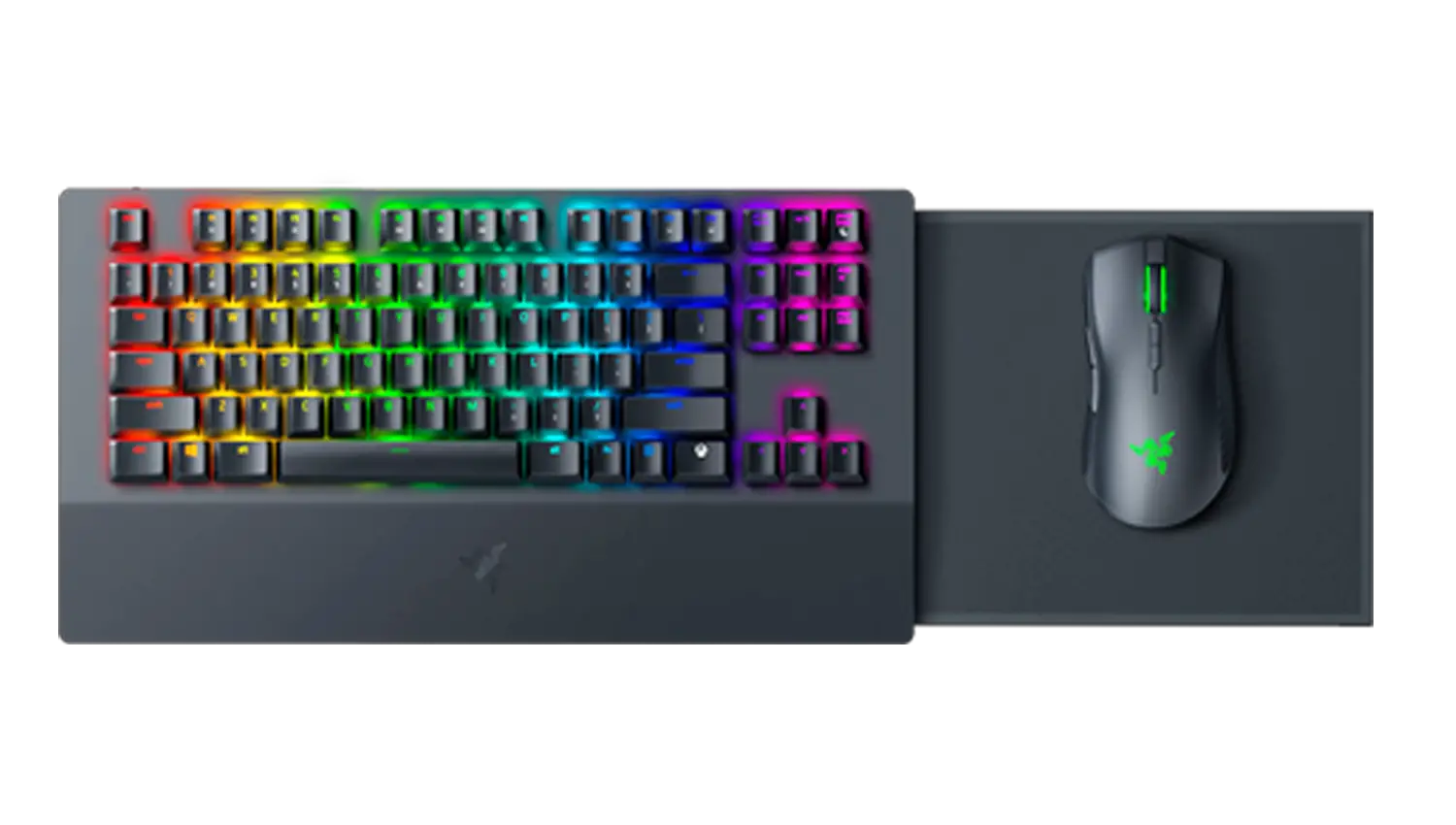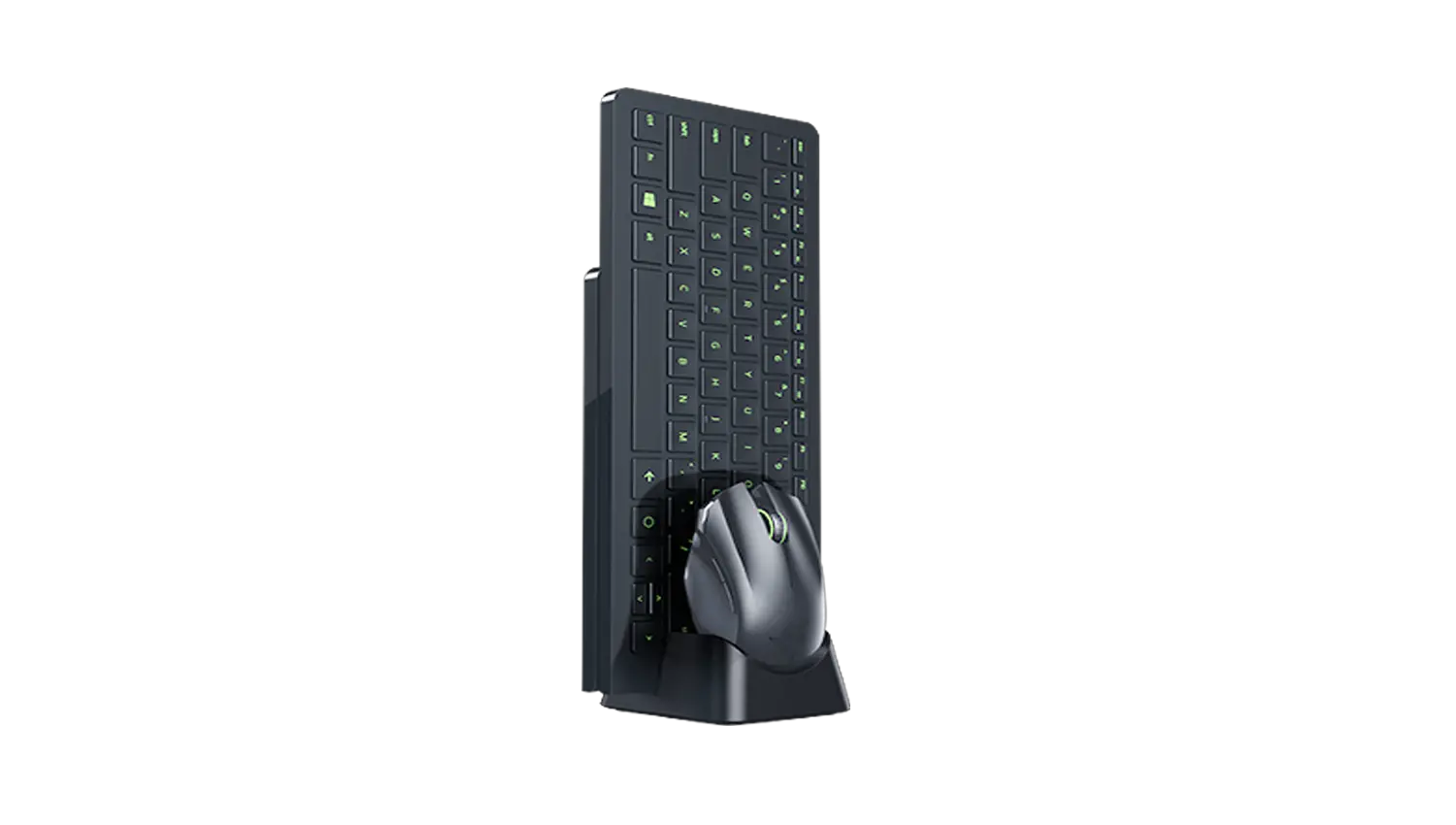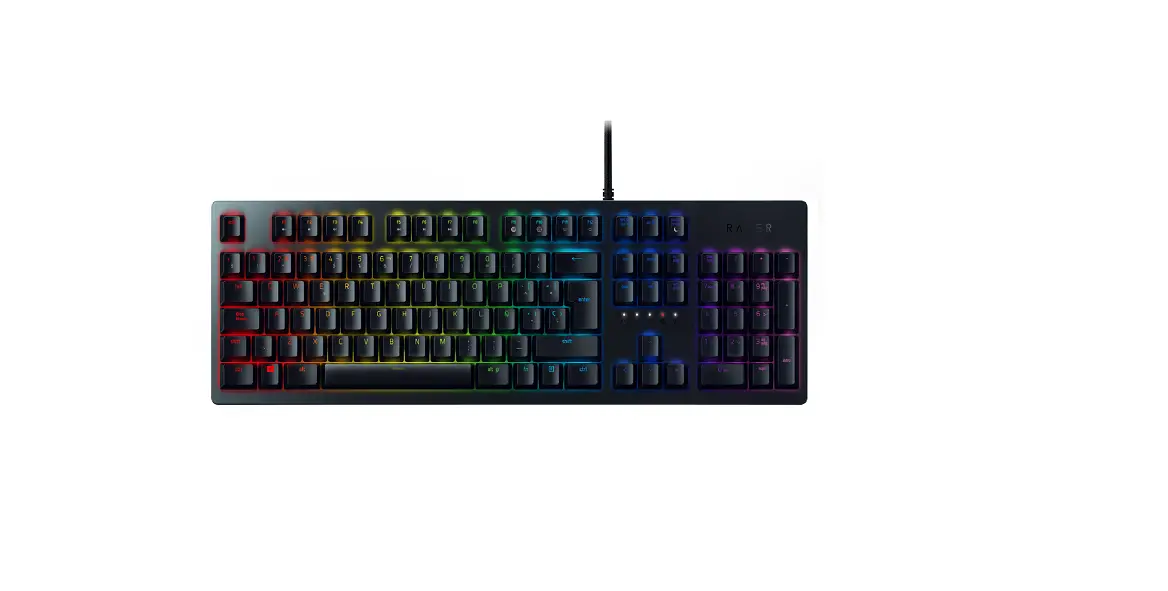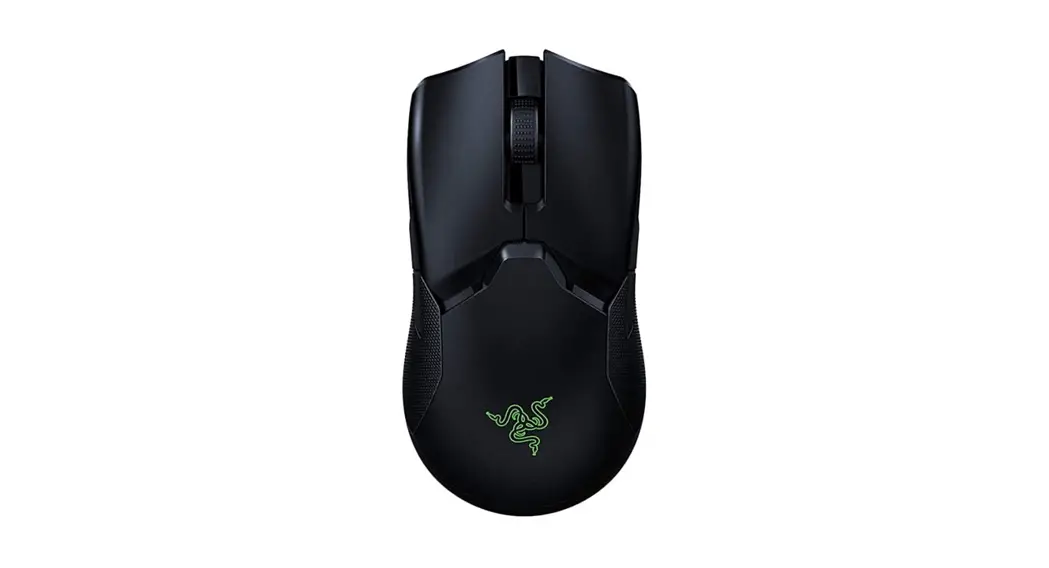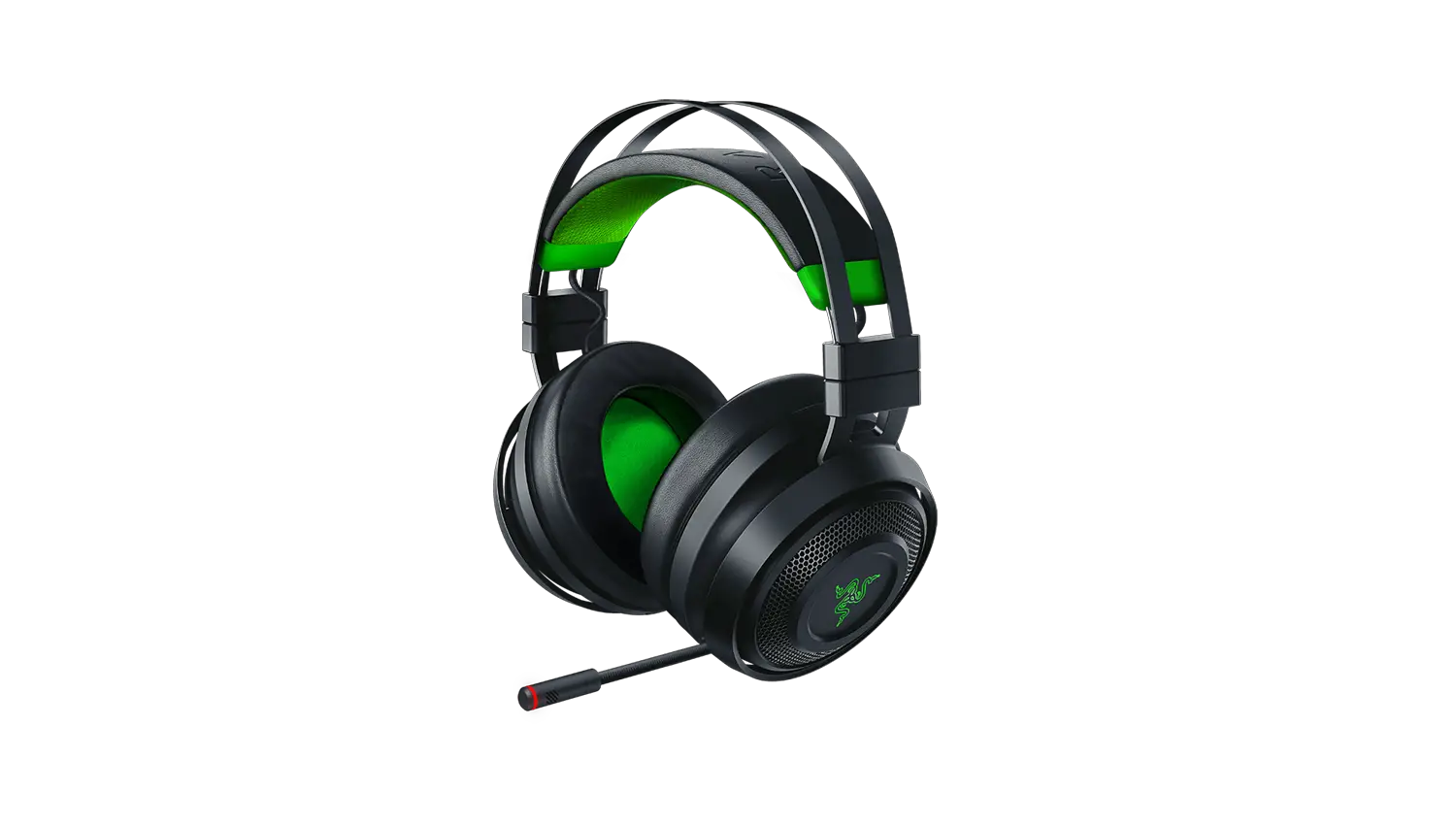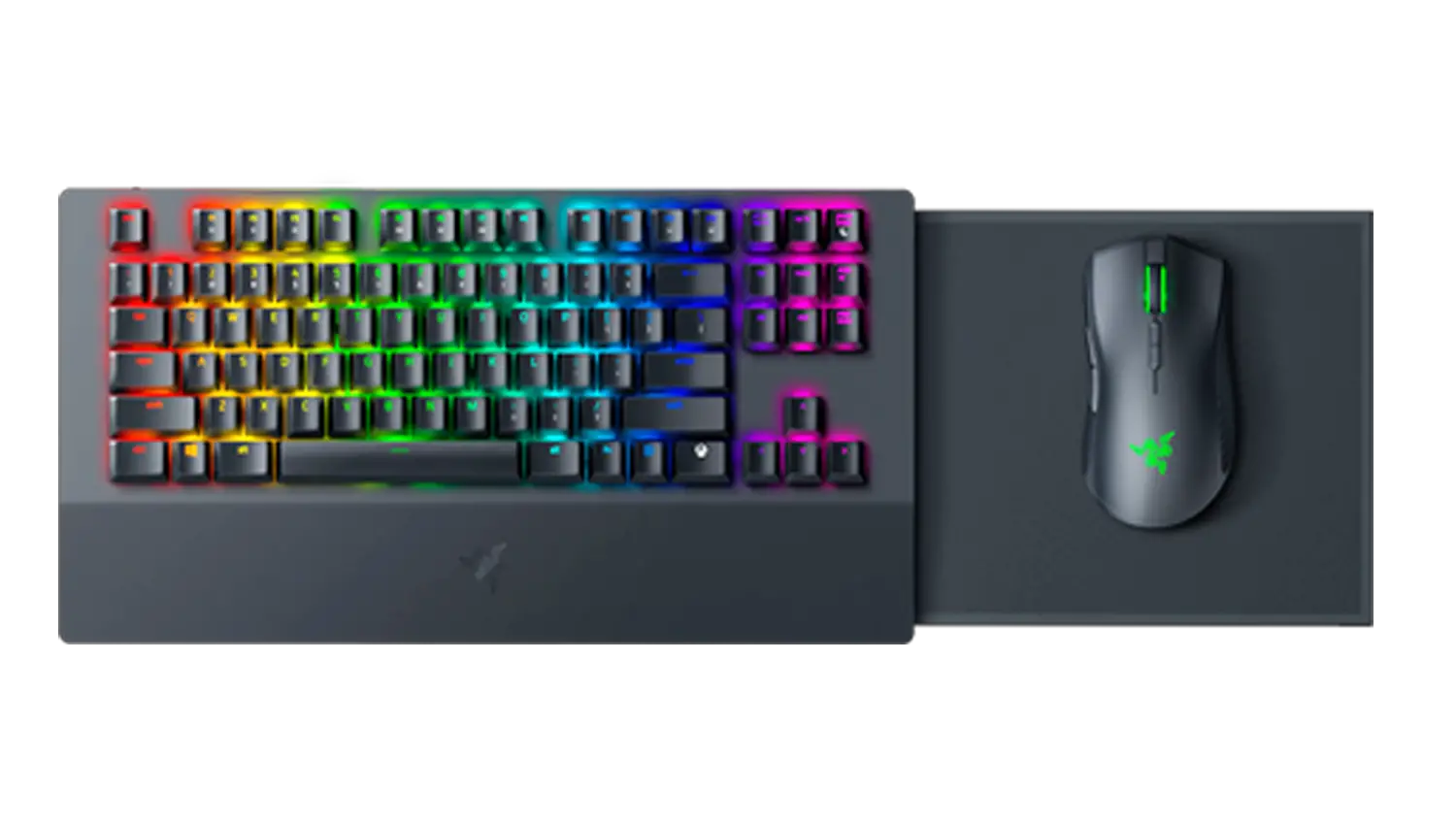
Razer Turret for Xbox One Firmware Updater | RZ84-02820
Applicable Models
- RZ84-02820
- Download| October 13, 2020
- Improve dongle detection
Step-by-step Process
- Download the latest firmware update by downloading the link found above.
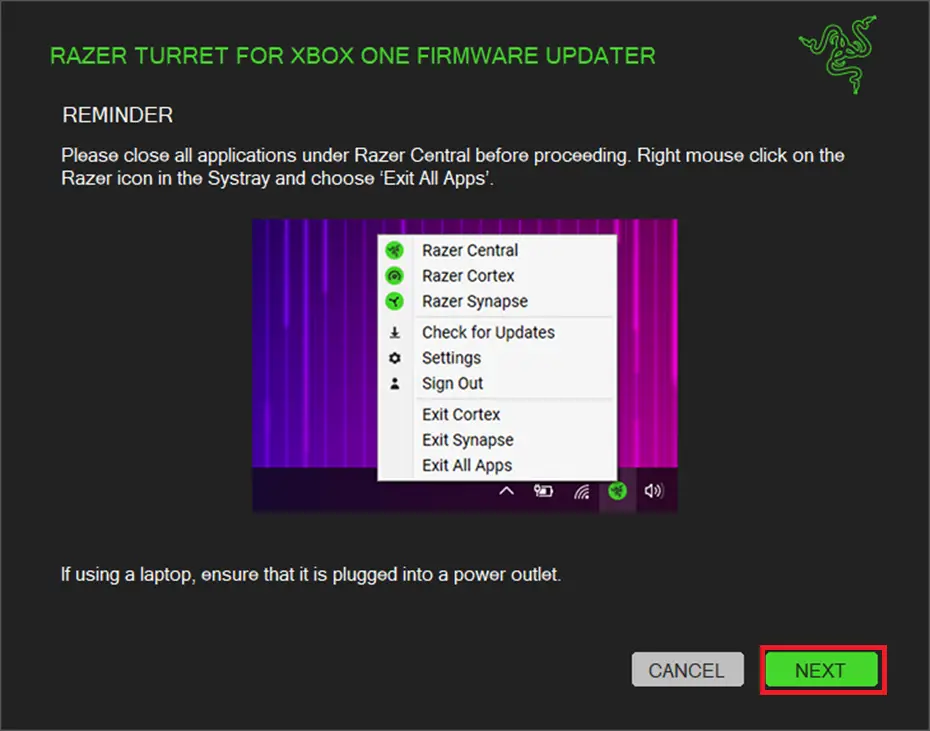
- Close Razer Synapse and all other running applications before proceeding with the update.
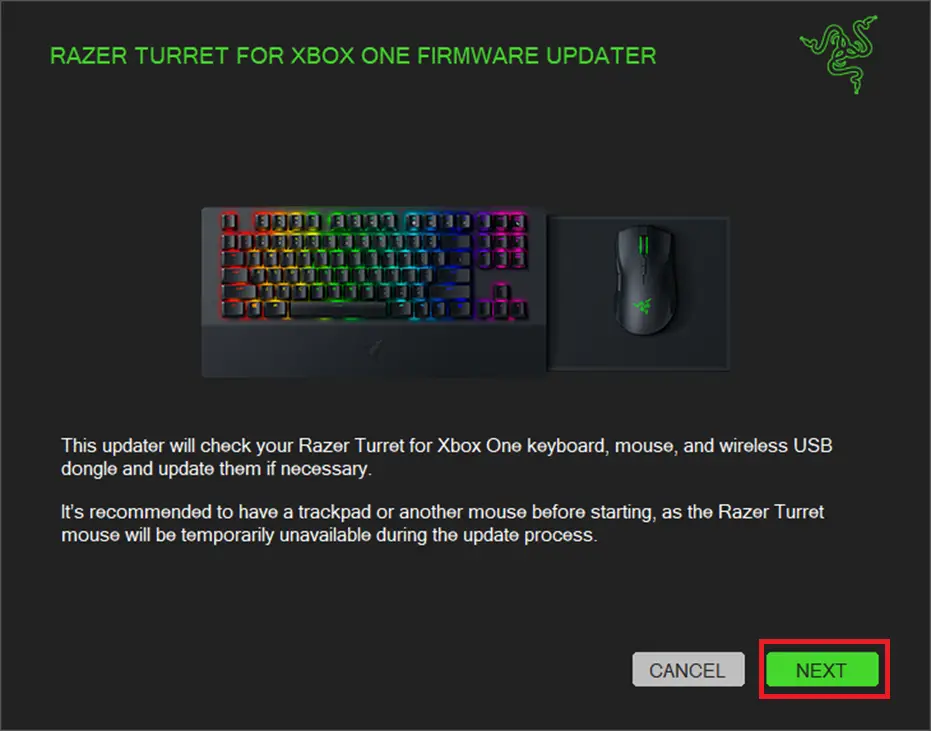
- Run the downloaded firmware. Click “NEXT”.
- The installer will prompt you to close Synapse and all other applications, If you have already done so, left-click “NEXT” to proceed.
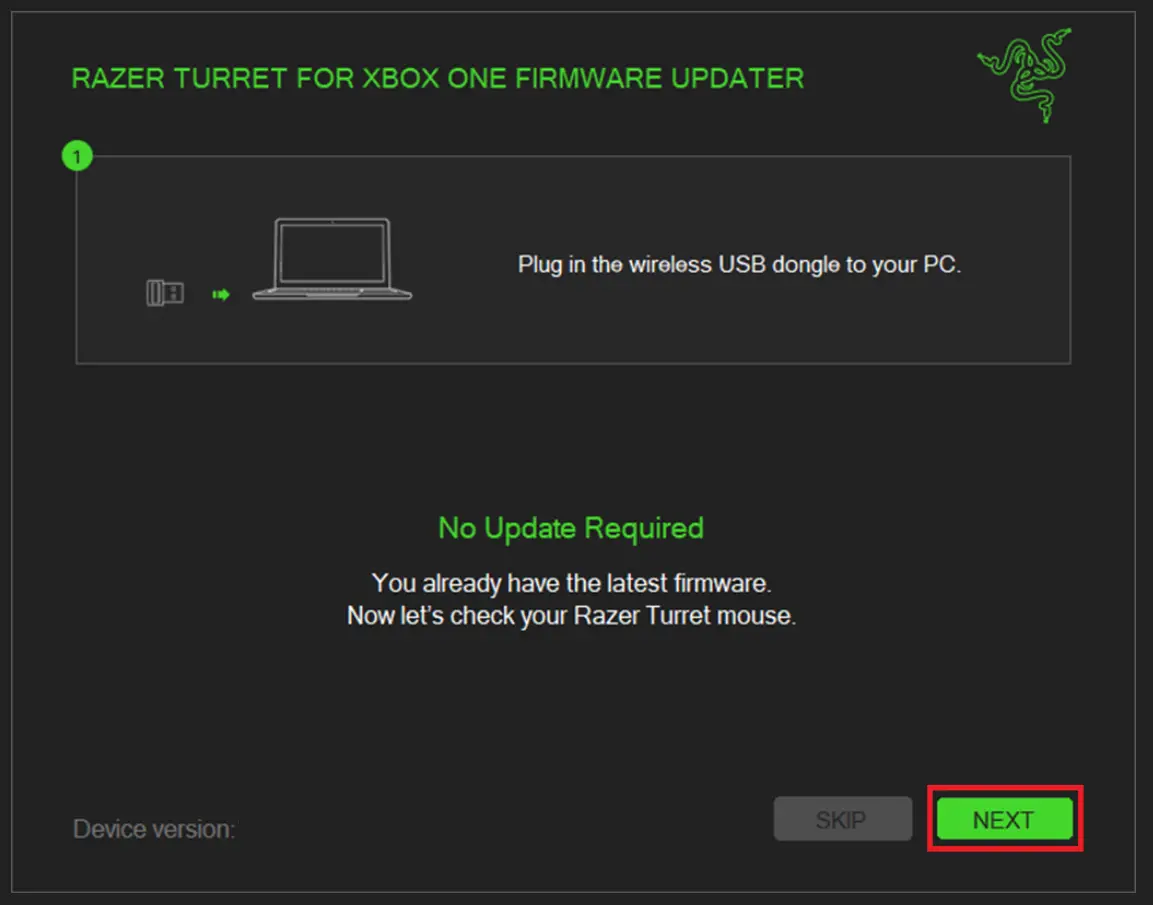
- Plug-in the wireless USB transceiver (dongle) to your PC. Click “NEXT”.
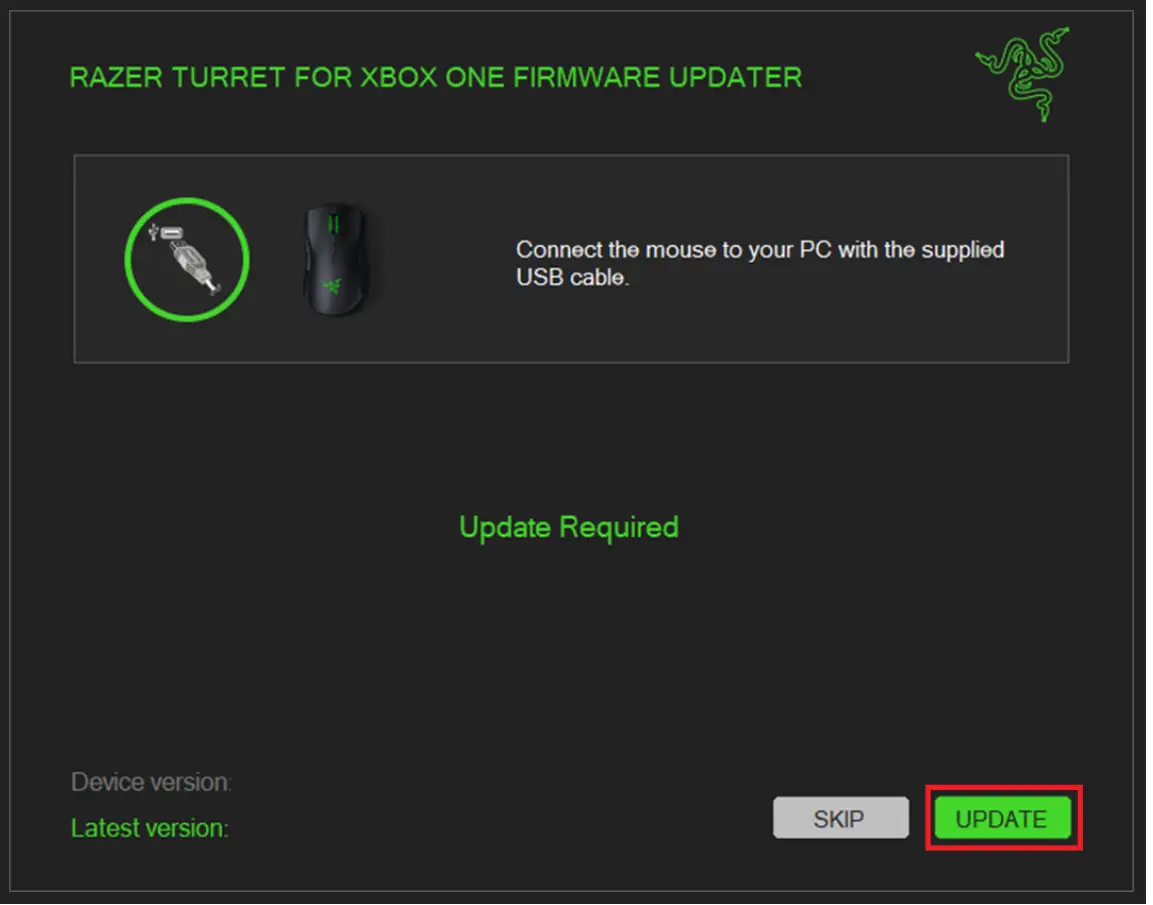
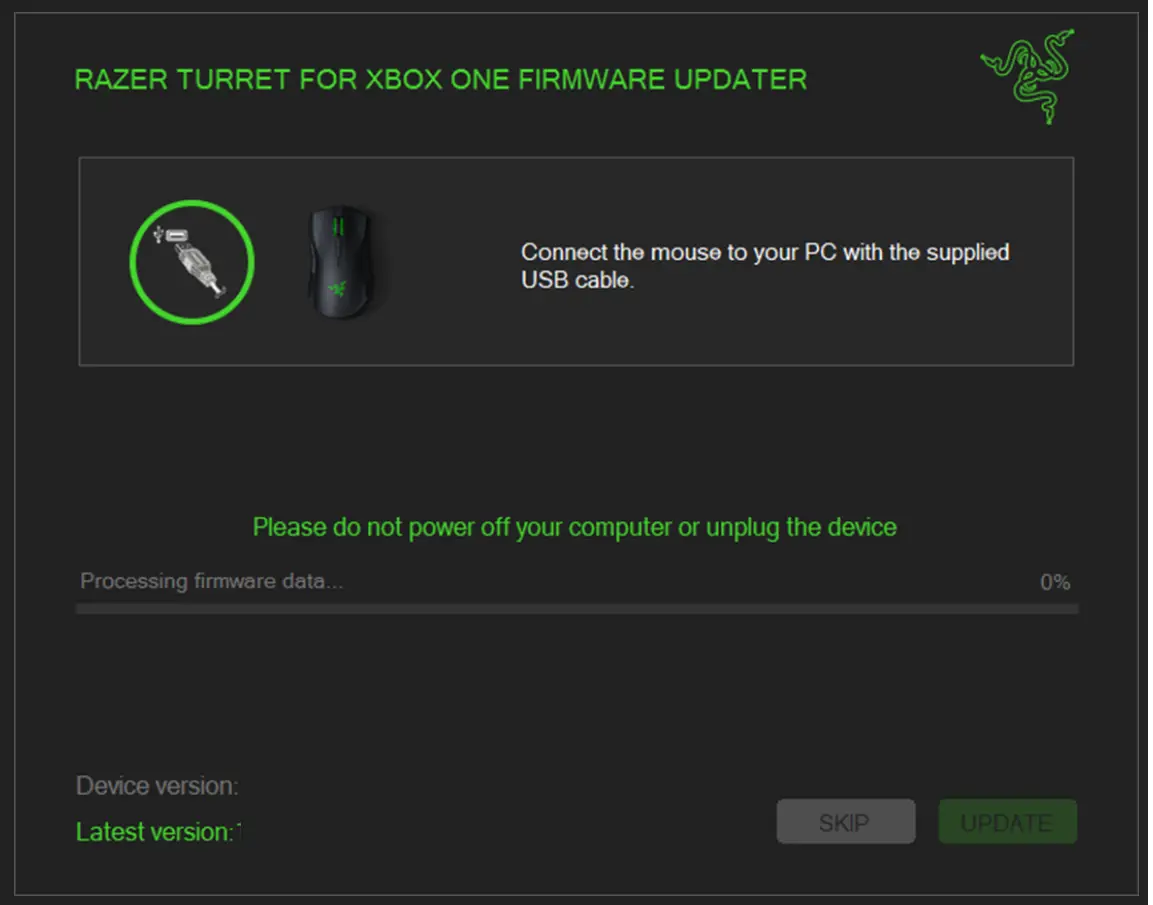
- Connect the mouse to the PC using the supplied USB cable (cable provided with the product.) Click “UPDATE”.
- Wait for the update to complete (please do not power off your computer or unplug the device).
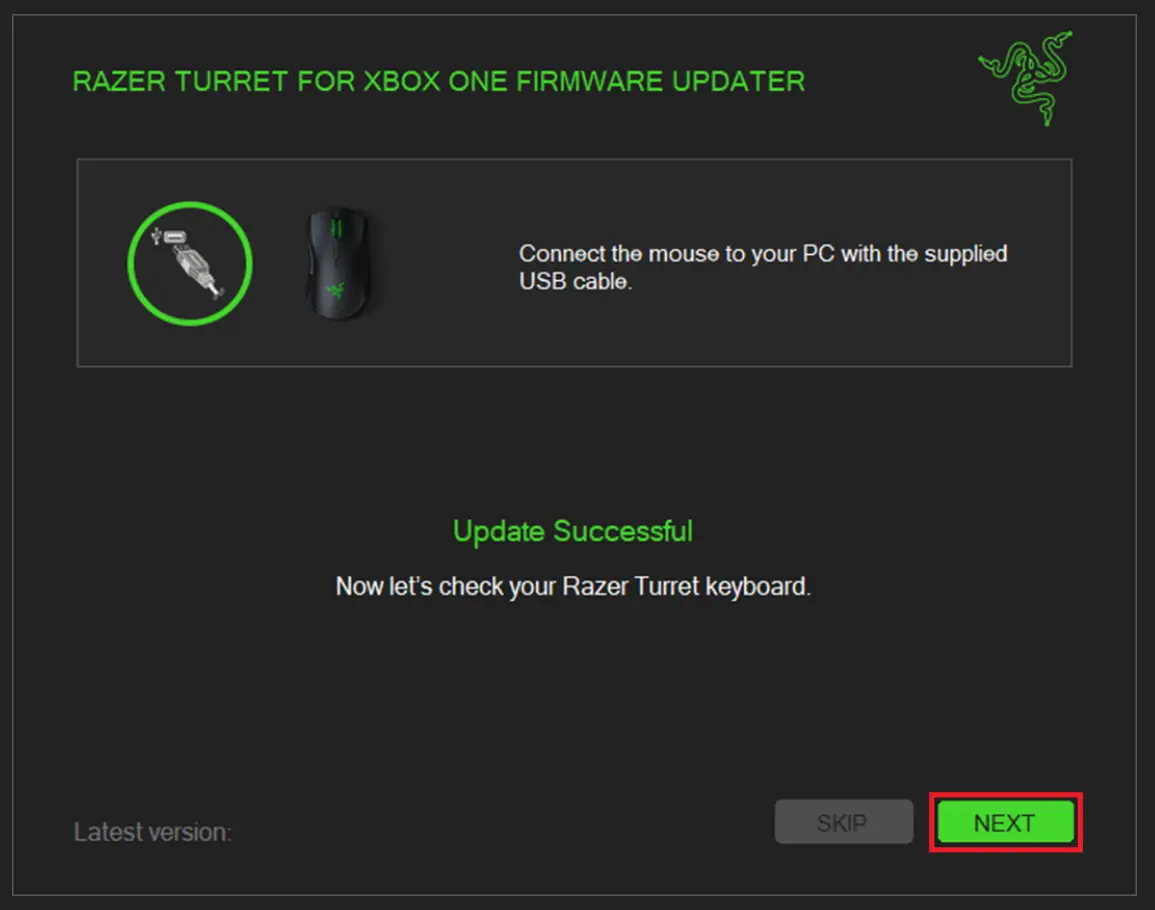
- You should see a confirmation message once the firmware update has been successfully applied.
Downloads
Razer Turret for Xbox One Firmware Updater – Download