QUICK START GUIDE
[Please be sure to read the enclosed Shark® Owner’s Guide prior to using your unit.]
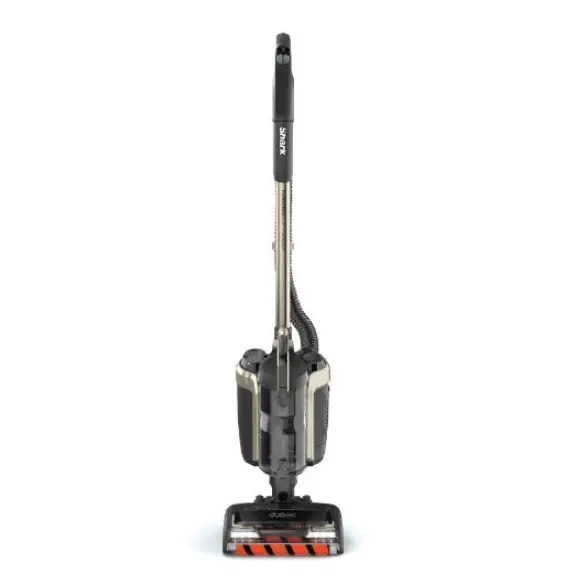
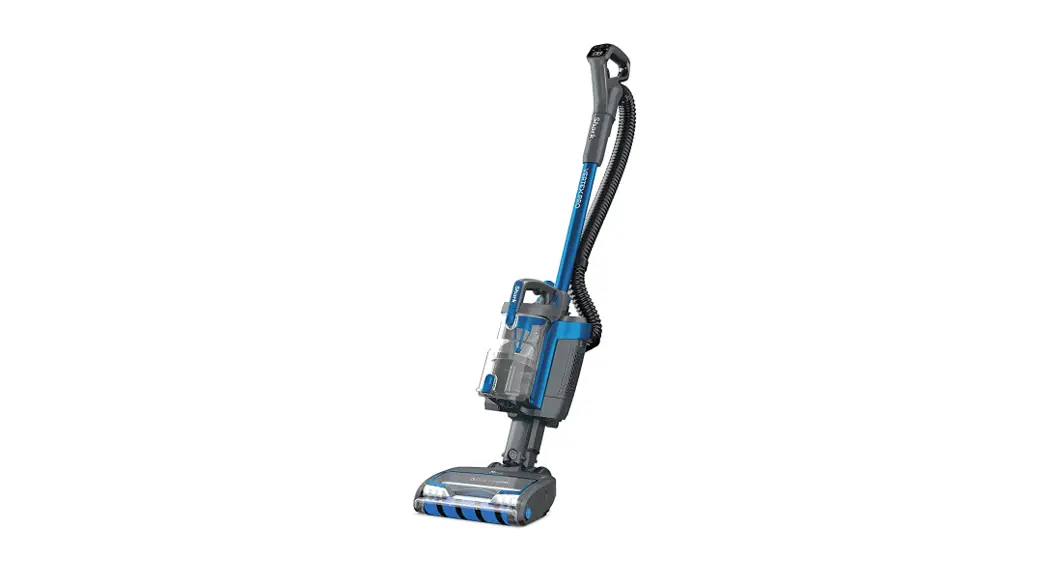
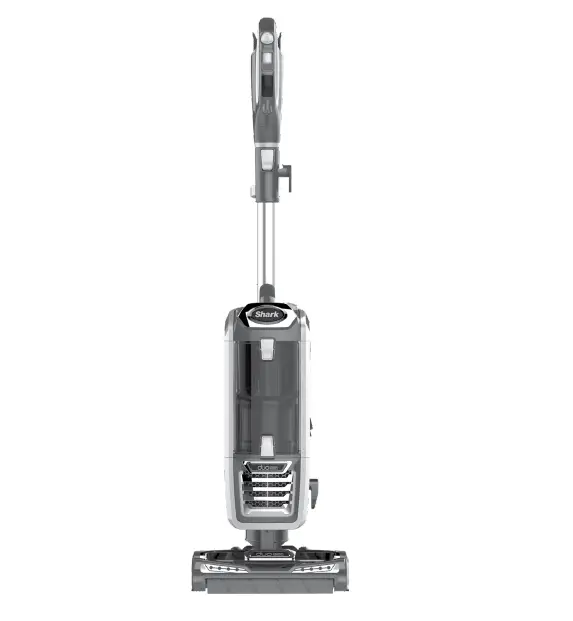
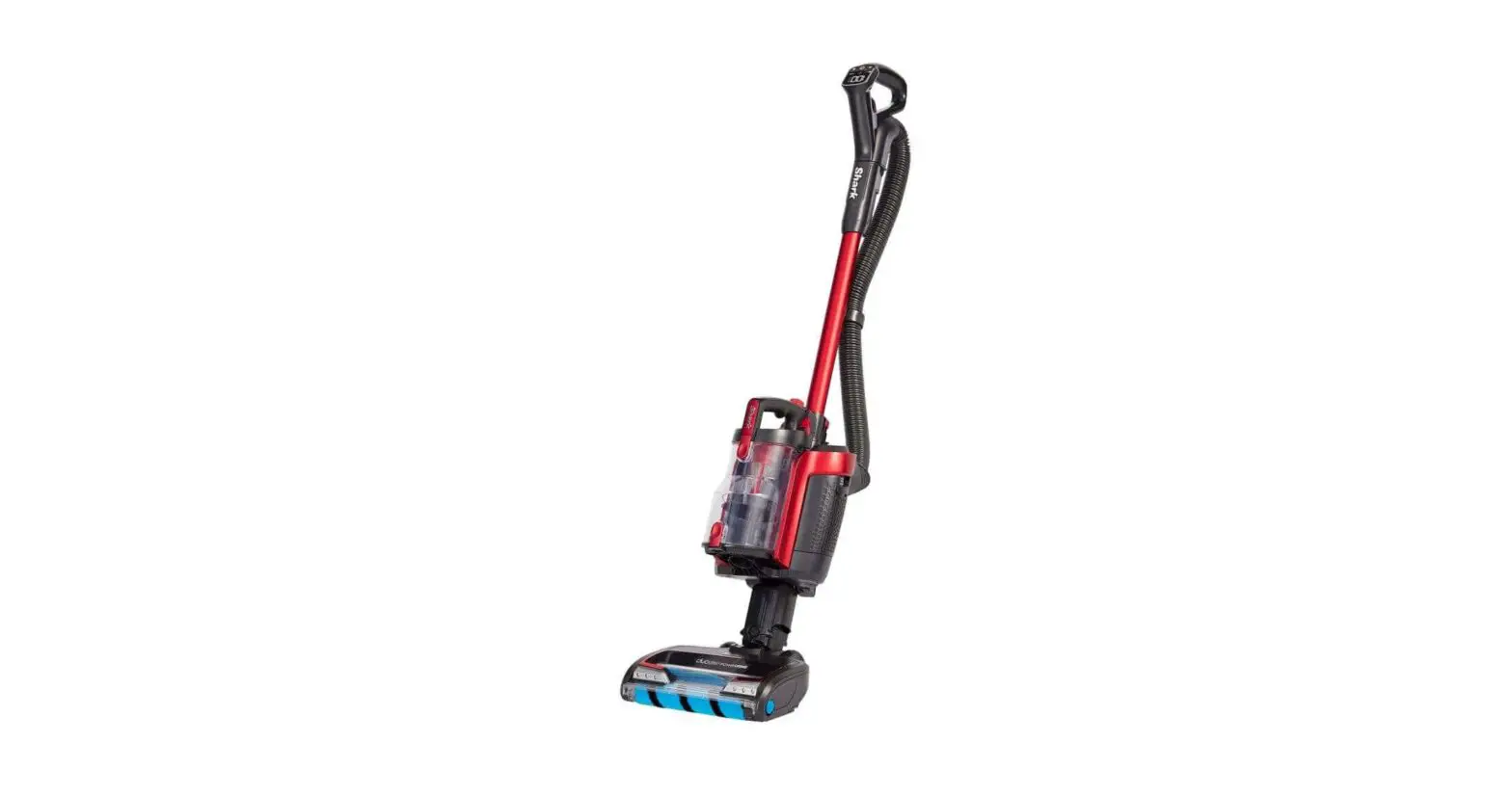
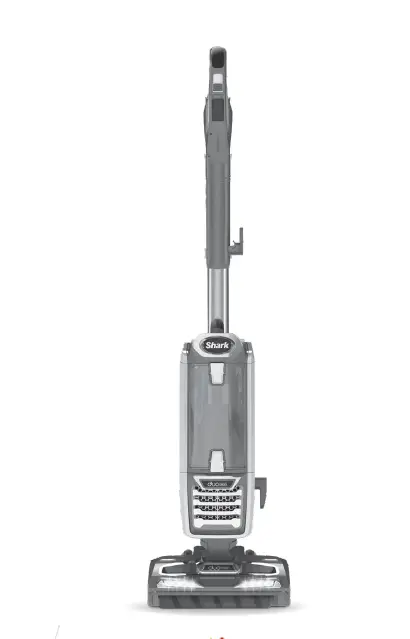
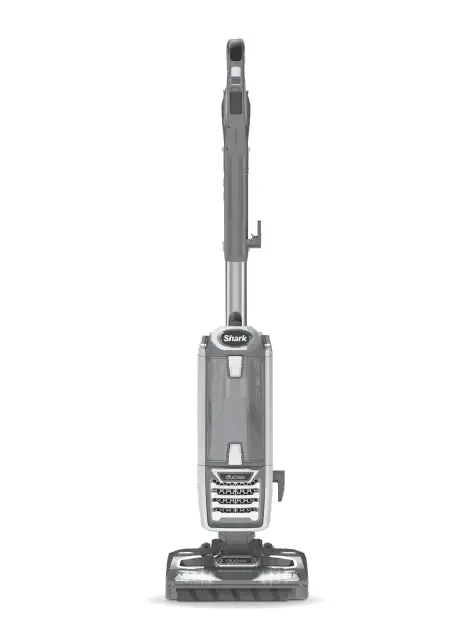
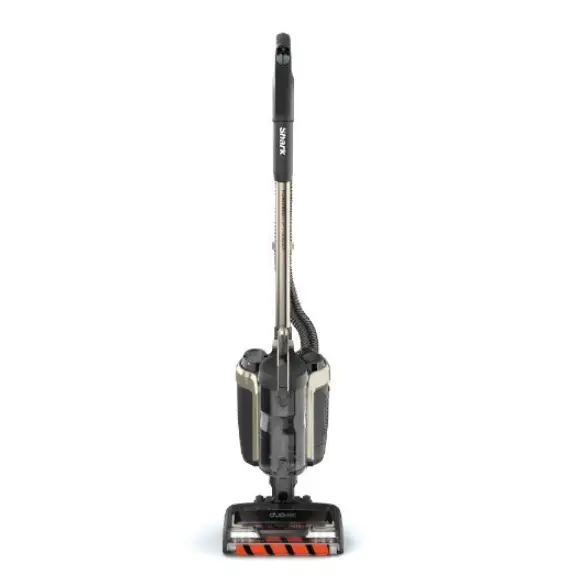
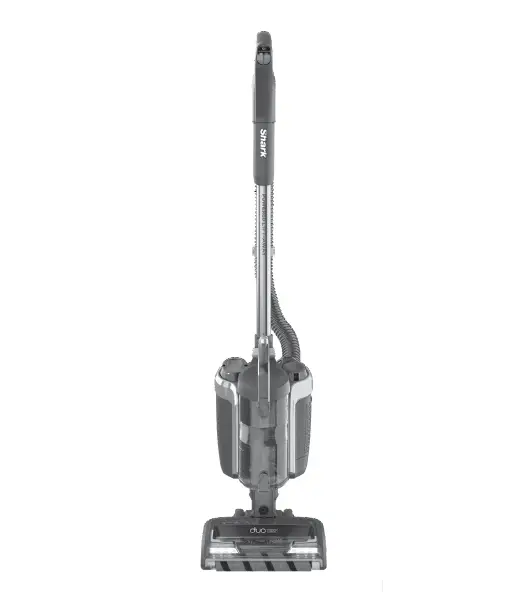
This article contains the Quick Start Guide for the IC160 Series Shark ION™ P50 Cord-Free Powered Lift-Away®. This article supports the following product SKUs IC160 and IC162.
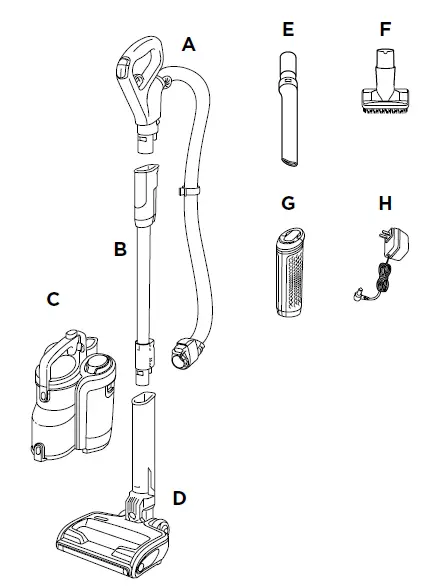
WHAT’S INSIDE
A. Handle and Hose
B. Wand
C. Detachable Vacuum Pod
D. DuoClean® Floor Nozzle
E. 8˝ Crevice Tool
F. Dusting Brush
G. ION Power Core Battery
H. ION Power Core Charger
NOTE: For additional accessories, including the Charge & Go Floor Dock, visit sharkaccessories.com.
ASSEMBLY
1. Insert wand into floor nozzle.
2. Insert handle into wand.
3. Align the bottom of pod onto the rails on the front of the neck of the floor nozzle. Slide pod down the rails until it clicks into place.
4. Connect hose to back of pod, and attach hose clip onto wand.
5. Insert charged battery into pod with the handle toward the back.
To ensure proper insertion, the handle on battery must be down.
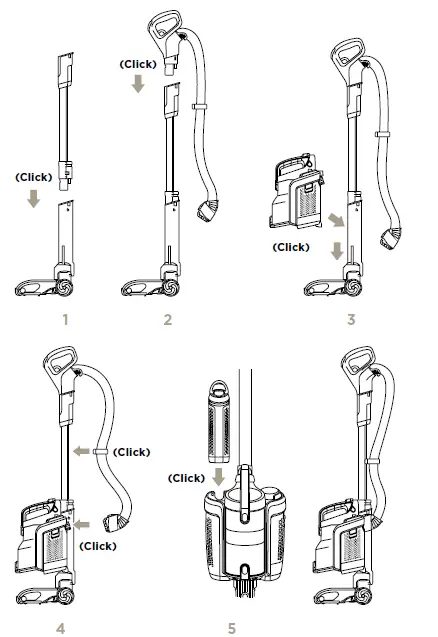
IMPORTANT: For proper operation, ensure all connections are securely clicked into place.
NOTE: The battery must be charged before first use. A complete charge takes approximately 3.5 hours.
2 WAYS TO CHARGE
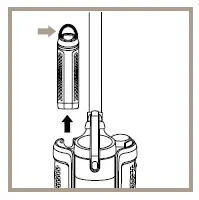
To remove the battery for charging, lift the handle on top of the battery and pull up. The battery must be charged before first use.
A complete charge takes approximately 3.5 hours.
IMPORTANT: When charging, connect the charger to the port first, then plug the charger into wall outlet.
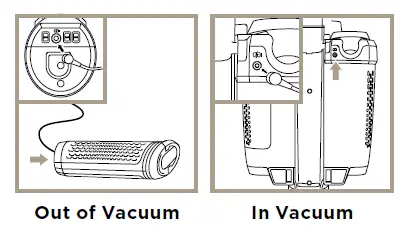
NOTE: Charge Indicator on top of battery will illuminate and flash while charging. See enclosed Owner’s Guide for details.
NOTE: Only one charger is provided.
Visit sharkaccessories.com to purchase additional charging options.
VERSATILE FLOOR-TO-CEILING CLEANING
SETTINGS
POWER BUTTON:
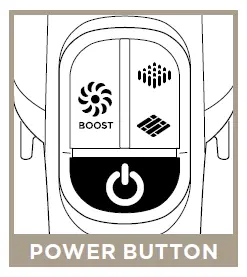
Press icon to turn power on or off.
Power 
SURFACE:
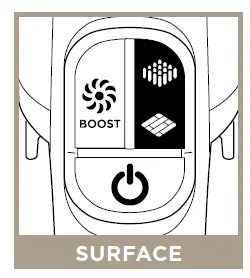
Press icon to select surface setting:
Carpet 
For carpets.
Floor 
For bare floors and small area rugs.
SUCTION LEVEL:
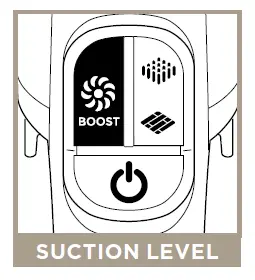
Press icon to boost power:
ION BOOST 
When in Lift-Away® mode, press BOOST icon to turn on or off.
The default power setting on floors and carpets is ION Power mode. For an additional boost of suction power, press and hold the BOOST icon.
IMPORTANT: Your unit will default into ION BOOST mode when using in Lift-Away. ION BOOST mode shortens runtime.
NOTE: For deep carpet cleaning per ASTM F608 (embedded dirt in carpets), use Carpet setting.
IMPORTANT: Your unit will default into ION BOOST mode when using in Lift-Away. ION BOOST mode shortens runtime.
NOTE: For deep carpet cleaning per ASTM F608 (embedded dirt in carpets), use Carpet setting.
NOTE: Select Carpet for stuck-on dust and debris.: Select Carpet for stuck-on dust and debris.
MODES
UPRIGHT:
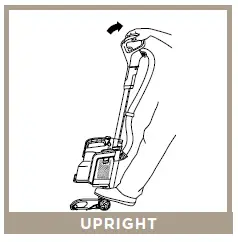
For cleaning carpets and hard floors. To activate brushroll, step on floor nozzle and tilt handle back.
UNDER FURNITURE:
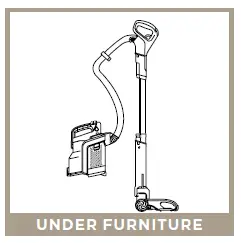
Use Powered Lift-Away® to reach under furniture to clean carpets and hard floors.
LIFT-AWAY® WITH WAND:
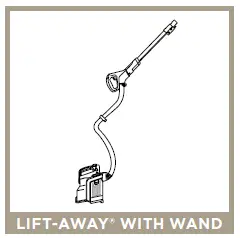
Use the wand in Lift-Away mode for more reach when cleaning above-floor areas like crown molding or baseboards.
LIFT-AWAY WITH HANDLE:
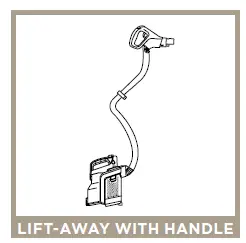
Use the handle in Lift-Away mode for more detailed cleaning of above-floor areas like upholstery or window sills.
NOTE: Reference Owner’s Guide for instructions on how to transition to each cleaning mode. Vacuum pod may also remain on floor nozzle in Lift-Away mode.
NOTE: All accessories can be attached to the wand or the handle.
© 2018 SharkNinja Operating LLC. DUOCLEAN, LIFT-AWAY, POWERED LIFT-AWAY, and SHARK are registered trademarks of SharkNinja Operating LLC. SHARK ION is a trademark of SharkNinja Operating LLC.
IC160_QSG_MP_Mv1
DOWNLOAD
Shark IC160 Series ION P50 Cord-Free Powered Lift-Away:
Quick Start Guide – [Download PDF]
Owner’s Guide – [Download PDF]