Fix Google Authenticator Crashing / Not Opening On Ios 14 / 14.2

Fix Google Authenticator Crashing / Not Opening On Ios 14 / 14.2

Instructions for re-installing Google Authenticator without loosing any current authenticator items.
Open Settings
Open General
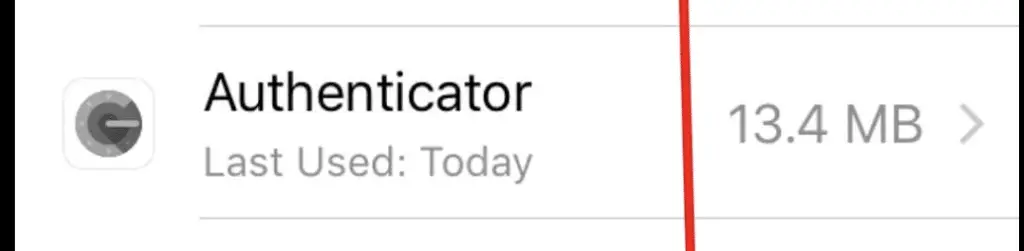
Select iPhone Storage


Select Authenticator — if you have many apps, it may be best to scroll to the bottom first as authenticator typically uses a small amount of storage
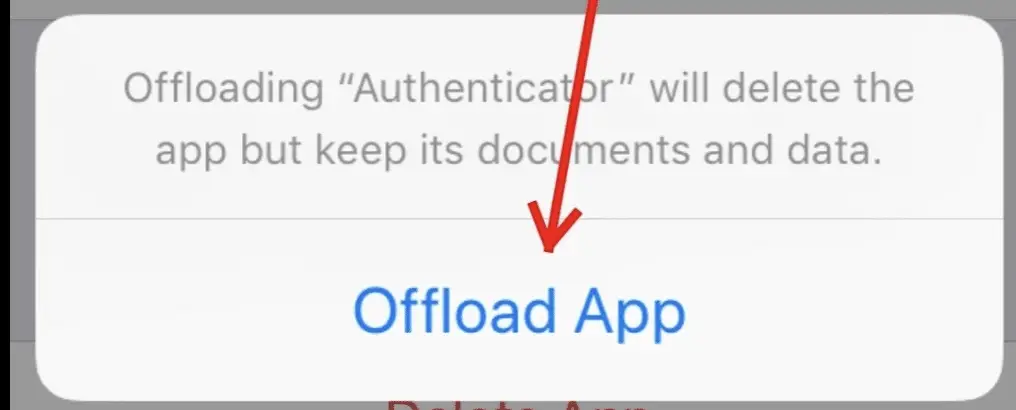
Select Offload App — this will remove the App but not remove your local data or authenticator sessions. Dialog will confirm
Offload App Dialog
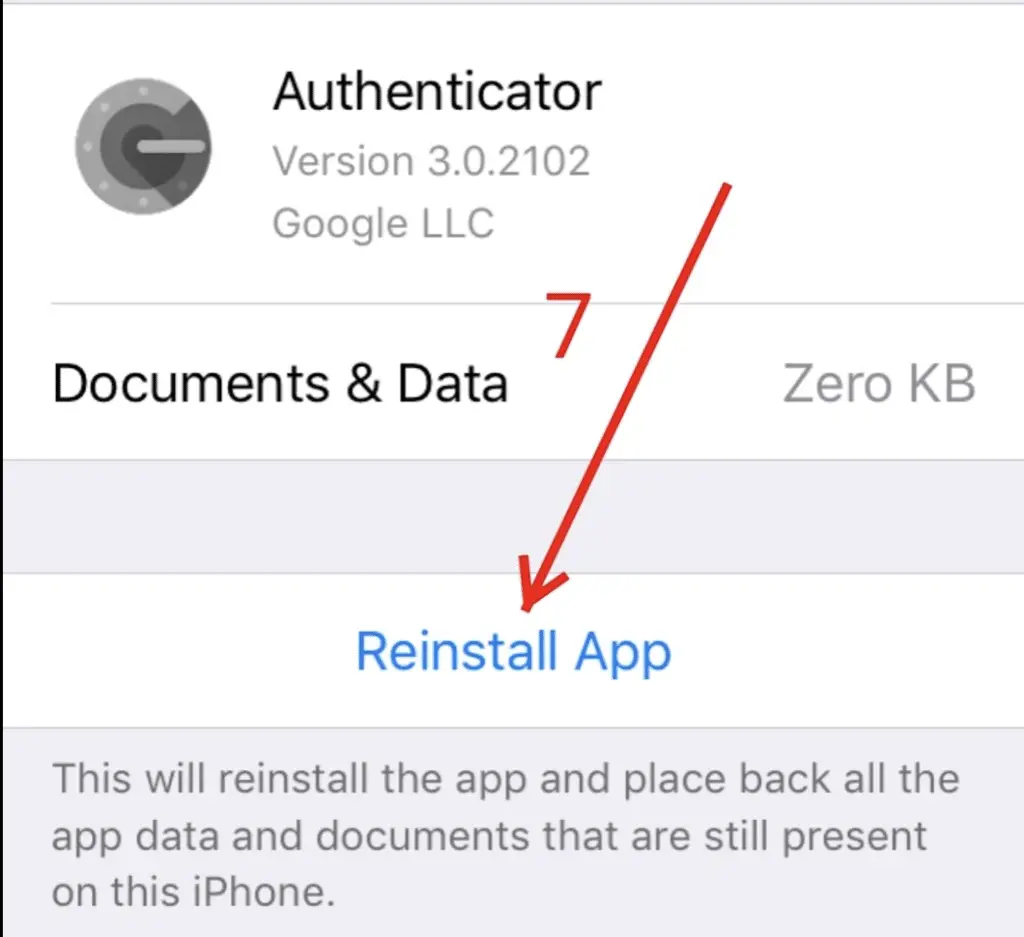
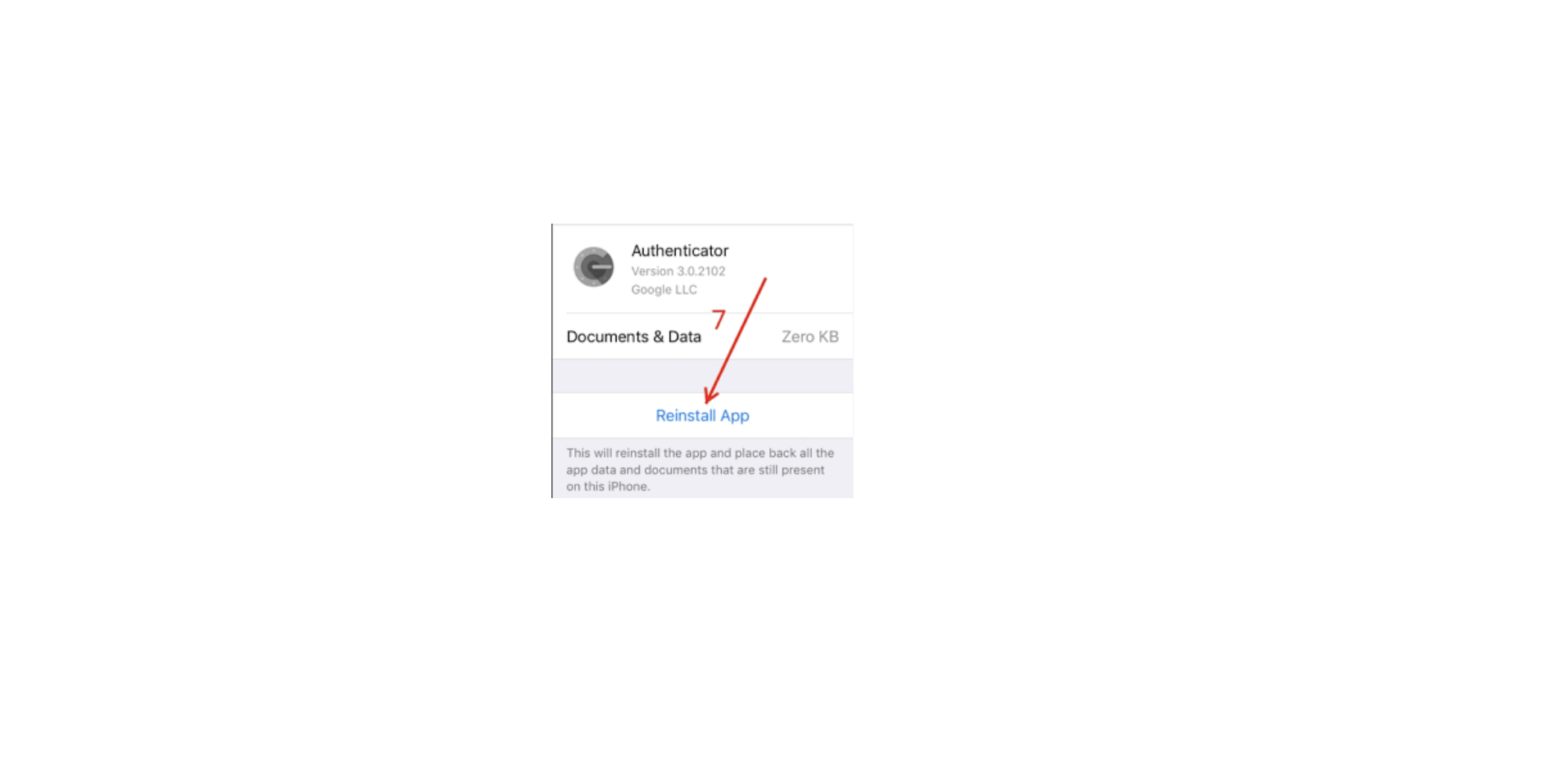
Reinstall the app

After the re-install is complete you will be good to go and the Authenticator app will once-again open without crashing. You may want to re-install the app over WiFi as it will re-download the app from iCloud / Apple store.

Honestly, Google authenticator is behind-the-times in terms of a solid 2-factor authentication app. You can tell by the many 2-star and worse reviews. Personally, I’m switching to Authy after this IOS 14 mishap
Documents / Resouces

Download manual
Here you can download full pdf version of manual, it may contain additional safety instructions, warranty information, FCC rules, etc.


Related Manuals