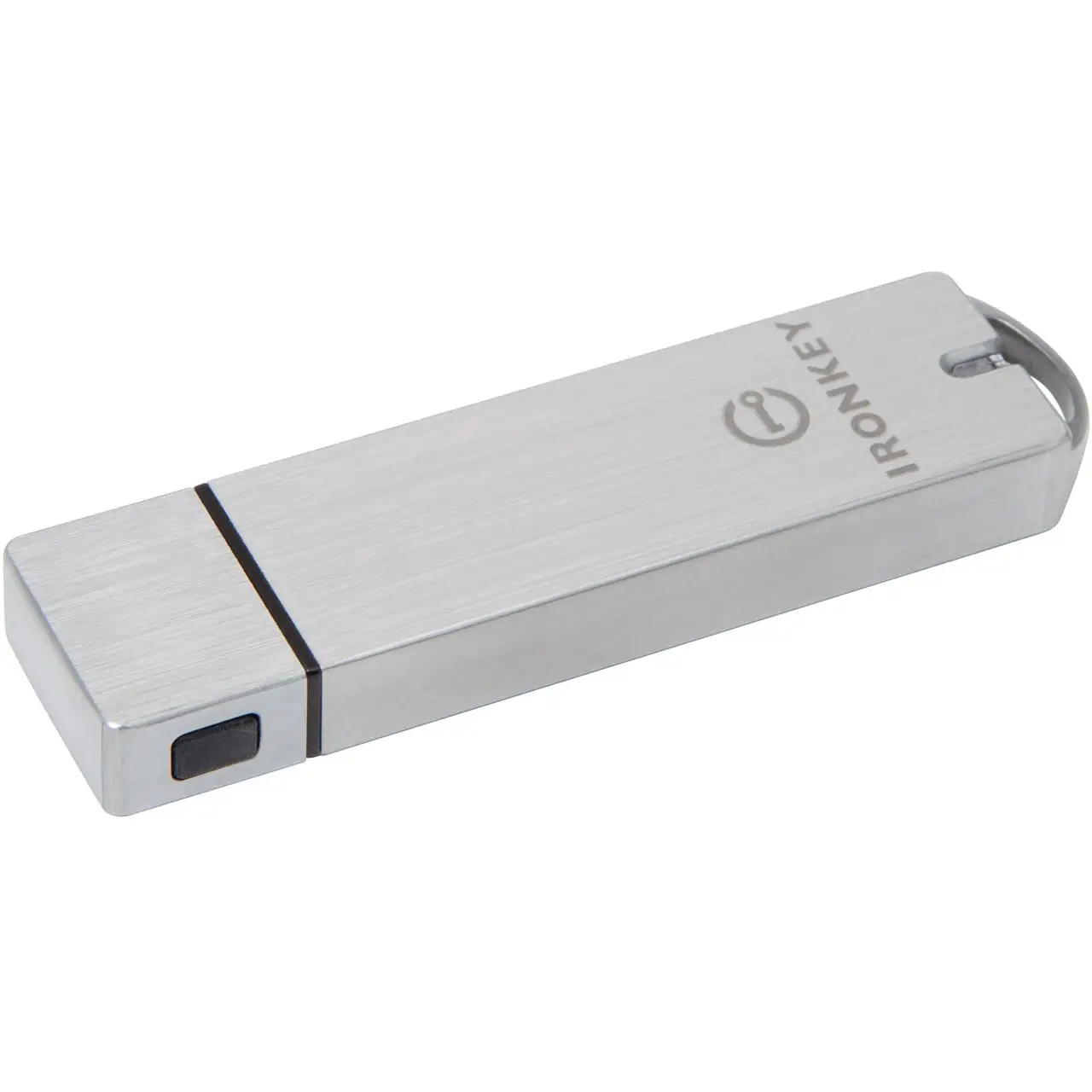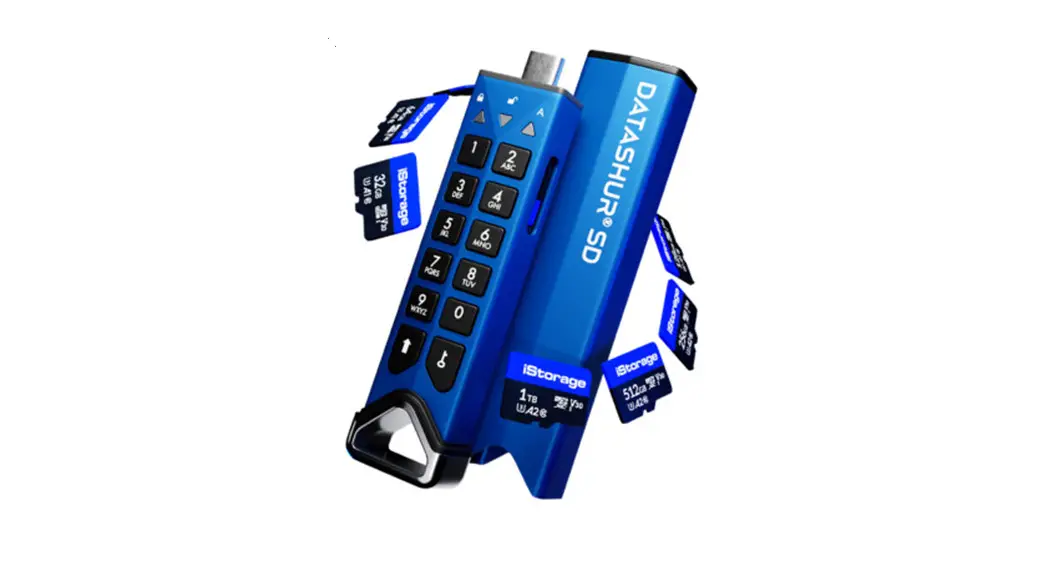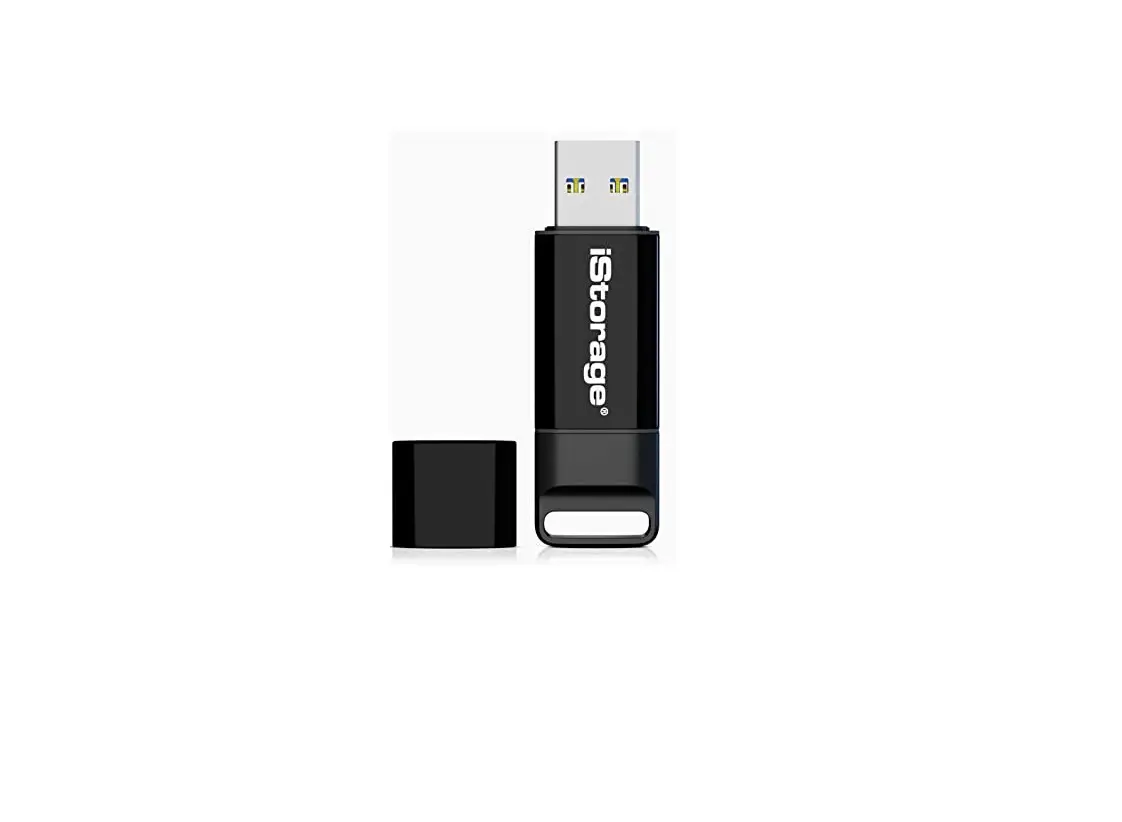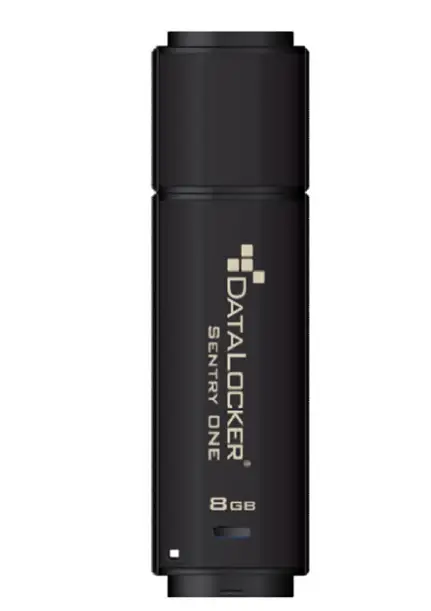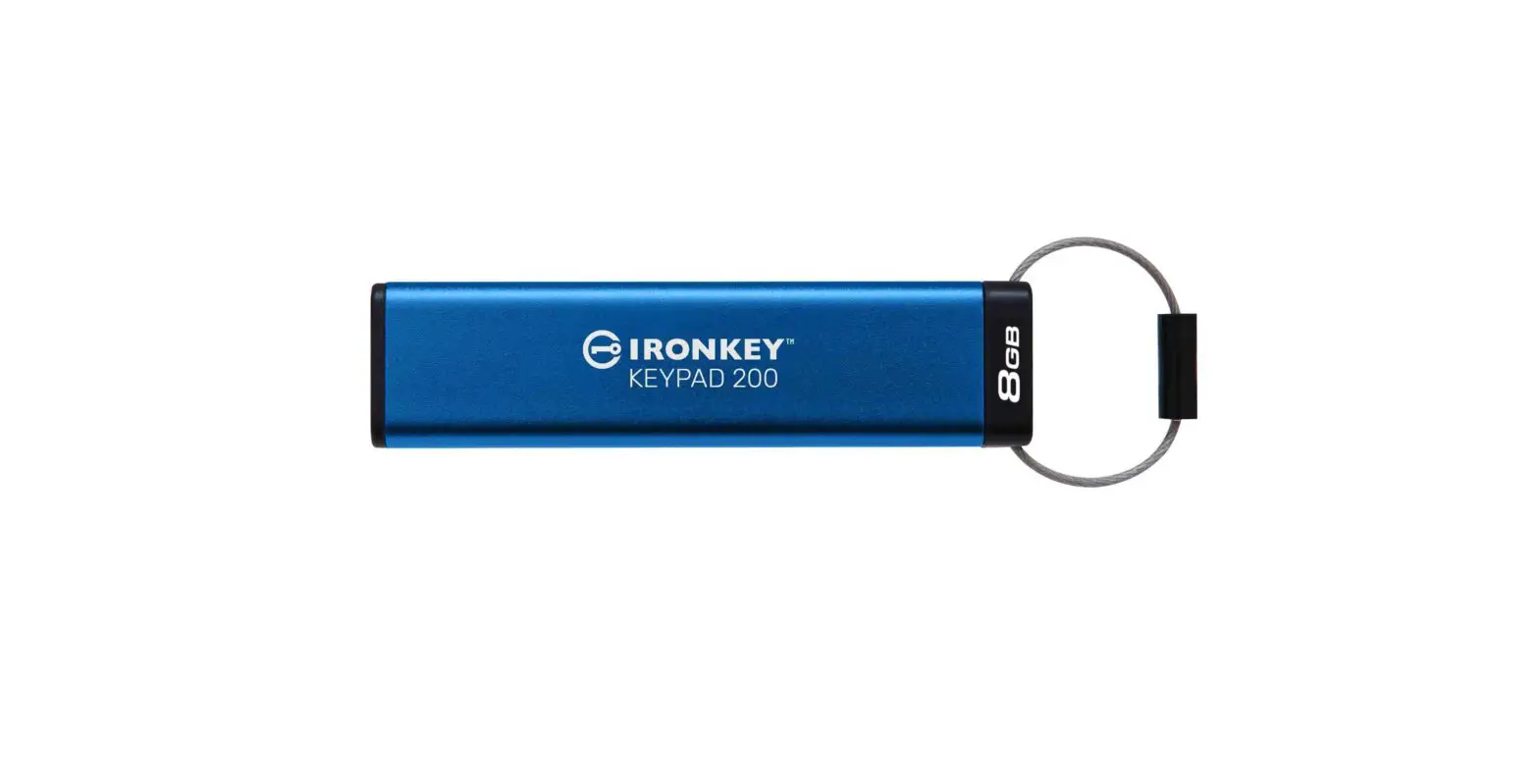
IRONKEY KEYPAD 200 Encrypted USB Flash Drive User Guide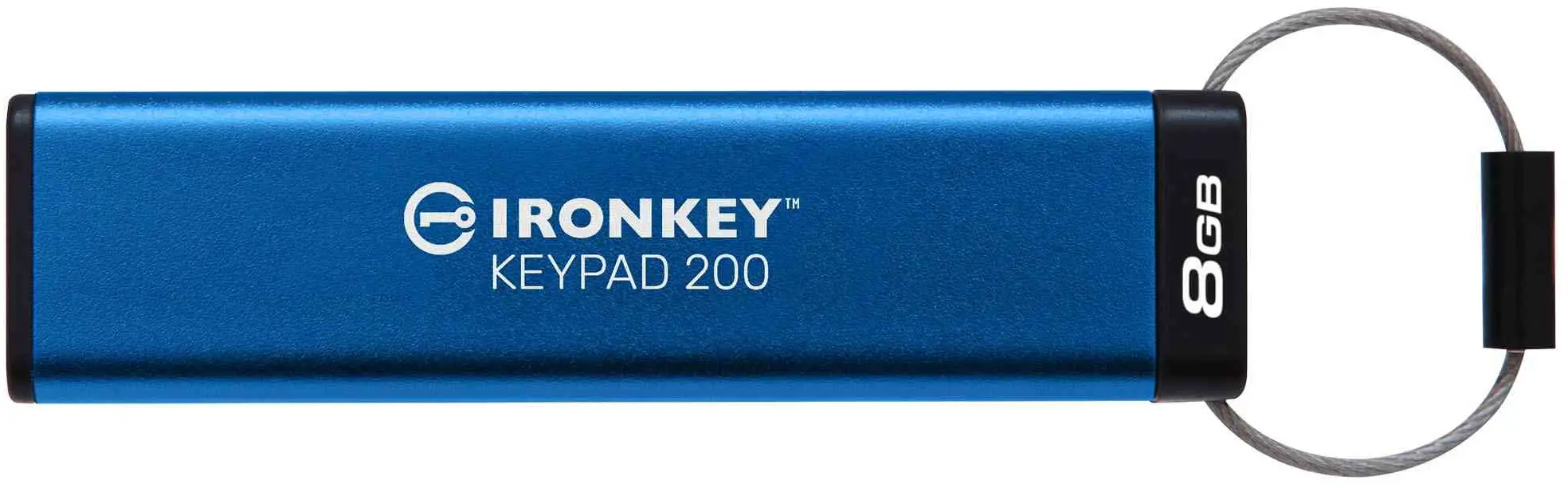
 The Kingston® IronKeyTM Keypad 200 (KP200) may need to be charged before use for 30-60 minutes by inserting into a powered USB port.
The KP200 is supplied in the ‘Initial Shipment State’ with no pre-set User PIN. An 8-15 digit User PIN must be created before the drive can be used as set out below under ‘First Time Use’.
PIN Requirements
- Must be between 8-15 digits in length
- Must not contain only repetitive numbers, e.g. (3-3-3-3-3-3-3-3)
- Must not contain only consecutive numbers, e.g. (1-2-3-4-5-6-7-8), (7-8-9 0-1-2-3-4)
First Time Use
- Press KEY button once
 .
.
All LEDsswitch on,solid RED and blinking GREEN and BLUE LEDs. - Press the KEY button twice (double-click) .
LEDsswitch to a blinking BLUE LED. - Enter your New (8-15 digit) User PIN and pressthe KEY button twice (double-click).
Blinking BLUE LED willswitch to a blinking GREEN LED. - Re-enter yourNew (8-15 digit) User PIN and pressthe KEY button twice (double-click)
Solid RED LED willswitch to a solid GREEN LED indicating the User PIN has been successfully created and drive unlocked.
 .
.To lock the KP200,save all data and safely eject the drive.
To unlock the KP200 with the User PIN, follow the steps as set out below.
Unlocking with the User PIN
- Press KEY button once.
RED LED will blink. - Enter your User PIN and pressthe KEY button once.
Solid RED LED willswitch to a solid GREEN LED indicating the User PIN has been successfully entered and the drive unlocked.
Note: Once KP200 has been successfully unlocked, the solid GREEN LED will remain on for 30 seconds only, during which time the KP200 needs to be connected to a powered USB port to access the drive. To configure the drive, refer to the user manual pre-loaded on your KP200.
 SSDs, DRAM, Memory Cards and USB Flash Drives for Personal, Business and Enterprise Use - Kingston Technology