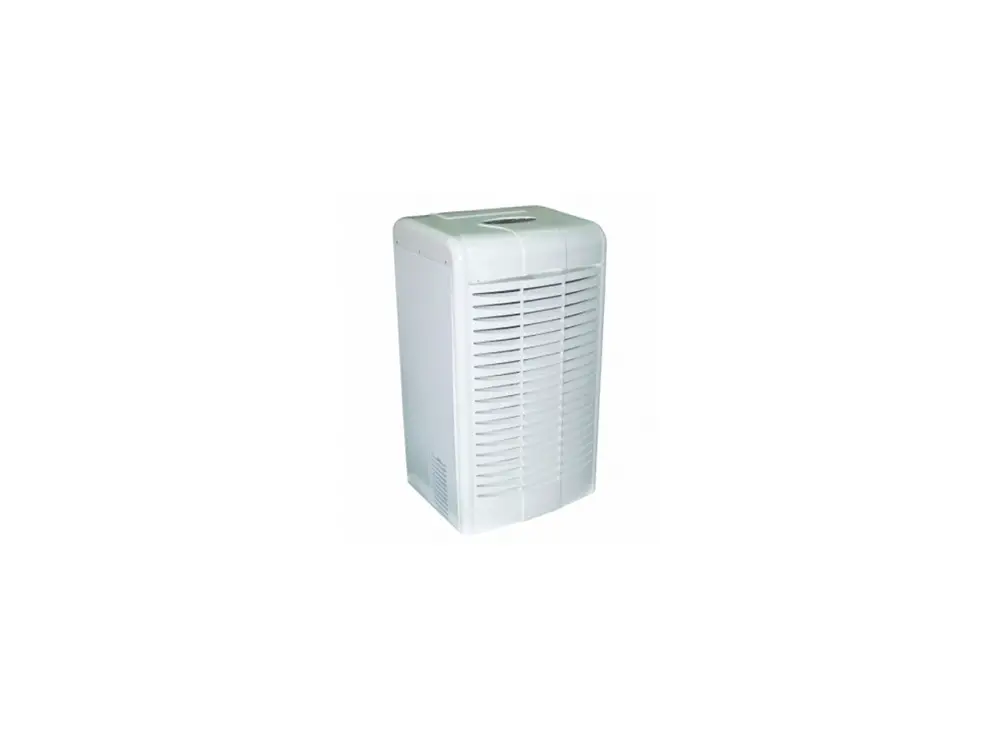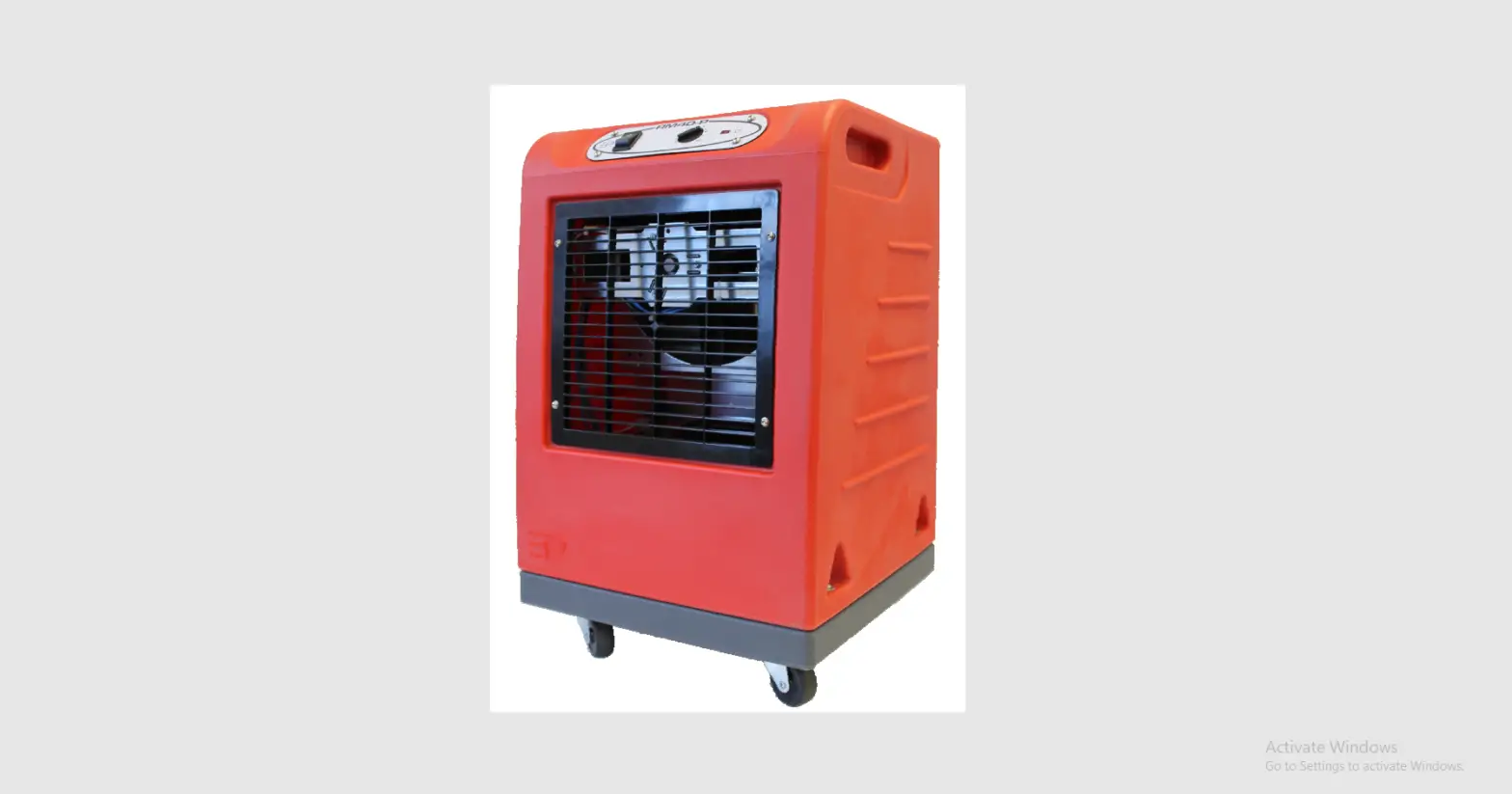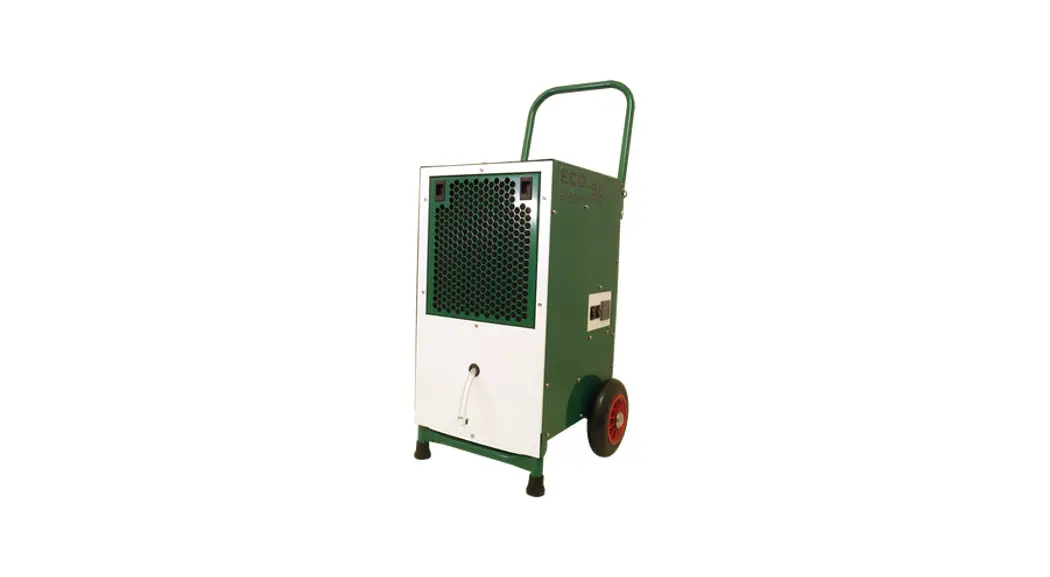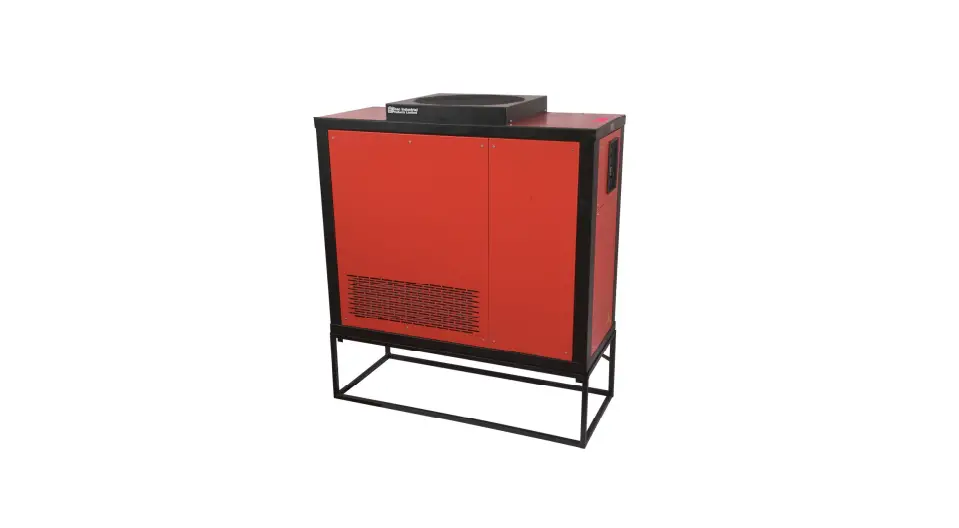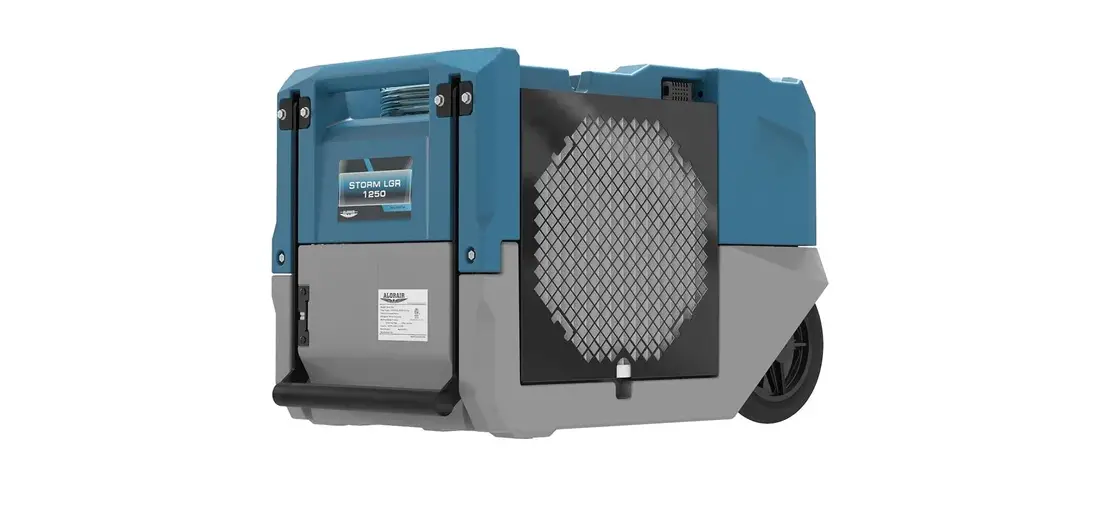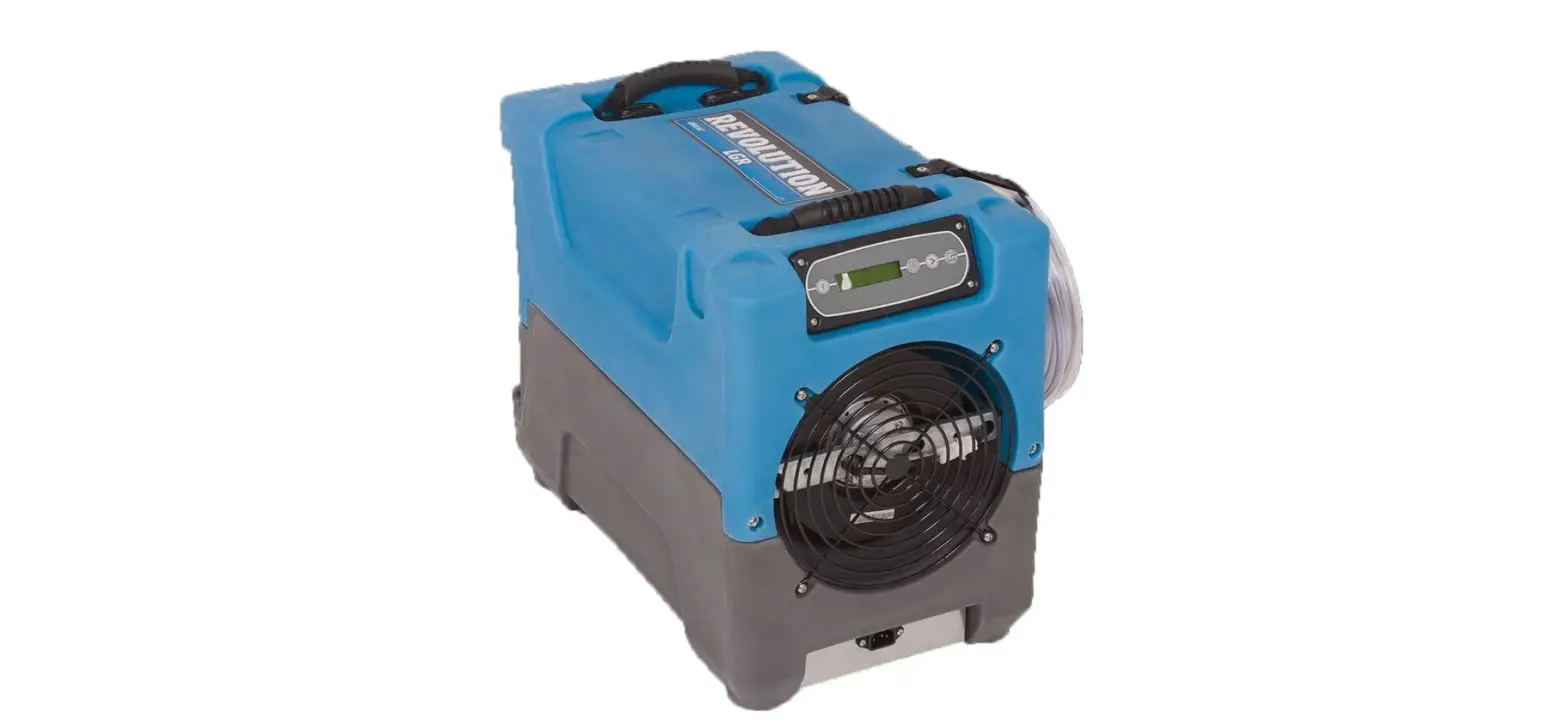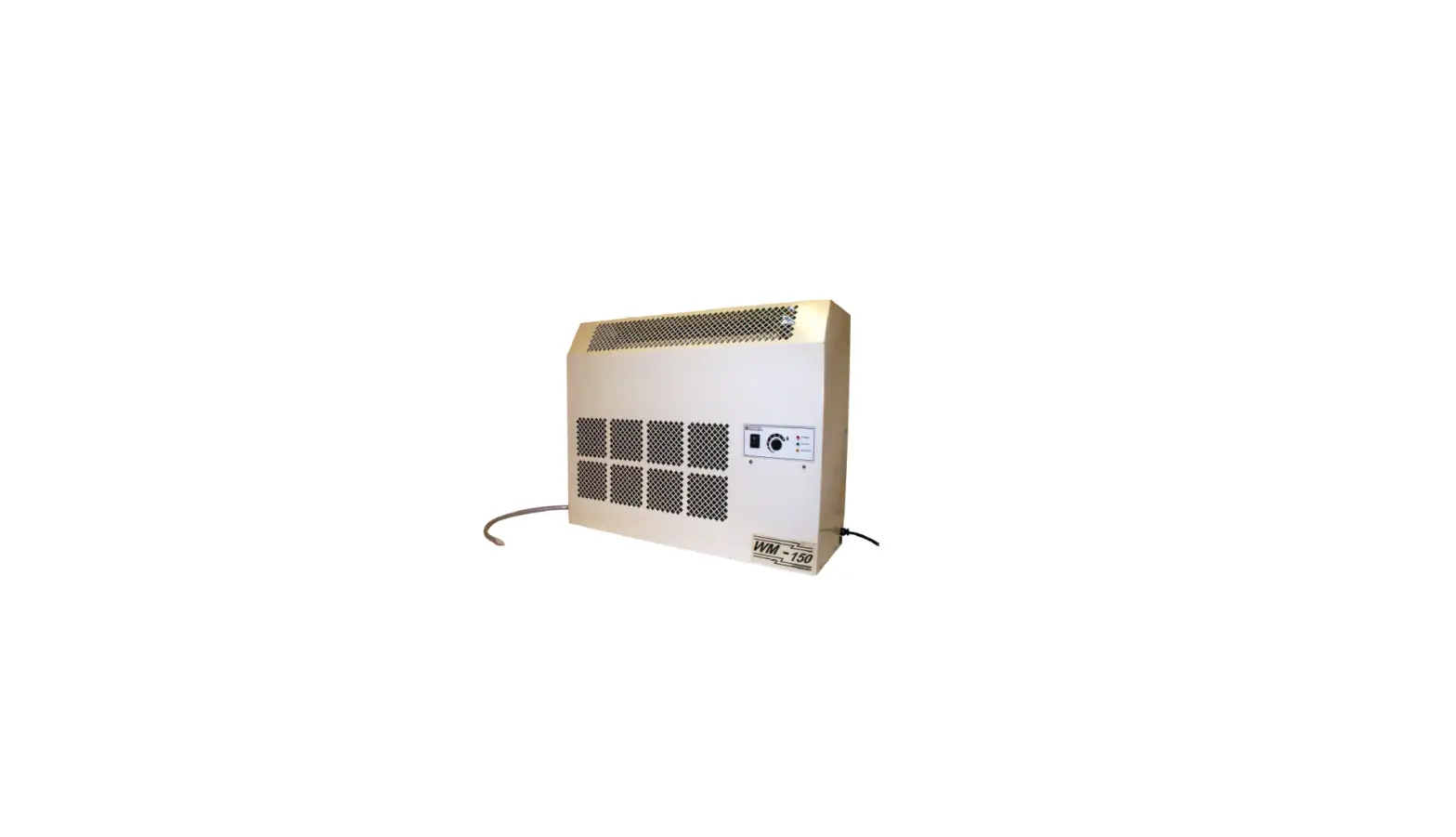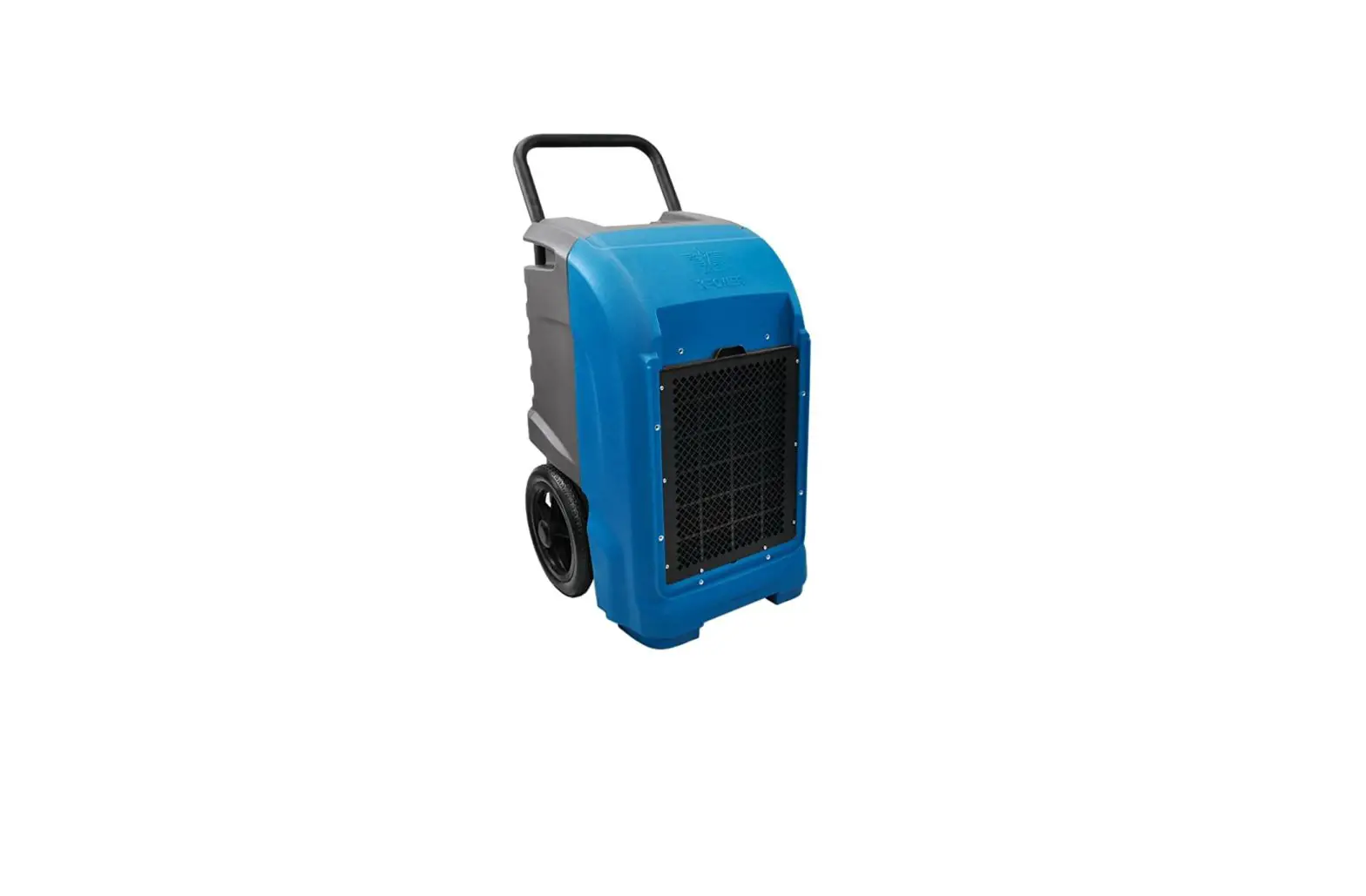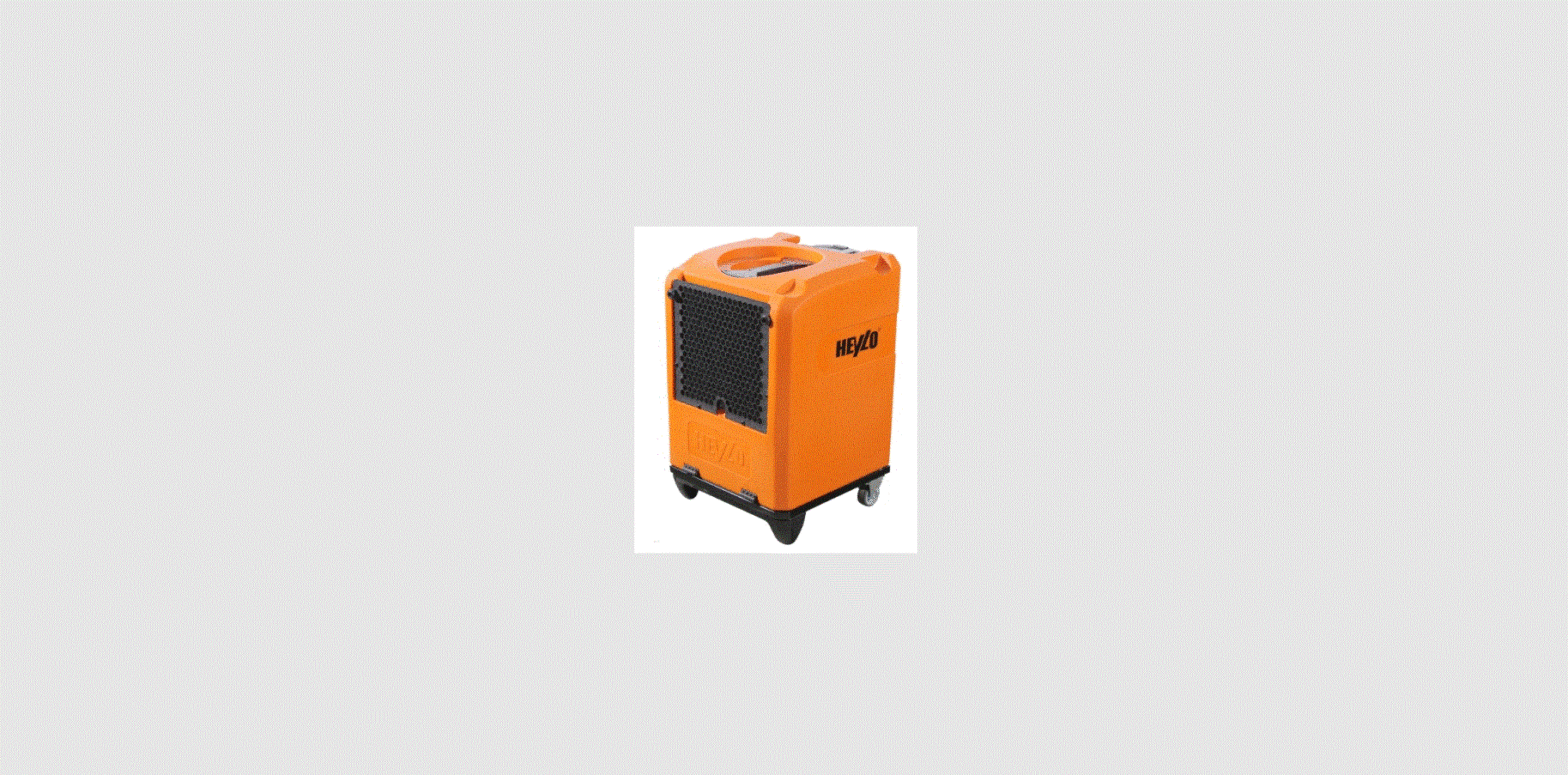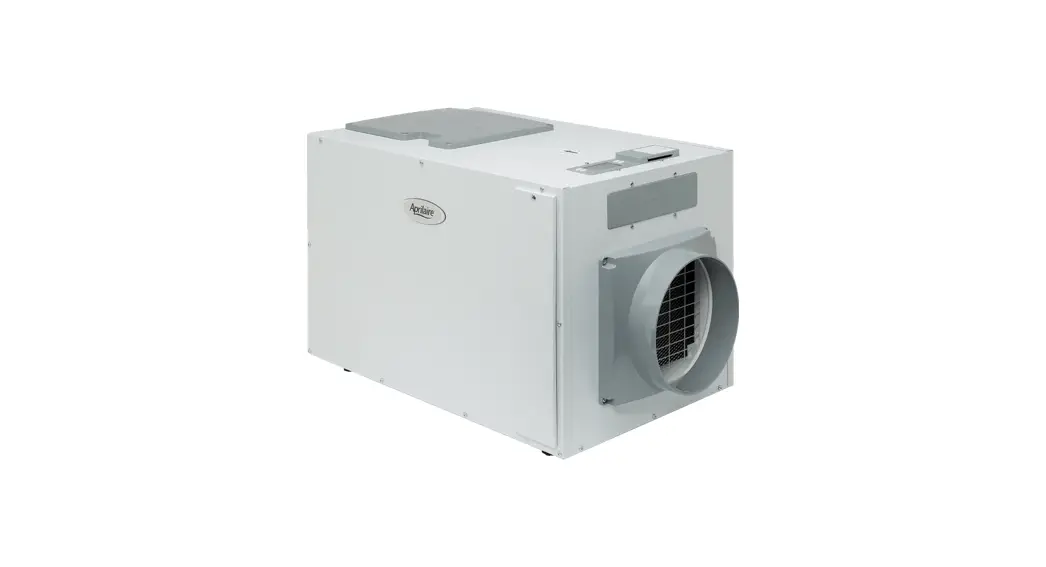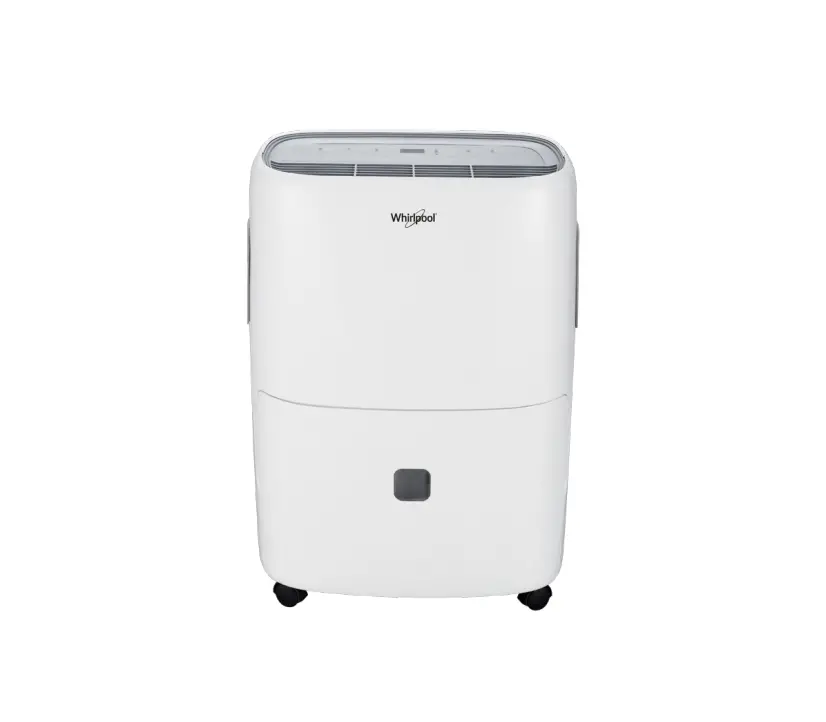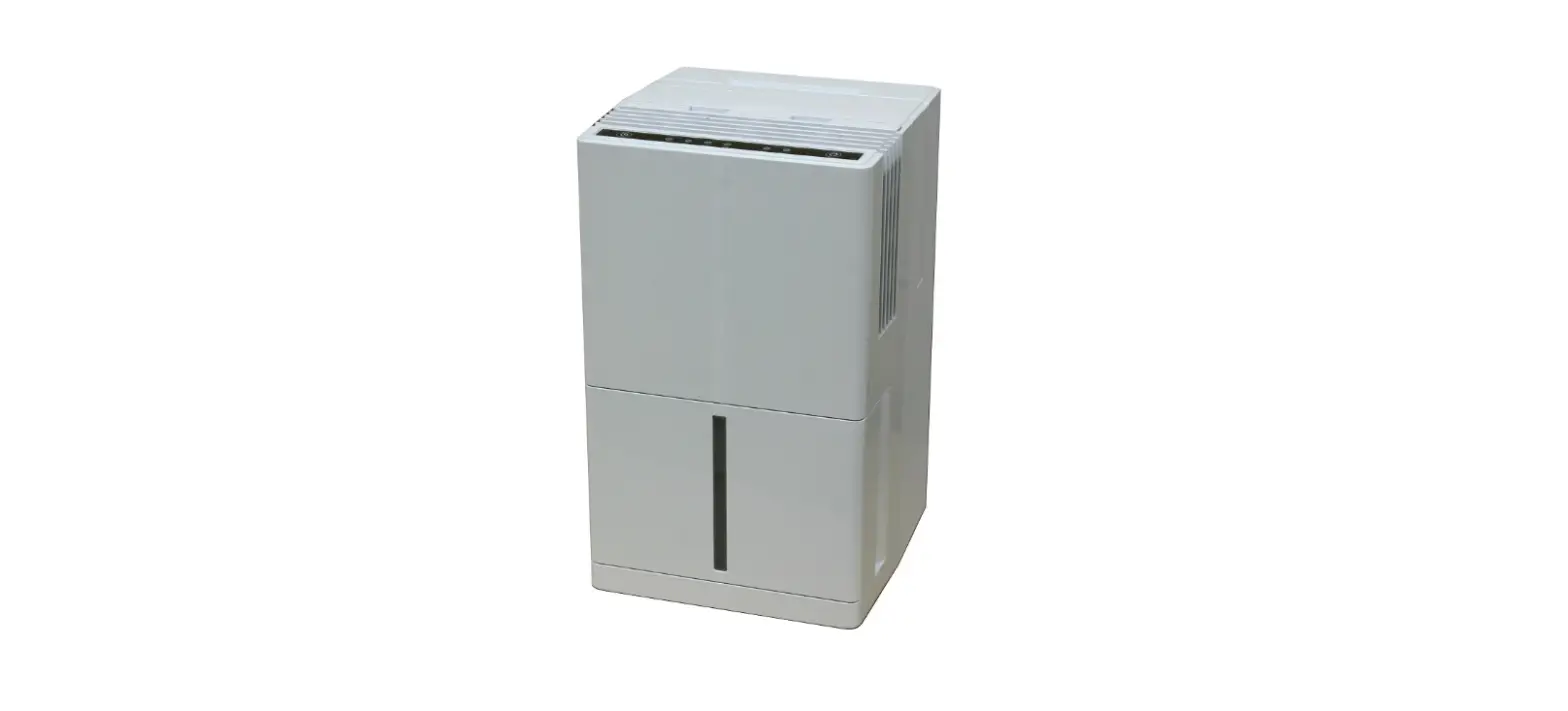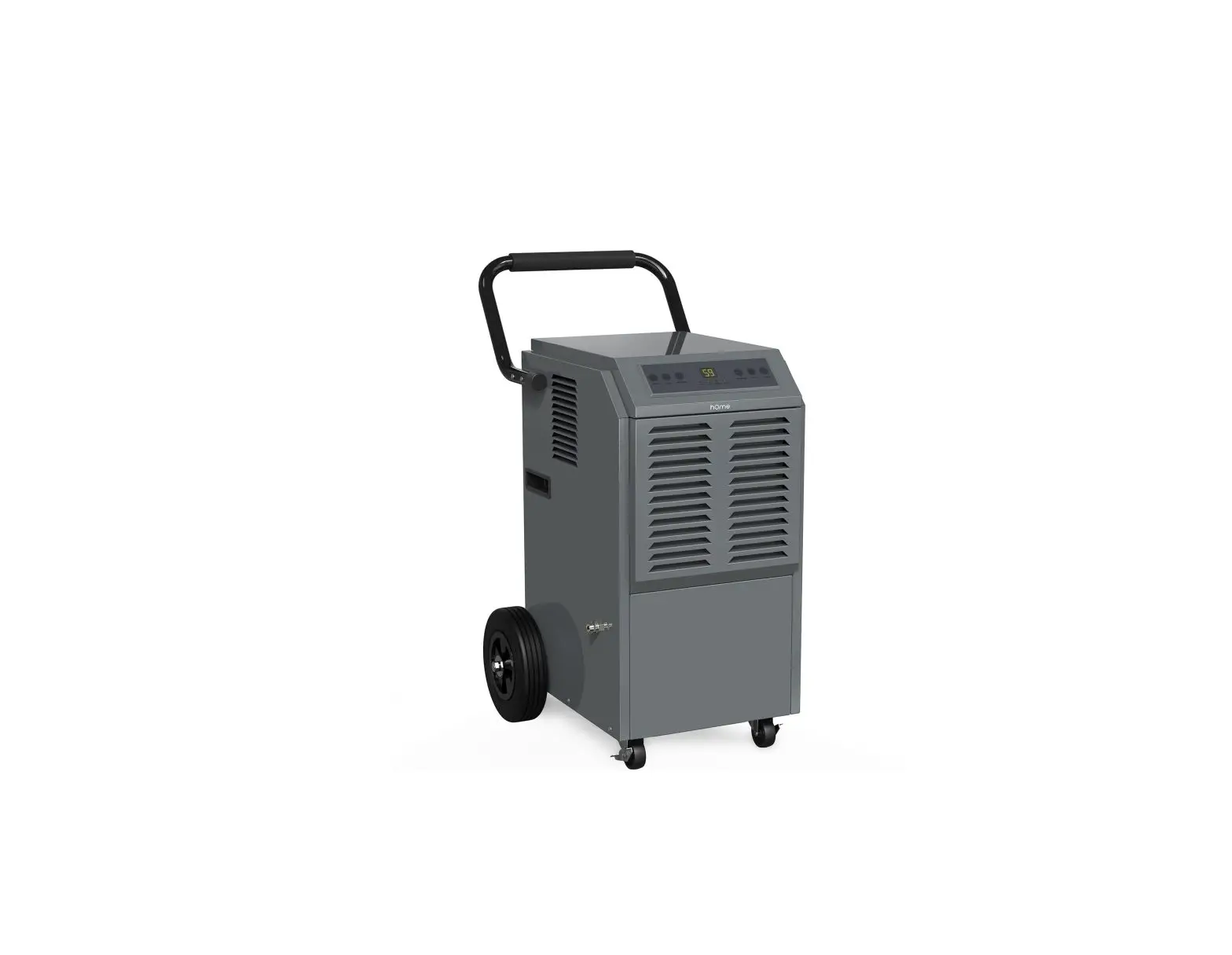

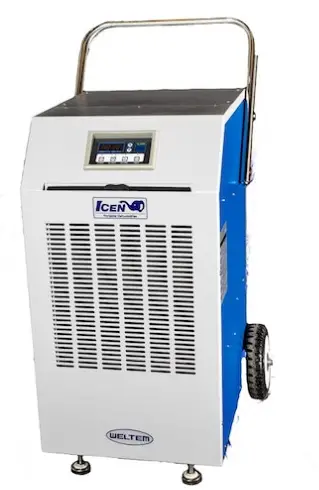
WELTEM WPD-120 Industrial Portable Dehumidifier
Product Information
| Model No. | WPD-120 |
|---|---|
| Power Supply Ph-V-Hz | Single Phase, 230V, 50Hz |
| Nema Plug | 5-15P |
| Dehumidification Amount | 120L/1day |
| Power Cord Gauge AWG | 14 |
| Power Consumption Watts | 920 |
| Power Cord Length ft | 10 |
| Weight (Net / Gross) Lbs(kg) | 141 / 152 lbs.(64/ 69kg) |
| Supply air Flow (CMH) | 828 |
| Rated Current Amps | 4.42 |
| Dimensions W x D x H – in. (mm) | 21.7x 23.9 x 33 (551 x 607 x 839) |
| Target humidity range | 0 ~ 99 % |
| Setting range | 20 ~ 80 % |
| Refrigerant Type / oz(g) | R-410A / 35.3(1000) |
| Wheels pcs / diameter | 4 / 76mm |
| Design Pressure Hi/Low Psig | 450 / 250 |
Product Usage Instructions
- After unpacking the unit, carefully inspect it for any damage that may have occurred during transit. Check for any loose, missing, or damaged parts.
- Transport and store the unit in an upright position only. Leave the unit in an upright position for installation and usage.
- DO NOT use the unit in wet environments, such as a laundry room, to avoid the risk of electrical shock.
- DO NOT place any foreign objects on the unit.
- DO NOT operate the unit with wet or damp hands.
- DO NOT allow chemical substances to come into contact with the unit.
- DO NOT operate the unit in the presence of flammable substances or vapors such as alcohols, pesticides, gasoline, etc.
- DO NOT operate the unit in explosive or flammable environments.
- DO NOT use the plug to start and stop the unit. Always use the control panel to start and stop the unit.
- Always turn off the unit when it is not in use and unplug the power plug from the electrical outlet.
- Always turn the unit off and unplug the main power plug from the electrical outlet before cleaning, moving, or performing maintenance.
- AVOID the use of adapter plugs or extension cords. If it is necessary to use an extension cord, ensure it is in good condition and suitable for the power requirements of the unit.
- DO NOT operate a unit with a damaged power cord.
- The filters must be used with the product at all times. When the filters are removed for cleaning, always ensure that the unit has been turned off and unplugged from the electrical outlet.
- Regularly clean the filters to maintain efficiency. If the filters are not cleaned regularly, the unit’s output performance and efficiency will decline, and energy consumption will increase.
- DO NOT operate the unit with a damaged power cord or plug, after it malfunctions, has been repaired, or dropped.
Please read and save these instructions. Read carefully before attempting to assemble, install, oper-ate or maintain the product described.
Protect yourself and others by observing all safety information. Failure to comply with instructions could result in personal injury and / or property damage! Retain instructions for future reference.
Description
WELTEM Dehumidifi er is suitable for areas/places where hu-midity causes serious problems. Strong dehumidifi cati on performance can prevent any issues resulted from humidity. Auto drain pump is equipped in the unit so it is very convenient for user A control panel provides ease of use and contains a self-diagnosti c functi on and display, showing operati ng modes, current humidity and target humid-ity, and faults. If an abnormal operati on occurs, a visual display of the fault is shown. Caster wheels are included for easy portability. Suitable applicati ons include: a factory or work place, industrial kitchen, computer room, emergency cooling, outdoor event, etc.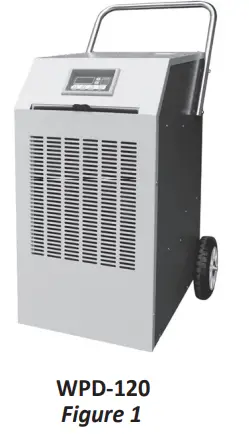
Unpacking
Aft er unpacking the unit, carefully inspect unit for any damage that may have occurred during transit. Check for any loose, missing, or damaged parts.
Specifications
| Model No. | Power Supply Ph-V-Hz | Dehumidification Power Con- Amount sumption Watts | Rated Current Amps |
| WPD-120 | Single Phase, 230V, 50Hz | 120L/1day 920 | 4.42 |
| Model No. | Nema Plug | Power Cord Power Cord Gauge AWG Length ft | Dimensions W x D x H – in. (mm) |
| WPD-120 | 5-15P | 14 10 | 21.7x 23.9 x 33 (551 x 607 x 839) |
| Model No. | Weight (Net / Gross) Lbs(kg) | Supply air Flow (CMH) | Ambient temperature range °F( °C) |
| WPD-120 | 141 / 152 lbs.(64/ 69kg) | 828 | 59~95(15~35) |
| Model No. | Target humidity range | Setting range |
| WPD-120 | 0 ~ 99 % | 20 ~ 80 % |
General Safety Information
Please read this manual carefully for instructions on correct installation and usage. Please read all safeguards.
- Transport and store the unit in an upright position only. Leave unit in an upright position for at least 3 hours before first use.
- Always place the unit on an even, level surface.
- Ensure the unit is connected to a grounded power supply of the correct rating / capacity.
- The unit is designed to operate under 15°C (59°F)~35°C (95°F) and RH maximum 80%.
- DO NOT use this unit for functions other than those described in this instruction manual.
- DO NOT tilt the unit.
- DO NOT cover or obstruct the unit’s inlet and outlet grilles.
- DO NOT use the unit in areas where it will be exposed to rain or water.
- NEVER unplug the unit while it is operating.
DO NOT use the unit in wet environments, such as a laundry room, to avoid the risk of electrical shock. - DO NOT place any foreign objects on the unit.
- DO NOT operate the unit with wet or damp hands.
- DO NOT allow chemical substances to come into contact with the unit.
- DO NOT operate the unit in the presence of flammable substances or vapors such as alcohols, pesticides, gasoline, etc
DO NOT operate the unit in explosive or flammable environments. - DO NOT use the plug to start and to stop the unit. Always use the control panel to start and to stop the unit.
- Always turn off the unit when it is not in use and unplug the power plug from the electrical outlet.
- Always turn the unit off and unplug the main power plug from the electrical outlet before cleaning, moving or performing maintenance.
- AVOID the use of adapter plugs or extension cords. If it is necessary to use an extension cord or an adapter plug to operate the unit, ensure that they are correctly rated for the applica-tion. Consult a local qualified lectrician and all local electrical codes to ensure proper setup. Any extension cord used with this device must be rated for a minimum of 15A.(230V)
- DO NOT unplug the unit by pulling on the electrical cord. Keep electrical cord away from heat sources and always completely unroll the cord to avoid overheating. If the power cord be-comes damaged, a qualified service agent, qualified electrician, or similarly qualified person must replace it, in order to avoid a hazard or shock.
DO NOT operate a unit with a damaged power cord. - The filters must be used with the product at all times. When the filters are removed for clean-ing, always ensure that the unit has been turned off and unplugged from the electrical outlet.
- Regularly clean the filters to maintain efficiency. If the filters are not cleaned regularly, the units output performance and efficiency will decline and energy consumption will increase.
- DO NOT operate the unit with a damaged power cord or plug, after it malfunctions, has been dropped or damaged.
- Only use in the upright position on an even, flat surface. Unit must be positioned at least 24 inches (60 cm) from the nearest object in any direction.
- Stop operation immediately if abnormal noise or odor is noticed. Contact a local service center.
- Appliance is not to used by children or persons with reduced physical, sensory or mental capabilities, or lack of experience and knowledge, unless they have been given supervision or instruction.
- Children being supervised not to play with appliance.
- That the appliance shall be installed in accordance with national wiring regulations.
- If the supply cord is damaged, it must be replaced by the manufacturer, its service agent or similarly qualified persons in order to avoid a hazard.
Assembly
(WPD-120)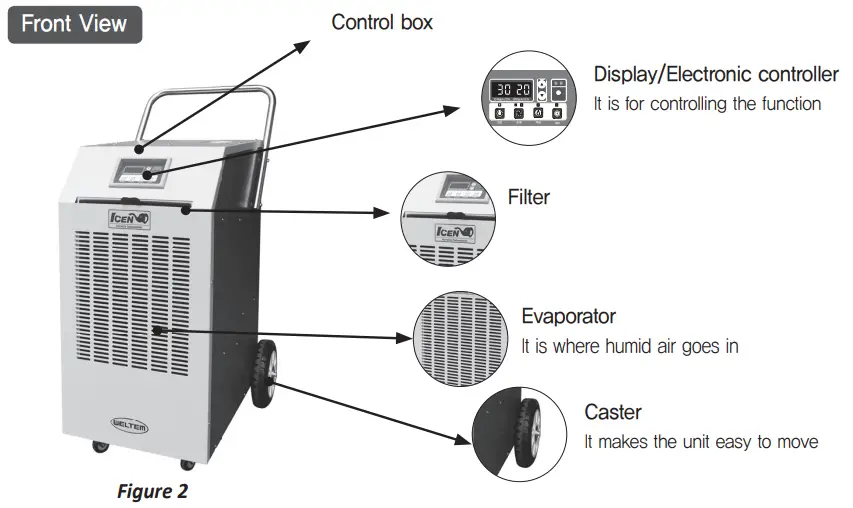
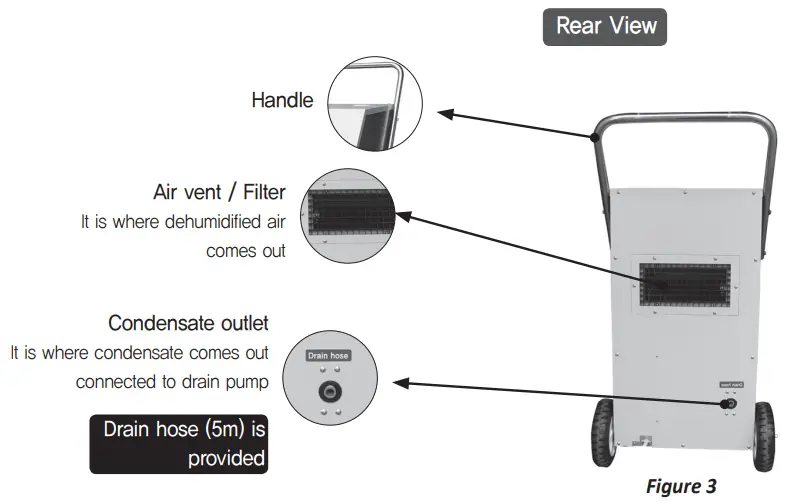
Installation
WARNINGS REGARDING PROPER LOCATION FOR INSTALLATION
WARNINGS
- Do not use the unit in explosive environments or in areas where fl ammable gas leakage may occur.
- Do not use the unit in areas where it will be exposed to rain or water.
- Do not use the unit in a corrosive atmosphere.
- Do not use the unit above 5°C(41°F) ~ 35°C(95°F).
- Do not install the unit on uneven or sloping surface. The unit may roll or topple over even if the casters are set to the locked position.
MOVING THE UNIT
Unlock the casters and push the unit using the side handles to a fl at, level surface and set the caster brakes to the locked positi on.
PLUGGING IN THE UNIT
- Check the prongs and surface of the power cord plug for dust/dirt. If dust and/or dirt are pres-ent, wipe off with a clean, dry cloth.
- Check the power cord, plug and prongs for damage or excess play.
- If any damage or excess play is found, contact a qualifi ed repair technician or a qualifi ed electri-cian to perform replacement or repair of the power cord, plug or prongs.
WARNING
- If the power cord or plug is damaged, repair should only be performed by qualifi ed electrical personnel.
- Do not connect / disconnect the power cord or att empt to operate butt ons with wet hands. This could result in electrical shock.
NOTE: Make sure the air vent is free of dirt, dust, oil, water, or any other foreign material.
The unit is equipped with an approved NEMA plug confi gurati on. (WPD-120: 5-15P)
The appropriate outlet must be used for each plug type.
Operation
CONTROL PANEL
Display panel for Icen dehumidifier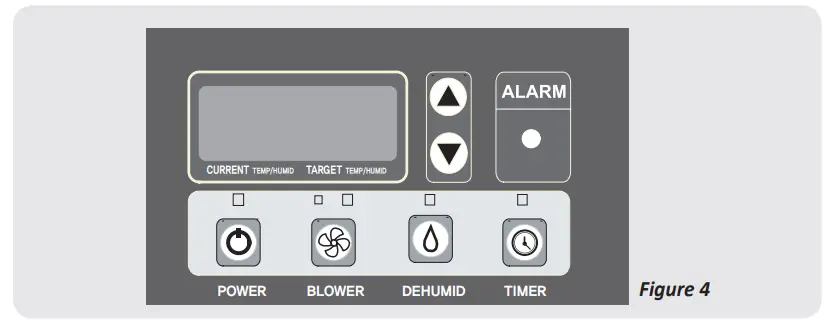
Description of display panel for Icen dehumidifier
 POWER BUTTON | 1) Power is supplied with deeping sound and fan starts to work when power button is pushed. (Fan starts from Low speed) 2) The unit restarts automotically in the case of short-term blackout |
BLOWER BUTTON | 1) It works on dehumidification and blower mode 2) 3) When the gap between current temperature and target humidit is over 15%, High-mode works. When less than 15%, Low-mode works |
|
HUMIDITY BUTTON | 1) Dehumidification mode works after pressing the dehumidification button for a second – Lamp on display is turned on during dehumidification mode whereas it is turned off when it is not on dehumidification mode – It is controlled based on dehumidification sensor and relative humidity is displayed 2) Humidity measured on display: 0~99% 3) Setting range: 20~80% ‘DOWN’ button (It is either increased or decreased by 5%) |
 Low
Low  High,
High,  Auto It is implemented in Low, High and Auto order and needs switching time
 Setting range is controlled by ‘UP’ and
|
TIMER BUTTON |
1) Time is set by pressing the TIMER button for a second – If user do not press any buttons for 5 seconds, it returns to original mode by pressing dehumidification button – During setting mode, user controls setting range by pressing the ‘UP’ and ‘DOWN ‘button.
2) How to cancel TIMER function – Press the ‘Power on/off’ button or reset selected time
3) The content displayed during TIMER function (Current humidity, Target humidity |
|
Current humidity, Setup humidity TEMP |
2) How to see temperature: Press the blower and dehumidification button at the same time for a second then inlet and outlet temperature are displayed. The measurement returns from temperature to humidity in 5 seconds ( |
|
ALARM Lamp |
When cancelled within 3 minutes, system |
 or selecting set time
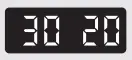 are displayed for 5 seconds and time left is displayed for 2 seconds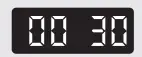
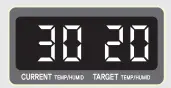 1) Current humidity and Target humidity are displayed
 )
) Operates(blinks) when abnormality occurs. System operation stops when it blinks longer than 3 minutes.
 weltem.com