Creating a Playlist
Organize your music by creating customized playlists that contain your favorite songs.
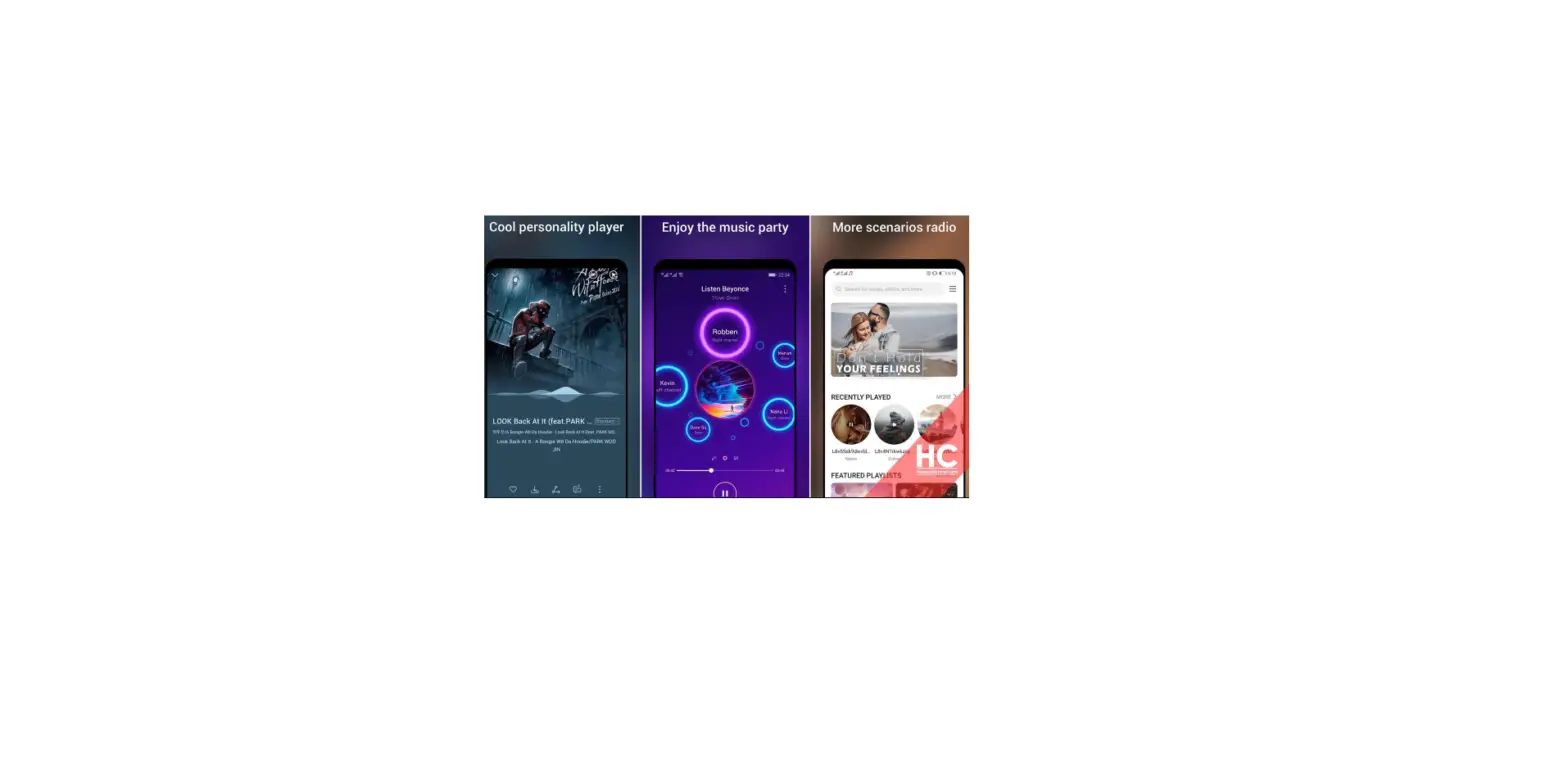
1. Open  Music
Music
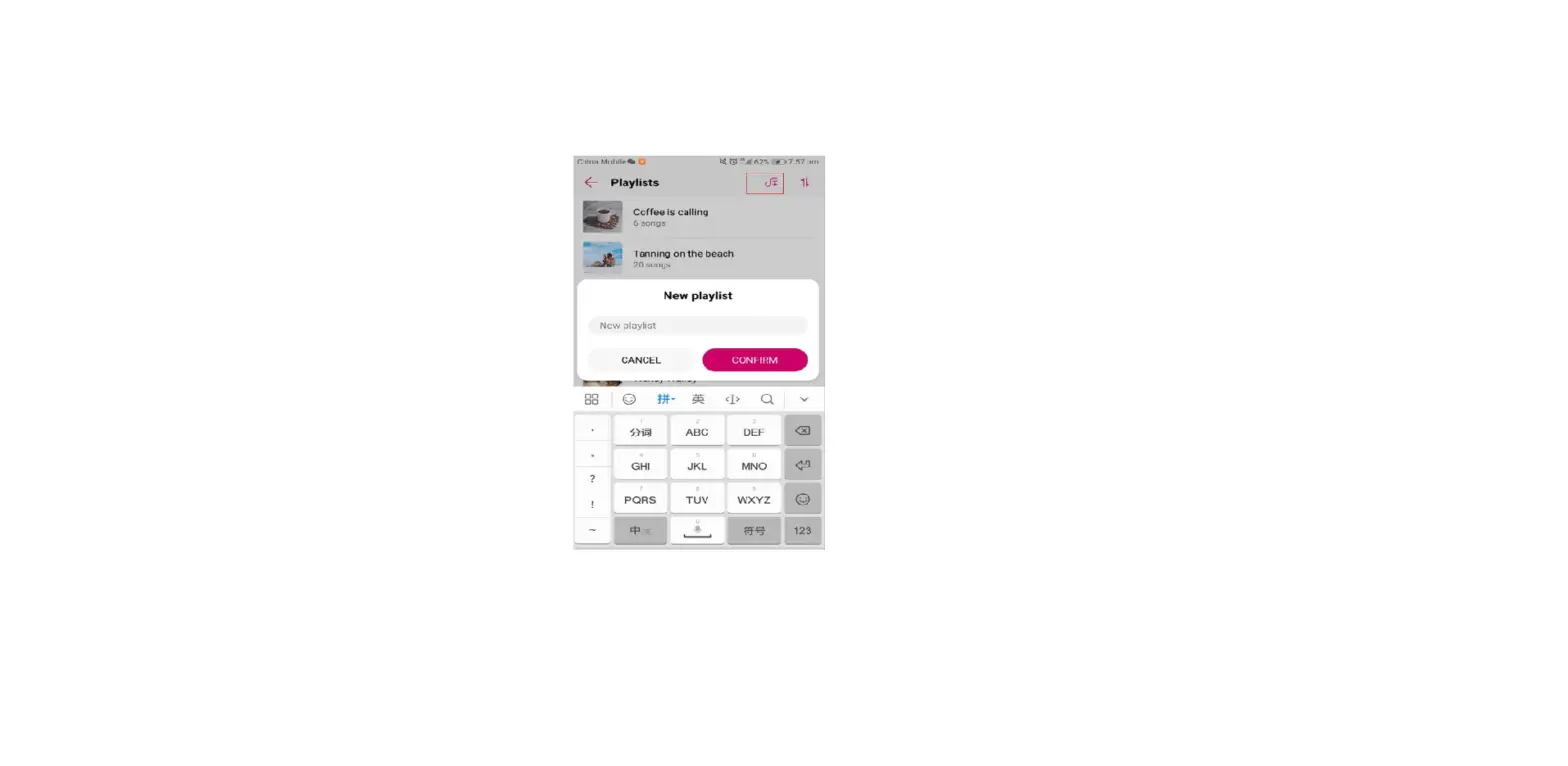
2. Touch Playlists > Create new playlist.
3. Name the playlist and touch Save.
4. Touch Add in the dialog box.
5. Select the songs you want to add and touch  .
.
 Touch
Touch  next to the playlist to Rename or Delete the playlist.
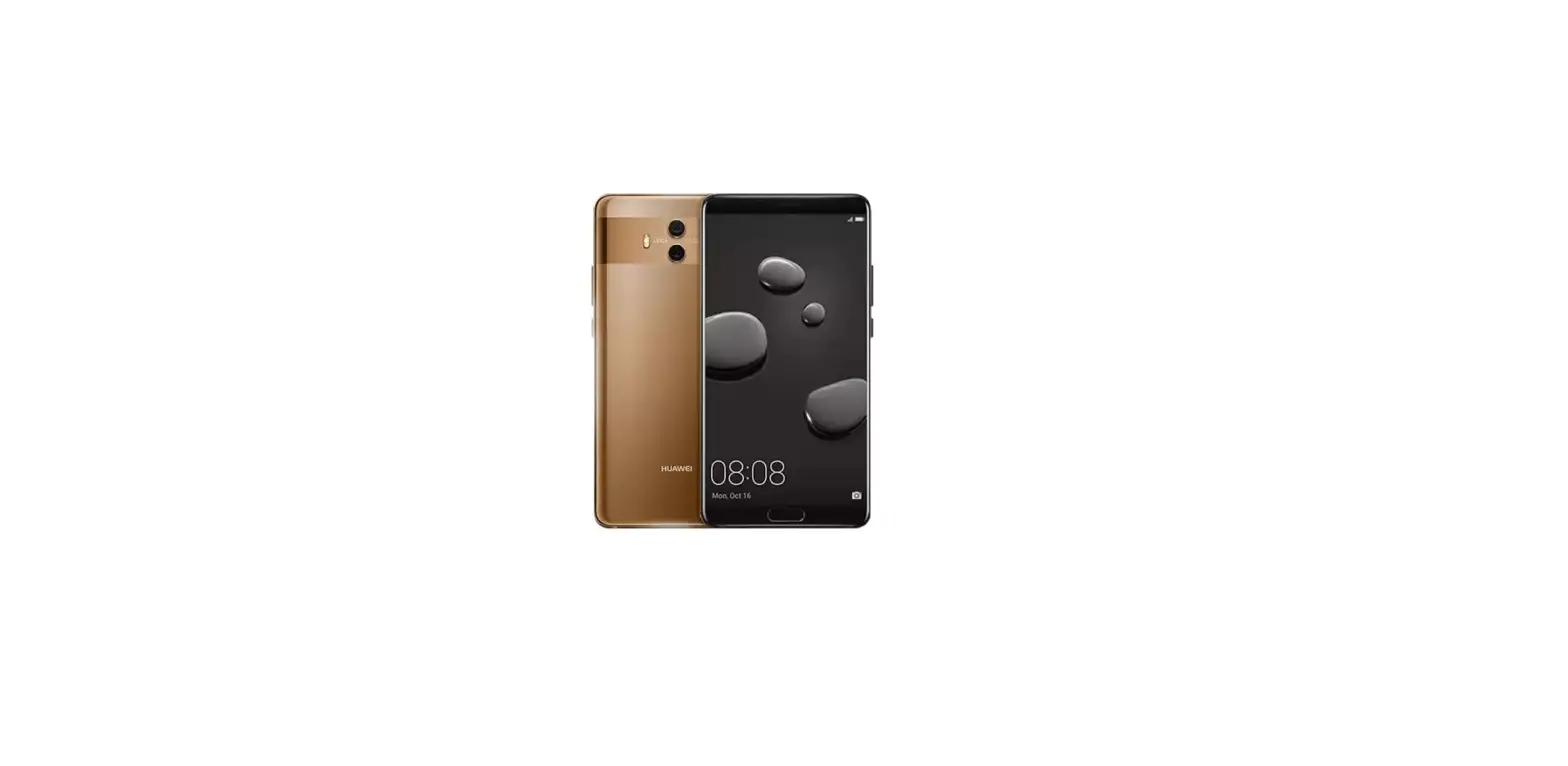
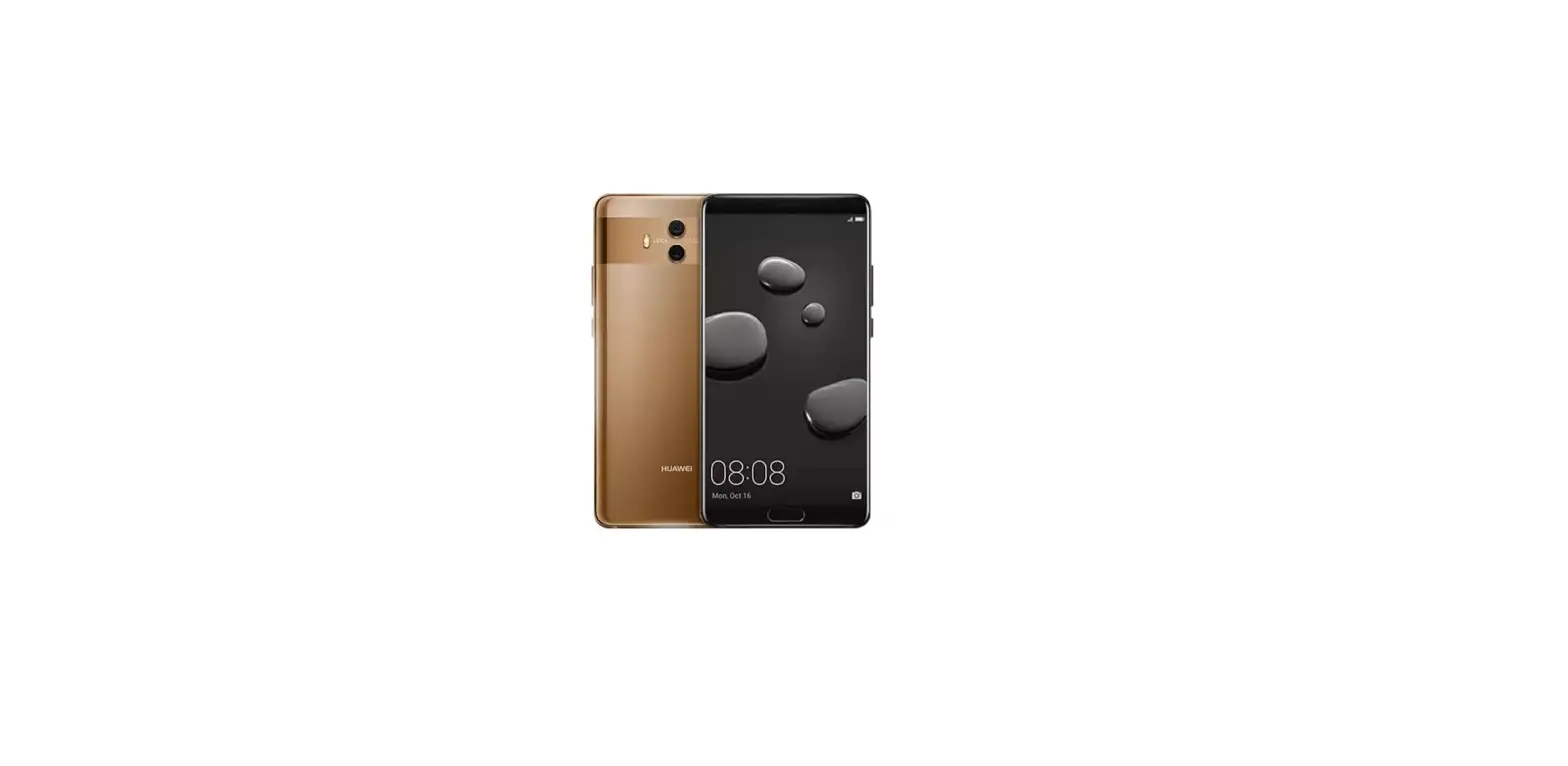
Questions about your Huawei Mate 10? Post in the comments!
Huawei Mate 10 Manual [PDF]