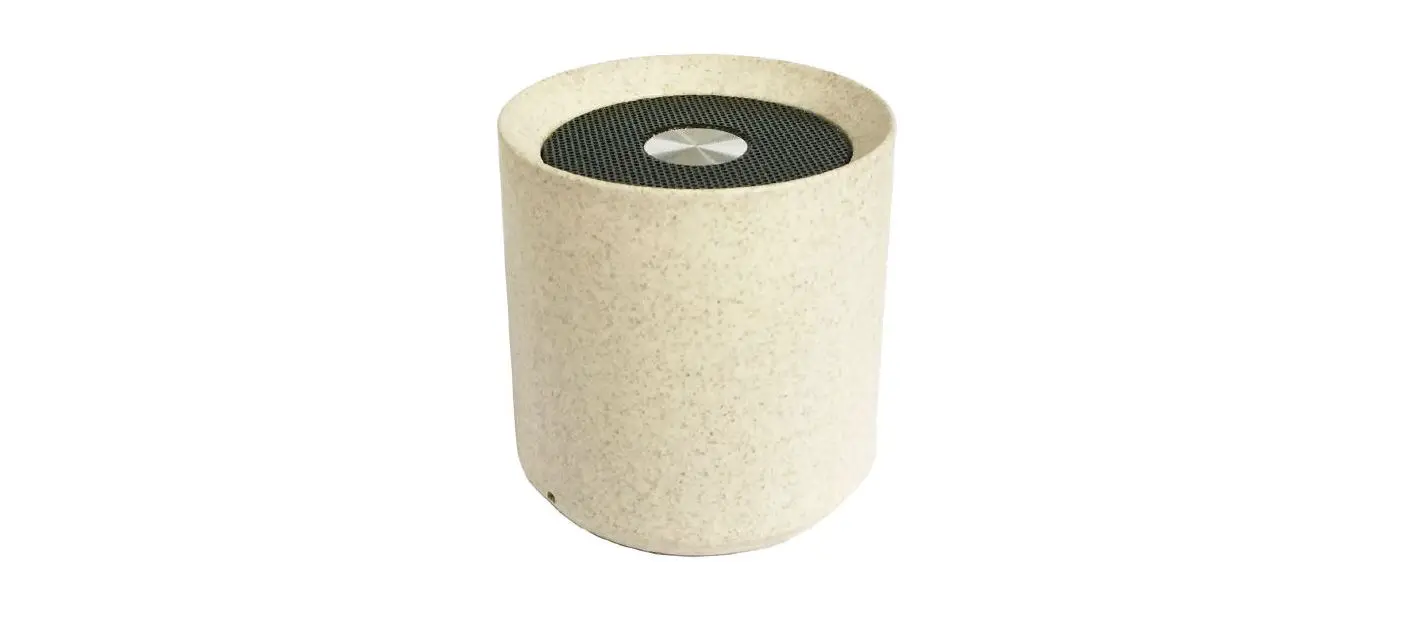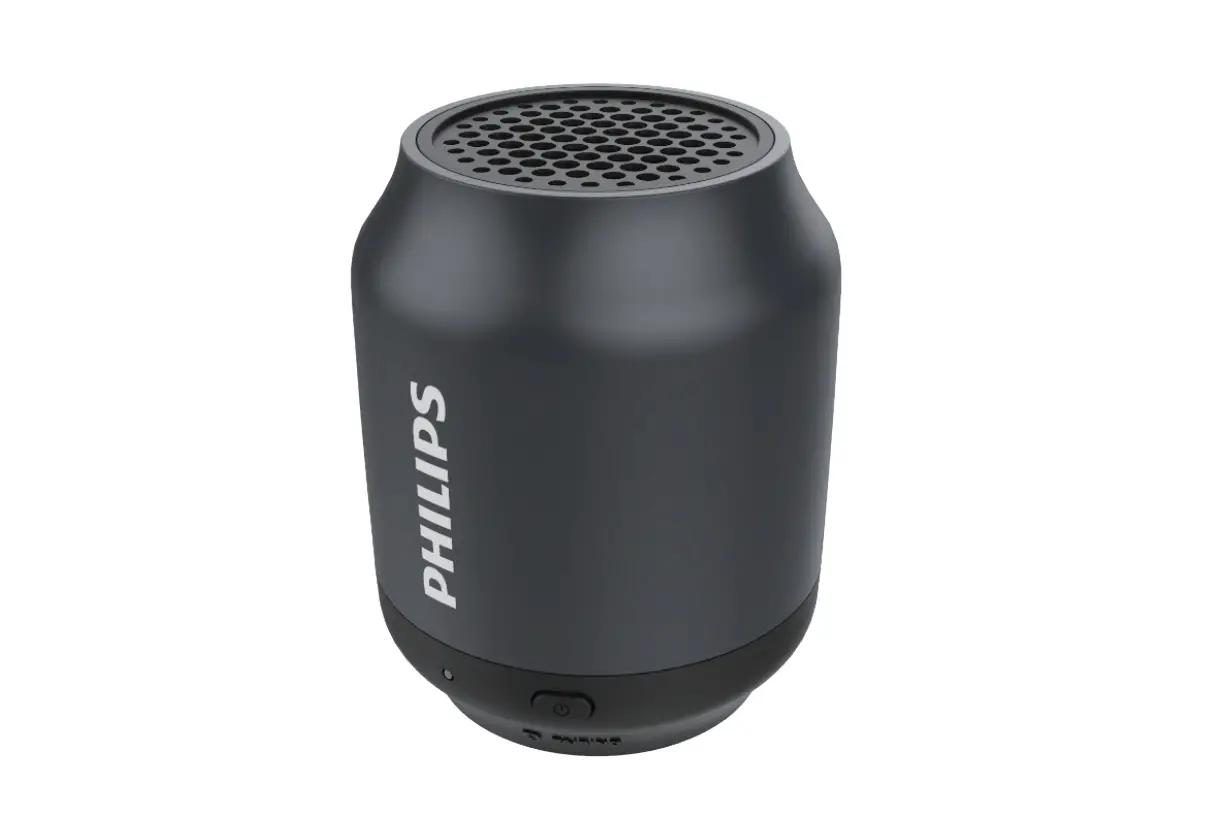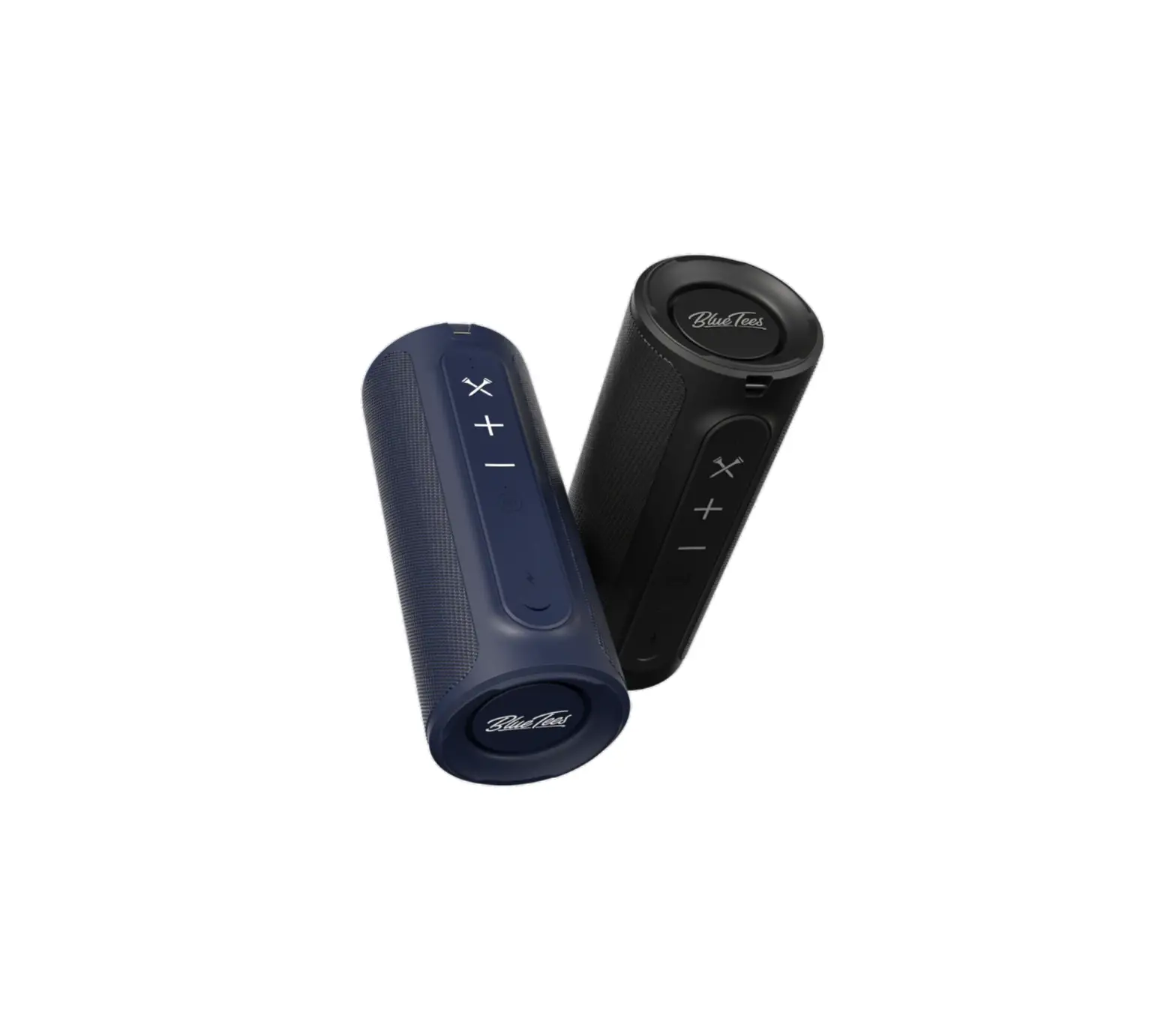
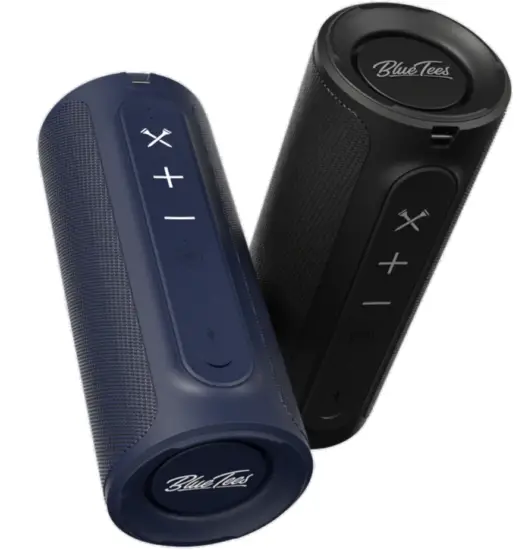
Blue Tees THE-PLAYER Bluetooth Speaker
BLUETOOTH PAIRING
POWER ON
Long press  for 2 seconds to power on, you will hear a prompt tone. The speaker will enter into Bluetooth pairing mode with the blue LED indicator flashing.
CHOOSE THE DEVICE
Find “PLAYER” in your Bluetooth devices list and select it to pair.
PAIRING COMPLETED
Once paired and connected, you’ll hear an audible confirmation from the speaker and the blue LED will stay on. Your speaker is ready to use
BASIC OPERATION
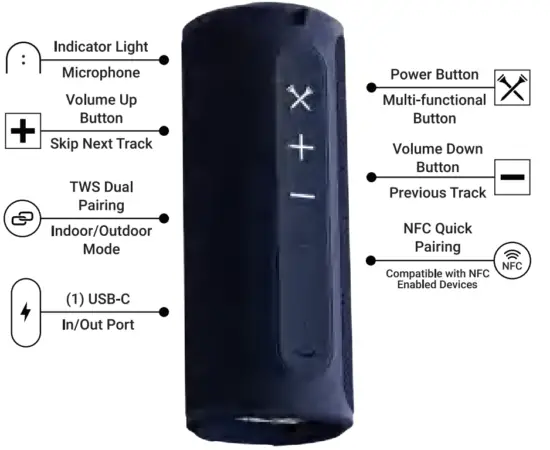
Power Button/Multi-function Button
Long press for Zs to power on/off
Short press to answer/end a call
Short press twice to reject a call
Short press to play/pause music

 Volume Button
Short press to turn the volume up
Long press to skip to next track
Short press to turn volume down
Long press to go to previous track
 TWS & Indoor/Outdoor Mode Button
Short press to switch EQ Modes (Indoor + Outdoor Mode)
Long press to turn on/off TWS mode (2 seconds)
Double press to disconnect Bluetooth mode
TWS PAIRING
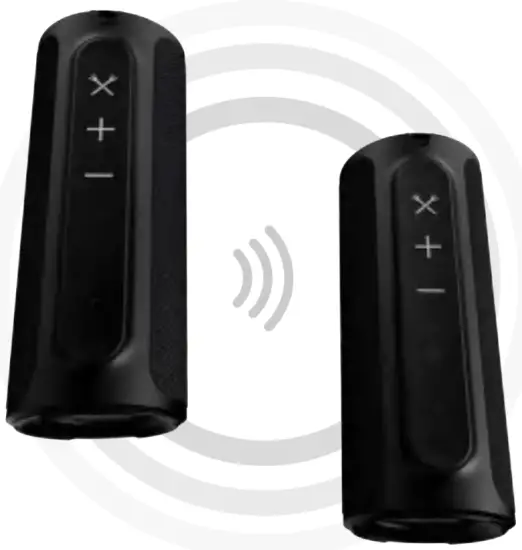
TWS pairing allows you to connect multiple speakers together.
TO PAIR DEVICES: Turn on the speakers you would like to pair. Short press “” until you’ll hear an audible confirmation from the speaker and the white LED flashes. After 2 seconds, you’ll hear an audible confirmation f ram the speakers and the white LED will stay on. The master speaker LED will flash blue, while the other speakers LED will remain solid. Follow steps for Bluetooth pairing on your device.
NOTE: Bluetooth pairing must be connected after TWS pairing is connected to be successful.
TO DISCONNECT Tw.s PAIRED DEVICES:
Short press “” and to disconnect TWS pairing mode. You’ll hear an audible confirmation from the speaker and the white LED light will turn off.
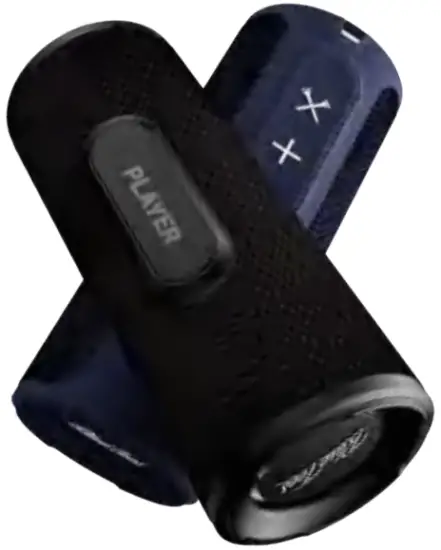
BUILY-IN MAGNETIC STRIP
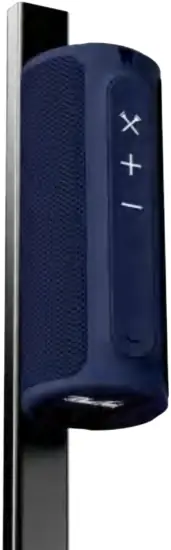
ATTACHES TO THE CART ,OR ANY METAL SURFACES.
 WARNING: Use caution when using the built in magnetic strip to attach the Player to the golf cart or other moving objects. Be careful driving over rough terrain. Heavy bump.s, potholes or curbs can cause the speaker to fall off, incurring damiage that is not covered under the limited warranty .
LED INSTRUCTION
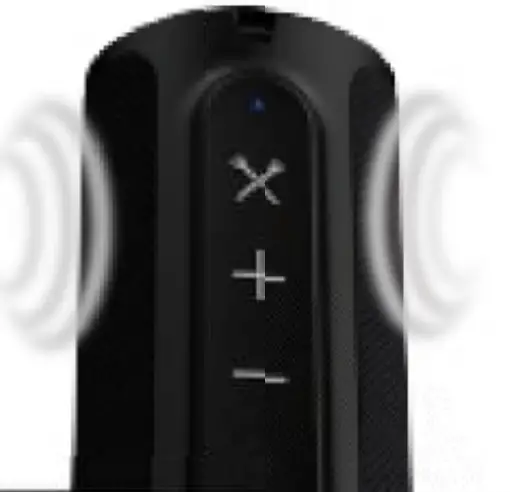
POWER ON | Blue LED indicator Iight flashes |
| Blue LED indicator light stays on after Bluetooth is paired successfully |
| When Bluetooth is out of connection range, the blue light flashes (back to pairing status). When the speaker is in pairing mode, for over 10 minutes, it will power off automatically, | |
| Red LED indicator light stays on when charging; it will turn off when fully charged. |
| Red LED indicator light flashes |
| Yellow LED indicator is on |
| TWS white LED indicator light stays on after TWS is paired successfully |
 BLUETOOTH MODE
 CHARGING STATUS
 LOW BATTERY STATUS
 DISCHARGE STAT’US
 TWS
TWSPRODUCT SPECIFICATIONS
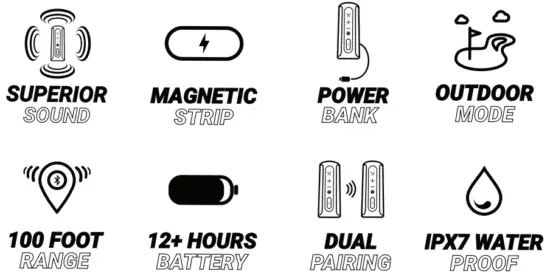
| Product Name | Bluetooth Speaker |
| Model Name | THE PLAYER |
| Bluetooth Version | 5.0 |
| Battery Capacity | 3.7V/4000mAh |
| Working Time | 12-14 hours |
| Charging Time | 4-5 hou1rs |
| Charging Current | 5V/2A |
| Driver Unit | Internal magnetic driver 20 cores |
| Dimension | 211 *86.55*82.8mm |
| Weight | 668g |
FAQ
Q: What kind of charger should we use for the speaker?
A: Common USB chargers can be used. We suggest 5V /2A or above 2A.
Q: What if there is noise or discontinuous sound during playing?
A: The speaker can be normally used within 10m in an environment with no obstruction. If it is beyond 10m or with obstructions, there might be noise or discontinuous sound.
Q: Why does the speaker power off automatically?
A: When there is no Bluetooth pairing within 10 minutes, the speaker will shut down automatically to reduce power consumption.
Q: Why is the speaker not connecting to a once-paired device?
A: Remove the speaker’s paired name from the device’s Bluetooth list and then restart the pairing instructions.
Q: What is the working sequence of the speaker?
A: Default mode is Bluetooth mode.
Q: Why is the speaker not turning on?
A: Please plug in the charger and try again in a few inutes, or try to long press the power button -30s t,o reset.
Notes:
- Please read this manual carefully before use and store for reference.
- For the first use, please fully charge the product.
- Use a certified adapter that has passed national safety certification.
- Be sure to fully charge once a month to maintain its performance.
- Do not use this product in an extremely cold or hot environment. (temperature range beyond 5°C -35°C). If used beyond the range, the product may stop automatically to protect the internal circuit.
- When charging in a high temperature environment, the product may automatically stop charging to protect the battery. The charging indicator will quickly flash to indicate that the environmental temperature or the product internal temperature is too high.
- Storage environment temperature: -5°C – 35°C RH<70% (recommended 25°±5)
Important safety instructions
- Do not disassemble or repair this speaker personally, otherwise it may cause· product dam:age or personal injury
- Do not use it in dusty, humid, dry, and high-temperature environmenit
- Do not place this product near mechanical vibration, a heat source, place in direct sunlight, or in dusty areas.
- In order to reduce the ris.k. of fire, please do not cover this product with newspapers, table cloths, curtains etc., during use.
- If the product is damaged (power cord or plug is damaged, liquid enters or objects fall into the device, unable to Operate normally or falls, etc.) it must be repaired.
- When the product is fully charged, do, not Connect it to the charger for further long time charging.
- The maximum ambient temperature should not exceed 40°C.
This speaker supports mobile phones/ tablets/ PCs etc.
FCC STATEMENT
This device ,complies with part 15 of the FCC rules.
Operation is subject to the followin,g two ,conditions:
(1) this device may not ,caus,e harmful interference, and
(2) this device must accept any interference rec,eived, including interference that may cause undesired operation. Changes or modifications not expressly approved by the party responsible for compliance could void the user’s authority to operate the equipment.
NOTE: This equipment has been teste,d and found to comply with the limits for a Class B digital device, pursuant to, part 15 of the FCC Rules. These limits are, designed to, provide reasonable protection against harmful interference, in a residential installation. This ,equipment generates uses and can radiate radio, frequency energy and. if not installed and used in accorda.nce with the instructions, may cause harmful interfer,ence to radio communications. However, there is no guarantee that interference, will not occur in a particular installation. If this equipment ,does cause, harmful interference to radio or television reception, which can be determined by turning the eqiutpment off and o,n, the user is encouraged to, try to correct the interference by one or more of the following measures:
- Reorient ,or relocate the receiving antenna.
- Increase the separation between the equipment and receiver.
- Connect th,e e,quip,ment into, an outlet on a circuit different from1 that to which the receiver is connected.
- Consult the dealer or an experienced radio/TV technician for help.
The device has been evaluated to meet general RF exposure requirement. The device can be used in portable exposure c,ondition without restriction.
COMPLIANCE
 Disposal of Electric & Electronic Equipment
A (Applicable in the EU and other European countries with separate collection systems)
This device contains electric parts, therefore, it cannot be disposed of as normal household wast,e. Instead, it should be taken to your resp,ective collection point for community recycling, your local waste company or the store where you originally purchased your device.
WARNING: This device contains a Neodymium magnet. Magnets could affect the functioning of pacemakers and implanted heart defibrillators. If you use these devices, keep sufficient distance from magnet. Warn others who wear these devices from getting too close to magnets. Magnet may lose part of its adhesive force permanently if exposed to temperatures above 1750F (800C). Magnets produce far-reaching, strong magnetic field. They could damage TVs and laptops, computer hard drives, credit and ATM; cards, data storage m:edia, mechanical watches, hearing aids and speakers. Keep unit away from devices and objects that could be damaged by strong magnetic fields.
ISED STATEMENT
The device complies with Industry Canada license exempt RSS standard(s). Operation is subject to the following two conditions: (1) This device may not cause interference, and (2) This device must accept any interference, including interference that may cause undesired operaion of the device, The digital apparatus complies with Canadian CAN ICES-3 (B)/NMB-3(B).
This device meets the exemption from the routine evaluation limits in section 2.5 of RSS 102 and compliance with RSS 102 RF exposure, users can obtain Canadian information on RF exposure and compliance.
MADE IN CHINA