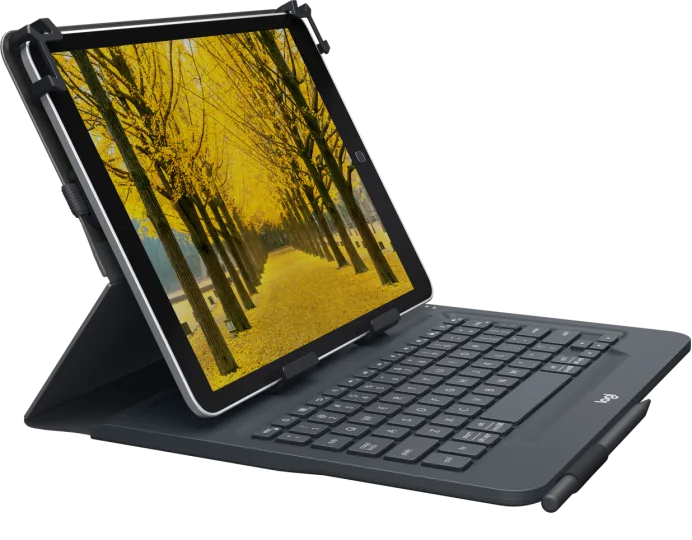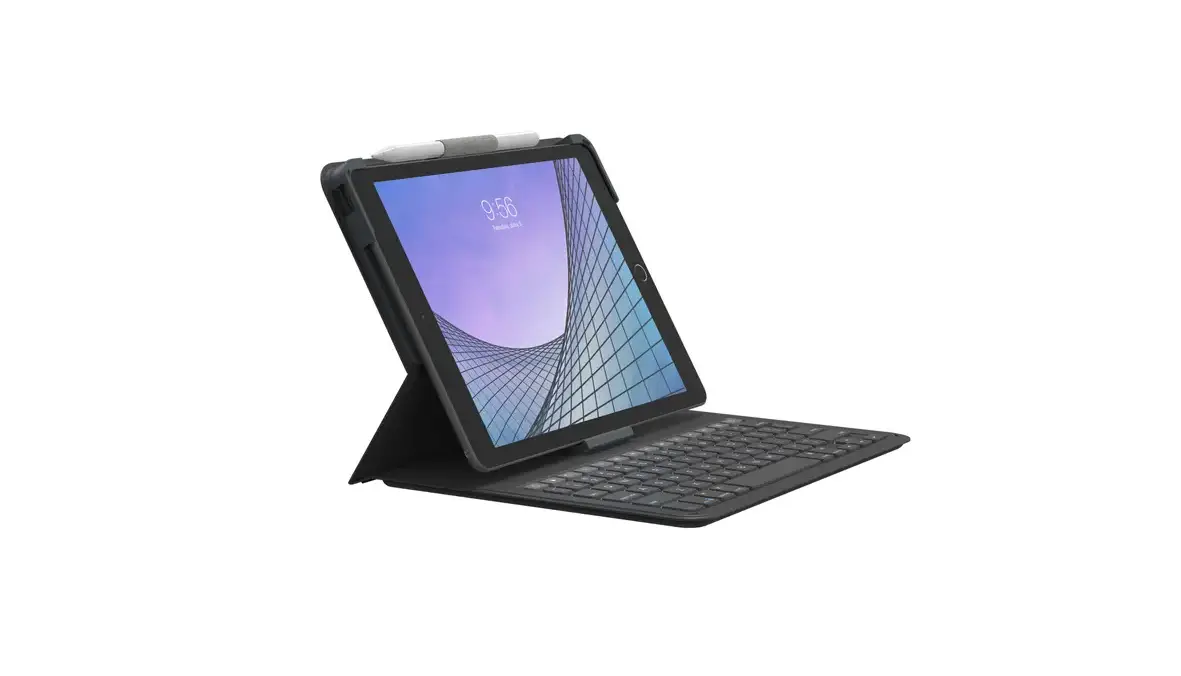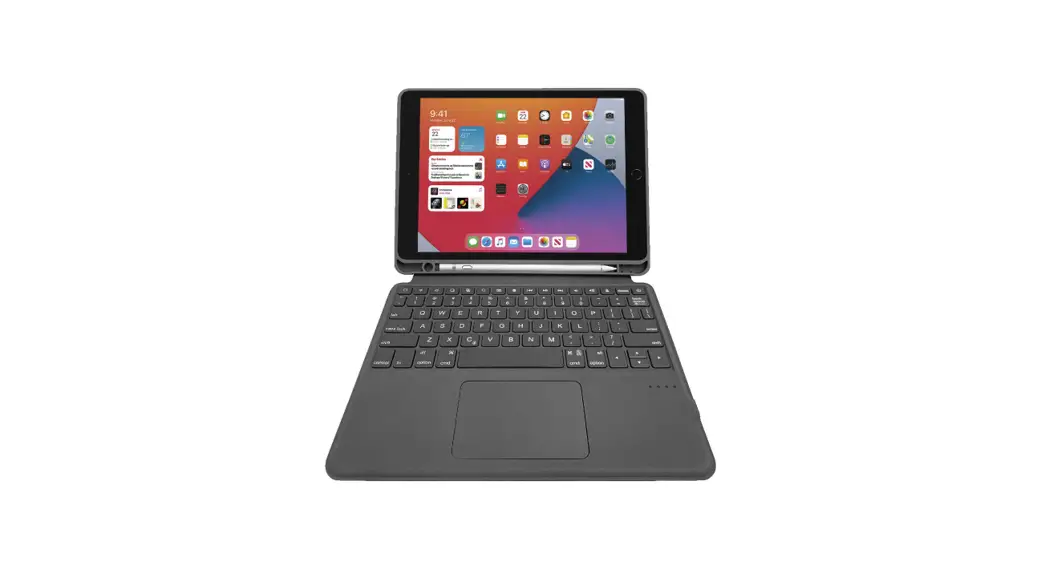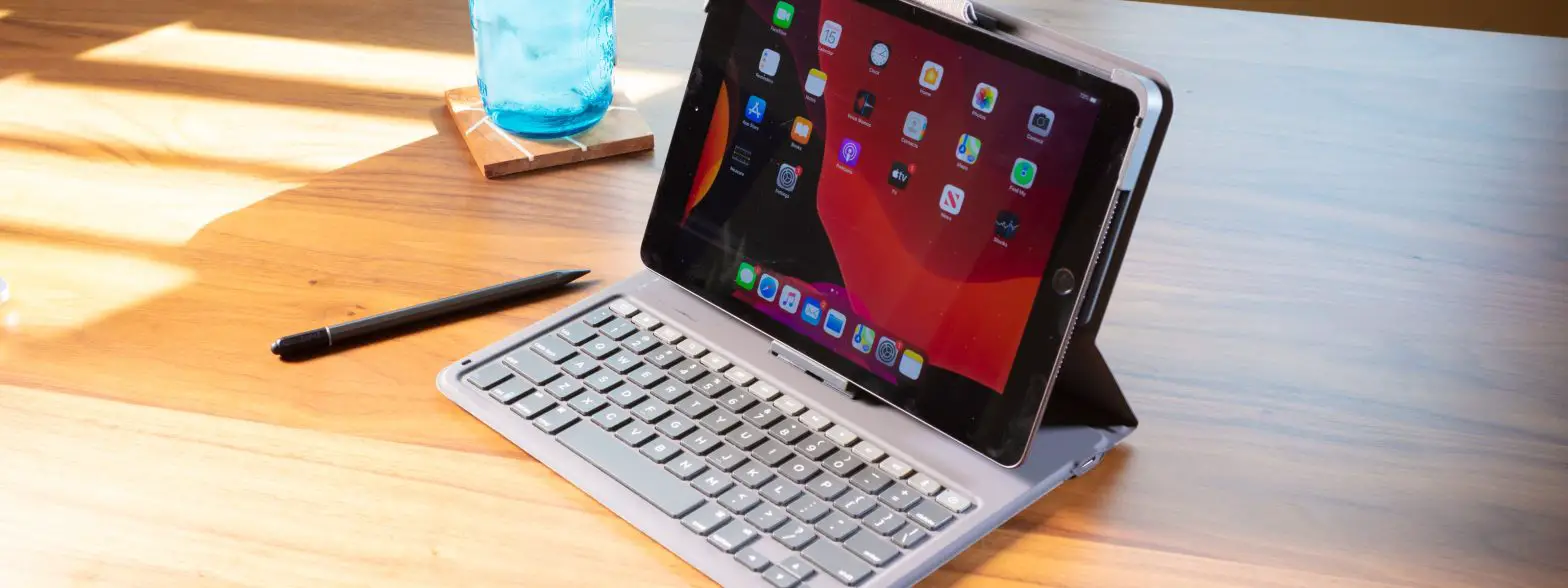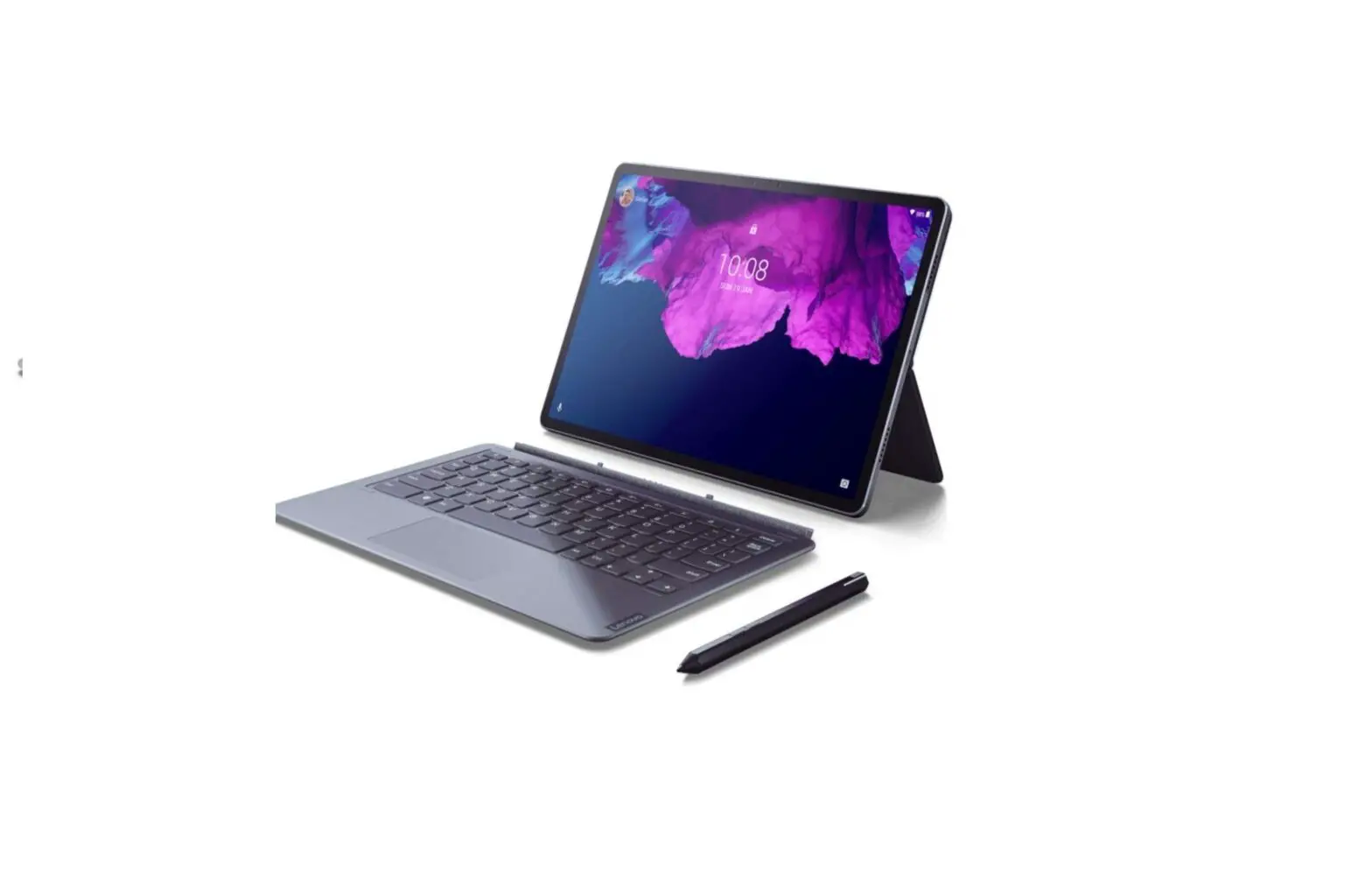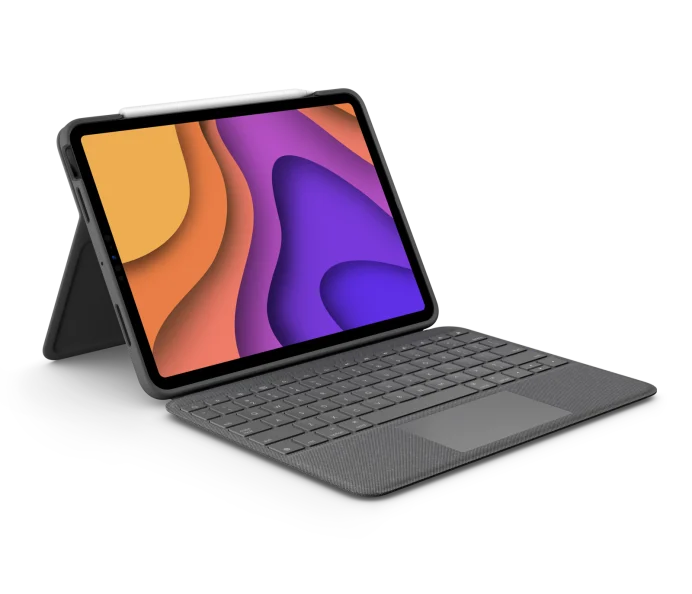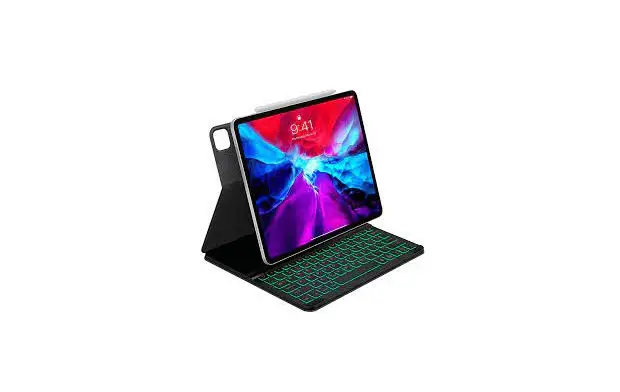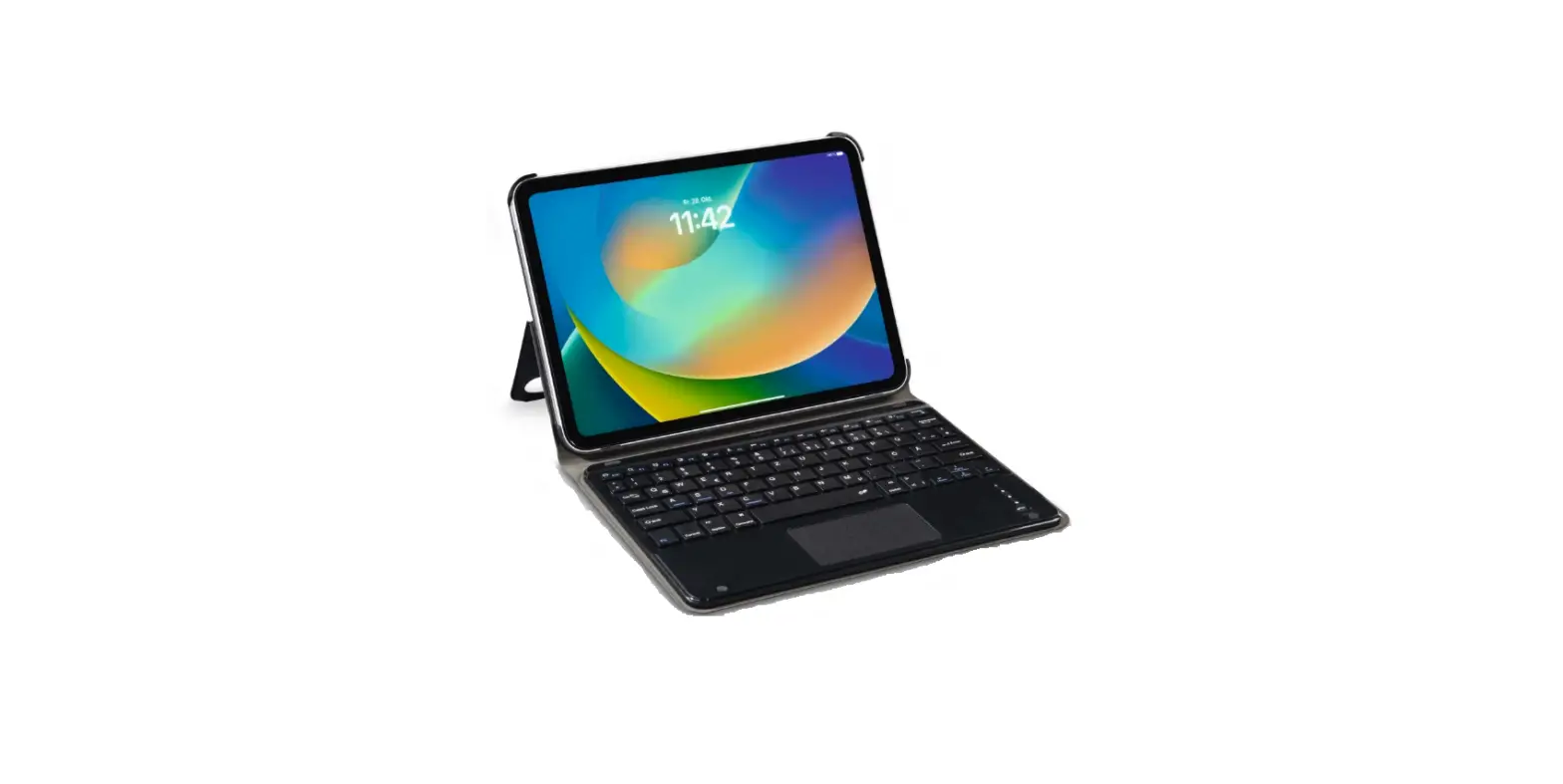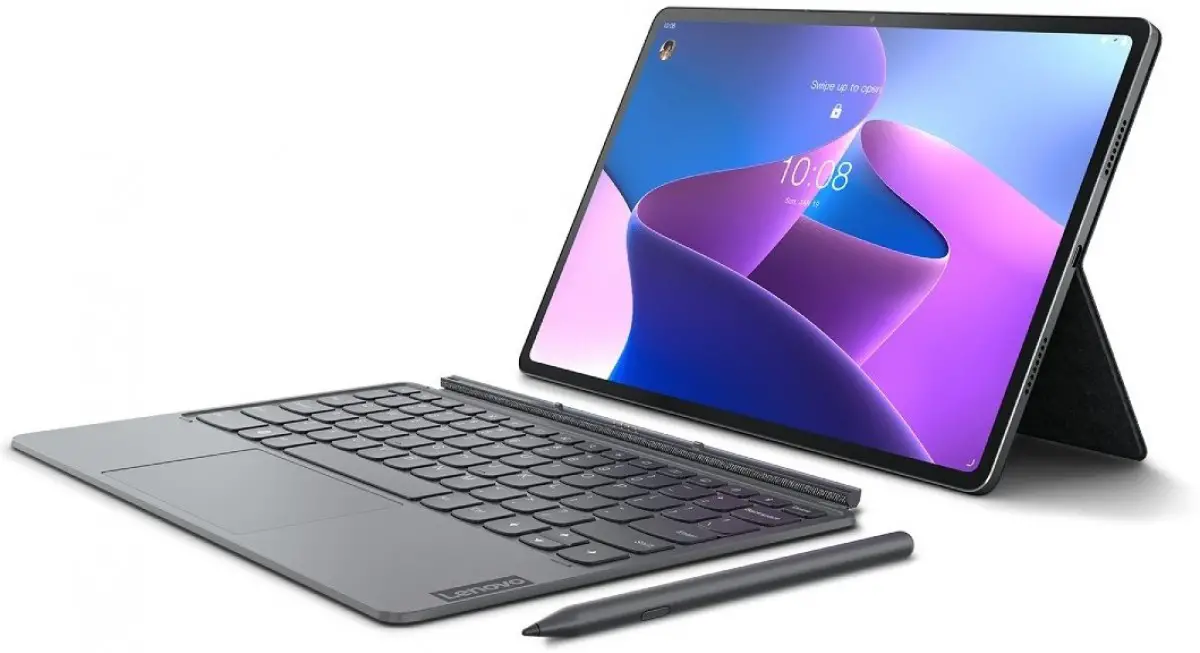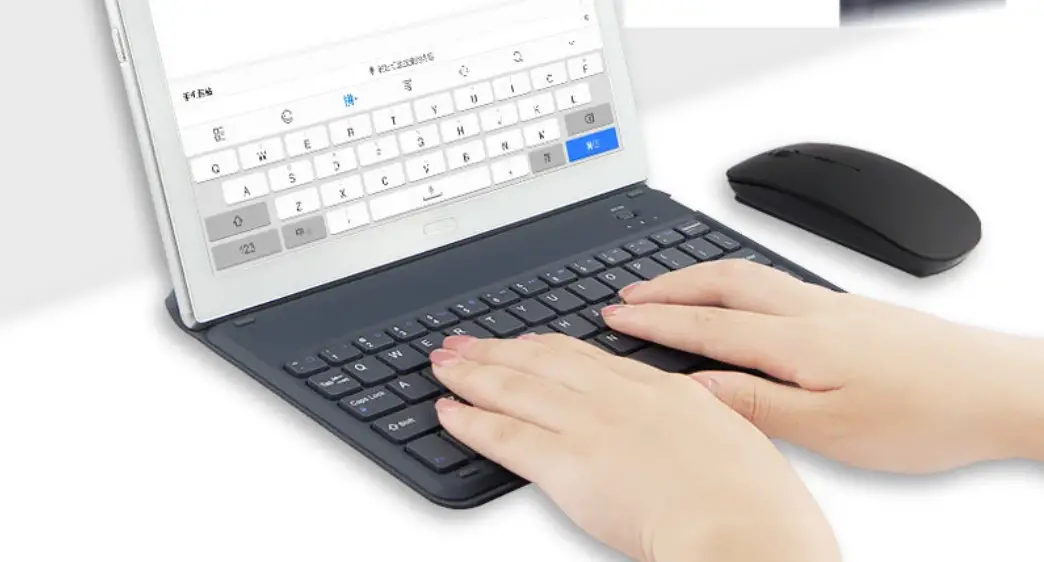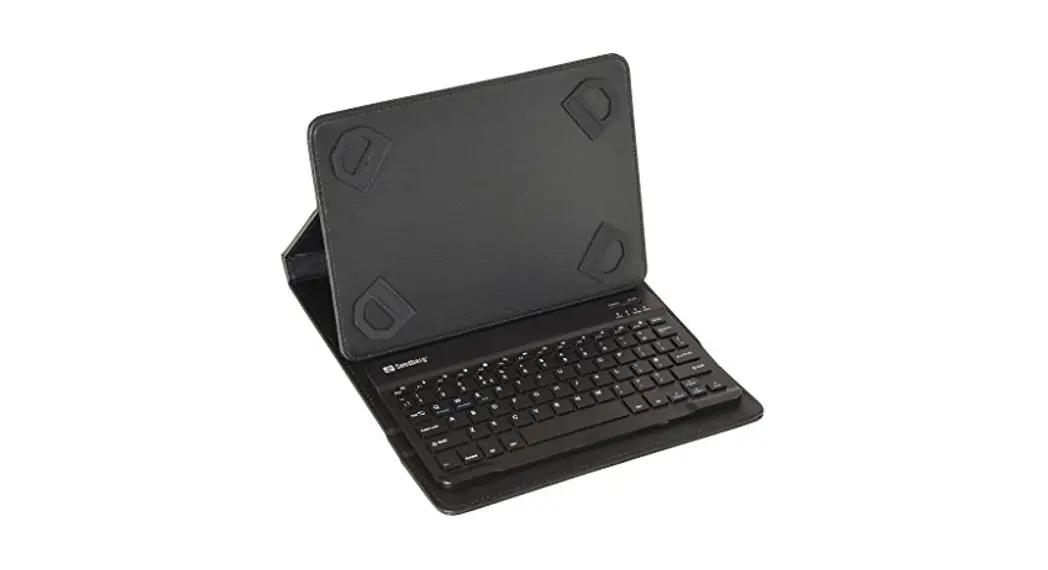

Tablet Keyboard
Folio
Quick guide

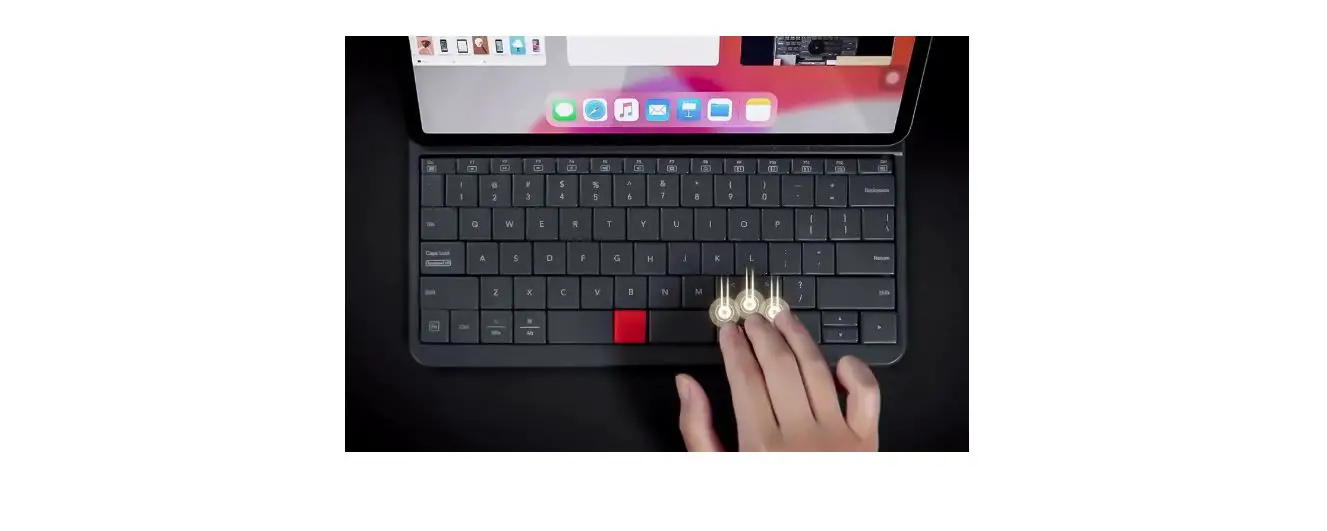
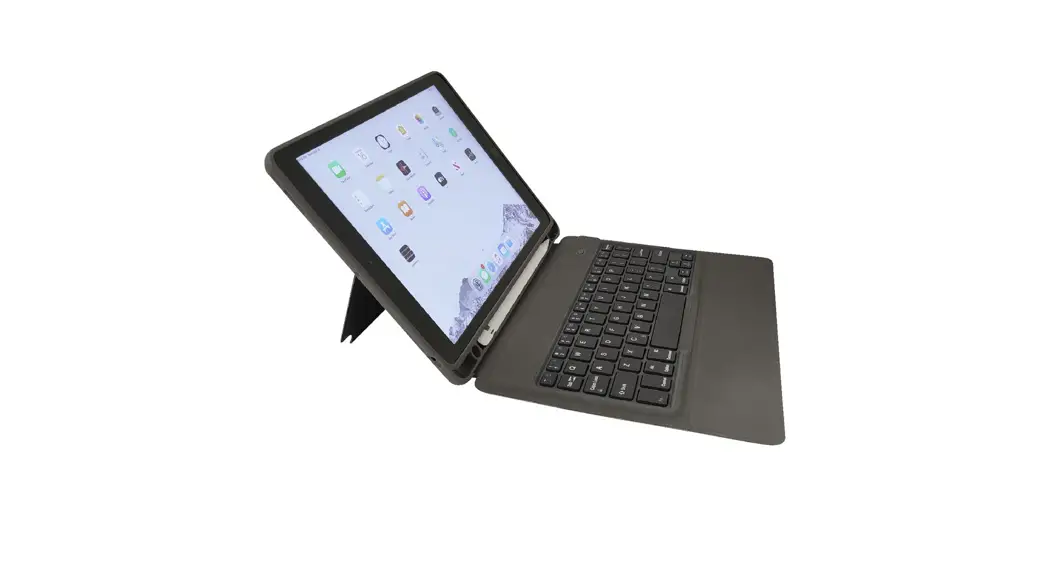
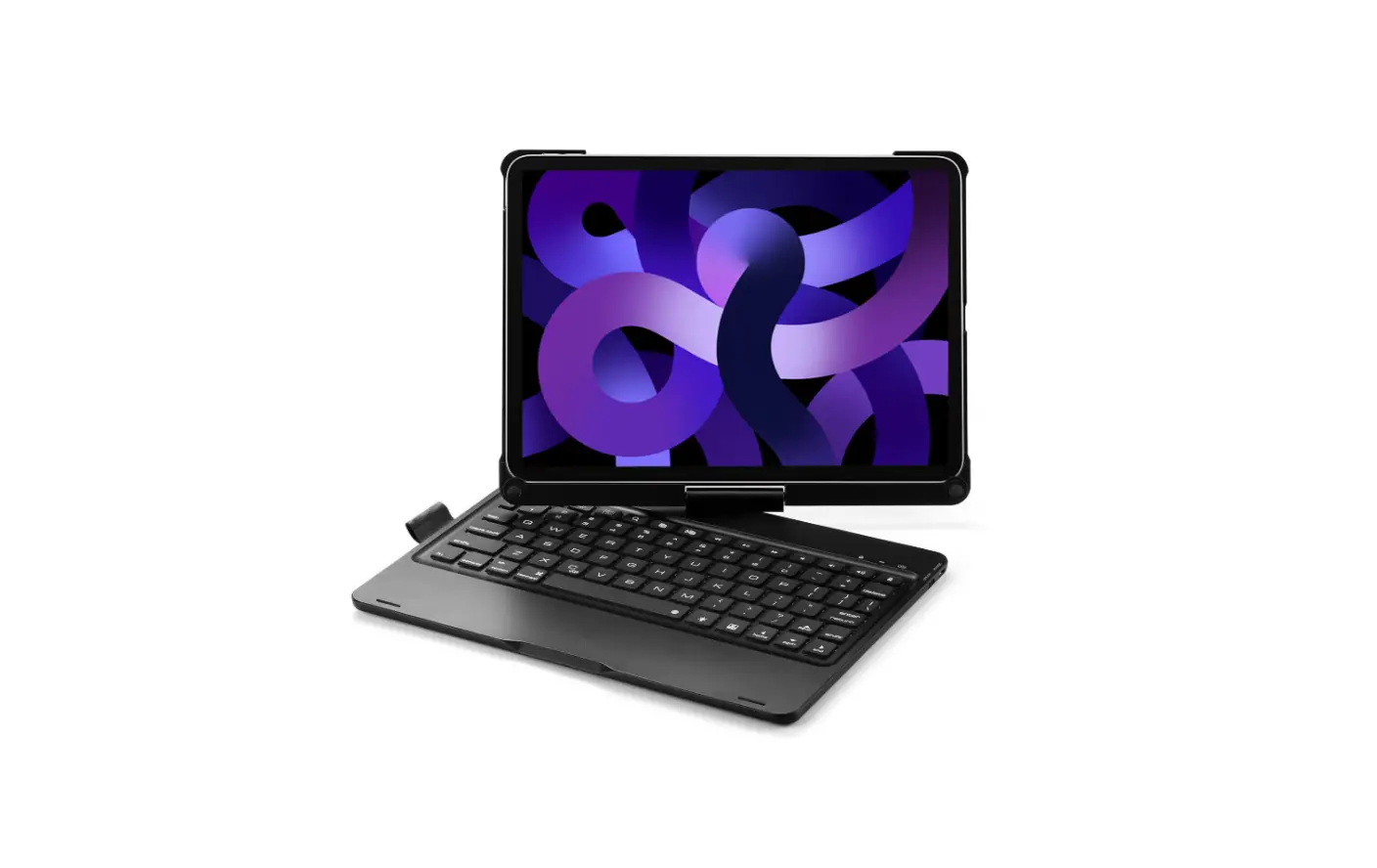
The displayed photo shows Nordic keyboard layout.
www.sandberg.world
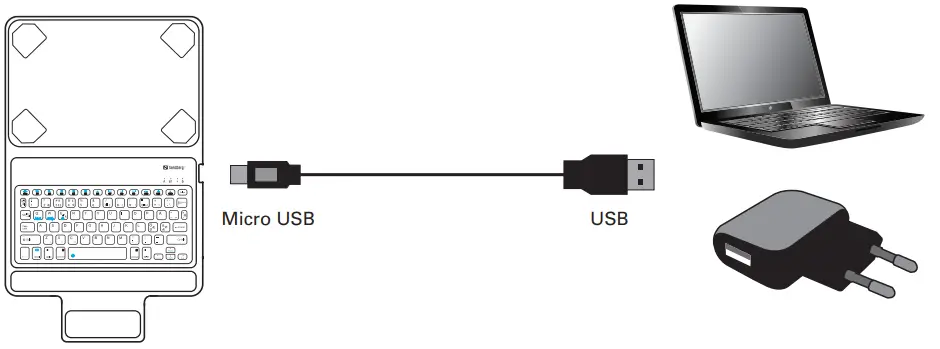
Charge
First time pairing
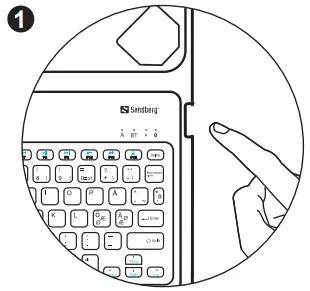 Keyboard ON
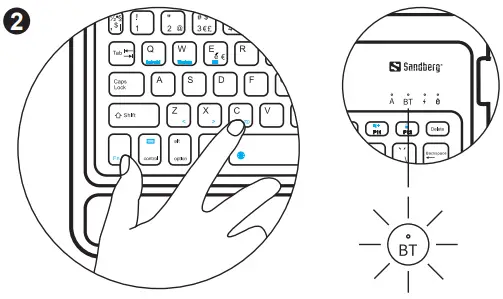 Press FN +C, BT LED will flash ready to pair
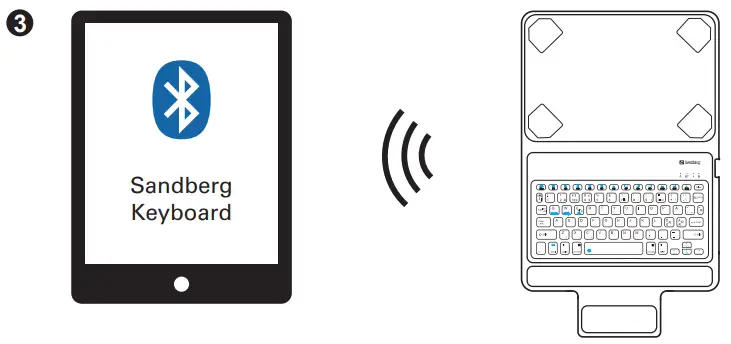 Go to settings, Bluetooth, search for “Sandberg Keyboard”
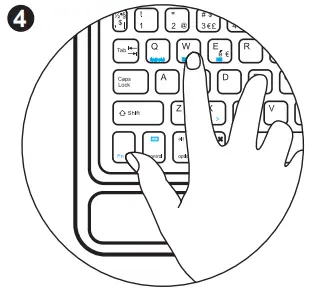 Choose tablet operating system FN + iOS/Android/Windows
 For future use, it will connect and use the correct OS automatically
Support
http://helpdesk.sandberg.world
Warranty
There is a have-year warranty on your Sandberg product.
Please read the warranty terms and register your new
Sandberg product at www.sandberg.world/warranty
5 Years Warranty
 For information on handling electronic waste, see www.sandberg.world/weee
 Helpdesk - Sandberg A/S