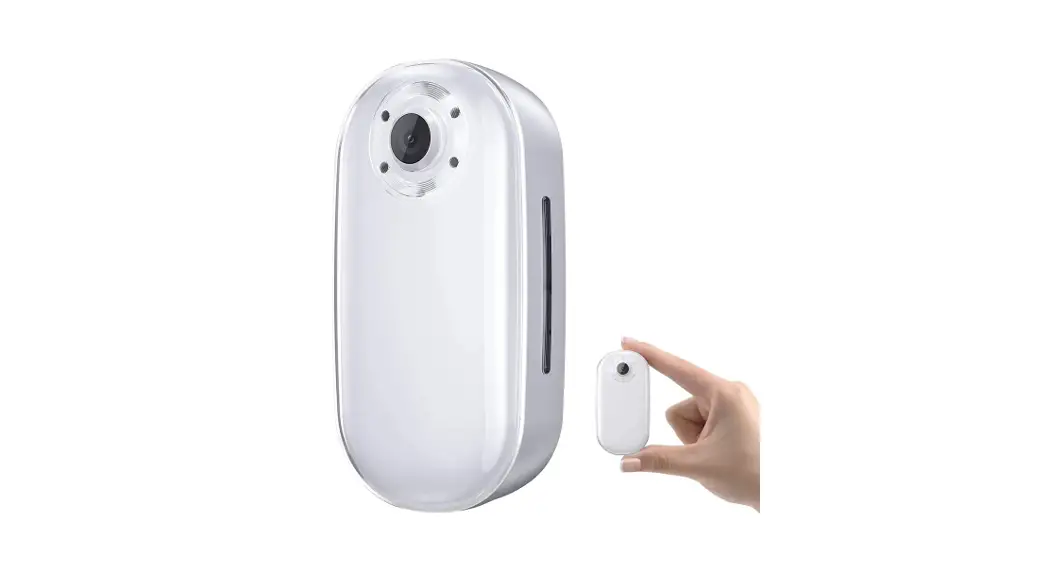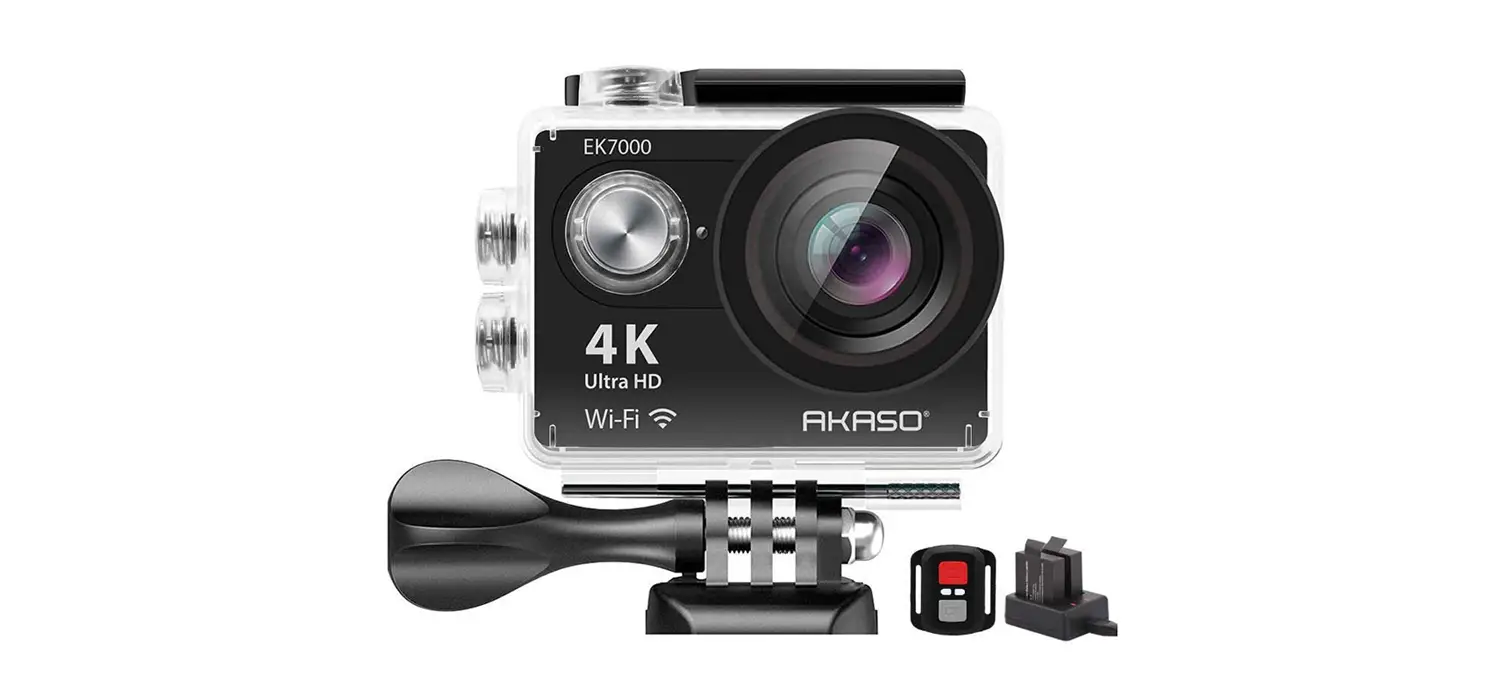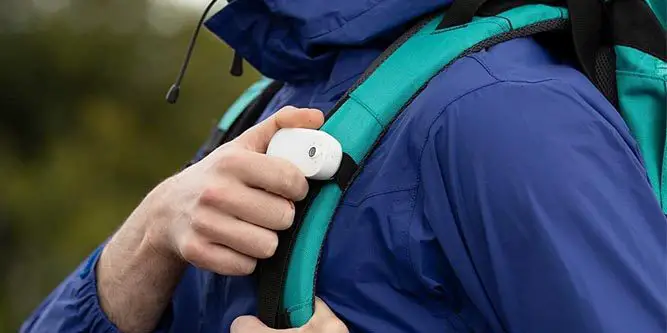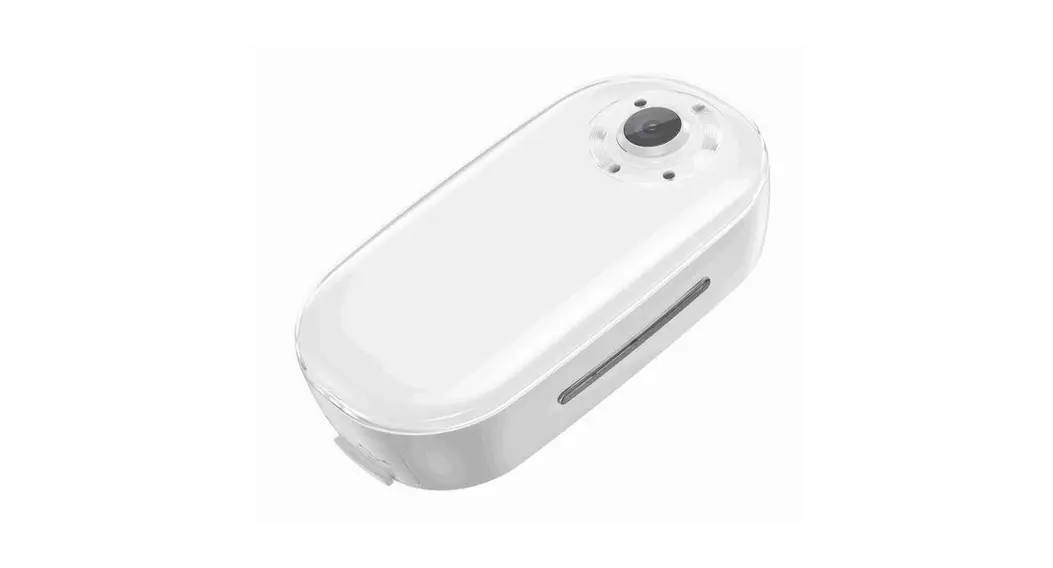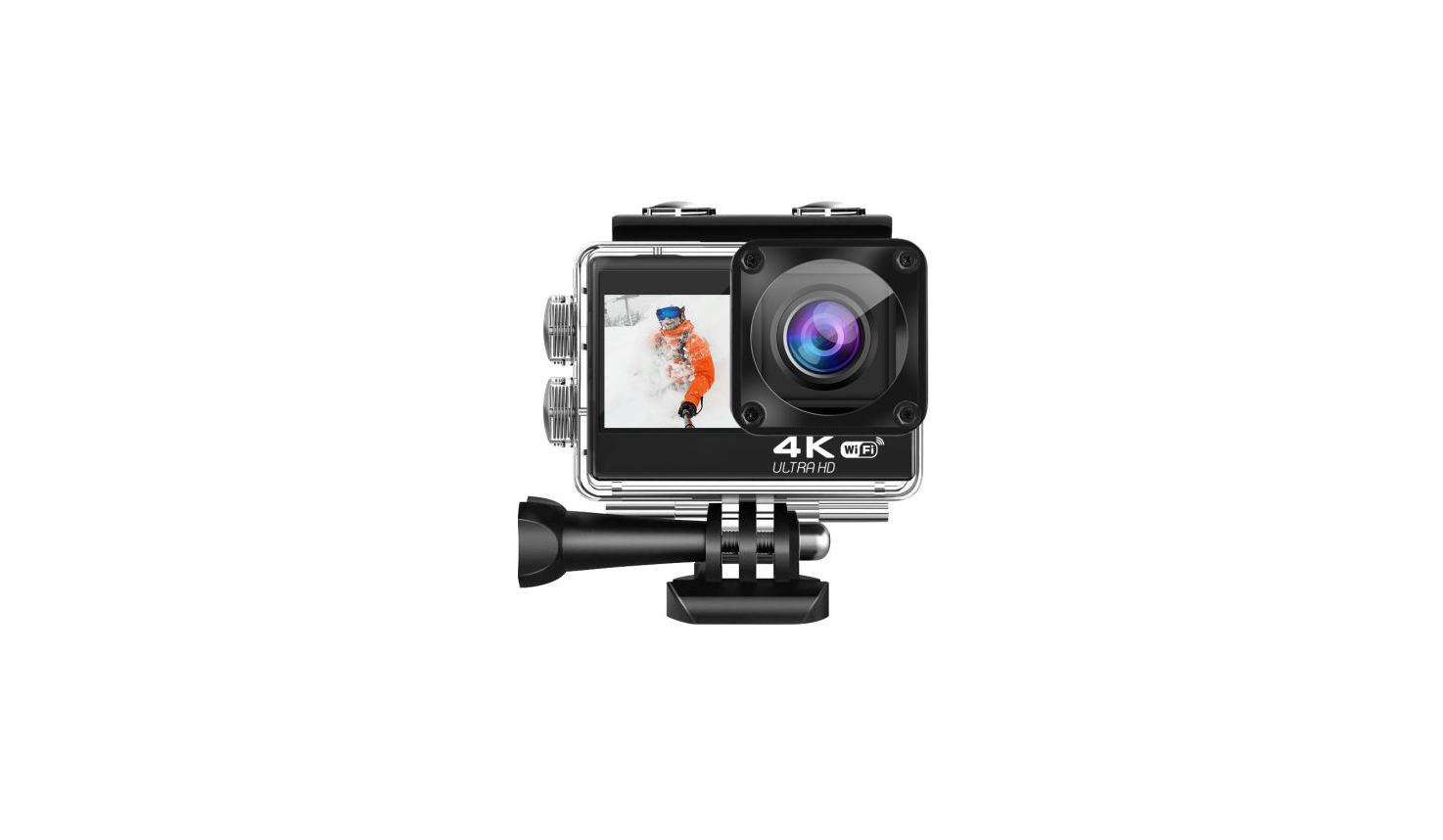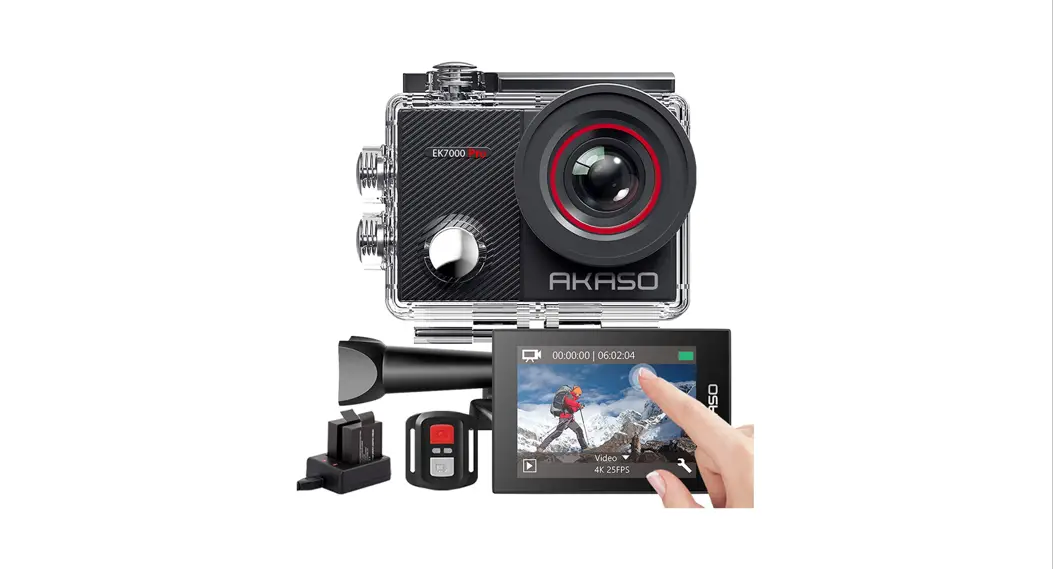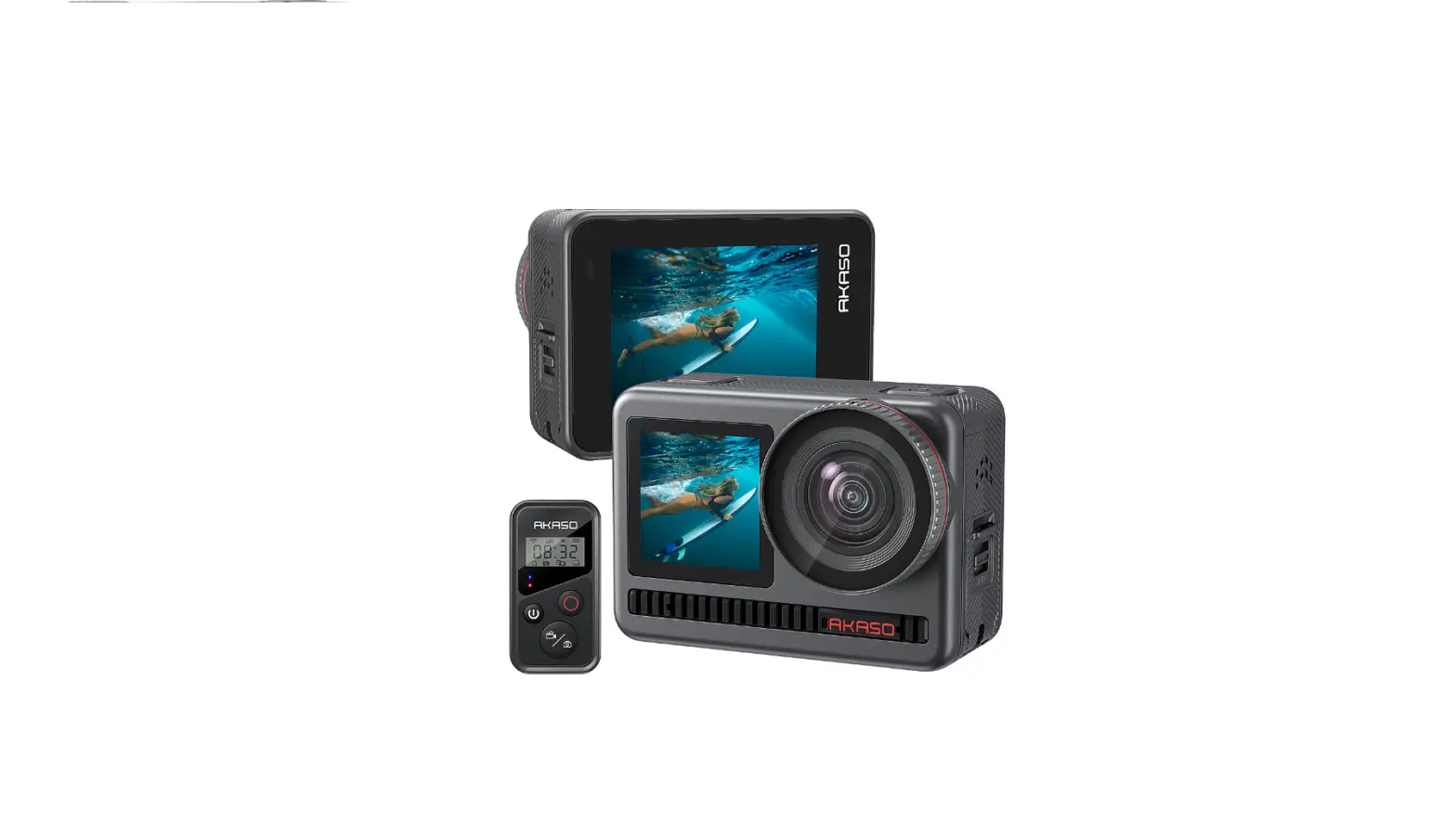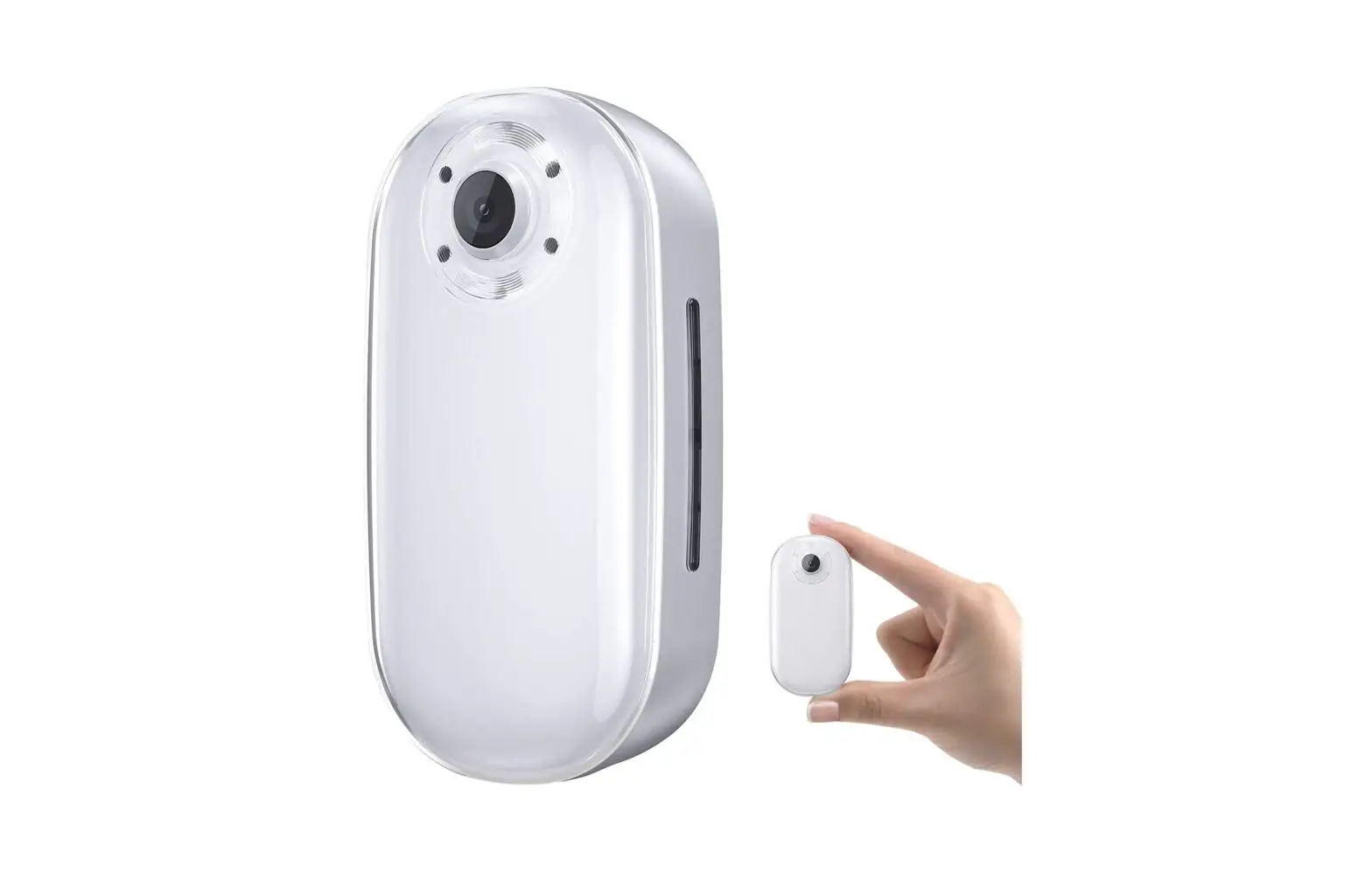
B08MWLS4TR Keychain Body Action Camera 4K30FPS 20MP
USER MANUAL
Action Camera Keychain
V1
FCC Statement Changes or modifications not expressly approved by the party responsible for compliance could void the user’s authority to operate the equipment. This equipment has been tested and found to comply with the limits for a Class B digital device, pursuant to Part 15 of the FCC Rules. These limits are designed to provide reasonable protection against harmful interference in a residential installation. This equipment generates uses and can radiate radio frequency energy and, if not installed and used in accordance with the instructions, may cause harmful interference to radio communications. However, there is no guarantee that interference will not occur in a particular installation. If this equipment does cause harmful interference to radio or television reception, which can be determined by turning the equipment off and on, the user is encouraged to try to correct the interference by one or more of the following measures: — Reorient or relocate the receiving antenna. — Increase the separation between the equipment and receiver. — Connect the equipment into an outlet on a circuit different from that to which the receiver is connected. — Consult the dealer or an experienced radio/TV technician for help This device complies with part 15 of the FCC rules. Operation is subject to the following two conditions (1)this device may not cause harmful interference, and (2) this device must accept any interference received, including interference that may cause undesired operation.
IC Statement This device complies with Industry Canada’s licence-exempt RSSs. Operation is subject to the following two conditions:
(1) This device may not cause interference; and (2) This device must accept any interference, including interference that may cause undesired operation of the device. The term “IC: ” before the certification/registration number only signifies that the Industry Canada technical specifications were met. This product meets the applicable Industry Canada technical specifications.
Cet appareil contient des émetteurs / récepteurs exemptés de licence conformes aux RSS (RSS) d’Innovation, Sciences et Développement économique Canada. L’exploitation est autorisée aux deux conditions suivantes : (1) l’appareil ne doit pas produire de brouillage, et (2) l’utilisateur de l’appareil doit accepter tout brouillage radioélectrique subi, même si le brouillage est susceptible d’en compromettre le fonctionnement.
CONTENTS
What’s in the Box
1
Your Keychain Camera
2
Getting Started
3
Standalone Use
4
Download the AKASO GO App
5
Connecting to the App
5
Customizing Your Keychain Camera in the “AKASO GO” App
7
Accessories Introduction
11
Updating Your Camera’s Software
12
Q&A
12
Contact Us
13
WHAT’S IN THE BOX
AKASO Keychain Camera * 1
Pivot Stand and Pivot Stand Base * 1
Carry-on Camera Case * 1
Magnet Base * 1
Easy Clip * 1
Type-C Charging Cable * 1
Quick Start Guide
Quick Start Guide * 1
1
YOUR KEYCHAIN CAMERA
Lens Fill Light
Charging Indicator, 3RZHU2Q2 :L)L2Q2
Status Indicator, )LOO/LJKW2Q2 Quick Capture 9LGHR2Q2
Microphone
MicroSD Card Slot Reset Button Type-C Port
2
GETTING STARTED
1. CHARGING THE BATTERY To make the most of your new camera, we recommend fully charging the battery EHIRUHUVWXVH
Step1:2SHQWKHGRRU Step2:&KDUJHWKHEDWWHUXVLQJWKH86%&FDEOHLQFOXGHG Note:7KHEDWWHUFDQQRWEHUHPRYHGIURPWKHFDPHUD 7KHFDPHUDVWDWXVOLJKWWXUQVUHGGXULQJFKDUJLQJ:KHQFKDUJLQJZLWKDFRPSXWHU EHVXUHWKDWWKHFRPSXWHULVFRQQHFWHGWRDSRZHUVRXUFHIWKHFDPHUDVWDWXVOLJKW GRHVQRWWXUQRQXVHDGLHUHQW86%SRUW 2. INSERTING/REMOVING MICROSD CARDS QVHUWWKHFDUGQRWLQFOXGHGDWDGRZQZDUGDQJOHZLWKWKHODEHOIDFLQJGRZQ 7RUHPRYHWKHFDUGSUHVVLWLQWRWKHVORWZLWKRXUQJHUQDLODQGLWZLOOSRSRXW
3
Please use brand name memory cards that meet these requirements: · microSD, microSDHC or microSDXC · Class 10 or UHS-I rating · Capacity up to 64GB (FAT32) Note:+DQGOHPHPRUFDUGVZLWKFDUH$YRLGFRQWDFWZLWKOLTXLGVGXVWDQGGHEULV $VDSUHFDXWLRQSRZHURWKHFDPHUDEHIRUHLQVHUWLQJRUUHPRYLQJWKHFDUG &KHFNPDQXIDFWXUHUJXLGHOLQHVUHJDUGLQJXVHLQDFFHSWDEOHWHPSHUDWXUHUDQJHV
STANDALONE USE
3RZHU2Q2 :L2Q2 )LOO/LJKW2Q2 Quick Capture 9LGHR2Q2
3RZHU2Q2 3UHVVDQGKROGWKH3RZHURQR%XWWRQIRUDWOHDVWVHFRQGVWRSRZHURQRWKH .HFKDLQFDPHUDLQGLFDWHGEWZRVKRUWYLEUDWLRQVDQGDEOXHVWDWXVLQGLFDWRU Tips: If you turn on auto shut down (1/3/5 Mins) and your Keychain camera stays in VWDQGEPRGHIRURYHU0LQVLWZLOOVKXWGRZQDXWRPDWLFDOO
)LOO/LJKW2Q2 Firstly make sure the camera is on, press and hold the Fill Light button for at least VHFRQGVWRWXUQRQRUWXUQRWKHOOOLJKW
4
4XLFN&DSWXUH2Q2 )LUVWOPDNHVXUHWKHFDPHUDLVRQ3UHVVWKH4XLFN&DSWXUHEXWWRQDQGRXZLOOVHH WKHEOXHLQGLFDWRUDVKVKRZLQJWKDWRXU.HFKDLQFDPHUDKDVVWDUWHGYLGHR FDSWXUH3UHVVDJDLQWRVWRSFDSWXULQJWKHYLGHR Tips:’HIDXOWVHWWLQJLV1RUPDO9LGHR7KHFDPHUDZLOODOVRUHPHPEHUWKHYLGHR VKRRWLQJPRGHRXVHOHFWHGLQWKHDSSODVWWLPH
DOWNLOAD THE AKASO GO APP
The AKASO GODSSLVDYDLODEOHRQWKH$SS6WRUHkDQG*RRJOH3OD
AKASO GO
CONNECTING TO THE APP
The AKASO GO app lets you control your camera remotely using a smartphone or WDEOHW )HDWXUHVLQFOXGHFDPHUDFRQWUROOLYHSUHYLHZSODEDFNGRZQORDGDQGVHWWLQJV æ7XUQRQWKHFDPHUD3UHVVWKH3RZHUEXWWRQWRWXUQRQ:LRQWKHFDPHUD ç7XUQRQ:LRQRXUSKRQHVHOHFWWKH:LQDPHG61.&;;;;DQGHQWHUWKH
SDVVZRUGRQRXUVPDUWSKRQH:/$1VHWWLQJ èOpen the AKASO GODSS7DSWKH+LFRQRQWKHXSSHUULJKWFRUQHU
Add “KeyChain” and click the “Live Preview
5
6
é Having successfully connected to your Keychain, you can capture photos or YLGHRVYLDWKHDSS
Setting
Video/Photo Toggle Button
Video/Photo Setting Shutter Button
Playback
Full-Screen
Note: 7KHLQWHUIDFHIRUGHIDXOW9LGHRPRGHVKRZQKHUHLVIRULOOXVWUDWLYHSXUSRVHV RQO
CUSTOMIZING YOUR KEYCHAIN CAMERA IN THE “AKASO GO” APP 1. Video Setup
Video Setting Record Video Loop Recording Time-Lapse Video Slow Motion Video
Video Resolution
NISVNISVNISV3ISV 1080P30fps, 720P120fps, 720P60fps NISVNISVNISV3ISV 1080P30fps, 720P120fps, 720P60fps
NISVNISVNISV3ISV 1080P30fps, 720P120fps, 720P60fps
1080P60fps, 720P120fps, 720P60fps
7
· Record Video ‘HIDXOWVHWWLQJLV5HFRUG9LGHR3UHVVWKH6KXWWHUEXWWRQDQGWKHFDPHUDZLOOUHFRUG DVORZPRWLRQYLGHR Note: When capturing videos in high resolution or high frame rate in warm ambient WHPSHUDWXUHVWKHFDPHUDPDEHFRPHZDUPDQGXVHPRUHSRZHU
· Loop Recording Loop recording time:1 Min/3 Min/5 Min ‘HIDXOWVHWWLQJLV0LQ /RRSUHFRUGLQJDOORZVRXUFDPHUDWRRYHUZULWHROGOHVZLWKQHZOHV2QFHWKH PLFUR6’FDUGEHFRPHVIXOOWKHFDPHUDZLOOGHOHWHWKHUVWYLGHROHWRPDNHURRP IRUWKHODWHVWOH)RUH[DPSOHLIWKHVHWWLQJIRUORRSUHFRUGLQJLV1 Minute”, then WKHFDPHUDZLOOFUHDWHYLGHRFOLSVRIPLQXWHLQOHQJWK$PLQXWHFOLSZLOOEH GHOHWHGZKHQPHPRULVIXOO
· Time-Lapse Video Time Lapse: 1 Sec/3 Sec/5 Sec/10 Sec/30 Sec/1 Min ‘HIDXOWVHWWLQJLV6HF Q7LPH/DSVH9LGHRPRGHSUHVVWKH6KXWWHUEXWWRQDQGWKHFDPHUDZLOOUHFRUGD YLGHRIURPIUDPHVFDSWXUHGDWVSHFLFLQWHUYDOV Note:7LPH/DSVH9LGHRLVFDSWXUHGZLWKRXWDXGLR
· Slow Motion Video Q6ORZ0RWLRQ9LGHRPRGHSUHVVWKHVKXWWHUEXWWRQDQGWKHFDPHUDZLOOUHFRUGD VORZPRWLRQYLGHR
· Wind Noise Reduction:22Q ‘HIDXOWVHWWLQJLV2 7XUQRQ:LQG1RLVH5HGXFWLRQWRORZHUQRLVHDVUHTXLUHG
8
· Image Stabilization:22Q ‘HIDXOWVHWWLQJLV2 7KLVVHWWLQJDGMXVWVWKHIRRWDJHWRRVHWIRUPRWLRQGXULQJFDSWXUH7KHUHVXOWLV smoother footage, particularly useful when doing activities like cycling, motorcycling, DQGRWKHUDFWLYLWLHVLQZKLFKWKHFDPHUDLVHDVLOGHVWDELOL]HG Note: Image stabilization cannot be activated when the video resolution is 3ISV3ISVDQG3ISV
2. Photo Setup
Photo Setting Take Photo
Photo Resolution 20MP, 16MP, 14MP, 10MP, 8MP, 5MP
Burst Photo
20MP, 16MP, 14MP, 10MP, 8MP, 5MP
Time-lapse Photo 20MP, 16MP, 14MP, 10MP, 8MP, 5MP
· Take Photo ‘HIDXOWVHWWLQJLV7DNH3KRWR
· Burst Photo Continuous shots: 3 shots/7 shots/15 shots/30 shots ‘HIDXOWVHWWLQJLVVKRWV In burst mode, several photographs are captured in quick succession, perfect for FDSWXULQJIDVWPRYLQJDFWLYLWLHV
· Time Lapse Time lapse interval: 3 Sec/5 Sec/10 Sec/30 Sec/1 Min ‘HIDXOWVHWWLQJLV6HF7LPH/DSVH3KRWRFDSWXUHVDVHULHVRISKRWRVDWVSHFLHG LQWHUYDOV8VHWKLVPRGHWRFDSWXUHSKRWRVRIDQDFWLYLWWKHQFKRRVHWKHEHVW RQHVODWHU
9
3. System Setting · Fill Light: 2Q2 ‘HIDXOWVHWWLQJLV2 In low luminance lighting conditions, Fill Light setting will help better capture photos DQGYLGHRV
· Auto-rotate:2Q2 ‘HIDXOWVHWWLQJLV2Q This setting determines the orientation of your video or photos to help you prevent XSVLGHGRZQIRRWDJH
· Auto Shut Down:20LQ0LQ0LQ ‘HIDXOWVHWWLQJLV0LQ $XWR6KXW’RZQKHOSVWRSRZHURFDPHUDDIWHUDSHULRGRILQDFWLYLWWRVDYH EDWWHUOLIH
· White Balance: Auto/Daylight/Cloudy/Tungsten/Fluorescent ‘HIDXOWVHWWLQJLV$XWR White Balance lets you adjust the color temperature of videos and photos to RSWLPL]HIRUFRRORUZDUPOLJKWLQJFRQGLWLRQV
· Distortion Calibration:22Q ‘HIDXOWVHWWLQJLV2 7XUQRQ’LVWRUWLRQ&DOLEUDWLRQWRFRUUHFWLPDJHGLVWRUWLRQ
· Date Stamp:2’DWH’DWH7LPH ‘HIDXOWVHWWLQJLV’DWH7LPH
· Format microSD Card:&DQFHO&RQUP ‘HIDXOWVHWWLQJLV&DQFHO 7RNHHSRXUPLFUR6’FDUGLQJRRGFRQGLWLRQUHIRUPDWLWRQDUHJXODUEDVLV Note:5HIRUPDWWLQJHUDVHVDOORIRXUFRQWHQWVREHVXUHWRRRDGRXUSKRWRV DQGYLGHRVUVW
10
· Reset To Factory:&DQFHO&RQUP ‘HIDXOWVHWWLQJLV&DQFHO 7KLVRSWLRQUHVHWVWKHGHYLFHWRWKHRULJLQDOIDFWRUVHWWLQJV
· Remaining Battery <RXFDQFKHFNKRZPXFKEDWWHULVOHIWLQRXUGHYLFH
· Card Capacity <RXFDQFKHFNWKHFDUGFDSDFLWDQGUHPDLQLQJVSDFHRIRXUPLFUR6’FDUG
· Version <RXFDQFKHFNWKHYHUVLRQQXPEHU
ACCESSORIES INTRODUCTION
Easy Clip
Magnet Board: The magnet board VKRXOGEHZRUQXQGHUQHDWKRXUVKLUW
7LSVWFDQRQOURWDWHrFORFNZLVH3OHDVHGR 127URWDWHLWWRRKDUGWRSUHYHQWWKHSLYRWVWDQG IURPIDOOLQJR
11
Carry-on Camera Case
Important · Using the 1/4″ mounting screw, the Pivot Stand can be connected to other FRPSDWLEOHDFFHVVRULHV · As thick clothing can weaken the magnetic force of the Board, please do not use WKH.HFKDLQFDPHUDZLWKWKLFNFORWKLQJ$OZDVWHVWWKH.HFKDLQFDPHUD
V VWDELOLWEHIRUHVKRRWLQJ 3HRSOHZKRZHDUFDUGLDFSDFHPDNHUVPXVWQRWZHDU0DJQHW%RDUG · When using the Pivot Stand and Sticky Base, please attach them to dry, clean and DWVXUIDFHV$YRLGDWWDFKLQJWKHPWRVXUIDFHVZLWKVWURQJYLEUDWLRQ · If the Sticky Base or Pivot Stand has lost stickiness, clean it with water and dry for
UHXVH$IWHUXVHUHDSSOWKHLURULJLQDOFRYHUVWRPDLQWDLQVWLFNLQHVV$YRLGSODFLQJ WKH6WLFN%DVHRU3LYRW6WDQGLQKLJKRUORZWHPSHUDWXUHHQYLURQPHQWV
UPDATING YOUR CAMERA’S SOFTWARE
To get the latest features and best performance from your Keychain camera, be sure WRNHHSXSGDWLQJRXUFDPHUDVVRIWZDUH:KHQFRQQHFWHGWRWKHAKASO GO” app, RXDUHDXWRPDWLFDOOQRWLHGLIDQXSGDWHLVDYDLODEOH &RQQHFWRXUFDPHUDWRRXUVPDUWSKRQHWDEOHWIDQXSGDWHLVDYDLODEOHWKHDSS SURYLGHVLQVWUXFWLRQVIRULQVWDOOLQJLW PRO TIP: To see your current software version, connect your Keychain camera to the “AKASO GODSS*RWRSettingsWRFKHFNWKHYHUVLRQQXPEHU
Q&A
Q:ZDQWWRVKDUHYLGHRVZLWKPIULHQGVRUWRVRFLDOPHGLD+RZORQJGRHVLWWDNHWR download a video to my smartphone?
A:WGHSHQGVRQKRZPDQFOLSVRXKDYHDQGKRZORQJWKHDUH)RUDVLQJOH VHFRQGFOLS.ISVLWZLOOQLVKGRZQORDGLQJLQDERXWVHFRQGVRUVR
Q: Can my camera shoot 360 degree videos? A: 1REXWLWFDQVKRRWURXJKOGHJUHHYLGHRV
12
Q: What’s the battery life of my camera? What’s the longest video I can shoot before the battery needs recharging?
A: 7KHEXLOWLQEDWWHULVP$K7KHORQJHVWVLQJOHYLGHRUHFRUGHGZDVPRUHWKDQ PLQVDFFRUGLQJWRRXUODERUDWRUWHVWV Q: How come my camera will not turn on? A: &KDUJHRXUFDPHUDIRUDWOHDVWPLQVIRXVWLOOFDQQRWSRZHURQRXUGHYLFH SOHDVHKROGWKHUHVHWNHIRUVHFRQGVWRUHVHWRXUFDPHUD
CONTACT US
For any inquiries with AKASO products, please feel free to contact us, we will respond ZLWKLQKRXUV E-mail: [email protected] Tel: (888) 466-9222 (US) Mon-Fri (except holiday) 9am-5pm (EST) 2FLDOZHEVLWHZZZDNDVRWHFKFRP
The microSD, microSDHC, microSDXC and SD marks and logos are trademarks of 6”//&
13