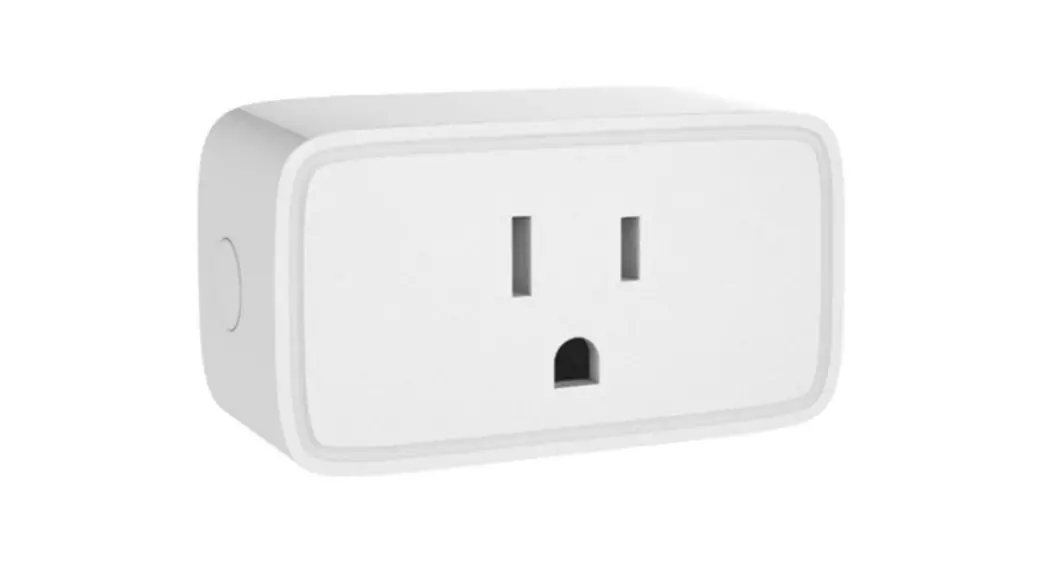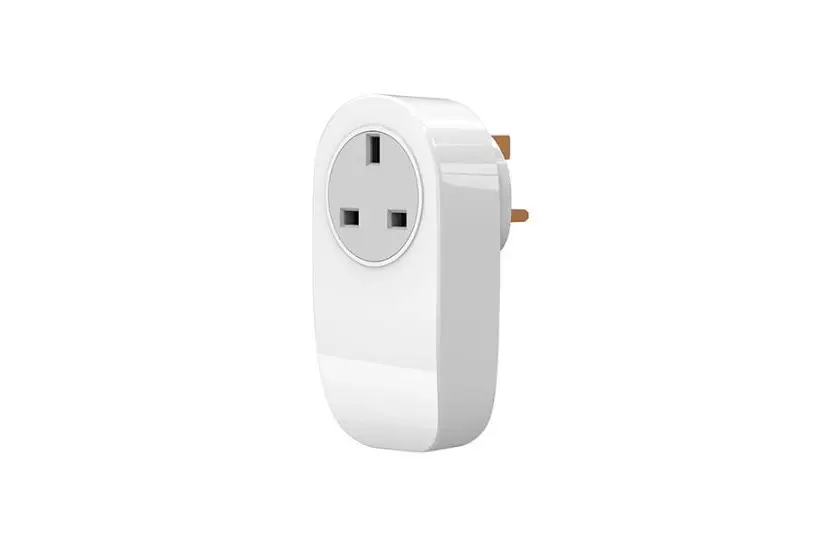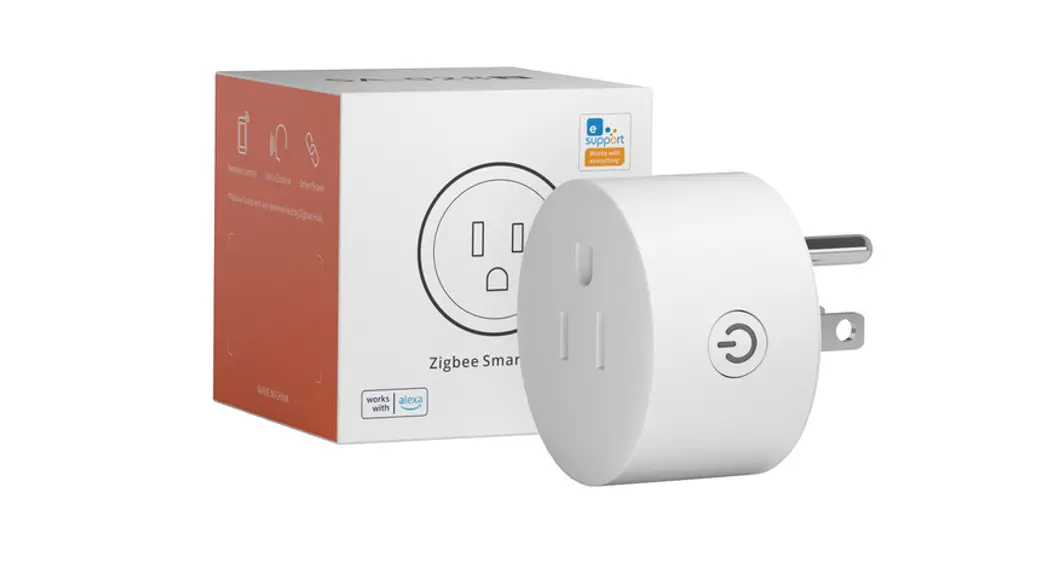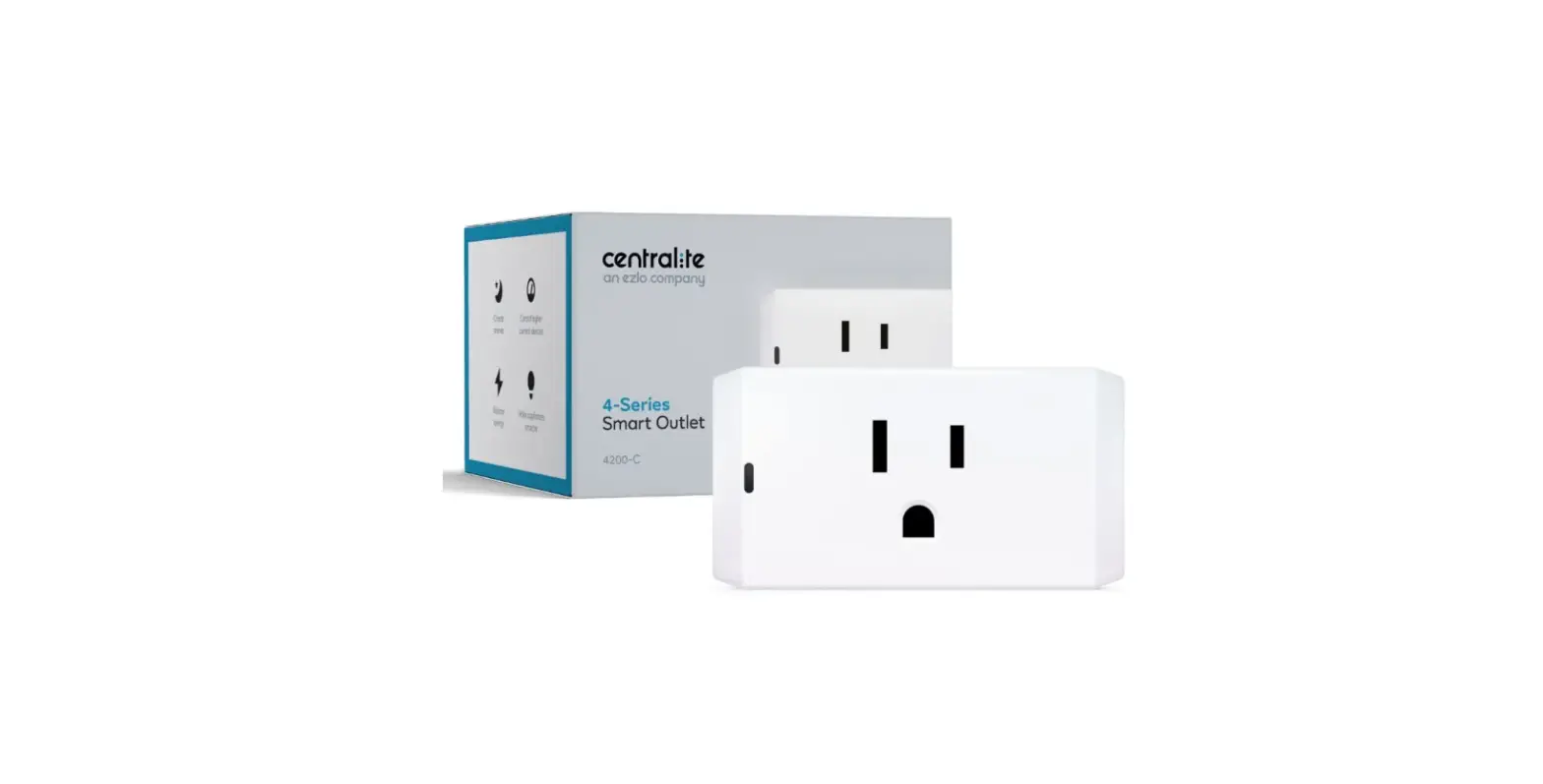

Centralite 4200-C Zigbee Smart Outlet for Home Automation
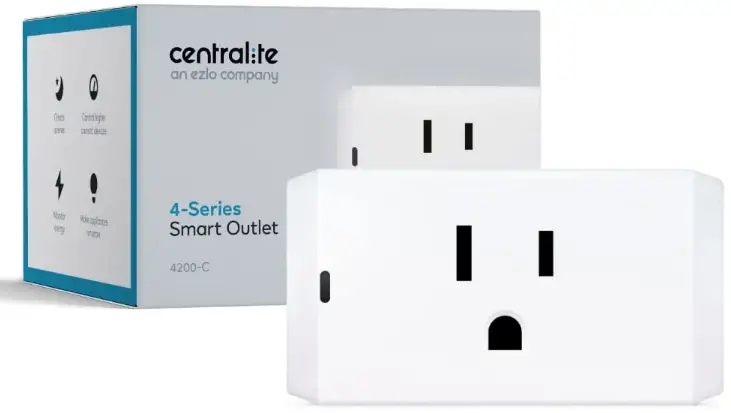
Performing a Full Reset
- Unplug the Smart Outlet from the wall outlet.
- Press and hold the Smart Outlet’s side button while plugging the Smart Outlet back in.
- After the status LED turns ON, release the button.
- The Smart Outlet will now begin searching for a controller to connect to.

Supported Loads
- General Purpose: 120 VAC 15A
- Resistive: 120V, 15A max
- Motor: 120V, 1/2 HP max
- TV: 120V, 470W max
Shipping/Storage
- Temperature: -40° to 50°C
- Degree of Protection: IP20
Humidity Range: 0 to 90% R.H. (non-condensing)
Indoor Use Only
Warning: The devices are not intended for use in location where the temperature may by less than actual room conditions such as unheated warehouses or garages.
- Enter the discovery mode using your smart home controller’s app. Some apps call this “add a new device.”

Echo Plus users:
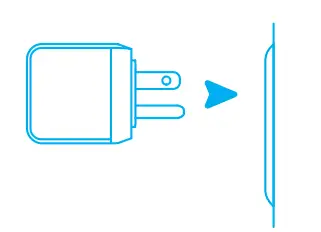
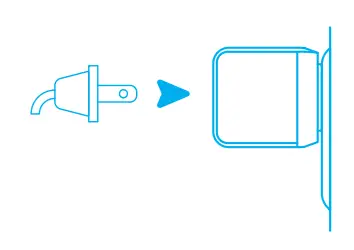
Say, “Alexa, discover new devices” and wait for the spinning blue pattern on the light ring. - Plug the Smart Outlet into a nearby wall outlet and it will begin searching for your smart home controller.

- The Smart Outlet’s status LED will stop blinking and begin flashing red, green, and blue once it has successfuly connected to your controller.

Note: If your controller can’t connect to the Smart Outlet, see Troubleshooting (on the reverse page). - Plug an appliance or lamp into the Smart Outlet and control it from your app!

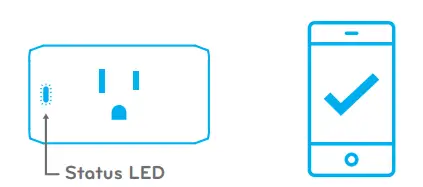
LED Patterns
 Blinking: Searching for networks.
 Flashing: Successfully joined the network.
 Solid: Connected and load is on.
 Off: Connected and load is off.
 Blinking: Searching for networks.
 Flashing: Successfully joined the network.
 Solid: Connected and load is on.
 Off: Connected and load is off.
Turning On/Off
You can toggle the Smart Outlet on and off via your smart home controller’s app or by pressing the power button on the side of the Smart Outlet.
WARNING!
- The total current limit of the device is 15 amps. Do not exceed this value!
- If a direct short is created on the output, the Smart Outlet will be damaged and will no longer function.
- If a load greater than 15 amps is attached to the output, the Smart Outlet will be damaged and will no longer function.
Troubleshooting
My app/controller can’t find the Smart Outlet.
- Move the Smart Outlet to a location closer to your smart home controller and repeat setup.
- Perform a full reset on the Smart Outlet (next page).
My Smart Outlet has stopped responding.
- Restart the Smart Outlet by unplugging it and then plugging it back in.
- Remove the device from your system using your smart home controller’s app and then perform a full reset (next page). Finally, rediscover the device with your app.
Still having issues?
Our live support team is here to help!
They’re awesome, give ‘em a try.
Phone: 877-466-5483
E-mail: [email protected]
Web: www.centralite.com
Live support available Mon-Fri, 8 am-5 pm CST
FCC NOTICE
This device complies with Part 15 of the FCC Rules. Operation is subject to the following two conditions:
- This device may not cause harmful interference.
- This device must accept any interference received, including interference that may cause undesired operation.
NOTE: This equipment has been tested and found to comply with the limits for a Class B digital device, pursuant to Part 15 of the FCC Rules. These limits are designed to provide reasonable protection against harmful interference in a residential installation. This equipment generates uses and can radiate radio frequency energy and, if not installed and used in accordance with the instructions, may cause harmful interference to radio communications. However, there is no guarantee that interference will not occur in a particular installation. If this equipment does cause harmful interference to radio or television reception, which can be determined by turning the equipment off and on, the user is encouraged to try to correct the interference by one or more of the following measures: -Reorient or relocate the receiving antenna. -Increase the separation between the equipment and receiver. -Connect the equipment into an outlet on a circuit different from that to which the receiver is connected. -Consult the dealer or an experienced radio/TV technician for help.
WARNING: Changes or modifications not expressly approved by the party responsible for compliance could void the user’s authority to operate the equipment.
RF Exposure: The equipment complies with FCC radiation exposure limits set forth for an uncontrolled environment. This device should be installed and operated with a minimum distance 20cm between the radiator & your body.
IC NOTICE: This device complies with Canada Industry licence-exempt RSS standard(s). Operation is subject to the following two conditions:
- this device may not cause interference; and
- this device must accept any interference.
Including interference that may cause undesired operation of the device.
Radiation Exposure Statement: This equipment complies with IC radiation exposure limits set forth for an uncontrolled environment. This equipment should be installed and operated with a minimum distance 20cm between the radiator & your body.
FAQS
Most ZigBee HA 1.2 compatible hubs/controllers support several of the same devices to be paired with them, but that’s really a question for Amazon support since you’re asking about their Alexa Echo devices.
No
No, only push notifications from the Alexa app
The Centralite Micro Door Sensor has a built-in temperature sensor, however, the functionality of this capability depends on the integration the device has with the smart home hub you’re using.
the maximum range of the sensor is 130+ ft. (40+ m) L.O.S, this keeping in mind that you don’t have any
obstacles from one device to another.
Depends on the feature. No humidity in echo
The sensor itself does not have a chime feature. However, if you use it with the Amazon Echo Plus, you can create a routine that “speaks” when the sensor is opened. For example, if you installed this on your front door, you could have Alexa say ” front door opened” each time the contact sensor was opened.
It is not weather sealed, or really the right kind of plastic to be exposed to UV to use outside. And taking a look at the circuit board, there is no conformal coating. So my best answer to you would be that is not a great idea, no. If you needed something short-term (say a week or so) and it wasn’t directly exposed to weather, it would probably work just fine, but for the long term, I would look for a more robust, outside-rated device.
Mine appears to give an update whenever the temperature changes by 1 degree F.
You can select the “SmartSense Temp/Humidity Sensor” device handler.
Yes it will work with the 3rd gen SmartThings hub without any extra stuff on your part. Just pare it and you will be good to go.
The Micro Motion Sensor (3328-C) is not rated for outdoor use or exposure to wet environments. Its operating temperature range is 0-40 degrees C, and the humidity range of 0-90% (non-condensing).
The holes are intended for visual feedback when pairing the device with a HUB/Controller.
Yes, it will work with the 3rd gen SmartThings hub without any extra stuff on your part. Just pare it and you will be good to go.