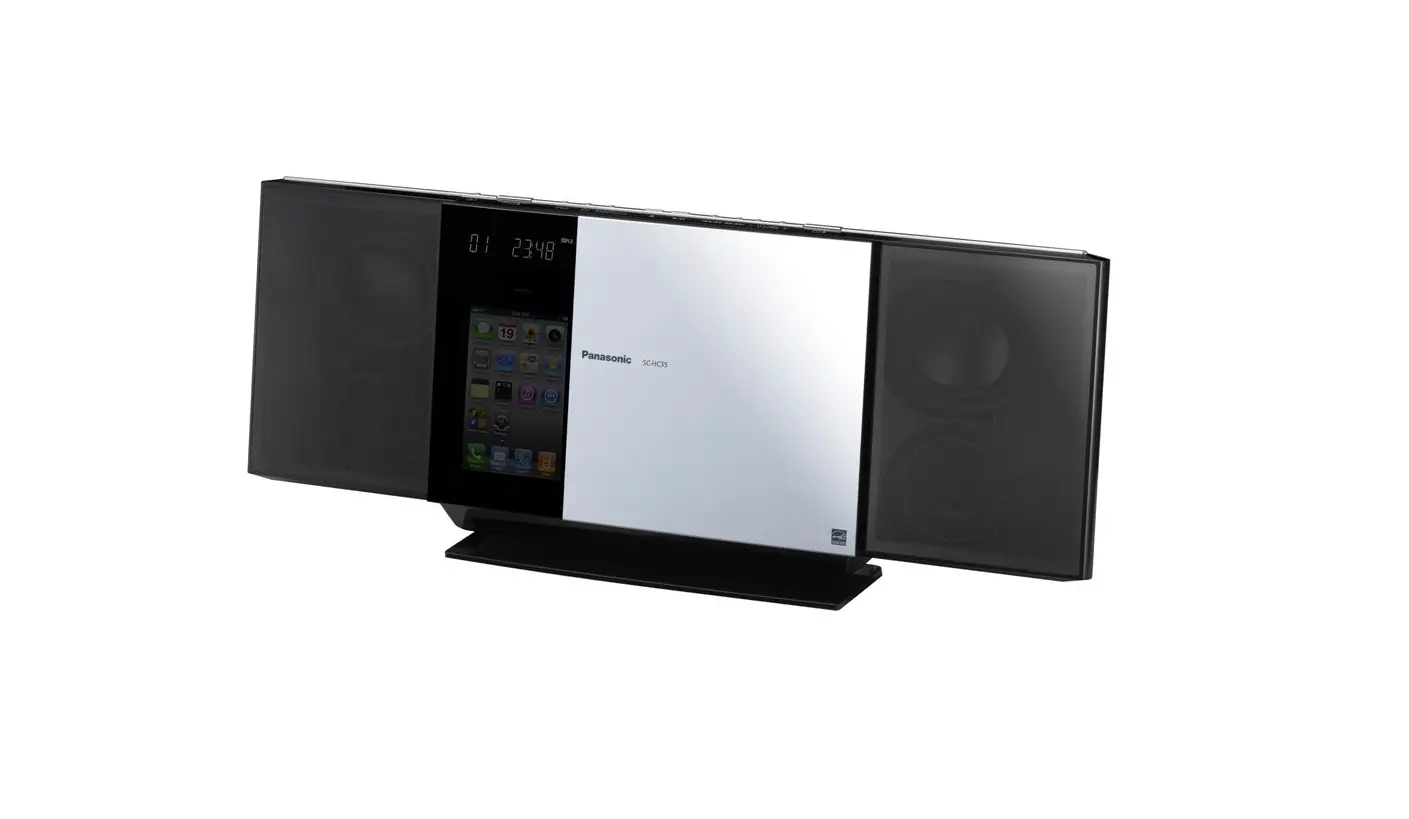
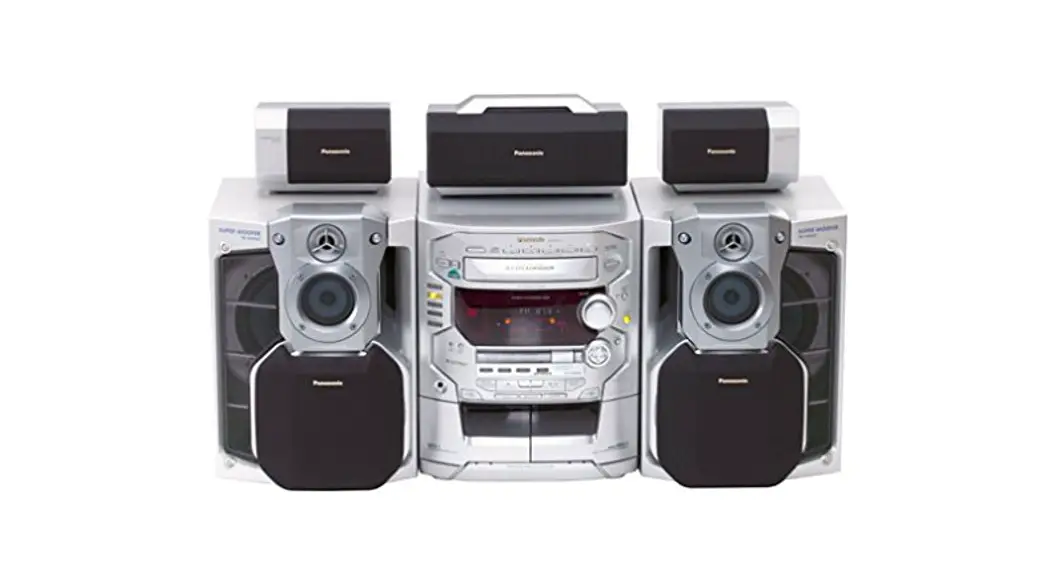
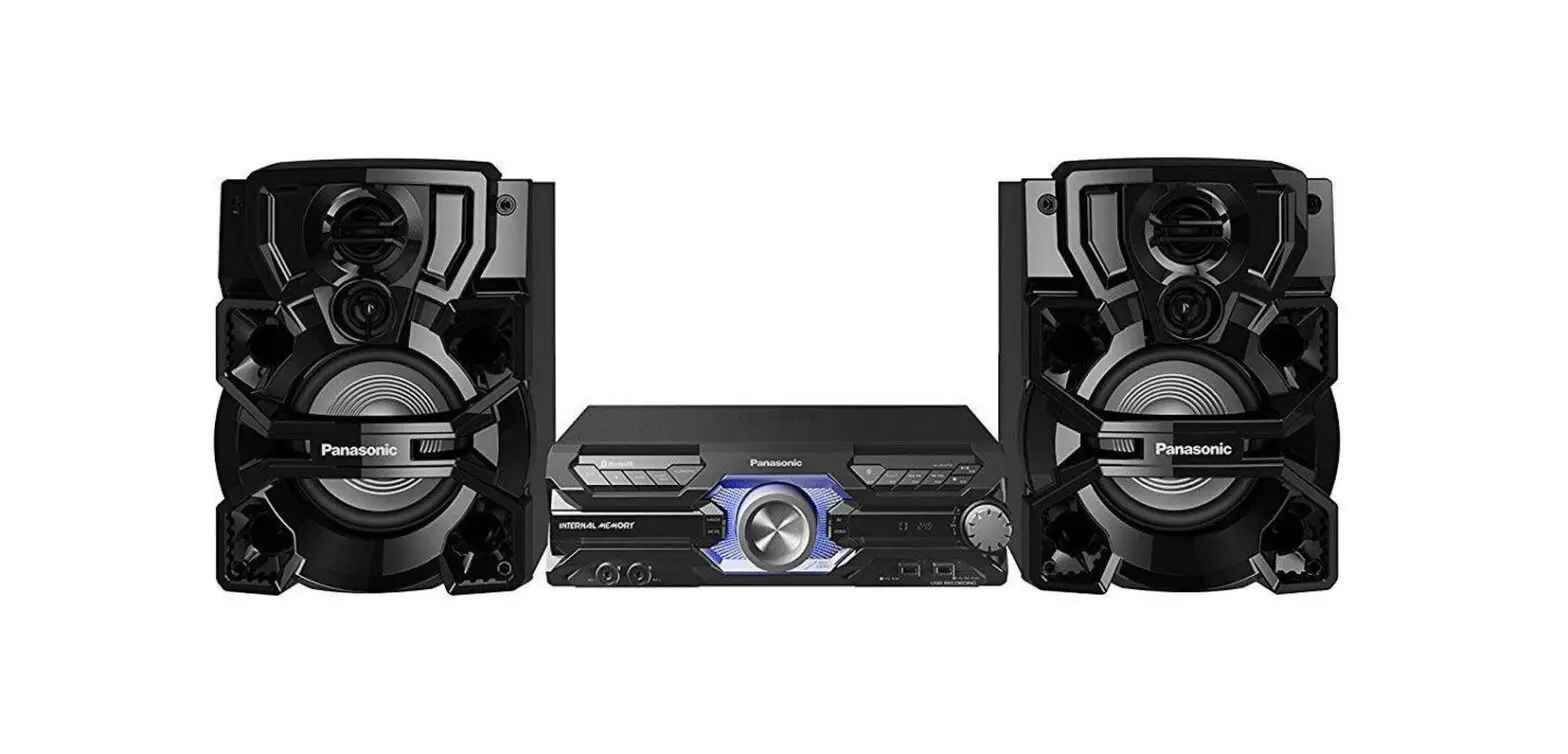
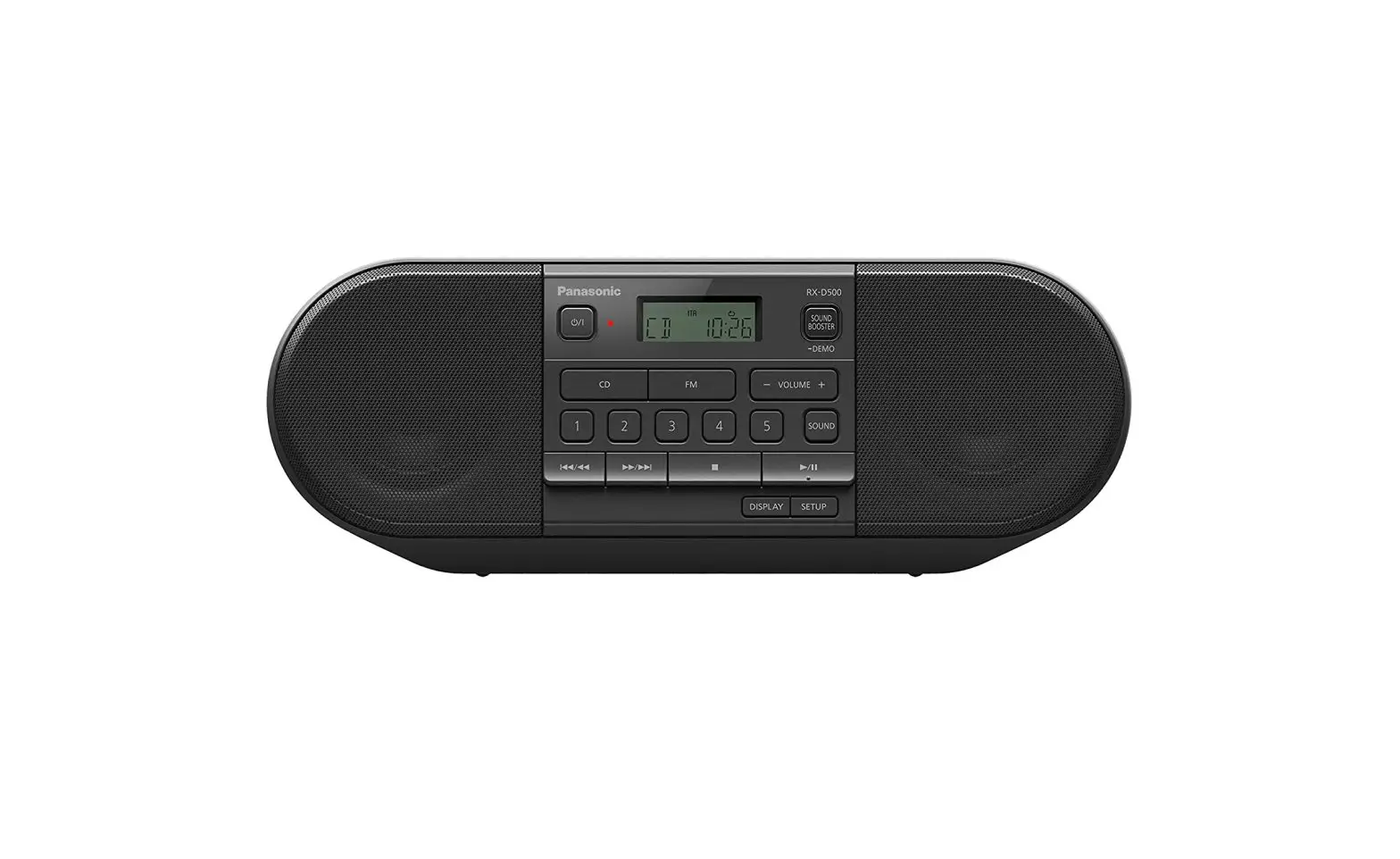
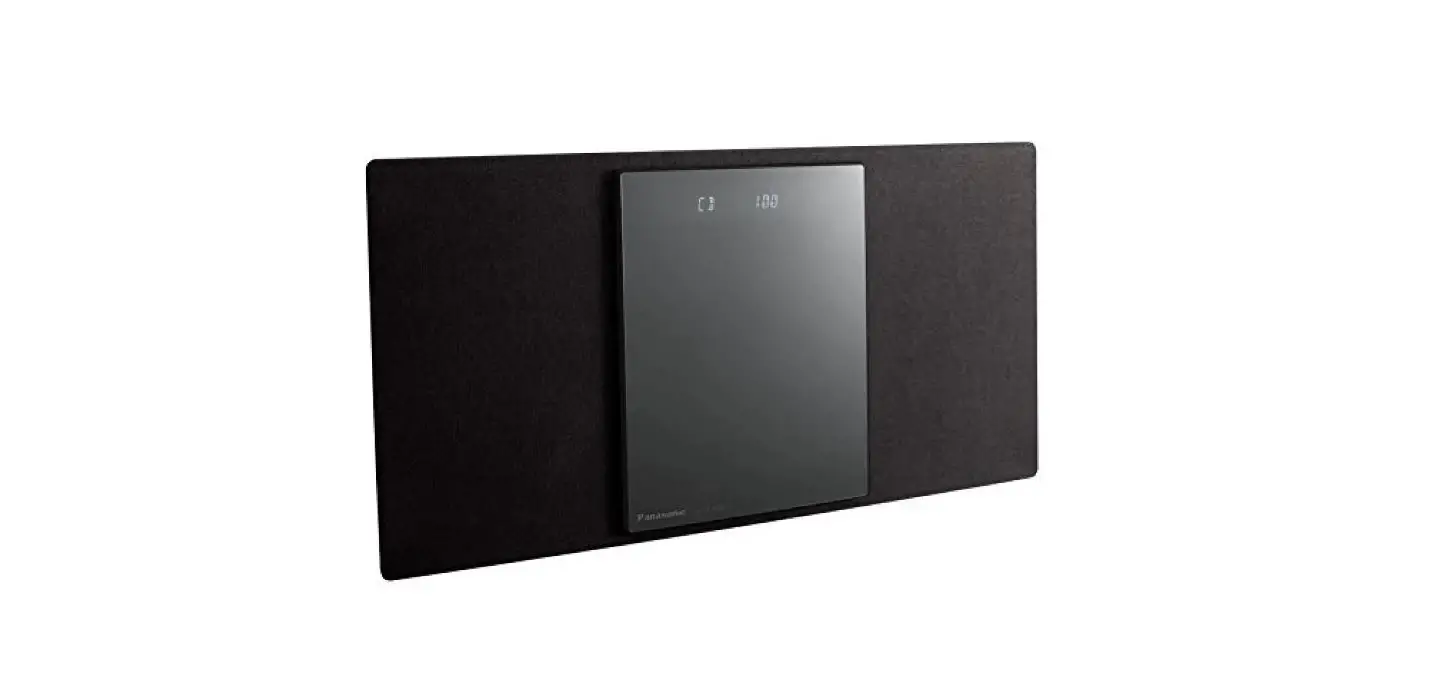
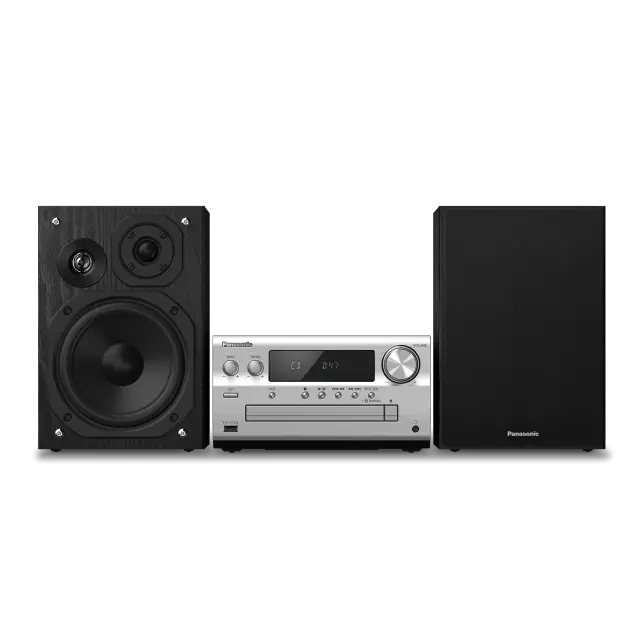
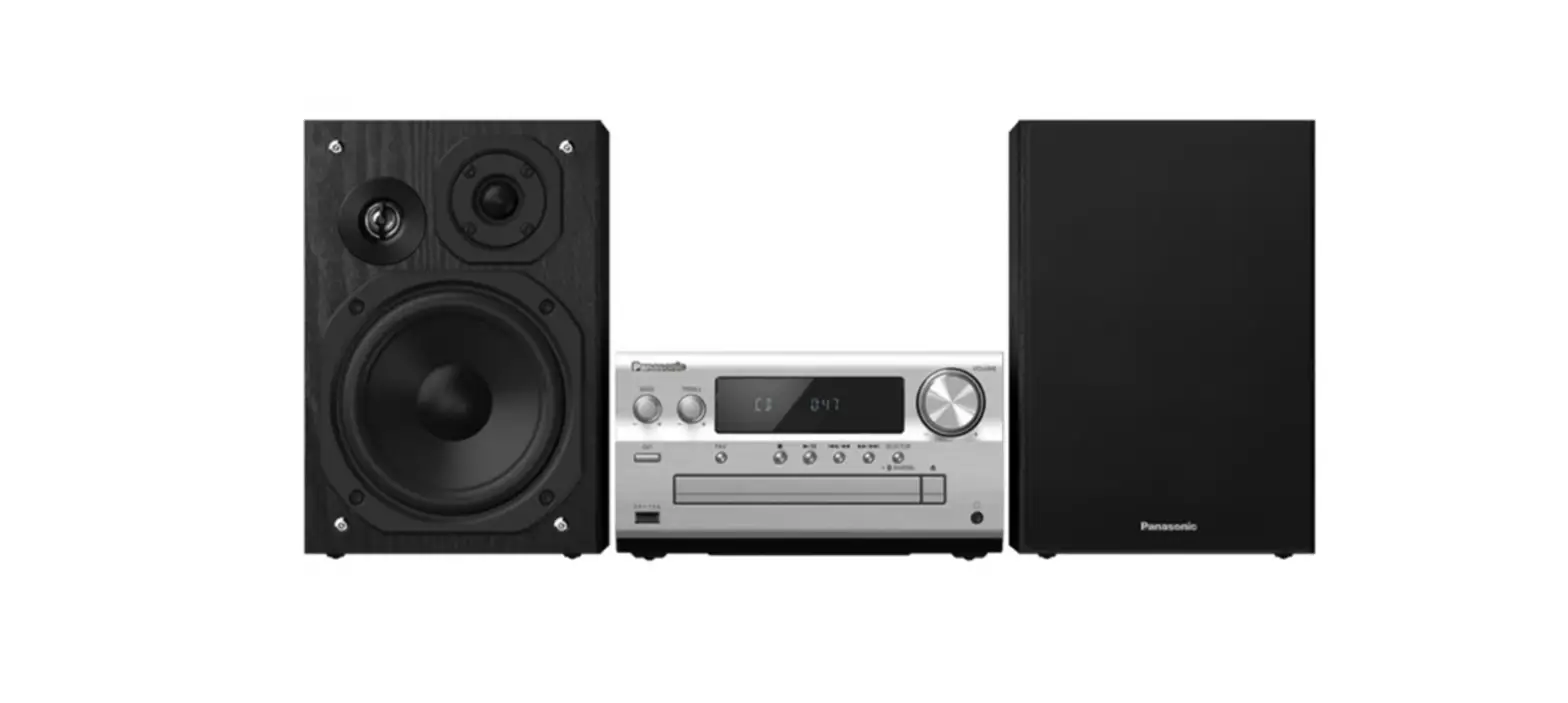
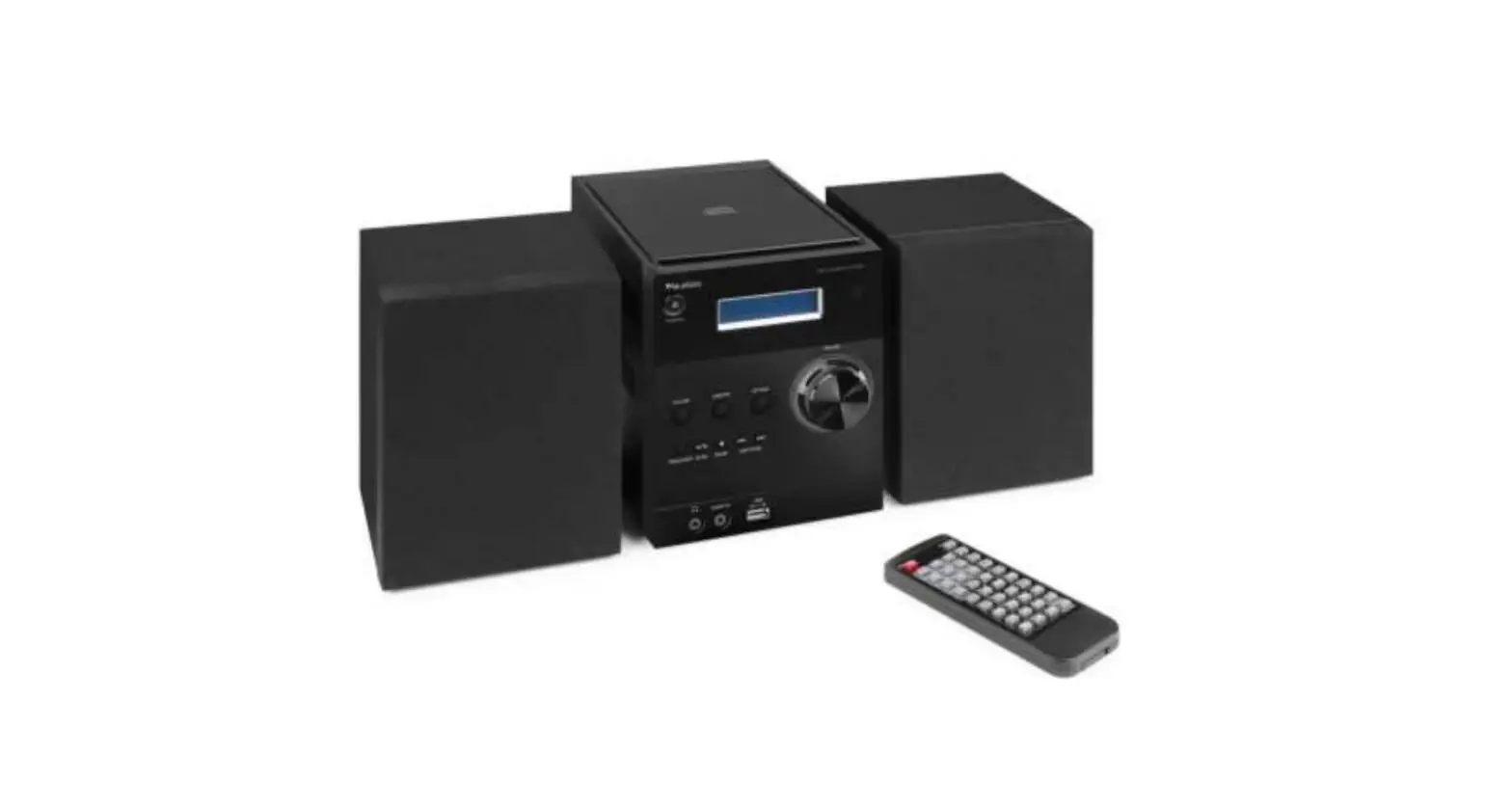
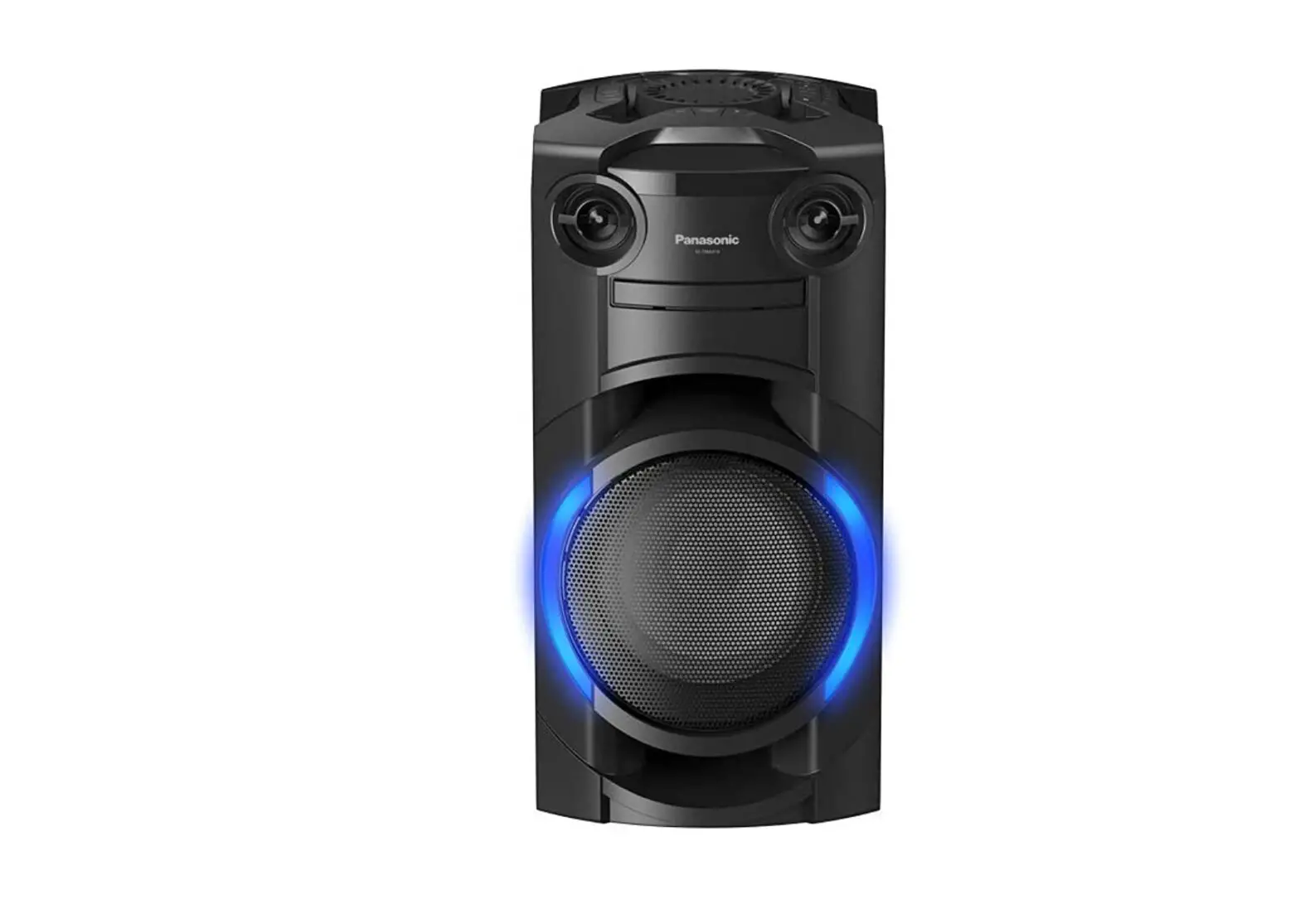
SC-DM202 Compact Stereo System
Product Information
The Input Menu is a feature of this product that allows users to
customize and control various input settings.
Product Usage Instructions
- Press the “INPUT MENU” button on the product’s control
panel. - A menu will appear on the product’s display screen.
- Use the navigation buttons to select the desired input
option. - Press the “ENTER” button to confirm the selection.
- Repeat steps 3-4 to customize other input settings.
- To exit the Input Menu, press the “EXIT” or “MENU” button.
INPUT MENU
INTRO Info
INPUT MENU
INTRO Info
INPUT MENU
INTRO Info
INPUT MENU
INTRO Info
INPUT MENU
INTRO Info
INPUT MENU
INTRO Info
INPUT MENU
INTRO Info
INPUT MENU
INTRO Info
INPUT MENU
INTRO Info
INPUT MENU
INTRO Info
INPUT MENU
INTRO Info
INPUT MENU
INTRO Info
INPUT MENU
INTRO Info
INPUT MENU
INTRO Info
INPUT MENU
INTRO Info
INPUT MENU
INTRO Info
INPUT MENU
INTRO Info
INPUT MENU
INTRO Info
INPUT MENU
INTRO Info
INPUT MENU
INTRO Info