Multiclix Lancet Device
Product Information:
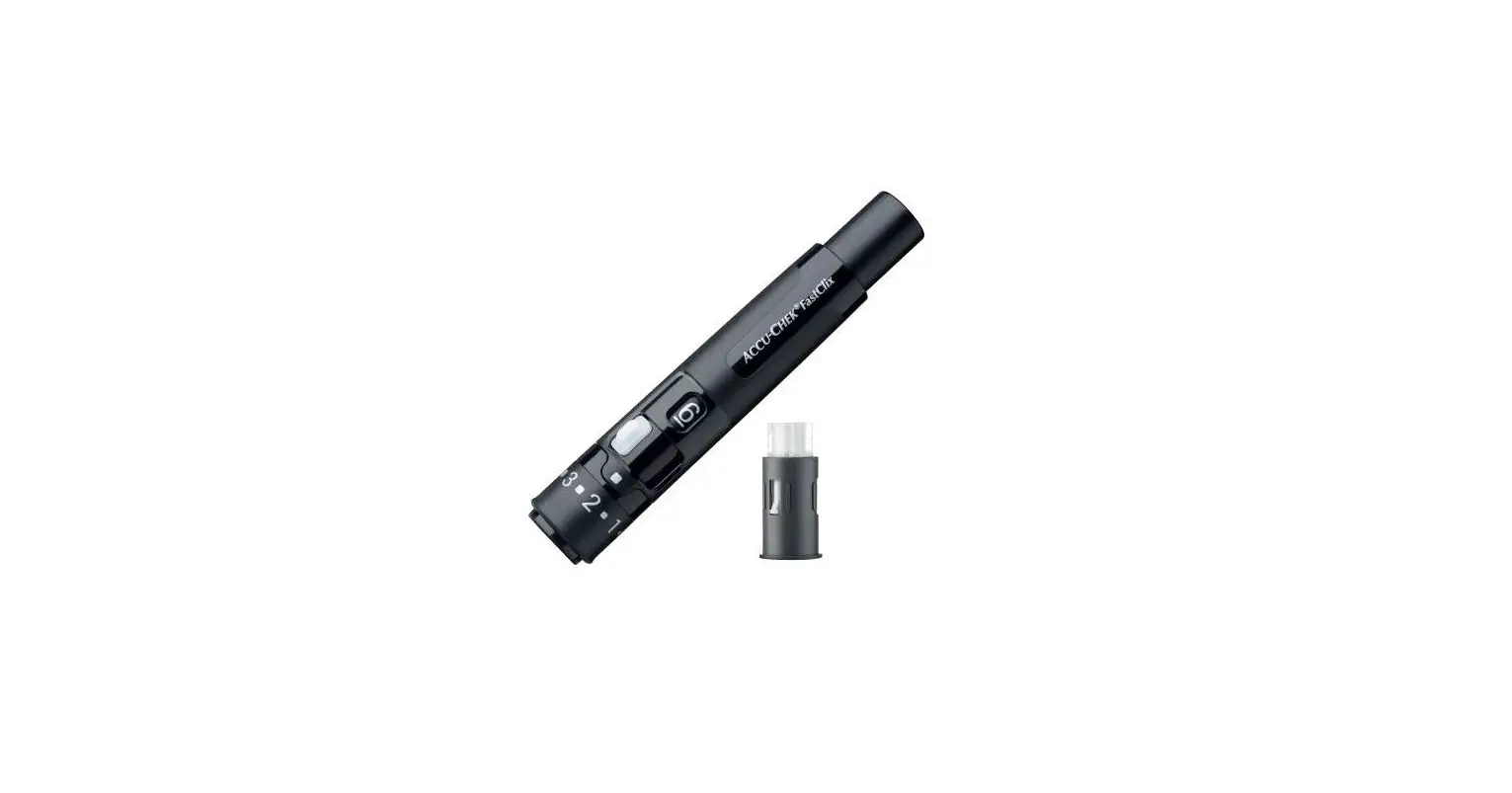
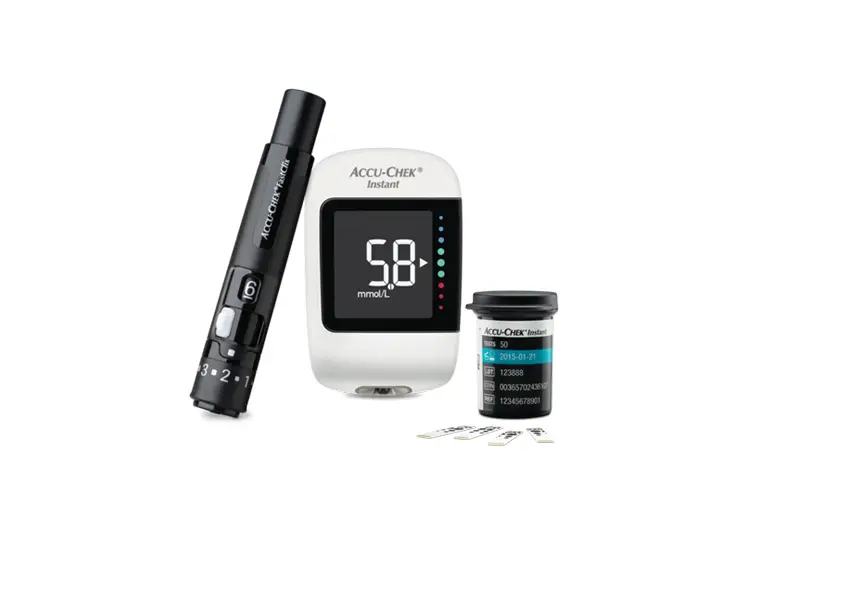
The product is a lancet device used for blood glucose testing.
It is designed for easy and virtually pain-free testing. The lancet
device uses lancet drums, which are loaded into the device to
create a small puncture in the skin for blood sampling. The device
has a Comfort DialTM for adjusting the depth of the lancet,
ensuring optimal testing for different skin types. The lancet
device also features a release button that turns yellow when the
device is ready for testing.
Product Usage Instructions:
Testing From Your Fingertip:
- Remove the blue cap from the lancet device.
- Insert a new lancet drum into the device, making sure the blue
ring is inserted first until it stops and clicks into place. Note:
Ensure the device is not primed before inserting the lancet
drum. - Slide the cap on until it stops, aligning the notch on the cap
with the notch on the device. - Adjust the depth of the lancet by turning the Comfort DialTM.
Start at 2 or 3 and increase to a higher number for tougher
skin. - Prime the lancet device by pressing the plunger in as far as it
will go until the release button turns yellow. - Hold the lancet device firmly against the side of your
fingertip and press the yellow release button. Note: The lancet
does not come out of the center of the cap. - To use a new lancet, advance to a new lancet. Always use a new
lancet for virtually pain-free testing.
Testing From a Site Other Than Your Fingertip:
- Slide the clear cap onto the lancet device, aligning the notch
on the cap with the notch on the device. Ensure a lancet drum is
loaded. - Prime the lancet device by pressing the plunger in as far as it
will go until the release button turns yellow. - Press the lancet device firmly against the skin and pump it
slowly up and down to increase circulation. - Press the yellow release button while maintaining firm, steady
pressure to assist blood flow until an adequate drop of blood
forms.
Note: For testing from sites other than your
fingertip, refer to your owner’s booklet or consult your doctor for
more information. Always use a new lancet for virtually pain-free
testing.
Loading and Removing Lancet Drum:
To load a new lancet:
- Twist the plunger 1/4 turn forward until it stops, then twist
it back all the way. - The lancet counter will decrease by one white bar. When no
white bars are visible, you are using the final lancet.
To remove the drum:
- Take off the cap and pull the drum straight out.
Note: Once a lancet drum is removed, it cannot
be reinserted. Refer to the other side of the user manual for
instructions on how to insert a new drum.
If you require further assistance, you can contact the ACCU-CHEK
Customer Care Service Center at 1-800-858-8072. For a virtual
product demonstration, visit accu-chek.com.
Using your ACCU-CHEK® Multiclix Lancet Device
Testing From Your Fingertip
1. Remove the blue cap.
1
Note the position of the thumb and index
finger in the picture.
2. Insert a new lancet drum
2
blue ring first, until it stops and clicks
into place.
Note: Before inserting a lancet drum, be sure the device is not primed. (The release button should be clear, not yellow.)
3. Slide the cap on until it stops.
3
Align the notch on the cap with the
notch on the device.
4. Adjust the depth.
4
Turn the Comfort DialTM to start at 2 or 3.
For tougher skin, dial to a higher number.
5. Prime the lancet device.
5
Press the plunger in as far as it will go,
like a pen. The release button turns
yellow when the device is ready.
6. Hold the lancet device firmly against 6 the side of your fingertip. Press the yellow release button. Remember, the lancet does not come out of the center of the cap.
7. Advance to a new lancet. For virtually pain-free testing, always use a new lancet.
(See other side for instructions on how to load a new lancet.)
New lancet drum
Release button turns yellow Press release button
Using your ACCU-CHEK® Multiclix Lancet Device
Testing From a Site Other Than Your Fingertip
Some blood glucose meters test from sites other than your fingertip, such as palm, forearm, upper arm, thigh, or calf.*
1. Slide the clear cap on by aligning the notch
1
on the cap with the notch on the lancet
device. Be sure a lancet drum is loaded.
For palm testing, try a setting of 3, all other non-fingertip areas use a setting of 51/2.
2. Prime the lancet device. Press the plunger in
2
as far as it will go, like a pen.The release button
turns yellow when the device is ready.
3. Press the lancet device firmly against the
3
skin. Pump the lancet device slowly up and down
to increase circulation.
Release button turns yellow
4. Press yellow release button while maintaining
4
firm, steady pressure to assist blood flow
until an adequate drop of blood forms.
Press release button
More Tips for Testing From a Site Other Than Your Fingertip
· Between steps 2 and 3, rub the skin prior to lancing to increase blood flow. · If you experience difficulty obtaining a sufficient drop of blood, contact our ACCU-CHEK
Customer Care Service Center. We will guide you through the testing procedure step by step.
* Refer to your owner’s booklet or contact your doctor to learn more before testing from sites other than your fingertip.
For virtually pain-free testing, always use a new lancet.
A
To load a new lancet:
A. Twist the plunger 1/4 turn forward until it stops, then twist back all the way.
B. The lancet counter will decrease by one white bar. When no white bars are
B
C
visible, you are using the final lancet.
C. To remove the drum:
Take the cap off and pull the drum straight out.
Lancet Counter
Once removed, a lancet drum cannot be reinserted.
To insert a new drum:
See the other side for instructions.
The ACCU-CHEK Customer Care Service Center is available 24 hours a day at 1-800-858-8072. For a virtual product demonstration, go to accu-chek.com
ACCU-CHEK MULTICLIX is a trademark of a Member of the Roche Group. 362-24387-0205 ©2005 Roche Diagnostics. All rights reserved. 04582900001
 Accu-Chek Diabetes Care Products Home | Accu-Chek