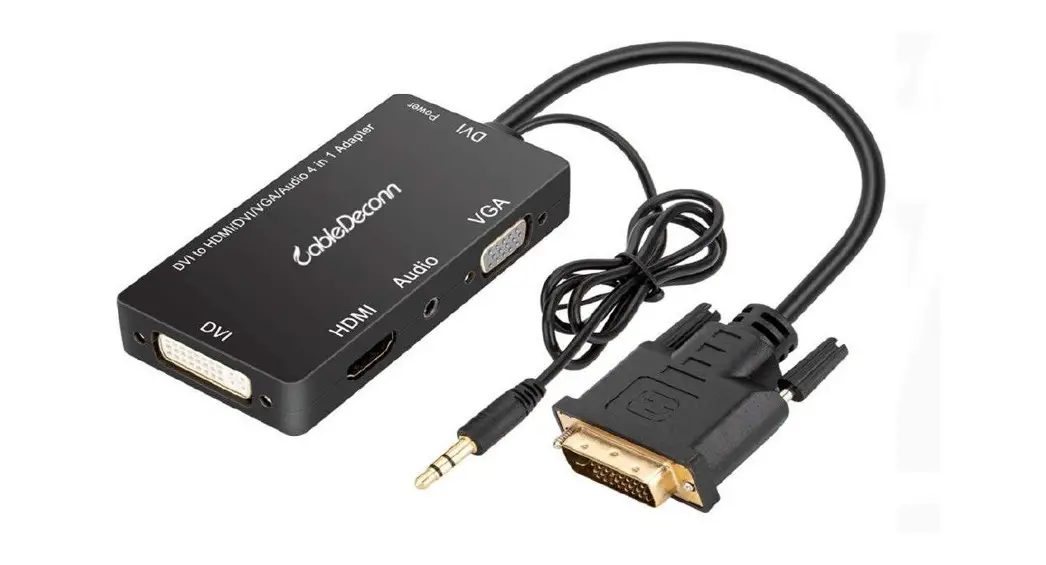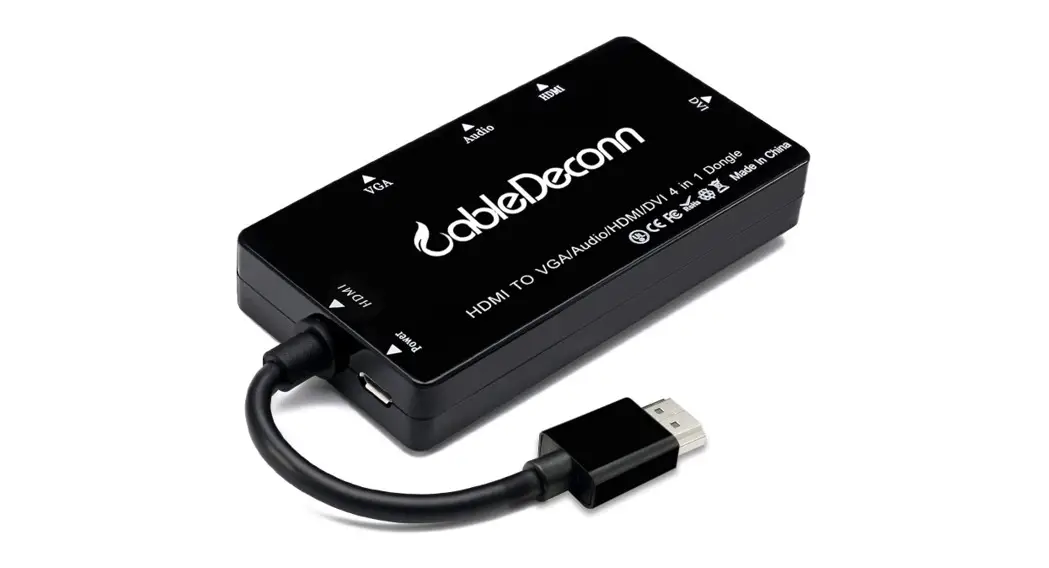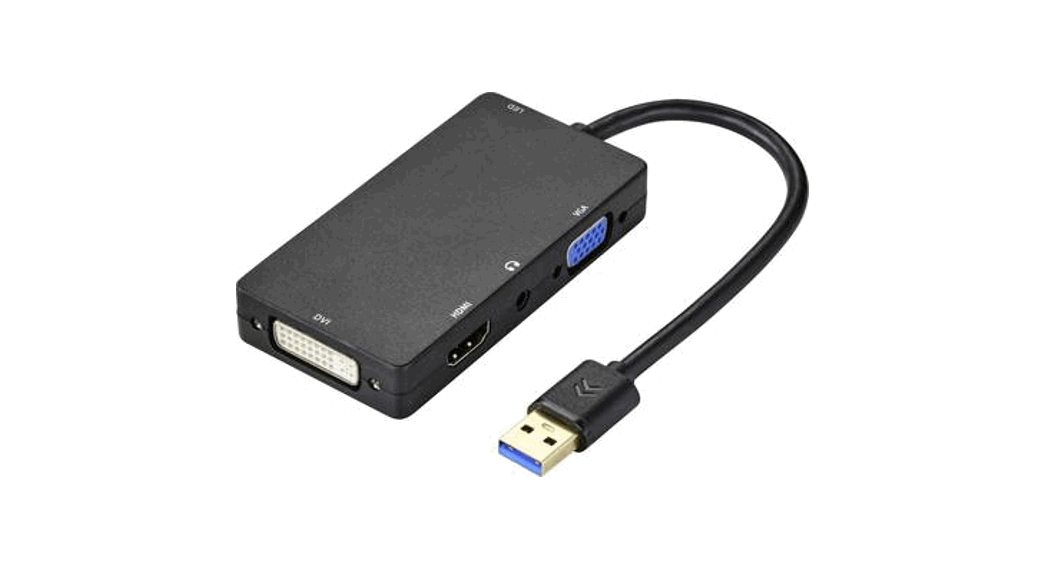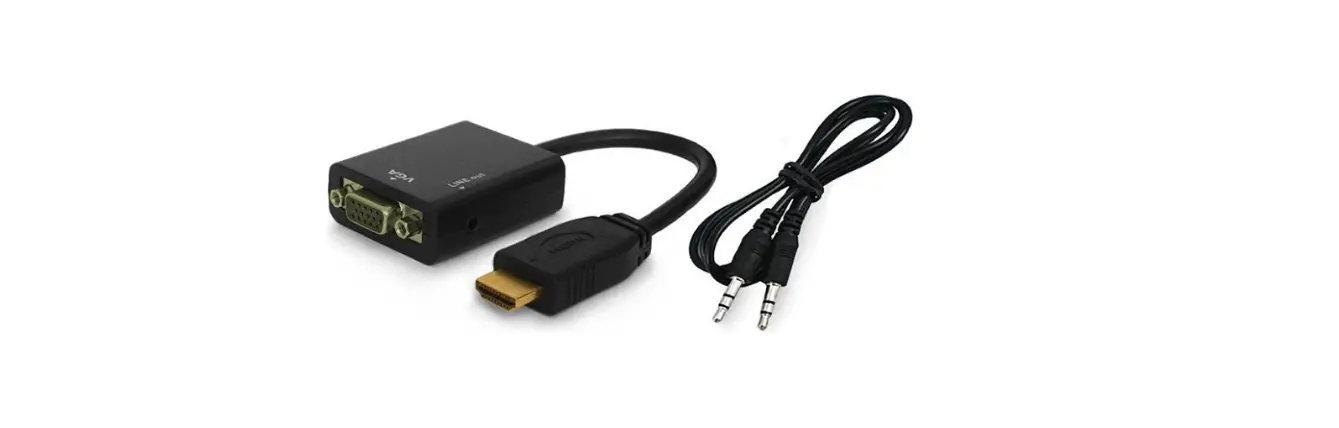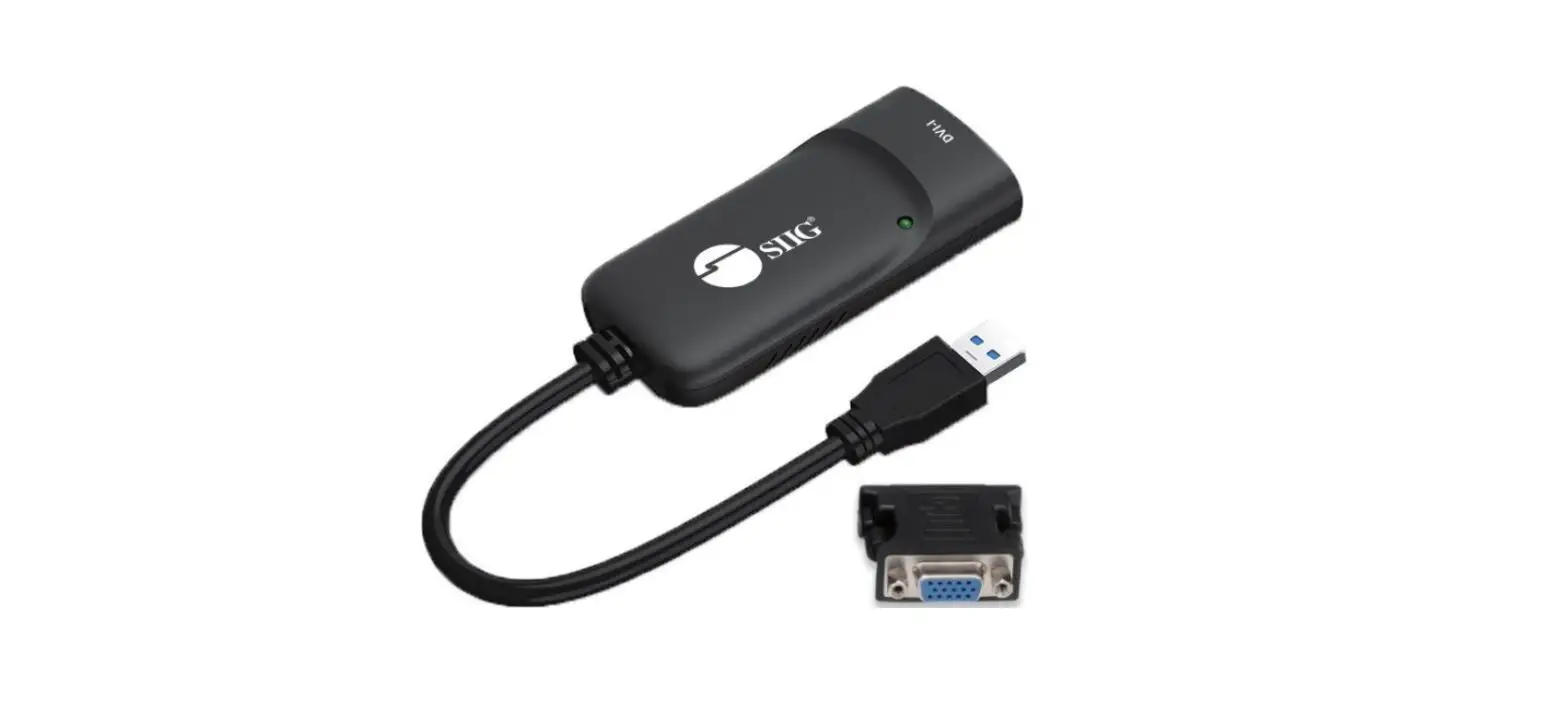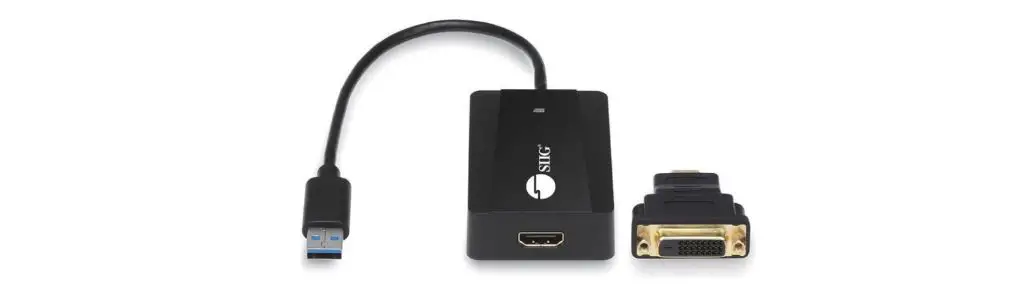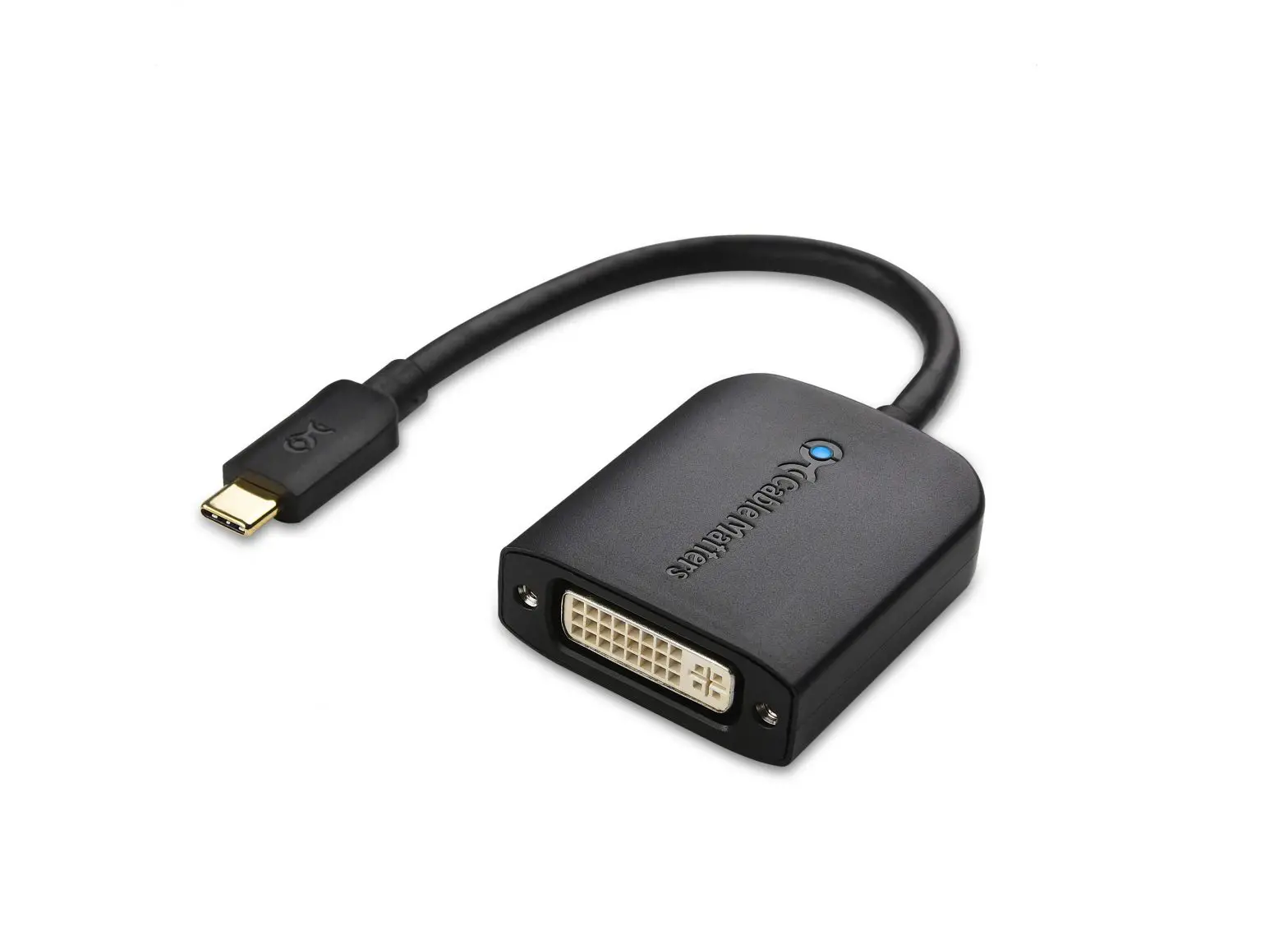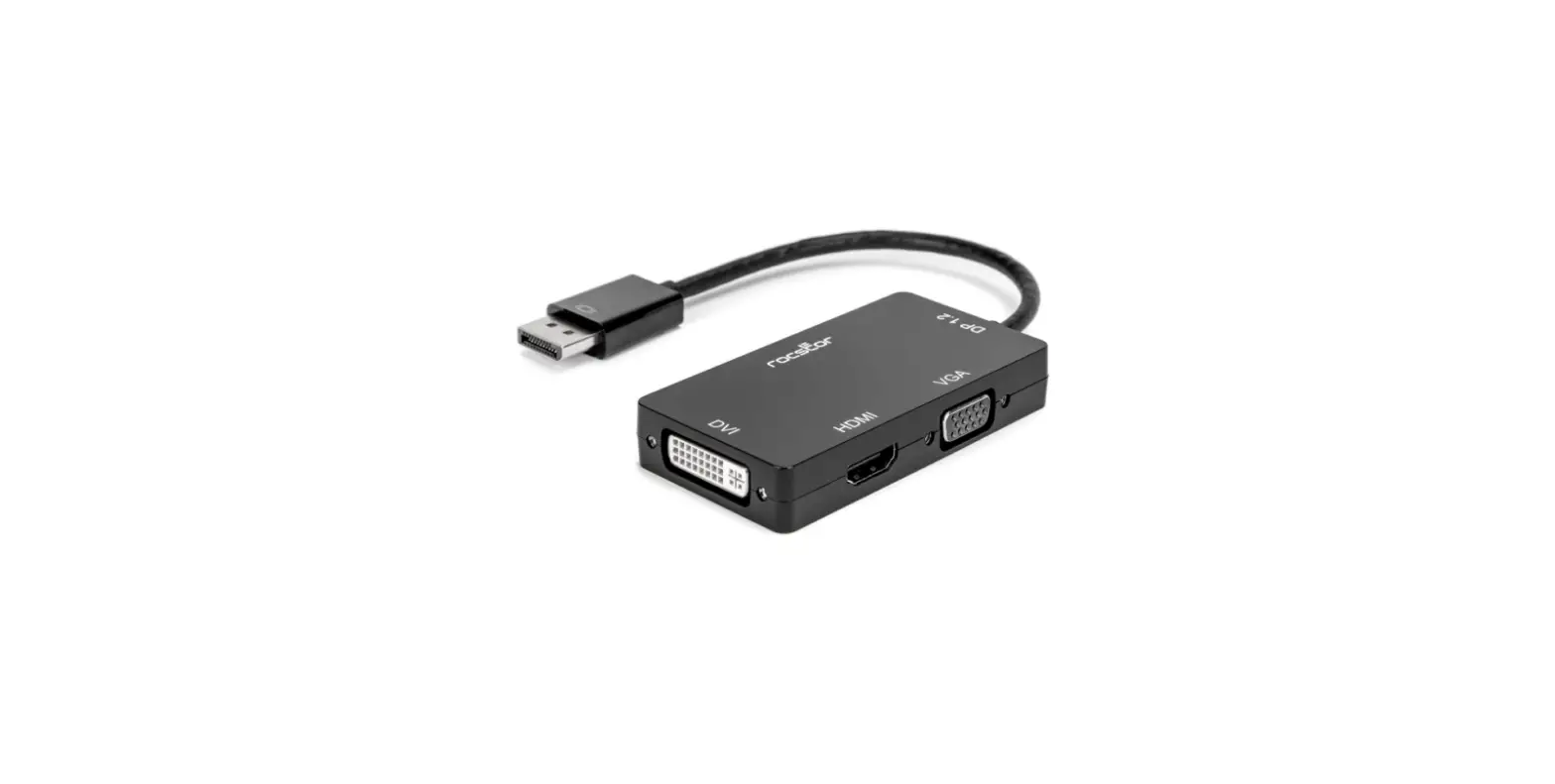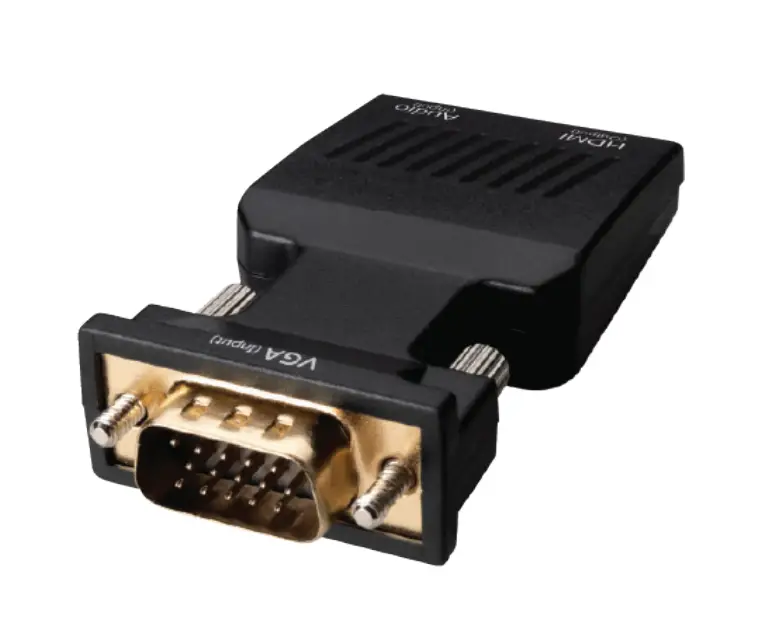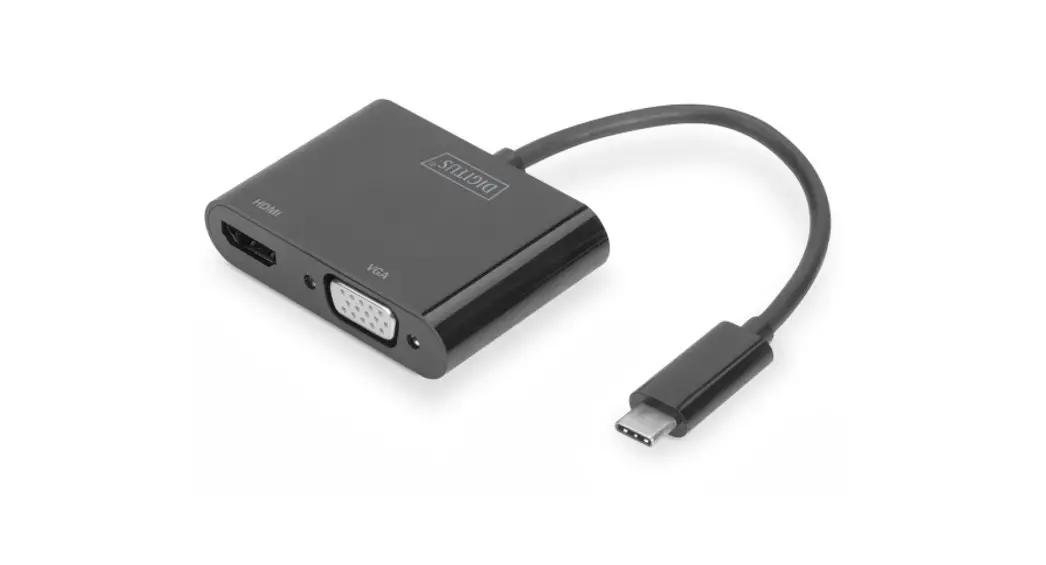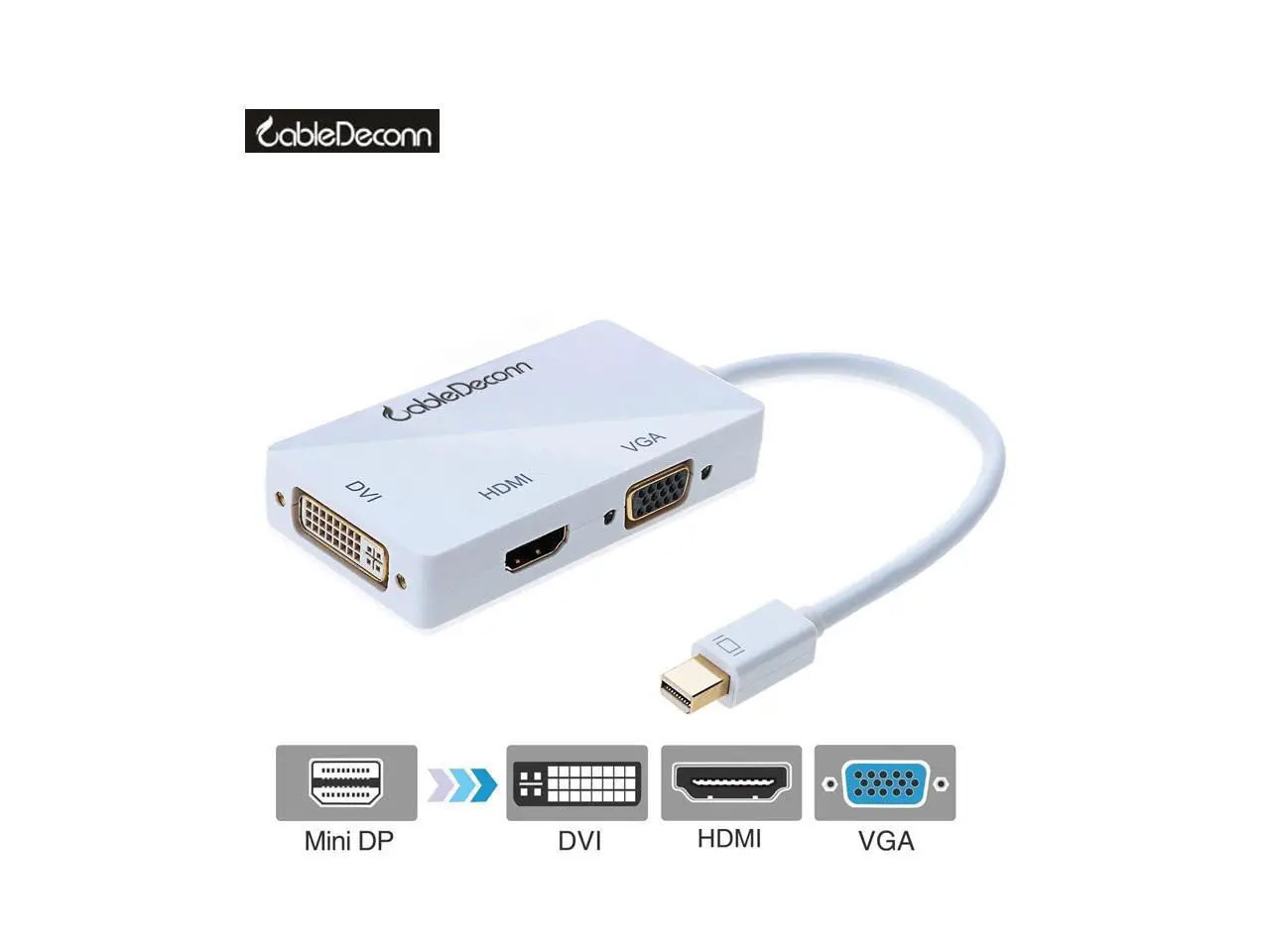
CableDeconn DVI 24+1 to VGA HDMI DVI 3IN1 Adapter
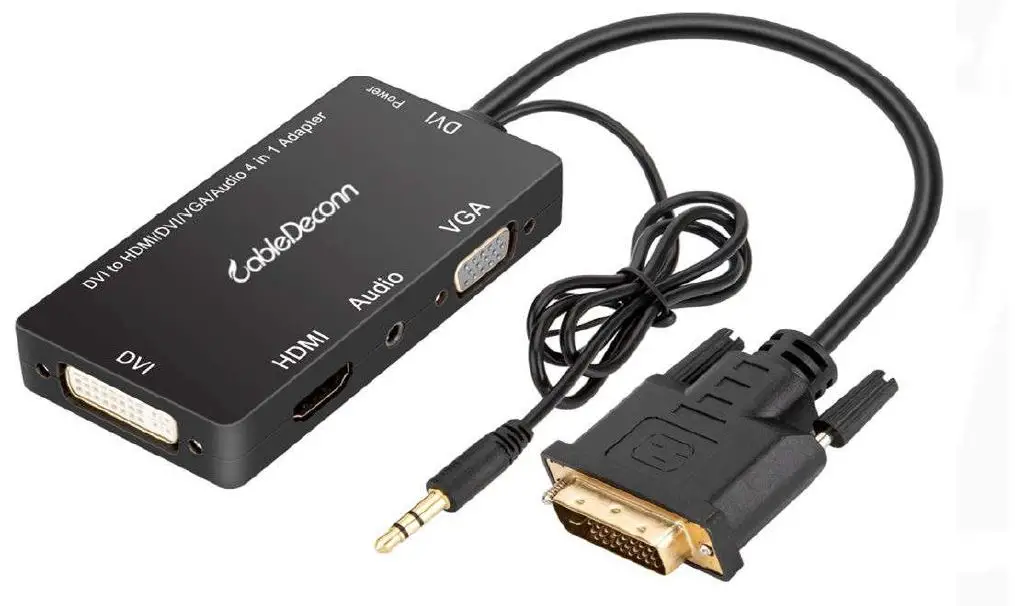
CableDeconn DVI 24+1 to VGA HDMI DVI 3IN1 Adapter for Desk Computer DVI Graphics Card with Micro USB Power Cable and Audio 3.5mm Jack
Specifications:
| Signal Inputs/Output | |
| Input Port | DVI 24+1 Male |
| Output Video | HDMI/VGA/DVI |
| Output Audio | By 3.5mm Audio Jack to External Speaker |
| Input/Output Interfaces | Input: DVI 24+1 Male Output: HDMI Femalex1 VGA 15pin Female DVI 24+5 Femalex1 |
| Color | Black |
| Vertical Frequency Range | HDMI 1920×1080@60Hz VGA 1920X1080@60Hz DVI 1920X1080@60Hz |
| HDMI Resolution | 480i/480p,720p,1080i/1080p |
| VGA Resolution | 480i/480p,720p,1080i/1080p |
| DVI Resolution | 480i/480p,720p,1080i/1080p |
| Warranty | |
| Limited Warranty | 18 Month |
| Environmental | |
| Operating Temperature | -20℃to +65℃ |
| Operating Humidity | 10% to 85 % RH (no condensation) |
| Storage Temperature | -10℃ to +80℃ |
| Storage Humidity | 5% to 90 % RH (no condensation) |
| Power Consumption | DC 5V |
| External Power Supply | Micro USB Cable For Power is Necessary |
| User Manual | English Version |
How to Connect
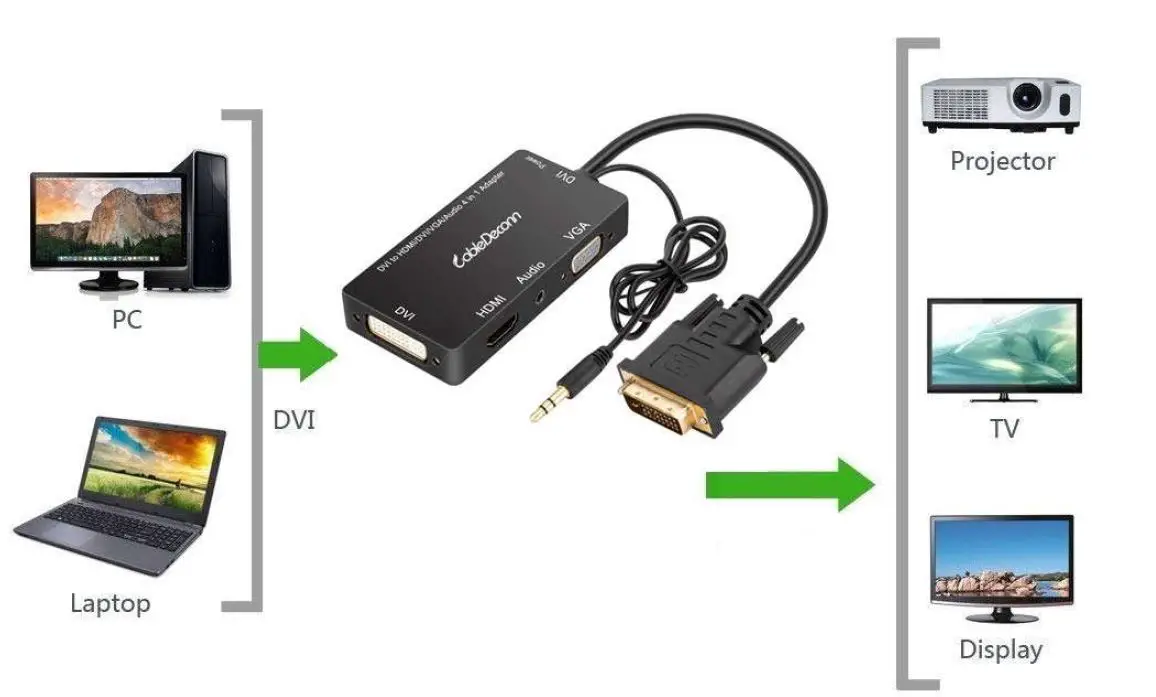
- Connect our DVI 24+1 Male Port to your DVI 24+1 or DVI 24+5 Female desk PC/DVI Graphics Card.
- Connect a HDMI or VGA or DVI standard cable from our Adapter’s HDMI or VGA or DVI Female Ports to your external display’s HDMI DVI or VGA’s Female Port, a separately HDMI/VGA/DVI cable is needed, but not included in our Package.
- Connect Micro USB Cable from our Adapter to your USB device to power is not necessary, but if insufficient power when using, please Power our Converter.
- HDMI/VGA/DVI Ports can be connected Simultaneously to your external Displays, but all connected displays can only show same Picture.
- For some connected displays do not detect signal from your input devices automatically, please select your monitor’s signal Source to Corresponding HDMI/VGA/DVI output by Manual.
- How to make Audio Output through our Converter:
- There have an 3.5mm Audio Cable attached in the DVI Male End of our Product, please plug this cable into your input device’s 3.5mm Audio Jack, this is the First Step for you
to output sound through our Adapter. If you don’t follow this step, you would not output sound through our Adapter’s 3.5mm Audio Jack. - If your connect to Single Displays(HDMI or VGA or DVI)to output Signal, please connect from our Adapter’s audio 3.5mm audio jack to your external speakers to output Sound as well as Video. Please be well noted that even your HDMI Monitor with Audio output and Speaker, you can only output audio through our 3.5mm audio jack to your Sound Device.
- If you connect to Multiple displays to output Signal ,Please connect from our Adapter’s 3.5mm audio jack to your external speakers to output sound.
- There have an 3.5mm Audio Cable attached in the DVI Male End of our Product, please plug this cable into your input device’s 3.5mm Audio Jack, this is the First Step for you
Important Notes when you are using our Product
- In case insufficient Power when you are using our Product so displays can not show normally ,please connect micro USB from our Adapter to your USB Device to power our Converter.
- If you would like to output Corresponding resolution in your External Displays, Please make sure that your Corresponding Cable, Monitor, Input Source must have same or higher resolution than the Resolution you would like to Output. It max supports to output 1920*1080@60Hz.
- The DVI Male Port Connecting to your input Device is Type 24+1 ,it can be compatible with your DVI Female Port 24+1 or 24+5 Type.
- This Adapter supports to work at most three Displays Simultaneously, but please be well noted that all your attached external displays can only have same view.
Package Contents
- Cable Deconn DVI 24+1 to VGA HDMI DVI 3IN1 Adapter With Micro USB Audio
- 3.5mm Audio Jack
- 1*Micro USB Cable
- 1*User Manual & Warranty Card
Connect DVI PC

 Digital accessories famous brand of all rights reserved.