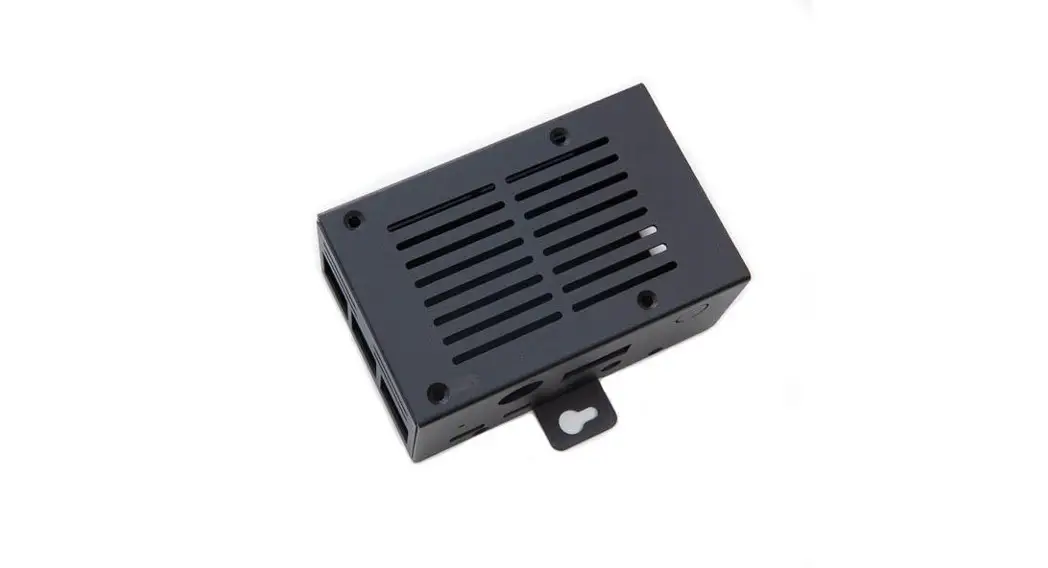

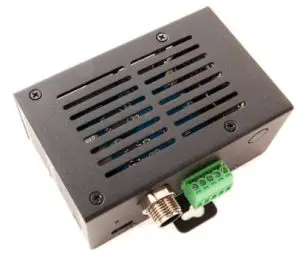
 PiCAN-M Case Assembly Instructions
March 2021
| Product name | Metal case for PiCAN-M and Raspberry Pi 4 |
| Model number | RSP-PICAN-M-CASE |
| Manufacturer | SK Pang Electronics Ltd |
Introduction
Methods
 |
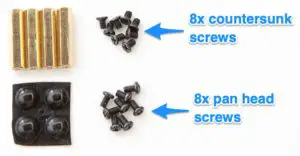 |
Remove the M12 nut and 5way connector from the PiCAN-M board.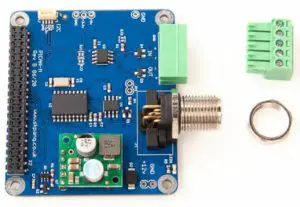
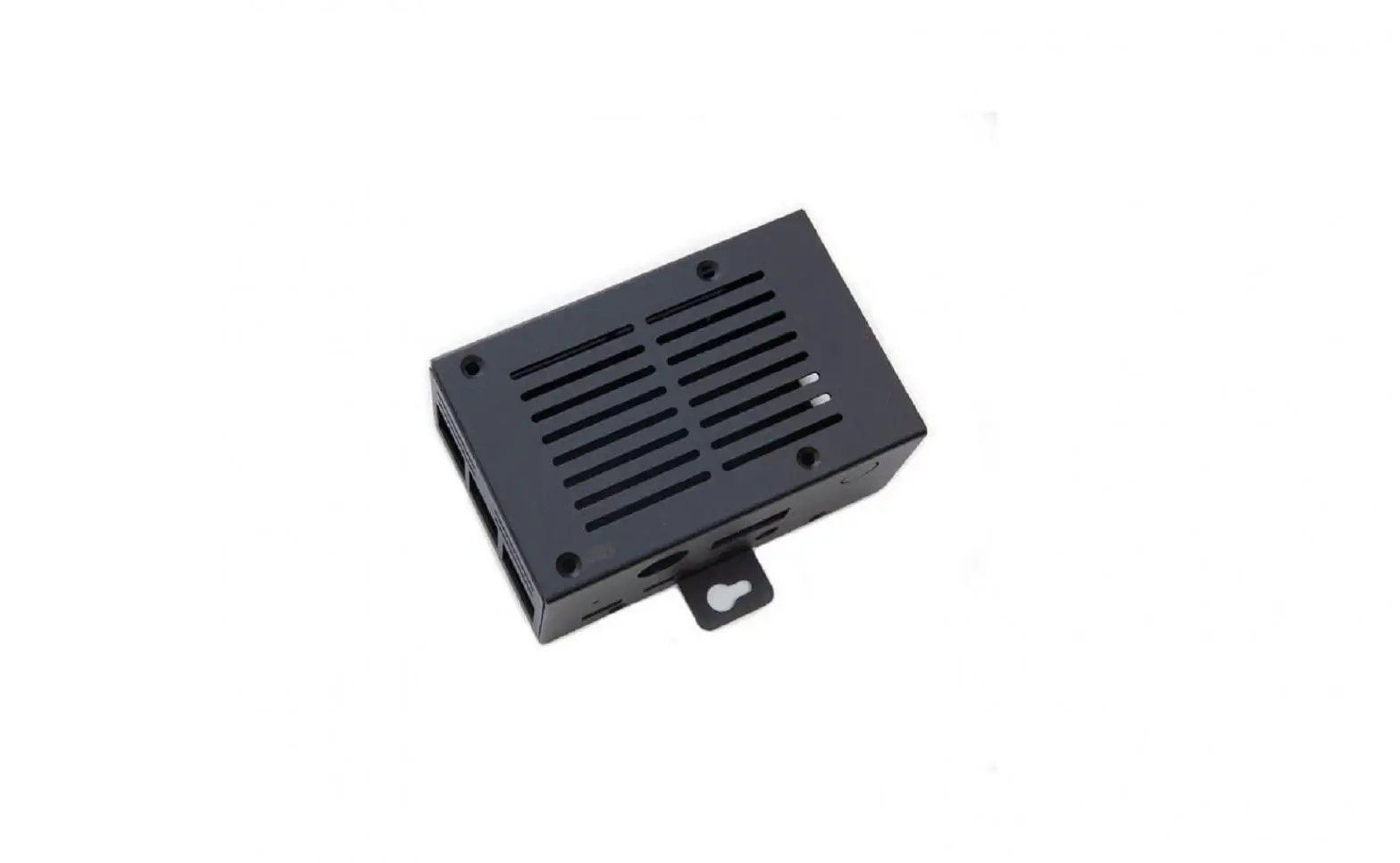
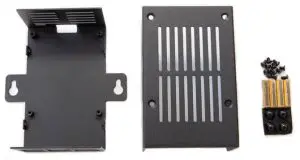
Place the Raspberry Pi 4 on the lower half of the case and fasten with 4 x pan head screws. Use short pan head screws if two lengths are in the bag.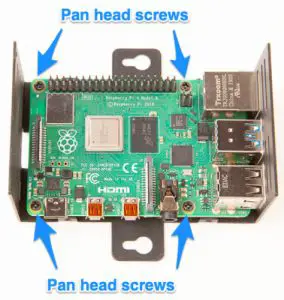 Place 4x brass spacer inside the top half of the case. Fasten with 4x countersunk screws.
 | 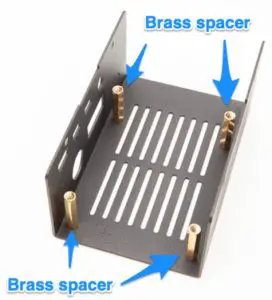 |
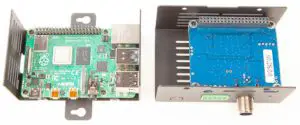
Turn the PiCAN-M board upside down and place it on top of the brass spacers. You may need to push the sidewall out slightly in order to lower the board in place. Fasten with 4x pan head screw. Use a long version if two different lengths are supplied.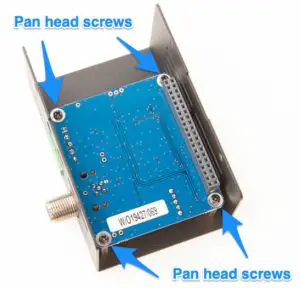 Place top half and lower next to each other ready for final assembly.
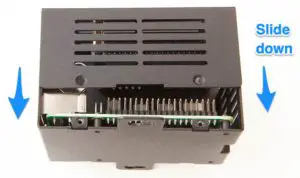
 Slide the top half to the lower half. Make sure it is aligned with no gaps.
 Not aligned correctly.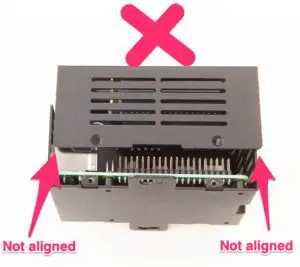
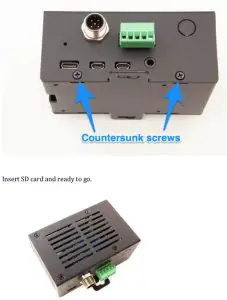
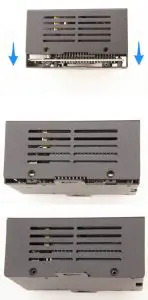 Fasten with 4x countersunk screws. Two on each side. Fasten the M12 nut and push the 5way screw terminal in.