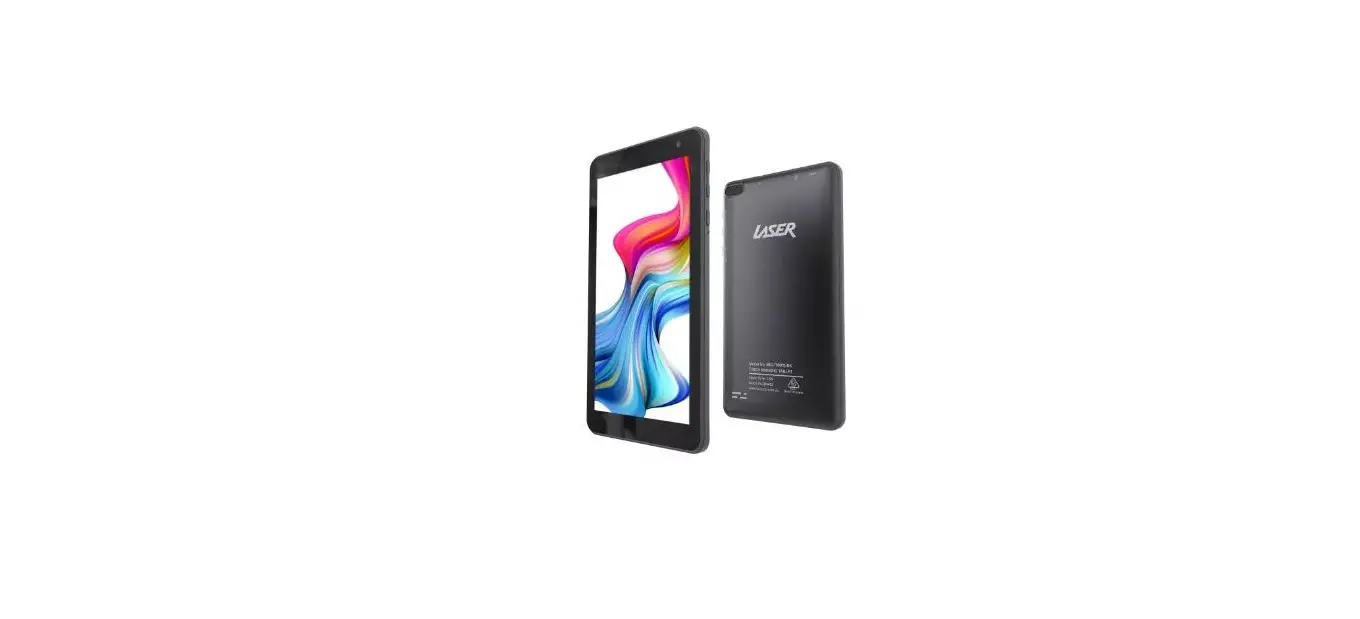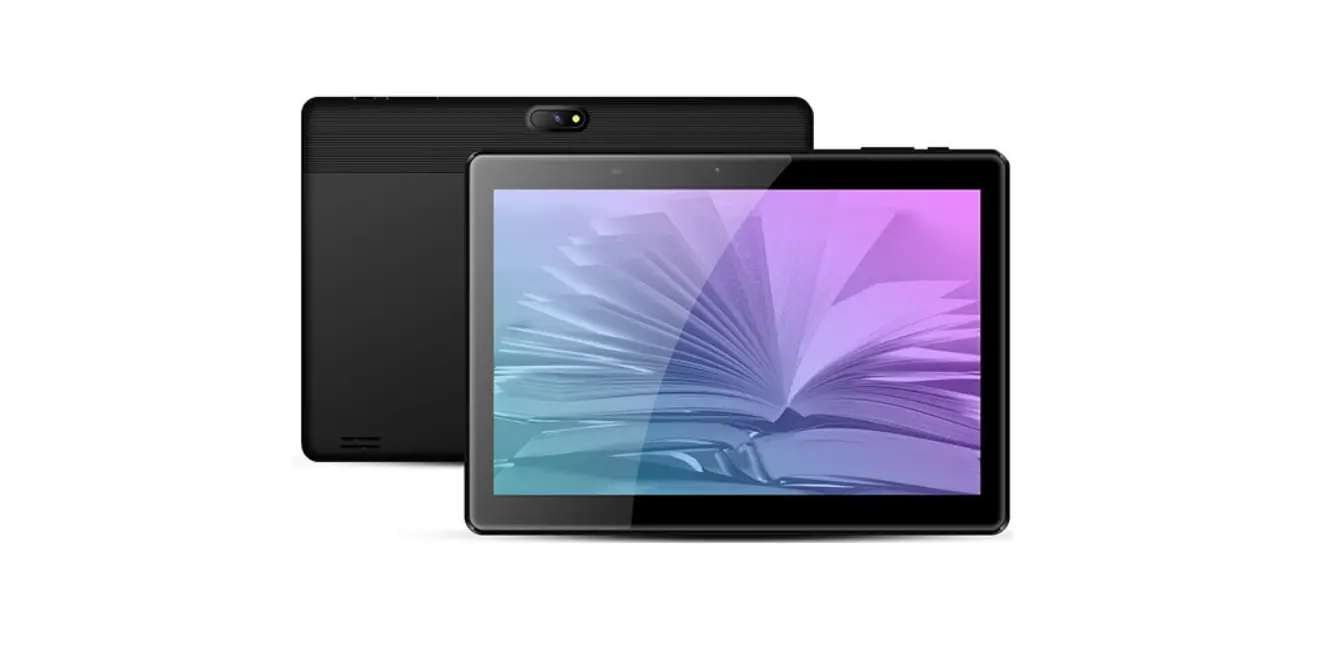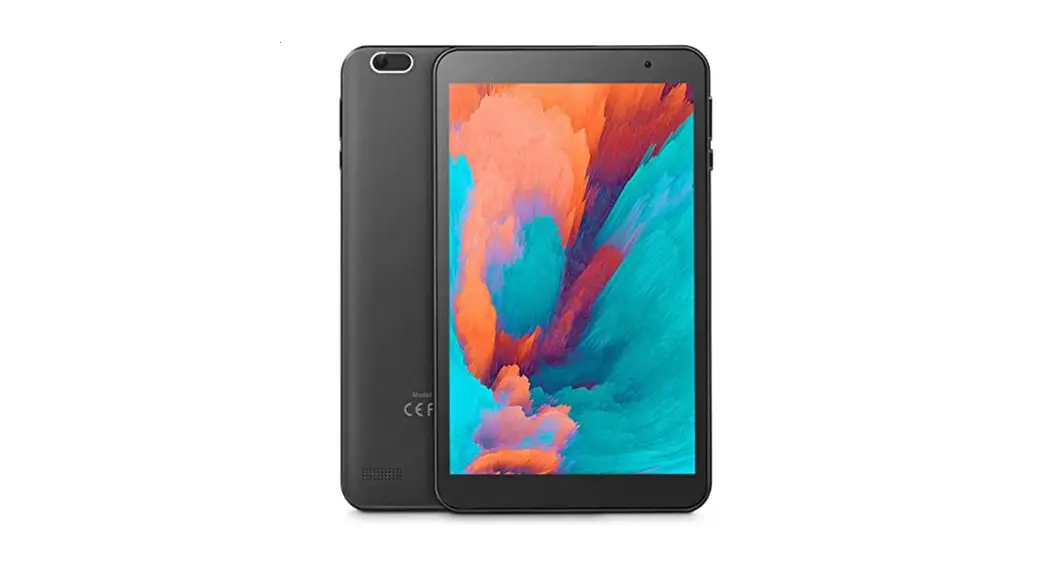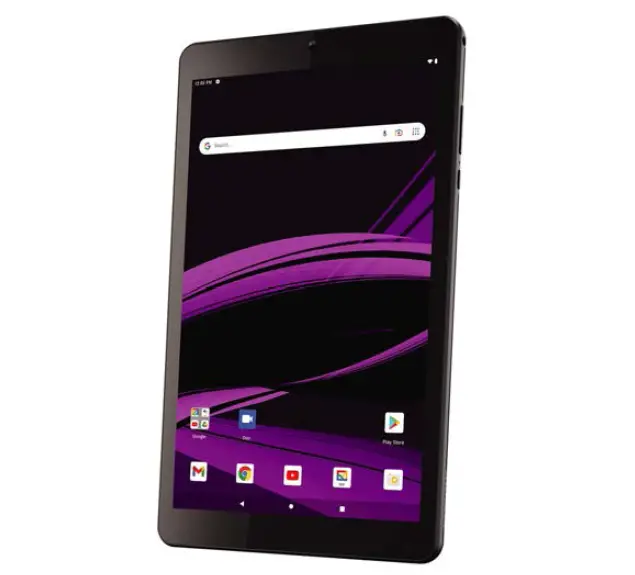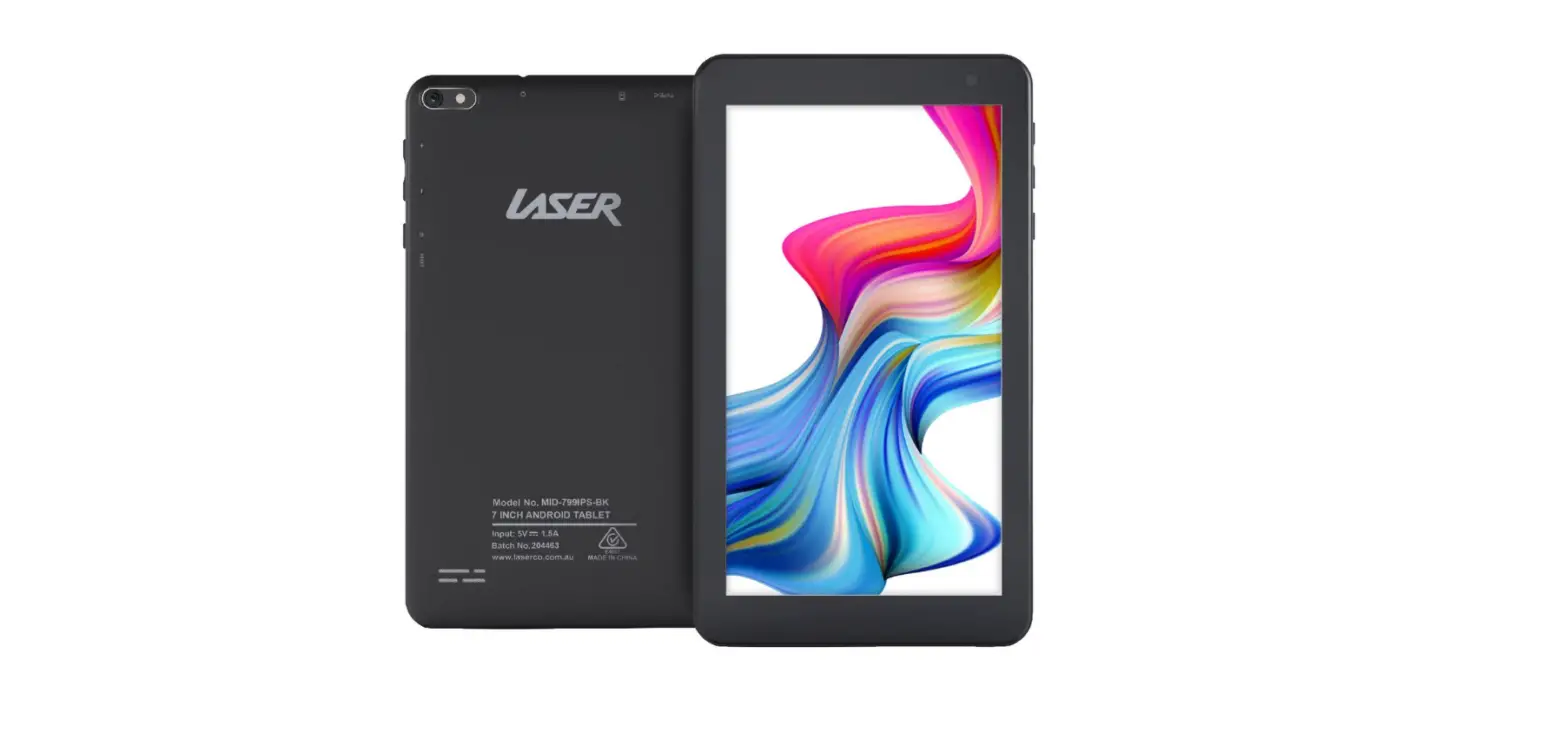
 LASER MID-799IPS 7 Inch IPS Android Tablet
 LASER MID-799IPS 7 Inch IPS Android Tablet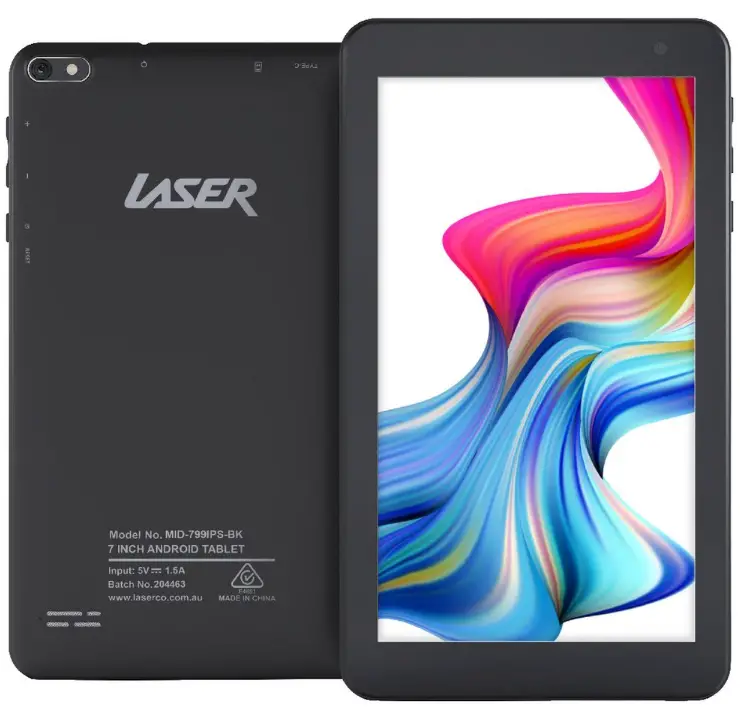
Laser Android Tablet
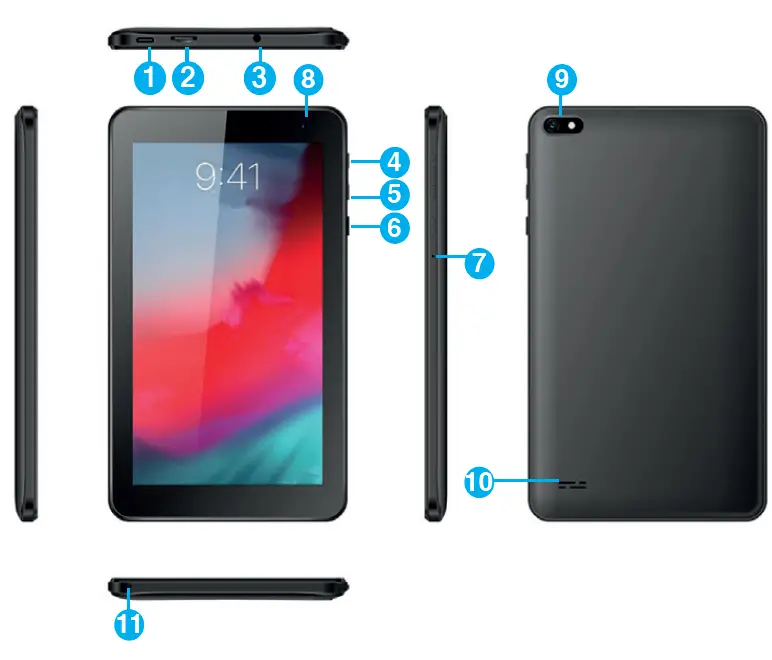
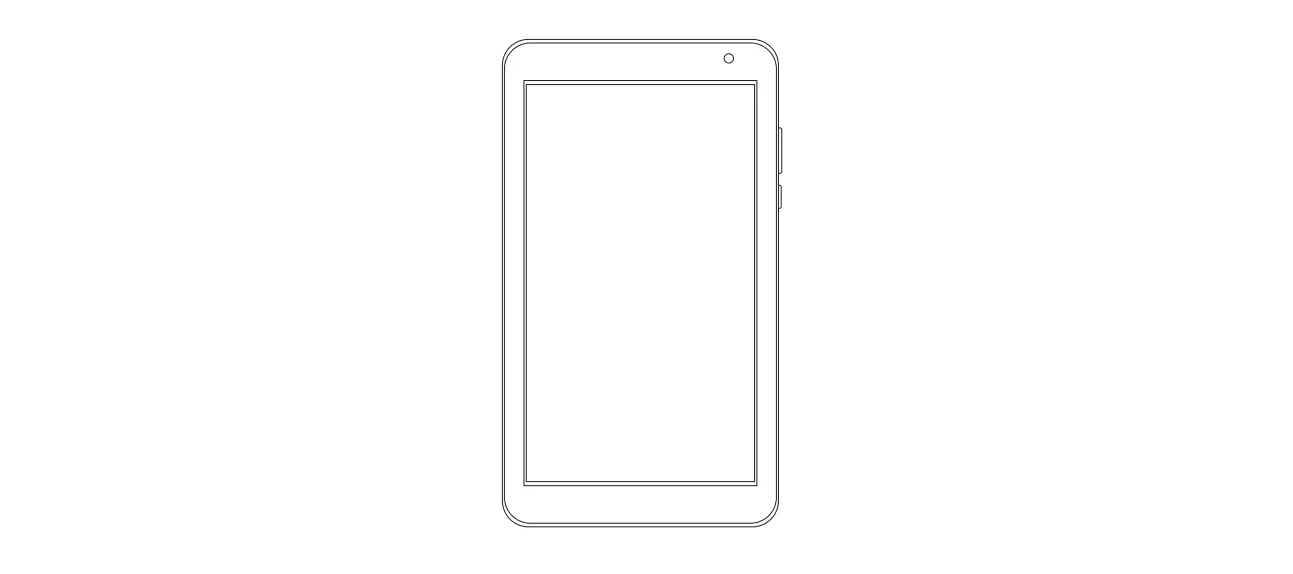
| Number | Description |
| 1 | USB Type-C interface (Charging and Data Transfer) |
| 2 | Micro SD Card Slot (supports cards up tp 128GB) |
| 3 | 3.5mm Stereo Earphone and Microphone combo jack |
| 4 | Volume Up |
| 5 | Volume Down |
| 6 | On/Off button (Press and hold to turn ON and OFF) |
| 7 | Reset button |
| 8 | Front camera |
| 9 | Rear camera |
| 10 | Speaker |
| 11 | Built in Microphone |
GETTING STARTED
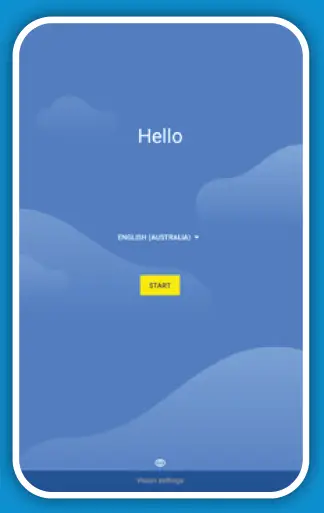
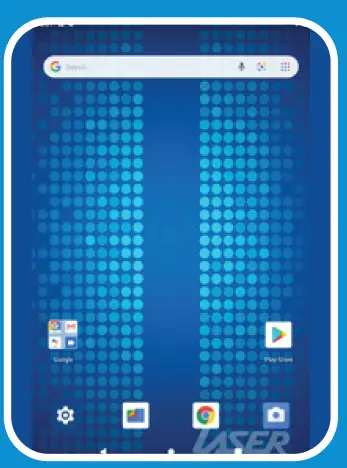
- Press and hold the POWER button to turn on the tablet. You will be greeted with the following screen. Tap “Start” to begin.

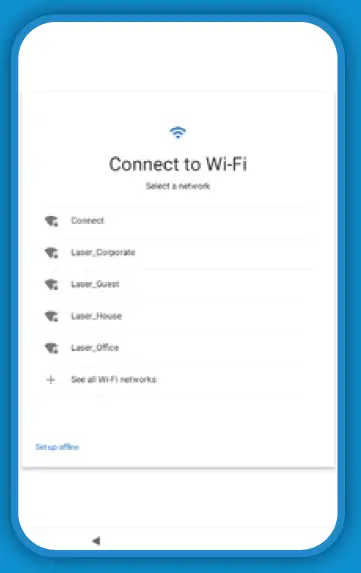
- Connect to a Wi-Fi network when prompted. An internet connection is not required but is essential for many of the tablet’s functions and APPS.

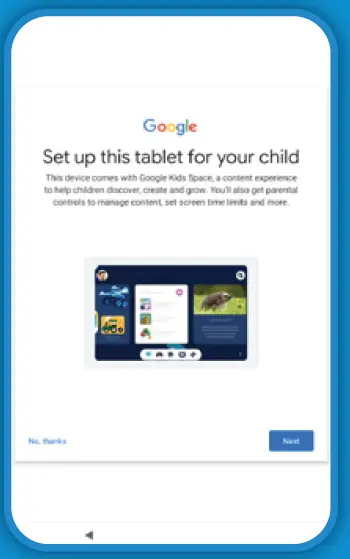
- If the tablet is strictly for children’s use then we recommend setting up the tablet for your child, otherwise select “No Thanks” to set it up for use by an adult/teenager.

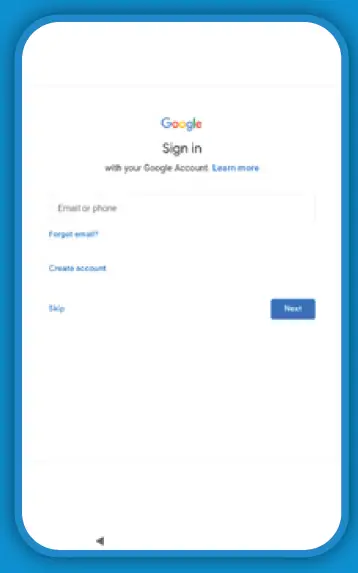
- Sign in with your Google account when prompted. If you do not have a Google account, please create a new one. A Google account is required to access the Play Store where you can download new apps for the tablet.

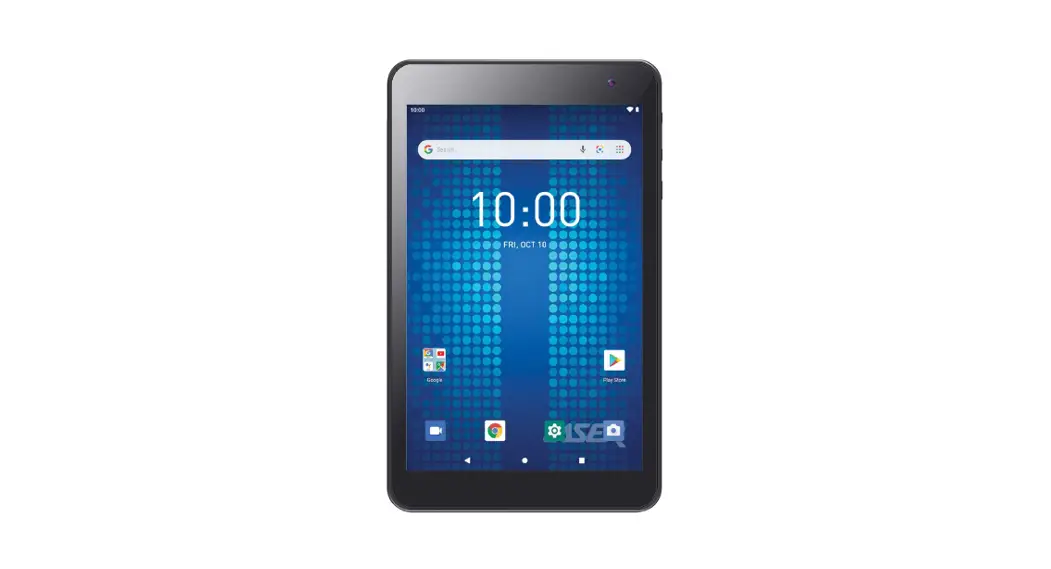
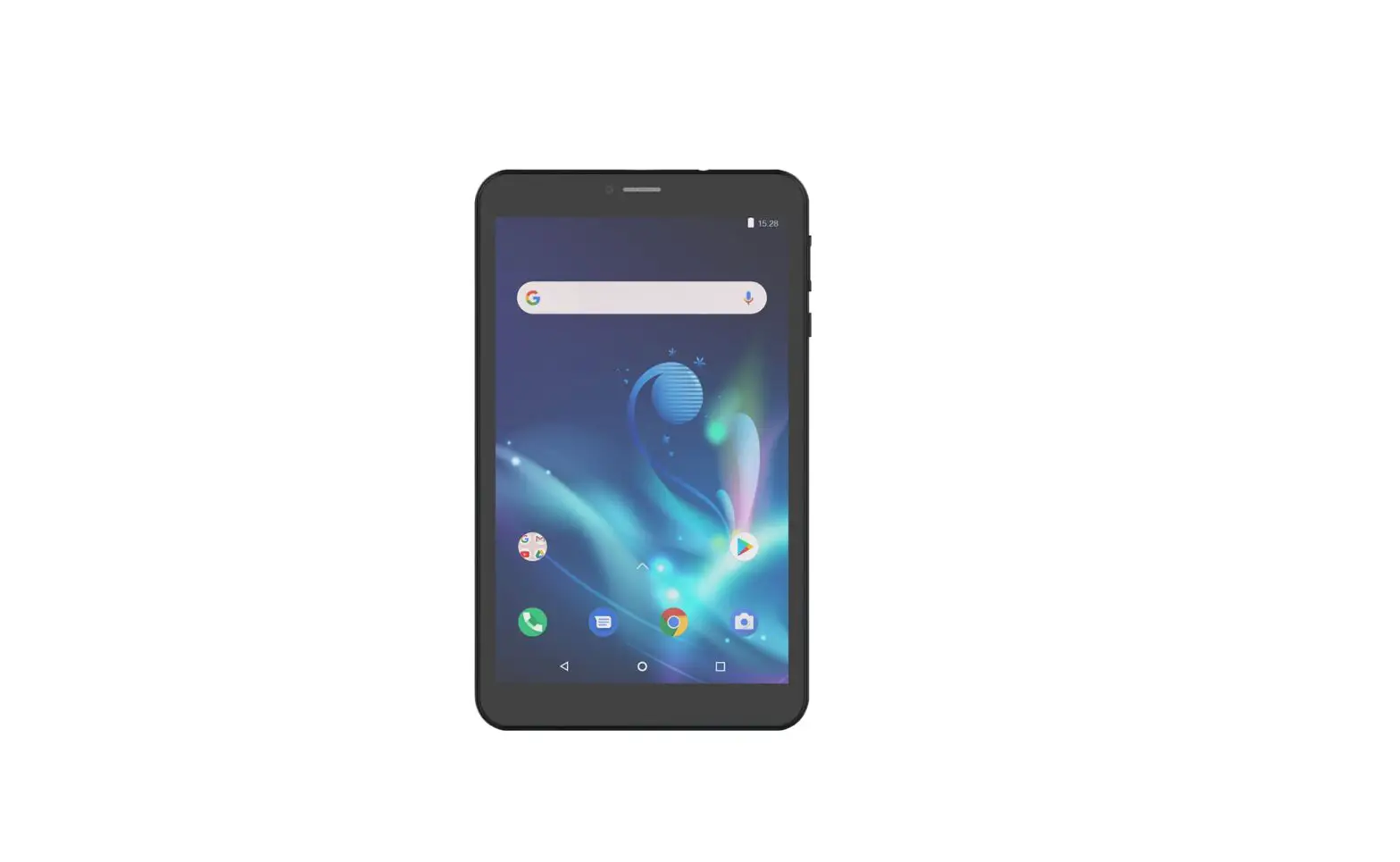
- The setup is complete once you are greeted with the following screen