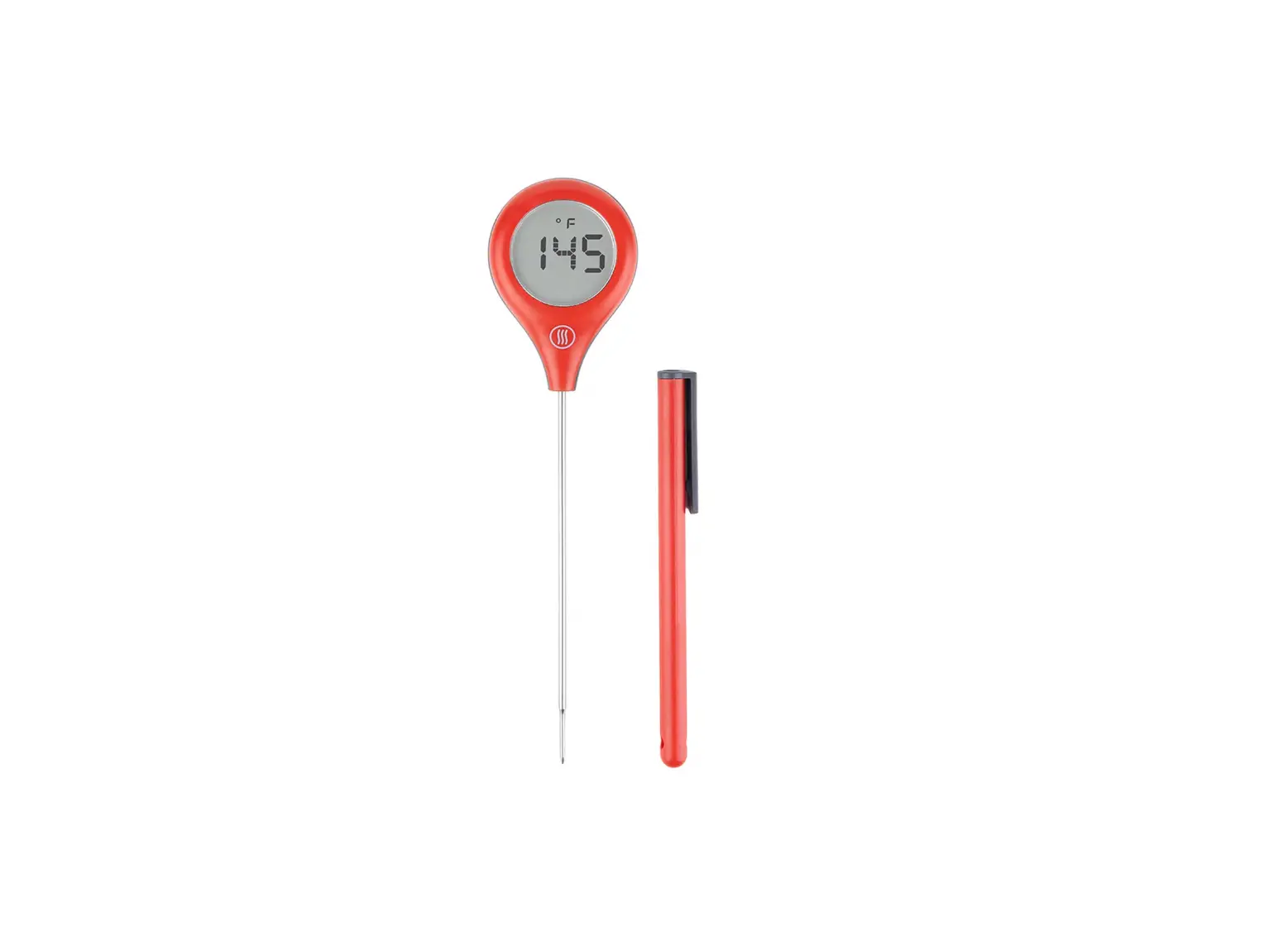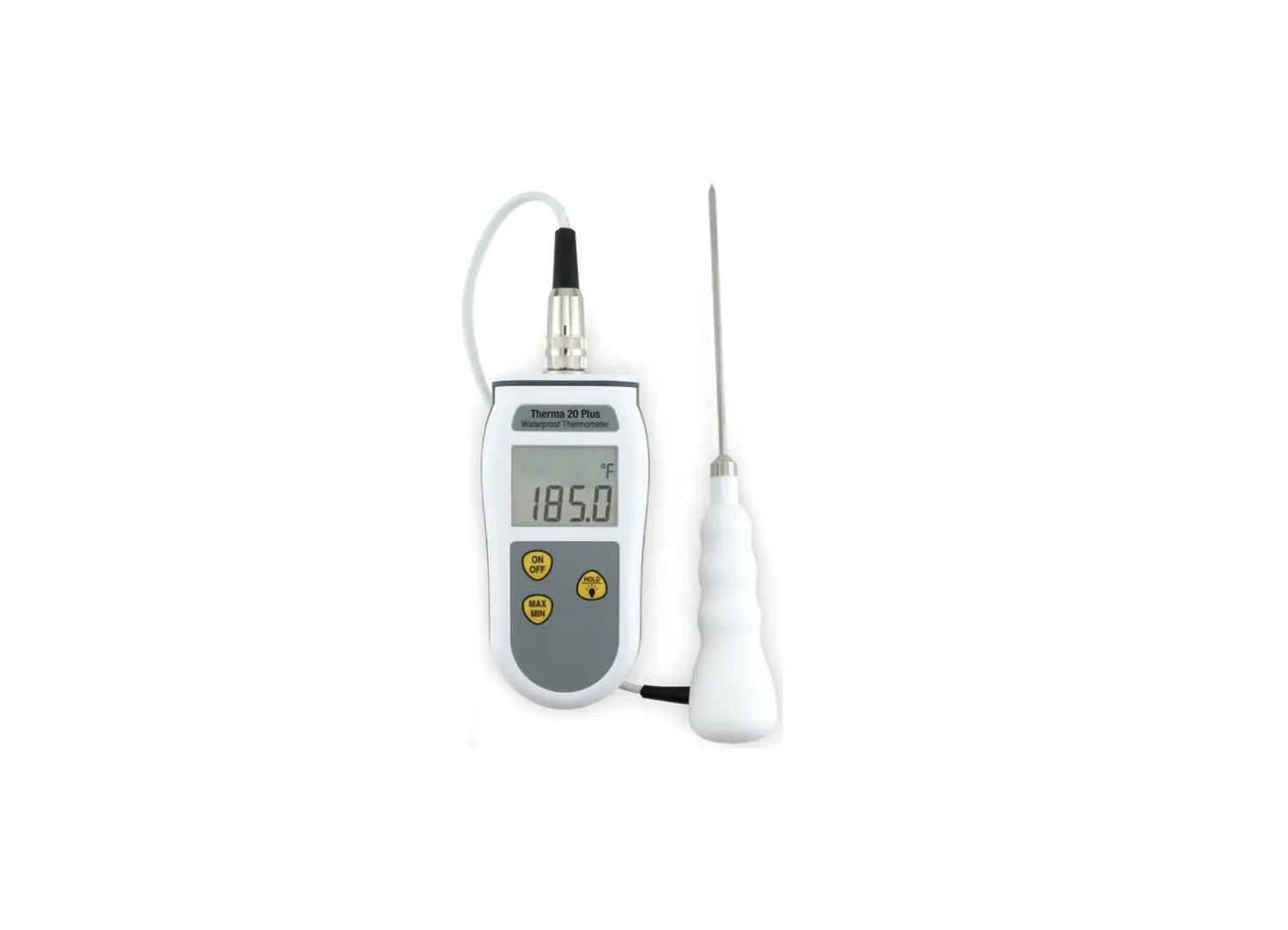
ThermoWorks ThermoDrop Instructions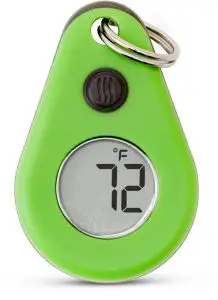
Operating Instructions
What’s included:
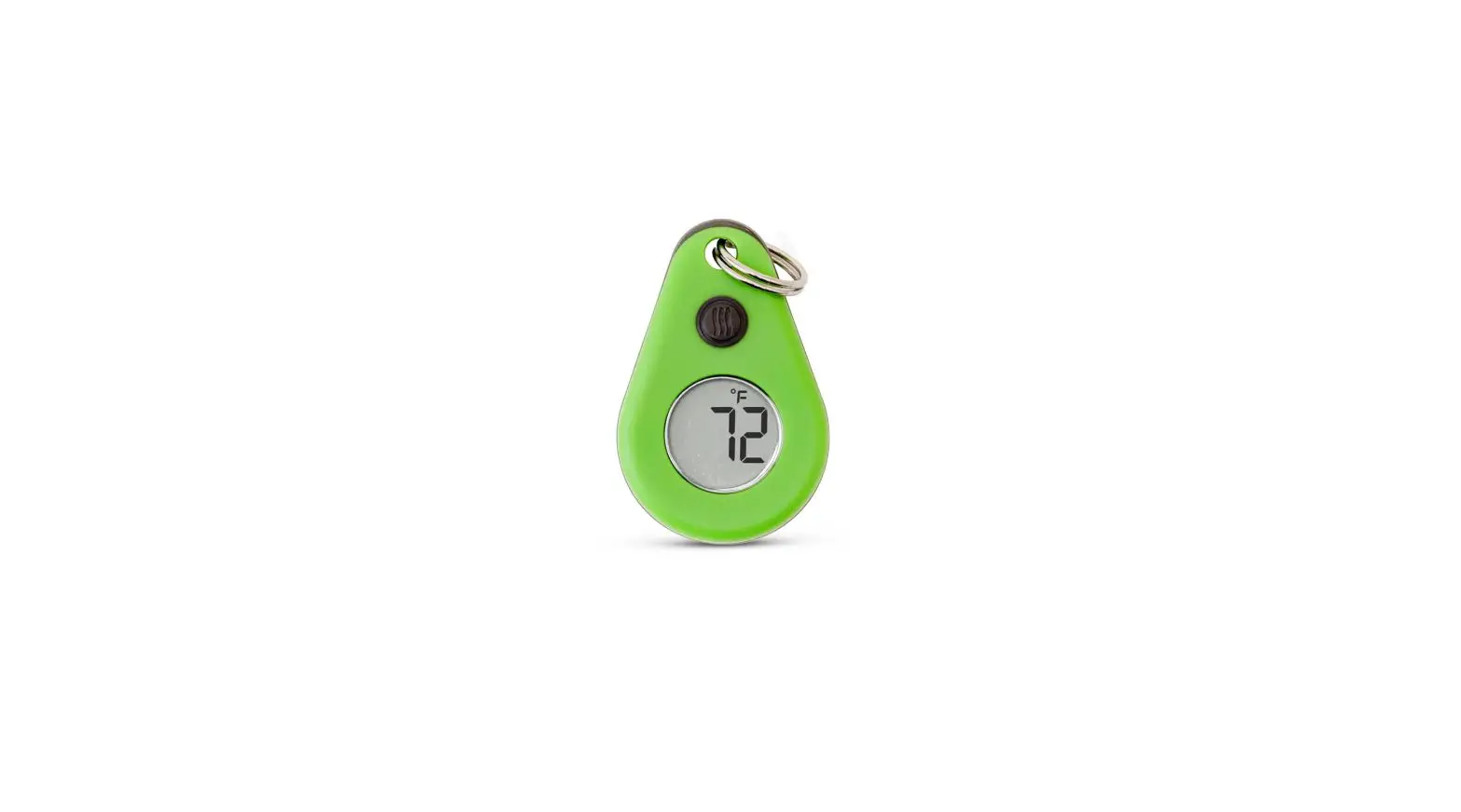
- ThermoDrop
- Battery
- Split ring, and this instruction card.
How to operate:
- To power on ThermoDrop, press
 once.
once. - To activate backlight, press Backlight stays on for 10 seconds.
- To power off ThermoDrop, press and hold for 5 seconds.
- To view Max/Min readings, press and hold for 3 seconds. MAX will flash in the display, press again to view Min reading. MIN will flash in the display.
- To switch from °F to °C, press and hold for 5 seconds upon start up.
To Change Battery:
- Replace with 3-volt, CR2025 button cell battery. Use a coin to open the battery cover on the back. Install the battery according to the correct polarity.
Important Ambient Temperatures Guide
- Fridge Temp Range
33 to 40°F - Freezer Temp Range
-2 to 32°F - Hottest Recorded Temp
134.1°F Death Valley, CA / July 1913 - Coldest Recorded Temp
128.6°F Antarctica / July 1983 - Frostbite Risk
0°F with 15 mph wind = 30 min
10°F with 5 mph wind = 30 min - Man Cave 60 to 65°F
- Normal Room Temp
65 to 75°F - Grandma’s House
75 to 85°F
For service or warranty: 1-801-756-7705 · 1-800-393-6434
[email protected]


www.thermoworks.com
741 E. Utah Valley Dr.
American Fork, UT 84003
 Professional Thermometers from the Temperature Experts | ThermoWorks