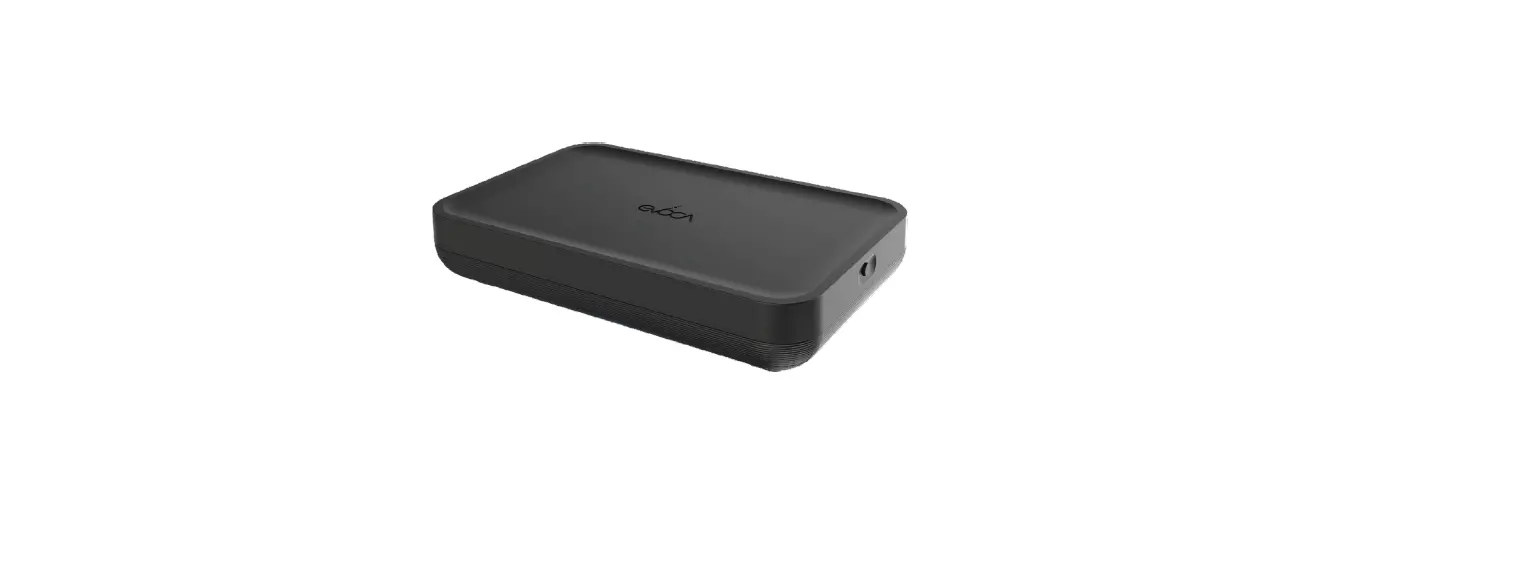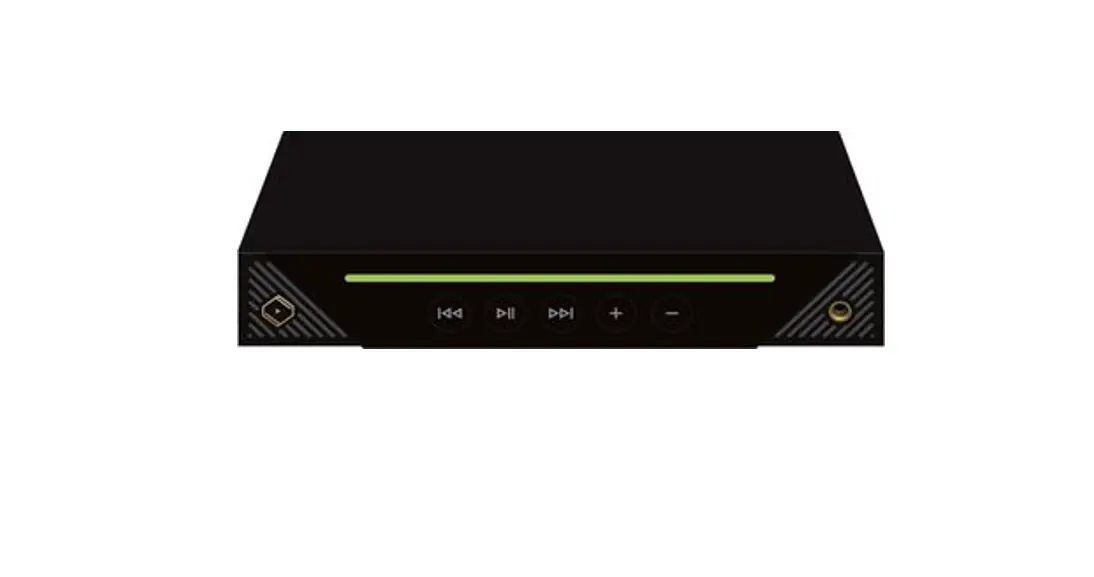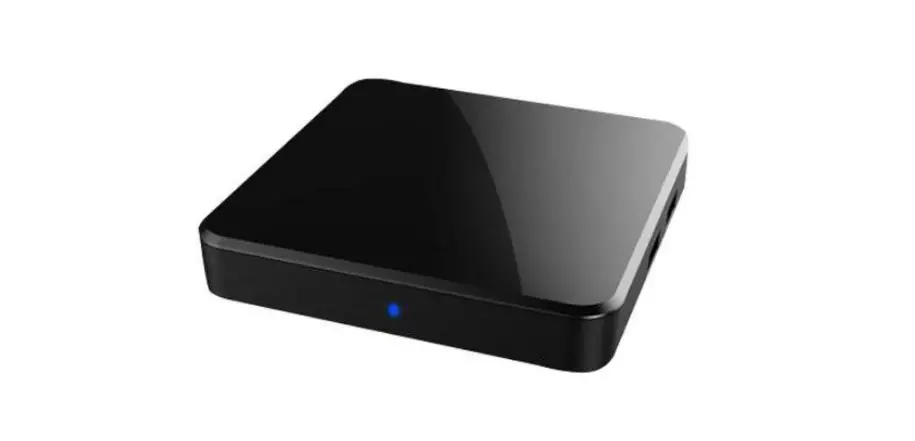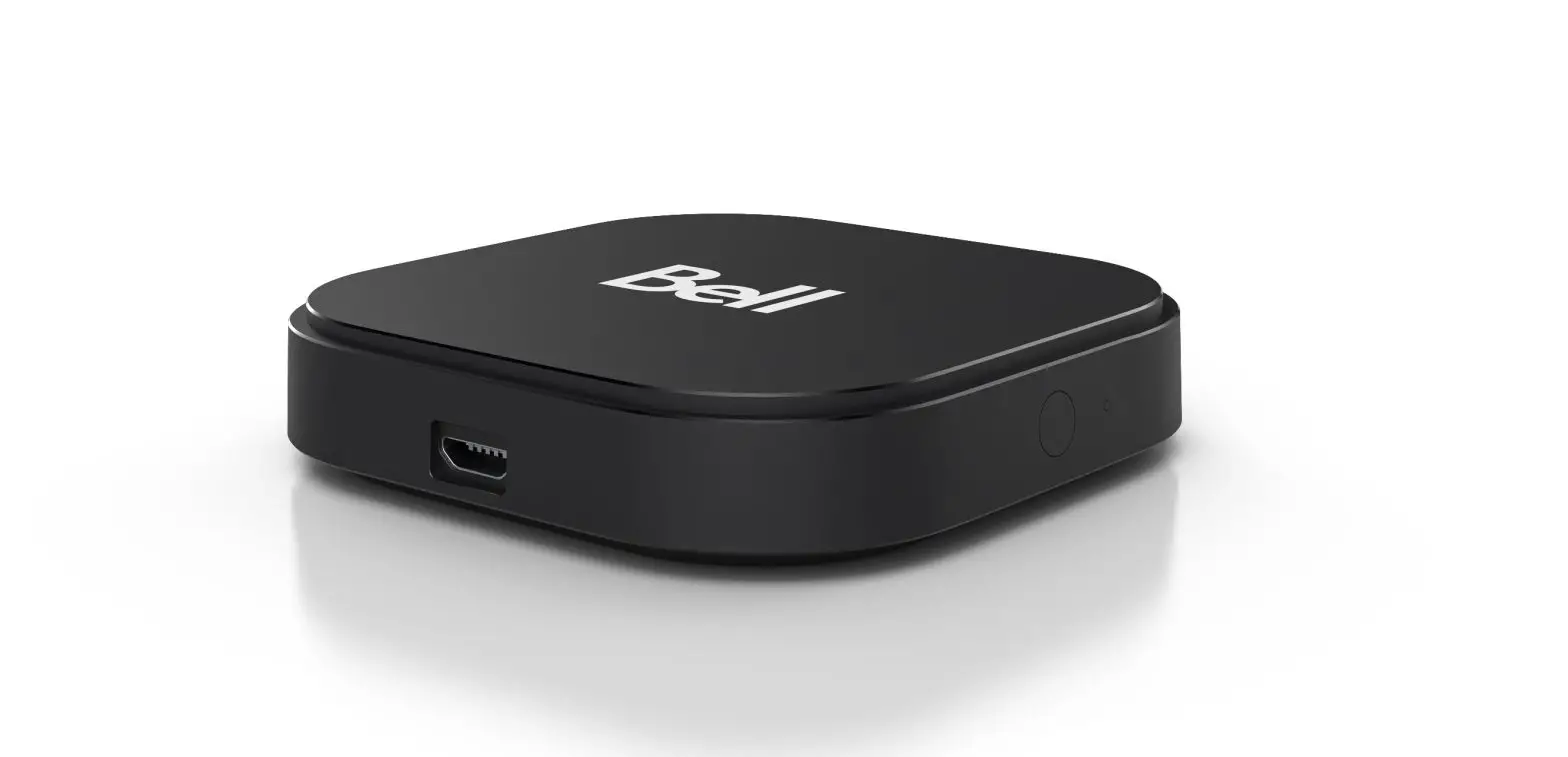
STI6130 Bell Streamer User Guide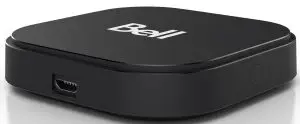
WHAT’S IN THE BOX
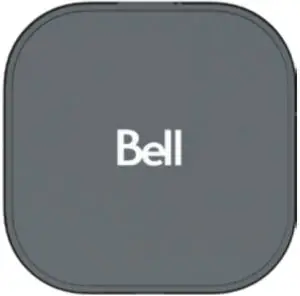
- Bell Streamer

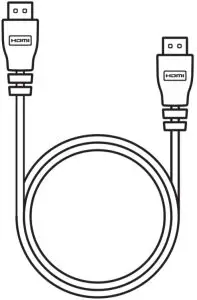
- HDMI Cable

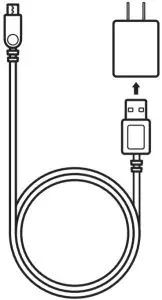
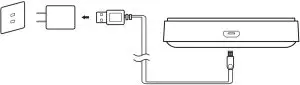
- USB Cable + Power Adapter

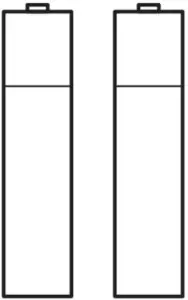
- Batteries

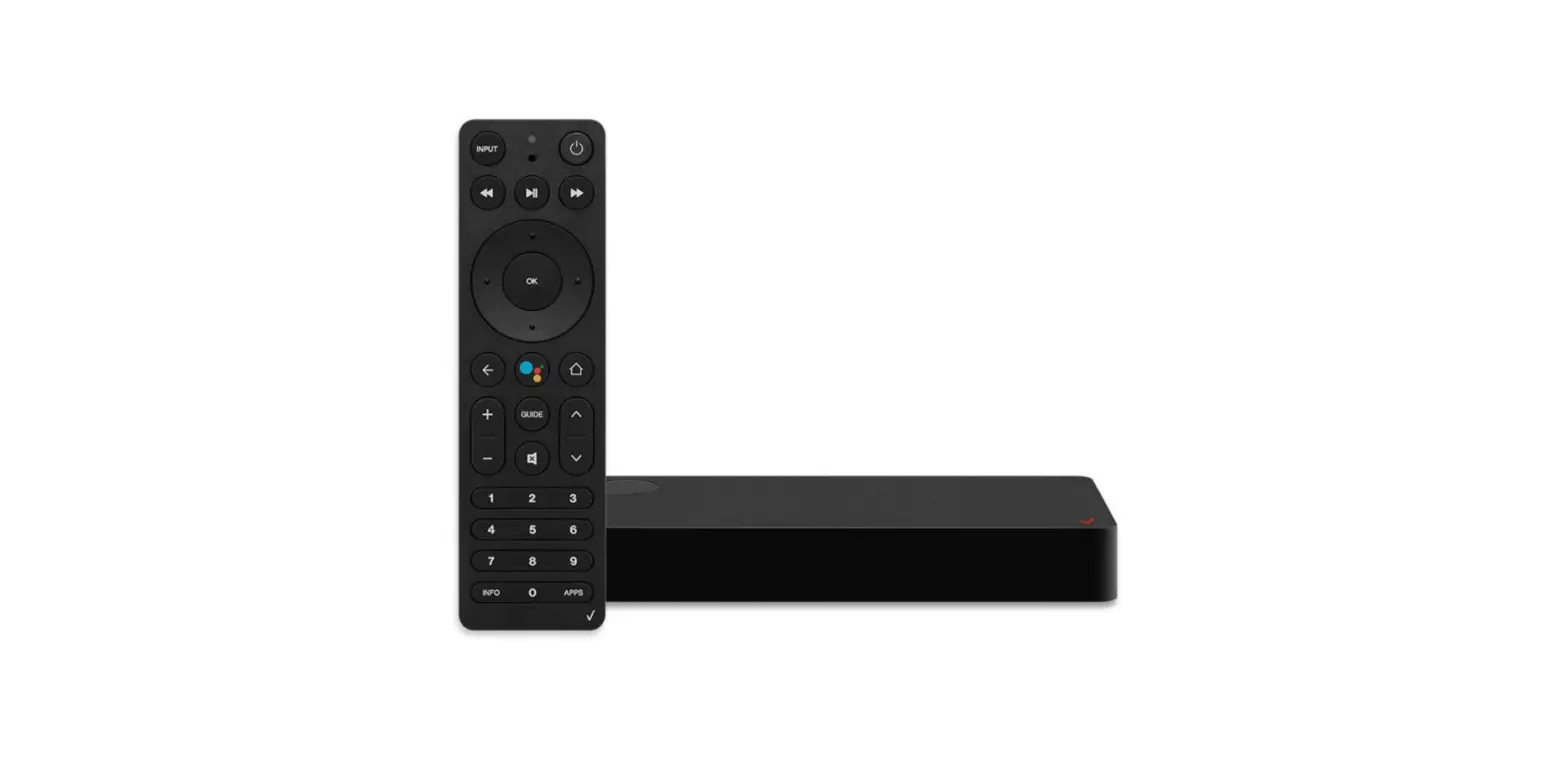
REMOTE CONTROL
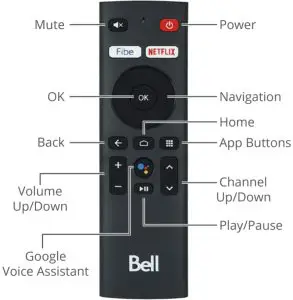

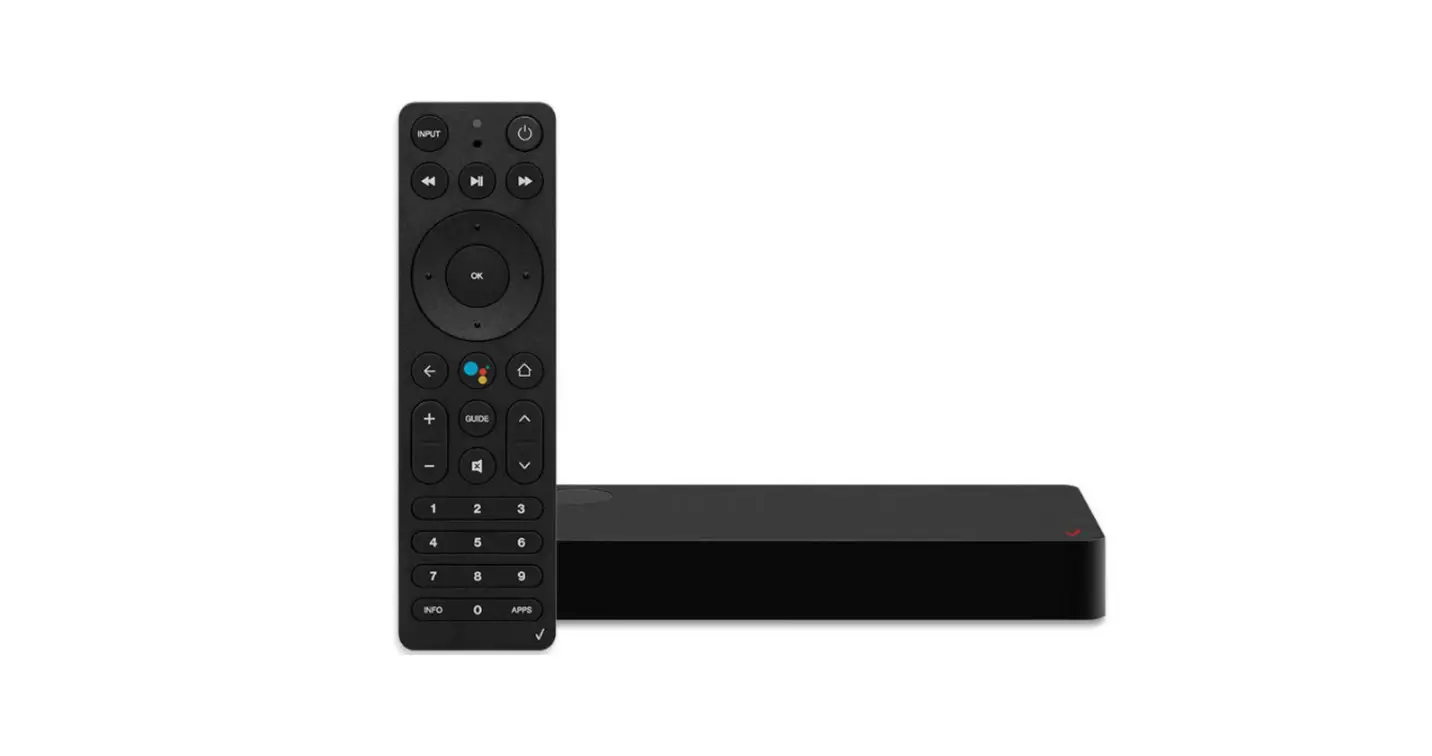
With the Google Assistant built in you can quickly access entertainment, get answers, and control devices around your home. Find the lastest blockbuster, check the score of the big game or dim the lights. Just press the Assistant button on your remote to get started.
 Home button takes user to Fibe TV App Home screen/custom launcher.
- App Buttons takes user to “Apps” Page in the Launcher.
 The “Fibe” button takes users to last channel watched. If used for the first time, it will take user to the top trending live channel.
 Home button takes user to Fibe TV App Home screen/custom launcher.
 App Buttons takes user to “Apps” Page in the Launcher.
 The “
The “SETTING UP THE BELL STREAMER
- Power on your TV and Bell Streamer.

- Make sure your TV is set to the correct HDMI input.

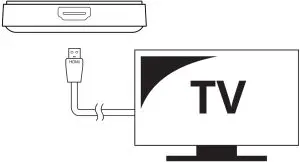
Connect the Bell Streamerto your TV with the included HDMI cable.
WiFi Router - Make sure your WiFi Router is set to On.
- Follow on-screen setup instructions.
OPERATING TEMPERATURE & CONDITION
- Rating: DC5V,1A
- Operation Temperature: 0~40ºC
- Max Altitude: 5000m
TROUBLESHOOTING
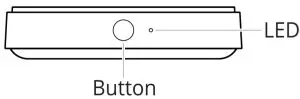
- Turn on the TV and the Bell Streamer.
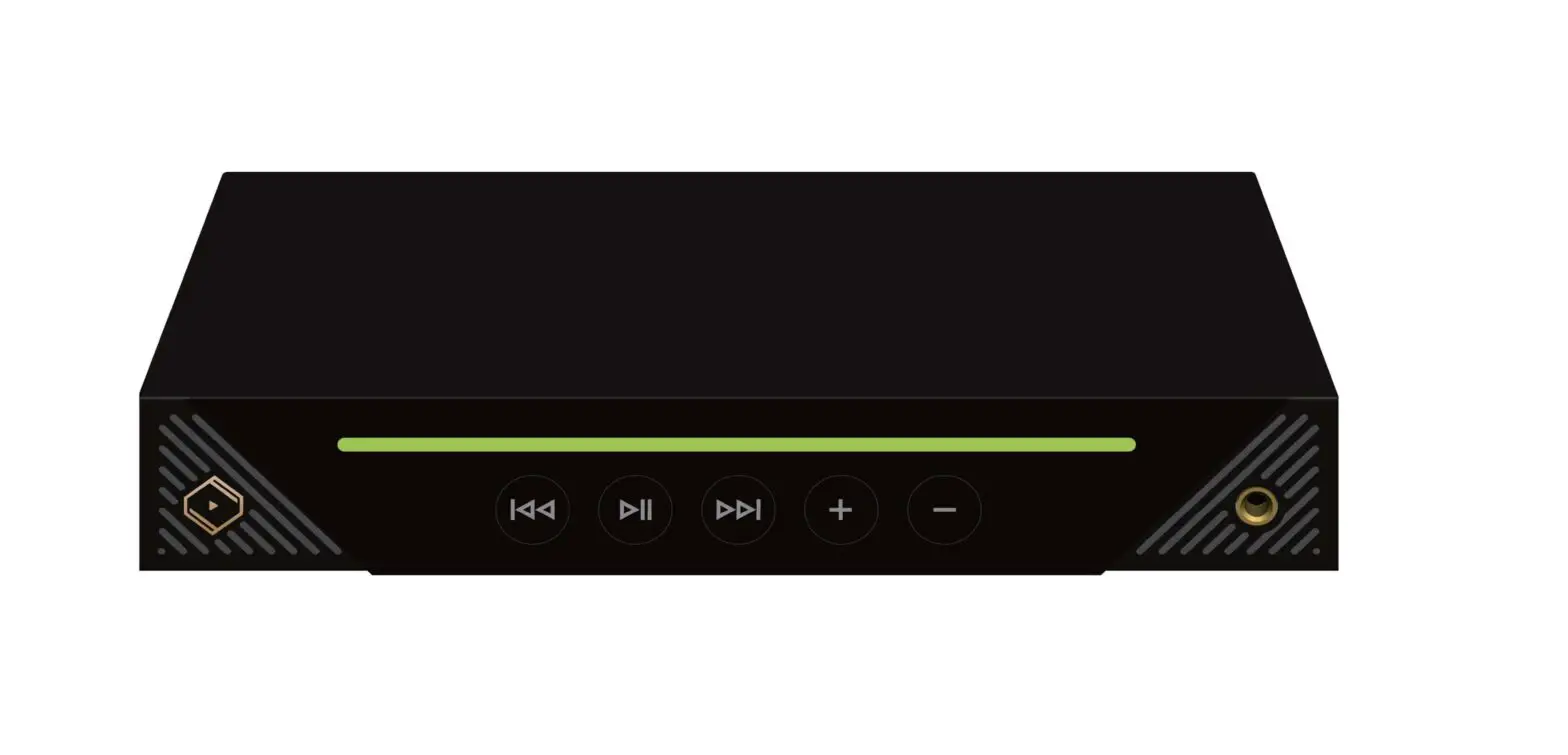
- Press and hold button (on Bell Streamer) for up to 3 seconds.
- Follow the on-screen remote control pairing instructions.