ROVLEP 28W-H Multiport USB C Hub User Manual
OVERVIEW

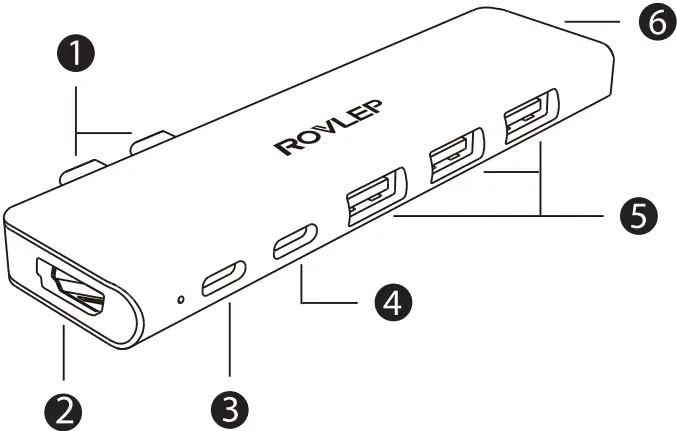
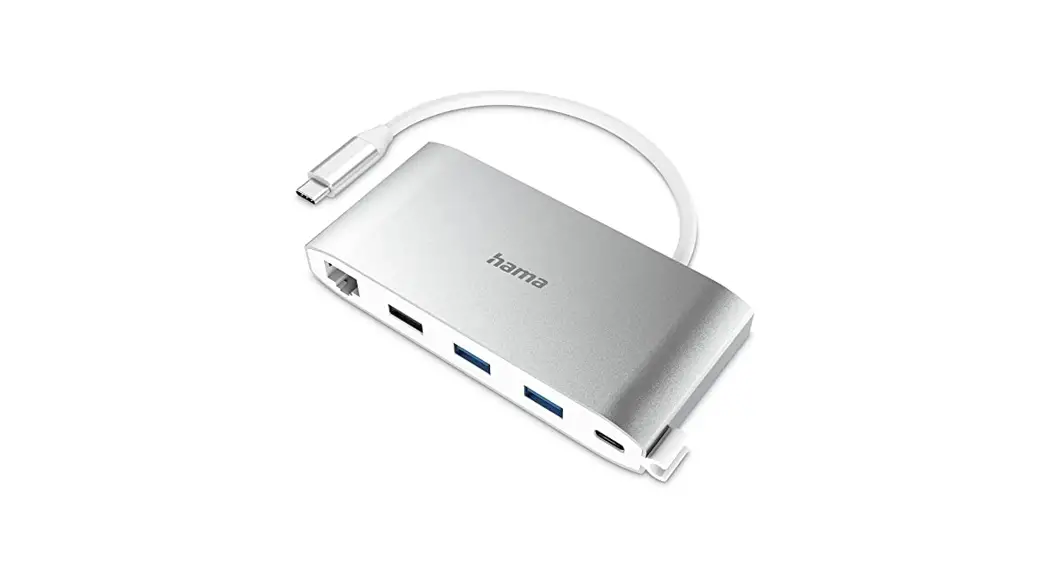
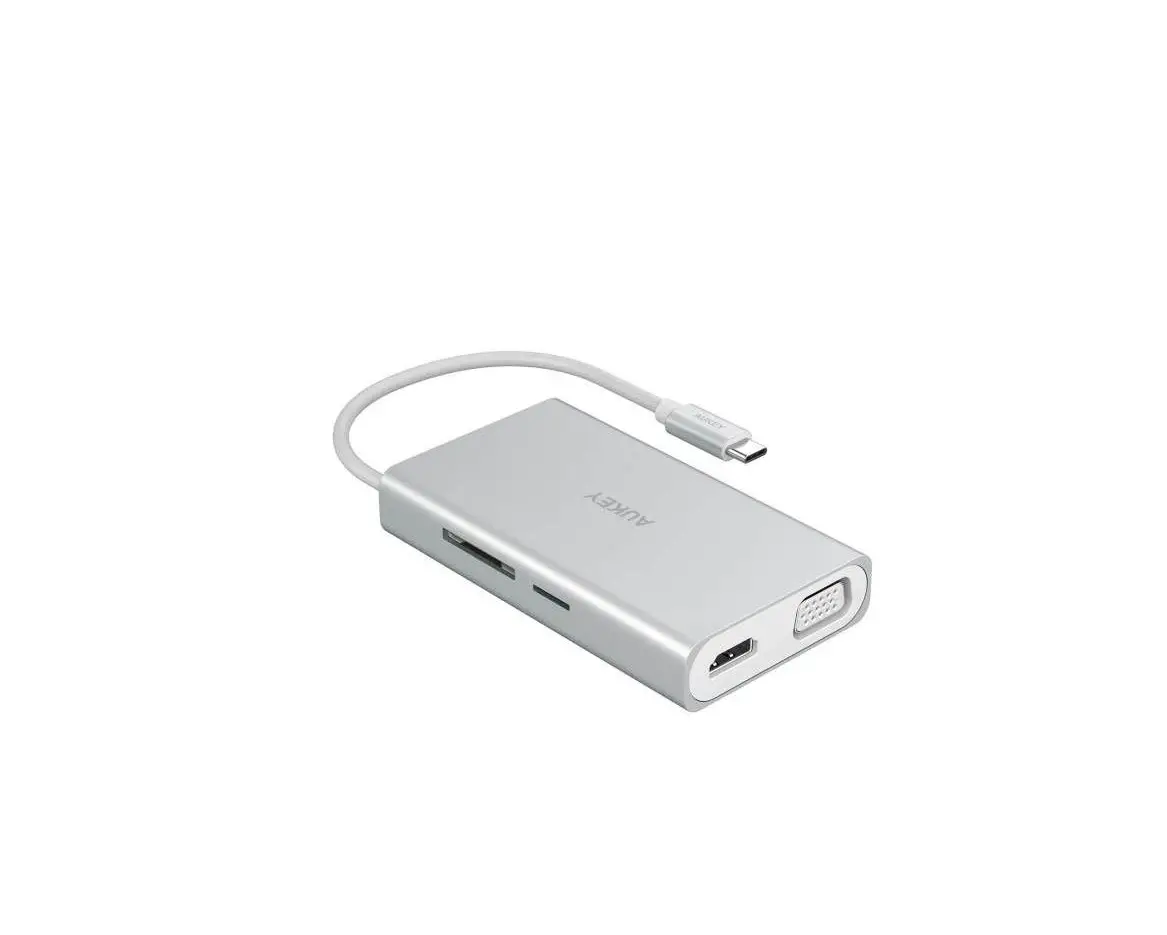
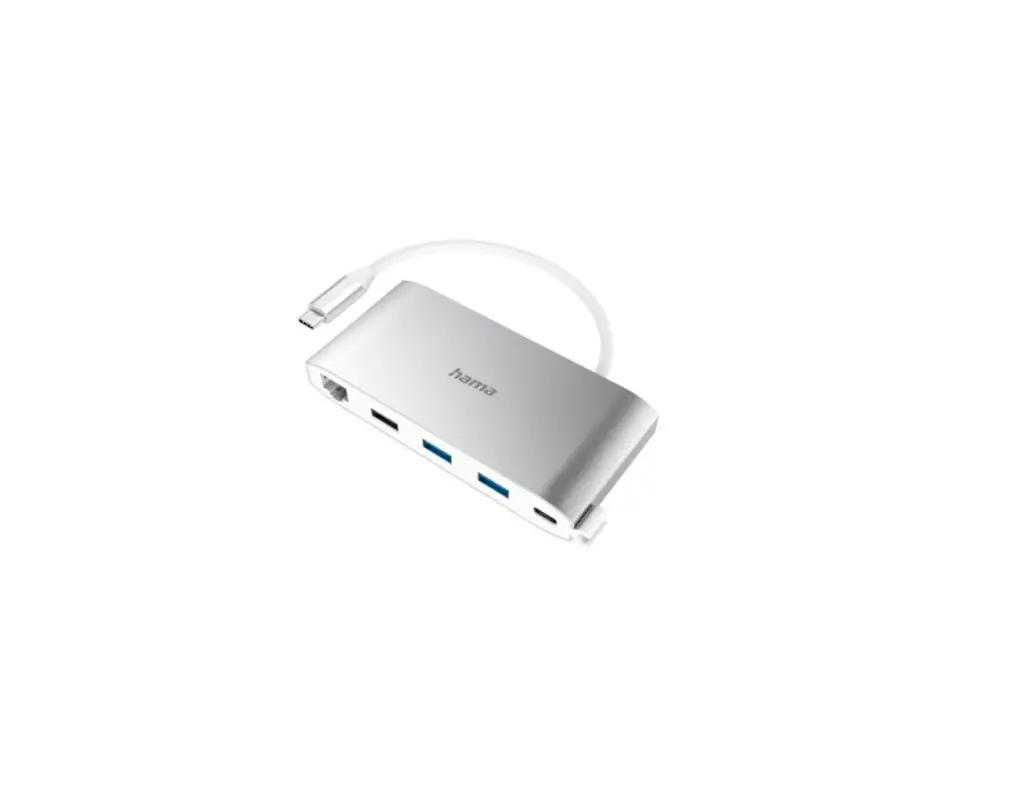
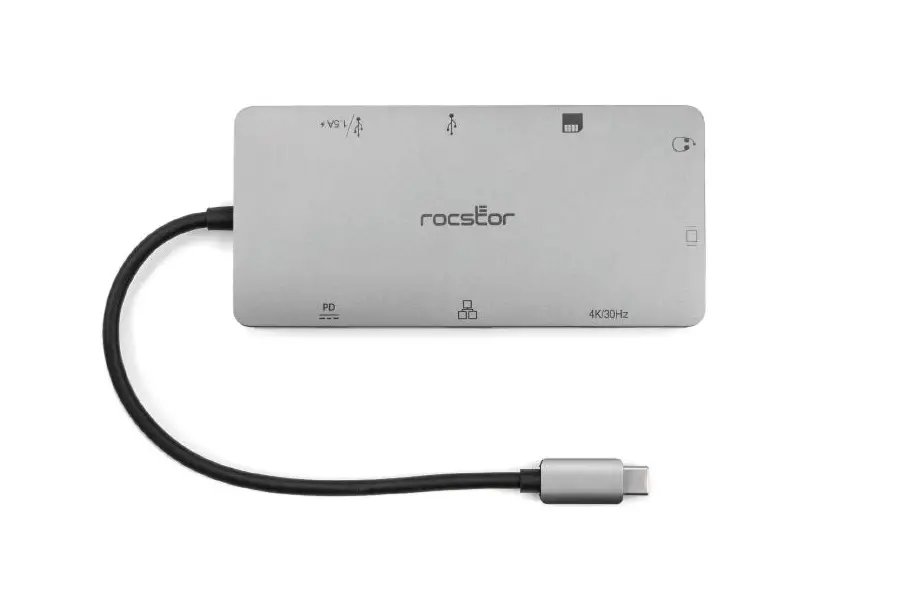
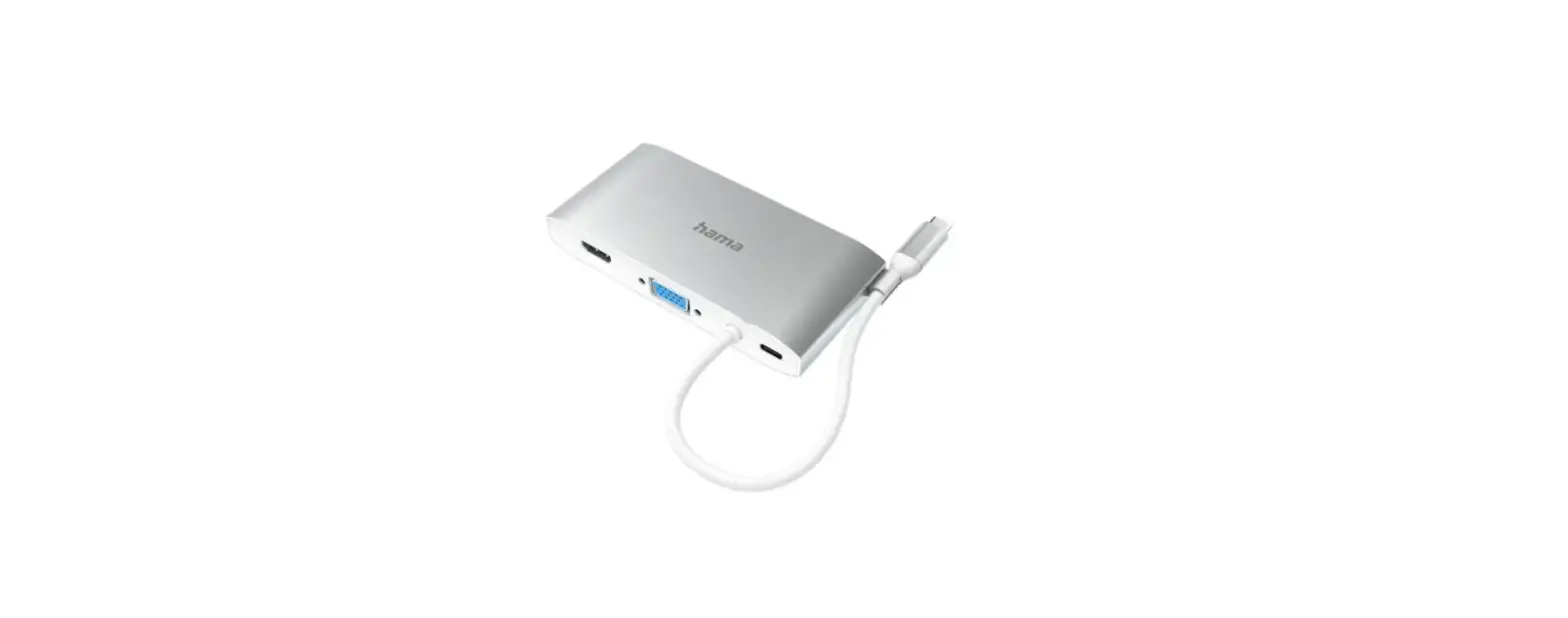
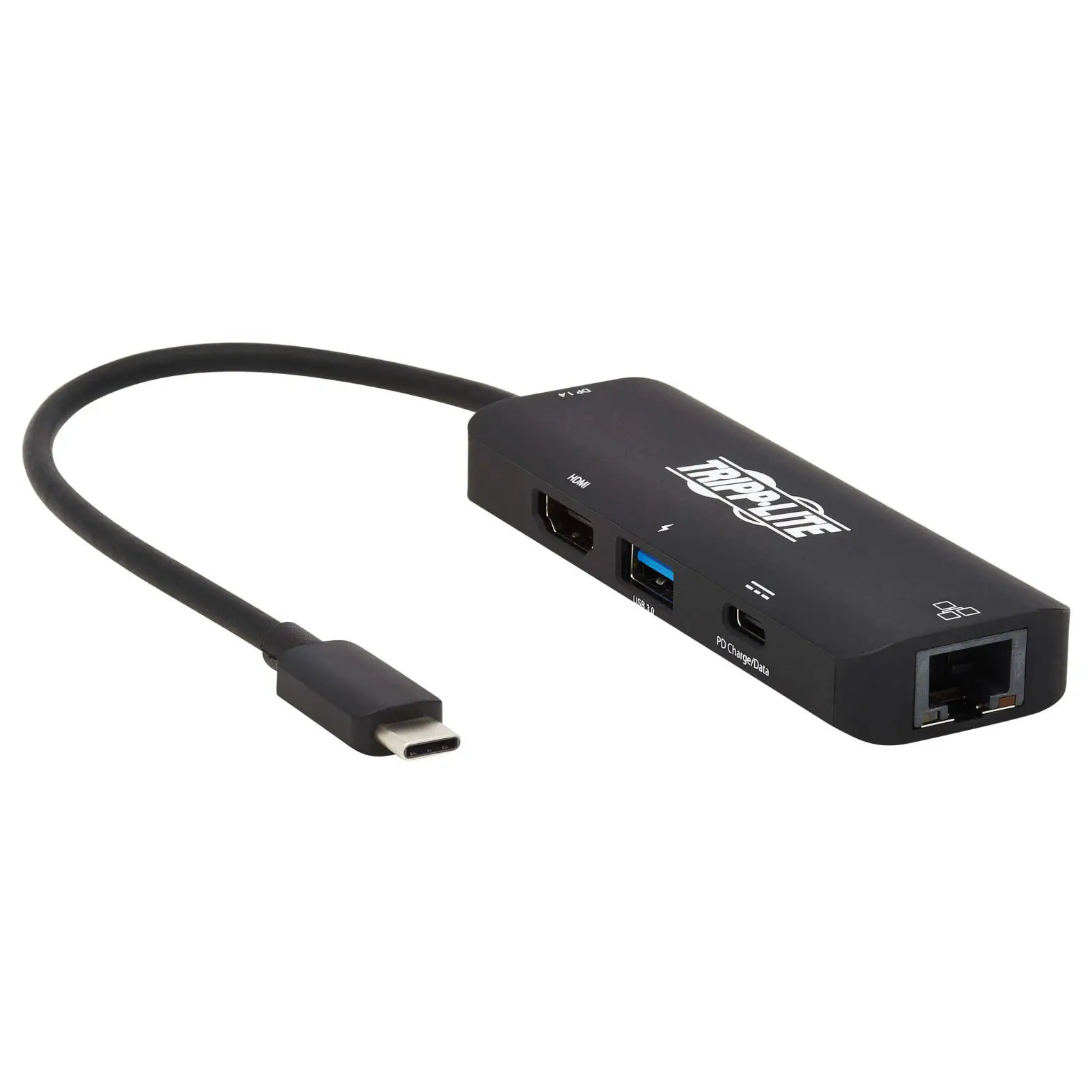
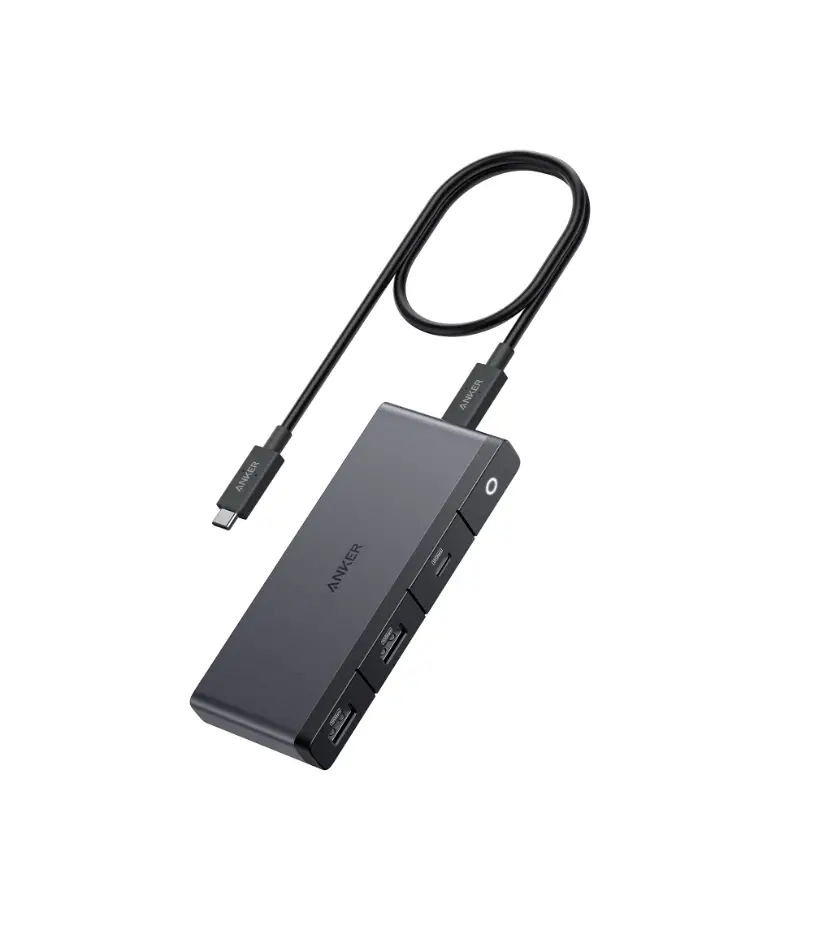
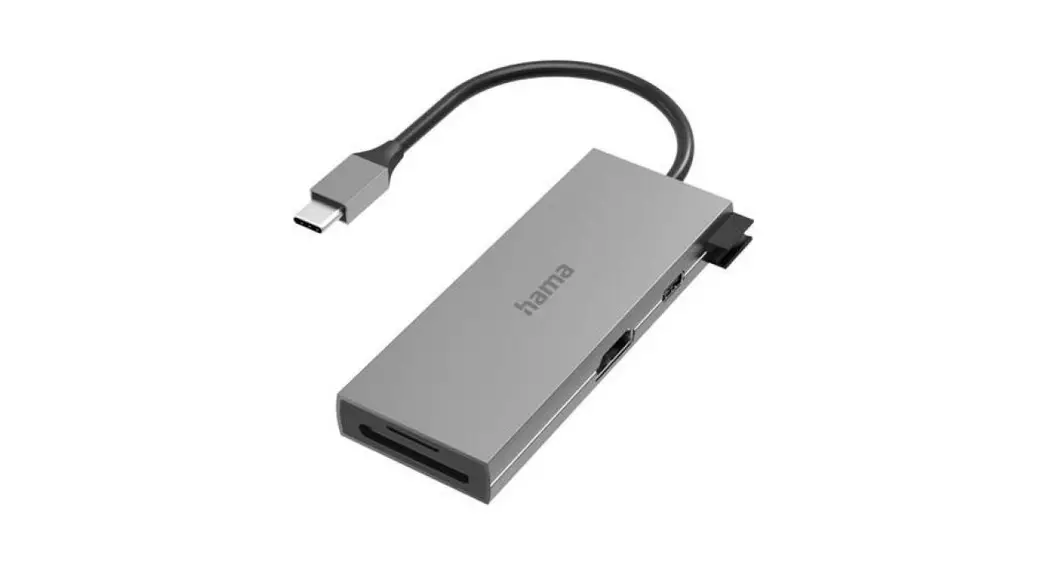
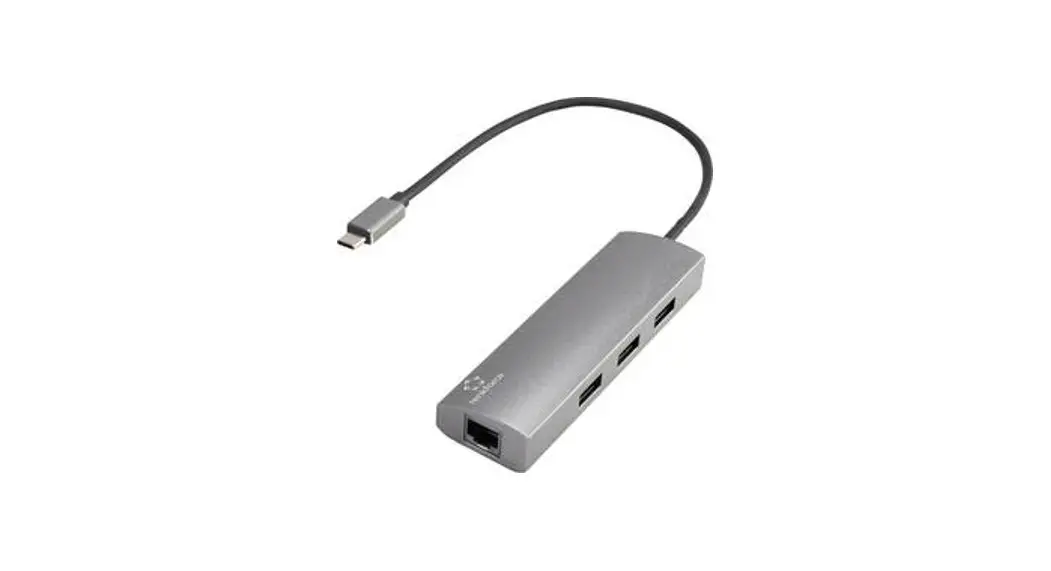
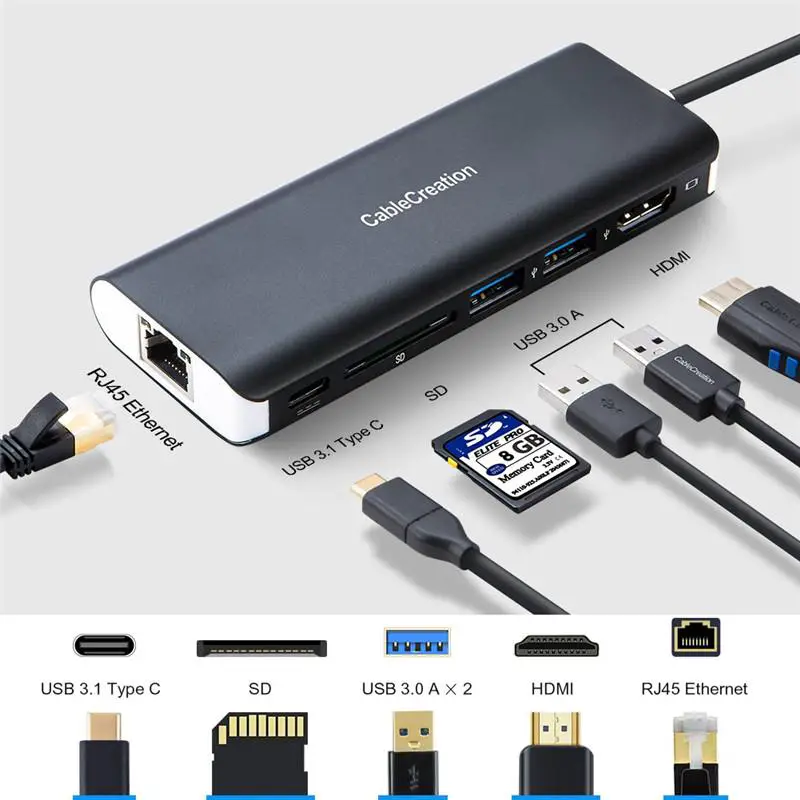
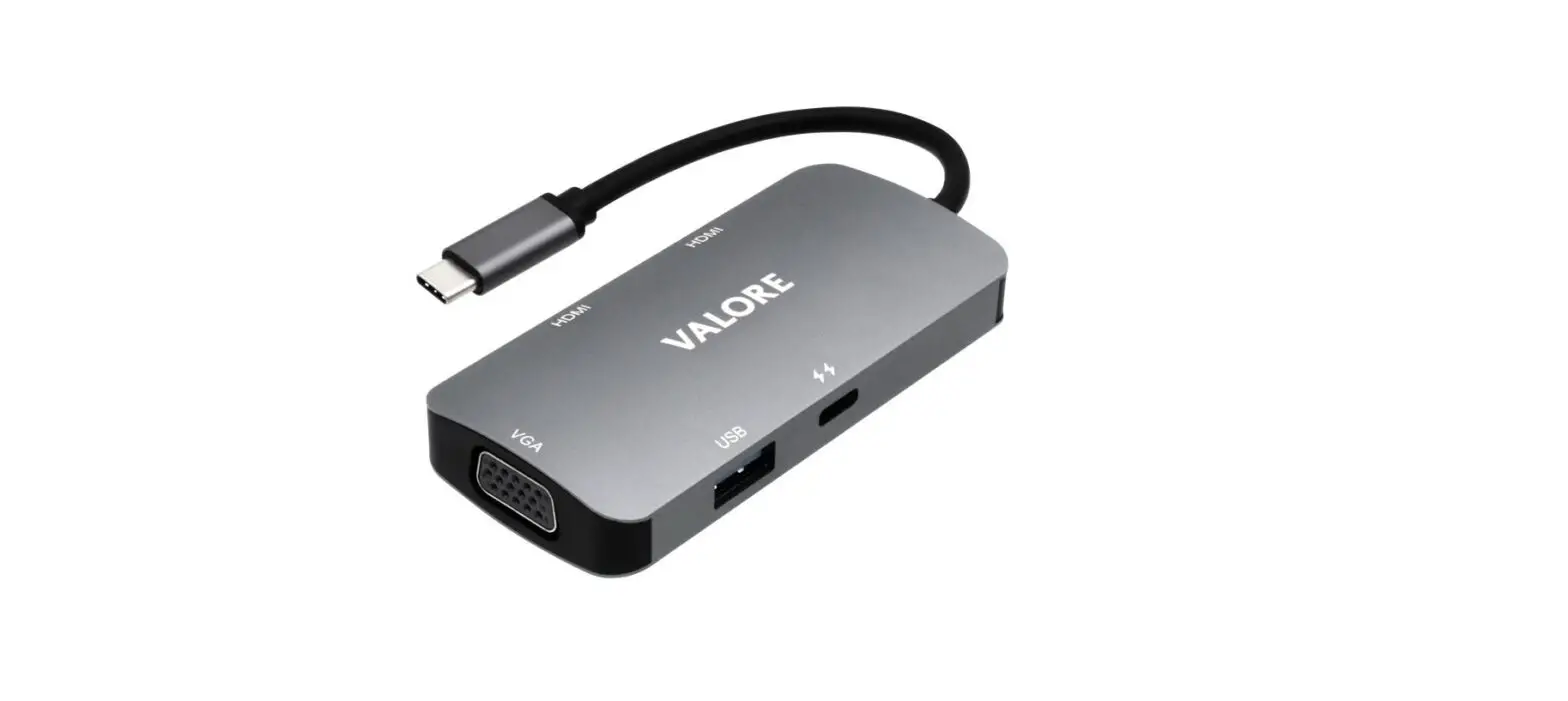
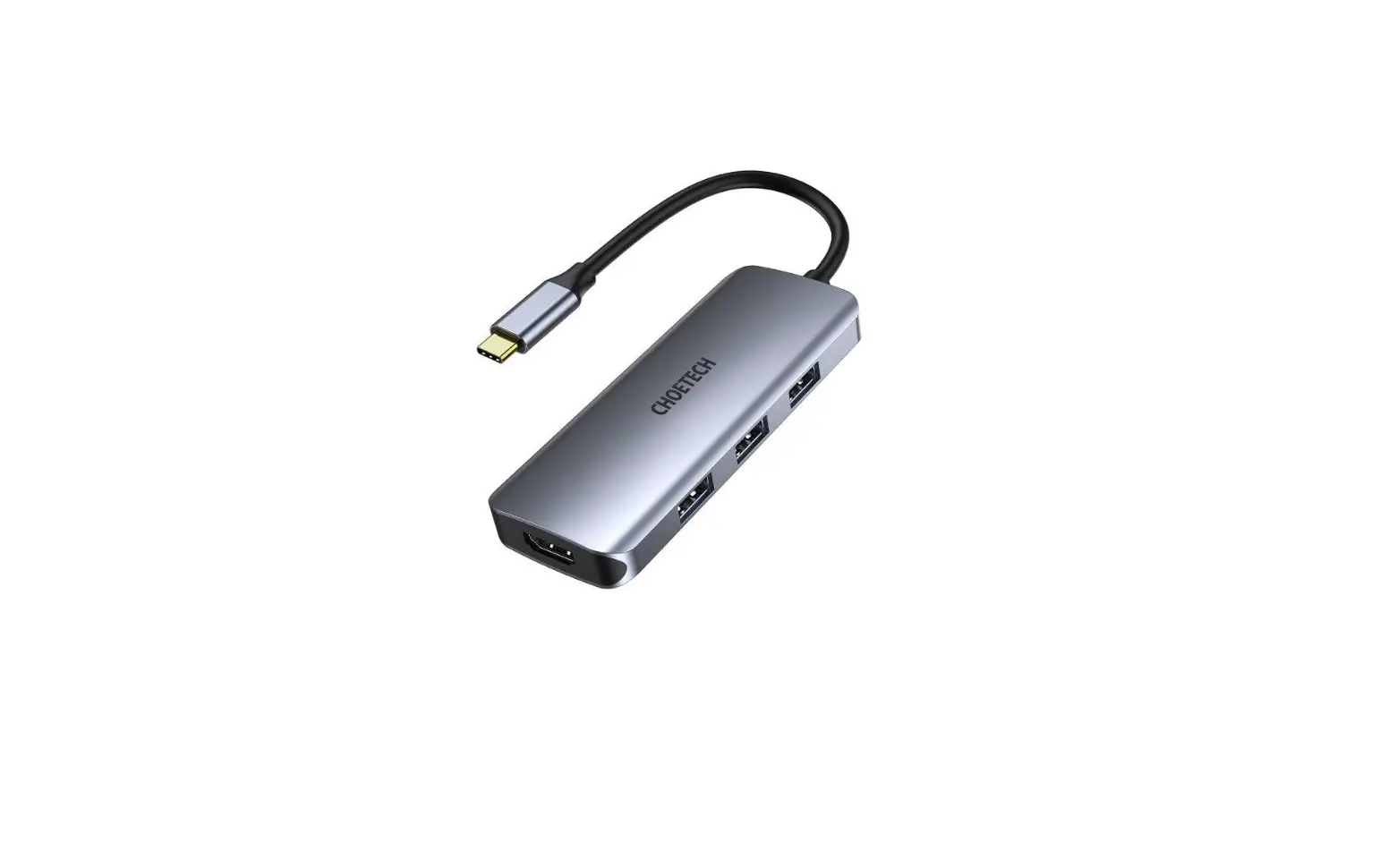
- USB-C Connectors
- HDMI Port
- Thunderbolt 3 Port
- USB-C Data Port
- USB 3.1 Gen 1 Data Ports
- SD & MicroSD Card Slots
SYSTEM REQUIREMENTS
Host laptop with an available USB-C port. Support Mac OS x10.15.4 or above operating systems.
SPECIFICATIONS
| Model | 28W-H |
| Interfaces | 3 USB 3.1 Gen 1 data ports Thunderbolt 3 port USB-C data port HDMI port SD & MicroSD card slots |
| Connector | USB-C |
| Material | Aluminum alloy |
| Dimensions | 120 x 35 x llmm / 4.72″ x 1.38″ x 0.42″ |
| Weight | 48.5g / 1.71oz |
GETTING STARTED _II I
- Plug the 28W-H into a Mac notebook that features dual Thunderbolt 3 ports on either side. The power indicator will light up green
- Connect your memory cards, USB peripherals (like mouse, keyboard, flash drive), USB-C devices (like phones or tablets), and HDMI display to the hub
PRODUCT CARE & USE
- Connect this hub to your host device first before connecting other devices to the hub
- Use your laptop’s original power adapter to charge your laptop via the Thunderbolt 3 port on this hub
- When connecting an external hard drive or multiple devices to this hub, connect your laptop’s power adapter to the Thunderbolt 3 port first because your host device may not deliver the required power
- Only one external hard drive can be connected to this hub
- The maximum current output of each USB 3.1 Gen 1 data port is 900mA. These ports are not recommended for charging due to lower output
- USB 3.1 Gen 1 ports may interfere with 2.4GHz wireless devices (like wireless mice and keyboards)
- Keep away from liquids and extreme heat
For questions, support, or warranty claims, contact us at the address below that corresponds with your recion. Please include your Amazon order number and product model number.
Amazon orders: [email protected]