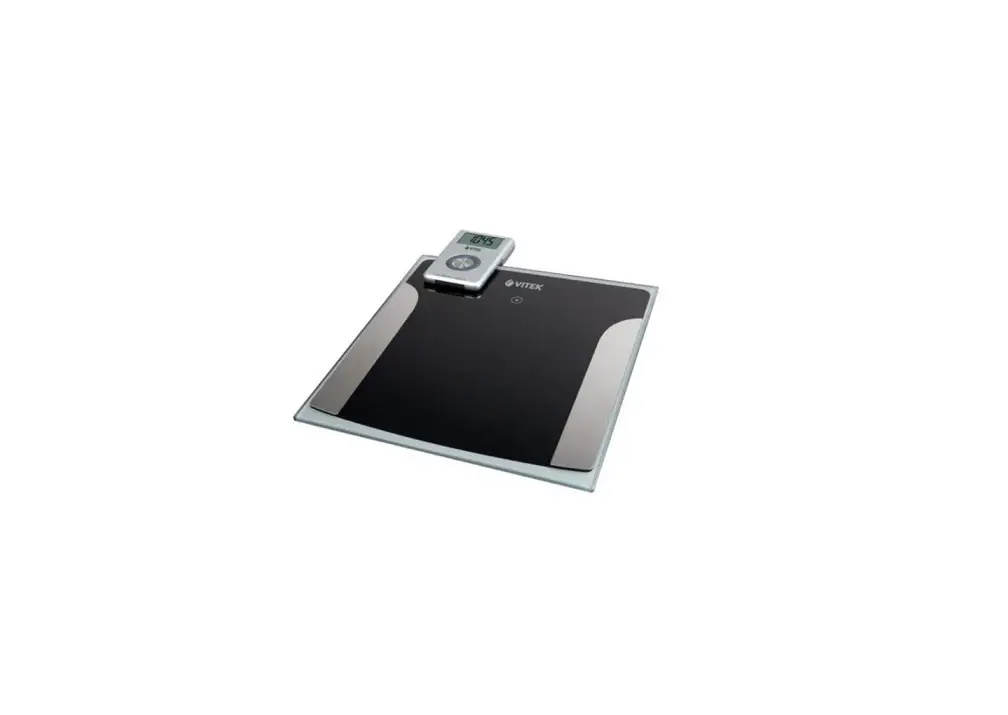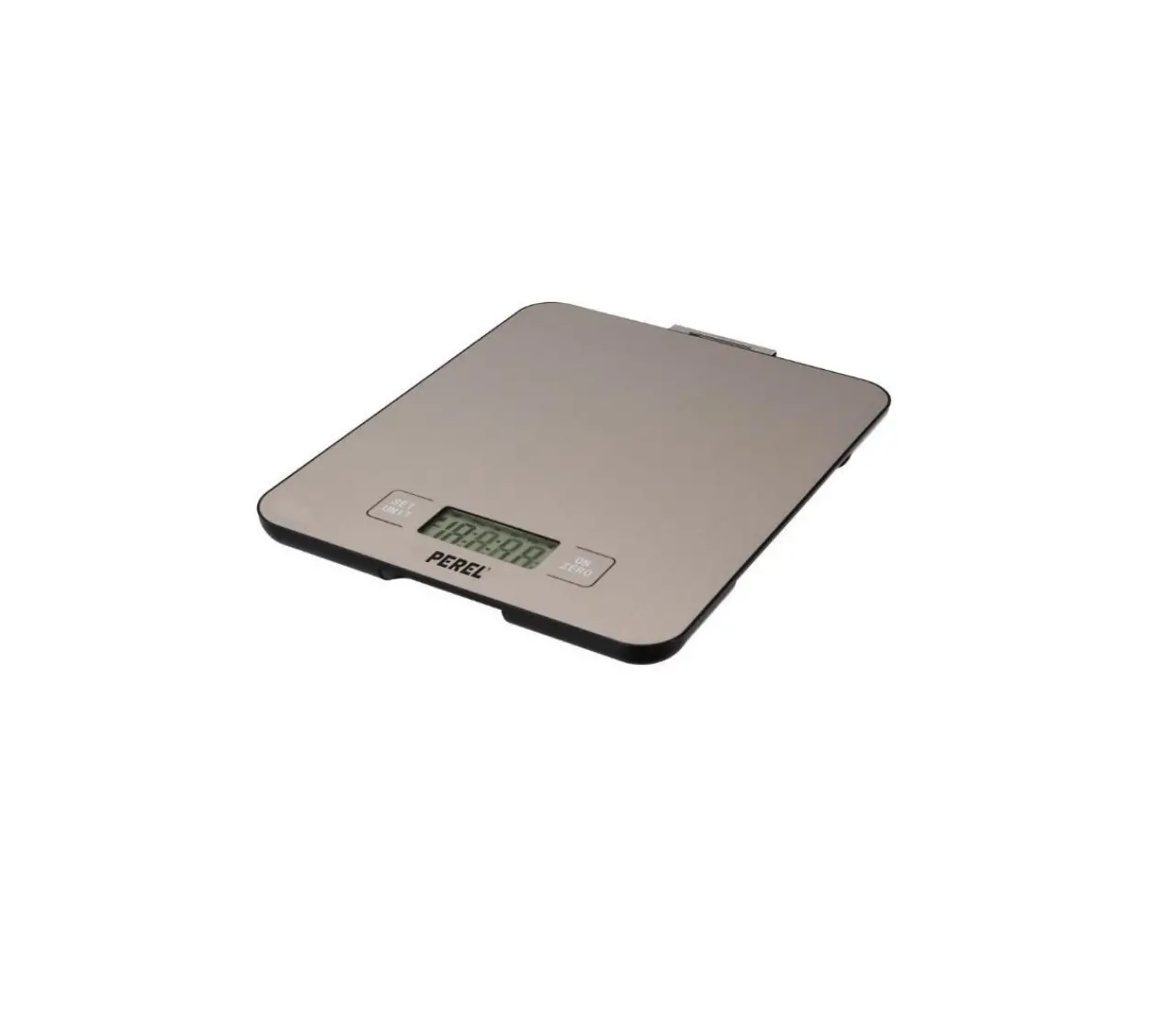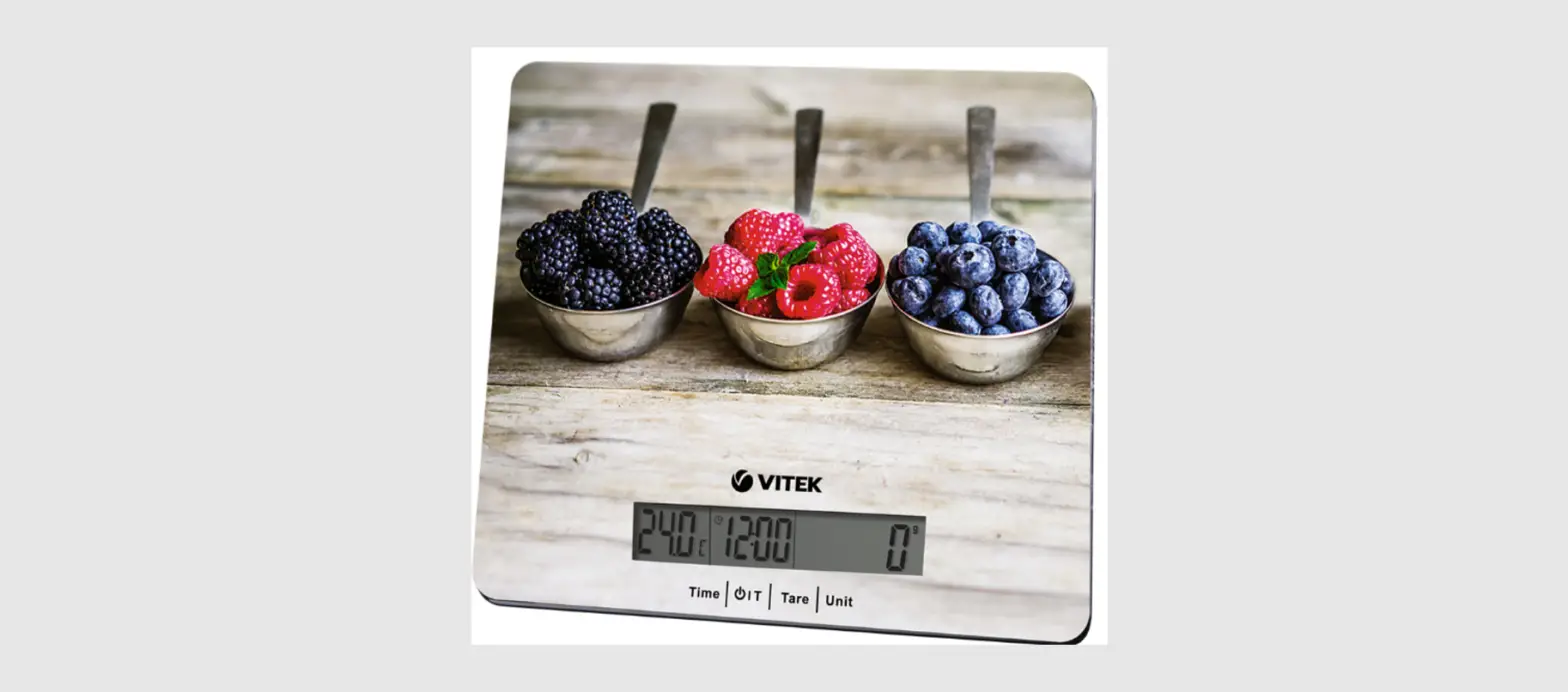

VITEK VT-1969 SR Electronic Kitchen Scale
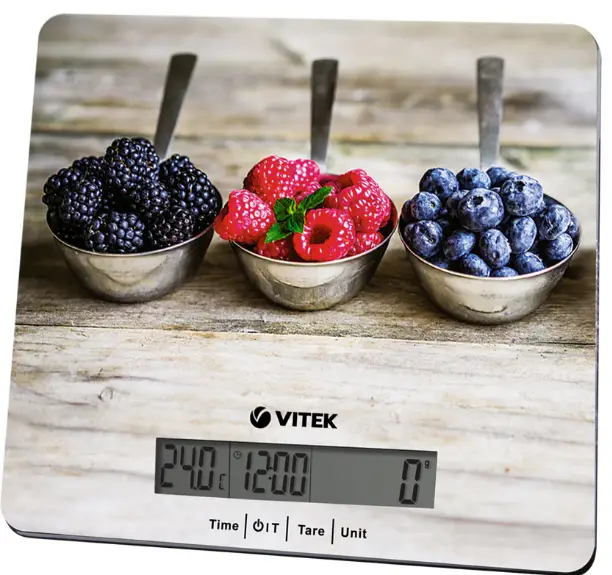
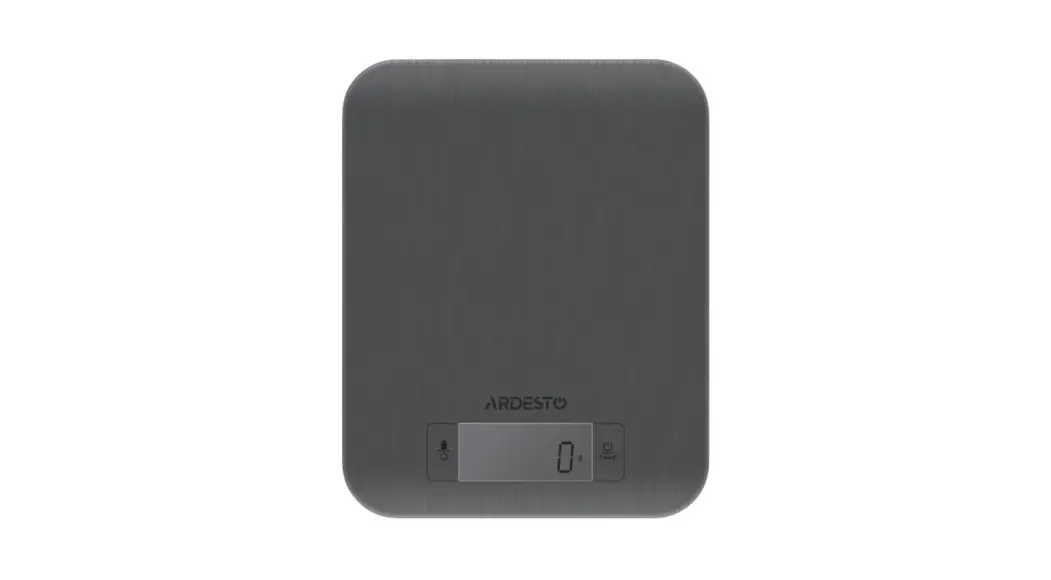
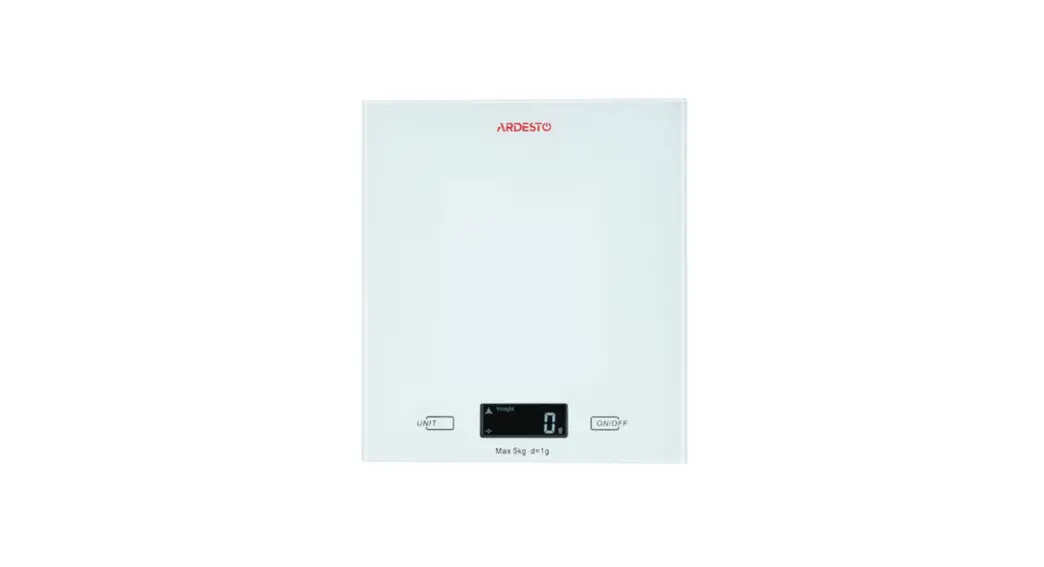
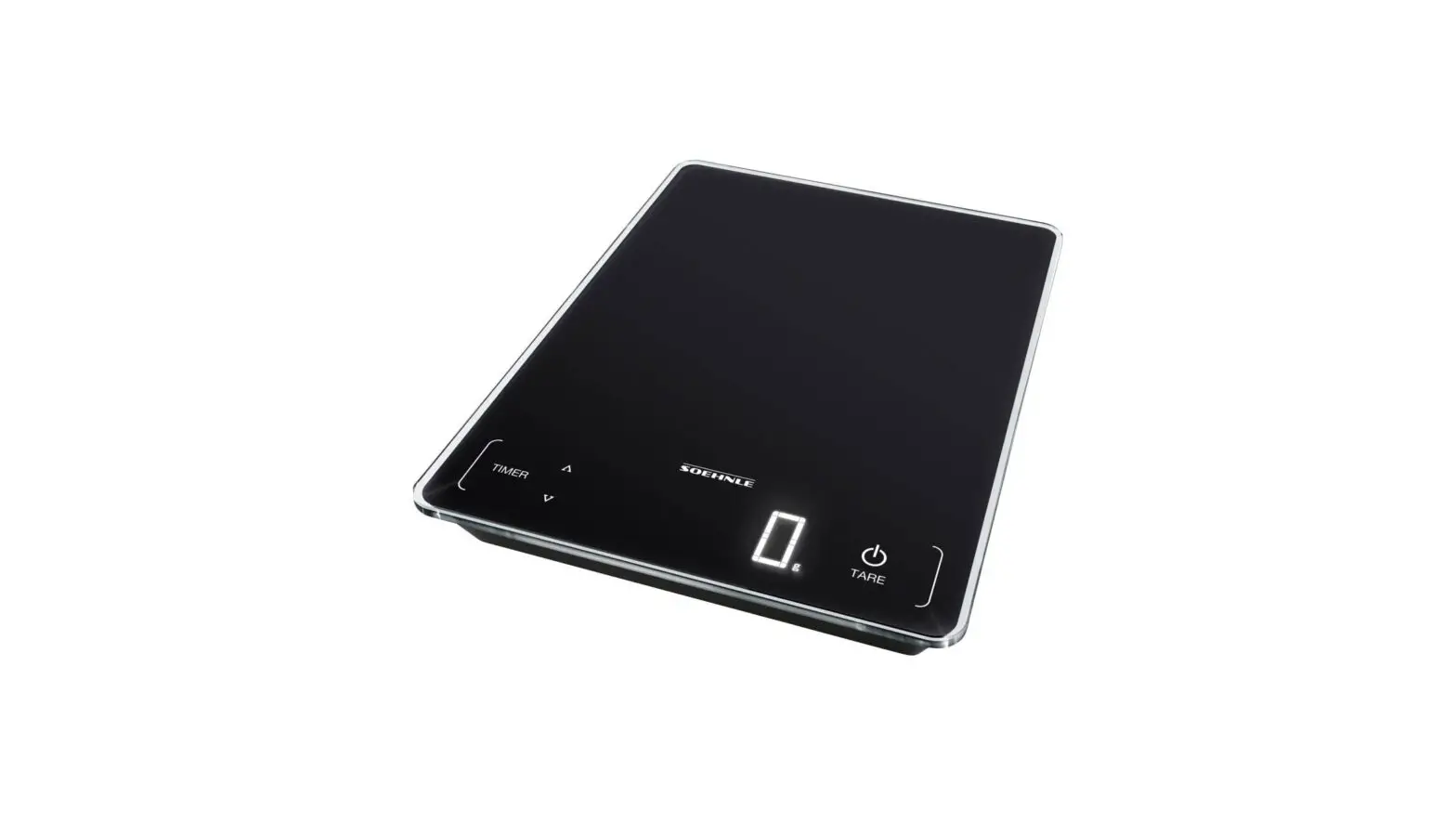
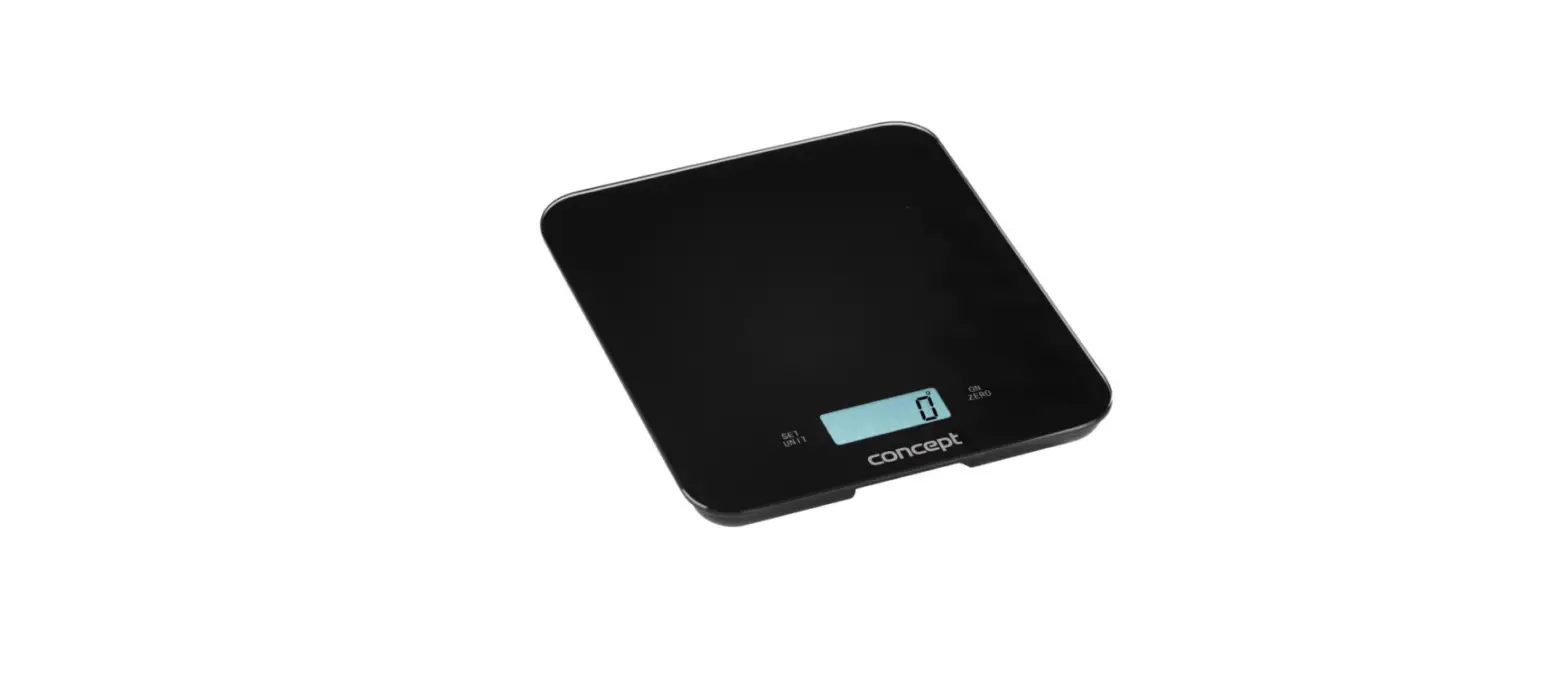
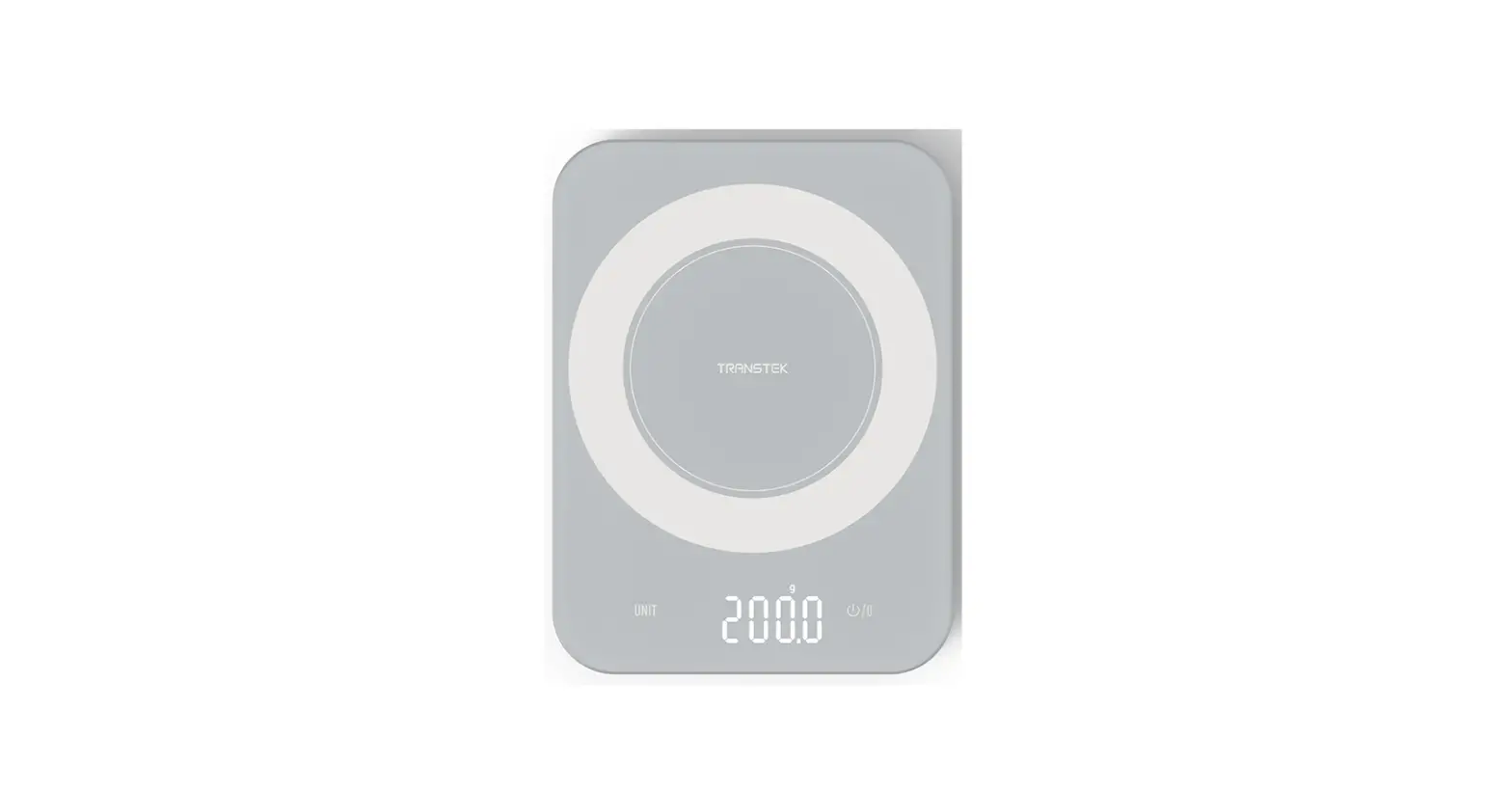
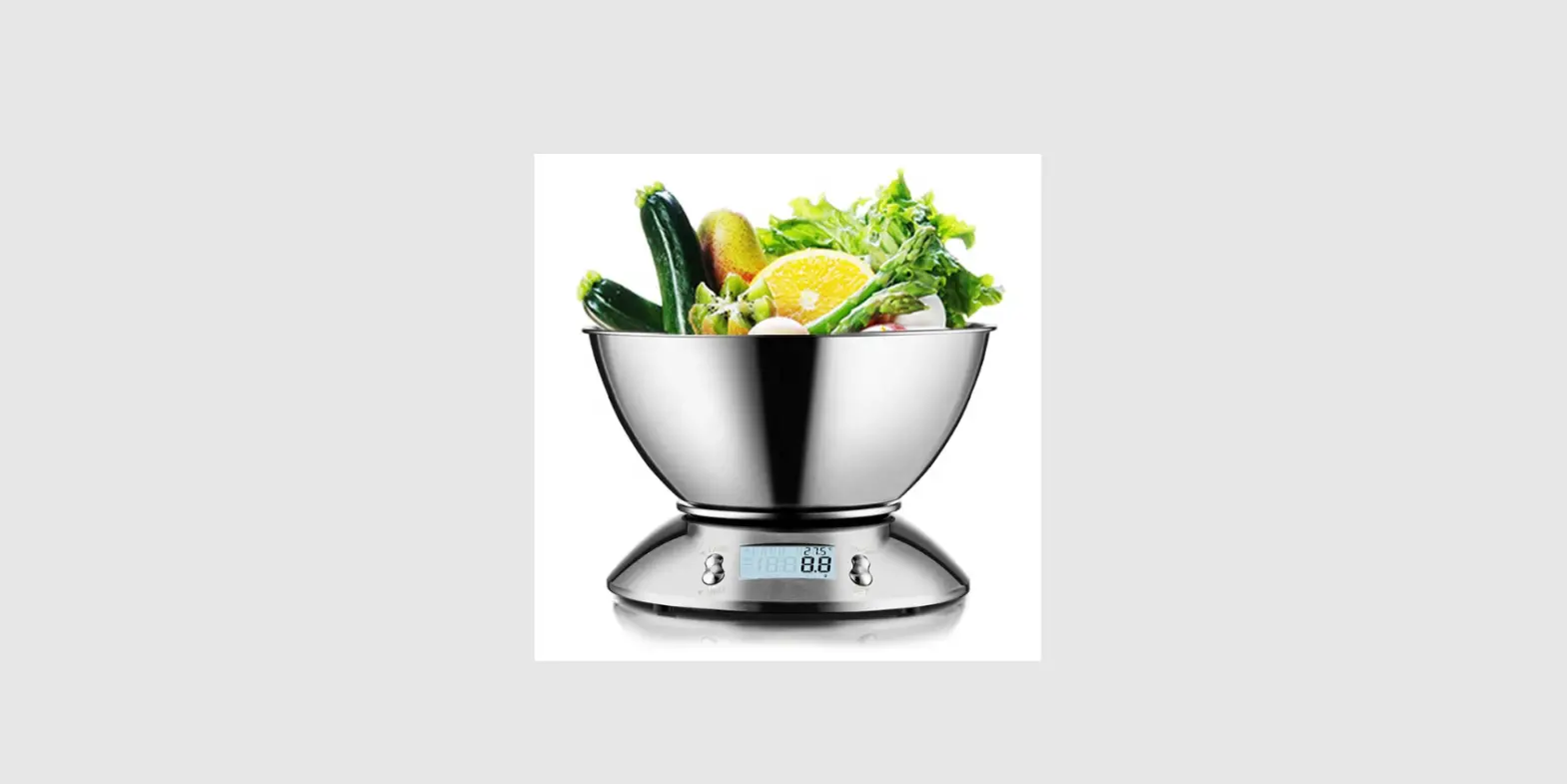
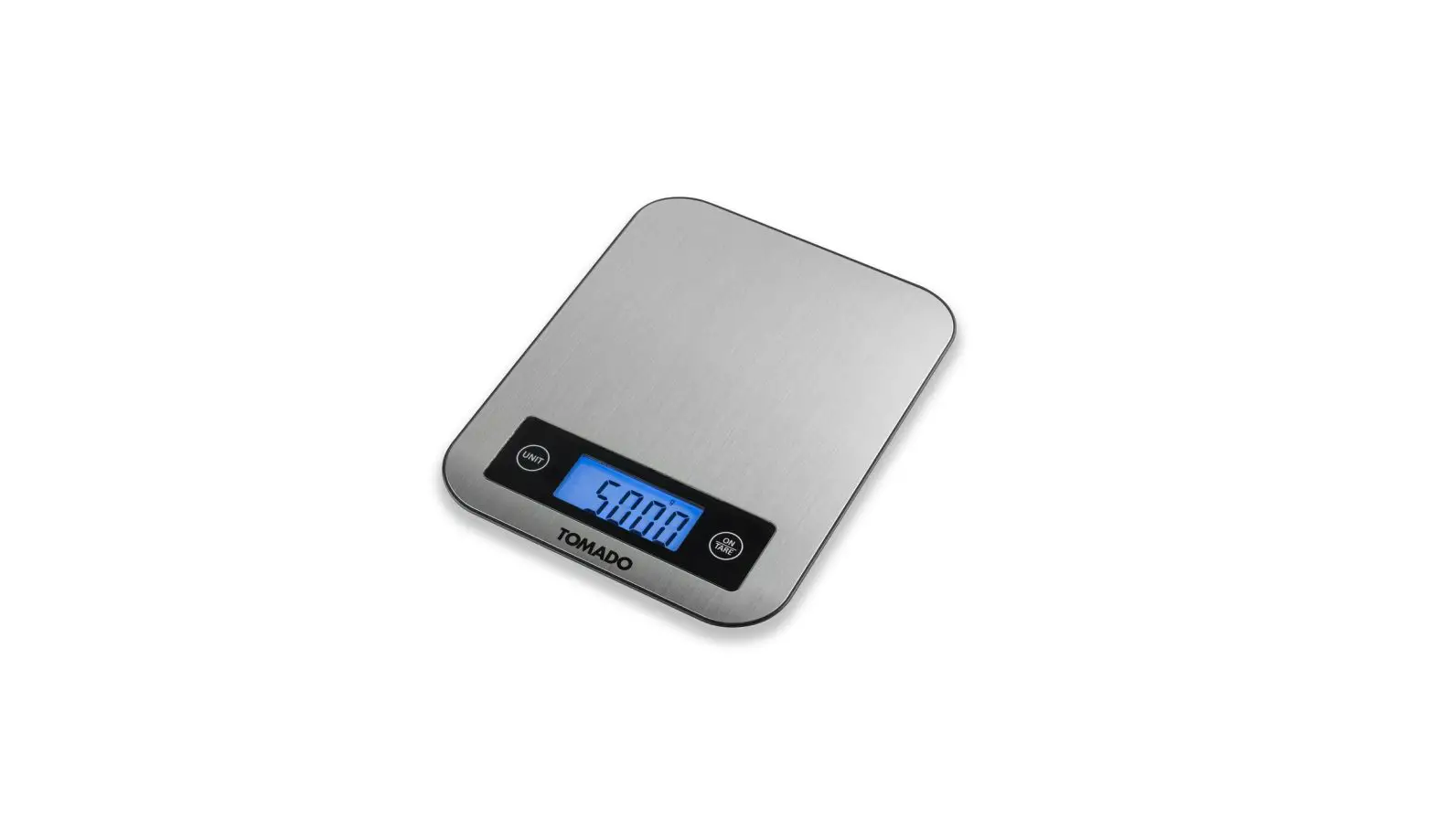
Electronic kitchen scale
First – remove battery protection
3 buttons
Start/reset
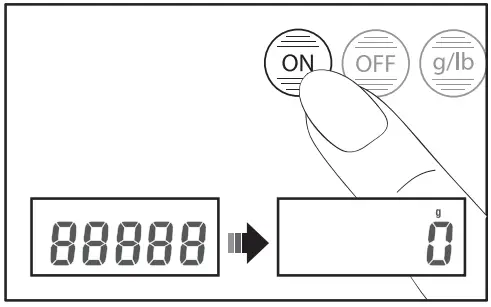
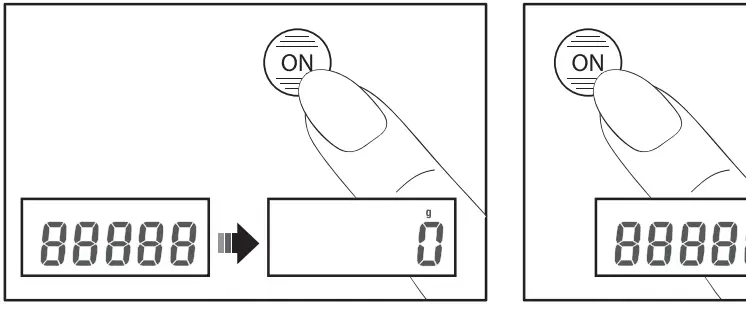
1 button

Start/reset
Unit choice g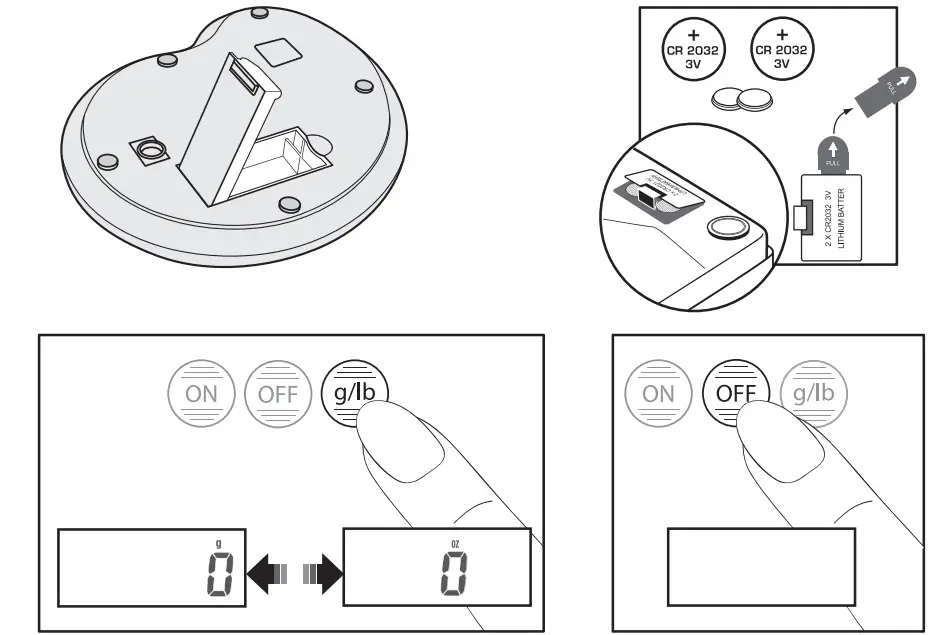
Automatic switch off after 20 seconds
To weigh
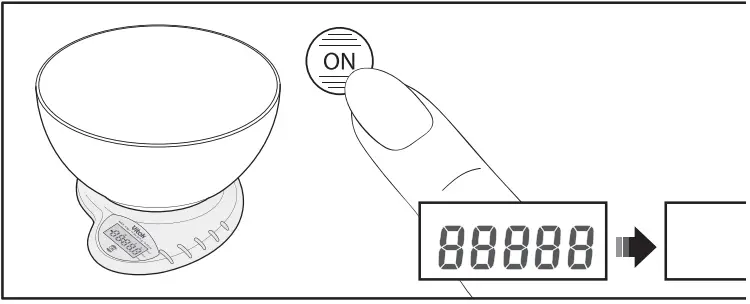
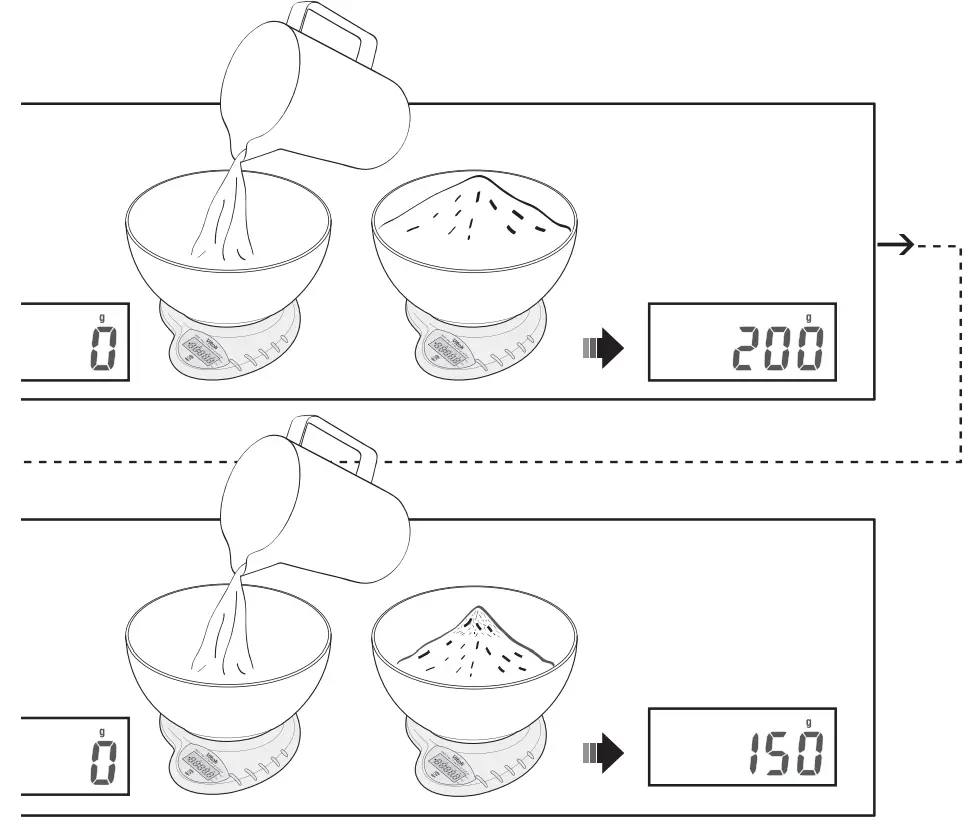
Add and weigh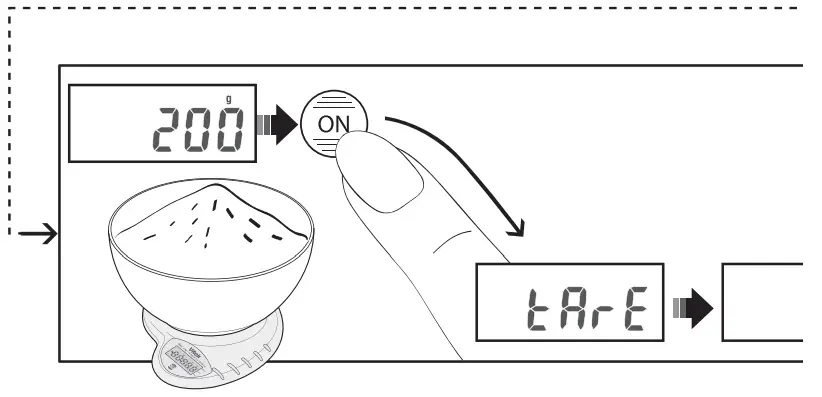
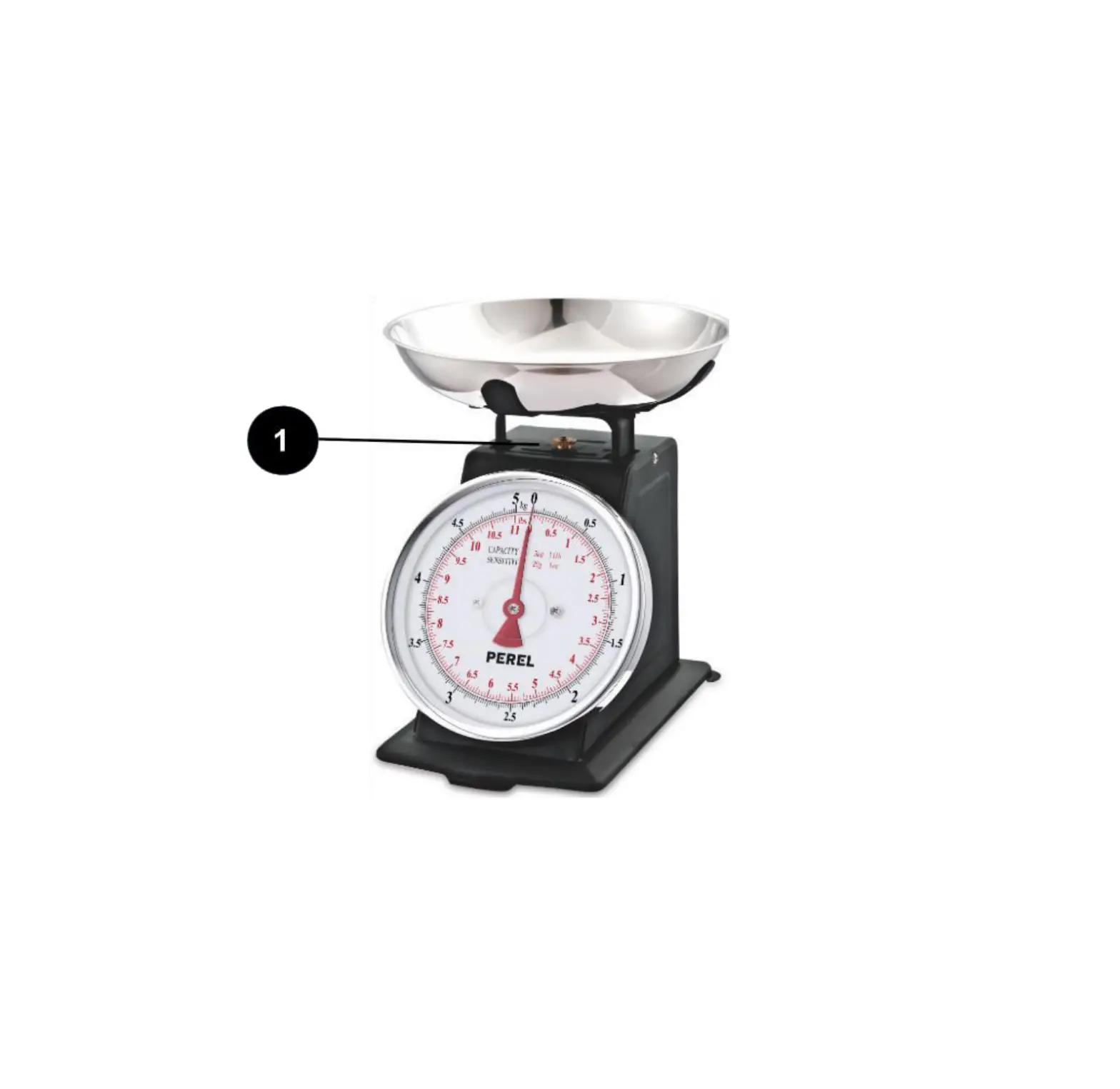
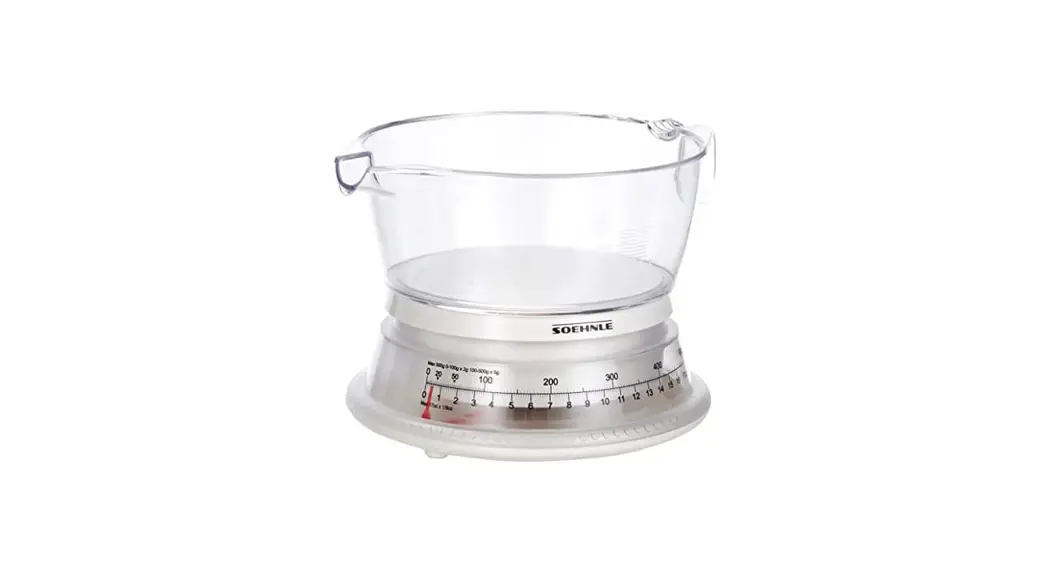
Bowl
For certain models a rubber ring is included in the box. This should be fitted into the groove at the bottom of the bowl. See diagram. This ensures that the bowl is non-slip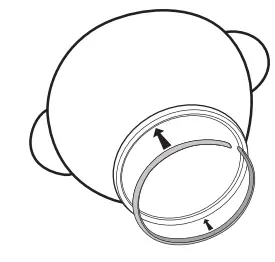
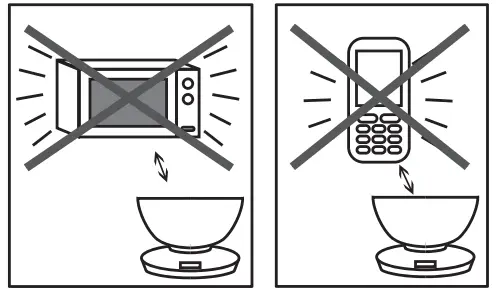
Use and care
If the scale does not function properly, try cutting the power supply by removing the batteries. Then replace the batteries and start again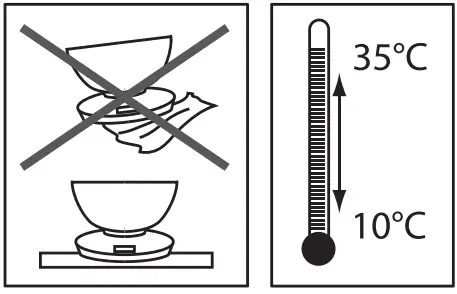
Display readings 
- Scale overloaded
- Change battery
- Negative weight – Remove weight and restart

Ounce divisions in lb mode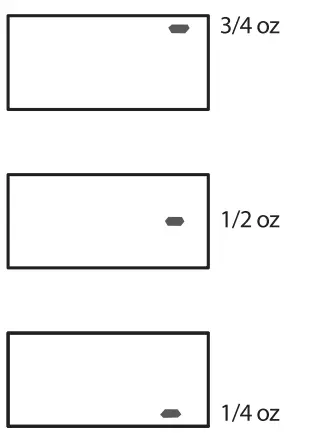
The production date of the item is indicated in the serial number on the technical data plate. A serial number is an eleven-unit number, with the first four figures indicating the production date. For example, serial number 0606ххххххх means that the item was manufactured in June (the sixth month) 2006.
 Бытовая техника Vitek - официальный сайт производителя мелкой бытовой техники для дома и ухода за собой Vitek.ru