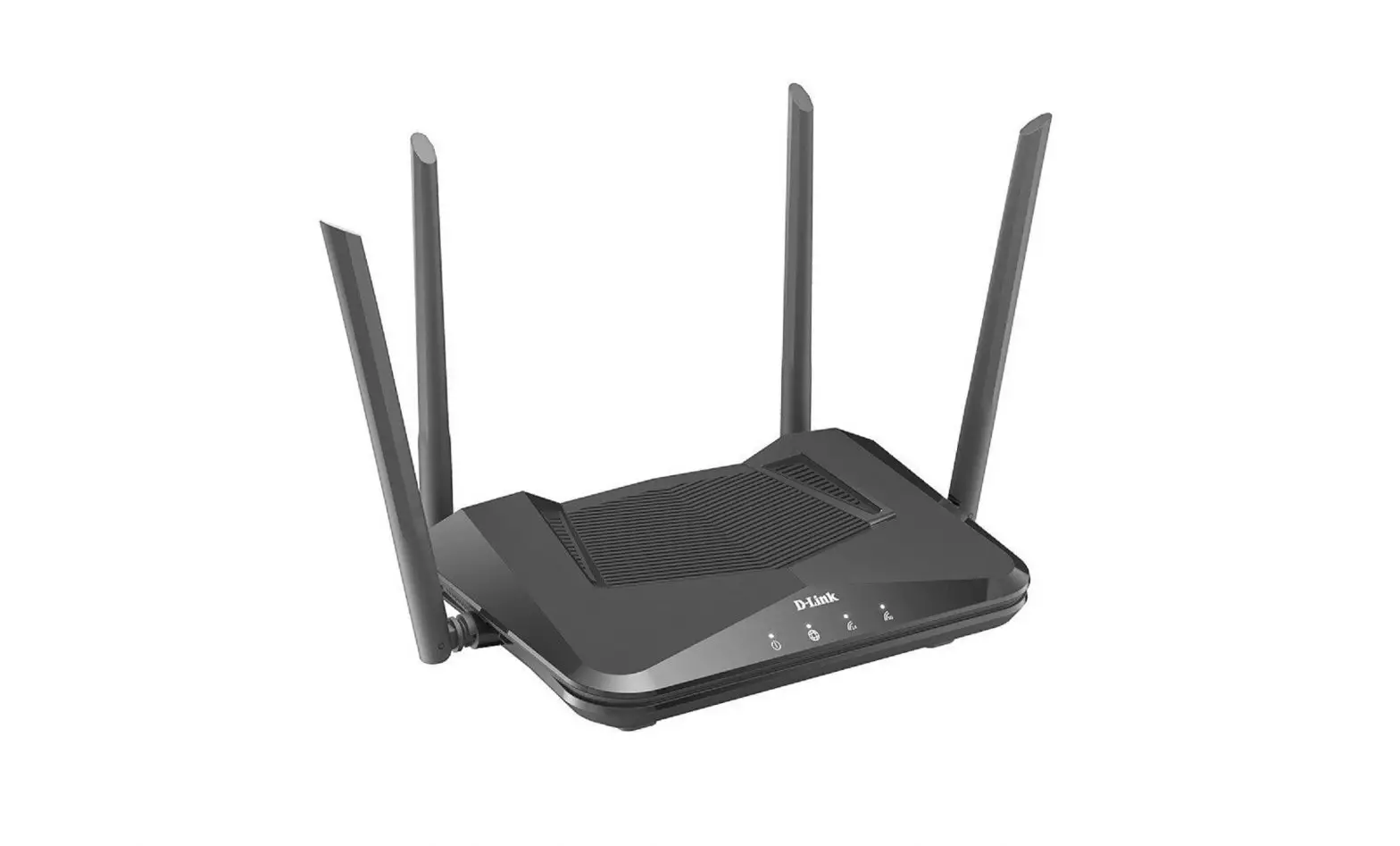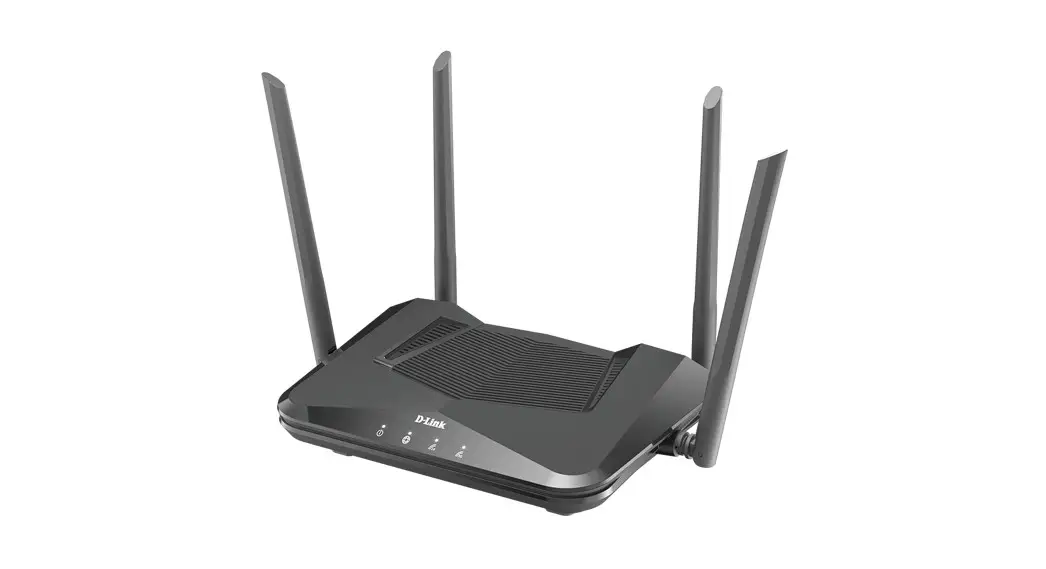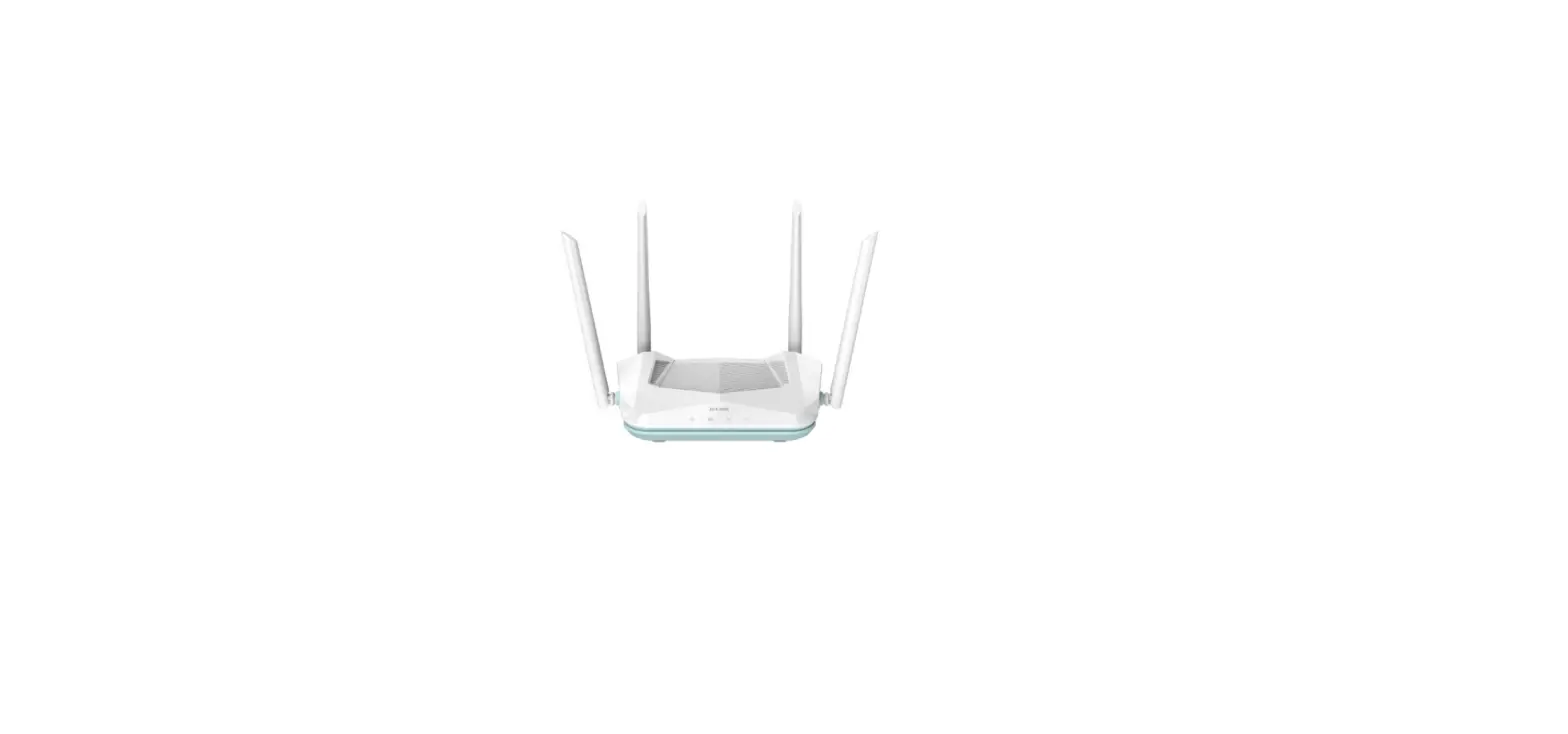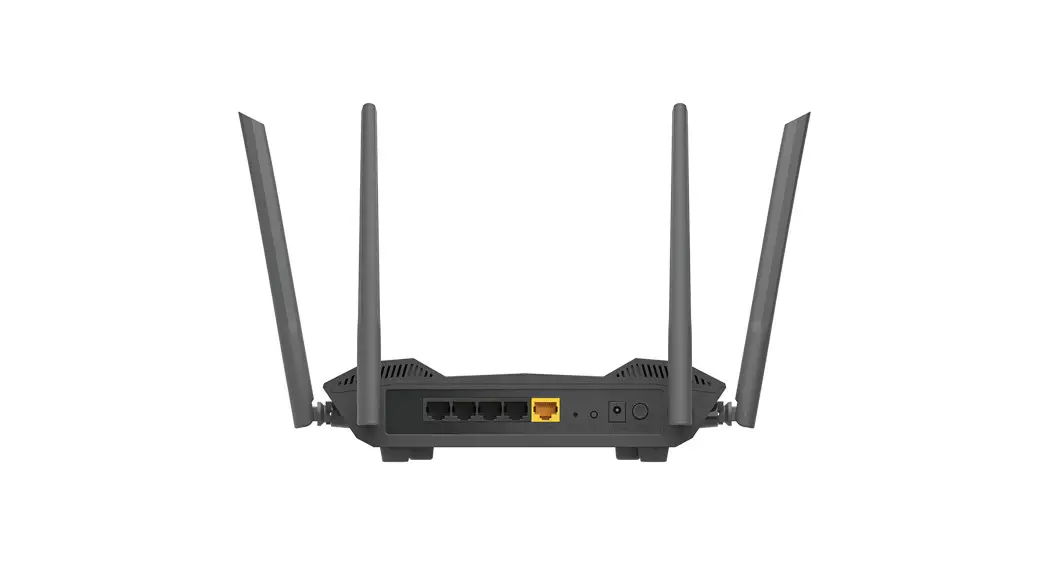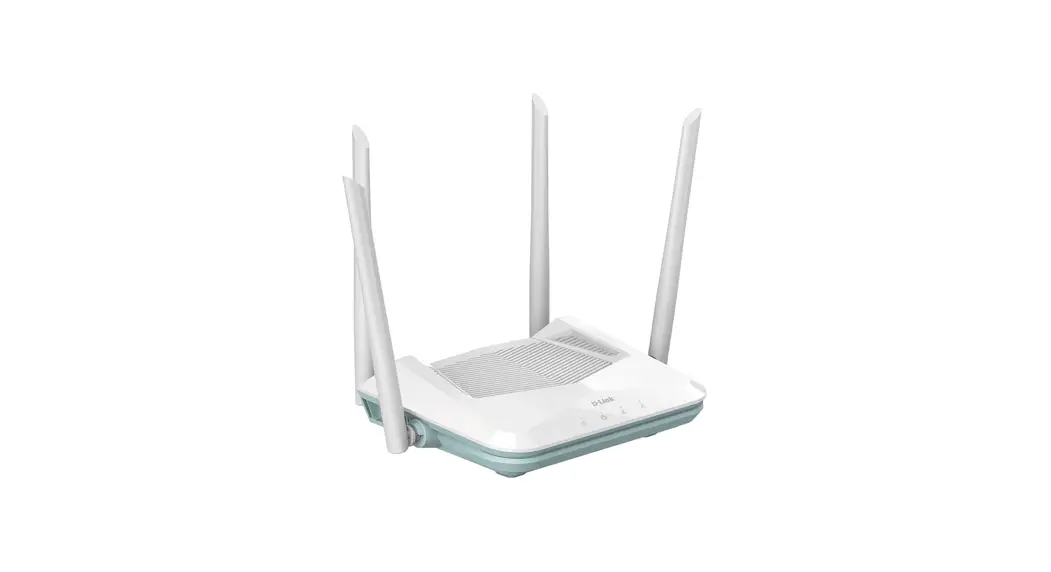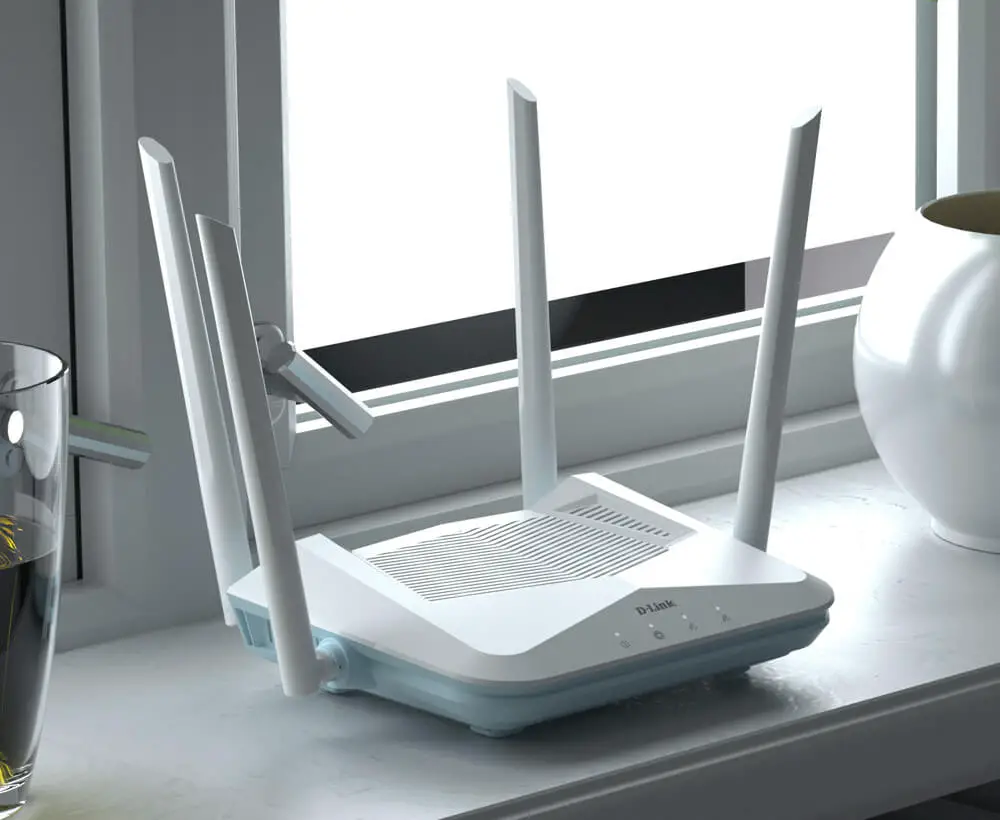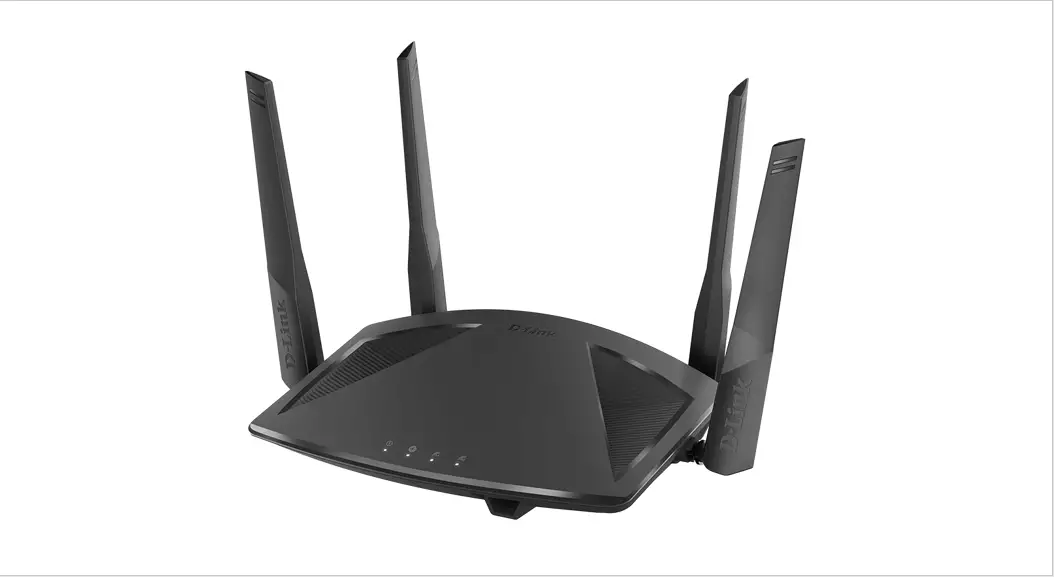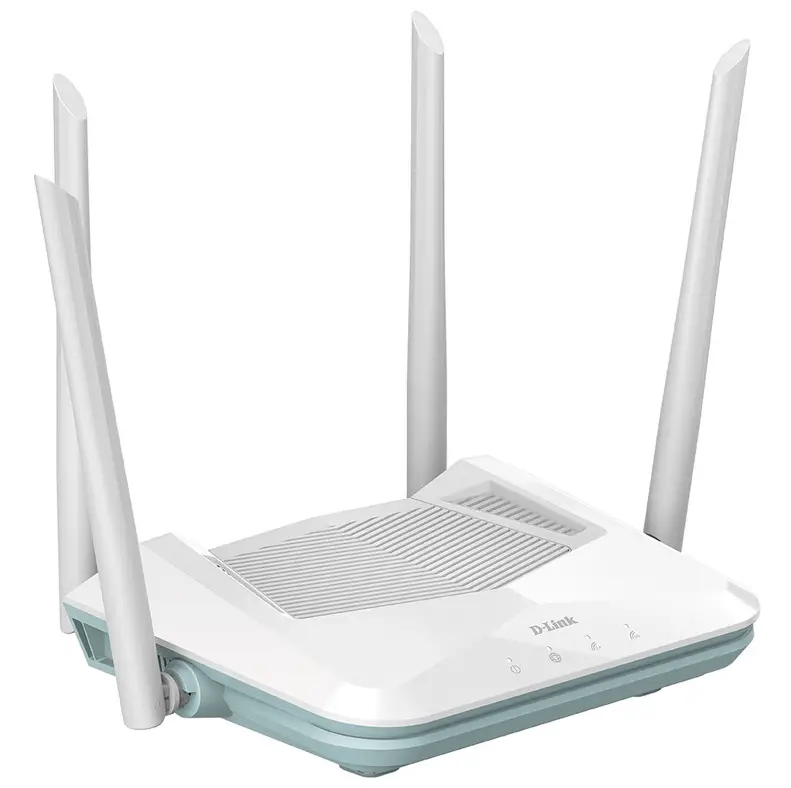

D LINK R15 Router using Eagle Pro AI App
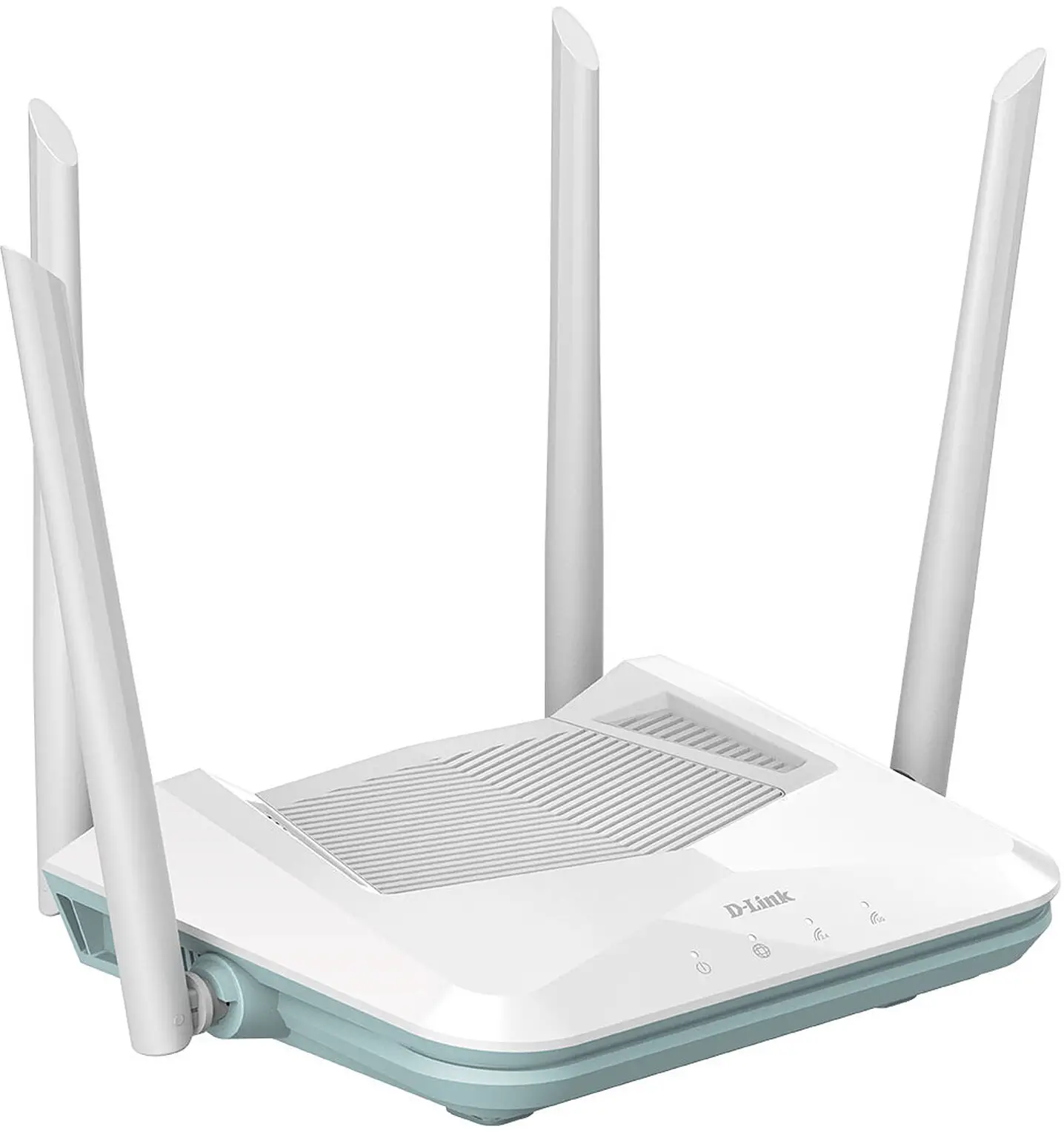
How to setup R15 Router using Eagle Pro AI App Existing Account
- Step 1
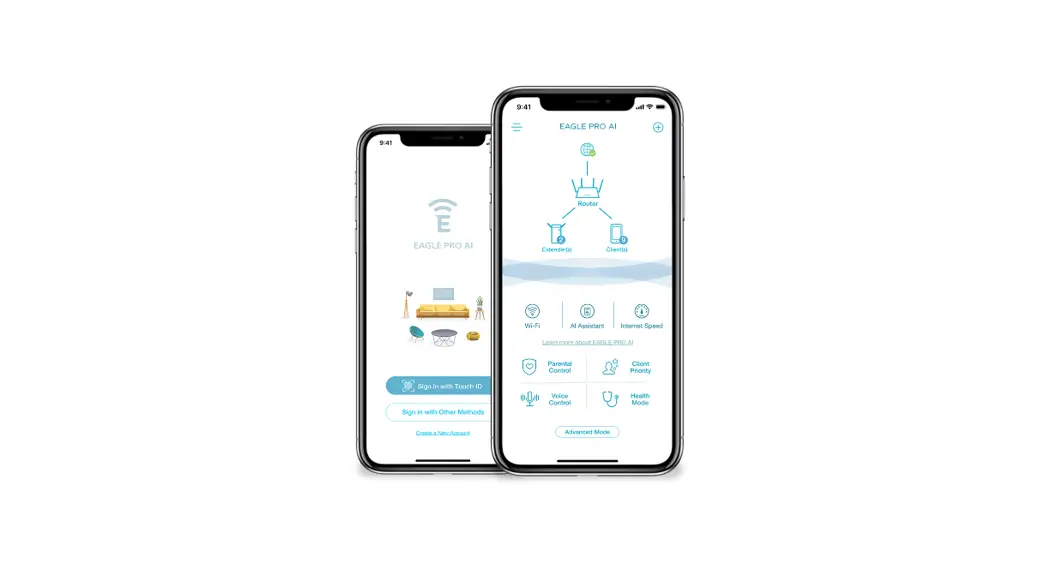
Search and install the free EAGLE PRO AI available on the App Store or on Google Play.
- Step 2
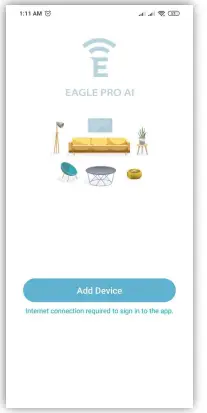
Launch the EAGLE PRO AI from the home screen of your device. - Step 3
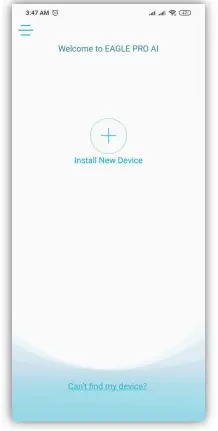
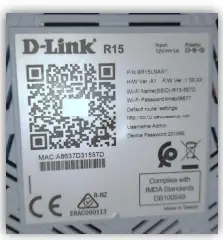
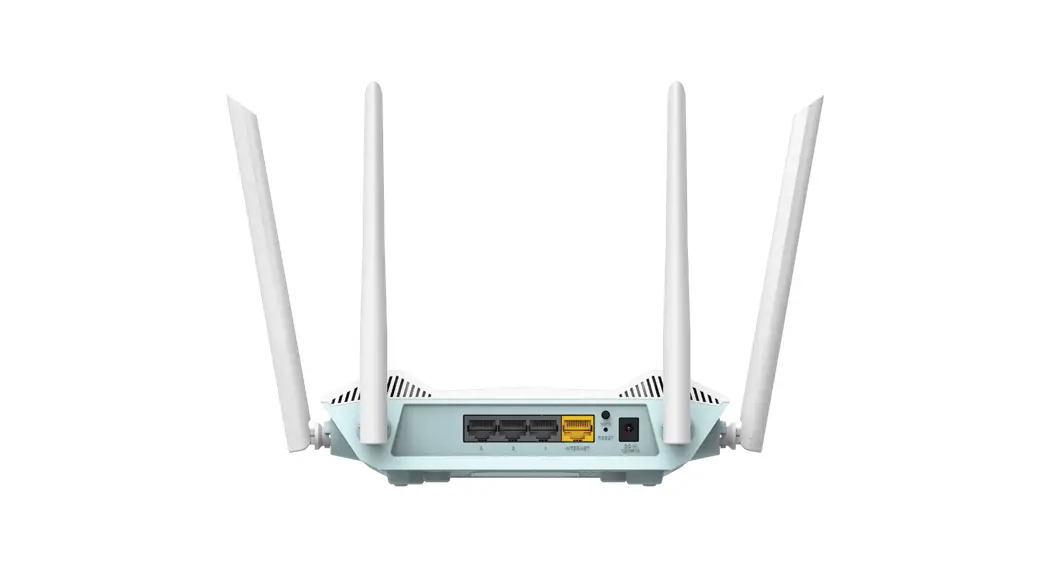
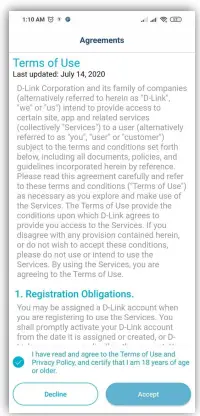
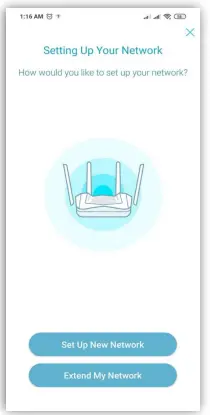
Tap Install New Device. Scan the setup code on the device label on the bottom of the router. Follow the on-screen instructions to complete the setup.- Terms or Use

- Add a Device

- Setting up Your Network

- Terms or Use
- Hardware setup


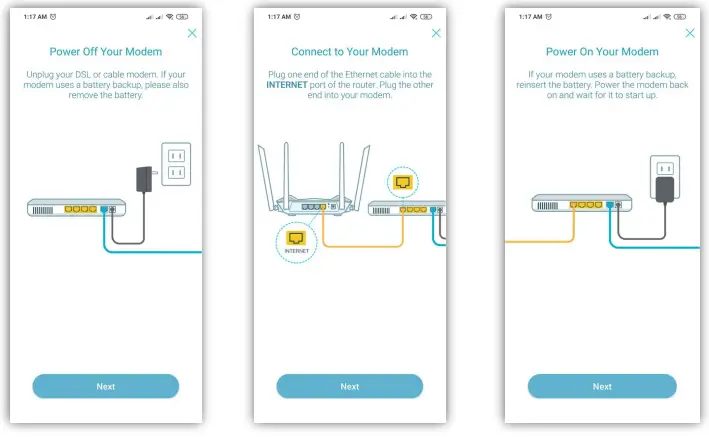
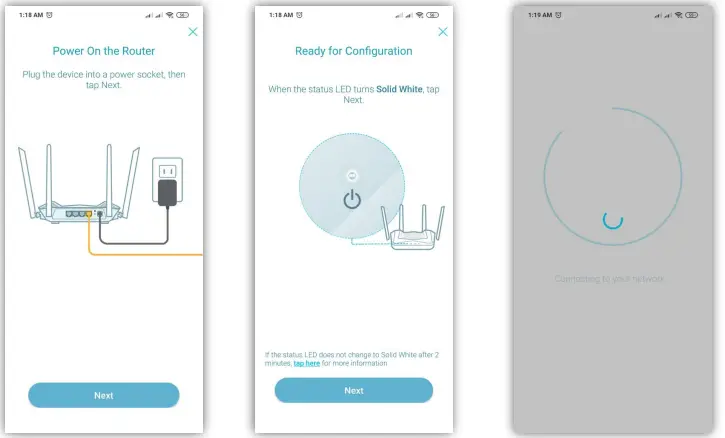
Device Setup
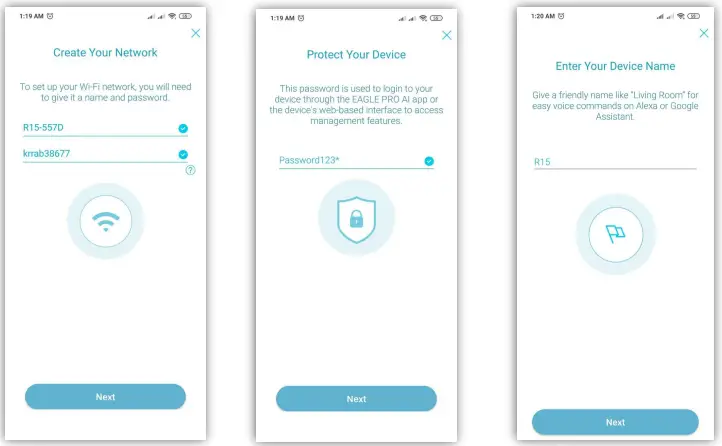
- Network setup
- Admin password
- Device name

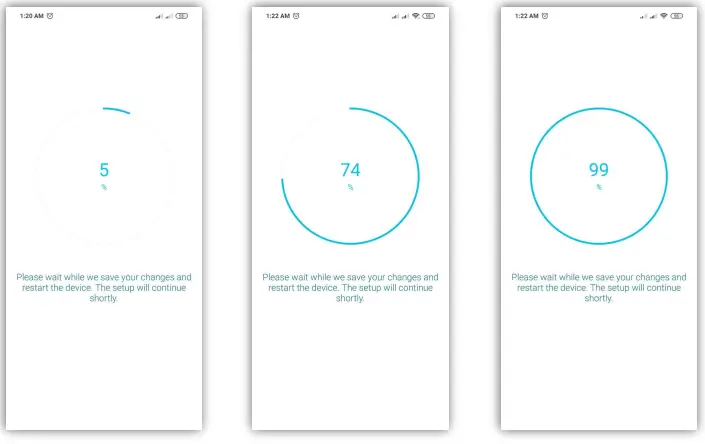
- Saving Changes

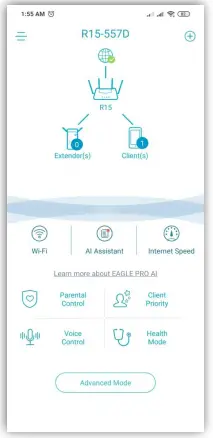
- Successful Setup

- Saving Changes
How to setup R15 Router using Eagle Pro AI App
Sign up for New Account
- Download Eagle Pro AI App from Appstore or PlayStore

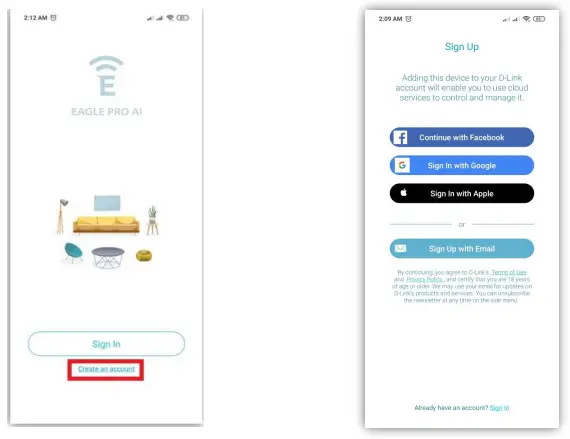
- Create an account
- Choose from the options

- Choose from the options
- Install New Device
- Tap the + symbol to install new device

- Scan the QR Code
Located on the bottom part of the router
- Tap the + symbol to install new device
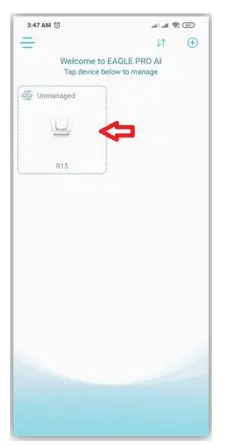
- Tap the device logo to Mange

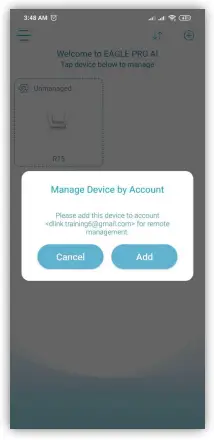
Add device into your created Account
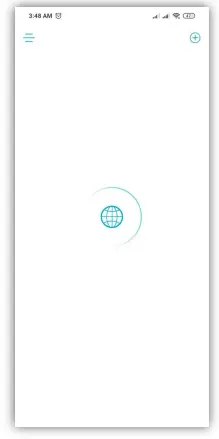
- The device will automatically connect to the Internet

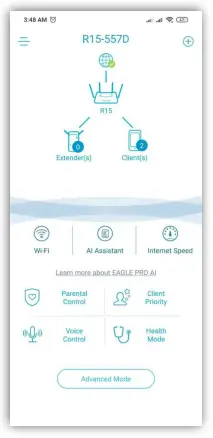
Successful Internet setup