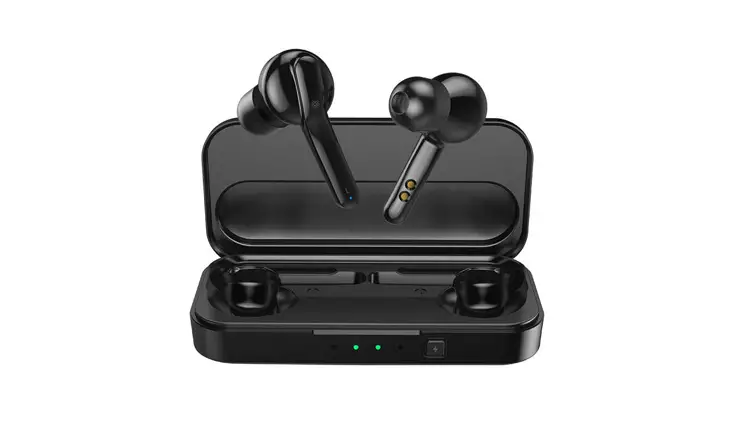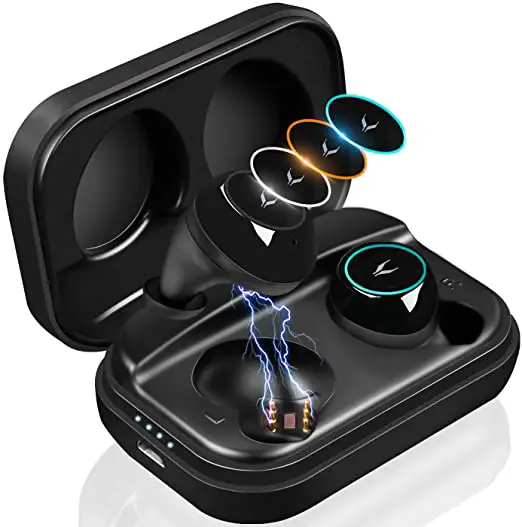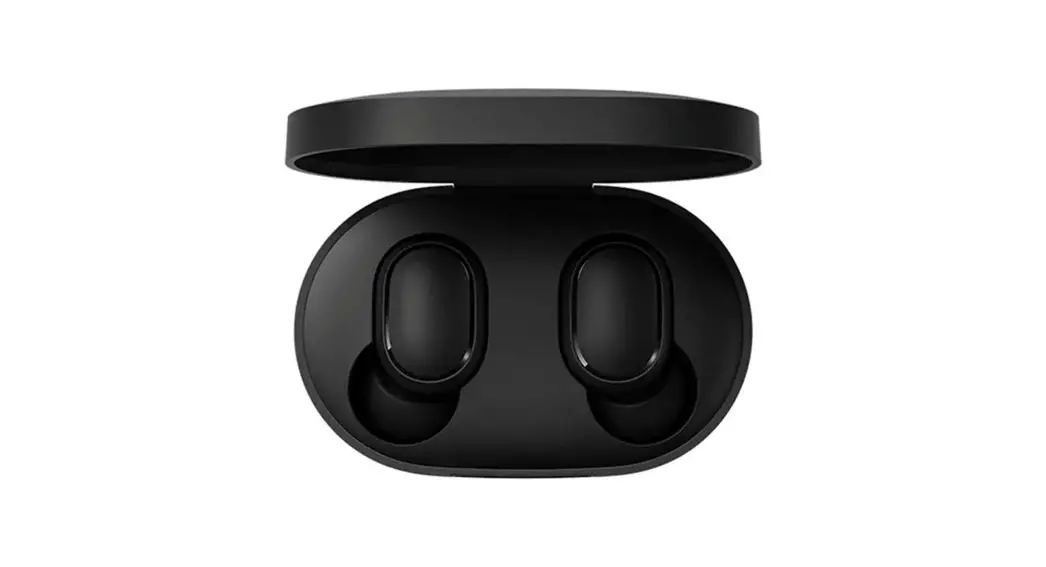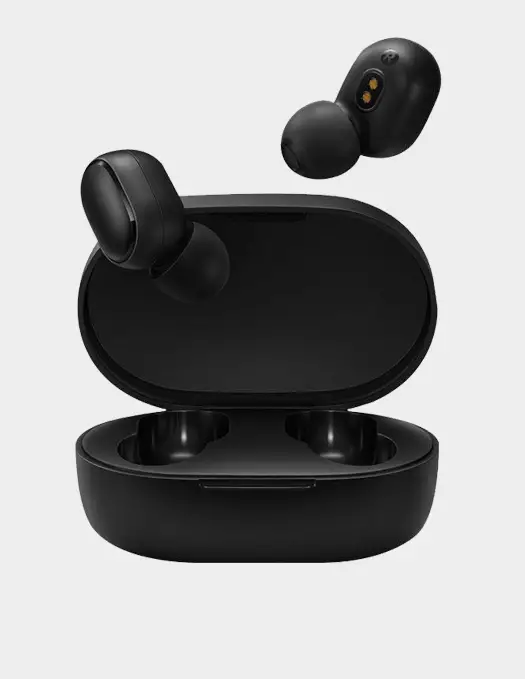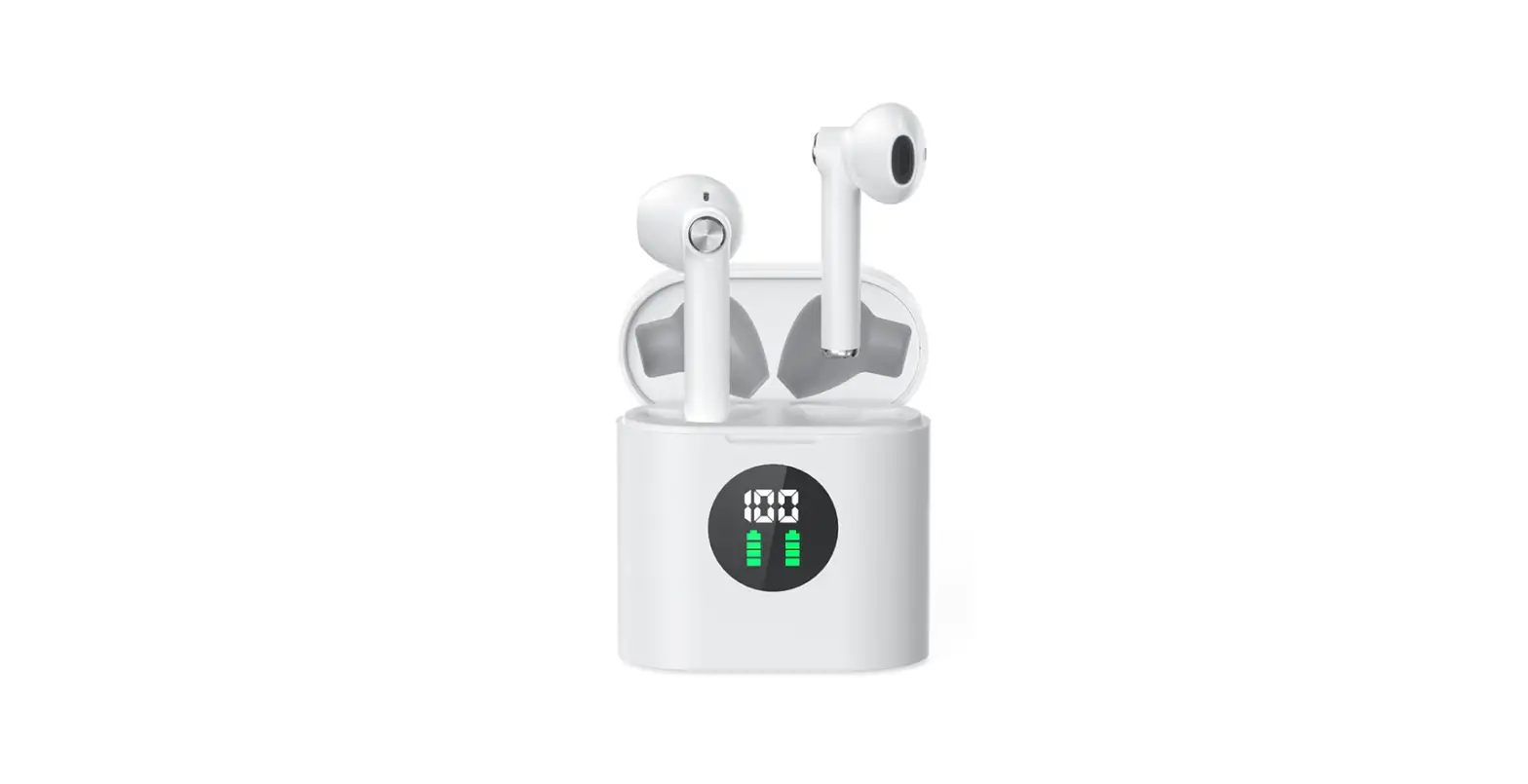

MIFA True Wireless Earbuds, TWS Bluetooth Headphones
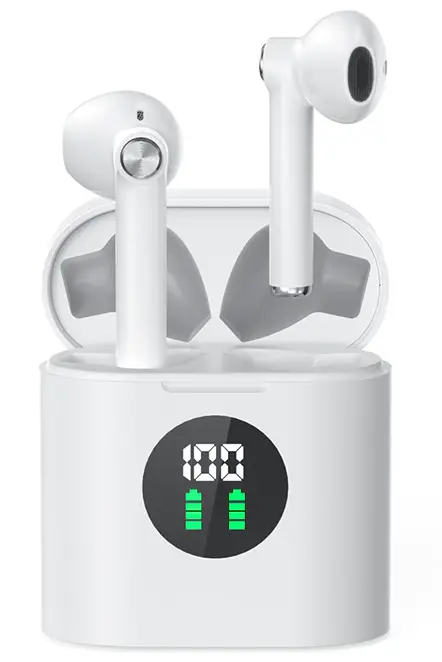
Specifications
- DIMENSIONS: 1.93 x 0.98 x 1.93 inches,
- WEIGHT: 0.124 ounces,
- BLUETOOTH VERSION: 5.0,
- BLUETOOTH RANGE: 10m/33ft,
- CHARGING TIME: 1.1 hrs.,
- EARBUDS BATTERY CAPACITY: 40mAh,
- EARBUDS BATTERY LIFE: 7h,
- CASE CHARGING TIME: 2hrs.,
- CASE BATTERY CAPACITY: 400mAh,
- MANUFACTURER: Mifa
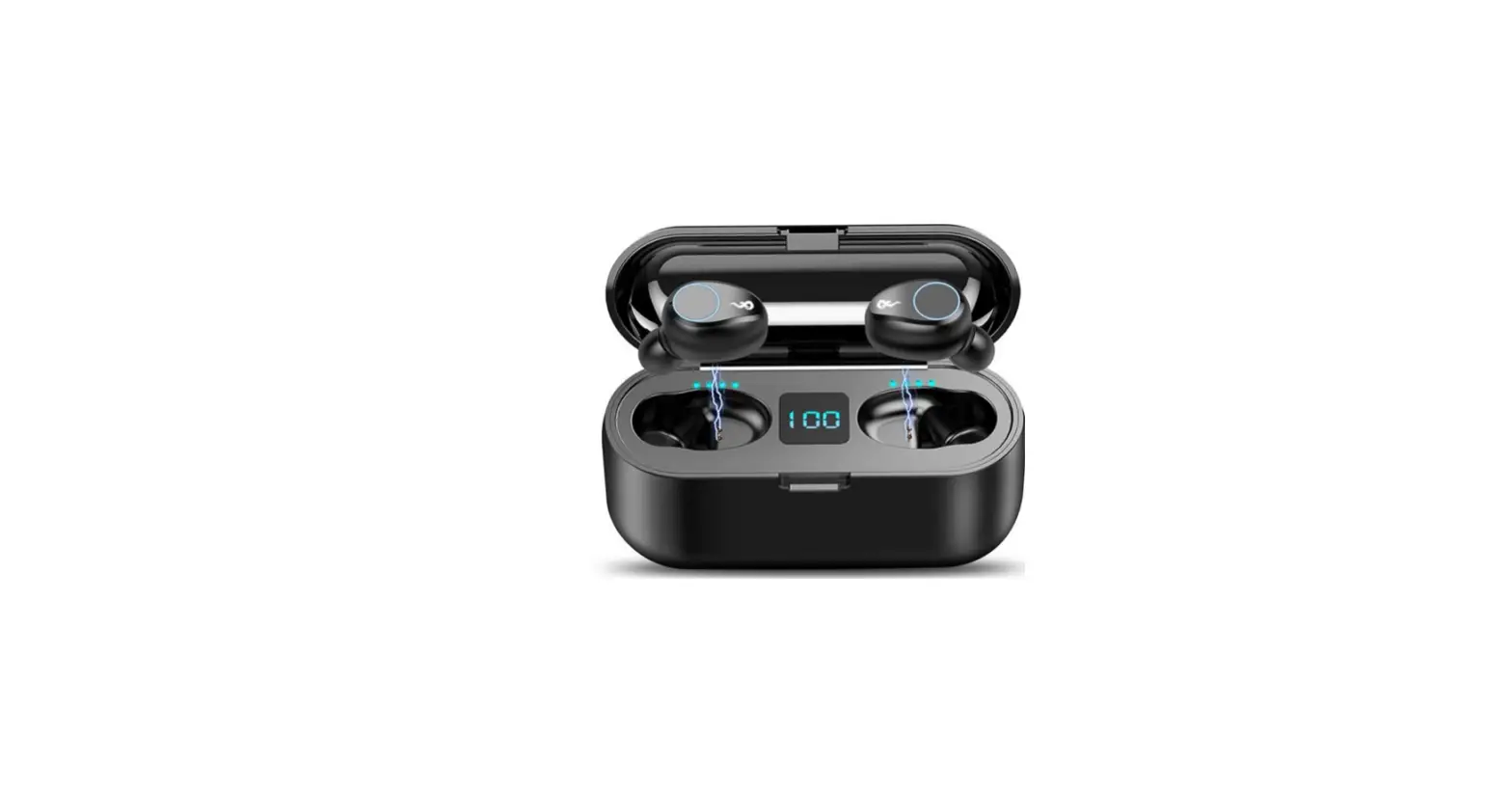
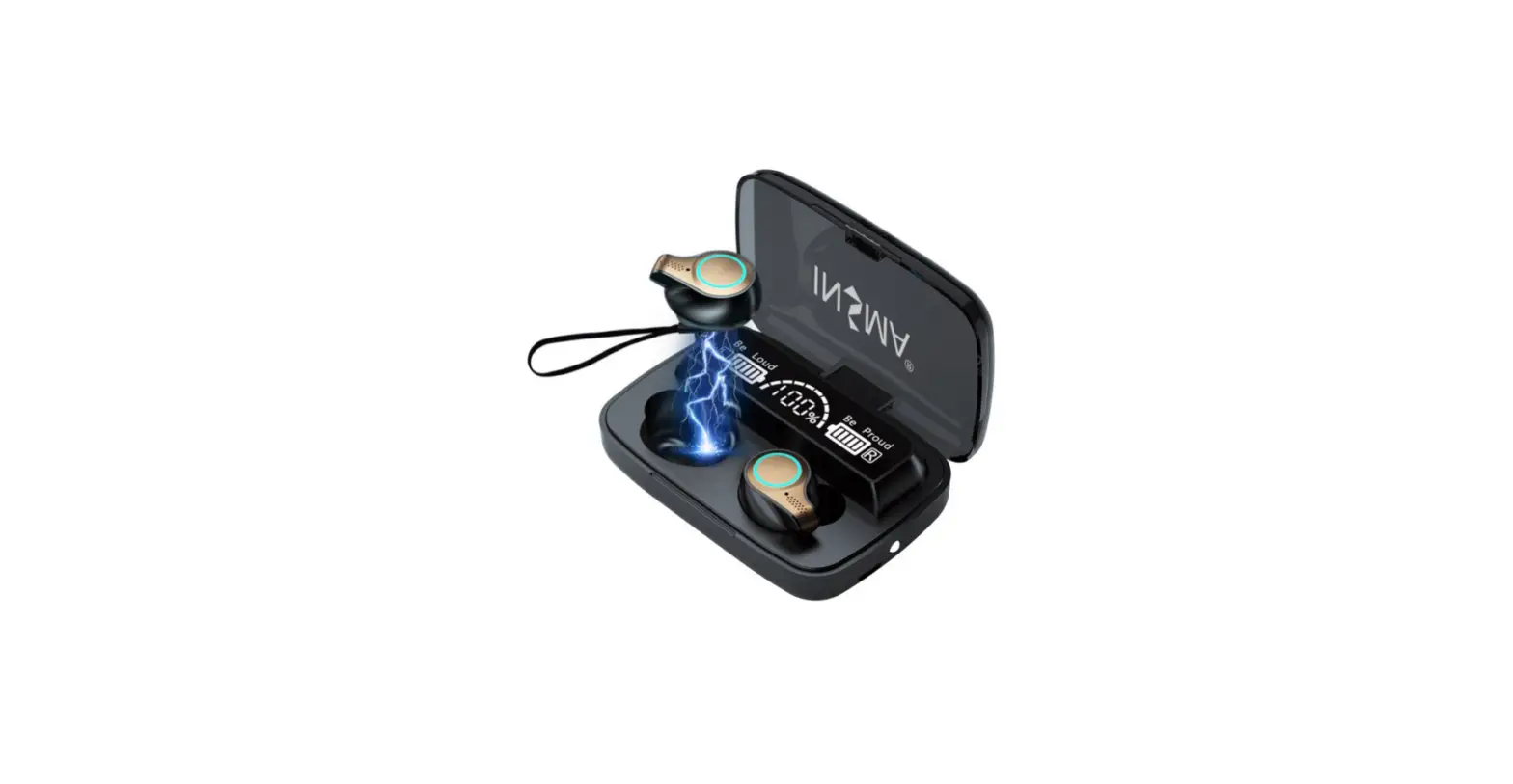
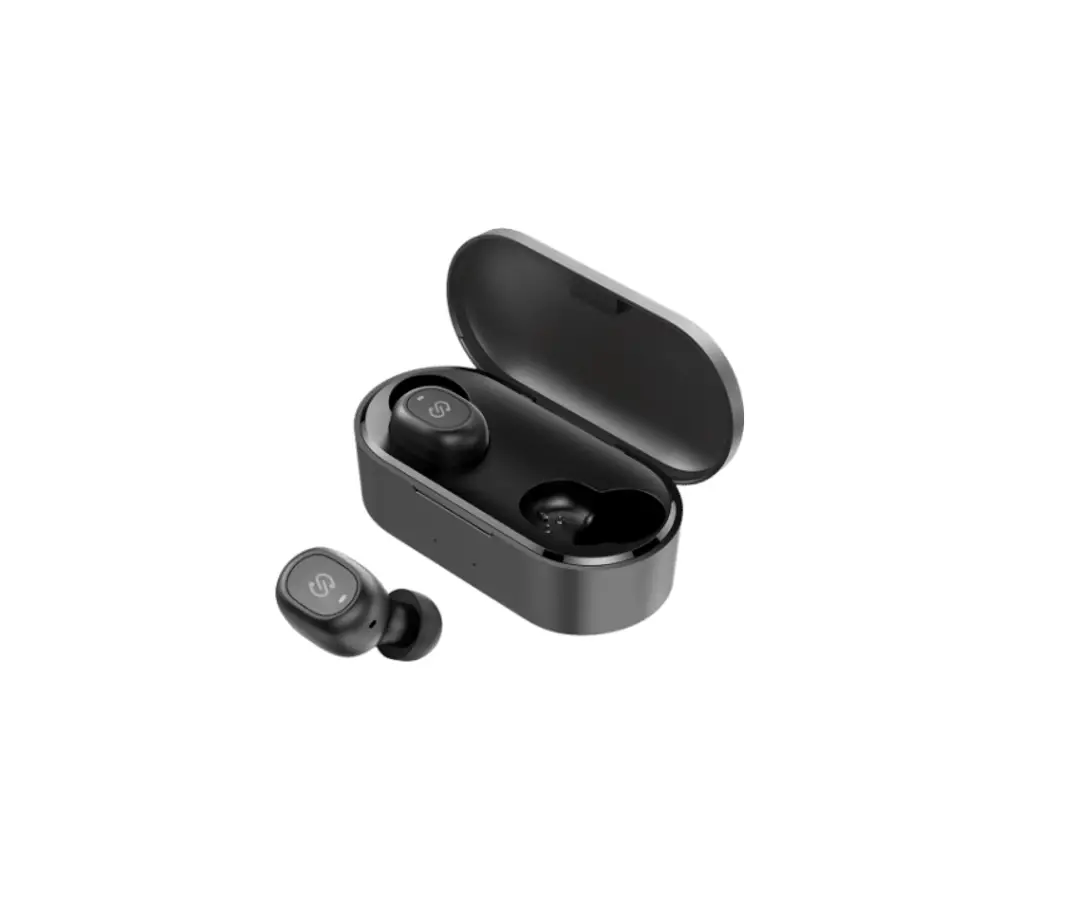
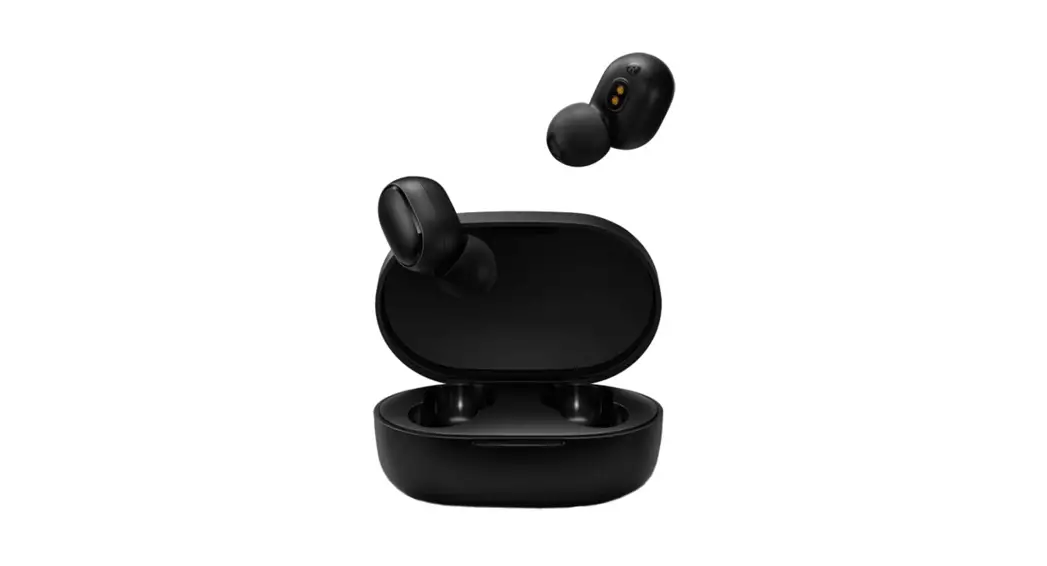
Mifa Wireless Earbuds come with a number of features including wireless connectivity over Bluetooth version 5.0, wireless charging and battery display on the charging case. The Mifa Wireless earphones are designed for a secure and comfortable fit. These earphones are super light and provide a good listening experience. They feature a one-step pairing process which makes them super easy to use. The Mifa wireless earbuds have an impressive battery. The charging case provides a battery life of 30 hours when fully charged and the earbuds last up to 5 hours on a single charge. The charging case features a battery level display which indicates the battery of the case and the earbuds. It is also IPX5 sweatproof which means it can withstand sweat while exercising.
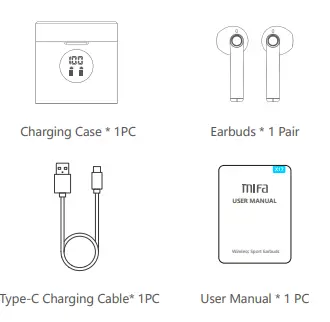
What’s in the Box?
Product Overview
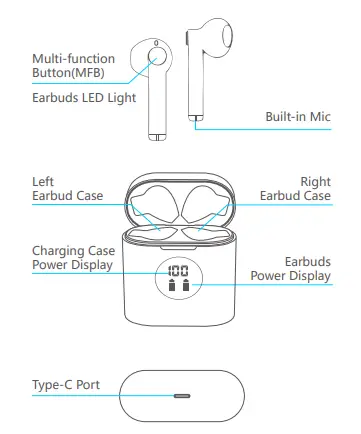
Instructions for First-time use
- Fully charge both earbuds and charging case when first-time use.
- Keep the charging port dry before charging.
- Use the provided Type-C charging cable, or upright the charging case on a wireless charger to get charged.
Battery Indicators of Charging Case
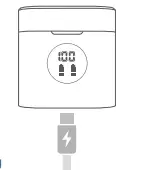
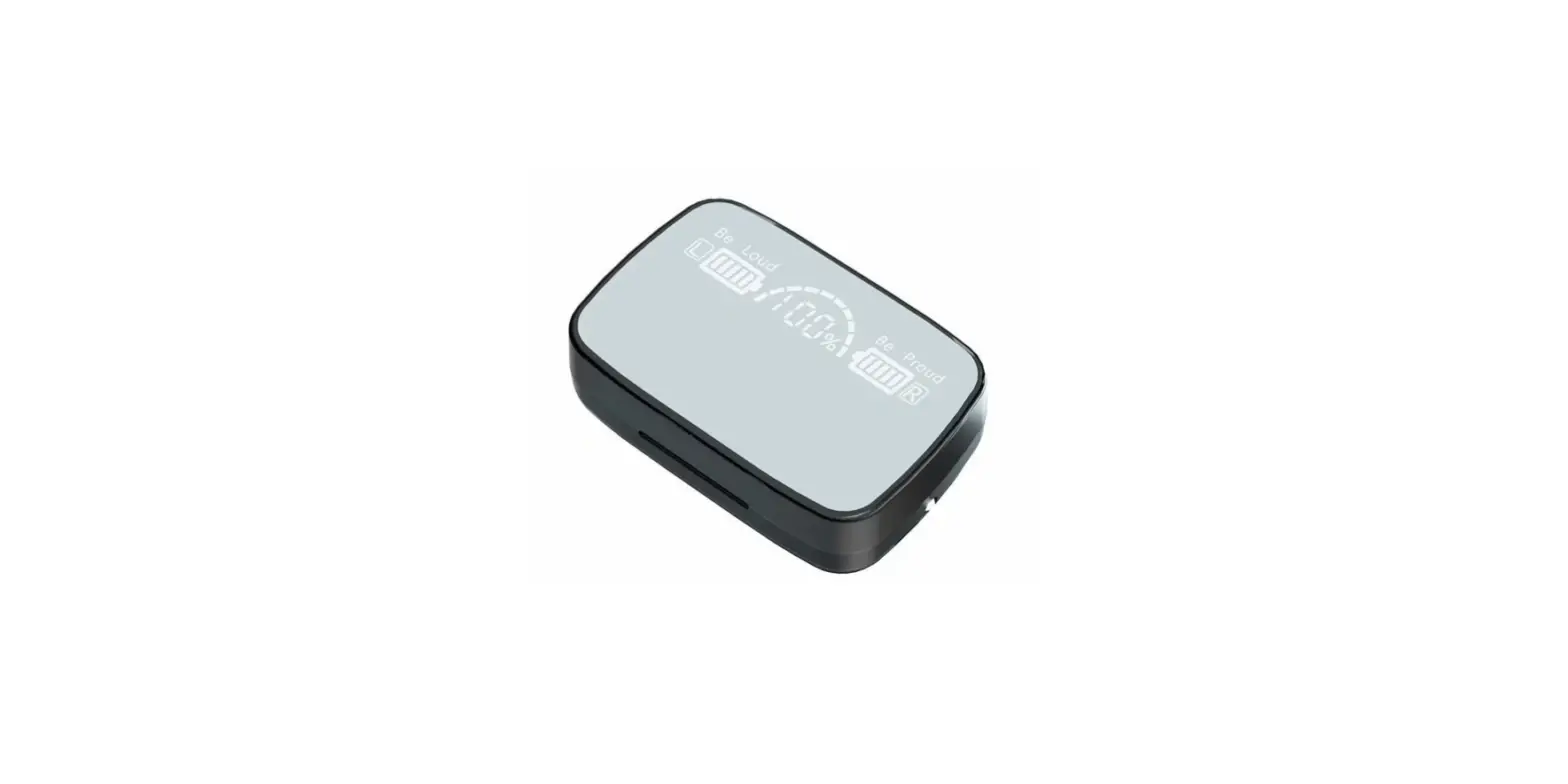
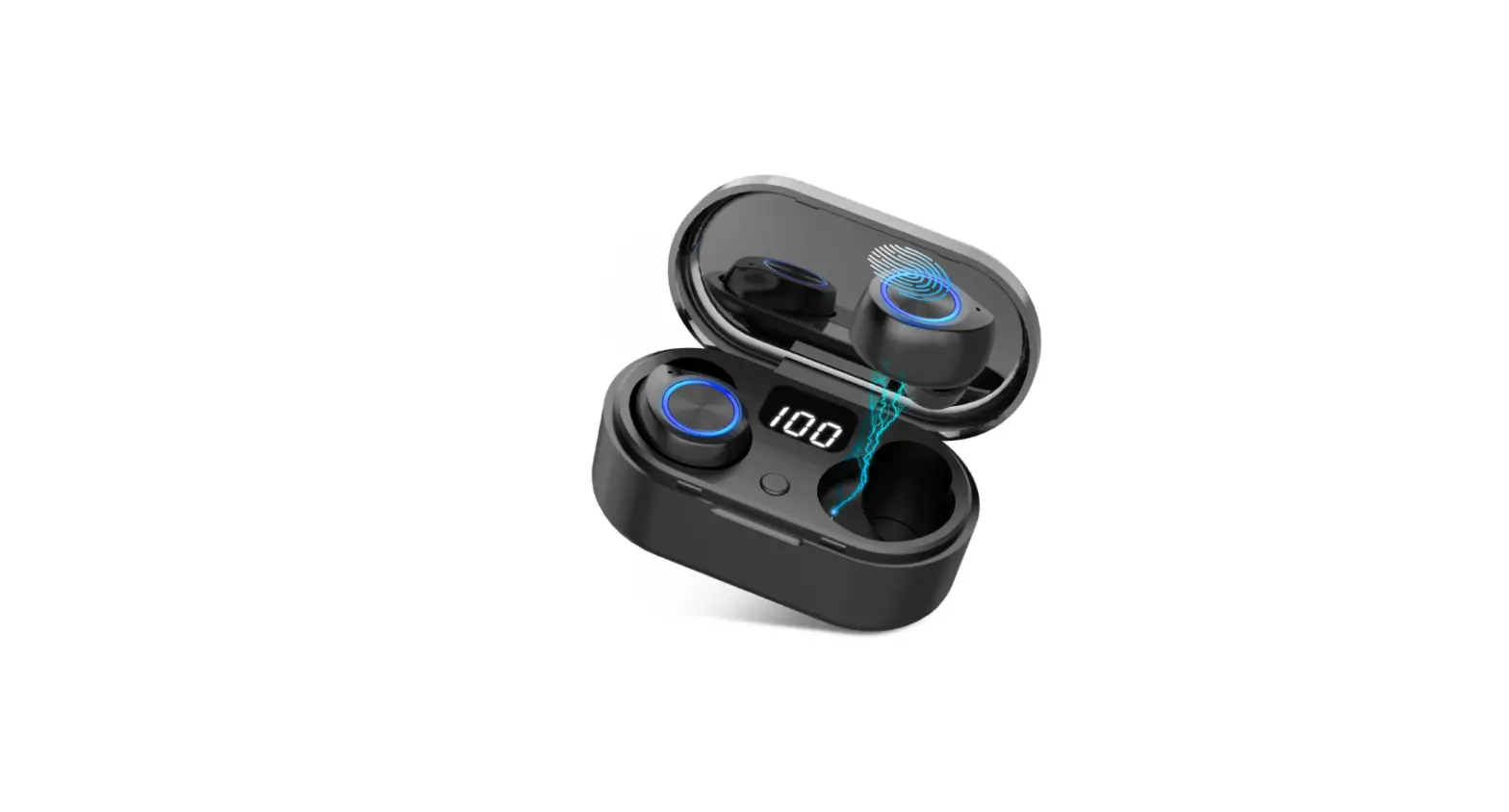
The display will show the reminding power of box when you open or close the lid. The number will flash when charging, the screen will show “100”when fully charged and will turn off about 60 seconds later.
Battery Indicators of Earbuds
Put the earbuds back into the box to charge the earbuds. The battery icons will flash when charging, will turn off after fully charged. Features with NTC temperature-control protection, X17 earbuds will not charge if the temperature reaches 45 degrees or higher. (Charging case will automatically protect themselves in that case.) It is recommended to stop charging (or disconnect wireless charging) firstly, and recharge after the temperature drops below 45 degrees.
Wireless Charging Supported
- ( We recommend you to use a wireless charging pad with a QI certificate.)
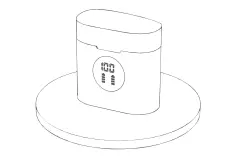
- (When being charged, the earbuds LED light will be solid Red; the Red Light will be off when the earbuds get fully charged.)
HOW TO Power On/Off
- Automatically Power On/Off
The earbuds will automatically power on when open the charging case lid and power off when placed back into THE CASE
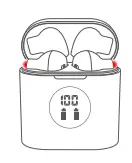
- How to Manually Power On
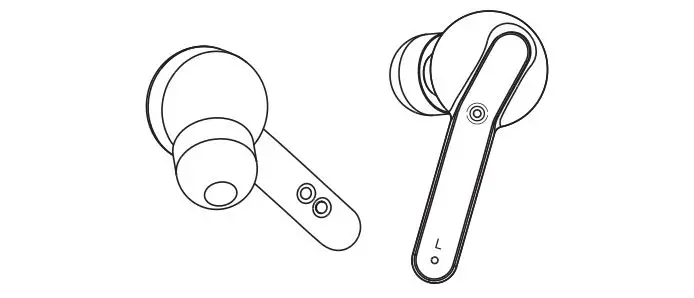
Press and hold the MFB (L/R) for about 3 sec then the LED light flashes red for 1 sec and flash blue light means ready to pair.
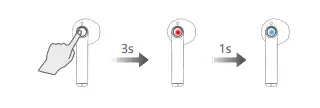
- HOW TO Manually Power Off
Press and hold the MFB (L/R) for about 5 sec then the LED light flashes red for 2 sec and the light automatically turn off.
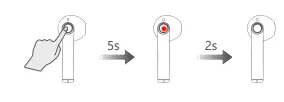
Bluetooth Connectivity
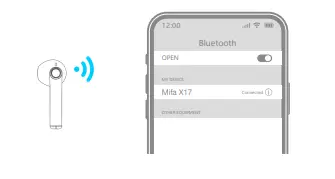
- .Open the lid of the Charging Case, two earbuds will automatically power on and enter pairing mode.(There is Red light flashes for 1 sec; then both earbuds flash Blue light fast.)

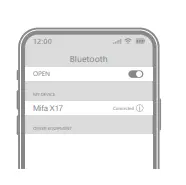
- Activate the Bluetooth setting on your phone, search and connect “Mifa X17”.
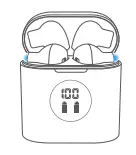
- (You will hear a prompt ”Ding” and the Blue light will turn off, which means they paired successfully.)
Single Mode
- When on dual-mode, put one earbud into the charging case.
- Only take one earbud out of the charging case and connect it.
Other operating Instructions
- Each time you use your earbuds, it will automatically connect to your last successfully connected device.
- The earbuds will automatically power off if without any connections within 5 mins.
Remove paired devices: Take out one earbud, make sure it is not paired with any device, press the button twice, and then press and hold the button until the blue light quickly flash three times and then the red light stays on for 2 seconds. Then take out another earbud and do the same operation to it to remove paired devices.
Wireless earbuds Factory Restore Setting
When should I reset?
- When only one side play music.
- When you can’t use the two earbuds together.
- When both earbuds fail to pair with each other or occur connection-related issues.
How to reset earbuds?
- Delete all “Mifa X17” from the Bluetooth menu on your phone and deactivate the Bluetooth setting.
- Take out both earbuds, make sure it is not paired with any device.
- .Press the MFB twice and then press and hold the button until the blue light quickly flash three times and then red light stay on for 2 seconds and off, which means the earbuds has been reset.
- .Now open the Bluetooth on your device and turn on the earbuds, and then reconnect it.
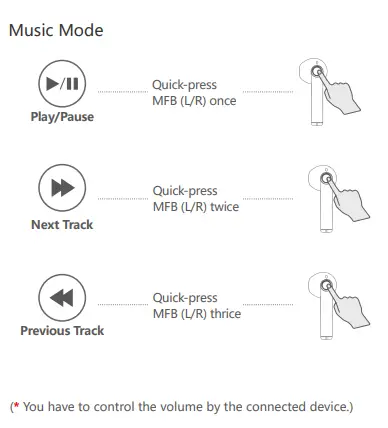
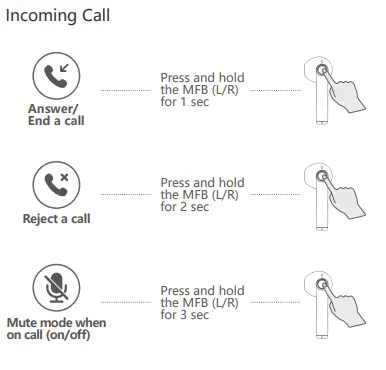
How to Activate Voice Assistant
Activate Siri or another voice assistant: Press and hold the MFB (L/R) for 2 sec.
Specifications
Earbud (each)
- Model Name: Mifa X17
- Bluetooth Version: V 5.0
- Bluetooth Range: 10m/33ft (without obstacles)
- Technology: HSP/HFP/A2DP/AVRCP
- Frequency Range: 20HZ-20KHZ
- Weight: 3.5g
- Size: 17.7*18.1*40.3 mm
- Charging Time: 1.1h
- Battery Capacity: 40mAh
- Battery Life: 7h (varies from volume level and song types)
Charging Case
- Weight: 35.3g
- Size: 49*49*25 mm
- Charging Time: 2h
- Batter Capacity: 400mAh
VERDICT
Mifa`s True Wireless Earbuds are the best entry-level true wireless earbuds, which is what they`re aiming for. They`re designed with one goal in mind: to make the transition from wired headphones to wireless as seamless as possible. The Mifa True Wireless Earbuds are incredibly easy to use thanks to their simplistic design and intuitive app.If you`re looking for a way to make your life easier and enjoy music on the go, Mifa true wireless earbuds are the perfect device for you. We believe this is due to their excellent sound quality and affordable price. If you are looking for a pair of Bluetooth headphones, we highly recommend you check out the Mifa Wireless Headphones today!
FREQUENTLY ASKED QUESTIONS
How is the sound quality as far as talking?
- Q1: Why my earbuds cut in and out?
A1: The Bluetooth signal will be affected by many factors that caused the earbuds to cut in and out: Low battery, something interfering, too many APPs go on and too great range etc. Make sure the earbuds got enough power and connect it in an available range without any obstacle. - Q2: Why can’t I hear any sound after the earbuds are connected to my phone?
A2: The earbuds themselves don’t have a volume control, please up the volume via the connected device to check the sound. Make sure it supports SBC and AAC profiles when using a music players or other devices. - Q3: Is MIFA a reputable brand of earbuds?
A3: These earbuds also deliver decent quality for the money, with a well-balanced EQ and good clarity. However, the battery life is mediocre, and the general design is uninteresting. On the other side, the MIFA True Wireless Bluetooth Earbuds are more or less the polar opposite. - Q4: How can I connect my MIFA Bluetooth earbuds to my phone?
A4: When you open the Charging Case’s cover, two earphones will instantly turn on and pair. (For 1 second, a red light flashes; then both earbuds flash blue light rapidly.) 2. Turn on Bluetooth on your phone, then search for and connect to “Mifa X17.” - Q5: Is it worthwhile to invest in truly wireless earbuds?
A5: Yes, they are worthwhile, particularly if you are interested in fitness or travel. Wireless earphones have become much more affordable in recent years. The absence of wires allows for greater range of motion and connectivity with a wide range of devices, and the latest wireless earbuds offer an excellent range, memory, and battery life. - Q6: What is the best way to charge MIFA earbuds?
A6: Remove the earphones from the charging box and remove the protective film from each earbud before using it for the first time. Then place them back in the box and use a USB cord to charge it. 76 percent to 100%: Flashing 4 times in 2-second intervals While completely charged, the LED indicator will remain illuminated. - Q7: What is the average lifespan of wireless earbuds?
A7: When it comes to the lifespan of your earbuds, you can expect it to last anywhere from six months to two years on average. This will differ depending on the brand and the type of damage they get. When their sound starts to distort or stops entirely, it’s time to replace them. - Q8: What is the best way to increase the volume on my MIFA earbuds?
A8: Press the left earbud volume button to reduce volume and the right earbud volume button to raise the volume in dual earbud mode. Mode for a single earbud: Activate the volume control. - Q9: On wireless earbuds, where is the power button?
A9: Place the earphones in the charging case and push the power button on the front of the case to charge them. - Q10: How to contact MIFA Customer service?
- A10: Email: [email protected]
- WhatsApp: (+86) 1392 3490 475
- Web: www.mifa.tech
- We offer one-year replacement warranty, if there is an issue with your MIFA X17, please don’t hesitate to contact us, we will reply within 24 hours and resolve it 100.