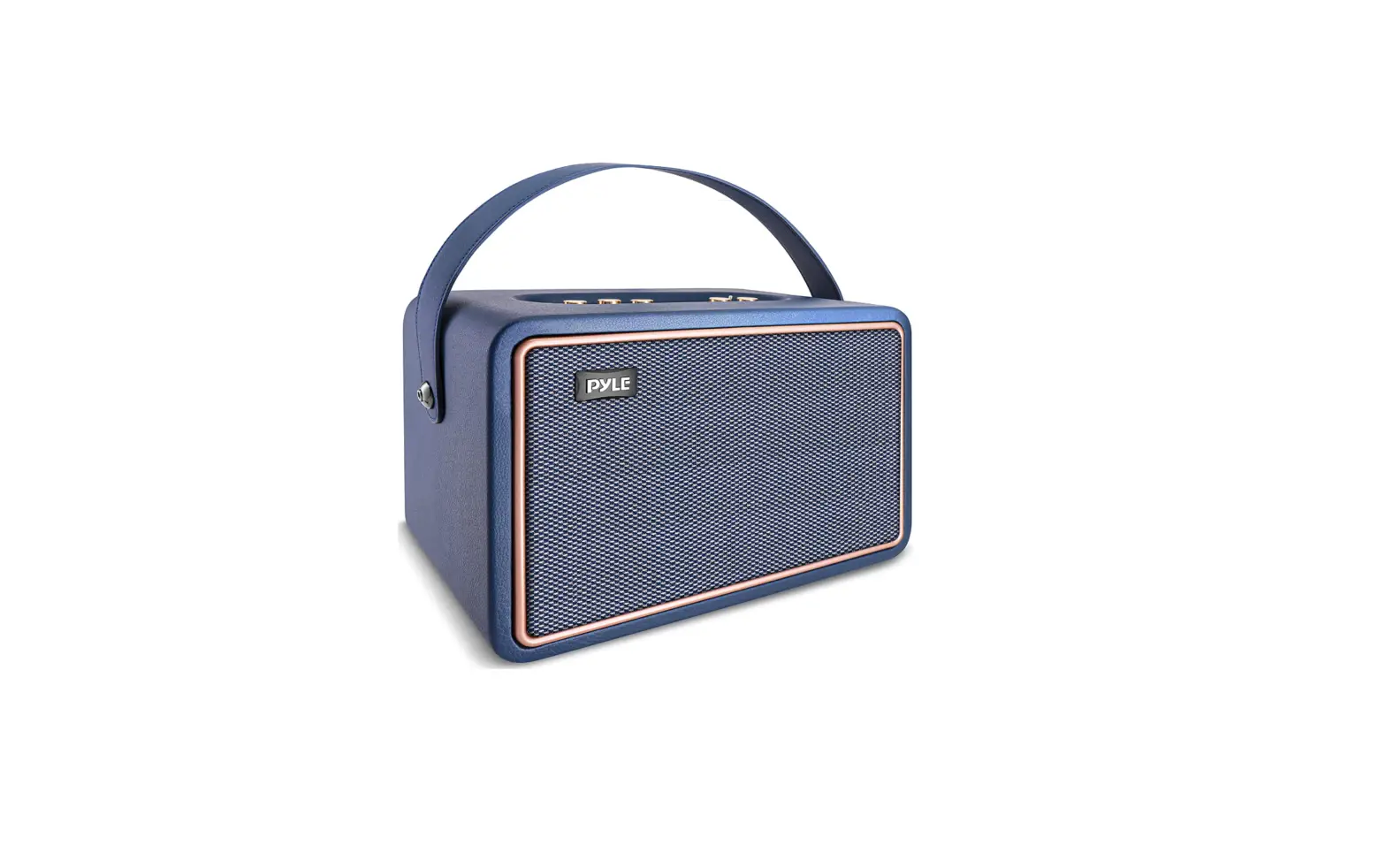

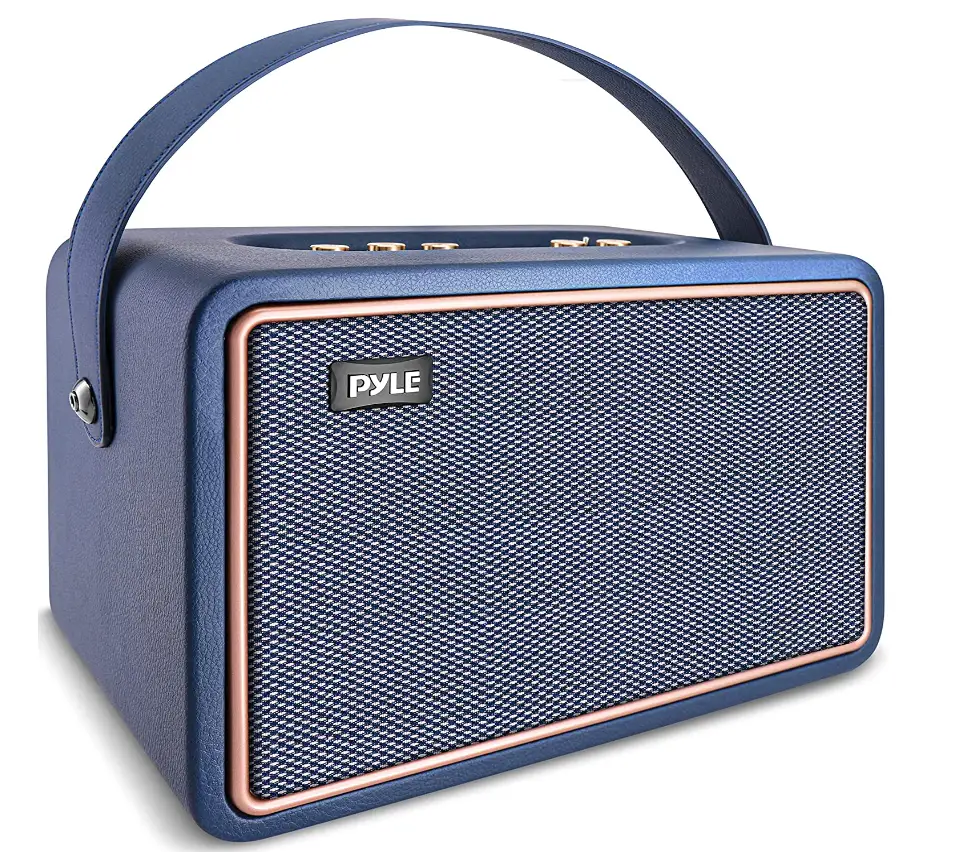
Pyle PRETRAMP50 Rechargeable Leather Portable Wireless
Specifications
- BRAND: Pyle
- MODEL NAME: Pyle
- SPEAKER TYPE: Component
- CONNECTIVITY TECHNOLOGY: Bluetooth, USB, Wireless, AUX, Mic IN, SD Card
- SPECIAL FEATURE: Bluetooth – True Wireless Stereo System
- MAX POWER: 260 watt
- SUBWOOFER: 5.25″
- TWEETER: 2″
- AUX IN: 3.5mm
- BATTERY: 4400mAh rechargeable battery
- VOLTAGE: 7.4V
- CHARGING TIME: 5 hours
Introduction
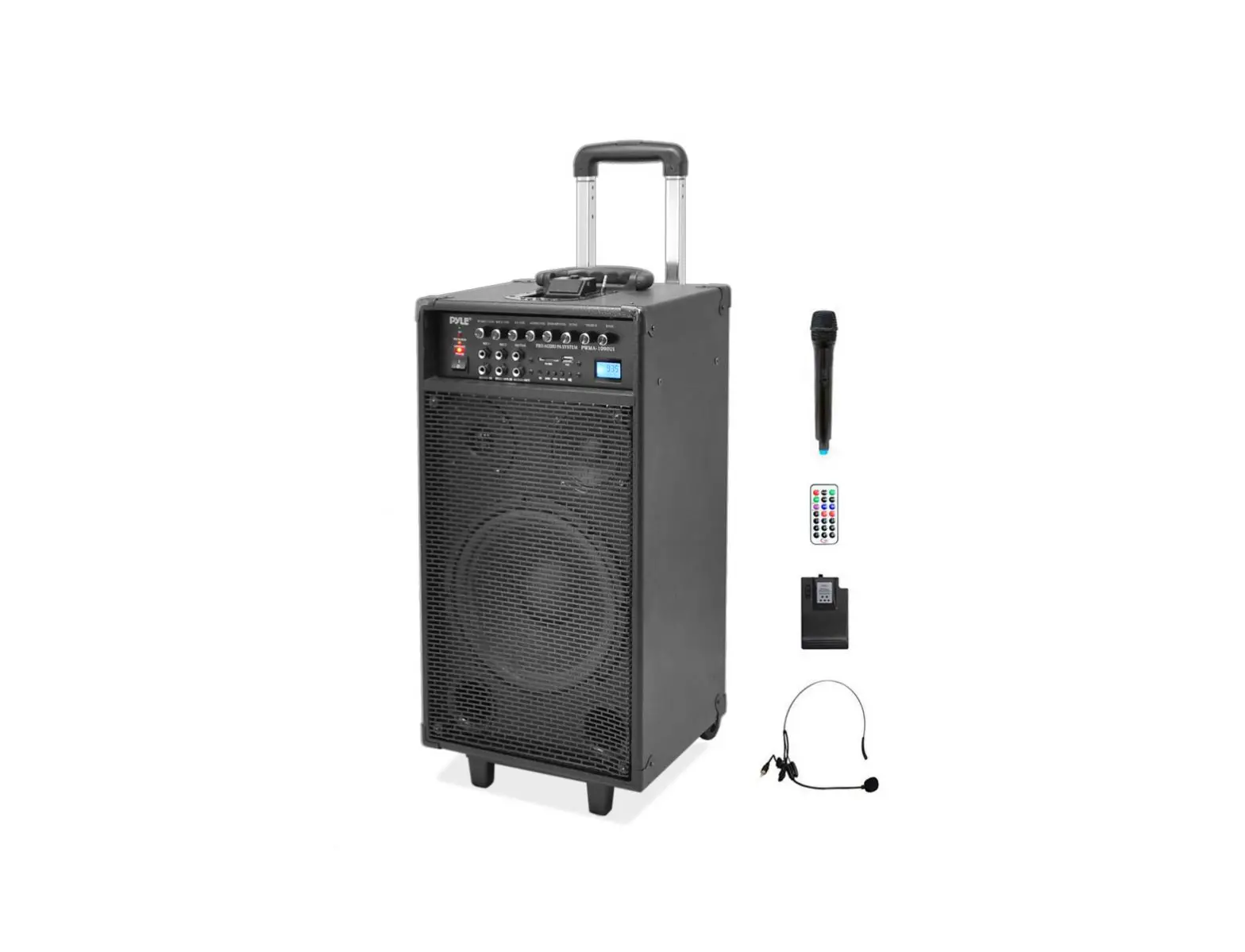
The 5.25″ subwoofer and 2″ tweeter on the portable wireless BT streaming speaker have a combined maximum power of 260 watts. Additionally, the wireless portable speaker contains an FM radio with a digital LED display, a record function, and microphone priority. With the leather and woven fabric texture of this portable Bluetooth speaker, you can create a retro motif for your audio setup for a more vintage feel. A Bluetooth wireless audio streaming stereo speaker system with a USB flash drive and micro SD card reader to function as an MP3 player, 3.5mm AUX IN, and a 1/4″ mic input is available. It includes a power adaptor and a remote control. The tiny Bluetooth speaker has TWS functionality. L R stereo sound can be achieved by connecting many speakers.
Along with bass and treble controls, the powerful Bluetooth wireless loudspeaker also has an echo adjustment knob. These Bluetooth wireless speakers are completely portable and include a built-in 7.4V, 4400mAh rechargeable battery that takes around 5 hours to fully charge. It is equipped with an LED light to indicate the battery level.
WHAT’S IN THE BOX
- Speaker System
- Remote Control
- Power Adapter
HOW TO CHARGE
Connect this amplifier system to the power supply by inserting the power cord into the socket. Turn the amplifier on. Red appears on the Power Indicator. When the battery is charging, the RECHARGE indication glows red, flashes when it is almost full, and turns off when it is fully charged.
HOW TO KNOW IF SPEAKER IS FULLY CHARGED
The built-in lithium ion battery is fully charged if the CHARGE indication remains off when the speaker power is off and connected to an AC outlet. Even if the speaker is kept plugged into an AC outlet, the battery won’t be able to be charged any further after it has reached its maximum capacity.
HOW TO EXTEND BATTERY LIFE
Your best options are a portable battery pack and quick charging capabilities. A shorter battery life can be compensated for by quick charging. This capability, which not all speakers have but is quite helpful nonetheless, may take a dead battery and resuscitate it for a sufficient length in a half-hour or less.
HOW TO RESET
You should only need to do this briefly with most Bluetooth speakers. The power and Bluetooth buttons must be pressed and held simultaneously in order for almost every Bluetooth speaker to be reset.
Frequently Asked Questions
When completely charged, a new Bluetooth speaker will last between 10 and 20 hours. Some gadgets have a four-hour battery life, while others can last up to 24 hours. The size of the battery is what differs.
The majority of Bluetooth speakers offer battery life sufficient for a full day of listening. The normal battery life range is between 6 and 20 hours.
The charging process for speakers using AC mains power typically takes 6 to 8 hours. For USB-charged speakers, it will take around 3–4 hours to fully charge.
A Bluetooth speaker can theoretically be left plugged in for as long as you like. The battery life of your speaker will suffer as a result. This is due to various circumstances, including overheating.
Yes. Without endangering the battery, you can use your Bluetooth speaker while it is charging. When using the speaker for the first time, you should fully charge it while it is off so that you may check the battery life.
Turn the Bluetooth speaker’s bottom upward, remove the anti-slip mat, and then you can see the maintenance screw. then use a soldering iron to heat and make battery on the audio motherboard drop off.
On the App Store, find PyleAudio.
Yes, you can overcharge it because it will stop charging when the battery is at 100%.
It is entirely fine to leave your Bluetooth speaker charging overnight if you are using one with a built-in battery. It is not advised to keep your Bluetooth speaker charging overnight though if the battery is replaceable.
The CHARGE indicator will turn on if the battery is charging while the speaker is off.
You’ll probably discover that Bluetooth rarely consumes any power when you examine your phone’s battery consumption. In conclusion, Bluetooth streaming media may have a minimal impact on your phone’s battery, but simply leaving Bluetooth on for background devices scarcely drains the battery at all.
The majority of Bluetooth speakers beep when the battery is low. The brand of the speaker, however, affects the volume and tone of the beeping sound. As the battery continues to discharge, the frequency of the beeping sound is probably going to rise. The beeping sound occasionally works well with an LED indicator.
in it or usb. There is no sound, and the remote control doesn’t
Sometimes my volume changes with every Bluetooth device I use.
The most crucial thing to keep in mind is not to clean your wireless Bluetooth speaker with water. Liquids can enter the internal components of the wireless Bluetooth speaker and hurt them. To remove dirt and other debris, a straightforward cloth will work well.
The power may shut off after 15 minutes when a connecting cable is used to input audio into the AUDIO IN port (automatic power off function). When the audio input level is low, this function operates. As a result, turn up the playback device (Walkman, iPod, etc.), and adjust the speaker volume.