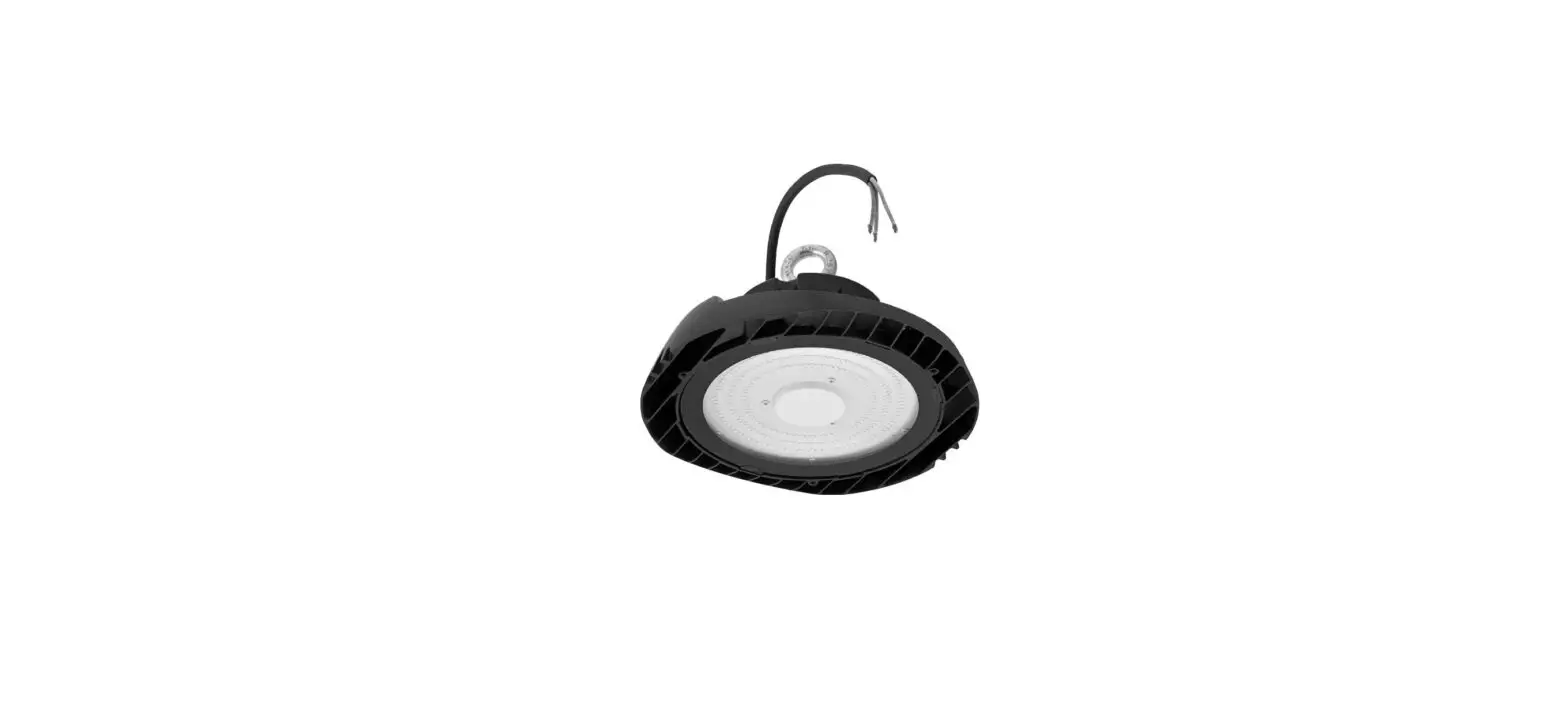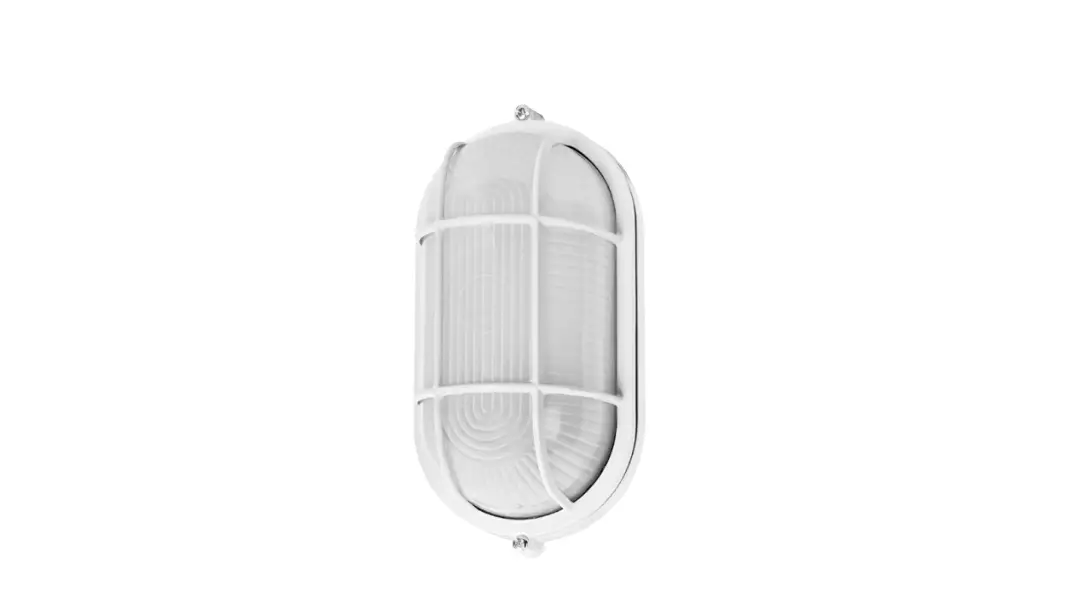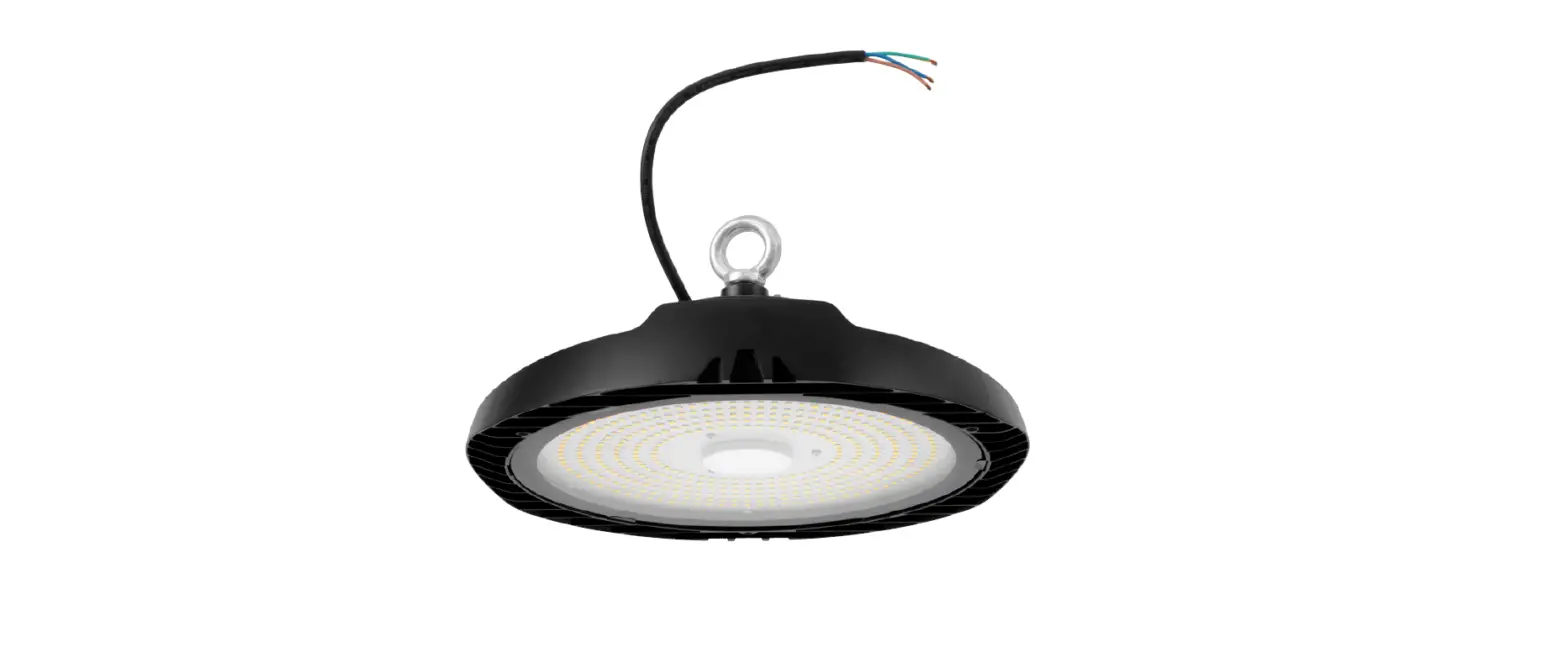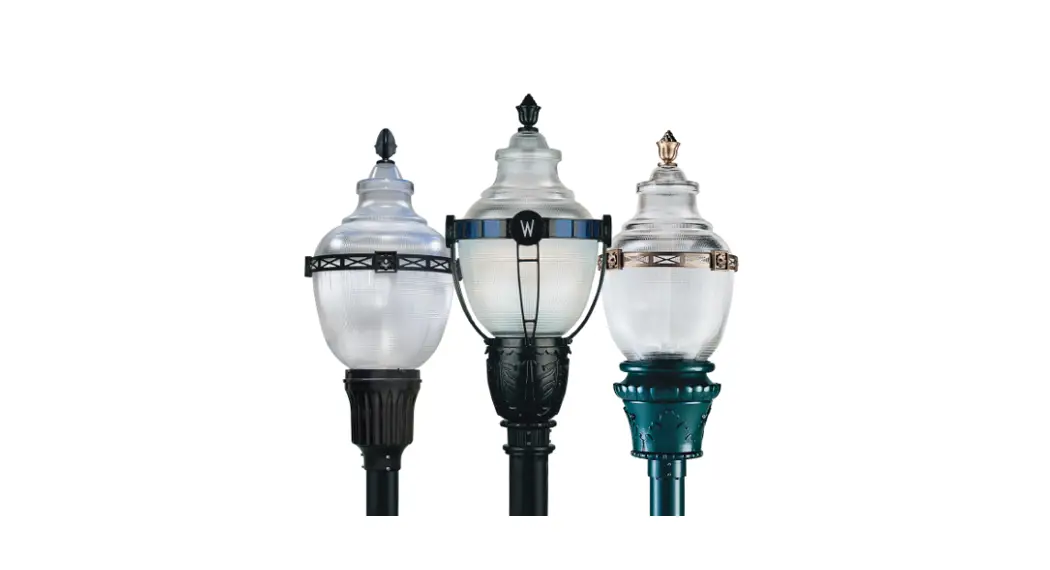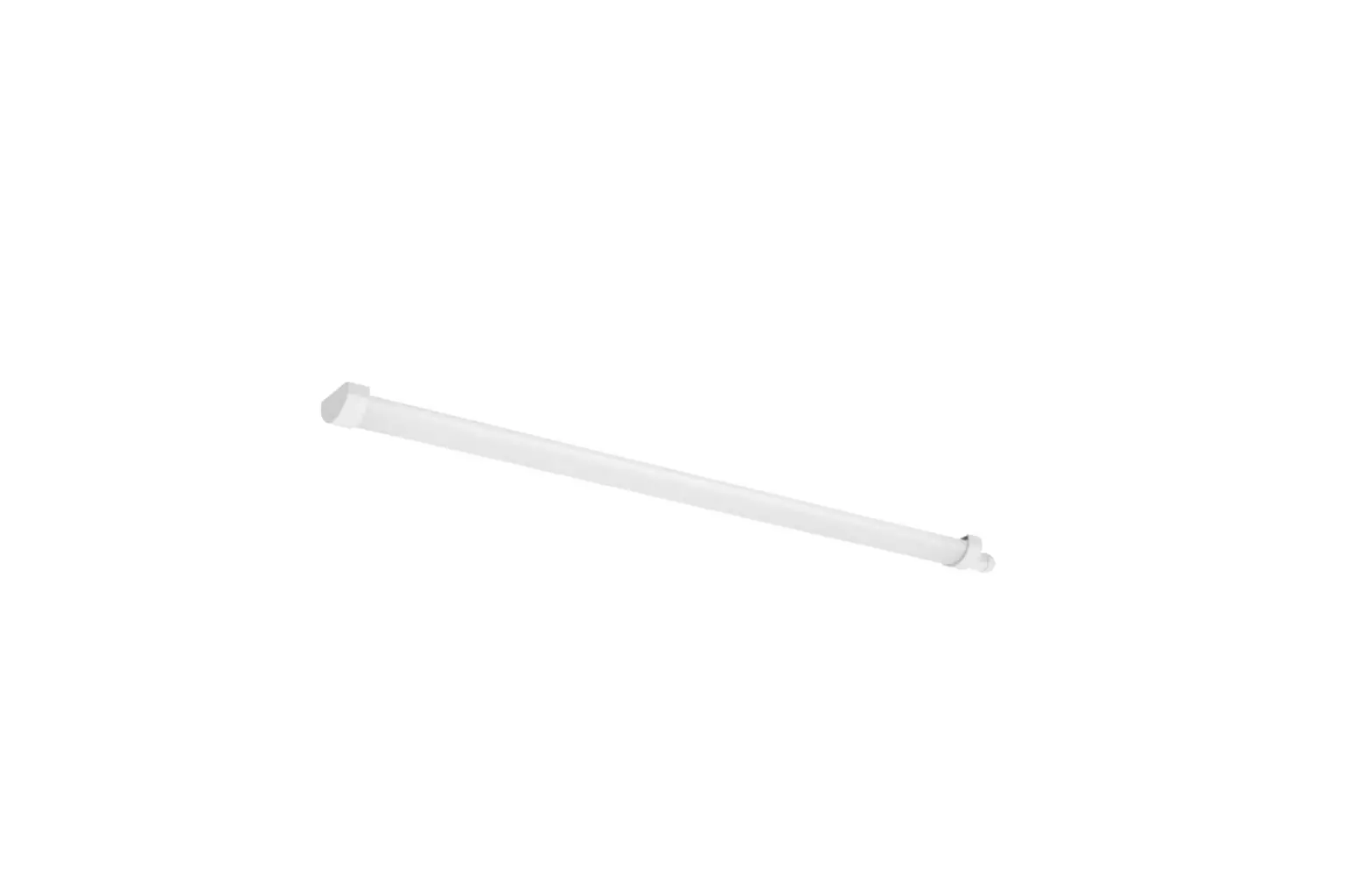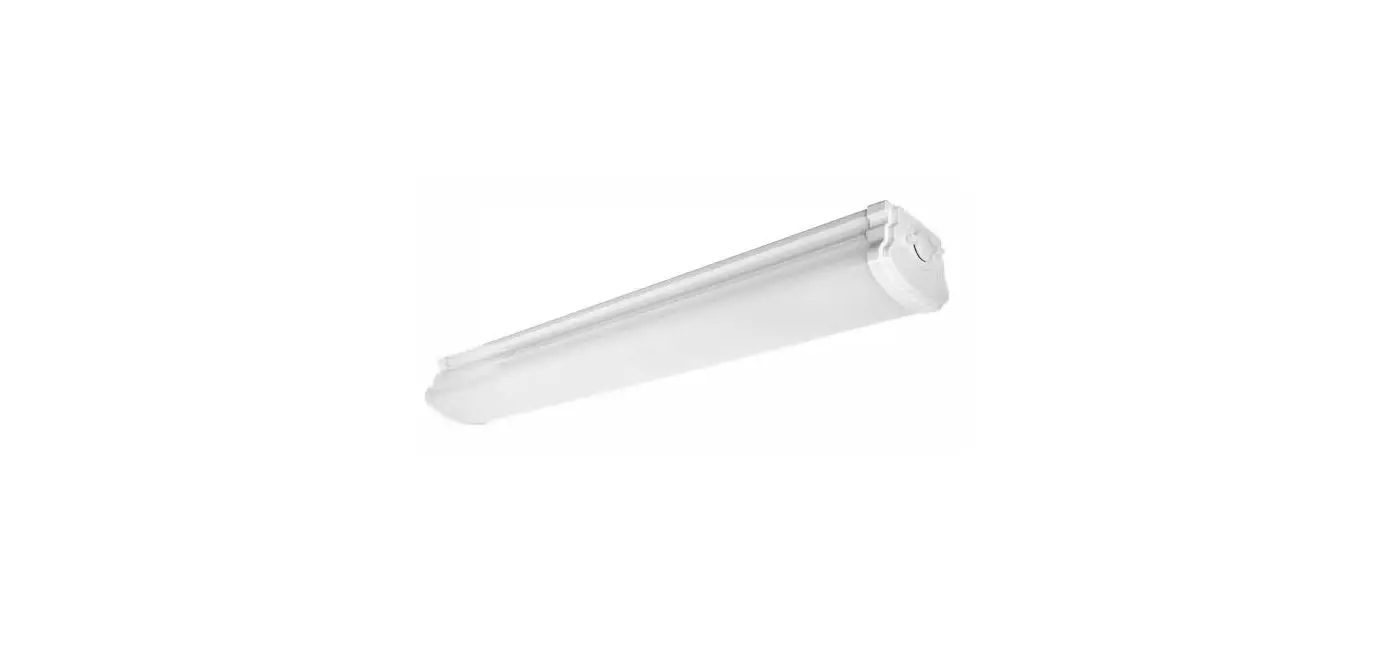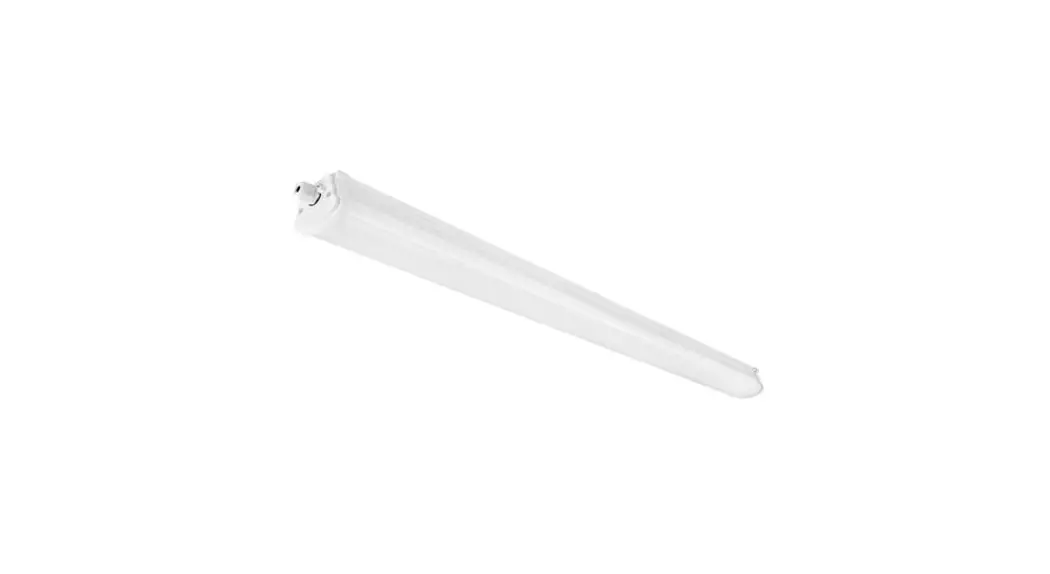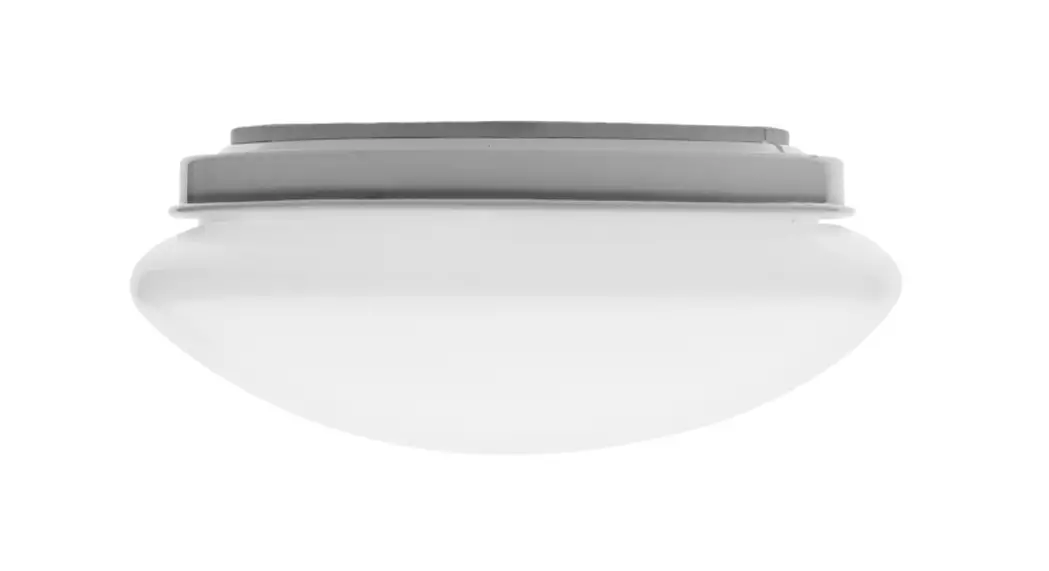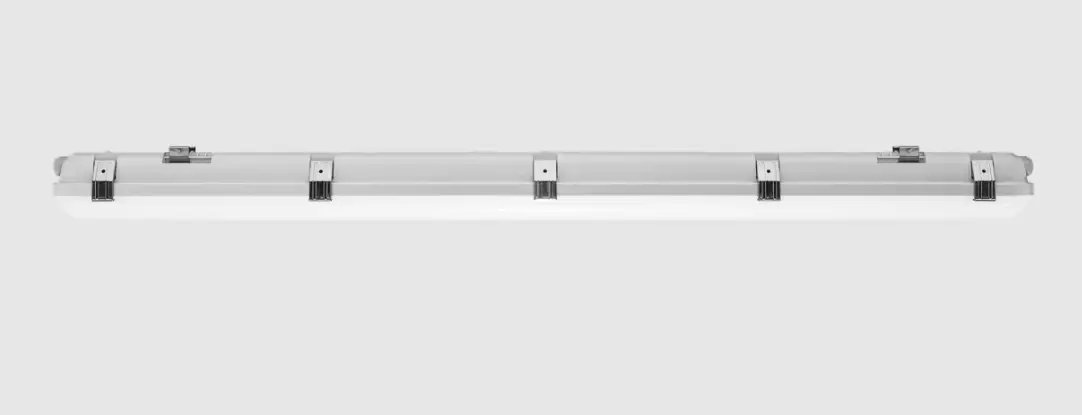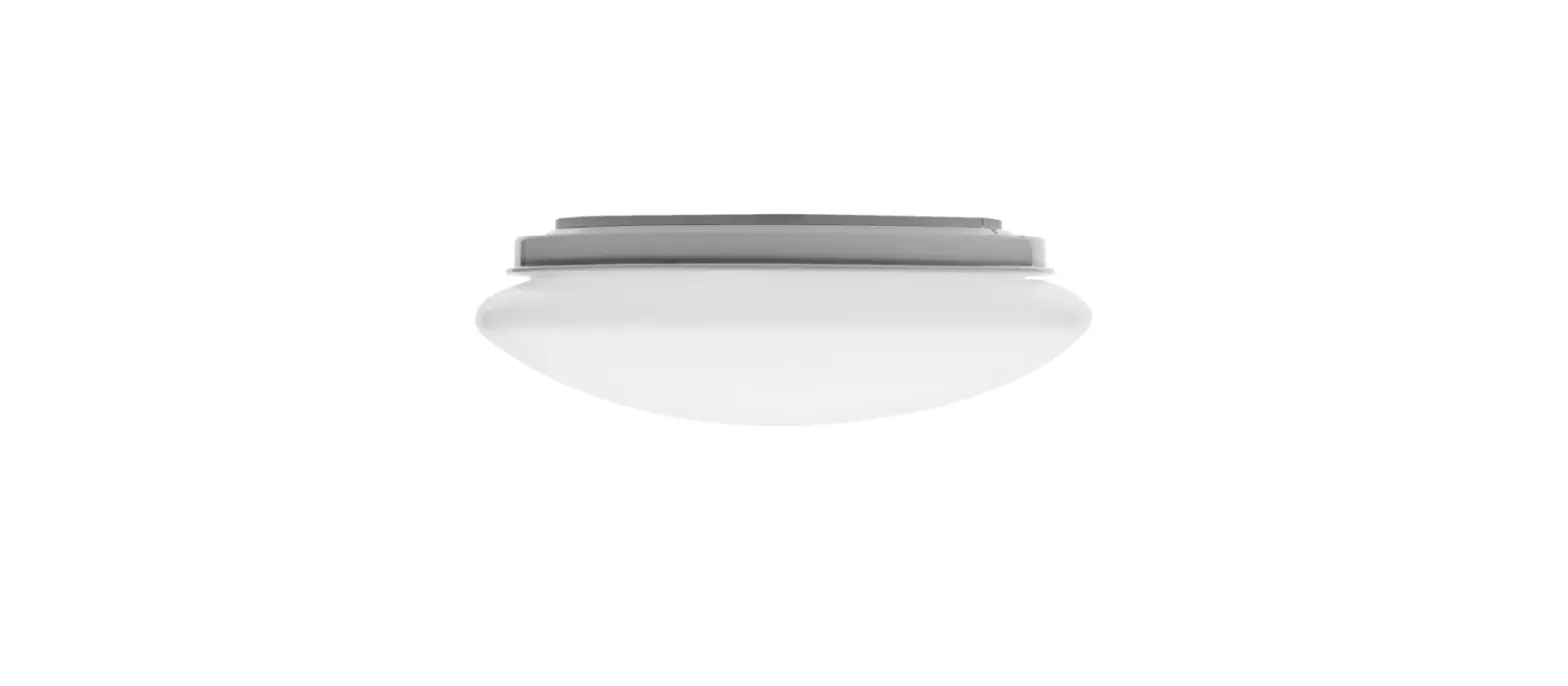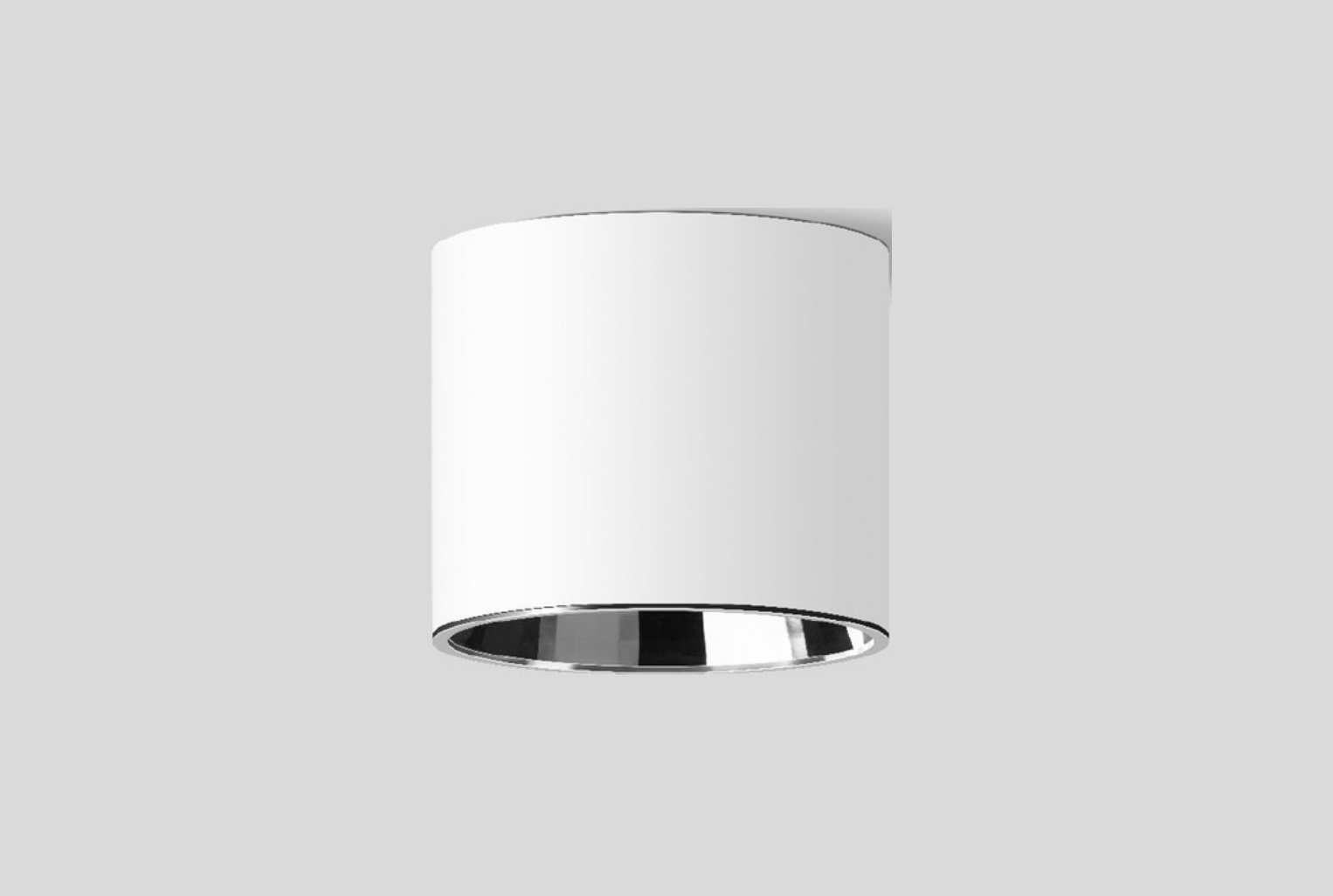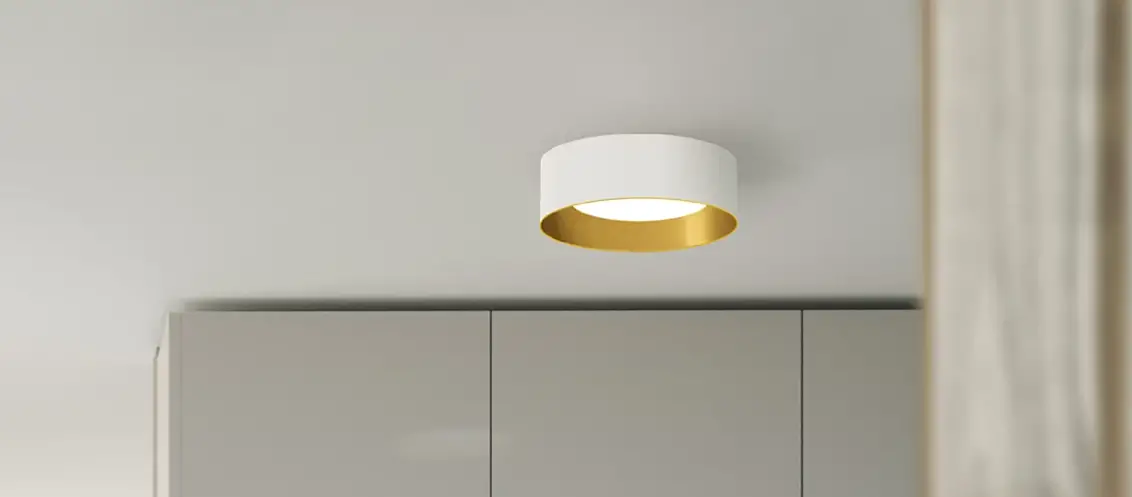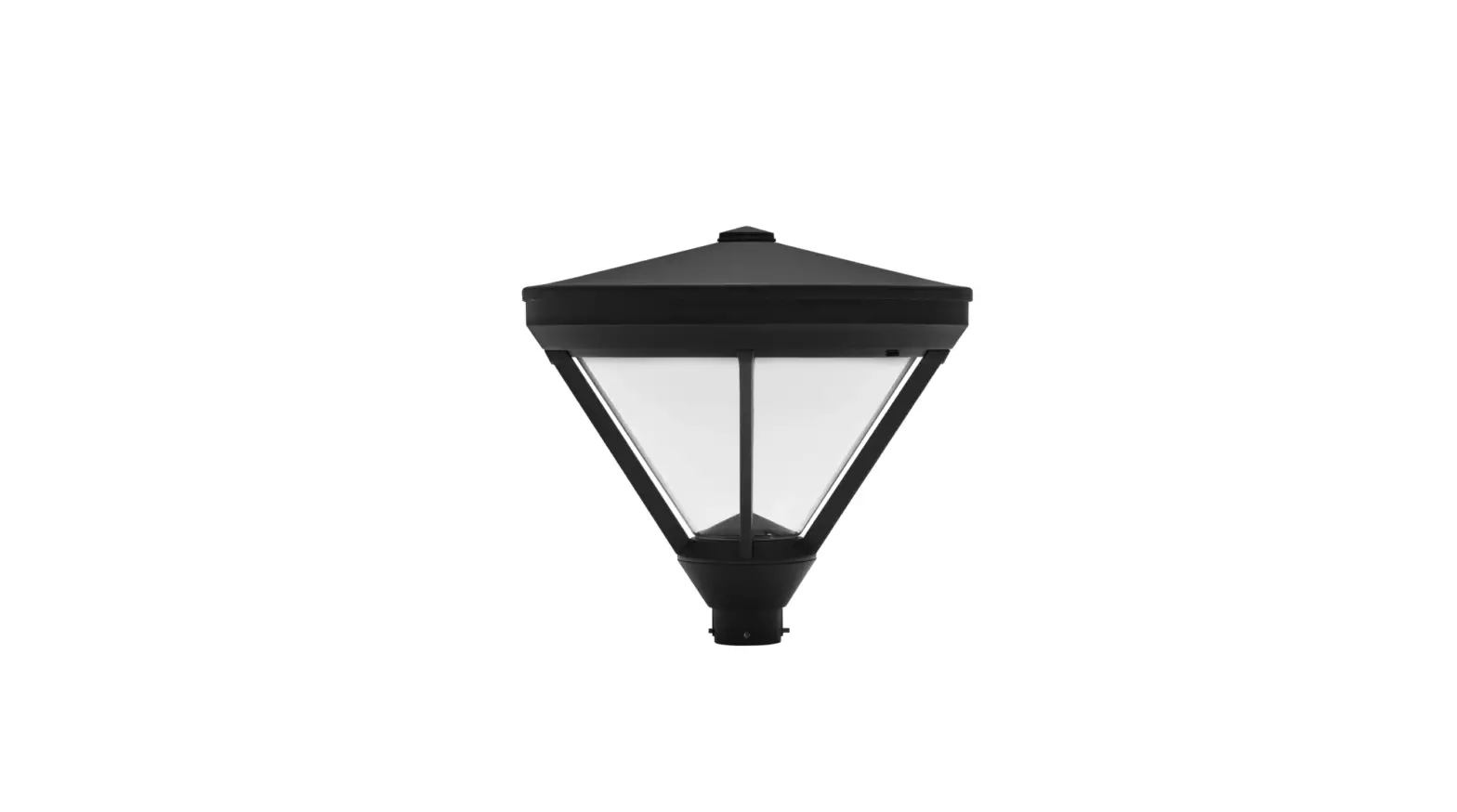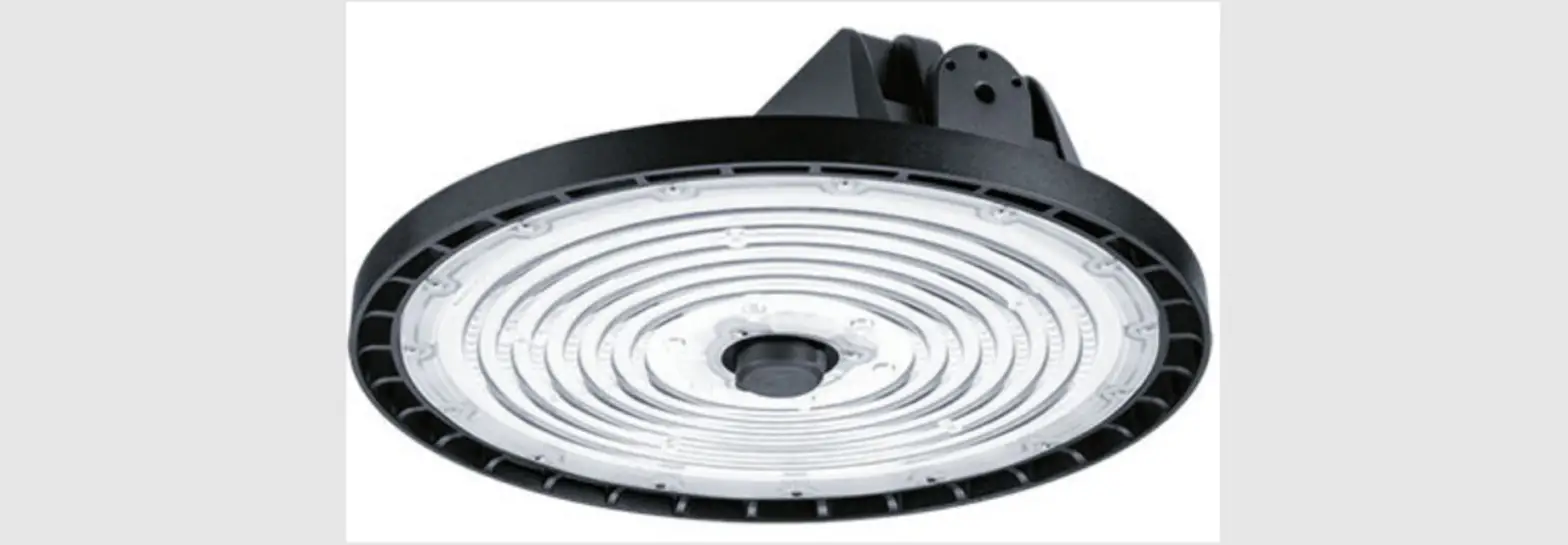

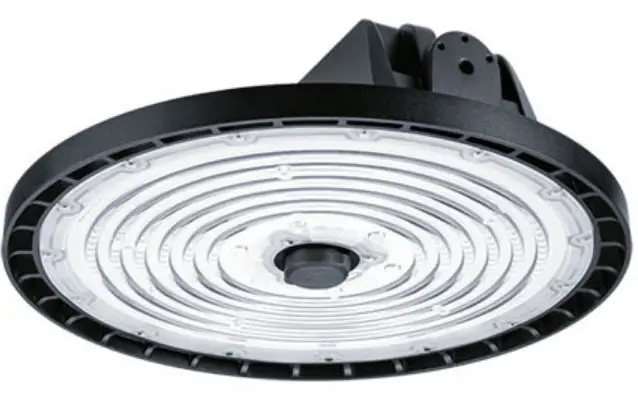
VIZULO Acorn Gen2 LED Industrial Luminaire
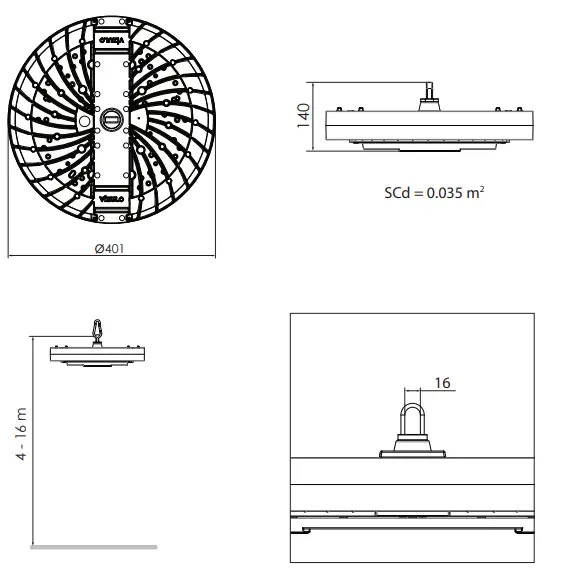
Dimensions
Energy efficiency class of contained light source(s)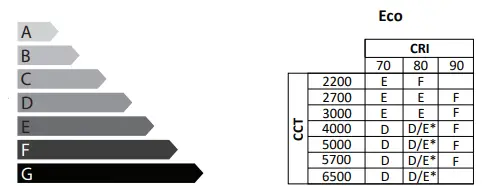
Average Netto Weight
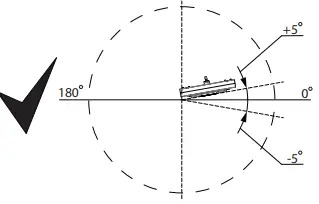
- Acceptable luminaire mounting angle relative to the ground.

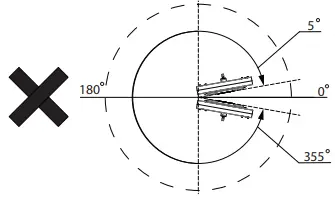
- Unacceptable luminaire mounting angle relative to the ground

WARNING!
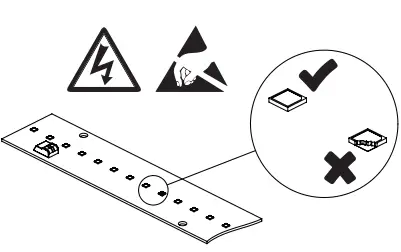
- Do not touch LED modules!
- Do not put any tools or other items on LED modules!
- In case any LED is physically damaged (example shown below) the warranty is void

The luminaire should be positioned so that prolonged staring into the luminaire at a distance closer than shown in the table above is not expected.
Standard configuration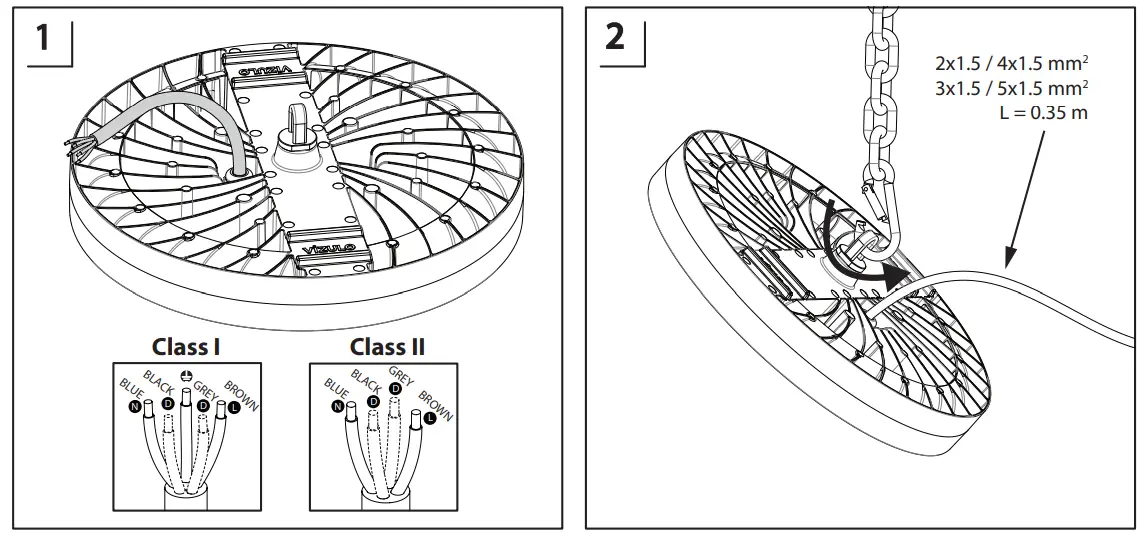
MCB/Inrush current table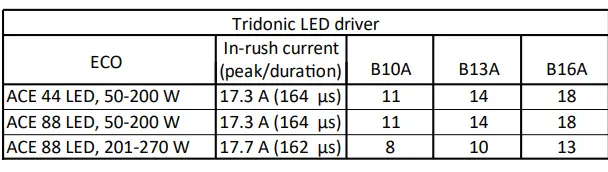
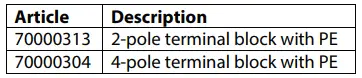
Configuration with terminal block
A watertight cable connector has to be ordered separately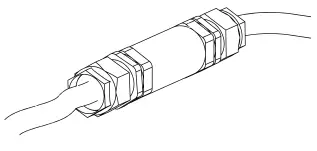
Terms of use and maintenance
Before luminaire is turned on, it should be mounted according with this mounting instruction or any other applicable regulations.
Mounting instructions
- Mounting of luminaire must be performed by a qualified person according with following instructions:
- The warranty of luminaire does not apply, if the mounting of luminaire has been performed in precipitation (rain, snow, hail).
- The warranty of luminaire does not apply, if a control system unauthorized by VIZULO or an inapplicable LED driver has been used to drive the luminaire.
- The warranty of luminaire does not apply, if it has been used in an unsuitable ambient temperature or has been supplied by voltage outside of the specified range.
- The warranty of luminaire does not apply, if the LED driver program has been changed in any way.
- The warranty of the luminaire does not apply, if the logged history data of the LED driver has been deleted without the permission of VIZULO.
- The warranty of luminaire does not apply, if it has been mounted in unspecified angles or upside down (luminaire glass directed up), or it has been completely submerged under water.
Safety instructions
- Any actions with the luminaire must be performed by a qualified person, who is certified according with national regulations and requirements.
- To prevent any accidents person installing the luminaire must follow national safety requirements and following instructions:
- The label containing the technical parameters of the luminaire has to be studied before the work on it has begun.
- Any luminaire build or design changes are prohibited.
- The luminaire must be used in good technical condition and according with this instruction.
- Only VIZULO-authorized spare parts and accessories can be used to repair the luminaire.
- The repair of the luminaire has to be performed by a qualified and certified person.
Maintenance and repair
- Luminaire has to be disconnected from electrical grid before it is opened and/or repaired!
- The person working with the luminaire must follow national regulations and legislations that apply to maintenance and testing of electrical or electronic appliances.
- The luminaire may need to be cleaned depending on its environment. Only a damp cloth or a sponge may be used to clean the luminaire. Use only household detergents diluted by water.
- Only VIZULO authorized spare parts may be used for the luminaire.
- Instruction for changing spare parts must be requested from VIZULO and studied before the repair is attempted.
- LED modules, lens and LED drivers can be changed on an installed luminaire, but it is advised to perform this task indoor to avoid water entering the luminaire.
- Spare parts (lens, LED modules and drivers) should be ordered from the information available on the luminaire label.
The direction of light for an asymmetric lens
Emergency Mode
Wiring
Status indication LED
- There is only single colour Status indication LED available (green colour):
- A green LED indicates that charging current is owing into the battery
Test Switch
- Use of the test switch:
- For checking the device function press and hold the test switch for a minimum of 3 seconds
 Vizulo