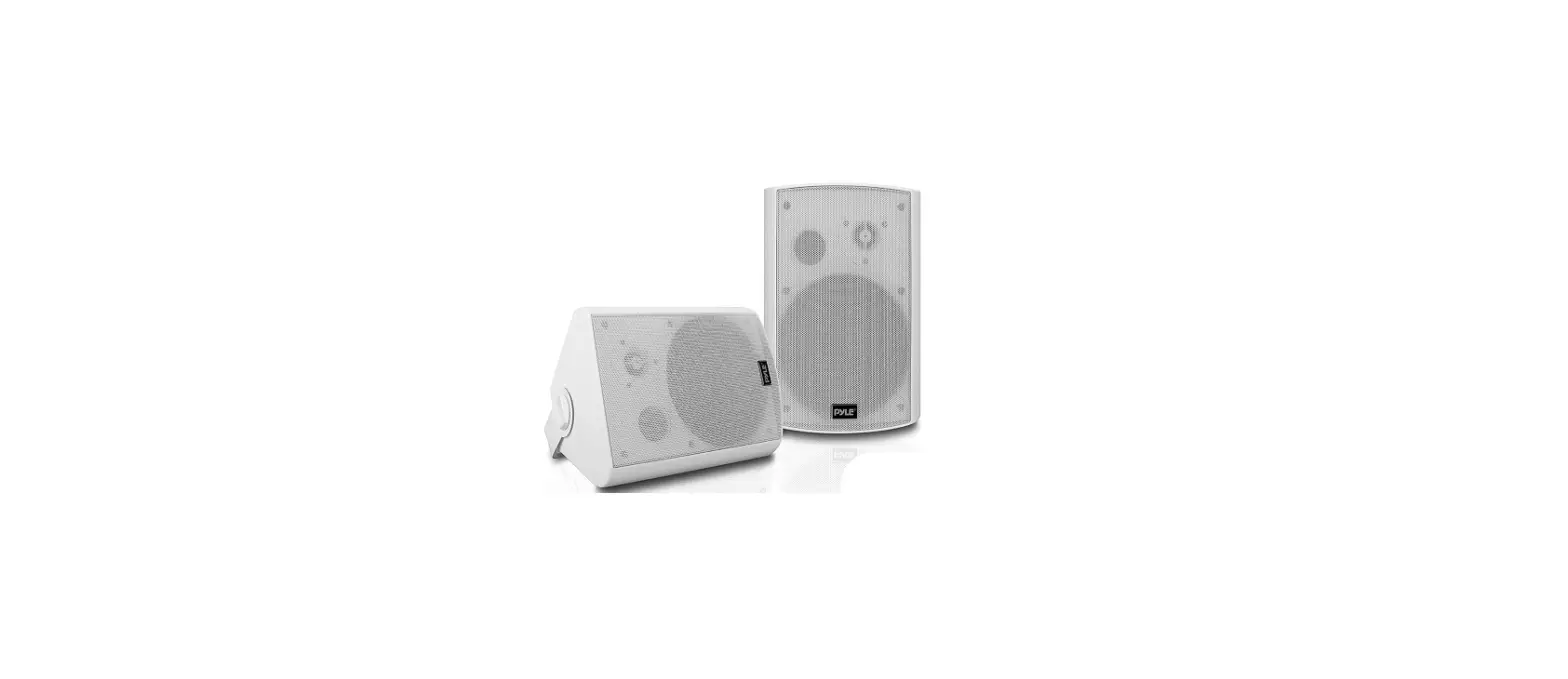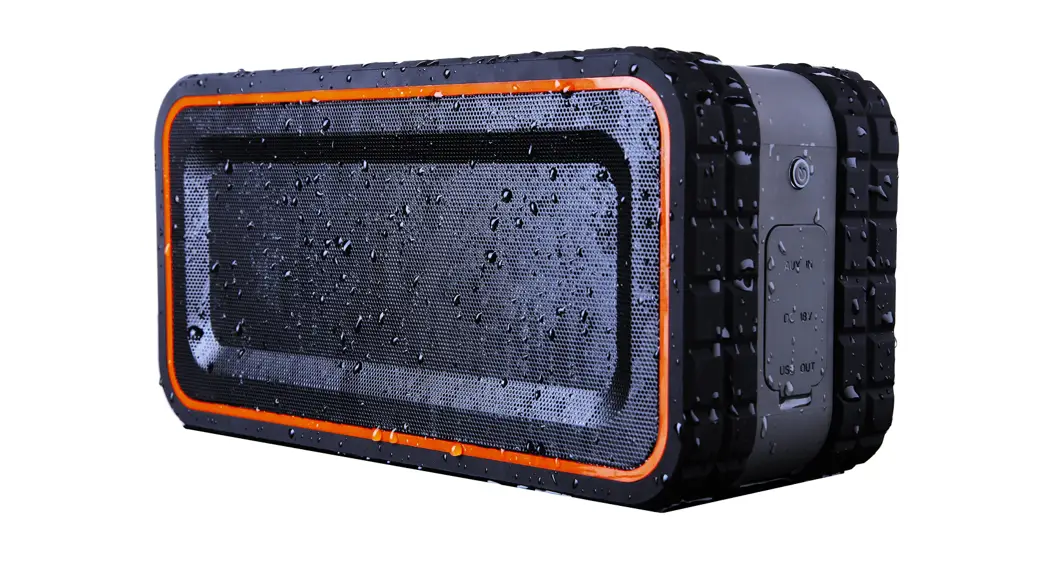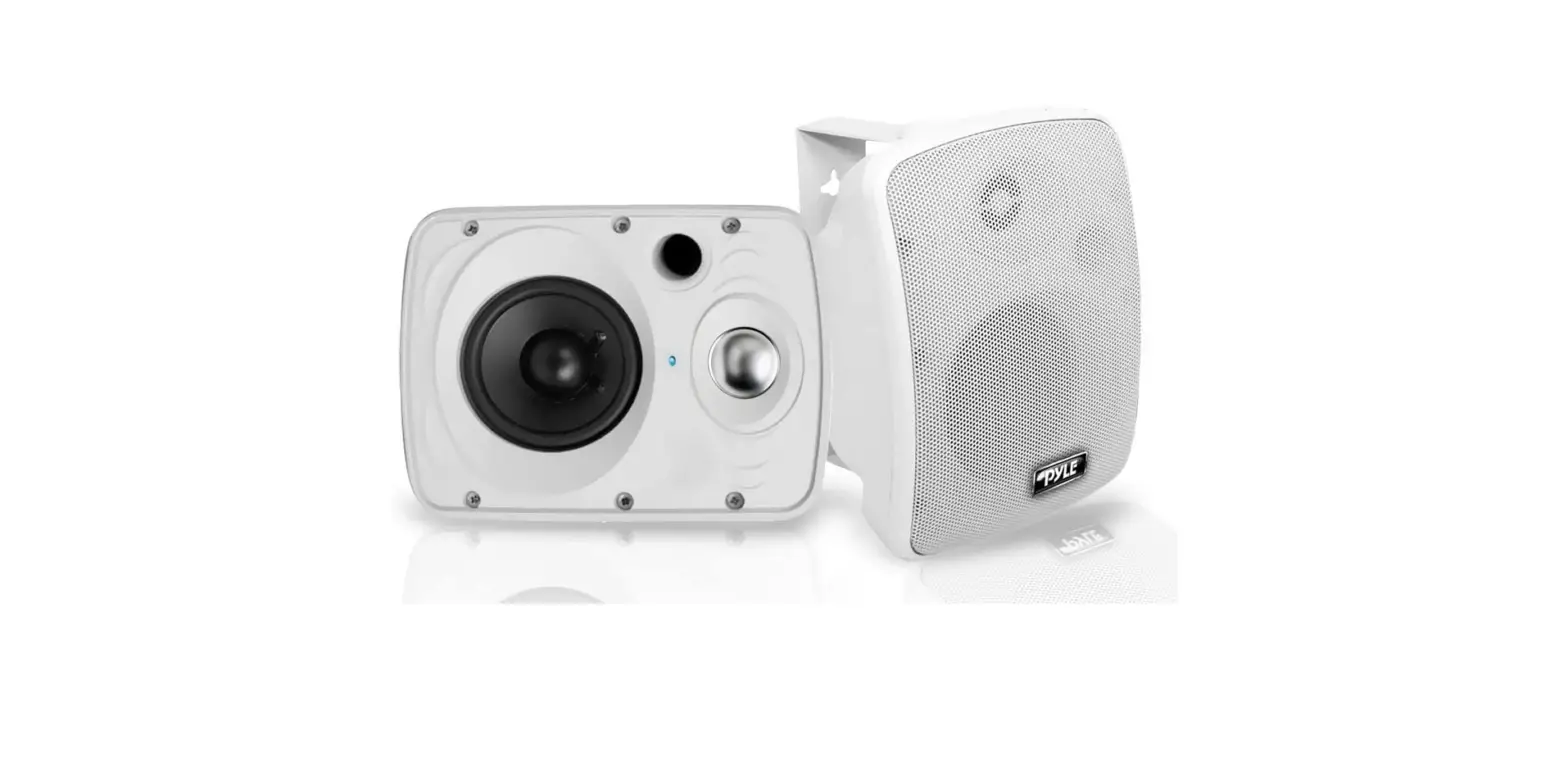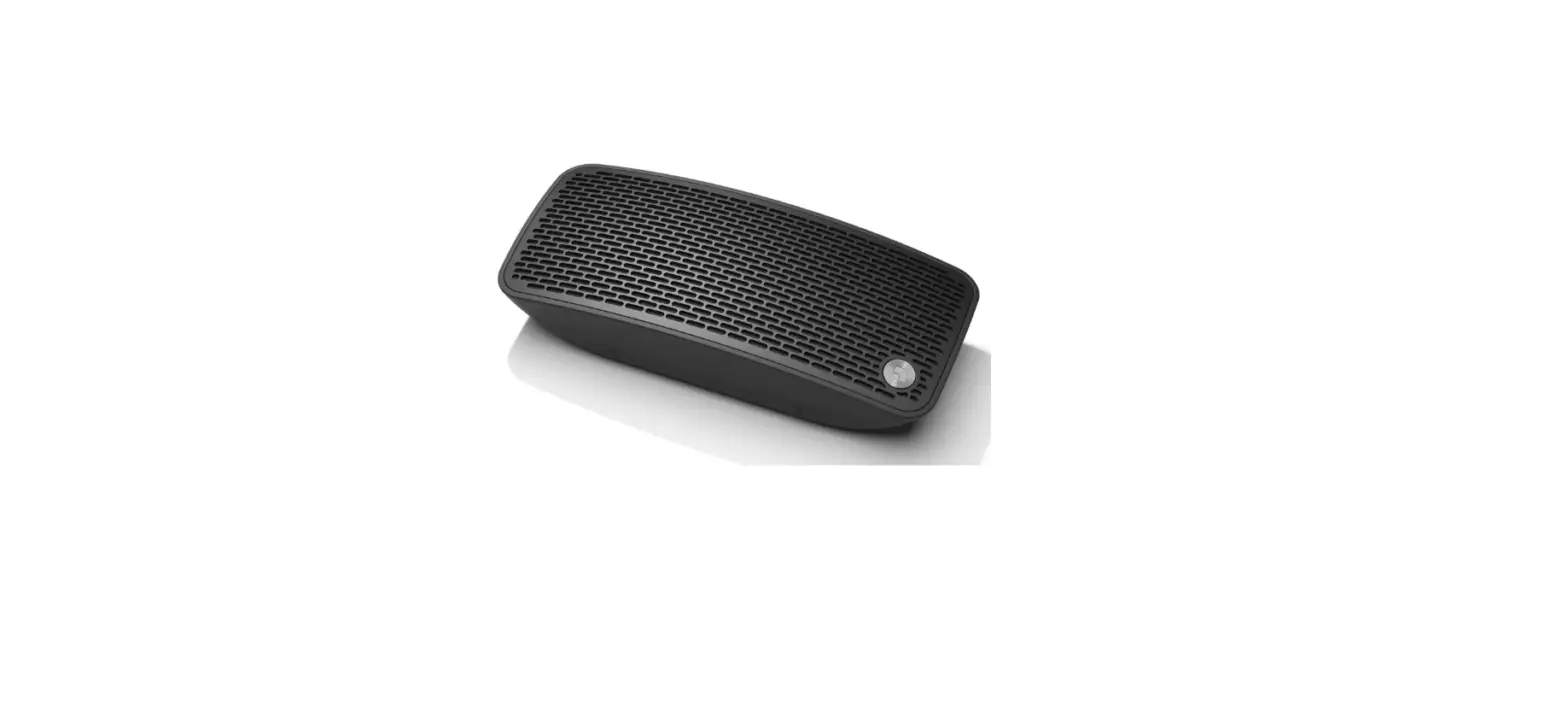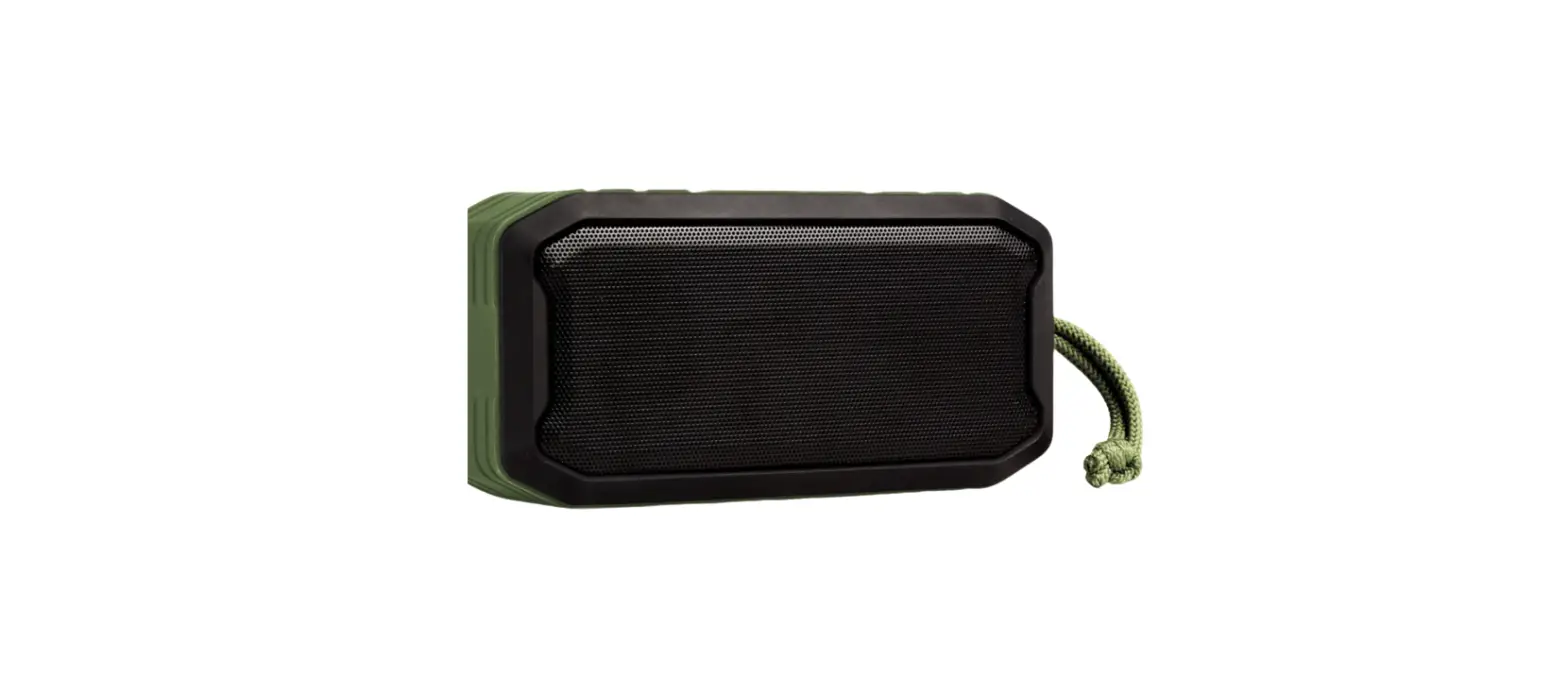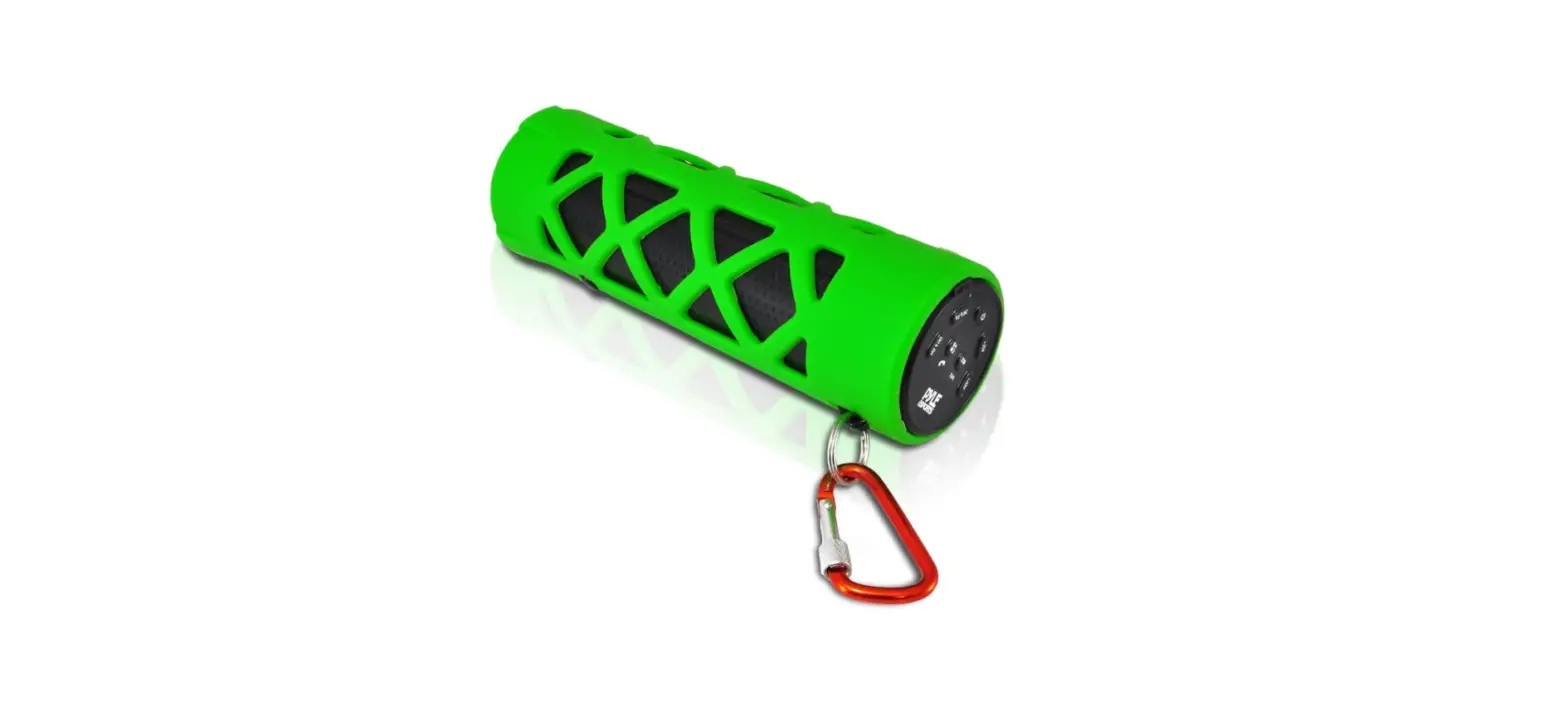

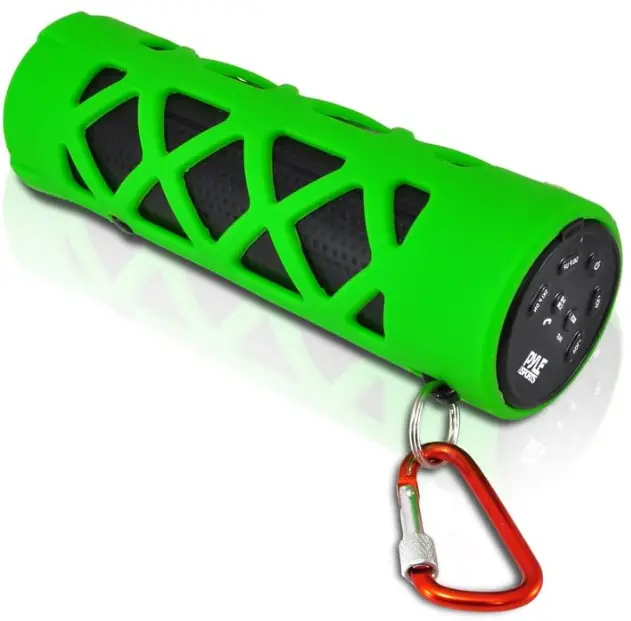
PYLE PWPBT30GN Bluetooth Water Resistant
Function
- Bluetooth function, compatible with iPhone, iPad, Android smartphones and other Bluetooth devices. No wires needed, this unit lets you enjoy the music from your Bluetooth device and receive and answer phone calls.
- Built-in speaker, for music listening and call answering.
- Built-in micro-SD card (TF card) slot
- 5mm AUX-IN jack, can connect to PC, VCD, DVD, TV and any aux input device.
- FM radio function
- Energy-efficient and Eco-friendly LED torch flashlight
- USB charging function
Operation
Front View
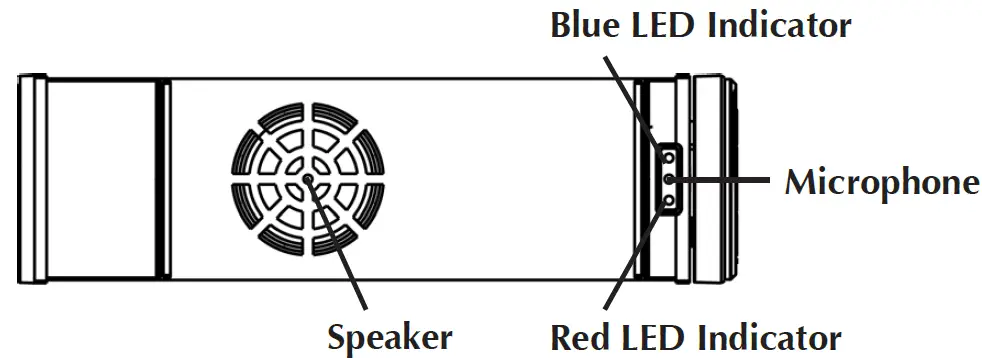
Rear View
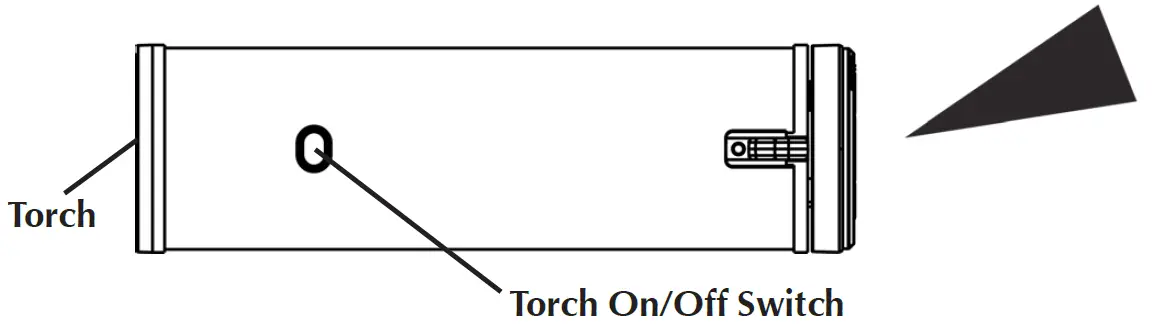
Bottom View
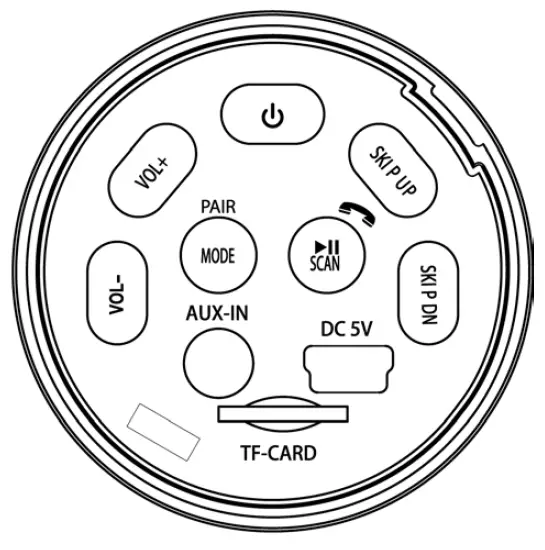
Power button
Press and hold the power button to turn on the unit. Press the button and hold for 3 seconds to turn off the unit.
Bluetooth pair and connection
Auto-Pair and connection: The unit is in automatic pair status after power on, blue in-dicator blinks fast few times then blinks slowly (blinks around every 5 seconds). Search for the device name (PWPBT30) on Android smart phone or iPhone, select, pair and connect, LED indicator lights around every 3 seconds.When the unit is turned on, it will automatically search and connect the device last connected, no need to re-scan and pair.
Manual pair and connection: Under Bluetooth mode, press and hold the button until the LED indicator blinks fast. Search for the device name (PWPBT30) on Android smartphone or iPhone, select, pair and connect, LED indicator lights around every 3 seconds.
Bluetooth hands-free
Under Bluetooth Mode: Press once button to answer the phone, press the button to hang up. Press and hold button for 3 seconds to dial last number.
- button: Press to adjust volume level up and down.
Note: the volume level can be set in different mode separately. - Button: While playing music, press once to skip to previous song; Under FM radio Mode, press once to skip to previous station.
- button: While playing music, press once to skip to next song ; Under FM radio Mode, press once to skip to next station.
- button: Press once to play or pause the music. Press to answer an incoming call, see the “Bluetooth hands free” section above. Under FM radio mode, press to scan and store radio station automatically.
Mode Selection
- Without Micro-SD card (TF-card) inserted : Press button to toggle between Bluetooth and FM radio mode.
- With Micro-SD card (TF-card) inserted : Press button to switch among Bluetooth , FM radio and TF-card mode.
- AUX-IN mode: Under any mode, to listen to music from external audio player, plug in the aux-in cable to the AUX-IN jack of the unit and music device. The unit will switch to AUX-IN mode automatically. Unplug the Aux-in cable, the unit will switch to Bluetooth mode again.
- TF-CARD mode : Insert a TF card (micro SD card) into the TF-CARD slot . Press mode button to select TF-CARD mode then start listening music from the card.
- Charging battery: Connect the micro USB plug of the USB cable to the micro USB connector of the unit. Red indicator lights up when charging the unit, light turns off when it’s full charged.
- Torch: Press the Torch On/Off switch to turn the torch on and off.
Warning:
- Please use standard 5V/500MA DC adapter and supplied USB cable to charge; Or connect USB cable to computer to charge. If the adapter power rating is too small, it may cause the unit not to be fully charged or have short battery running time.
- Please do not use the unit in high temperatures or high moisture environments for long periods of time.
- When the unit malfunctions, it may need to be charged. The unit can work when
Features
- Output: 2W
- Speaker: 4Ω3W
- Noise-signal Ratio: ≥70dB
- FM sensitive: < 20dB
- AUX IN:5MM jack
- Battery: built-in Lithium battery
- Charge power: 5V 500mA
- Bluetooth range: > 10M (The distance shall be different in a different environment or with different Bluetooth devices)
Important Safety Instructions
- Keep these instructions.
- Heed these instructions.
- Follow all instructions.
- Do not charge the unit internal battery in a wet environment.
- Only use attachments/accessories specified by the manufacturer.
- Do not use the unit in places which are extremely hot, cold or dusty place.
- Do not use or keep the unit in an area exposed to direct sunlight.
- No naked flame sources, such as lighted candles, should be placed on the apparatus.
- Do not open or disassemble this unit.
- Take care not to drop the unit or subject it to strong shocks.
- Do not block any ventilation openings. Install in accordance with the manufacturer’s instructions.
Compliance with FCC Regulations
This device complies with Part 15 of the FCC Rules. Operation is subject to the following two conditions:
- this device may not cause harmful interference, and
- this device must accept any interference received, including interference that may cause undesired operation.
NOTE: This equipment has been tested and found to comply with the limits for a Class B digital device, pursuant to Part 15 of the FCC Rules. These limits are designed to provide reasonable protection against harmful interference in a residential instal-lation. This equipment generates, uses and can radiate radio frequency energy and, if not installed and used in accordance with the instructions, may cause harmful interference to radio communications. However, there is no guaran-tee that interference will not occur in a particular installation. If this equipment does cause harmful interference to radio or television reception, which can be determined by turning the equipment off and on, the user is encouraged to try to correct the interference by one or more of the following measures:
- Reorient or relocate the receiving antenna.
- Increase the separation between the equipment and receiver.
- Connect the equipment into an outlet on a circuit different from that to which the receiver is connected.
- Consult the dealer or an experienced radio/TV technician for help.
CAUTION: Changes or modifications not expressly approved by the party responsible for compliance could void the user’s authority to operate the equipment.
Frequently Asked Questions
A row of LED lights on the front of your speaker will turn on once it is plugged in and remain on until charging is finished.
What steps must I take in order to reset my Bluetooth Pyle speaker? If your speaker has any active connections, you can reset it by pressing the Bluetooth disconnect button. Then, you can connect your audio device (i.e., You can now use your phone to talk to your speaker again).
Modern batteries have sophisticated sensors that prevent overcharging, but this does not guarantee that leaving the battery hooked into the charger won’t harm it. One charging cycle is finished when a battery is fully charged; a battery can only be fully charged a certain number of times before it is irreparably harmed.
Without endangering the battery, you can use your Bluetooth speaker while it is charging. When using the speaker for the first time, you should fully charge it while it is off so that you may check the battery life.
The speaker may need to be unpaired, then repaired with your device. 1. Before starting the pairing process, make sure the Bluetooth Speaker is ON. 2.
Make sure Bluetooth is activated. Find out the pairing method your device uses. activate discoverable mode. Ensure that the two devices are sufficiently close to one another. Turn the gadgets on and off again. Eliminate previous Bluetooth connections.
There is a tiny, pinhole button with the word “reset” on it in the device’s control section, frequently hidden by a rubber cover. To press this button, use a pencil or another pointed object. When you hear the gadget turn off, hold down the “volume down” and “power” keys simultaneously for around 6 seconds.
Some gadgets lack an idle mode, but they might turn off Bluetooth on their own when the battery in your smartphone starts to run low. Your phone will automatically try to conserve power when you don’t have much of it left by turning off Bluetooth and background programmes.
ON/OFF: Turn the power on, press “MODE” to enter Bluetooth mode, and “BLUE” will appear on the display screen. 2. Activate the Bluetooth feature on the mobile device, search, and connect to the mobile device when “PyleUSA” appears.
Activate the device. To turn on Wireless BT, press the ON/OFF switch on the front panel until the indicator light is on. Search for the Wireless BT name “PYLE SPEAKER” using your Wireless BT phone or another device. Choose the Wireless BT name “PYLE SPEAKER” and wait for the device to pair on its own.
The Bluetooth® speaker’s internal battery needs three (3) hours to fully recharge from a dead battery.
To prevent overcharging, lithium batteries include a built-in auto-off feature that activates when a full charge is attained.
To pair the speaker with your phone, you must first navigate to the NFC section on your Android device, F2. You can purchase a Bluetooth transmitter that connects straight into your TV’s audio-out jack (3.5mm headphone jack, RCA connectors, USB, or optical) if your TV does not support Bluetooth.
A Bluetooth speaker should be turned off. Locate your speaker under Bluetooth in the settings menu (There should be a list of Bluetooth devices that you last connected to). While your device tries to connect to the Bluetooth speaker, tap on it to initiate a connection. After that, turn the speaker on.