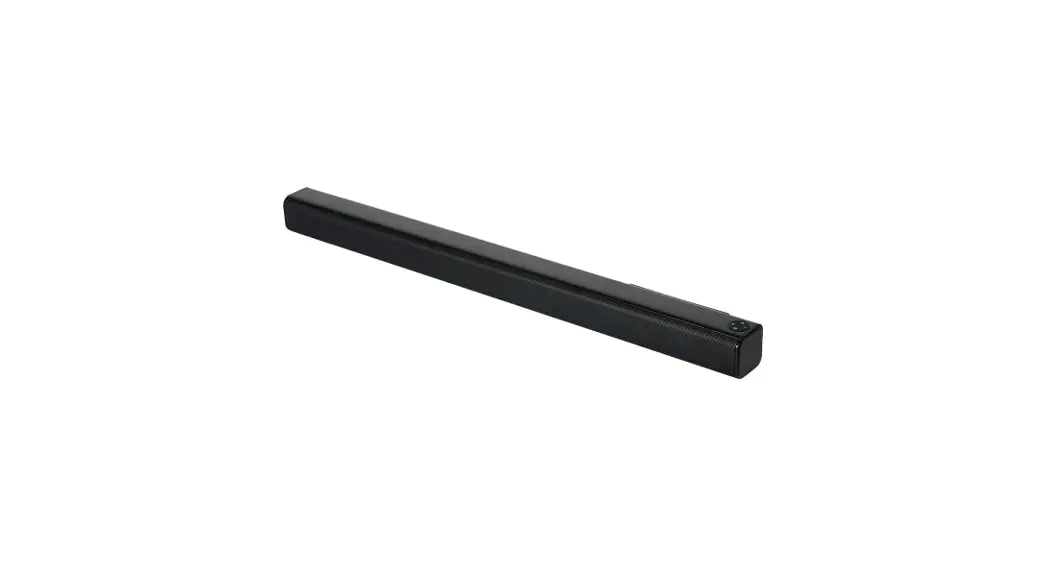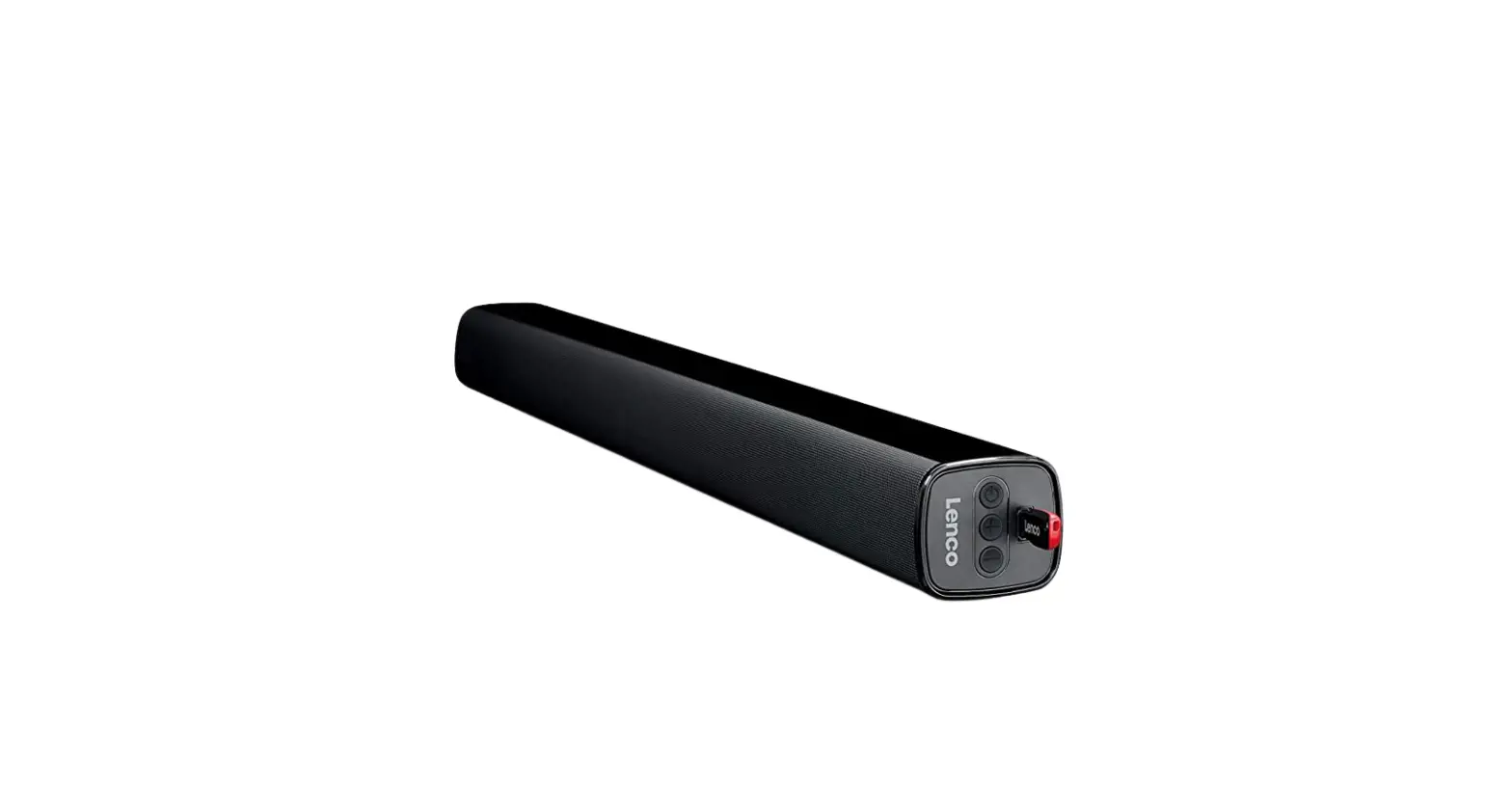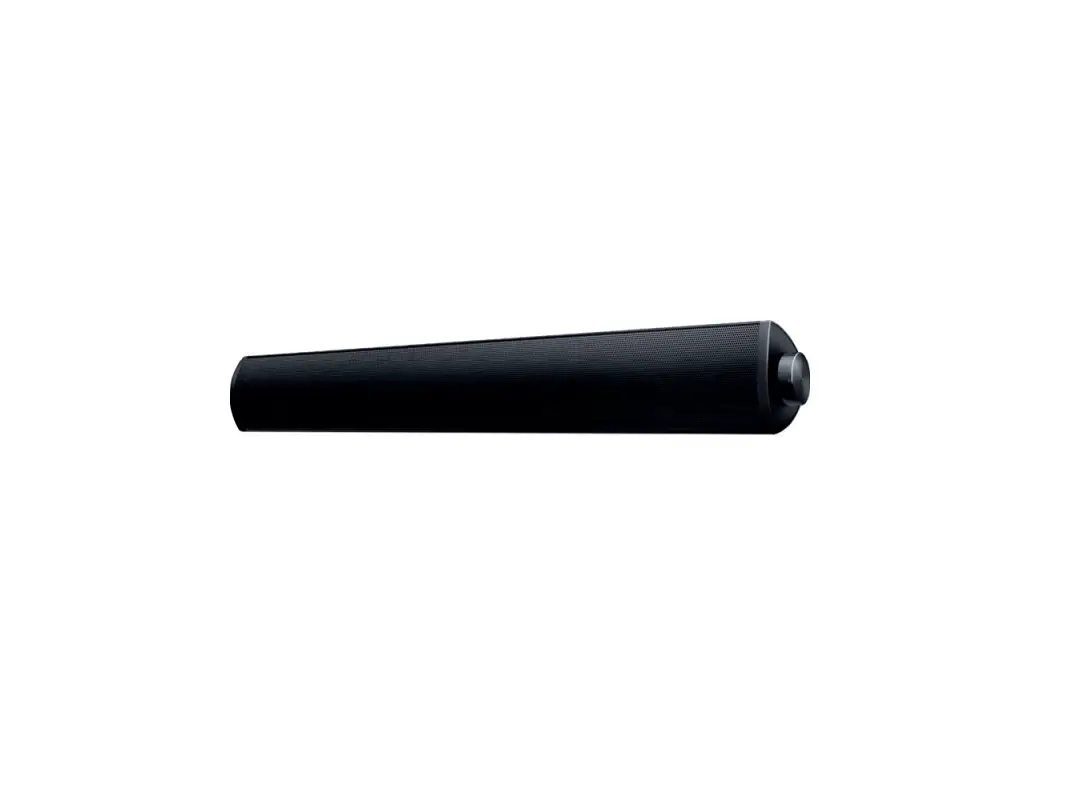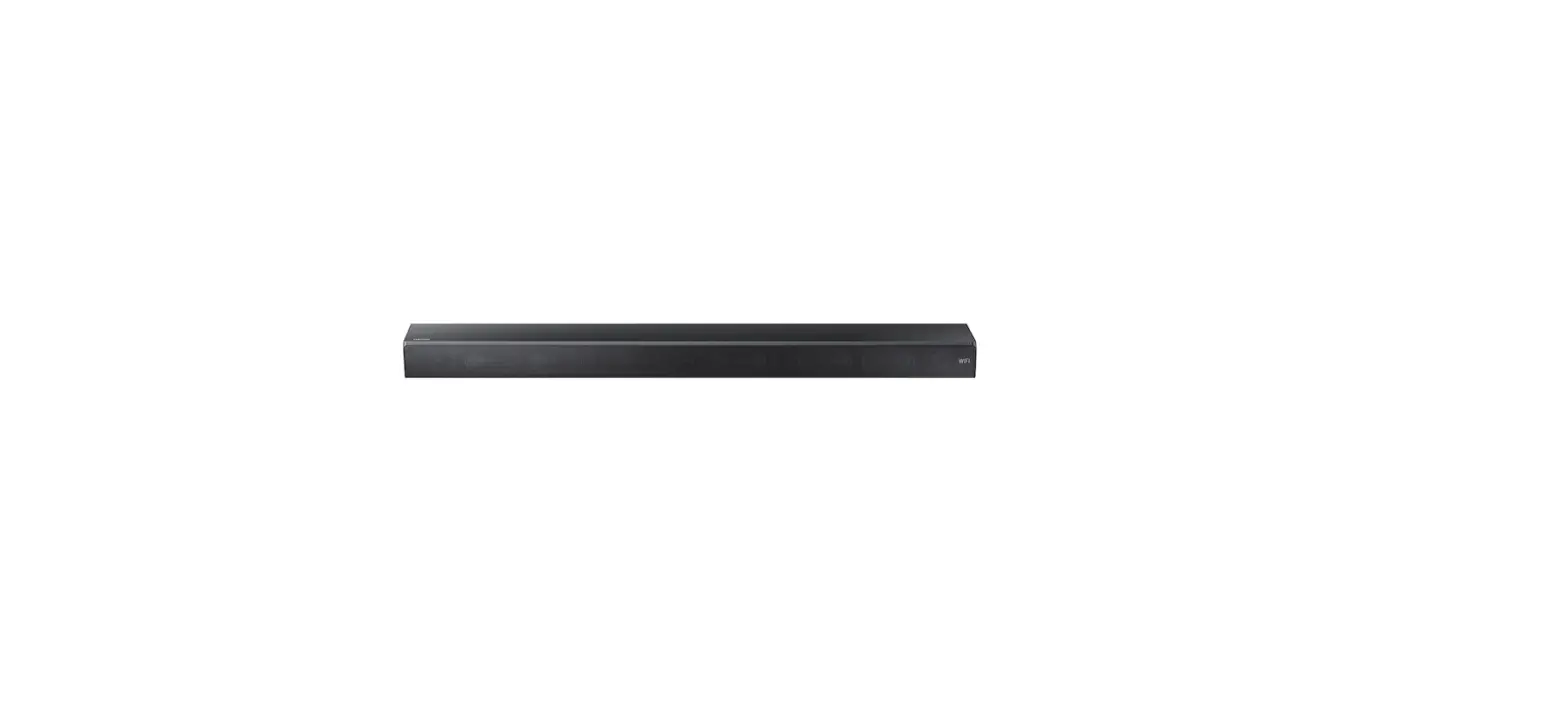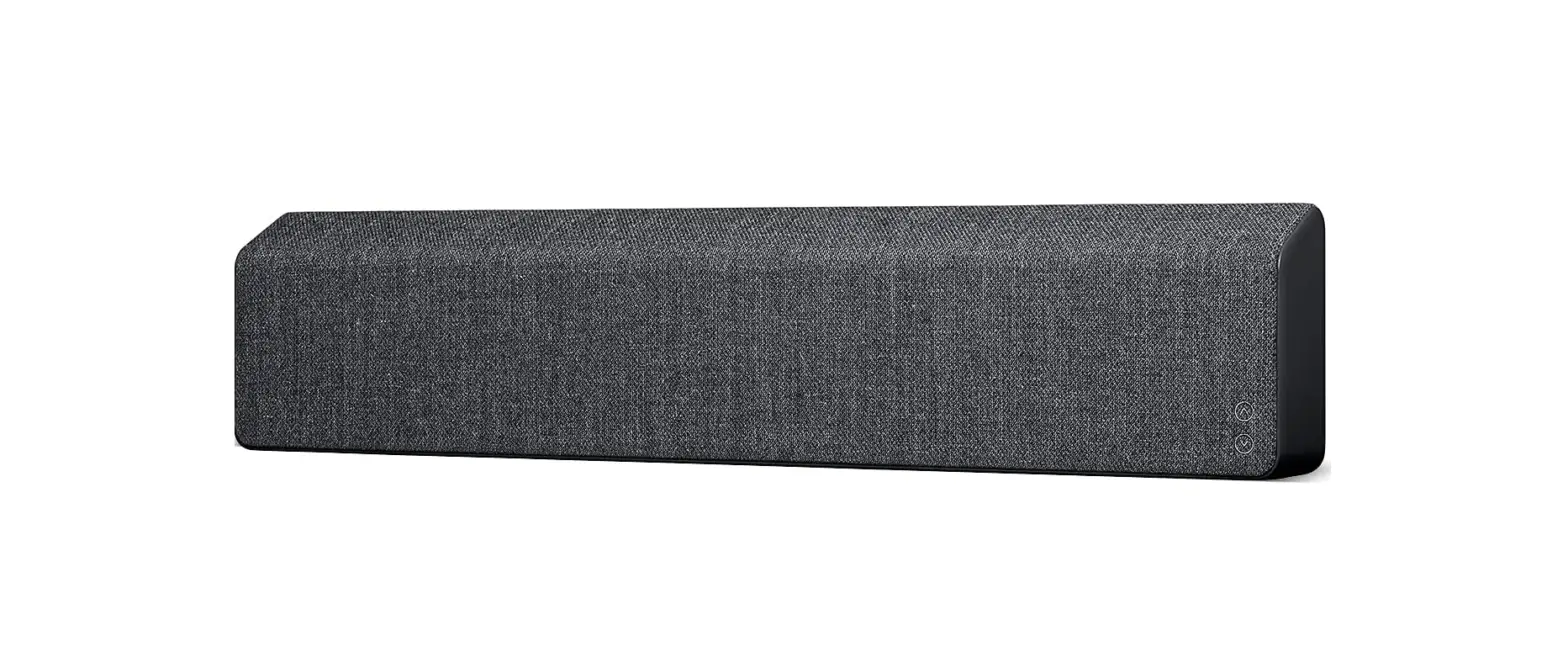

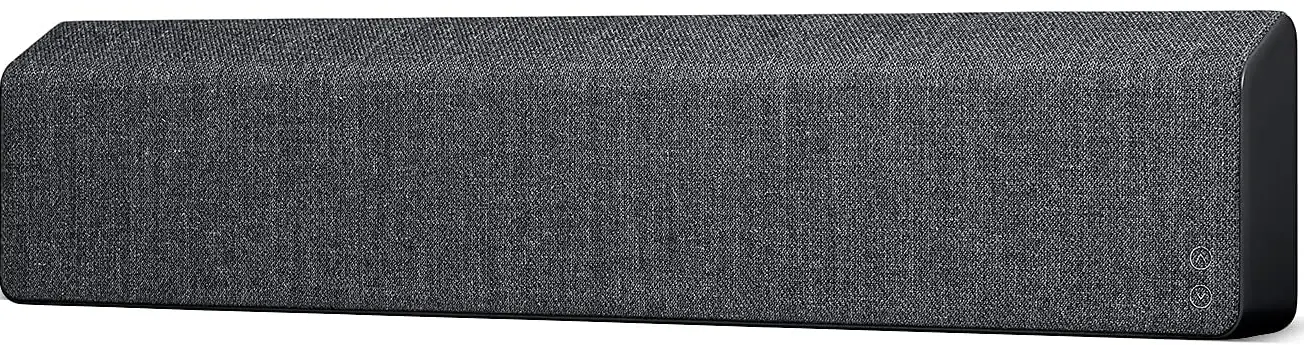
Vifa STOCKHOLM-SB 2.0 Bluetooth Soundbar
IMPORTANT SAFETY INSTRUCTIONS
Regulatory Safety Information
- Read these instructions.
- keep these instructions.
- Heed all warnings.
- Follow all instructions.
- Do not use this apparatus near water.
- Clean only with dry cloth.
- Do not block any ventilation openings. Install in accordance with the manufacturer’s instructions.
- Do not install near any heat sources such as radiators, heat registers, stoves, or other apparatus (including amplifiers) that produce heat.
- Do not defeat the safety purpose of the polarized or grounding-type plug. A polarized plug has two blades with one wider than the other. A grounding-type plug
has two blades and a third grounding prong. The wide blade or the third prong are provided for your safety. If the provided plug does not fit into your outlet consult an electrician for replacement of the obsolete outlet. - Protect the power cord from being walked on or pinched particularly at plugs convenience receptacles and the point where they exit from the apparatus.
- Only use attachments/accessories specified by the manufacturer.
- Use only with the cart, stand, tripod, bracket or table specified by the manufacturer or sold with the apparatus. When a cart is used, use caution when moving the cart/apparatus combination to avoid injury from tip-over.
- Unplug this apparatus during lightning storms or when unused for long periods of time.
- Refer all servicing to qualified service personnel. Servicing is required when the apparatus has been damaged in any way, such as power-supply cord or plug is damaged, liquid has been spilled or objects have fallen into the apparatus, the apparatus has been exposed to rain or moisture, does not operate normally or has been dropped.
- To completely disconnect unit power from the AC mains, disconnect the unit’s power cord from the mains socket.
- Important! This equipment is not intended to be used on soft support(like beddings. Blankets etc.)
- The socket-outlet shall be easily accessible.
- Disposal of a battery into fire or a hot oven, or mechanically crushing or cutting of a battery can result in an explosion
- High or low extreme temperatures that a battery can be subjected to during use is 10ºC – 45ºC, storage -20ºC – 40ºC or transportation 10ºC – 45ºC; and low air pressure is 86-106Kpa at 2000m. high altitude.
- Leaving a battery in an extremely high temperature surrounding environment that can result in an explosion or the leakage of flammable liquid or gas.
- Battery subjected to extremely low air pressure may result in an explosion or the leakage of flammable liquid or gas.
- Product label affixed to the bottom of the product.
- CAUTION: Danger of explosion if battery is incorrectly replaced. Replace only with the same or equivalent type.
- WARNING: The Battery (battery pack or batteries installed) shall not be exposed to excessive heat such as sunshine, fire or the like.
- WARNING: The main plug shall remain readily operable.
- Keep minimum distances 1cm around the apparatus for sufficient ventilation.
- The ventilation should not be impeded by covering the ventilation openings with items, such as newspapers, table-cloths, curtains, etc.
- Attention should be drawn to the environmental aspects of battery disposal.
- The use of apparatus in tropical and/or moderate climates.
- Risk of explosion if the battery is replaced by an incorrect type.
WARNING:
- To reduce the risk of fire and electric shock do not expose this apparatus to rain or moisture.
- Do not place objects filled with liquids such as vases on the apparatus.
- Do not open the apparatus. There are no user-serviceable parts inside. Risk of electric shock inside.
- The apparatus shall not be exposed to dripping or splashing.
- No naked flame sources, such as lighted candles, such as lighted candles, should be placed on the apparatus.
The lightning flash and arrow head within the triangle is a warning signs alerting you of dangerous voltage inside the product
The exclamation point within the triangle is a warning sign alerting you of important instructions accompanying the product.
IN THE BOX
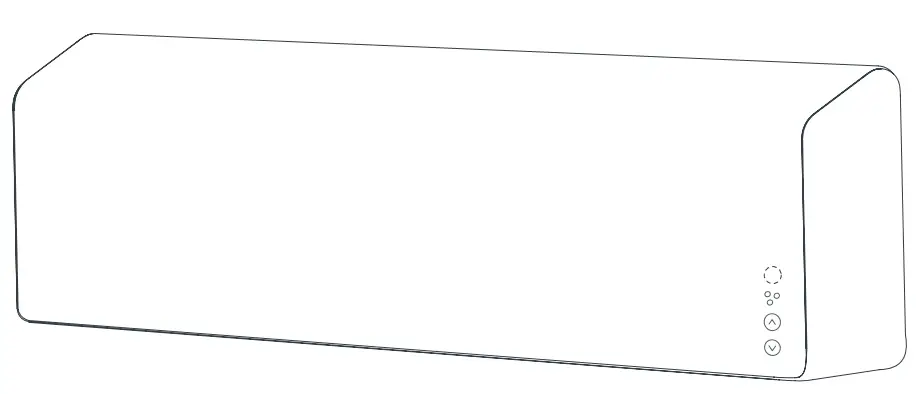
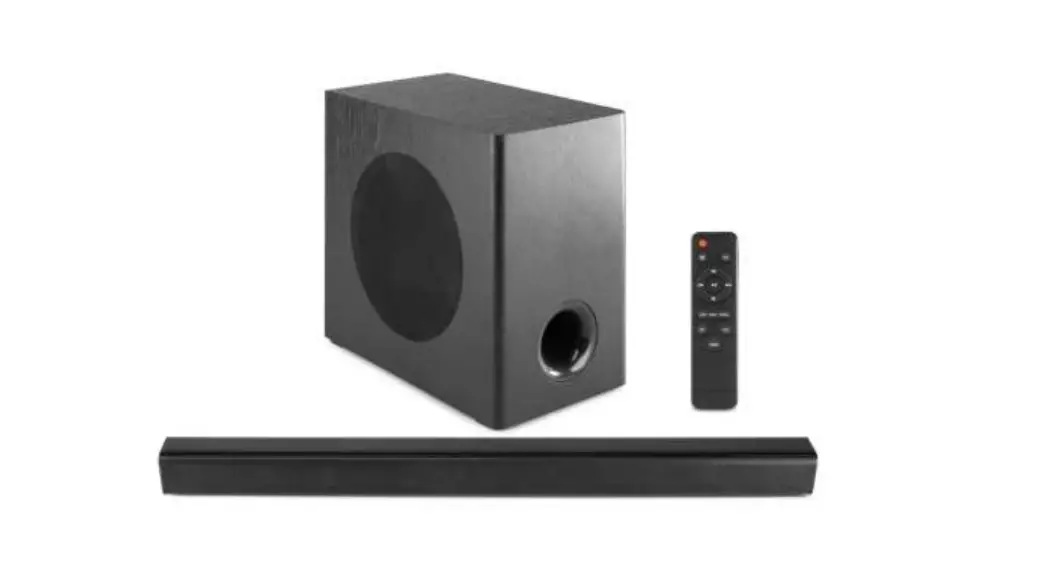
Vifa Stockholm, remote, power cable, AUX 3.5 mm mini jack cable, travel bag, quick-guide and warranty.
GET STARTED
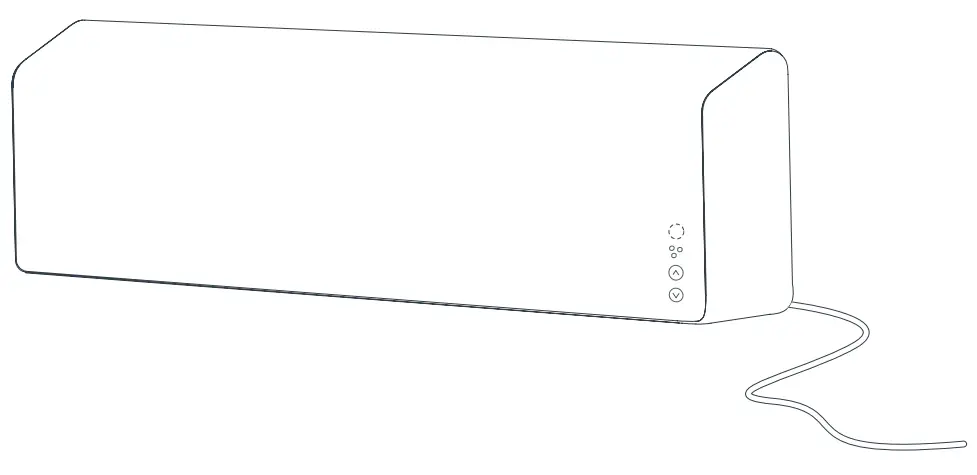
- Plug power cable into your loudspeaker and then plug into a power outlet.

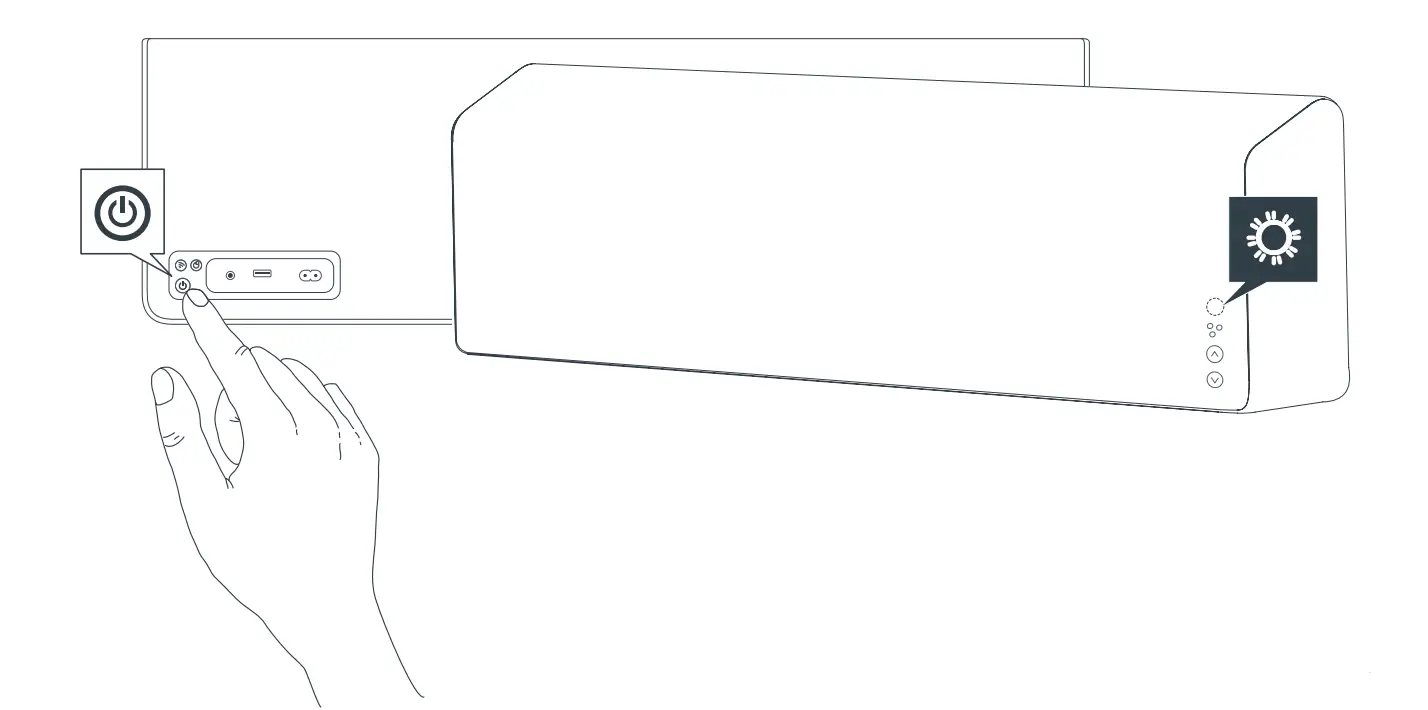
- Press and hold POWER button until front STATUS INDICATOR lights up and the loudspeaker is turned ON. Wait up to 1 minute until the product is ready. This is indicated with a change from rapid WHITE flashing to slow WHITE flashing and a sound cue.

CONNECTING TO WI-FI NETWORK
- Download the free Vifa®HOME app and follow the instructions in the app. To learn more about other opportunities such as using a computer or other devices for setup, visit: vifa.DK/support

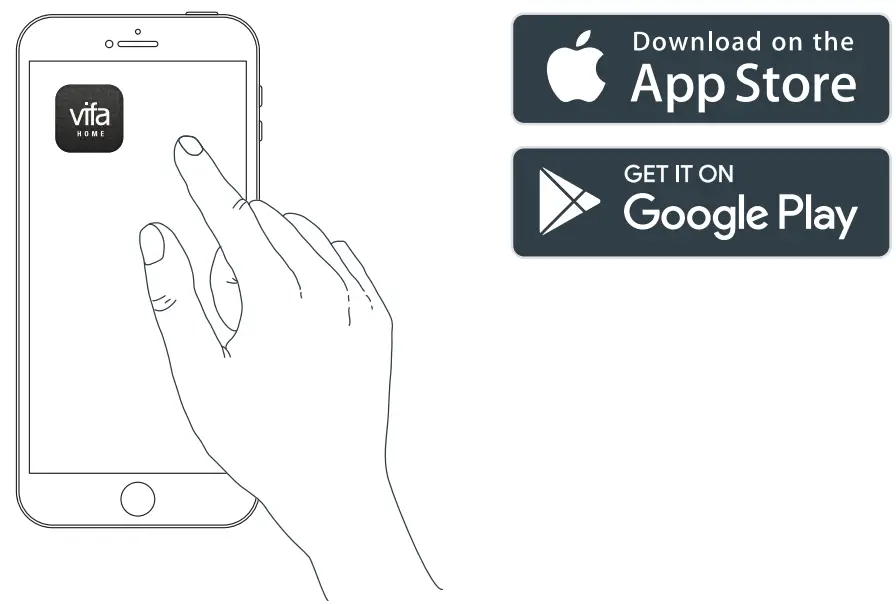
During setup, you will connect your loudspeaker to your Wi-Fi network.
Please make sure you have the password for your Wi-Fi network ready. When your Stockholm is connected, the STATUS INDICATOR turns solid WHITE and you can start streaming to your loudspeaker.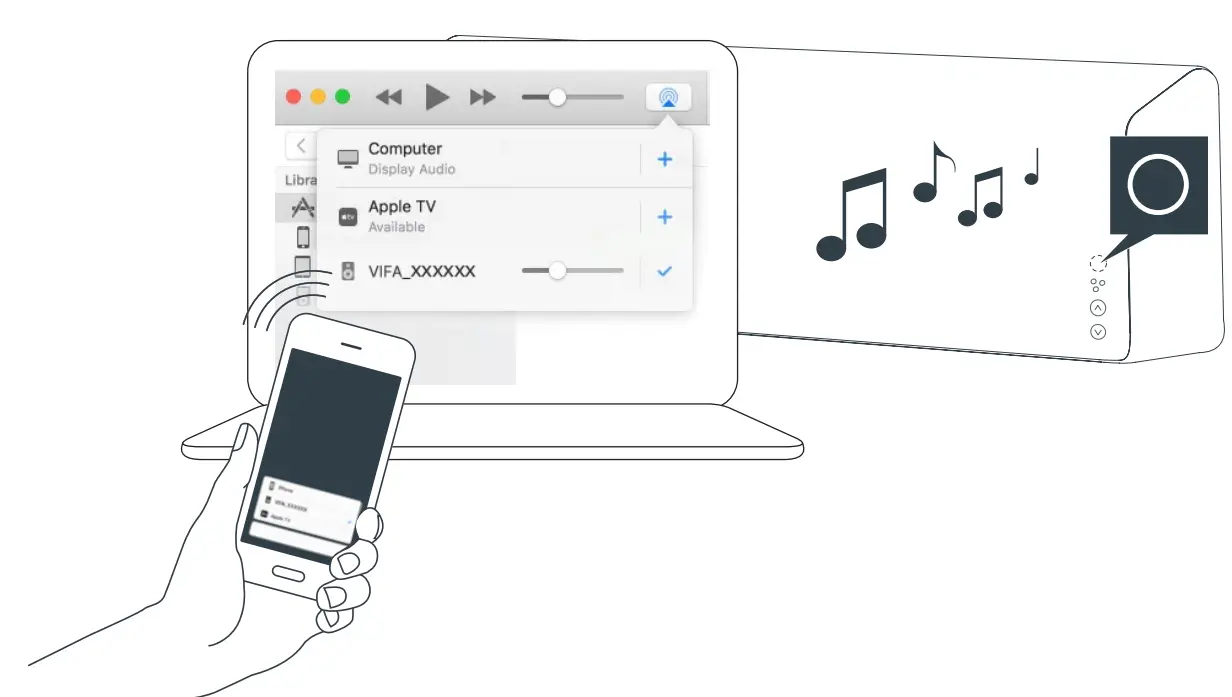
CONNECTING USING BLUETOOTH ®
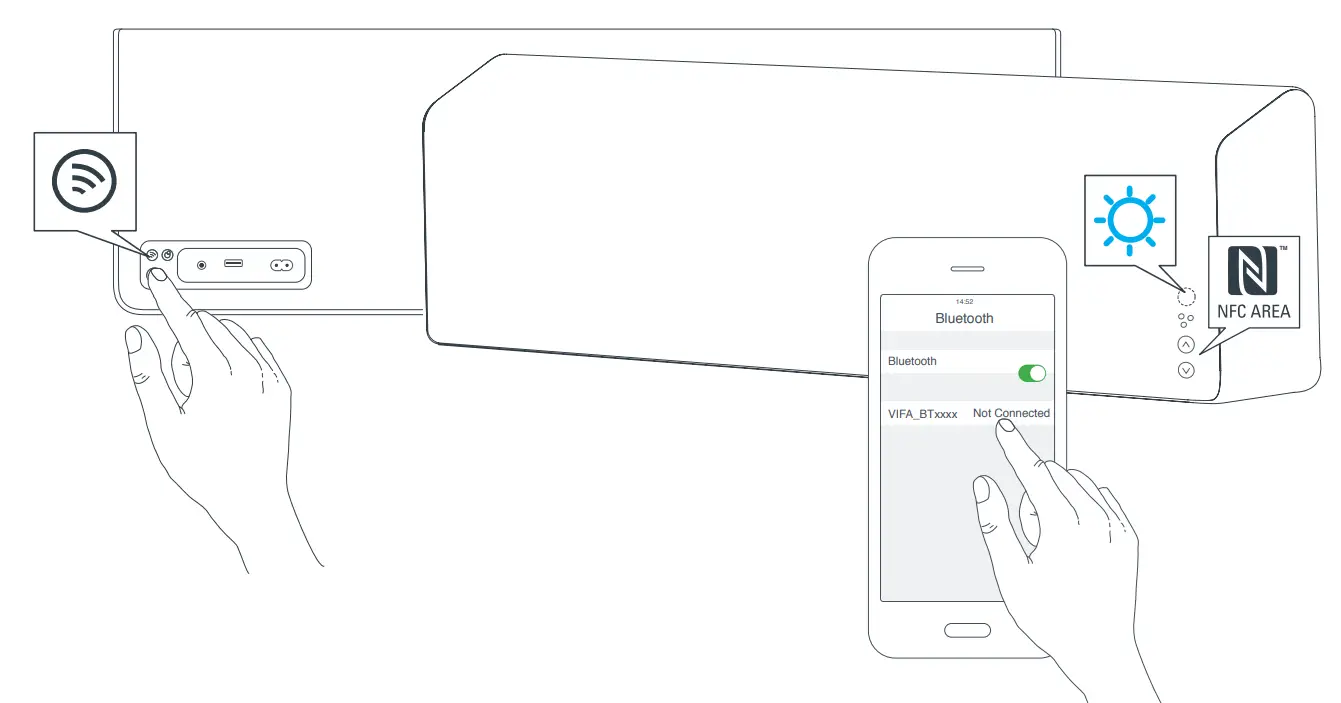
- Briefly press the CONNECT button and the STATUS INDICATOR flashes BLUE.

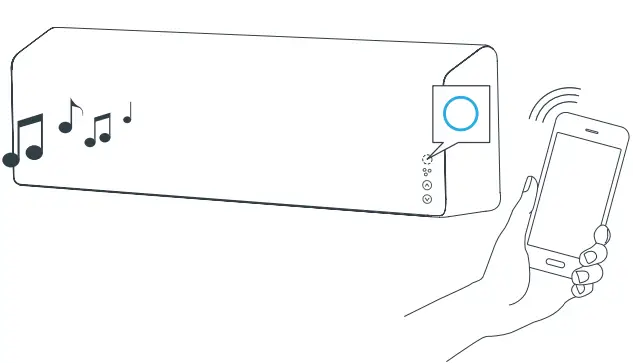
- The STATUS INDICATOR turns solid BLUE when playback is started.

WIRED CONNECTION
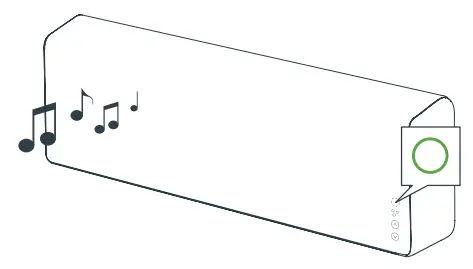
The STATUS INDICATOR turns solid GREEN when playing from a wired connection.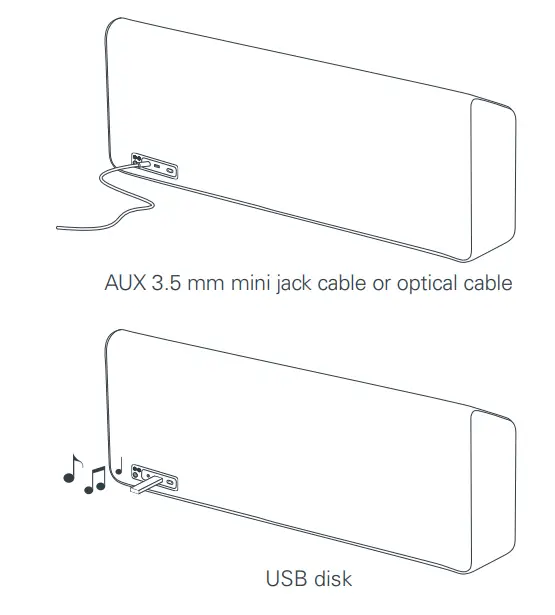
Vifa®PLAY
The Vifa®PLAY button gives you immediate access to your favourite music/ radio stations.
Connect your Stockholm loudspeaker to the Wi-FI network and press and hold the Vifa®PLAY button to start streaming the preset radio stations.
Press and hold the Vifa®PLAY button to jump to the next preset radio station.
You can change the Vifa®PLAY preset by using the Vifa®HOME app.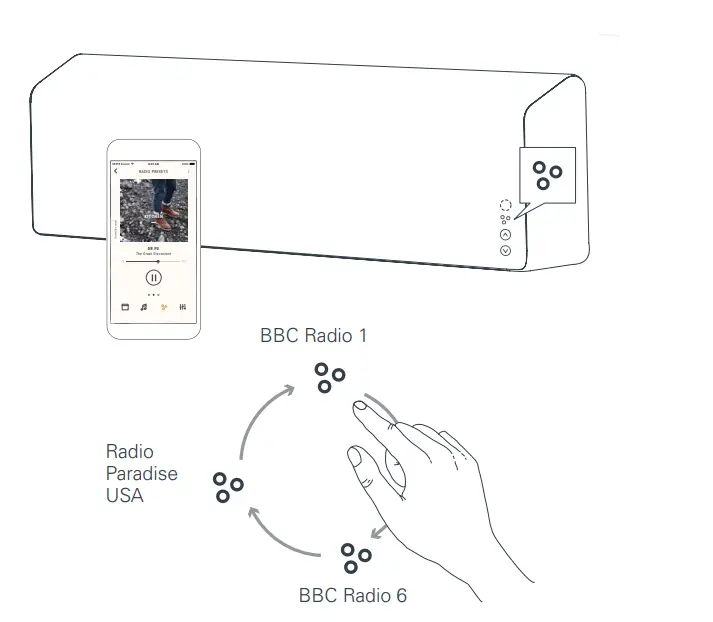
NOTE: The preset radio stations only work if TuneIn is available in your country.
PAUSE / MUTE
Briefly press the Vifa®PLAY button to Pause/Mute.
Briefly press again to Play/Unmute.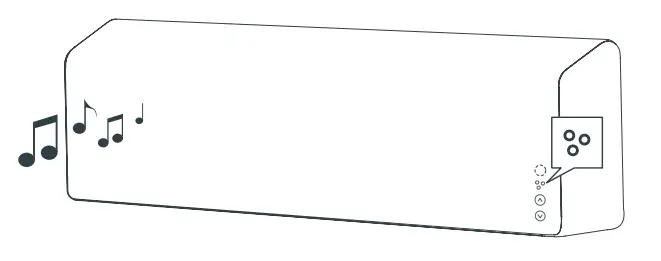
Vifa®LINK
Vifa®LINK – allows you to interconnect different Vifa®HOME loudspeakers, with one discreet click.
Briefly press the Vifa®LINK button to link your Stockholm loudspeaker to another Vifa®HOME loudspeaker.
Press and hold the Vifa®LINK button to discontinue the link.
For linking more than two Vifa®HOME loudspeakers, use the Vifa®HOME app.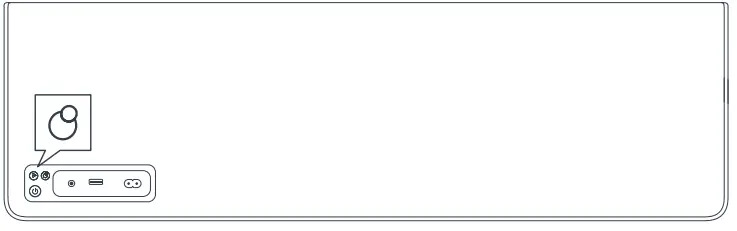
VIFA R2 REMOTE
The Vifa R2 remote lets you easily control your Stockholm loudspeaker from anywhere in the room.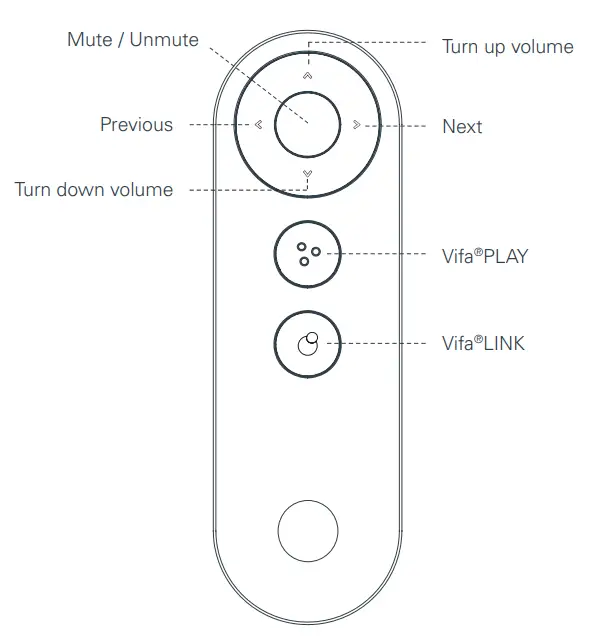
PAIR REMOTE WITH SPEAKER
Procedure for how to pair the remote with the loudspeaker the first time.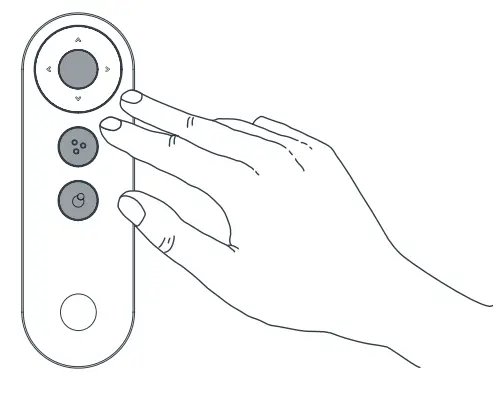
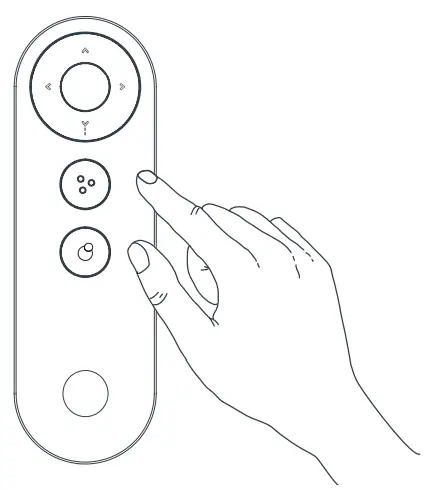
First reset the remote.
Press and hold the 3 round buttons on the remote simultaneously for 5 seconds, then release.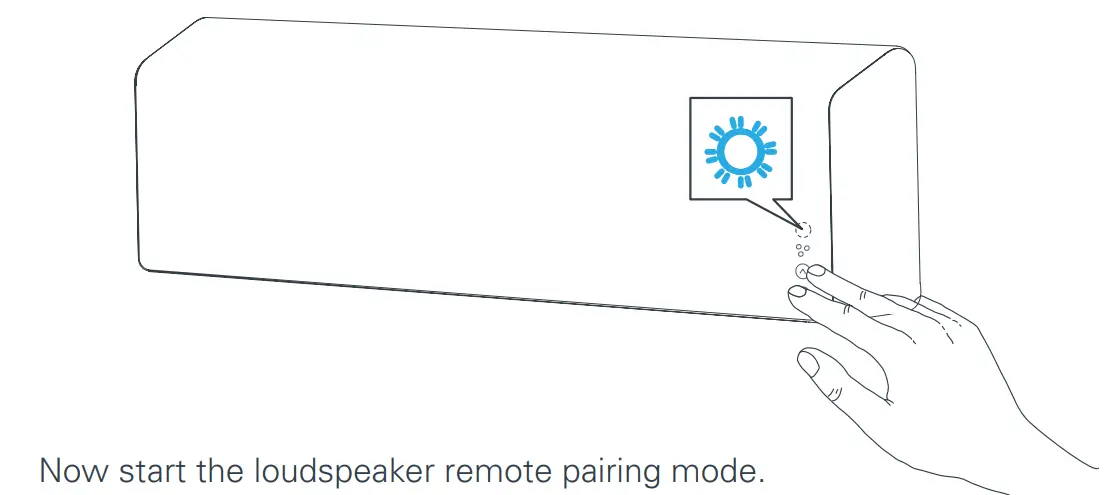
PAIR REMOTE WITH SPEAKER
Press any key on the remote.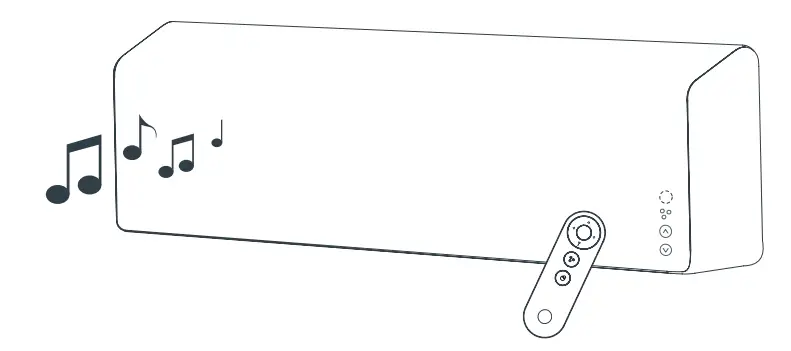
The paring process is done in a few seconds.
STATUS INDICATOR will flash when the remote is used.
SPECIFICATIONS
- Description Vifa®HOME – Stockholm wireless loudspeaker
- Technical features Bluetooth® wireless technology Qualcomm® aptX™ HD audio Wi-Fi B/G/N, 2.4GHz Apple AirPlay Works with DLNA DSP signal processing Force Balanced Woofers 6 channel high-performance power amplifier
- Driver units Tweeter 2 X 28 mm Vifa driver unit with soft dome and neodymium magnet.
- Midrange 2 X 80 mm Vifa driver unit with aluminium cone and neodymium magnet.
- Woofer 4 X 100 mm Vifa driver unit with flat sandwich cone and neodymium magnet. Mounted mechanically back to back in a force balanced configuration supported by 4 passive radiators.
- Frequency response 42Hz – 20kHz @ +/- 3 dB
- Input voltage 100-240V ~ 50/60Hz
- Max. Rated power consumption 160 watt
- Standby power consumption Less than 0.5 watt
- Output USB 5 volt / 2.1 A
- Inputs Bluetooth® aptXTM HD audio Wi-Fi Direct Wi-Fi networked Wired optical or analog (3.5 mm minijack) USB disk
- Dimensions Height/Width/Depth 215 mm / 1100 mm / 100 mm
- Net weight 9.8 kg
- Frame Diecast aluminium
- Textile Custom-made Kvadrat textile
REGISTER AND TRADEMARKS
We encourage you to register your product at: www.vifa.dk/register
A Vifa product is in compliance with directives of relevance, including RoHS directive – see product label for more regional information
Made for iPod”,”Made for iPhone”, and “Made for iPad” mean that an electronic accessory has been designed to connect specifically to iPod, iPhone, or iPad, respectively, and has been certified by the developer to meet Apple performance standards. Apple is not responsible for the operation of this device or its compliance with safety and regulatory standards.Please note that the use of this accessory with iPod, iPhone, or iPod may affect wireless performance. AirPlay, iPad, iPhone, iPod, iPod classic, iPod nano, iPod touch, and Retina are trademarks of Apple Inc., registered in the U.S. and other countries. iPad Air, iPad min, and Lighting are trademarks of Apple Inc. In Japan, The trademark “iPhone” is used with a license from Aiphone K.K. AirPlay works with iPhone, iPad, and iPod touch with iOS 4.3.3 or later, Mac with OS X Mountain Lion or later, and PC with iTunes 10.2.2 or later. Supports iOS 7 or later for setup using Wireless Accessory Configuration.
The Wi-Fi CERTIFIED™ logo is a certification mark of Wi-Fi Alliance®.
The Bluetooth® word mark and logos are registered trademarks owned by Bluetooth SIG, Inc., and any use of such marks by Vifa Denmark A/S is under license.
Qualcomm® aptX™ HD is a product of Qualcomm Technologies International, Ltd.
The N-Mark is a trademark or registered trademark of NFC Forum, Inc. in the United States and in other countries.
The Spotify software is subject to third party licenses found here: www.spotify.com/connect/third-party-licenses.
Google Play and the Google Play logo are trademarks of Google Inc.
Vifa®HOME, Vifa®PLAY, Vifa®LINK and the logos are trademarks of Vifa Denmark A/S.
FCC STATMENT
This device complies with Part 15 of the FCC Rules. Its operation is subject to the following two conditions:
- This device may not cause harmful interference, and
- This device must accept any interference received, including interference that may cause undesired operation.
Note
This product has been tested and found to comply with the limits for a Class B digital device, pursuant to Part 15 of the FCC Rules. These limits are designed to provide reasonable protection against harmful interference in a residential installation. This product generates, uses, and can radiate radio frequency energy and, if not installed and used in accordance with the instructions, may cause harmful interference to radio communications.
However, there is no guarantee that interference will not occur in a particular installation. If this product does cause harmful interference to radio or television reception, which can be determined by turning the equipment off and on, the user is encouraged to try to correct the interference by one or more of the following measures:
- Reorient or relocate the receiving antenna.
- Increase the separation between the equipment and the receiver.
- Connect the equipment into an outlet on a circuit different from that to which the receiver is connected.
- Consult the dealer or an experienced radio/TV technician for help.
Changes or modifications not expressly approved by the party responsible for compliance could void the user’s authority to operate the equipment.
This device complies with Industry Canada licence-exempt RSS standard(s).
FAQS
VIDEO
You have to click on the back button (connect button) several times until flashes blue. Then go to your phone’s Bluetooth settings and pair the speaker like any other speaker and that’s it.
The Vifa home app just works for the wifi connection not the Bluetooth.
The current model Zeppelin is 4th generation.
If your Chromecast device has bluetooth, it is Zeppelin compatible.
Stream from Apple® AirPlay 2®, Bluetooth aptX™ Adaptive and Spotify Connect – plus all the music services on the Bowers & Wilkins Music Ap
Dimensions of the outer carton are not included.
World Wide Stereo is 43 years old and a proud authorized Bowers & Wilkins dealer.
https://www.bowerswilkins.com/wireless-speakers/formation-audio
The two can be linked for multi-room audio with the addition of the B&W Formation Audio. Connect the Formation Audio to your existing receiver.
the Bowers & Wilkins Zeppelin come equipped with Bluetooth aptX Adaptive. Stream from a smart phone, tablet, or PC. Once paired, the Zeppelin can be used as a computer speaker via Bluetooth.
The Zeppelin can stream to any compatible Bowers & Wilkins Wireless Speaker connected to your home network.
World Wide Stereo is 43 years old and a proud authorized Bowers & Wilkins dealer.
The Zeppelin does not have audio inputs for connecting to a TV as a Soundbar. The Zeppelin provides Bluetooth 5.0. If the TV has Bluetooth casting, one could pair the Zeppelin to the TV via Bluetooth, bur may be a delay in audio playback.
pair your Bluetooth-enabled device to the Bowers and Wilkins Zeppelin wireless speaker and enjoy. Stream from Apple® AirPlay 2®, Bluetooth aptX™ Adaptive and Spotify Connect – plus all the music services on the Bowers & Wilkins Music App.
If your TV is capable of streaming via Bluetooth the Zeppelin will connect to the TV wirelessly.
World Wide Stereo is 42 years old and a proud authorized Bowers & Wilkins dealer.
The latest Zeppelin model is a stand-alone audio playback device. Zeppelin can stream from Apple® AirPlay 2®, Bluetooth aptX™ Adaptive and Spotify Connect – plus the Bowers & Wilkins Music App.
Zeppelin may not work well with TV, or any kind of video playback as picture and sound sync issues are possible with AirPlay 2®, and very likely with Bluetooth.
The Bowers & Wilkins Music App has settings to enable or disable Alexa.
World Wide Stereo is 43 years old and a proud authorized Bowers and Wilkins
the Input voltage of the Bowers and Wilkins is
100V – 240V, 50/60Hz