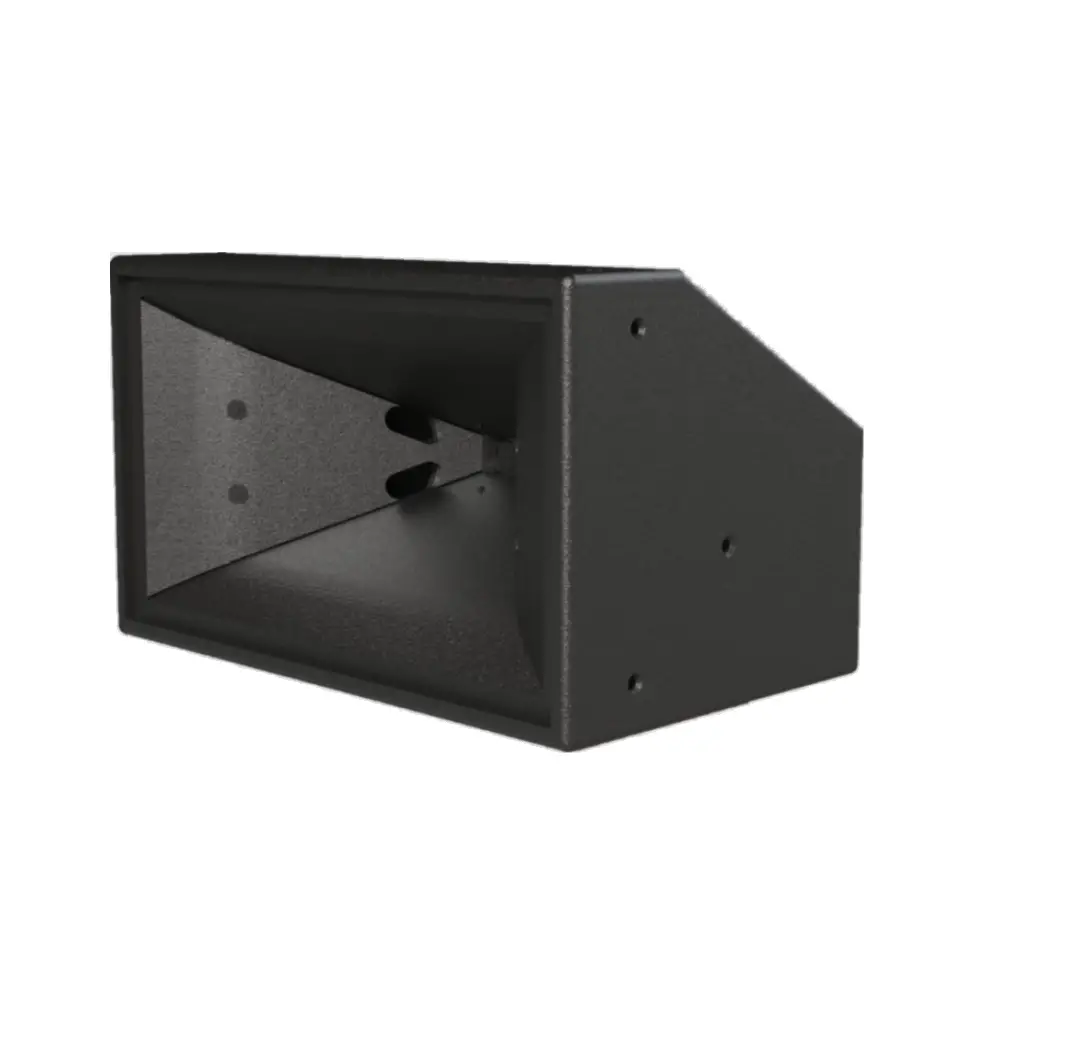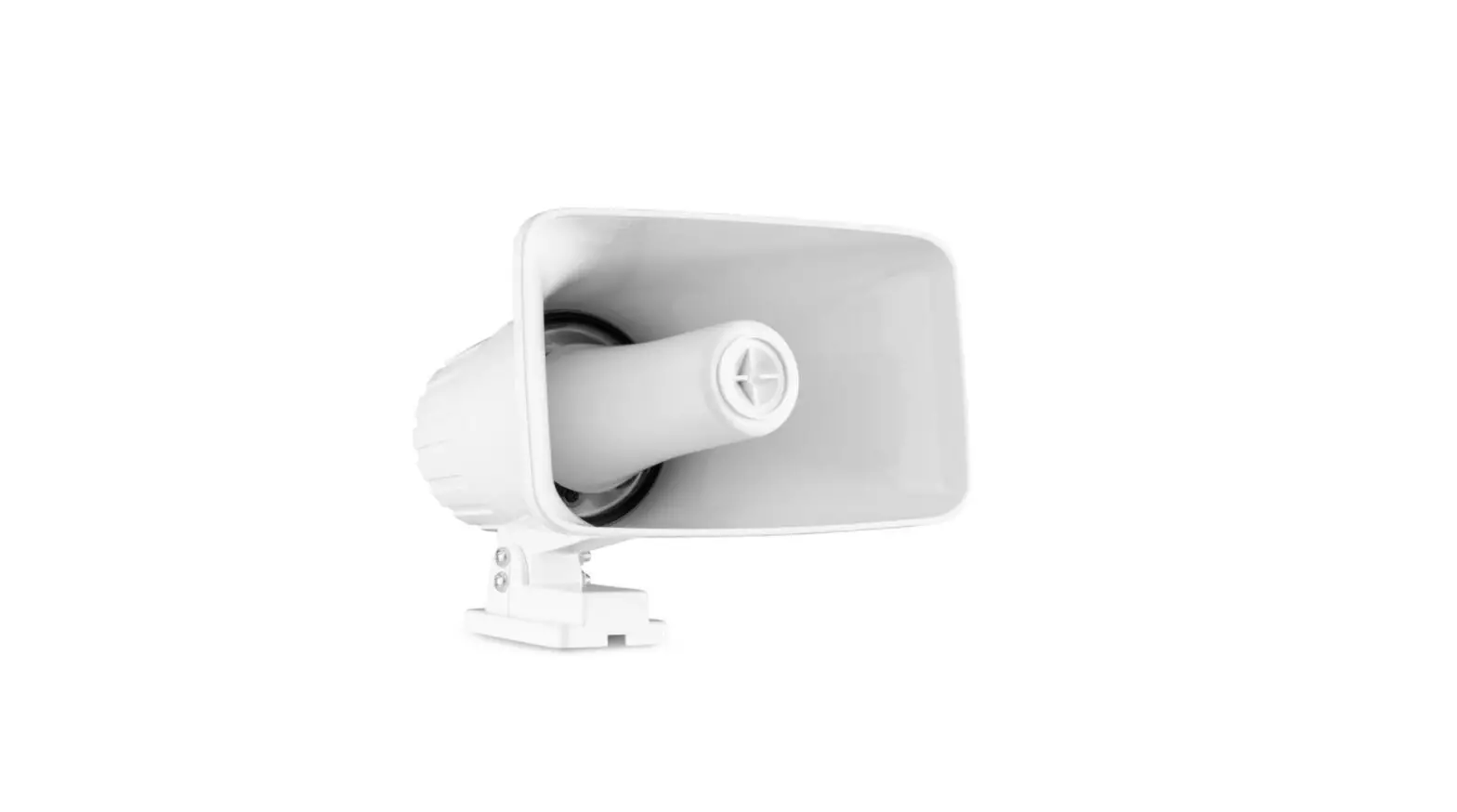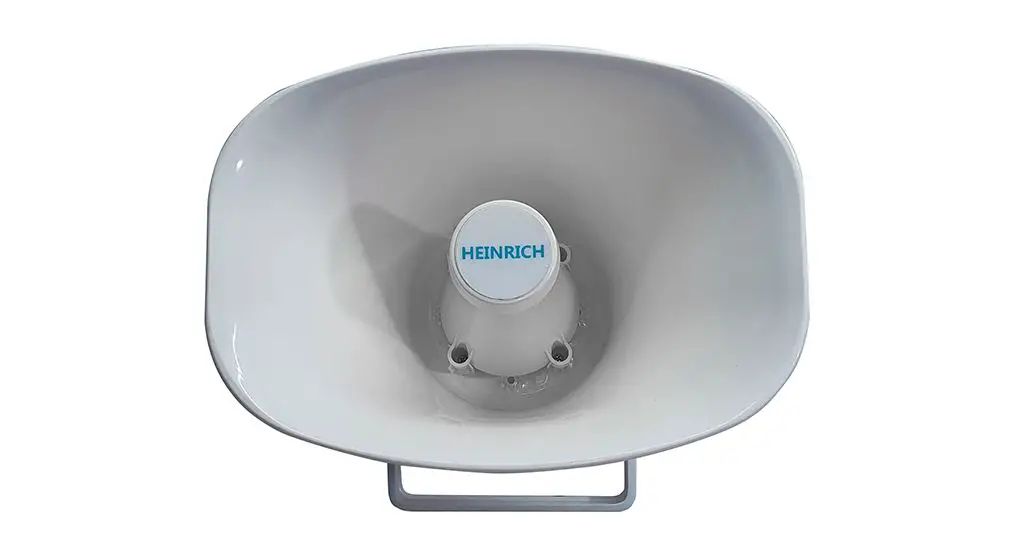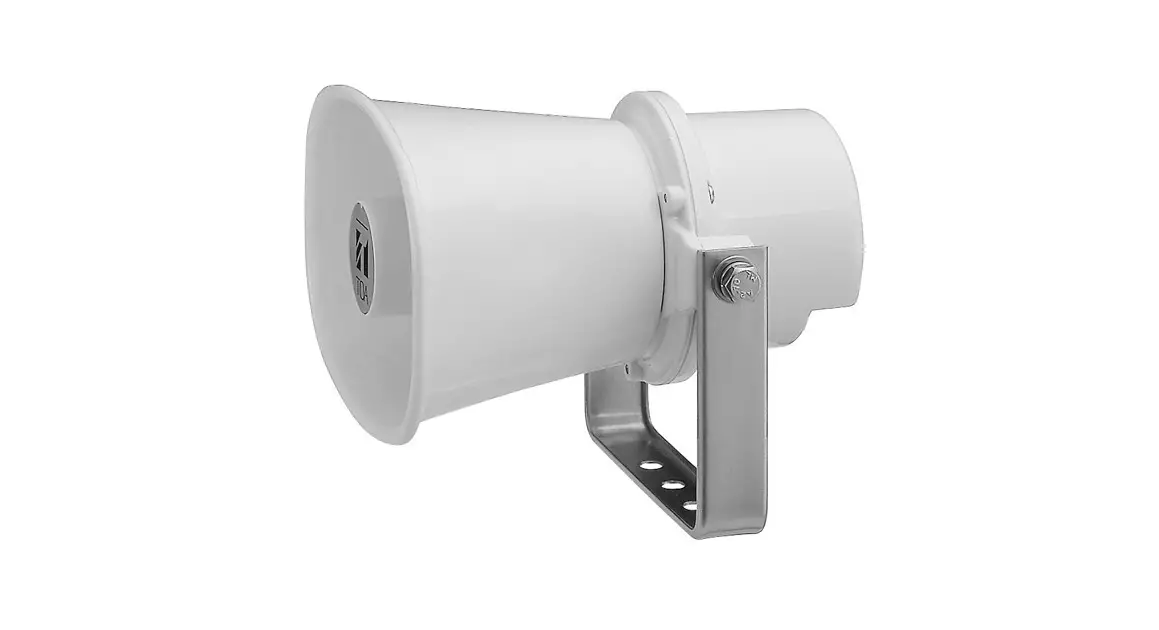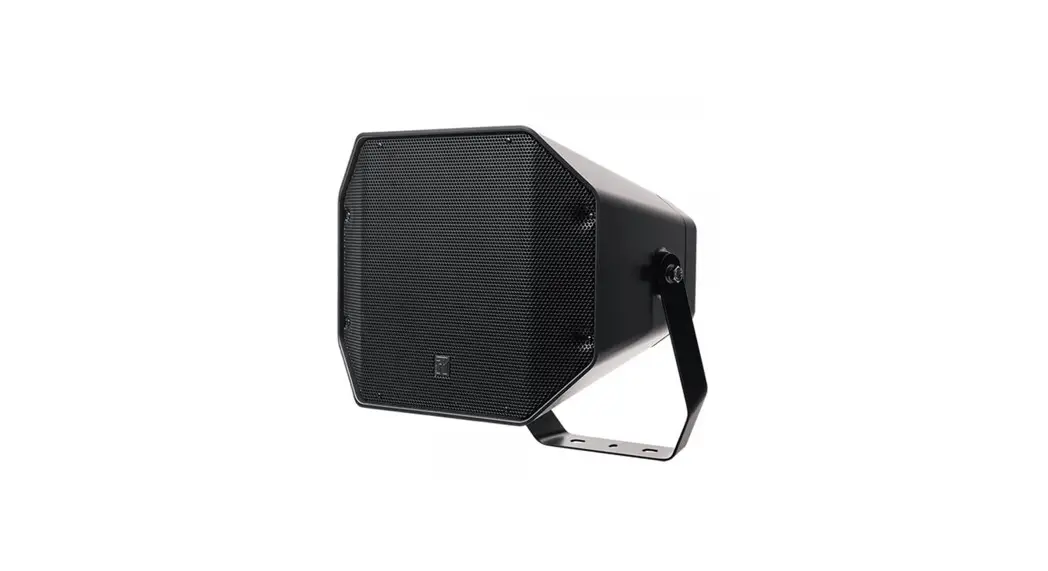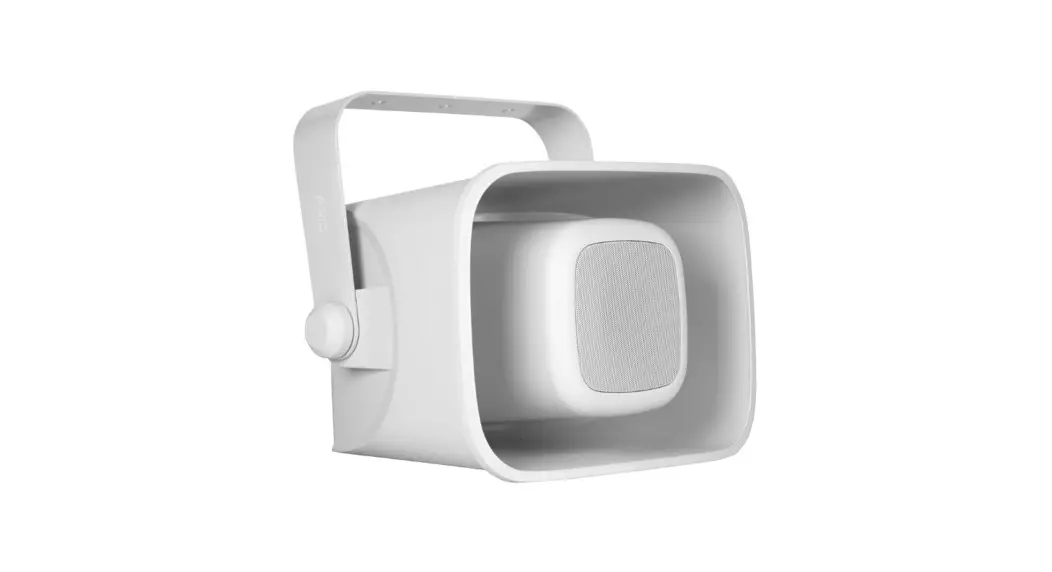
 N/HQ 60FIP horn loudspeakers
INSTALLATION MANUAL
Package contains:
Loudspeaker……………… 1 pc.
Bracket………………………. 1 pc.
Installation manual……… 1 pc.
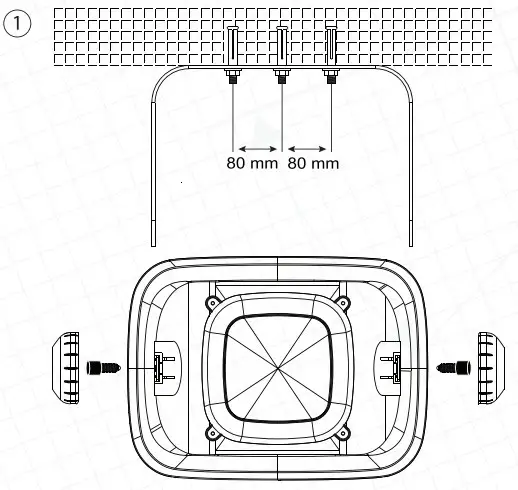
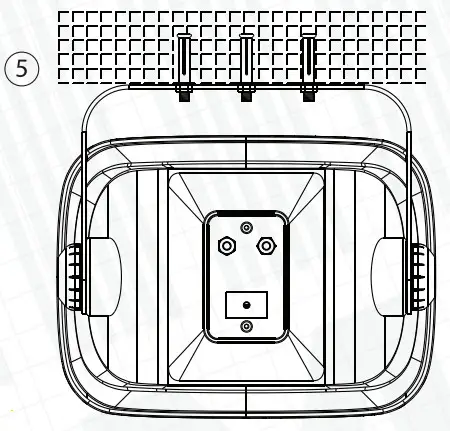
- Drill three holes in the wall and use reliable screws suitable for your wall type. The distance between the holes should be 80 mm. Fix mounting brackets on the wall. Then fix the horn loudspeaker on the bracket. Tighten the screws and put on the screw covers.

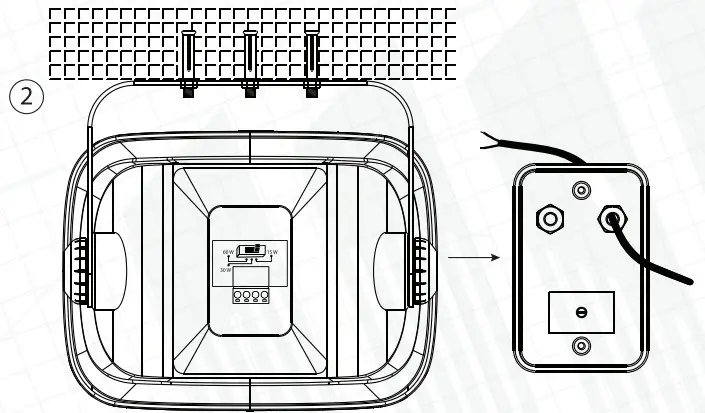
- Remove the cover and insert the cable throw the PG connector.

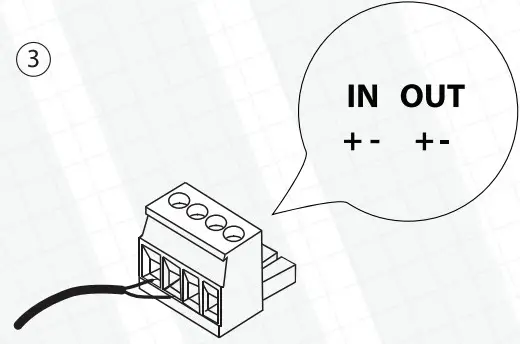
- Connect audio cable to the Phoenix connector located on the rear panel.

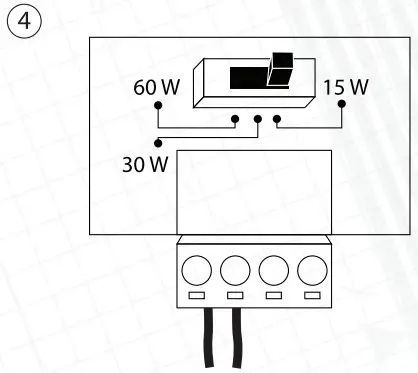
- Use the power switch to select the required power.

- Put the cover back on.

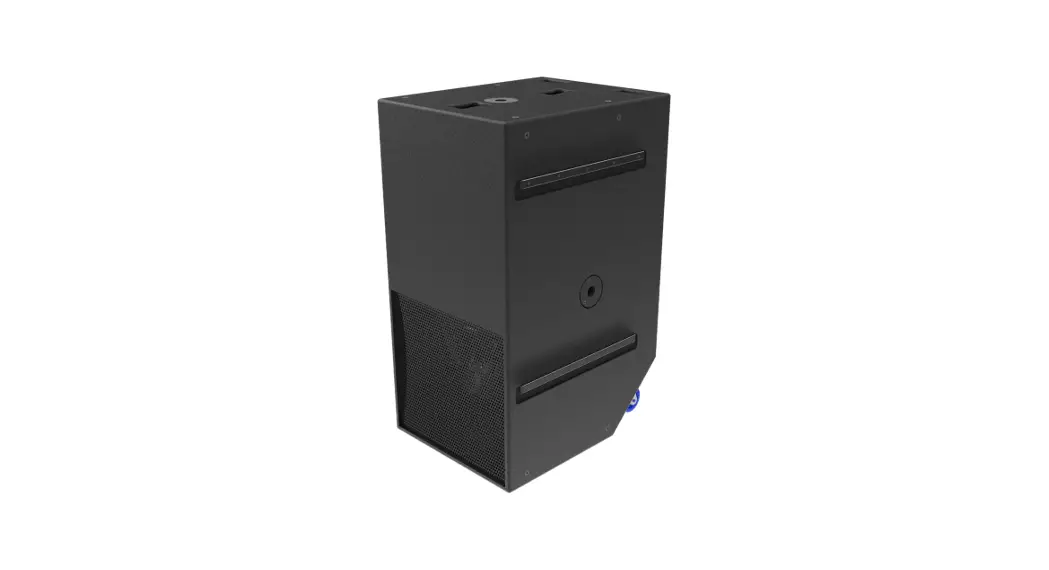
MHQ 60HP Horn loudspeaker
Please pay attention: Mount the loudspeaker on the reliable base only.