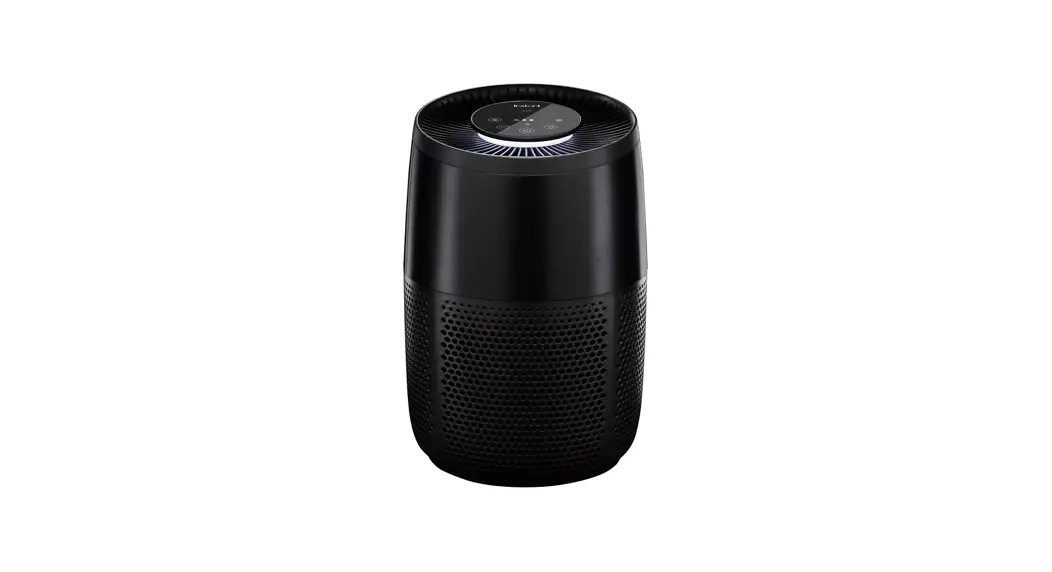
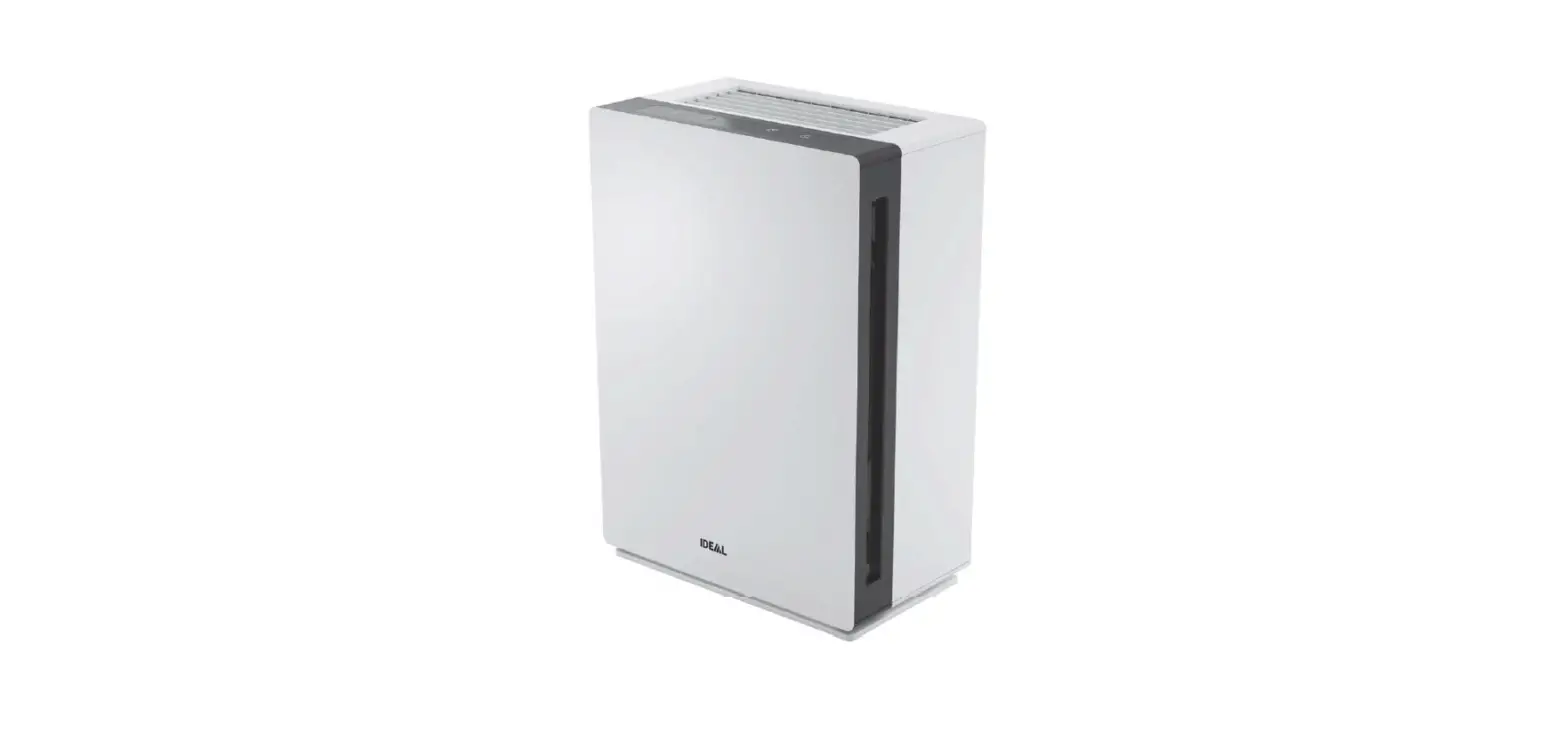
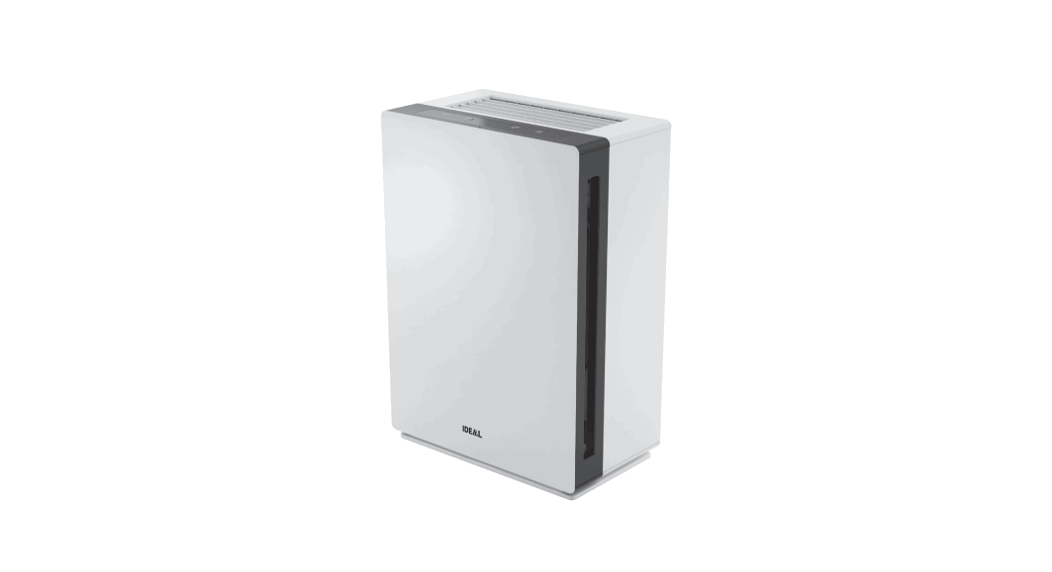
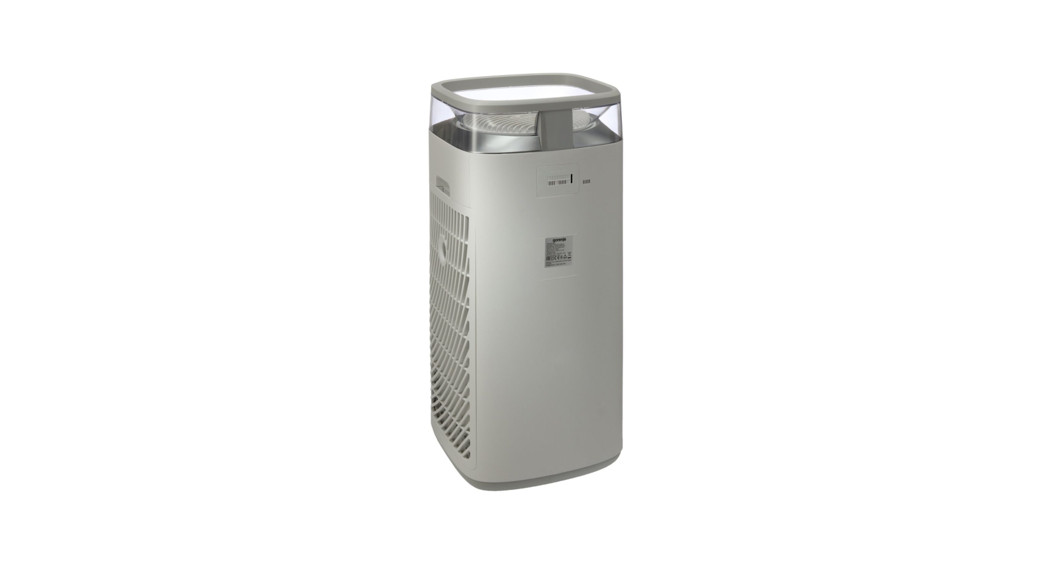
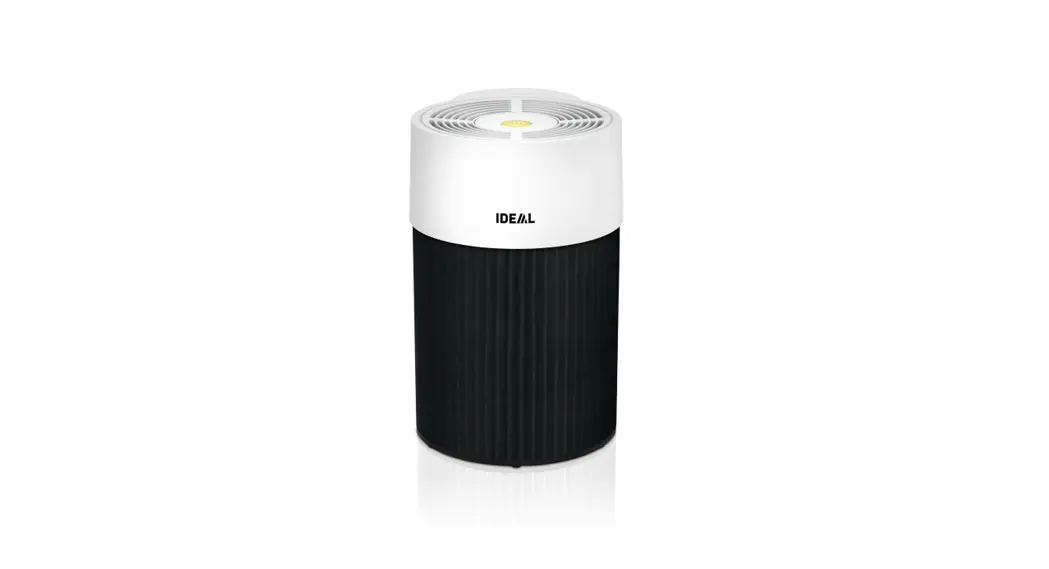
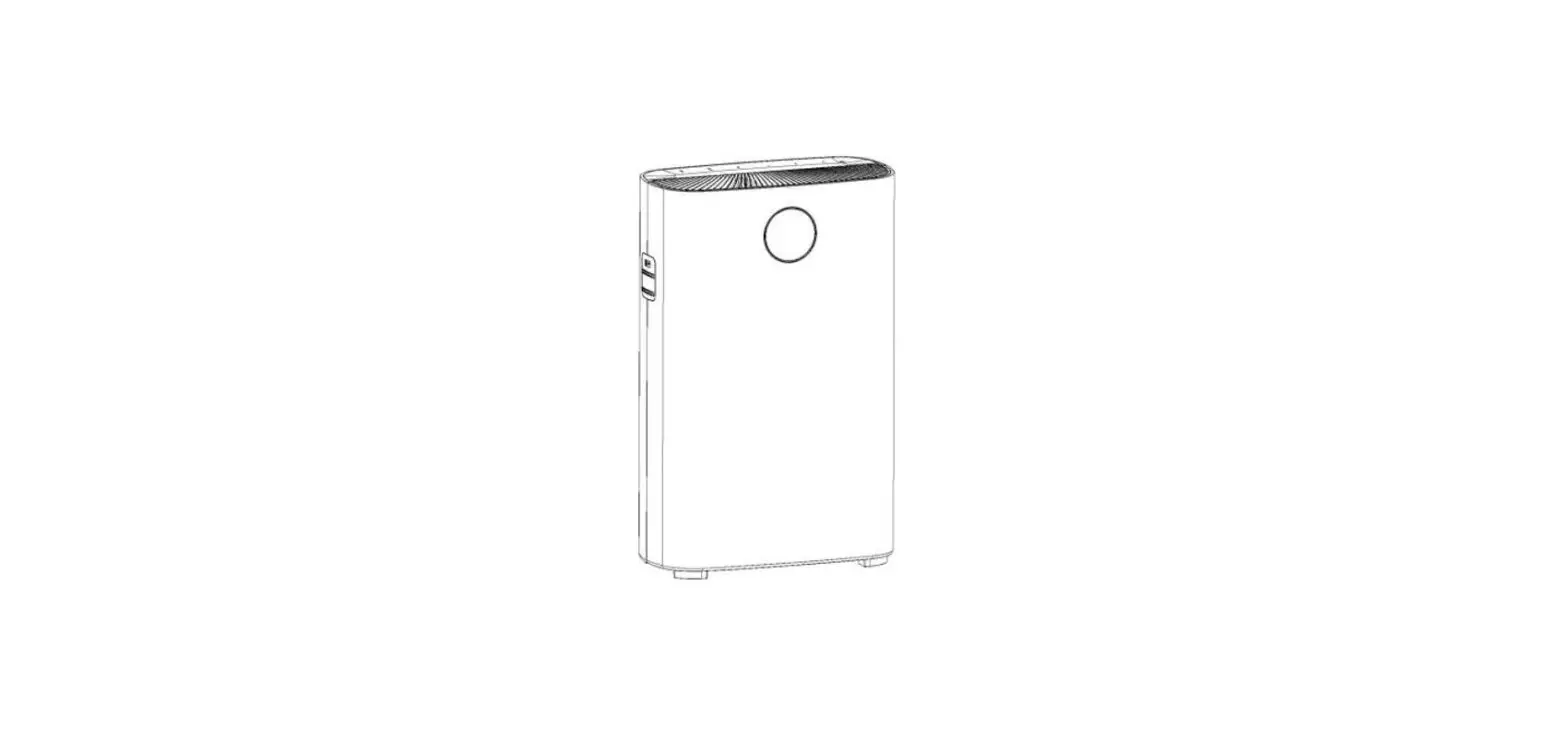
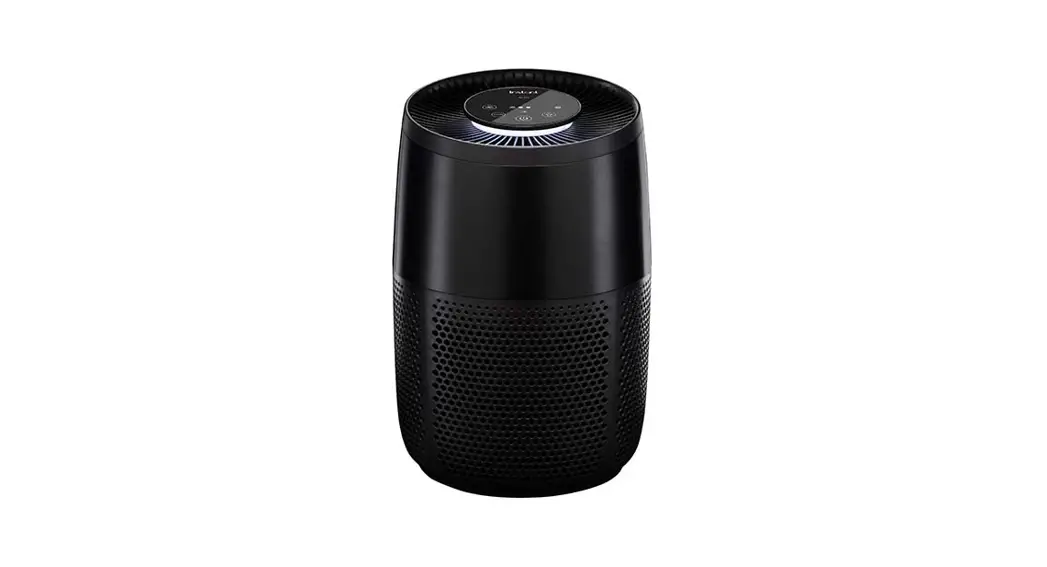
AP100 Series Air Purifier
AIR PURIFIER
AP100, AP200 & AP300 Models
User Manual
Product Information
Safety Warnings
- Read and save all instructions before using and only use this
air purifier as described in this manual. - Avoid placing the air purifier in areas with oily residues,
burning incense, or chemical fumes. - Ensure proper power usage and filter handling.
- Do not attempt to repair or clean the air purifier without
proper knowledge or training. - This appliance does not remove carbon monoxide (CO) or radon
(Rn). It cannot be used as a safety device to prevent or clean up
accidents with combustion processes and hazardous chemicals.
Product Specifications
| Model | Wattage | Voltage | Recommended Cleaning Area | Dimensions |
|---|---|---|---|---|
| AP100W | 38 – 45W | N/A | Up to 12 SQ M | 21.9 cm diameter x 34.42 cm height |
| AP100B | 27W | N/A | Up to 12 SQ M | 21.9 cm diameter x 34.42 cm height |
| AP200W | 27W | N/A | Up to 22 SQ M | 24.96 cm diameter x 42.0 cm height |
| AP200B | 48W | N/A | Up to 22 SQ M | 24.96 cm diameter x 42.0 cm height |
| AP300W | 48W | N/A | Up to 36 SQ M | 27.0 cm diameter x 52.65 cm height |
| AP300B | Unknown | N/A | Up to 36 SQ M | 27.0 cm diameter x 52.65 cm height |
What’s in the Box?
- Air Purifier
- Exhaust Fan
- Control Panel
- Sensor Access Panel* (Rear)
- Air Intake Grille
- 3-in-1 Filtration System
- Power cord included, not shown
- Removable Base
- Filter
*AP200 models only
What to Expect
Your new InstantTM Air Purifier features an Advanced 3-in-1
filtration system and plasma ion technology working together to
treat air in a room area. Treated Air means the air that is cycled
through the InstantTM Air Purifier. Welcome to cleaner air in
minutes!
Control Panel
The control panel features the following buttons:
- Power: Touch to turn unit ON or OFF.
- Auto: When lit, unit is in Auto operation. Touch to turn Auto
operation ON and OFF. - Eco: When lit, unit is in energy-saving Economy or Eco
mode. - Light: Touch to switch between light levels (0%, 20%, 60%,
100%). - Fan: Touch to switch between fan levels – overrides Auto
operation. - Fan Speed: Indicates fan level (low, medium, high).
- Filter: When the light blinks orange, filter needs replacement.
Touch and hold for 3 seconds to reset after you’ve replaced
filter.
Product Usage Instructions
- Read and save all instructions provided in the user manual
before using the air purifier. - Ensure that the air purifier is placed in an area with no oily
residues, burning incense, or chemical fumes. - Connect the power cord to the air purifier and a power
outlet. - To turn on the air purifier, press the Power button. To turn it
off, press the same button again. - The Auto button enables automatic operation, which adjusts the
fan speed based on the air quality. Press the button to turn it on
or off. - The Eco button activates energy-saving mode. When the light is
on, the air purifier is in Eco mode. - The Light button controls the light level of the air purifier.
Press it to switch between 0%, 20%, 60%, and 100% light
levels. - The Fan button lets you switch between fan levels. It overrides
the Auto operation. Press it to switch between low, medium, and
high fan levels. - The Filter button indicates the status of the filter. When the
light blinks orange, it means that the filter needs replacement.
Hold the button for 3 seconds to reset it after replacing the
filter. - Use the air purifier for up to the recommended cleaning area
specified in the user manual. - Clean and maintain the air purifier regularly as per the
instructions provided in the user manual. - If any problems arise while using the air purifier, refer to
the user manual for troubleshooting steps or contact customer
support.
AIR PURIFIER
AP100, AP200 & AP300 Models
User Manual
2. Safety warnings 4. What’s in the box 4. What to expect 5. Control panel 6. Getting started 6. Using your air purifier 8. Caring for your air purifier 9. If problems arise 10. Warranty 12. Contact
Available in other colours
Discover Amazing with Instant Brands Stay up to date with the latest products, recipes, tips & hacks.
SAFETY WARNINGS
Read and save all instructions before using and only use this air purifier as described in this manual.
WARNING
Placement
· DO NOT use the air purifier in wet or humid environments, or outdoors. This appliance is designed for indoor use only.
· DO NOT use the air purifier in an enclosed space where toxic vapors, flammable dust, oxygen tanks, or flammable, combustible or explosive gases are present.
· DO keep all objects away from the air intake grille. This air purifier should only be used in rooms with temperatures between 10°C to 40°C.
· DO allow 457 mm of clearance on all sides of the purifier to allow adequate circulation of air around the product.
· DO NOT place the unit on soft surfaces such as a bed or sofa. Always make sure to place the air purifier on a flat, level surface before operation
· DO NOT sit on or place anything on top of the purifier. · DO NOT place the purifier directly below an air conditioner to prevent any moisture
from getting into the purifier. · DO NOT place the air purifier near sources of heat, such as stove tops, ovens, radiators
or computers. · DO NOT place the air purifier directly in front of open flames,
including candles. · DO NOT use this appliance with indoor smoke-type insect repellents or in places with
oily residues, burning incense, or chemical fumes.
Power
· DO NOT operate the unit if cord or plug is damaged. Doing so may result in injury or damage to the unit.
· If the power cord is damaged, it must be replaced by the manufacturer, its service agent, or similarly qualified persons in order to avoid a hazard.
· DO NOT run the power cord under carpeting, rugs, furniture or appliances. Place the power cord away from high-traffic areas.
· DO NOT use an extension cord with this unit. · DO NOT use this appliance with any solid-state speed control device. · Only to be used with the detachable power supply unit provided with the appliance.*
Filter
· DO only use Instant Air replacement filters for this unit, and in the correct size designed for this unit. Do not attempt to use other filters with this appliance.
· DO remove the plastic shipping bag from the Filter before use.
*AP200 models only
2 | [email protected] +44 (0) 3331 230051
SAFETY WARNINGS
WARNING
Cleaning and Repair
· DO unplug the appliance from the power supply before cleaning. · DO inspect the unit frequently. Dirt that has collected should be removed regularly to
prevent excessive accumulation that may result in flashover or fire. · DO use appropriate personal protective equipment during cleaning and filter removal. · DO NOT insert fingers or objects into the air outlet. · DO NOT handle the unit with wet hands. Thoroughly dry your hands before handling
any part of the air purifier. · DO NOT immerse air purifier in water or liquids, or clean the appliance with any liquid
to avoid electric shock and/or electrical fires. · The supply cord cannot be replaced. If the cord is damaged the appliance should be
scrapped. · DO NOT attempt to repair this device in any way or use any replacement components
or parts to modify the air purifier. Doing so will void your warranty. Contact Customer Support (page 12) immediately if your appliance is no longer working. · If the unit is damaged, not functioning properly, produces a strange noise, burning smell or smoke, discontinue use, unplug immediately and contact Customer Support (page 12).
Other
· This appliance can be used by children aged from 8 years and above and persons with reduced physical, sensory or mental capabilities or lack of experience and knowledge if they have been given supervision or instruction concerning use of the appliance in a safe way and understand the hazards involved. Children shall not play with the appliance. Cleaning and user maintenance shall not be made by children without supervision
NOTE This appliance does not remove carbon monoxide (CO) or radon (Rn). It cannot be used as a safety device to prevent or clean up accidents with combustion processes and hazardous chemicals.
Product Specifications
Model
AP100W AP100B AP200W AP200B AP300W AP300B
Wattage
Voltage
Recommended Cleaning Area
38 – 45W 220240 V~ 50Hz
38 – 45W 27W 27W 48W 48W
220240 V~ 50Hz 100240 V~ 50/60Hz 100240 V~ 50/60Hz 220240 V~ 5060Hz 220240 V~ 5060Hz
Up to 12 SQ M Up to 12 SQ M Up to 22 SQ M Up to 22 SQ M Up to 36 SQ M Up to 36 SQ M
Dimensions 21.9 cm diameter x 34.42 cm height 21.9 cm diameter x 34.42 cm height 24.96 cm diameter x 42.0 cm height 24.96 cm diameter x 42.0 cm height 27.0 cm diameter x 52.65 cm height 27.0 cm diameter x 52.65 cm height
instantbrands.co.uk | 3
What’s in the box?
Exhaust Fan Control Panel Sensor Access Panel* (Rear)
Air Intake Grille
3-in-1 Filtration System
Power cord included, not shown
AP300 model is illustrated, it is representative of the overall features and accessories for models AP100, AP200 and AP300. Illustrations in this document are for reference only and may differ from the actual product. Always refer to the actual product.
Removable Base To install filter
Air Purifier
*AP200 models only
Filter
What to expect
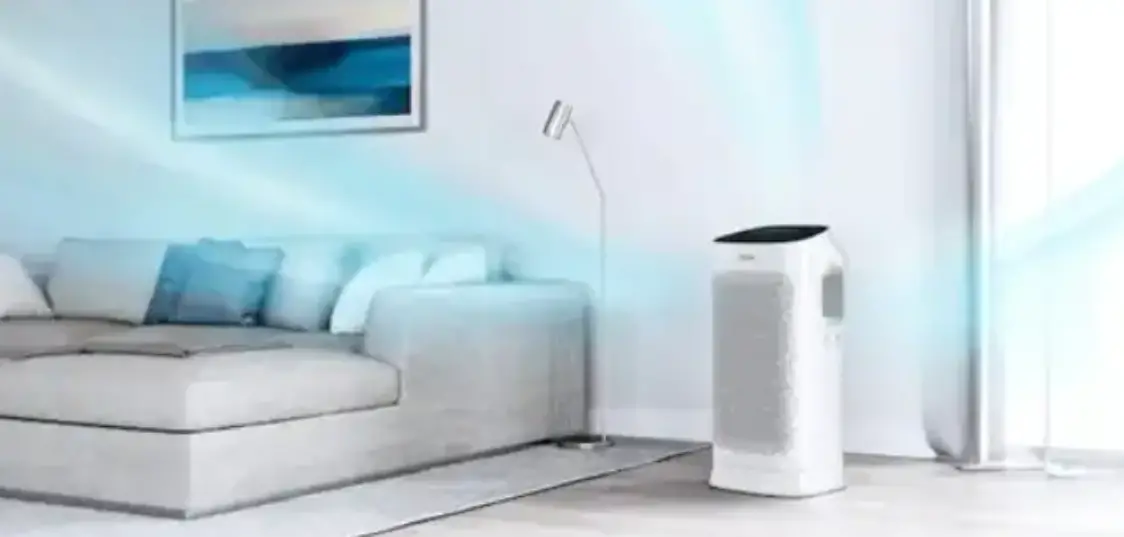
Your new InstantTM Air Purifier features an Advanced 3-in-1 filtration system and plasma ion technology working together to treat air in a room area. Treated Air means the air that is cycled through the InstantTM Air Purifier. Welcome to cleaner air in minutes!
We want to hear from you, scan to follow us on Instagram and Facebook, and don’t forget to tag us in your posts too!
Advanced 3-in-1 Filtration System
Consists of: · HEPA-13 filter, that captures 99.9% of dust, dander, pollen, allergens and other ultrafine impurities in the air. · Carbon layer in filter helps reduce odours. · Antimicrobial coating prevents bacterial growth on the filter and protects it against degradation.
Plasma Ion Technology
Projects positive and negative ions.
Cleaner Air in Minutes
Operating at AHAM-verified clean air delivery rate (CADR)., AHAM is Association of Household Appliance Manufacturers (AHAM). AHAM delivery rate based on filtering pollen, tobacco smoke and dust. It does not relate to viruses or bacteria.
Automatic Operation
Intelligent Sensors monitor air quality and adjust fan speed automatically to work 24/7.**
**Sensors have a margin of error of +/- 20 micrograms per cubic metre in detecting changes in air quality.
4 | [email protected] +44 (0) 3331 230051
Control panel
2
9
3 10
5 7
6
8
4
1
1
Power
2
Auto
Touch to turn unit ON or OFF
When lit, unit is in Auto operation Touch to turn Auto operation ON and OFF
3
Eco
4
Light
When lit, unit is in energy-saving Economy or Eco mode Touch to switch between light levels (0%, 20%, 60%, 100%)
5
Fan
Touch to switch between fan levels – overrides Auto operation
6
Fan Speed
7
Filter
Indicates fan level (low, medium, high) When the light blinks orange, filter needs replacement Touch and hold for 3 seconds to reset after you’ve replaced filter
8
Plasma Ion
Touch to turn plasma ion operation ON or OFF
9
AQ Info*
Touch to switch between Air Quality displays
10
Air Quality Indicator*
Displays either Air Quality or Particulate Matter (PM2.5) ratings
*Not available on AP100 models.
instantbrands.co.uk | 5
Getting started
1. Remove the air purifier from the box. 2. Remove the packaging material. 3. Turn the air purifier on its side and twist the bottom panel anti-clockwise to
remove the panel. 4. Remove the filter and remove the plastic bag. Reinsert the filter. 5. Replace the bottom panel, turning it clockwise to tighten. 6. Place unit on floor to ensure there’s clearance on all sides to allow for proper circulation. 7. Plug the electrical cord into an electrical outlet. 8. Touch the power button to turn the unit on. The unit powers up, measures the room’s air
quality (as it does, it counts down for 30 seconds), and begins cleaning the air. 9. The unit sets itself to Auto operation.
Using your air purifier
Turn on the unit
· If the unit is unplugged, plug the electrical cord into an electrical outlet. · If the unit is plugged in but turned off, press the Power button until the display turns on.
Turn off the unit
· To stop the unit from operating, press the Power button, and the unit will turn off.
Automatic operation
There are 3 modes of operation: (1) Fan auto mode; (2) Night mode and (3) Eco mode. Our product software uses sensors to intelligently control the Instant Air Purifier. One sensor constantly monitors and reports air quality. Another sensor monitors ambient light.
Auto Mode Fan auto mode adjusts fan speed up or down according to detected air quality.
· When sensor detects air quality is good (white), Instant Air Purifier turns fan to low with plasma ion technology on.
· When sensor detects air quality fair (yellow), Instant Air Purifier turns fan to medium with plasma ion technology on.
· When sensor detects air quality poor (red), Instant Air Purifier turns fan to high with plasma ion technology on.
Economy or Eco Mode If air quality is detected as good for 30 minutes, the Instant Air Purifier enters Economy or Eco Mode, meaning that the fan cycles on and off every 10 minutes. When fan is on, it is measuring air quality. Eco Mode allows 50% energy reduction. (Energy Star certified). · If sensor detects air quality is good (white), Instant Air Purifier remains in eco mode with
plasma ion technology on. · If sensor detects air quality is fair or poor, Instant Air Purifier exits eco mode and returns to
Auto Mode.
6 | [email protected] +44 (0) 3331 230051
Using your air purifier, cont.
Night Mode
Night Mode senses room lighting, turning light off and turns fan speed to low. You may set custom light level, providing for dimmed light level. If Night Mode is chosen, plasma ion technology is turned off for quietest operation. Efficacy in removing viruses and bacteria is reduced.
· During Night mode, touch the LIGHT button to turn on the display
Room Light
Display
Dark
Turns display off
Light
Lights display
Fan speed
If you press FAN ICON, you can manually control fan level: low, medium or high.
· The lowest fan speed operates at whisper-quiet level, less than 24 decibels. · To return to Auto operation, touch the Auto button.
Light level
If you press the LIGHT ICON button, you can manually control light level at 0%; 20%; 60% and 100%. The light levels are pre-set at these levels:
Light Room 100% brightness
Dark Room 0% brightness
You change the current light level manually. · Press the LIGHT ICON button to cycle through the brightness levels: 0%, 20%, 60% and 100%. The next time the unit switches to either Day or Night, the light level will change back to the pre-set level.
You can customize the pre-set for Day or Night light levels. · First, set the light level manually. Then press and hold the LIGHT ICON button for 3 seconds to save the current setting as the Day or Night light level.
Air quality
As it constantly monitors the air in the room, your air purifier shows your air quality in two ways:
Air quality indicator
A sensor monitors the concentration of the mass of particulates in the air. (ug per cubic metre). Also, known as PM2.5 sensor. · If you press the INFO Button on a AP200 or AP300 model, you can switch between the air quality measurement (ug per cubic metre) or the % of good air quality based on the US air quality index.
Indicator White Yellow Red
Air Quality Measurement Good at <35 ug per cubic metre Fair at 35-55 ug per cubic metre
Poor >55 ug per cubic metre
· AP 100 models Color Indicator: white, yellow, red.
· AP 200 models Color Indicator and % of the cleaner air measured (based on particulates detected by the Sensor, which is translated to a % of good air quality as defined above).
· AP 300 models Color Indicator and % of the cleaner air measured (based on particulates detected by the Sensor, which is translated to a % of good air quality as defined above).
instantbrands.co.uk | 7
Using your air purifier, cont.
Air quality light Coloured light (under the control panel) to give you an at-a-glance reading of your air quality.
Plasma ion
In Auto operation, your air purifier uses plasma ion technology. Although it sounds high tech (and it is) it’s safe and natural. Plasma ion operation is automatically turned off during Night Mode.
· If you press ION button, you can manually turn plasma ion technology on or off.
Replace filter indicator
Filters expected to last 6-8 months. When it is time to change the filter, an orange ring will flash around the FILTER ICON.
· After filter is changed, press and hold FILTER ICON for 3 seconds to reset.
Caring for your air purifier
Cleaning the unit
· To remove dust, lightly wipe the unit with a soft, clean cloth. · If needed, wipe the unit with a clean damp cloth, then immediately dry with a clean dry cloth. · DO NOT immerse the unit in water.
Replacing the filter
Order replacement filters at www.instantbrands.co.uk. Use appropriate personal protective equipment when changing filter. 1. Unplug the air purifier from the electrical outlet. 2. Turn the air purifier on its side and twist the bottom panel anti-clockwise to remove the panel. 3. Remove the old filter and dispose of it properly. The filter is not recyclable. 4. Remove the new filter from its packaging and insert it into the air purifier. 5. Replace the bottom panel, turning it clockwise to tighten. 6. Place the air purifier on the floor again and plug it back into the electrical outlet. 7. The air purifier will automatically begin cleaning the air again.
Cleaning the sensor*
Clean the dust sensor every two months to keep your air purifier operating efficiently. 1. Open the Sensor Access Panel on the rear of the unit. 2. Clean any dust collected on the sponge. 3. Close the Sensor Access Panel.
When to turn it off
Your air purifier is designed for ongoing use, and is safe to keep running all the time when you are home regularly.
· If you leave for longer than a day (such as for a holiday), turn the unit off to save energy and the life of the filter.
*AP200 models only
8 | [email protected] +44 (0) 3331 230051
If problems arise
Problem
Cause
Solution
Unit is not plugged into an electrical outlet
Check that the unit is properly plugged into an electrical outlet
Air purifier does not turn on
Outlet is not working properly
Plug the unit into a different electrical outlet
Power cord is damaged or unit is defective or not functioning properly
Discontinue use and contact Customer Support
Air purifier buttons not working
Unit is not plugged into an electrical outlet
Power cord is damaged or unit is defective or not functioning properly
Plug the unit into an electrical outlet
Discontinue use and contact Customer Support
Air purifier is not removing odour
The quality of the air in the room is very poor (such as a large number of people
smoking).
The filter has stopped working.
Open the window to circulate new air. You may also need to replace the filter.
Replace the filter.
The room is too large for this unit.
Air purifier always detects high levels of
particulates.
The unit is operating in a very dusty environment.
Consider a larger air purifier. Consider turning the fan to HIGH.
Air purifier is not delivering fresh air.
The filter was installed with the plastic bag.
The air outlet is blocked.
Remove the filter, remove the plastic bag and reinstall the filter.
Remove any matter that is blocking the air outlet.
instantbrands.co.uk | 9
Warranty
Limited Warranty
INSTANT BRANDS (EMEA) LIMITED AND INSTANT BRANDS INC. (COLLECTIVELY THE “COMPANY”) WARRANT THIS APPLIANCE TO BE FREE FROM DEFECTS IN WORKMANSHIP AND MATERIAL, UNDER NORMAL HOUSEHOLD USE, FOR A PERIOD OF ONE (1) YEAR FROM THE DATE OF ORIGINAL PURCHASE. THIS LIMITED WARRANTY EXTENDS ONLY TO THE ORIGINAL PURCHASER AND USE OF THE APPLIANCE IN THE UK. THIS WARRANTY DOES NOT COVER APPLIANCE USE OUTSIDE OF THE UK.
Proof of original purchase date and, if requested, return of your appliance is required to obtain service under this Limited Warranty. Provided that this appliance is operated and maintained in accordance with the written instructions included with the appliance (which are also available at instantbrands.co.uk), the Company will, at its sole discretion, either: (i) repair defects in materials and workmanship; or (ii) replace the appliance. In the event the appliance is replaced, the Limited Warranty on the replacement appliance will expire 12 months from the date of original consumer purchase.
The Company is not responsible for shipping costs for warranty service.
Limitation and Exclusions
Any modification or attempted modification to your appliance may interfere with the safe operation of the appliance and may result in serious injury and damage. Any modification or attempted modification to your appliance or any part thereof will void the warranty, unless such modification(s) or alteration(s) were expressly authorised by the Company.
This warranty does not cover (1) normal wear and tear; (2) damage resulting from negligent, unreasonable or misuse of the appliance, improper assembly or disassembly, use contrary to the operating instructions, failure to provide reasonable and necessary maintenance, Acts of God (such as fire, flood, hurricanes and tornadoes), or repair or alteration by anyone, unless expressly directed and authorised by the Company; and (3) repairs where your appliance is used for other than normal household use and in a manner contrary to published user or operator instructions.
To the extent permitted by applicable law, the liability of the Company, if any, for any allegedly defective appliance or part shall be limited to repair or replacement of the appliance or part thereof, and shall not exceed the purchase price of a comparable replacement appliance. Except as expressly provided herein and to the extent permitted by law, (1) the Company makes no warranties, conditions or representations, express or implied, usage, custom of trade or otherwise with respect to the appliance or parts covered by this warranty and (2) the Company shall not be responsible or liable for indirect, incidental or consequential damages arising out of or in connection with the use or performance of the appliance or damages with respect to any economic loss, loss of property, loss of revenues or profits, loss of enjoyment or use, costs of removal, installation or other consequential damages of any nature or kind.
You may have rights and remedies under applicable laws, which are in addition to any right or remedy which may be available under this limited warranty.
10 | [email protected] +44 (0) 3331 230051
Warranty
Warranty Registration
Please visit instantbrands.co.uk/product-registration/ to register your appliance. You will be asked to provide your name, your email address, the store name, date of purchase, model number and serial number (both of which are found on the appliance). This registration will enable us to keep you up-to-date with product developments and recipes, and contact you in the unlikely event of a product safety notification. By registering, you acknowledge that you have read and understood the instructions for use and warnings accompanying the appliance.
Warranty Service · Your name, email address or phone number. · A copy of the original purchase receipt with order number, model and serial number. · A description of the product defect, including any photographs or video if possible.
Warranty Registration
Instant Brands (EMEA) Limited 1 Christchurch Way, Woking Surrey. GU21 6JG, UK
Email: [email protected] Telephone: +44 (0) 3331 230051
This warranty was last updated on 1 September 2019 for all products sold from [1 November 2019]. If your product comes with our older warranty version, your warranty will continue to be honoured.
Recycling
This appliance complies with the WEEE Directive 2012/19/EU on the disposal of electrical and electronic equipment (WEEE).
This marking indicates that this product should not be disposed of with other household waste throughout the United Kingdom. To prevent possible harm to the environment or human health from uncontrolled waste disposal, recycle it responsibly to promote the sustainable re-use of material sources. To return your used device, please use the return and collection systems or contact Customer Care for further recycling and WEEE information.
instantbrands.co.uk | 11
Instant Brands (EMEA) Limited 1 Christchurch Way, Woking, Surrey, GU21 6JG, UK
Register your product today instantbrands.co.uk/product-registration/
Subscribe to our newsletter
Contact Us +44 (0) 3331 230051 [email protected] instantbrands.co.uk
Join the Official Instant Pot Community www.facebook.com/groups/InstantPotUKCommunity
Tag us online @instantpotUK @InstantpotUK @instantpotUK @InstantpotUK @InstantBrandsUK
Copyright © 2021 Instant BrandsTM Inc 878-0319-91
 Instant Brands Appliances - Official Instant UK Site
 Instant Brands Appliances - Official Instant UK Site