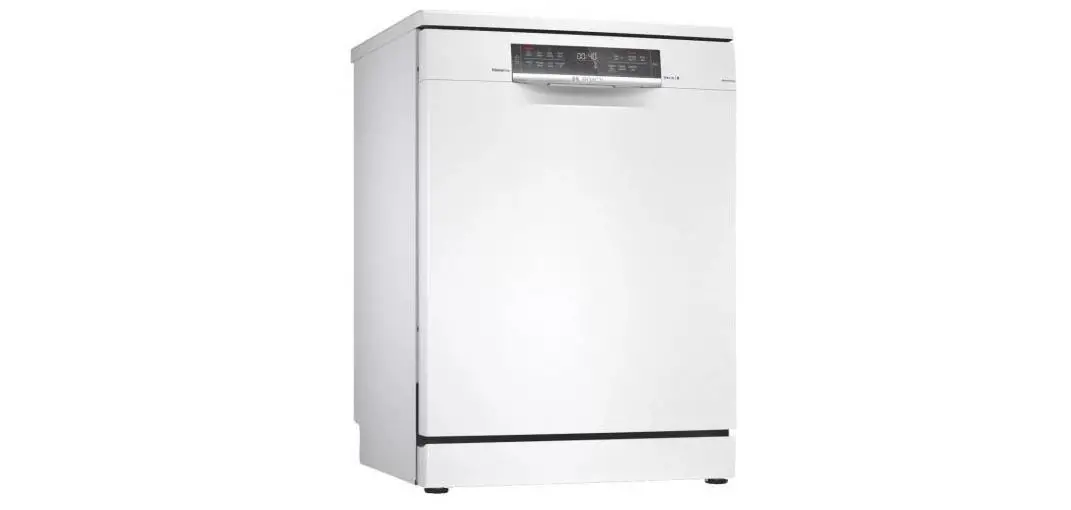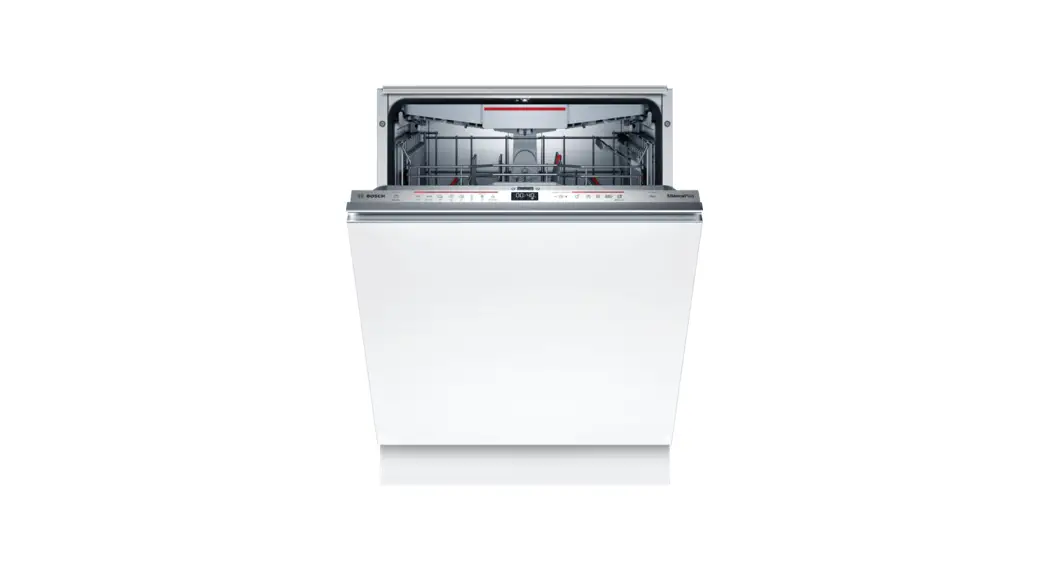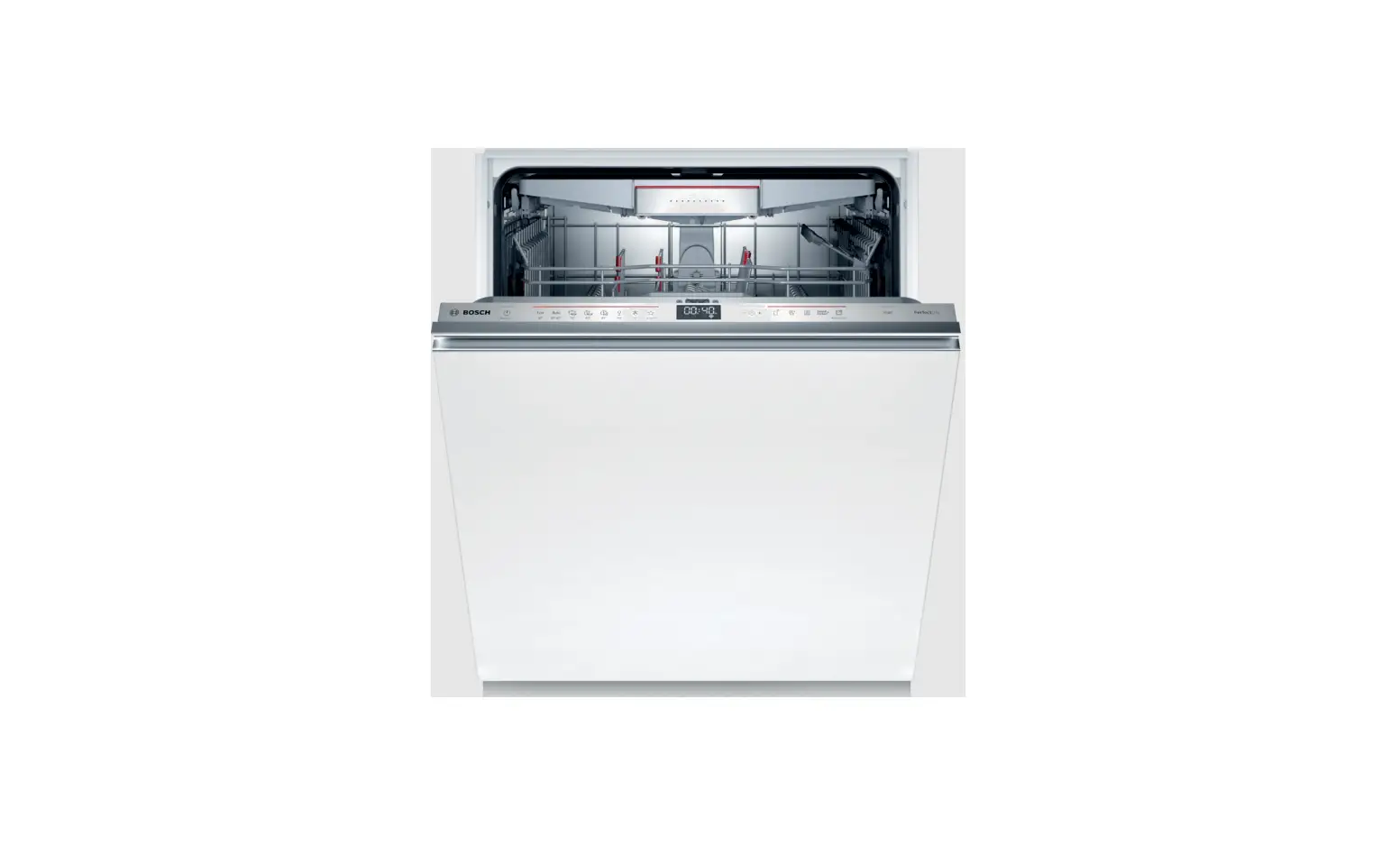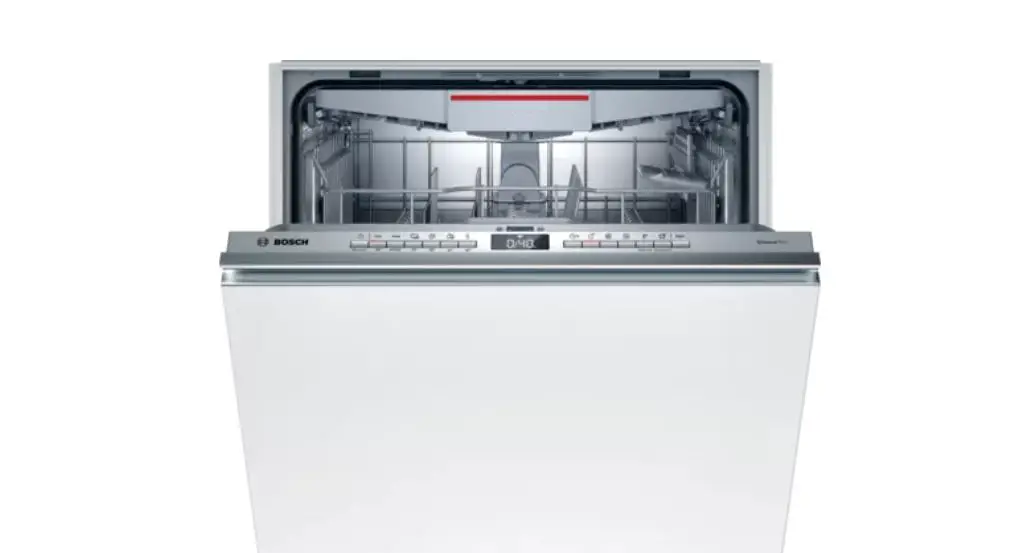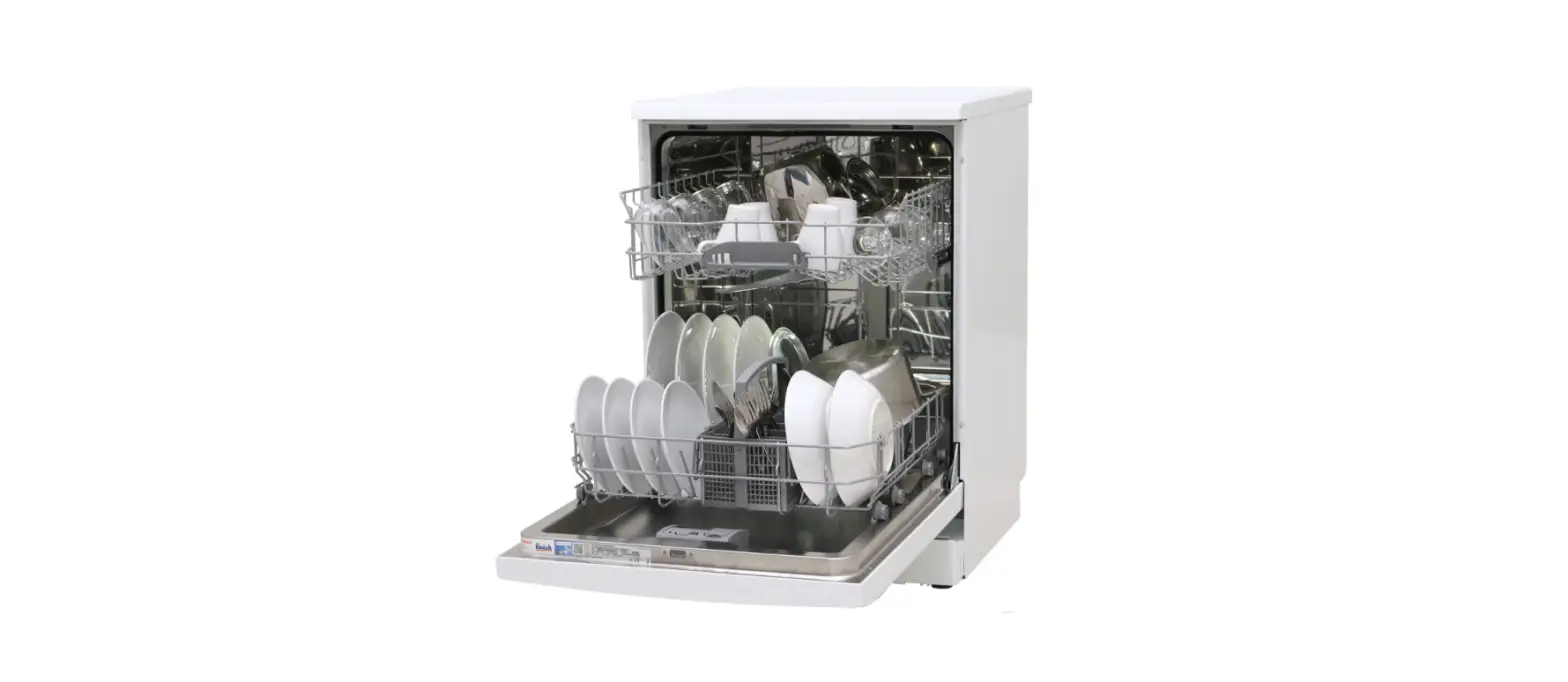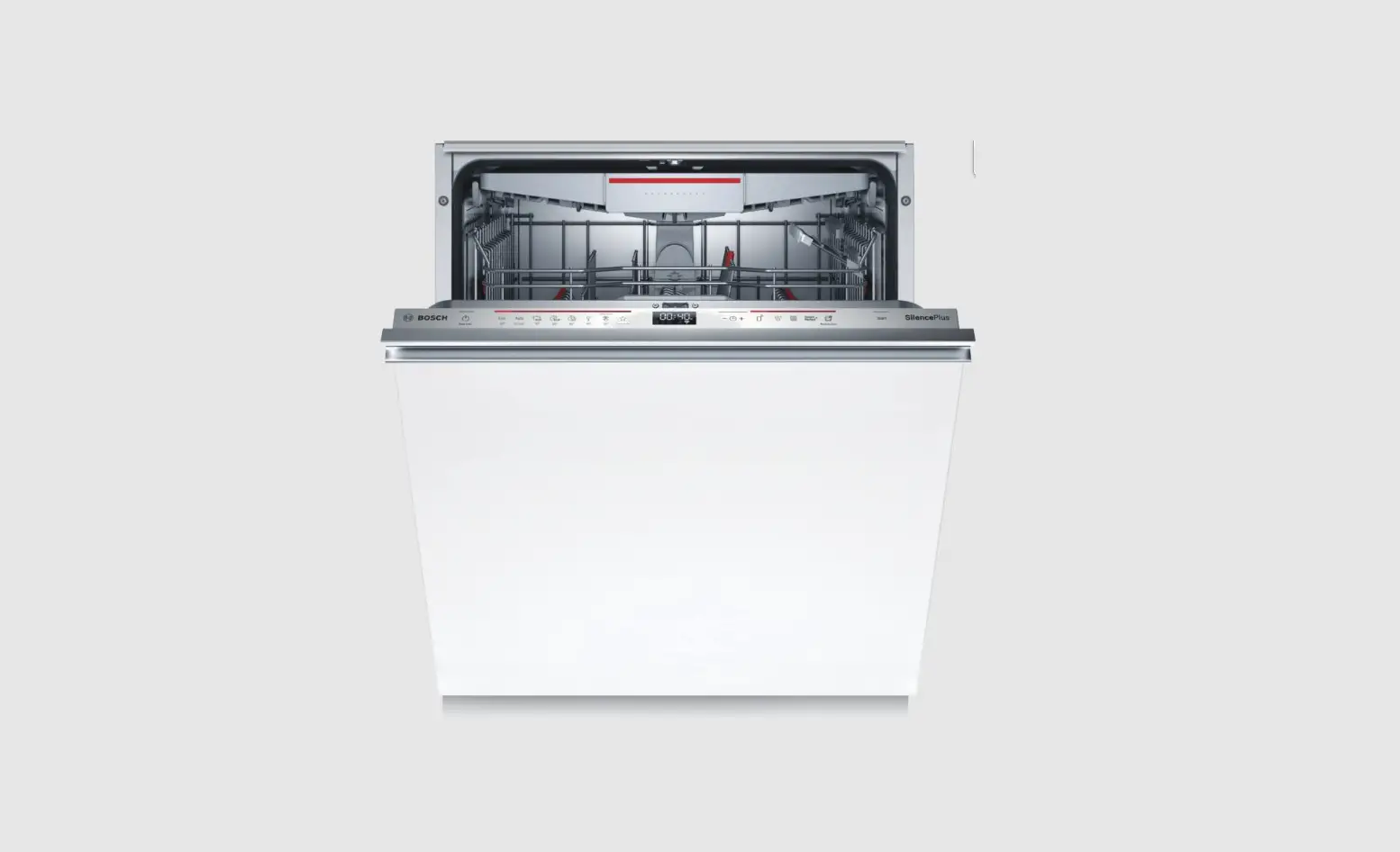
BOSCH SMV6ZCX42E Dishwasher User Guide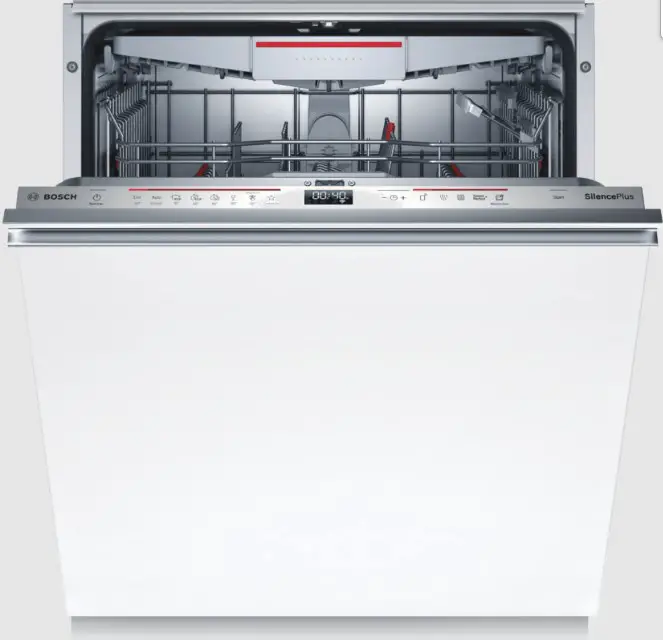
Before using for the first time, read the instruction manual and the safety information it contains.
Setting up Home Connect
Tip: Connect your appliance to a mobile device. You can conveniently change all settings using the Home Connect app.
- Install the Home Connect app on your mobile device and follow the instructions.

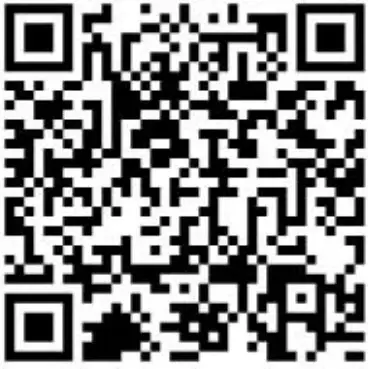
- Scan the QR code with the Home Connect app.



Overview of water hardness settings
You can find an overview of the water hardness values that can be selected here. A table of country-specific units can be found in the instruction manual.
Medium 1.5 – 1.8 H:02
Medium 1.9 – 2.1 H:03
Medium 2.2 – 2.9 H:04
Hard 3.0 – 3.7 H:05
Hard 3.8 – 5.4 H:06
Hard 5.5 – 8.9 H:07
Hardness range mmol/l Setting value
Soft 0 – 1.1 H:00
Soft 1.2 – 1.4 H:01
Setting the water softening system
- Press .
- To open the basic settings, press for 3 seconds.
The display shows H:xx. The display shows . - Press or repeatedly until the right water hardness has been set.
- To save the settings, press for 3 seconds.
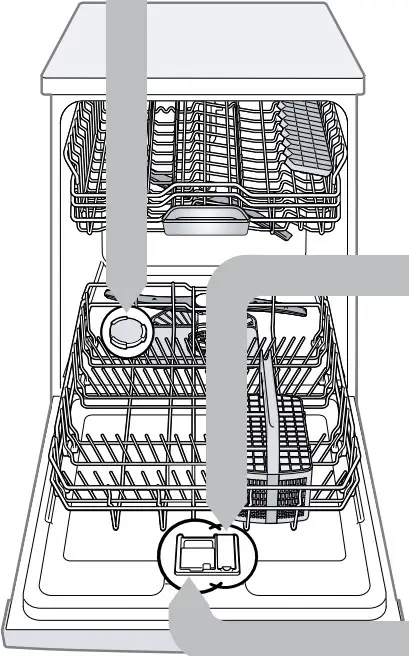
Adding special salt
To avoid damage to the appliance, only add special salt to the dispenser for special salt just before the programme starts.
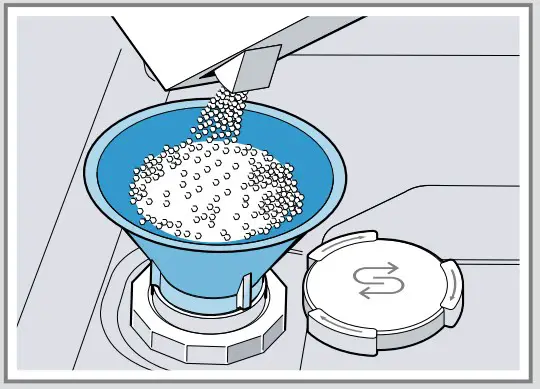
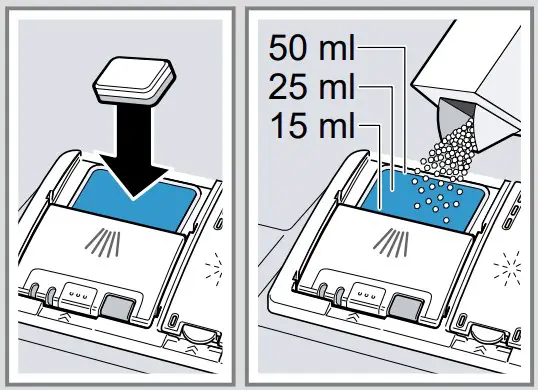
- Unscrew the lid of the dispenser for special salt and remove.
- On initial start-up: Fill the dispenser right up with water.
- Add the special salt to the dispenser. The water in the dispenser is displaced and forced out. Never add detergent.

- Place the lid back on the dispenser and turn to close.
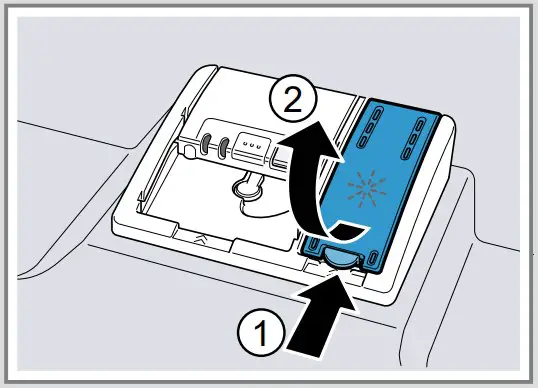
Adding rinse aid
- Press the catch on the lid of the dispenser for rinse aid and lift .

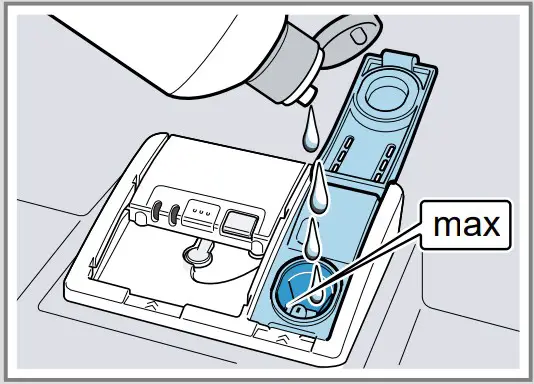
- Add rinse aid up to the max mark. max

- Close the lid of the dispenser for rinse aid. a The lid clicks into position.
Adding detergent
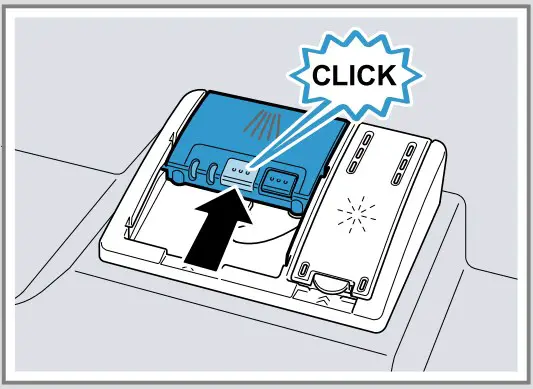
- Add the detergent to the dry detergent dispenser.

- Close the lid of the detergent dispenser. The lid clicks into position.

How to use your applianc
- Load the tableware. Only clean tableware that is suitable for dishwashers. Remove large remnants of food from the tableware. Check that the spray arms can rotate freely.
- Add detergent.
- Switch on the appliance .
- Select the programme.
- Start the programme .
- Remove the tableware at the end of the programme.
- To cancel the programme, press for approx. 4 seconds. The programme is cancelled and ends after approx. 1 minute.
Cleaning filters
- After each wash check the filters for residue.
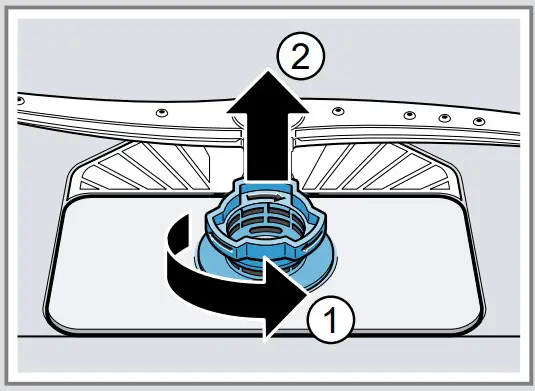
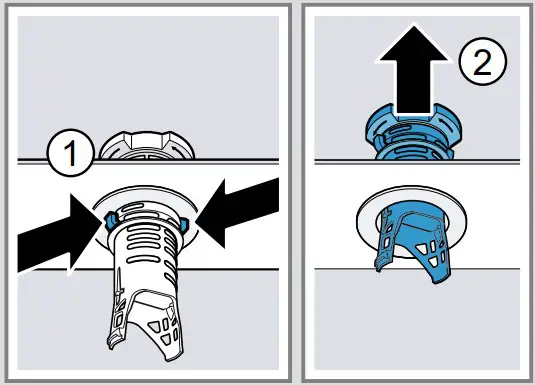
- Turn the coarse filter anticlockwise and remove the filter system .

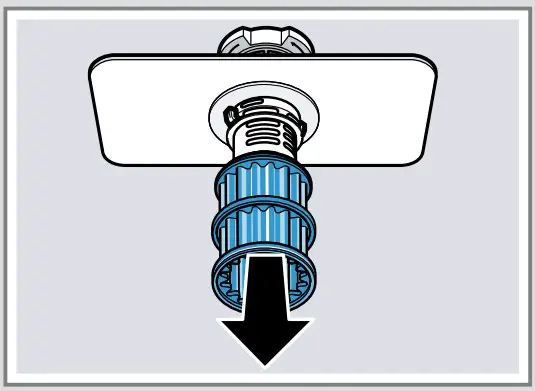
- Pull down the micro filter to remove.
- Press the locking catches together and lift the coarse filter out .

- Clean the filter elements under running water.
- Re-assemble the filter system.
- Insert the filter system into the appliance and turn the coarse filter clockwise. Make sure that the arrow markings match up.
Cleaning spray arms
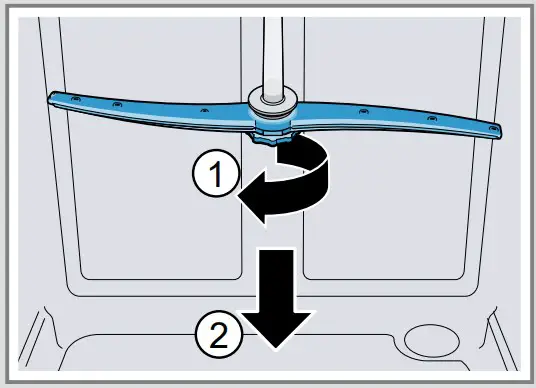
- Unscrew the upper spray arm and pull down to remove .

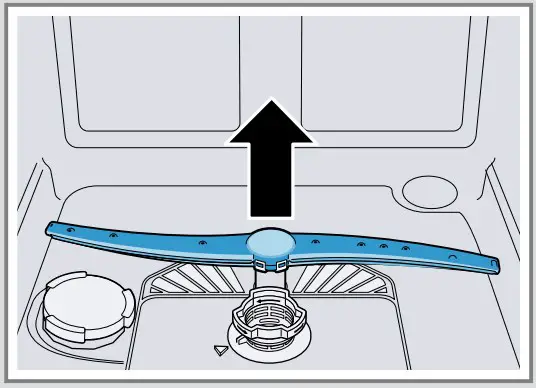
- Pull up the lower spray arm to remove.
- Check the outlet nozzles on the spray arms for blockages under running water and remove any foreign bodies.
- Insert the lower spray arm. The spray arm clicks into position.
- Insert the upper spray arm and screw it firmly in place.
Clean wastewater pump
- Disconnect the appliance from the power supply.
- Remove the filter system.
- Scoop out any water.
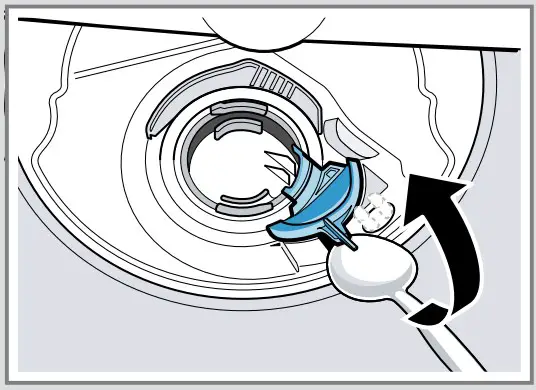
- Prise off the pump cover using a spoon and grip it by the crosspiece.

- Lift the pump cover inwards at an angle and remove.
- Remove any remnants of food and foreign bodies in the area of the impeller.
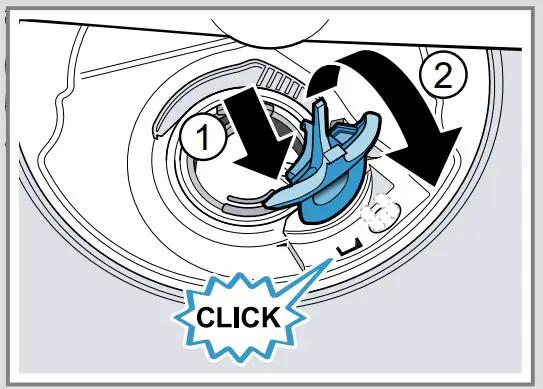
- Insert the pump cover and press down . The pump cover clicks into position.

- Install the filter system.
Troubleshooting
Fault
E:32-00 will light up alternately or indicator for water supply lights up
Cause and troubleshooting
Supply hose is kinked.
- Install the supply hose without kinks.
Water tap is turned off. - Turn on the water tap.
Water tap is jammed or furred up. - Turn on the water tap.
The flow rate must be at least 10 l/min when the water supply is open.
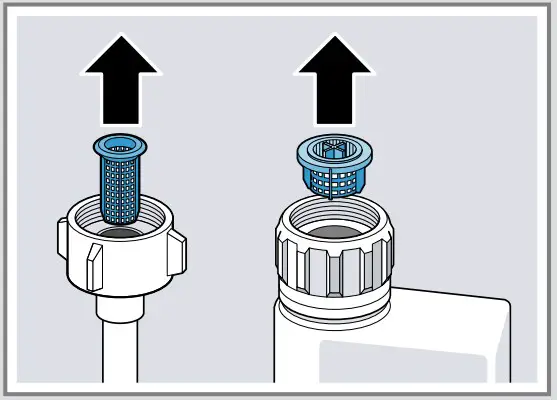
The filters in the water connection of the supply or AquaStop hose are blocked.
- Switch off the appliance.
- Pull out the mains plug.
- Turn off the water tap.
- Unscrew the water connection.
- Remove the filter from the supply hose

- Clean the filter.
- Re-insert the filter in the supply hose.
- Screw the water connection back on.
- Check the water connection for leaks.
- Restore the power supply.
- Switch the appliance on.
Fault
E:92-40 will light up alternately E:61-02 will light up alternately
Cause and troubleshooting
Filters are soiled or blocked.
- Clean the filters.
Wastewater pump is blocked. - Clean the wastewater pump.
Cover of the wastewater pump is loose - Secure the cover of the Wastewater pump so it clicks into position.
Remnants of food on tableware.
Tableware is placed too close together or basket is overfilled.
- Arrange tableware with sufficient space in between. The spray jets must reach the surfaces of the tableware.
- Avoid points of contact.
Spray arm rotation is blocked.
- Arrange tableware so that it does not obstruct spray arm rotation.
Spray arm nozzles are blocked. - Clean the Spray arms.
Filters are soiled. - Clean the filters.
Filters are inserted incorrectly and/or not engaged.
- Insert the filters properly.
- Engage the filters.
Washing programme selected too weak.
- Select a more intensive washing programme.
- Adjust the sensitivity of the sensors.
Fault
Removable streaks are present on glasses, glassware with a metallic appearance and cutlery
Cause and troubleshooting
Amount of rinse aid to be dispensed is set too high.
- Set the rinse aid system to a lower setting.
No rinse aid has been added. - Add rinse aid.
Rust spots on cutlery.
Cutlery is not sufficiently rust-resistant. Knife blades are often more severely affected.
- Use rust-resistant tableware.
Cutlery may also rust if washed together with rusting items. - Do not wash rusting items.
Detergent residue is present in the detergent dispenser or the tablet collecting tray
Spray arms were blocked by tableware so detergent was not rinsed out.
- Check that the spray arms are not blocked and can rotate freely.
All LEDs light up or flash or the rinse programme does not continue running.
Electronics have detected a fault.
- Press the main switch button for approx. 4 seconds. The appliance is reset and restarted.