
 USER MANUAL
What’s included in the box
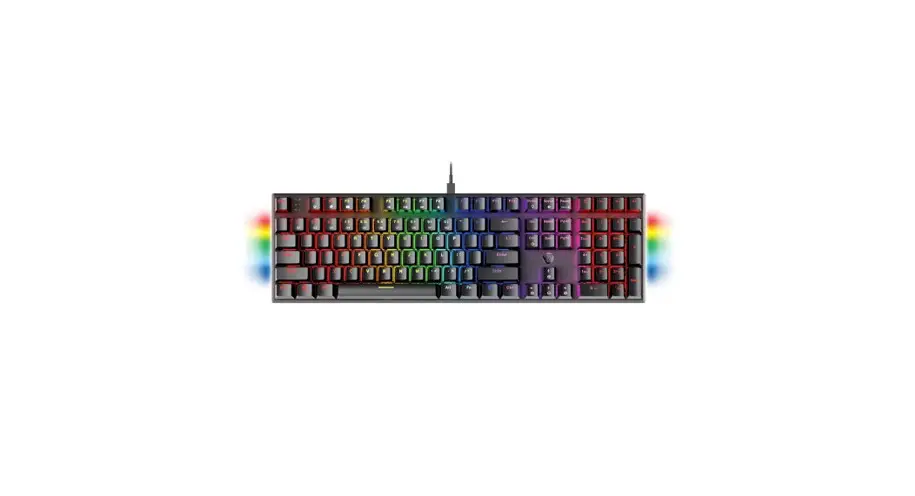
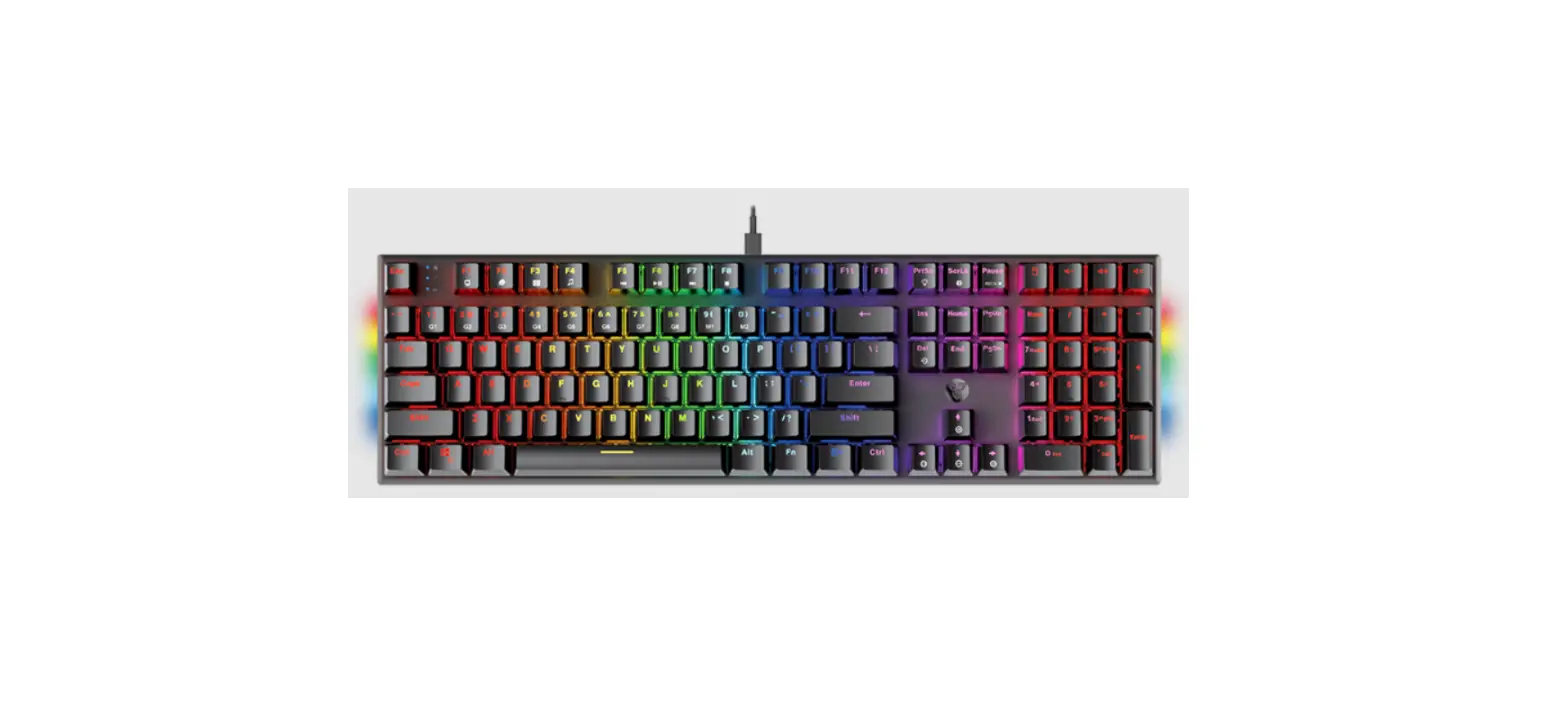
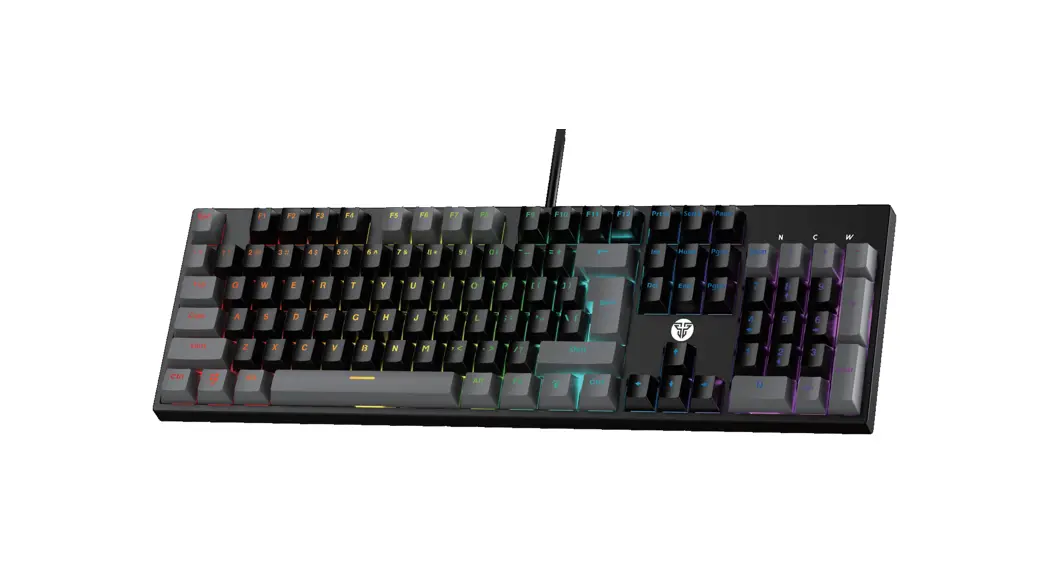
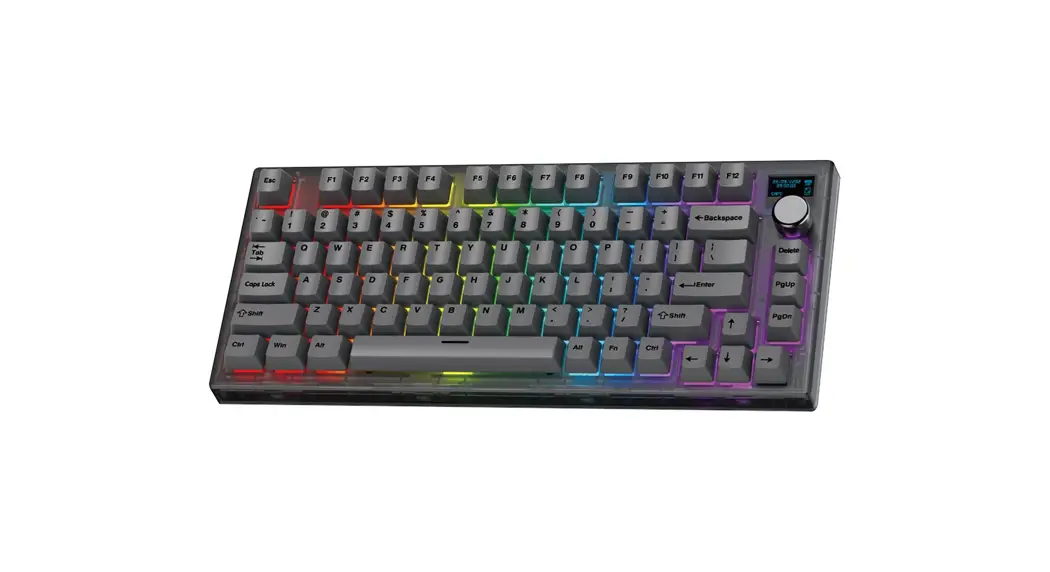
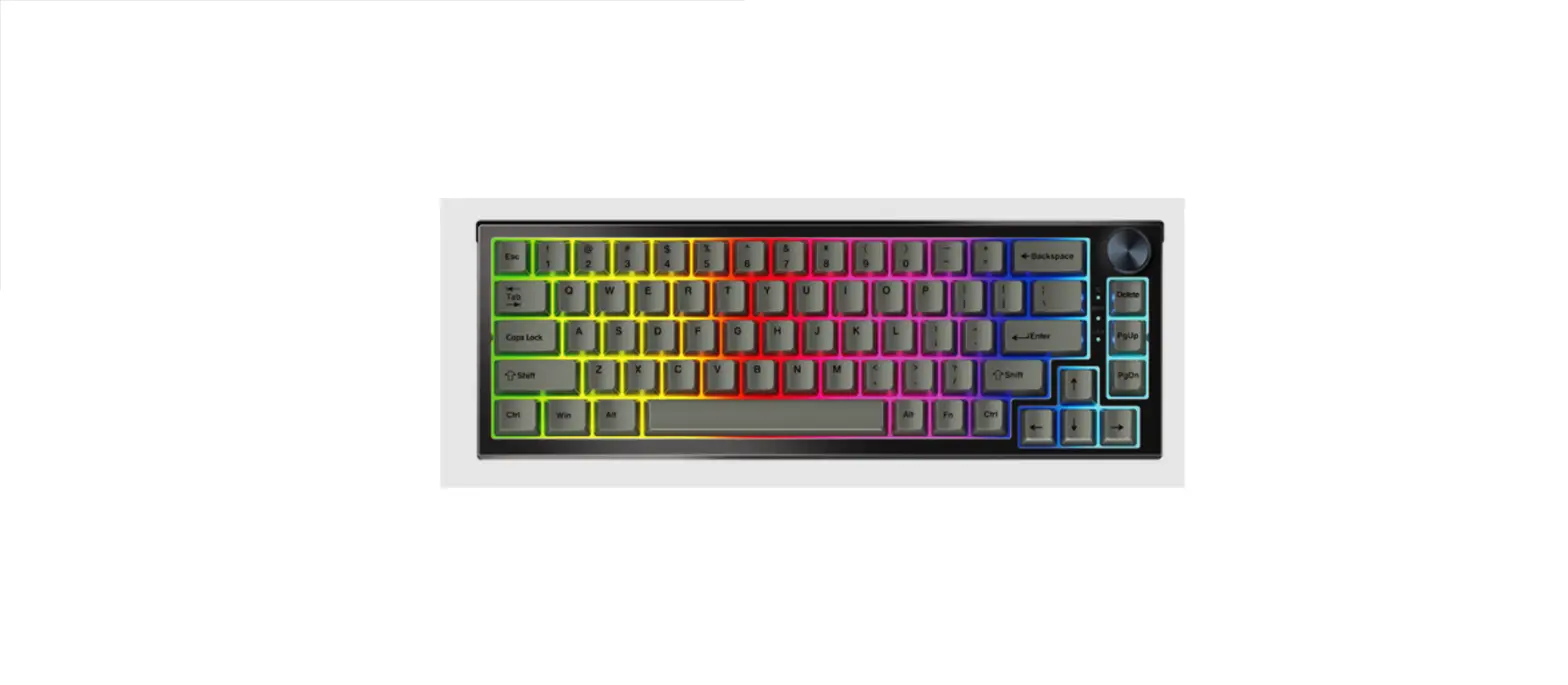
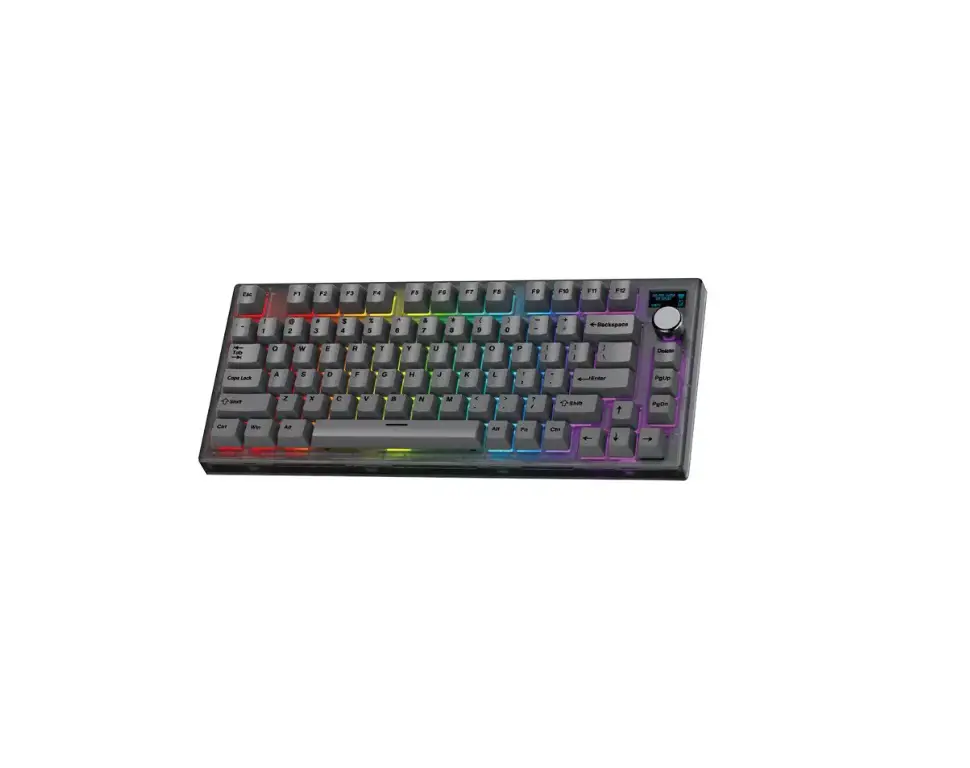
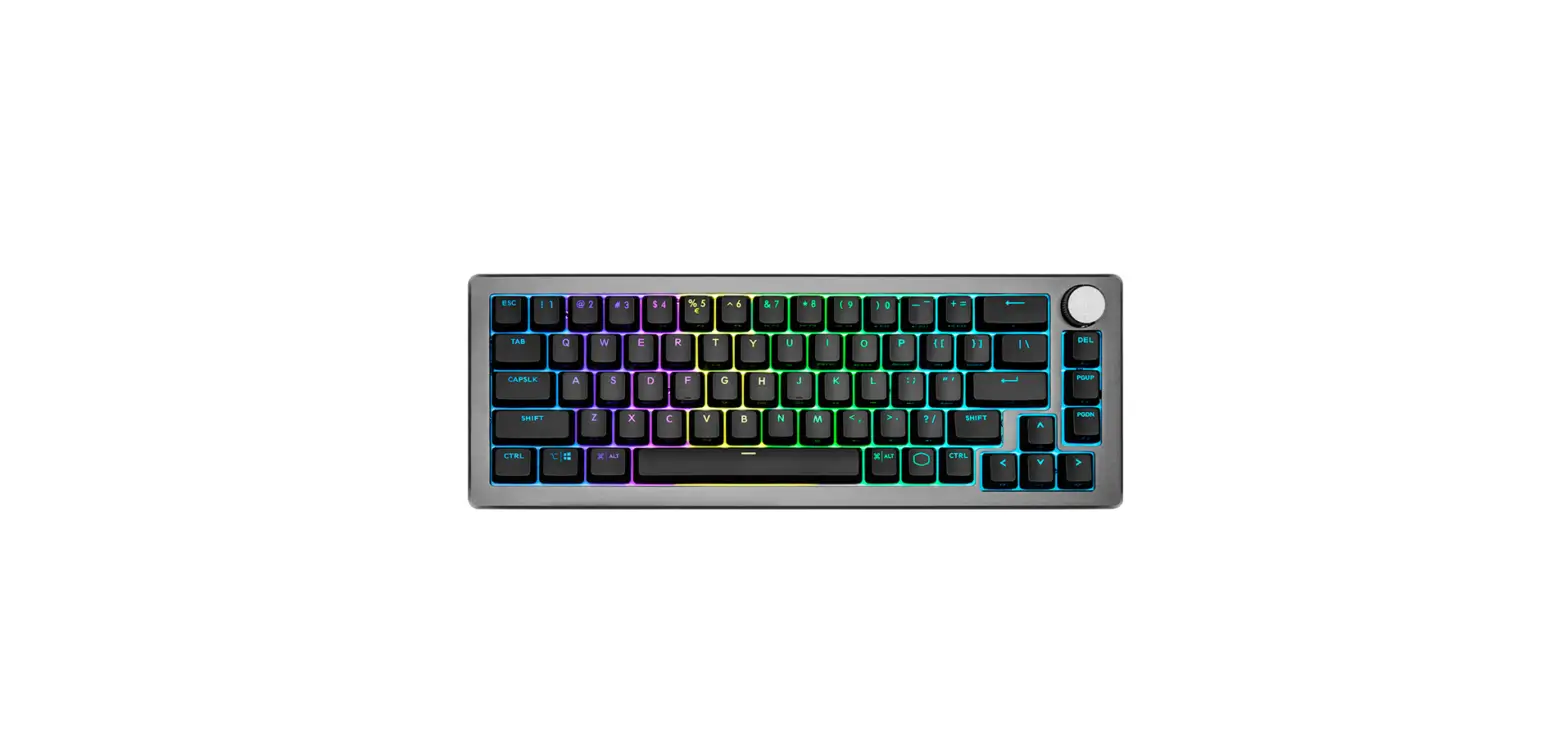
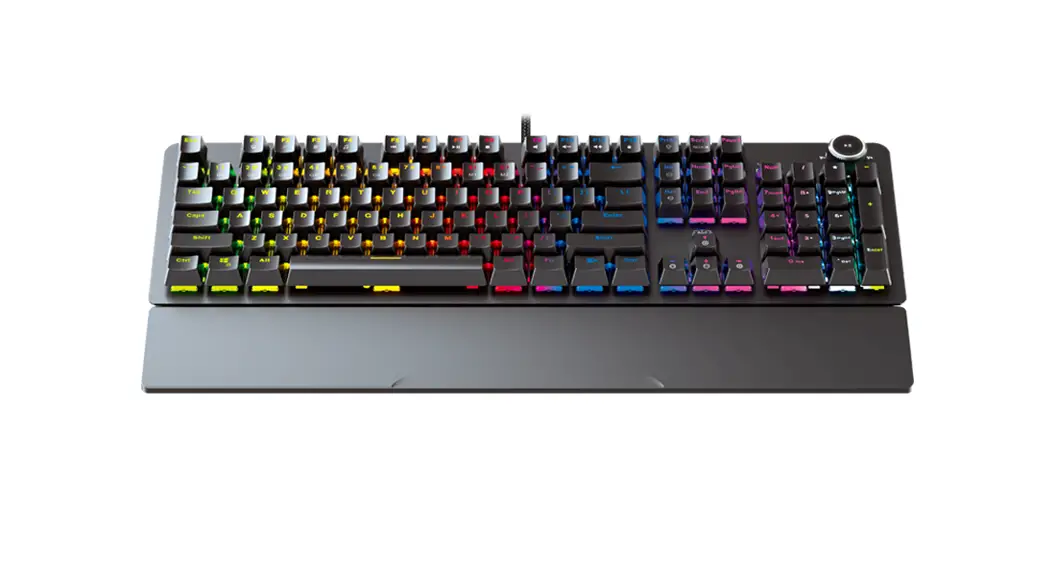
- FANTECH MAXPOWER MK853 Mechanical Keyboard
- Keycaps plugger
- User manual
System requirements
- Operating systems: Windows XP/7/8/10; MAC OS
- One free USB 2.0/3.0 port
Instruction Manual
Thank you for the purchase of the FANTECH MAXPOWER MK853 Mechanical Keyboard.
FANTECH MAXPOWER MK853 is a plug-and-play USB interface Mechanical Switch Keyboard, no need to install any driver for your first use.
Technical Specification
- Product Name: MAXPOWER MK853 Mechanical Gaming Keyboard
- Number of Keys: 104 Keys
- Switch Type: Mechanical
- Anti-ghosting: All Keys
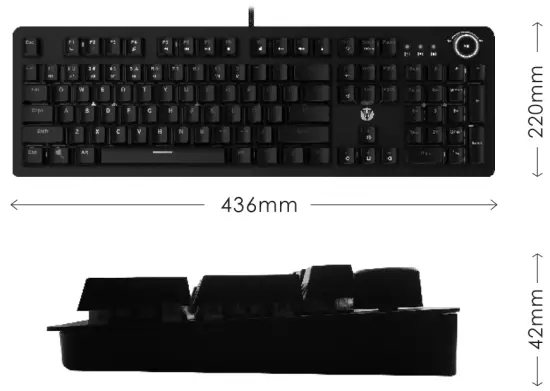
- Size: 436(L)x220(W)x42(H)mm
- Weight: 1300gr
Size Keys Function Map
 Keys Function Map
LIGHTING MODES
| Spectrum Mode |  |
| Record LED Custom mode |  |
| Reset Default Mode |  |
| Volume Scroll LED Mode |  |
FN+9 & 0 are LED custom modes. TO record. press FN+9 then press FN+SCRIK. recording starts after you press FN+SCRLK. Press the selected buttons and press FN+SCRLK again to end the recording.
ADJUSTING LED BRIGHTNESS AND SPEED
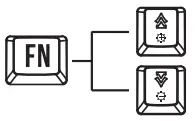 | Brightness + Brightness – |
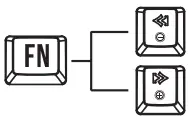 | Speed – Speed + |
MULTIMEDIA
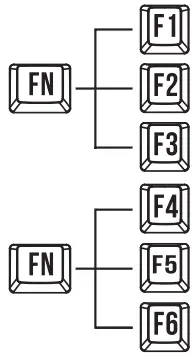 | My Computer Search Calculator Music Previous Trock Next track |
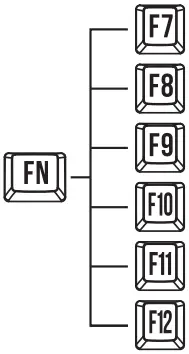 | Pause/play Stop Mute Volume – Volume + Lock keyboard |
GAME MODES
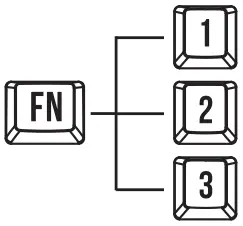 | Car Race Profile PUBG profile CS Profile |
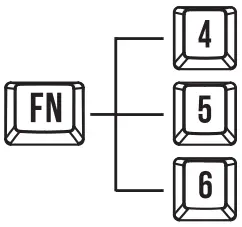 | League Of Legends profile DOTA profile Warzone profile |
 | Windows Key Lock |
Download our Manual/ Software from our official website www.fantechworld.com 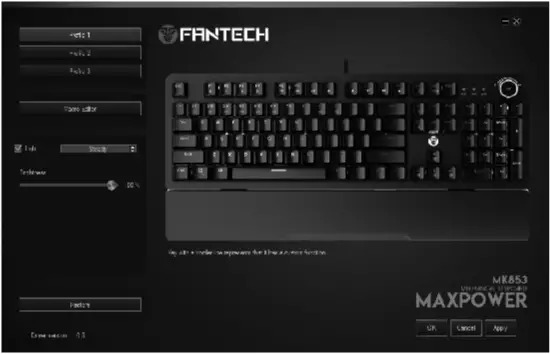
Software
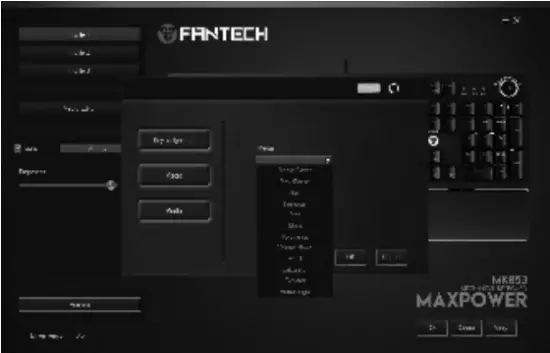 | Customize * You can choose up to 3 custom profiles. * Select each key for function replacement. * You can choose either key assignment or macro or media. * After choosing your desired function Press OK. |
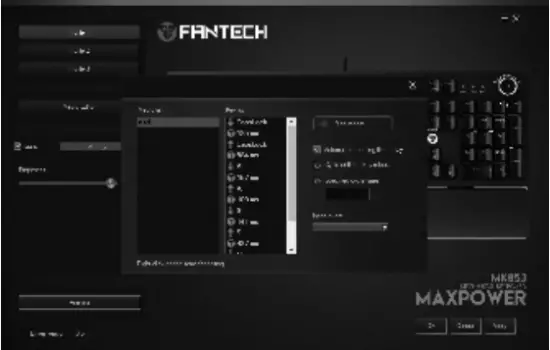 | Macro Editor * To make a new macro, select the macro editor bar then input the macro key name and then input the action. * The command recording will start just after you press the Start Record button. * You can edit the delay time before saving the macro. * To Save, press the Stop Record button and Press the Apply button to save your macro and then it will be ready to see. |
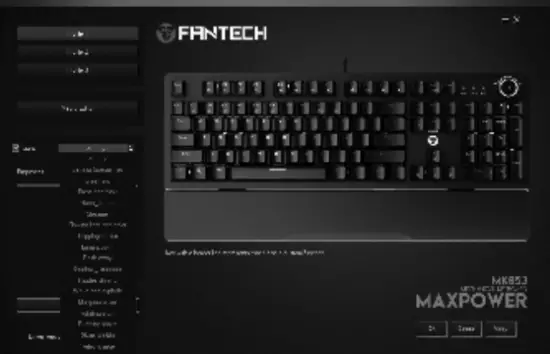 | Lighting * You can select up to 20 preset illumination modes. * You can customize the illumination speed and the brightness. |
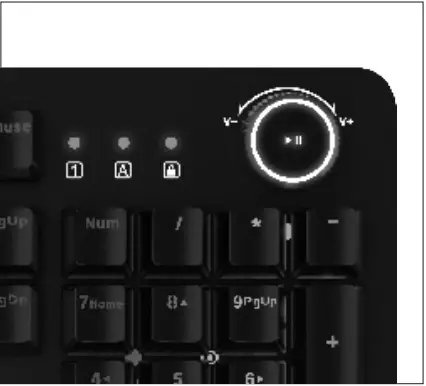 | How to use MAX POWER MK853 is designed with a media playback roller. You can adjust the sound volume using the roller, turn right to increase the volume, turn left to decrease the volume, and slightly press the roller to play/ pause the sound. |
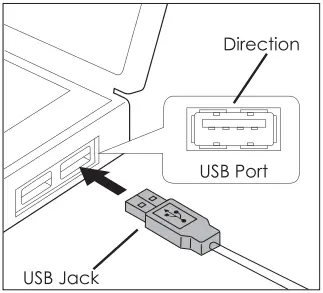 | How to connect It’s plug-and-play. Connect the keyboard to the computer by inserting a USB jack into your computer’s USB port. |