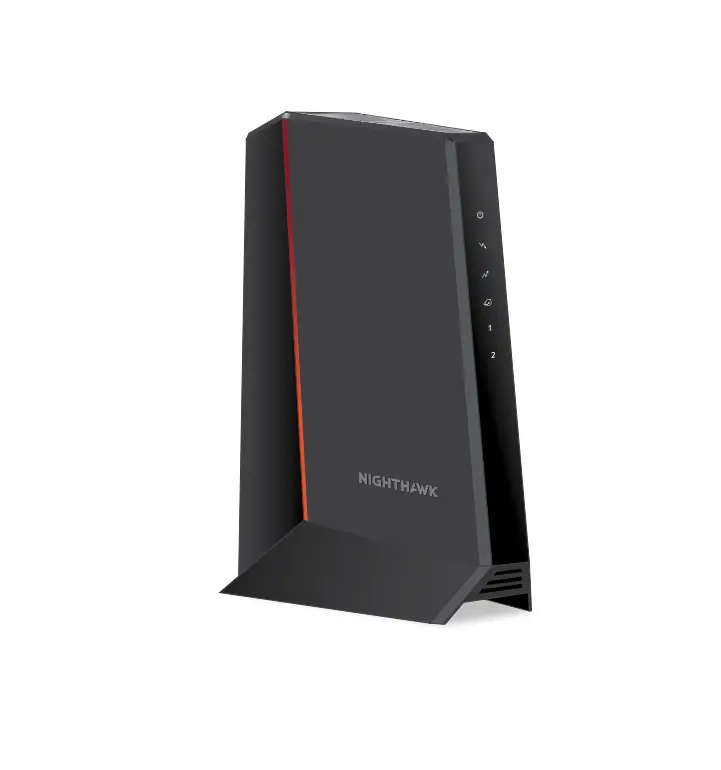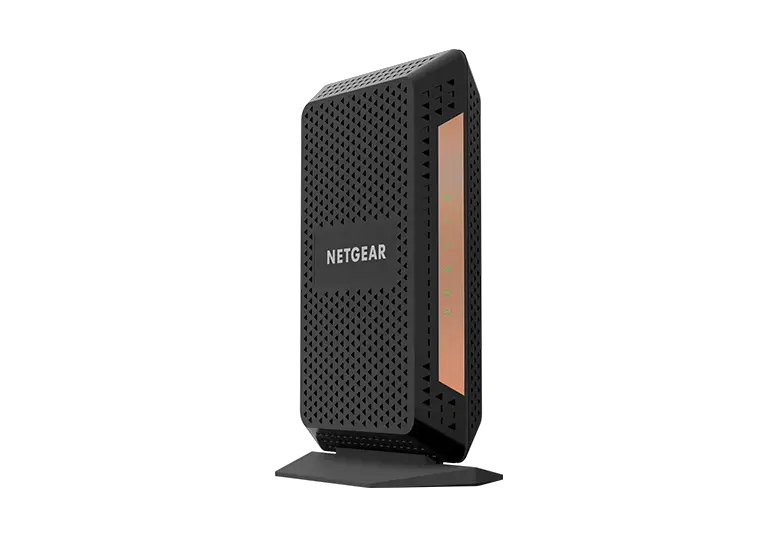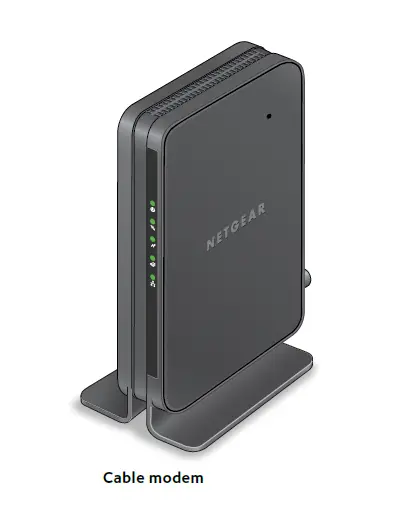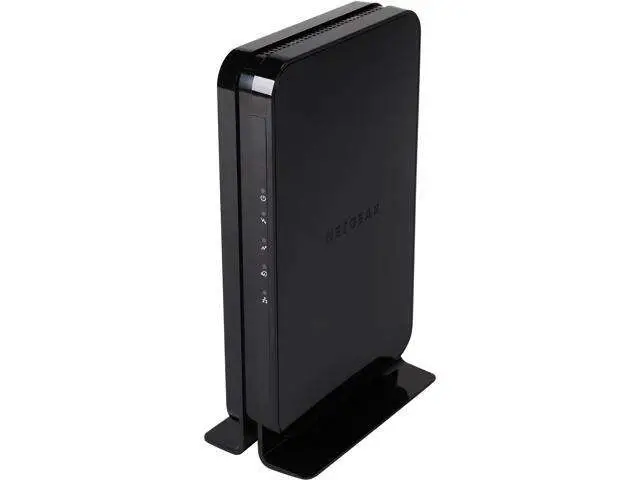

Quick Start
2.5 Gbps Ultra-High Speed Cable Modem
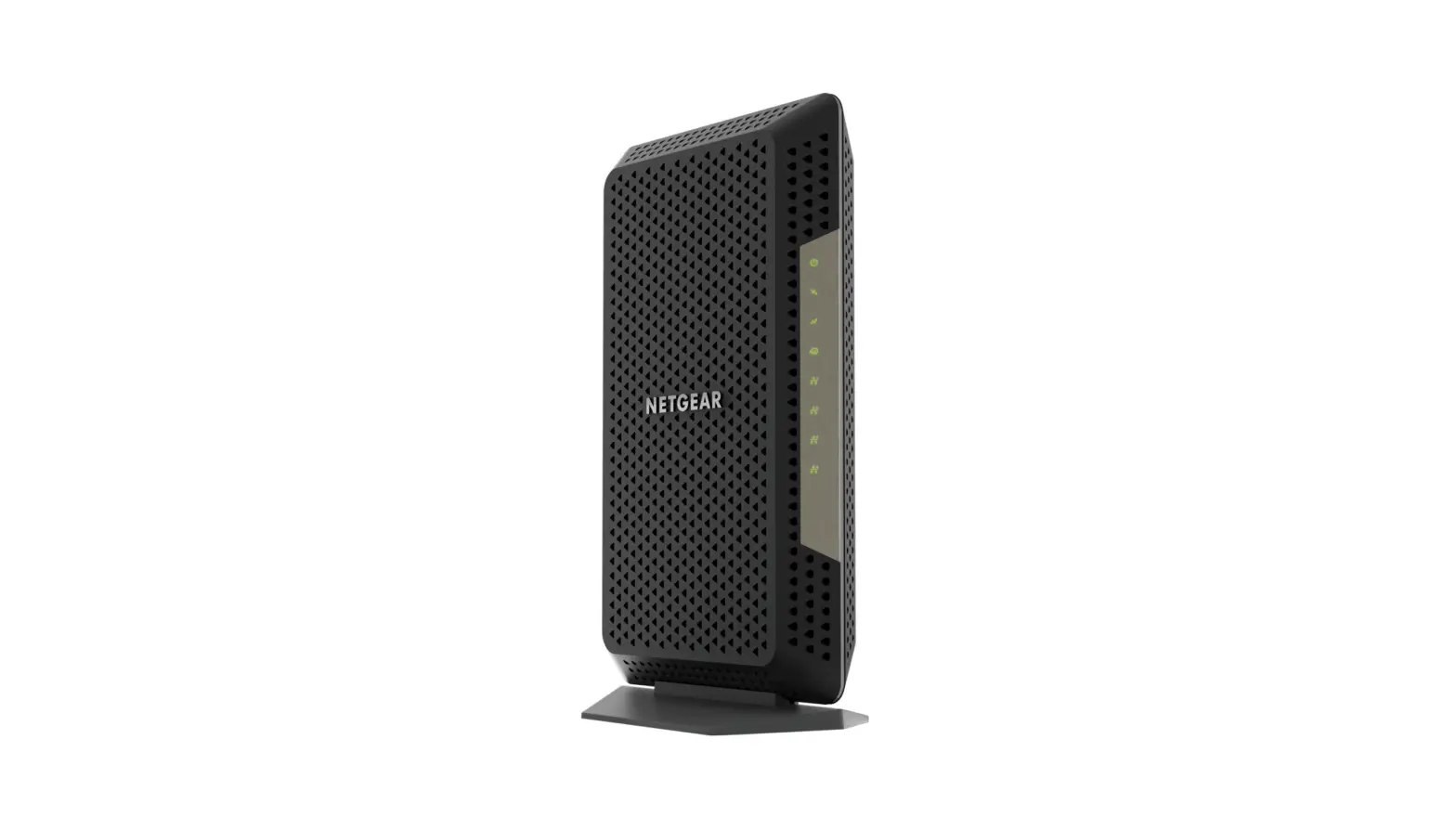
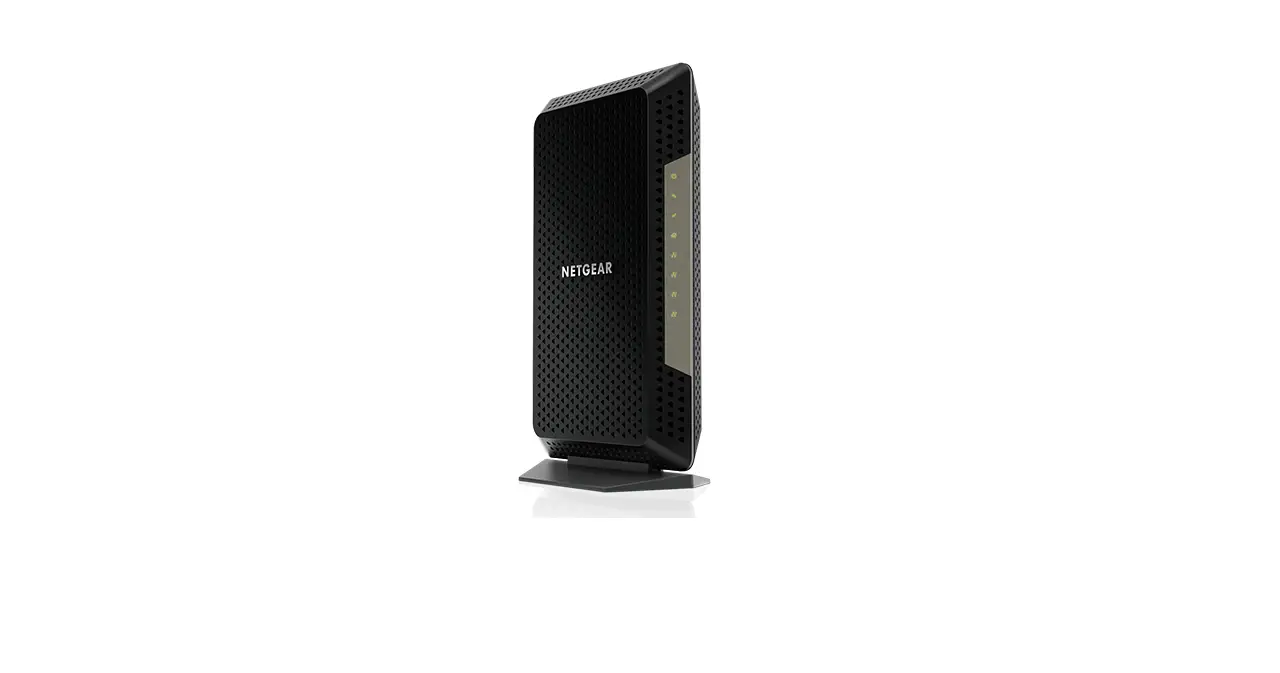
Model CM2000
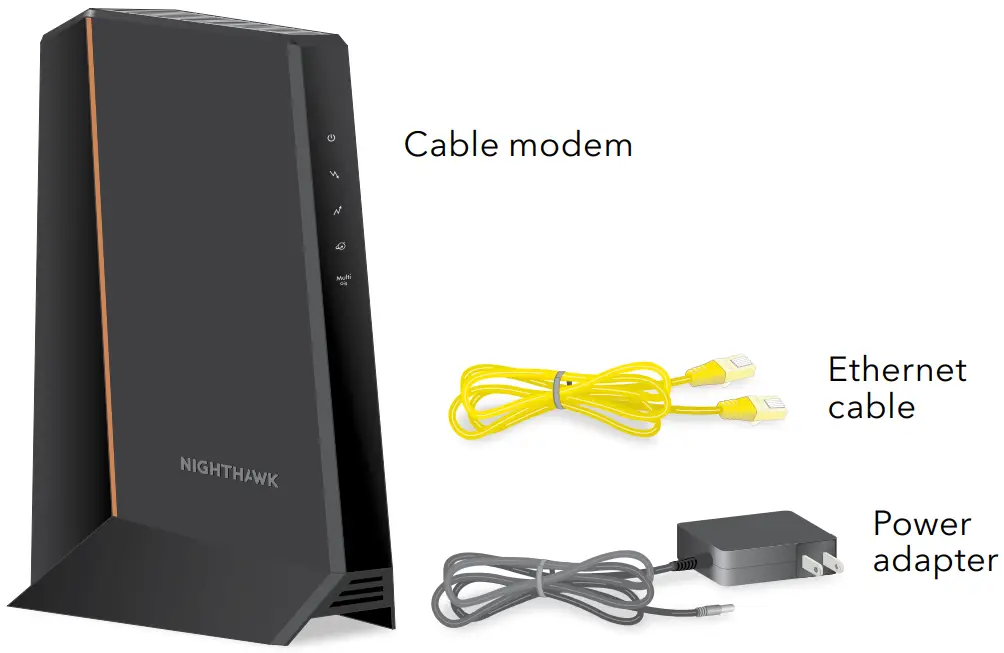
Package contents
BEFORE RETURNING THIS PRODUCT TO THE STORE
FOR ANY REASON, call NETGEAR Technical Support at 1-866-534-9377 or visit
https://kb.netgear.com/000061156/How-can-I-troubleshoot-my-cable-modem.
Start here
- Turn off and disconnect existing modems and routers.
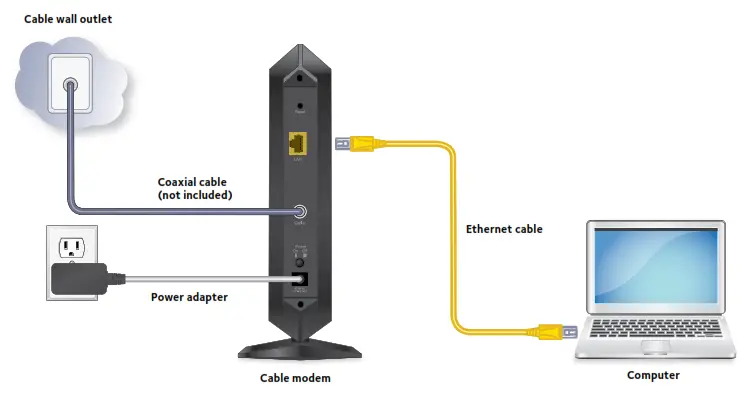
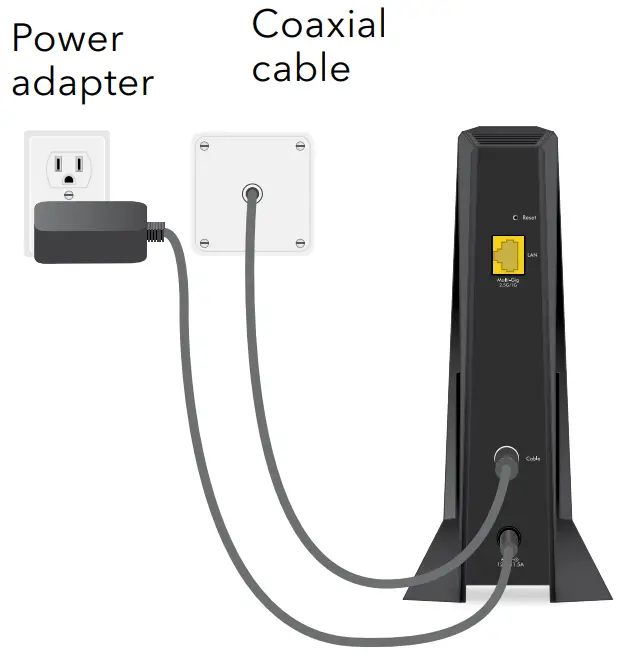
If you are replacing a modem that is currently connected to your home, unplug the modem and plug the new cable modem into the same outlet. - Connect a coaxial cable.
Use a coaxial cable to connect the cable port on the cable modem to a cable wall outlet. Make sure that the cable is tightly connected. We recommend that you connect your cable modem directly to a cable wall outlet. If you must share the connection, use a 3.5dB (1 to 2) splitter.
- Connect the power adapter.
Connect the power adapter to the cable modem and plug the power adapter into an electrical outlet.
The cable modem might reset multiple times when it is powered on. - Wait for the Online LED
 to light solid white.
This process might take up to 10 minutes. When the cable modem comes online, the Online LEDstops blinking and lights solid white.
After 10 minutes, if the Online LED doesn’t light solid, make sure that the cable outlet is working or call your Internet service provider (ISP) to make sure you have service.
Note: When the Online LED lights are solid, your cable modem is not connected to the Internet yet. You must connect a router or computer to your cable modem and then activate your cable modem with your cable Internet provider. - Connect a router to your cable modem..

a. Connect the Ethernet port on the cable modem to the WAN or Internet port on the router
b. Power on the router.
c. Connect your computer or mobile device to the router. - Collect the following information:
• Your cable Internet provider (ISP) account information
• Cable modem model number, which is CM2000
• Cable modem serial number
• Cable modem MAC address - Activate your Internet service:
The following table lists the activation contact information for cable Internet providers that support your cable modem.Cable Internet Provider Activation Contact Cox 1-888-556-1193 Mediacom 1-855-Mediacom (1-855-633-4226) Optimum 1-877-810-6750 Sparklight 1-877-692-2253 Spectrum 1-833-267-6094 Xfinity Visit http://xfinity.com/activate and follow
the prompts to activateYour ISP’s contact information might change. You can also find the contact information in your monthly Internet service billing statement.
Note to CATV System Installer- This reminder is provided to call the CATV systems installer’s attention to Section 820-93 of the National Electrical Code, which provides guidelines for proper grounding and in particular, specifies that coaxial cable shield shall be connected to the grounding system of the building, as close to the point of cable entry as practical.
 If you must share the connection, use a 3.5dB (1 to 2) splitter.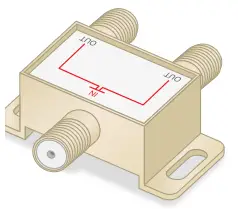
 to light solid white.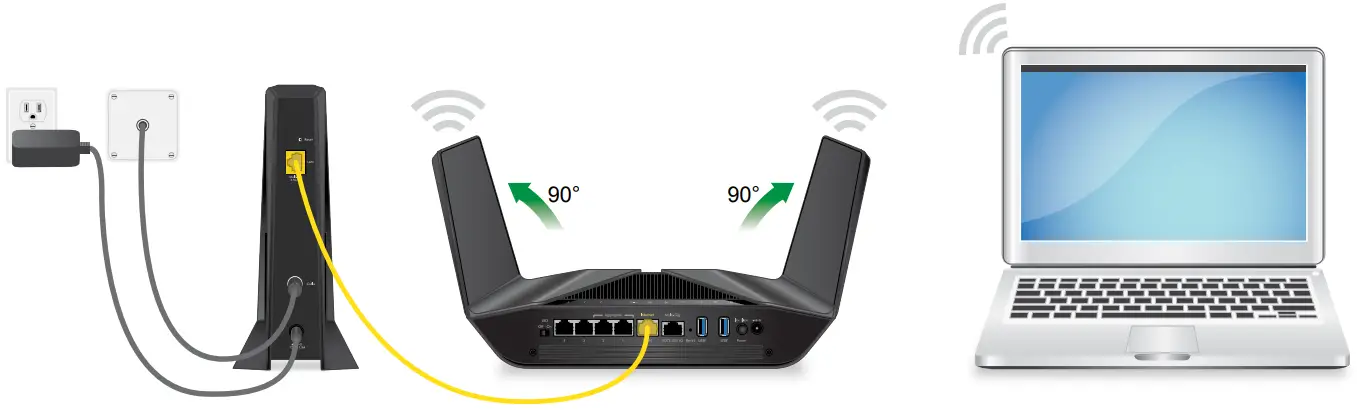
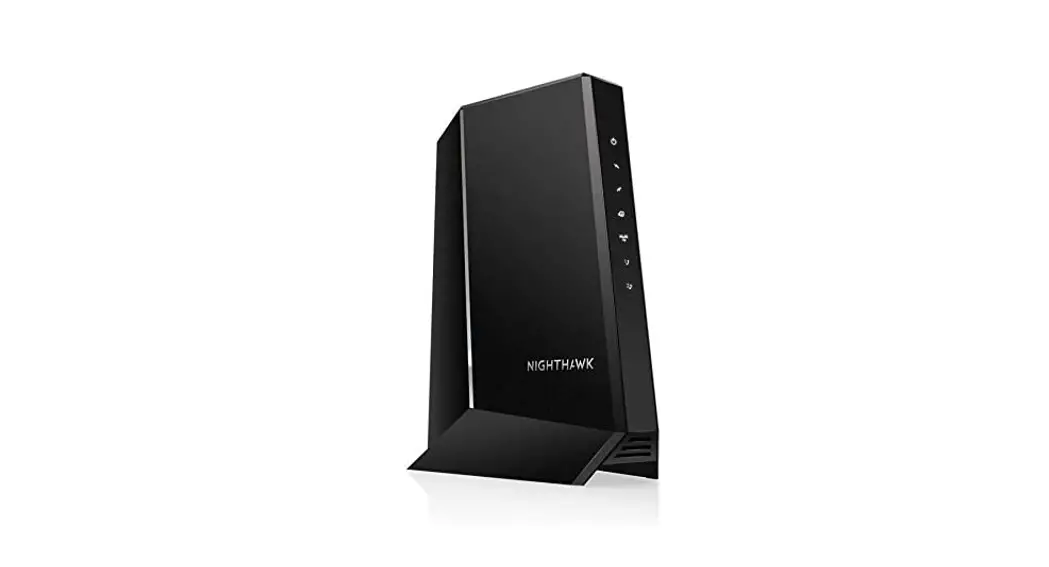
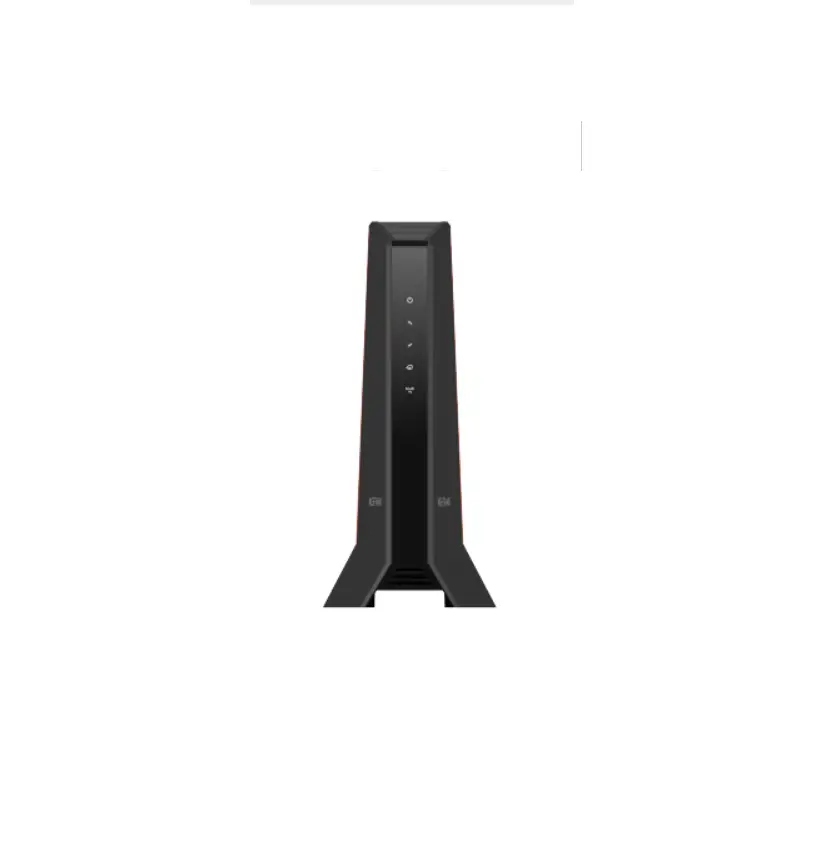
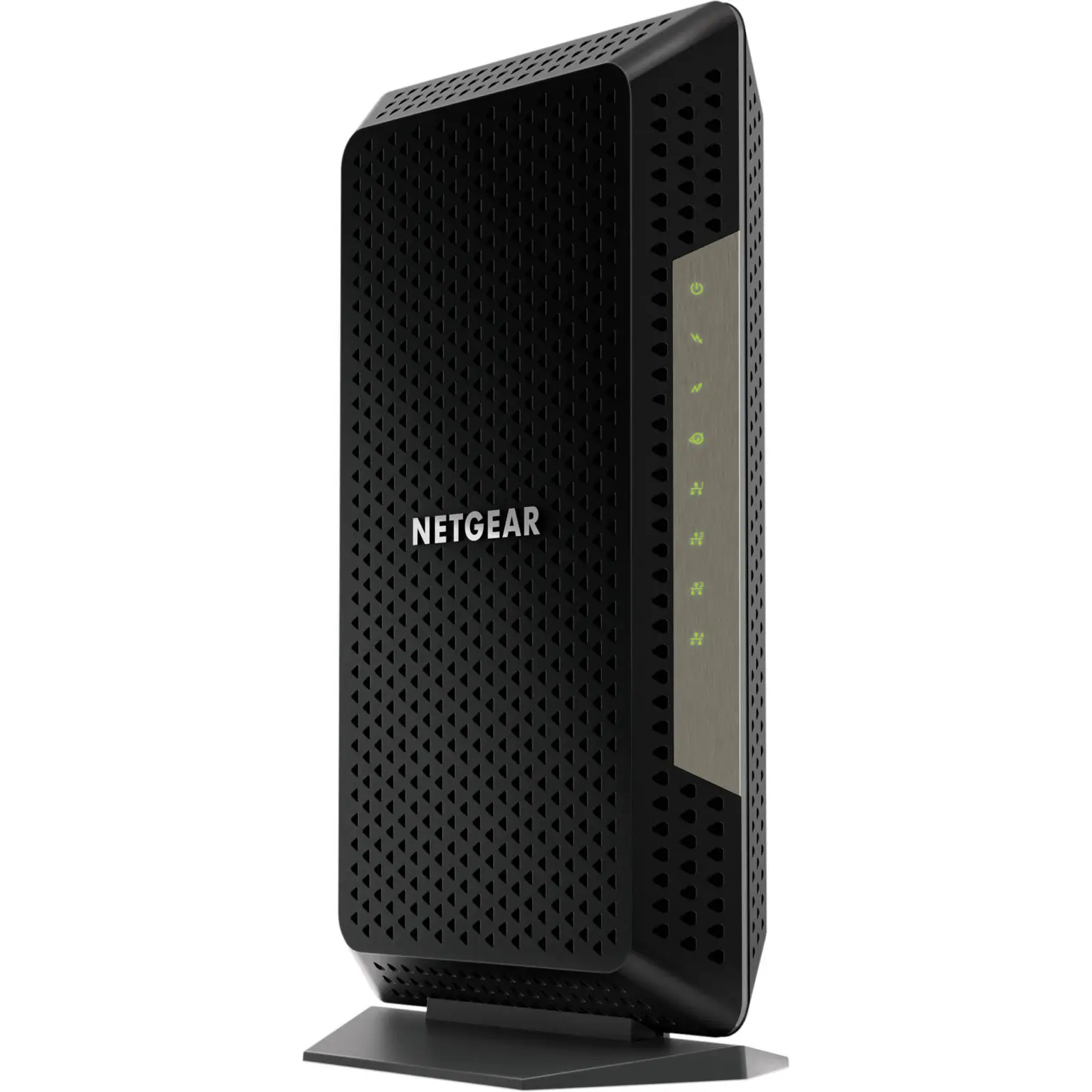
Cable modem LEDs
| LED | Description |
Power  | • Solid white. The cable modem is receiving power and is functioning normally. • Off. The cable modem is not receiving power. • Solid red. The cable modem is too warm and might overheat. |
Downstream  | • Solid amber. One downstream channel is locked. • Solid white. Two or more downstream channels are locked. • Blinking white. The cable modem is scanning for a downstream channel. • Off. No downstream channel is locked. |
Upstream  | • Solid amber. One upstream channel is locked. • Solid white. Two or more upstream channels are locked. • Blinking white. The cable modem is scanning for a upstream channel. • Off. No upstream channel is locked. |
Online  | • Solid white. The cable modem is online. • Blinking white. The cable modem is synchronizing with the cable provider’s cable modem termination system (CMTS). • Off. The cable modem is offline. |
| Multi-Gig Ethernet | The LED color indicates the speed: blue for a 2.5 Gbps Ethernet connection, white for a 1 Gbps Ethernet connection, and amber for a 100 Mbps Ethernet connection. • Solid. A powered-on device is connected to the port. • Blinking. The port is sending or receiving traffic. • Off. No device is connected to this port. |
Support
Thank you for purchasing this NETGEAR product. You can visit https://www.netgear.com/support to register your product, get help, access the latest downloads and user manuals, and join our community. We recommend that you use only official NETGEAR support resources.
For regulatory compliance information, visit https://www.netgear.com/about/regulatory/.
See the regulatory compliance document before connecting the power supply.
Some cable devices might not be compatible with certain cable networks. Check with your cable Internet provider to confirm that this NETGEAR cable modem router is allowed on your cable network.
If you are experiencing trouble installing your cable modem, contact NETGEAR at 1-866-874-8924.
The following table lists support contact information for cable Internet providers that support your cable modem.
| Cable Internet Provider | Support Contact Information |
| Cox | https://www.cox.com/residential/support/home.html https://www.cox.com/activate 1-888-556-1193 |
| Mediacom | https://support.mediacomcable.com 1-855-Mediacom (1-855-633-4226) |
| Optimum | https://www.optimum.net/support/contact-us https://install.optimum.com/JointInstall 1-877-810-6750 |
| Sparklight | https://support.sparklight.com 1-877-692-2253 |
| Spectrum | https://www.spectrum.net/contact-us https://activate.spectrum.net 1-833-267-6094 |
| Xfinity | https://www.xfinity.com/support/articles/activate-purchased-modem http://xfinity.com/activate 1-800-XFINITY (1-800-934-6489) |
| NETGEAR, Inc. 350 East Plumeria Drive San Jose, CA 95134, USA | NETGEAR INTERNATIONAL LTDFloor 1, Building 3 University Technology Centre Curraheen Road, Cork, T12EF21, Ireland |
© NETGEAR, Inc., NETGEAR and the NETGEAR Logo are trademarks of NETGEAR, Inc. Any
non-NETGEAR trademarks are used for reference purposes only.
References
 Xfinity Activation
 Spectrum - Activation Home
-
Optimum | Internet Self-Install
-
How do I troubleshoot my NETGEAR cable modem? | Answer | NETGEAR Support
 MediacomCable – Mediacom Communications
 Sparklight Support
-
cox.com/activate
-
Residential Support Overview | Cox Communications
-
Regulatory | NETGEAR
-
NETGEAR Support | NETGEAR
-
Contact Optimum, Find a Store Location | Optimum
 Spectrum.net
-
How To Activate Your Xfinity Internet Service - Xfinity Support
 Xfinity Activation
 Spectrum - Activation Home
 Optimum | Internet Self-Install
 How do I troubleshoot my NETGEAR cable modem? | Answer | NETGEAR Support
 MediacomCable – Mediacom Communications
 Sparklight Support
 cox.com/activate
 Regulatory | NETGEAR
 Contact Optimum, Find a Store Location | Optimum
 Spectrum.net
 How To Activate Your Xfinity Internet Service - Xfinity Support