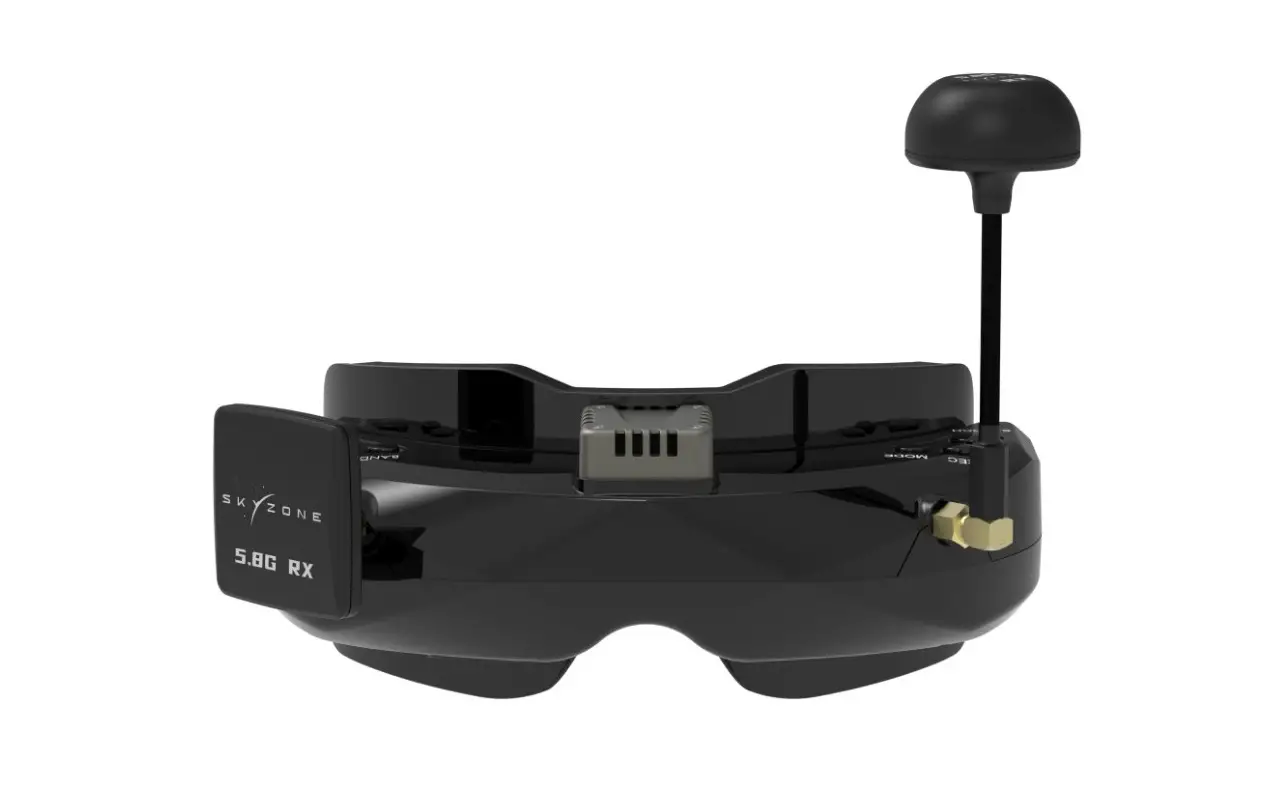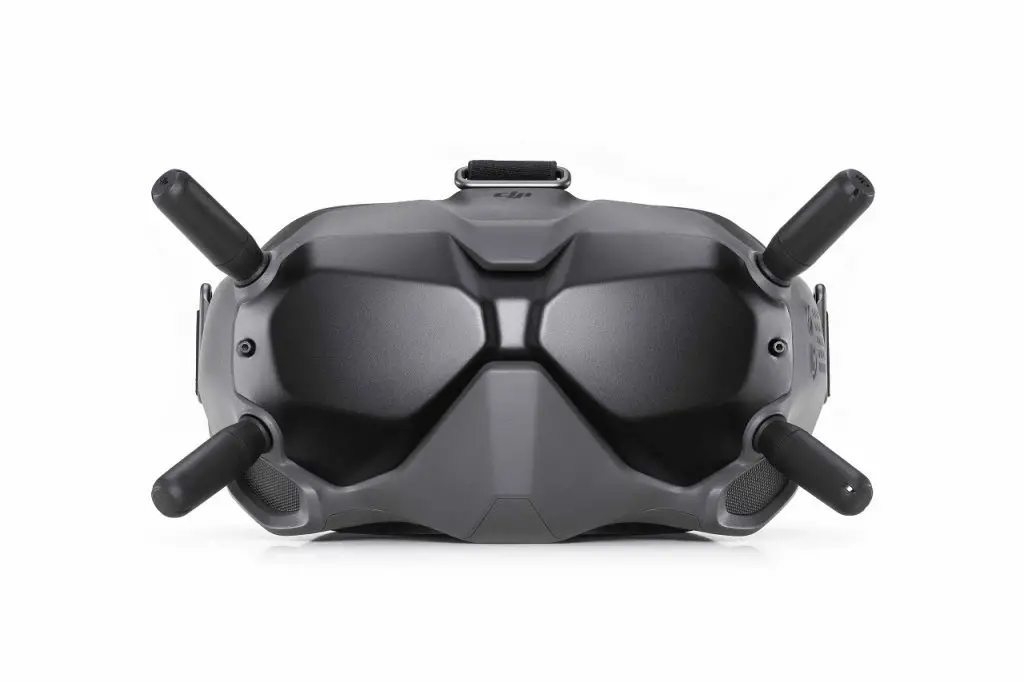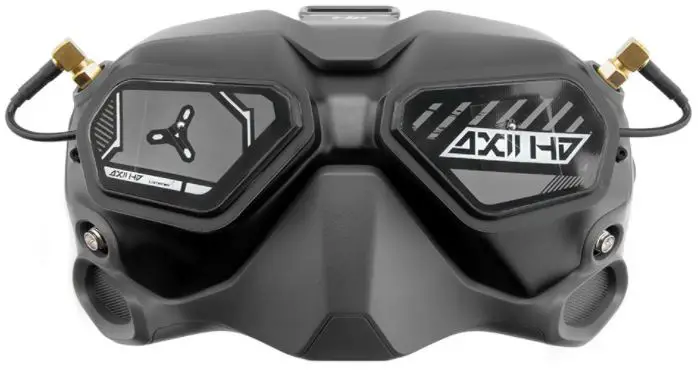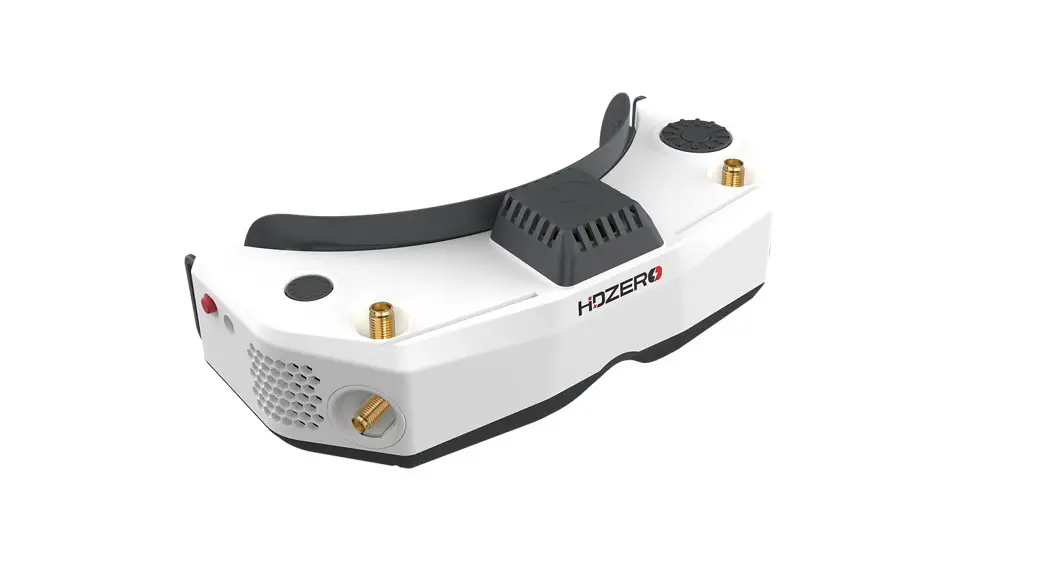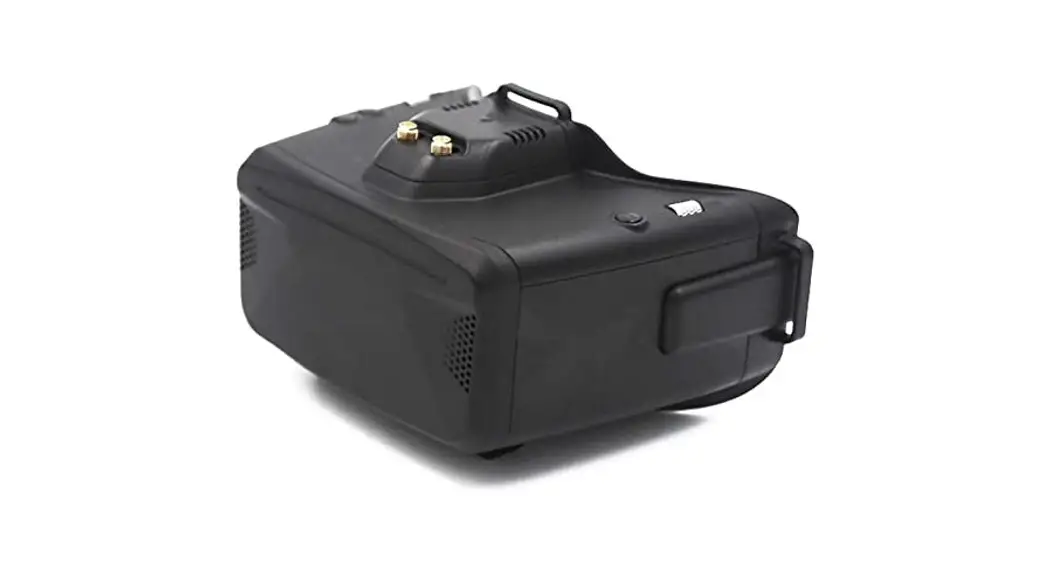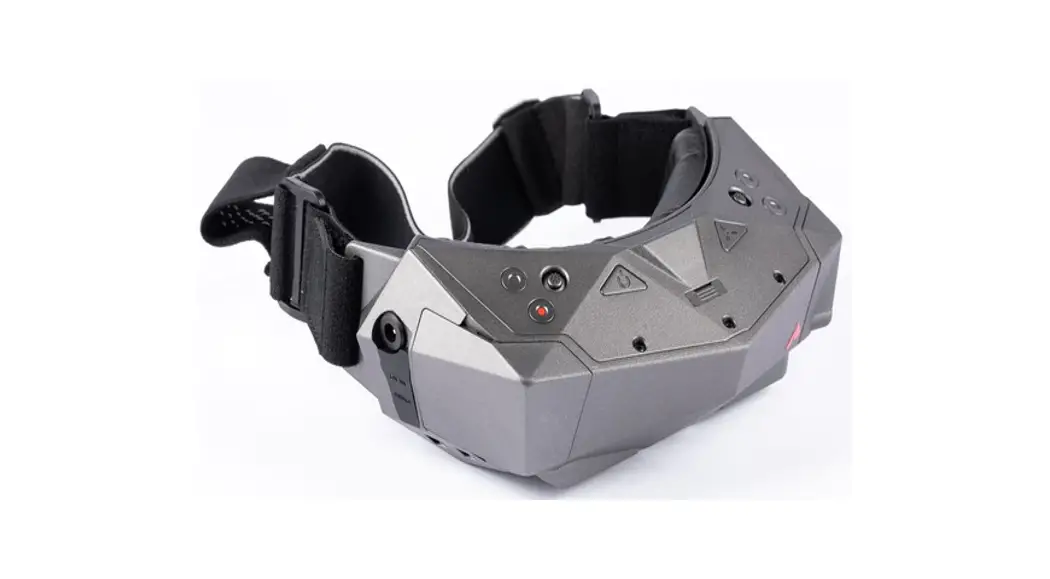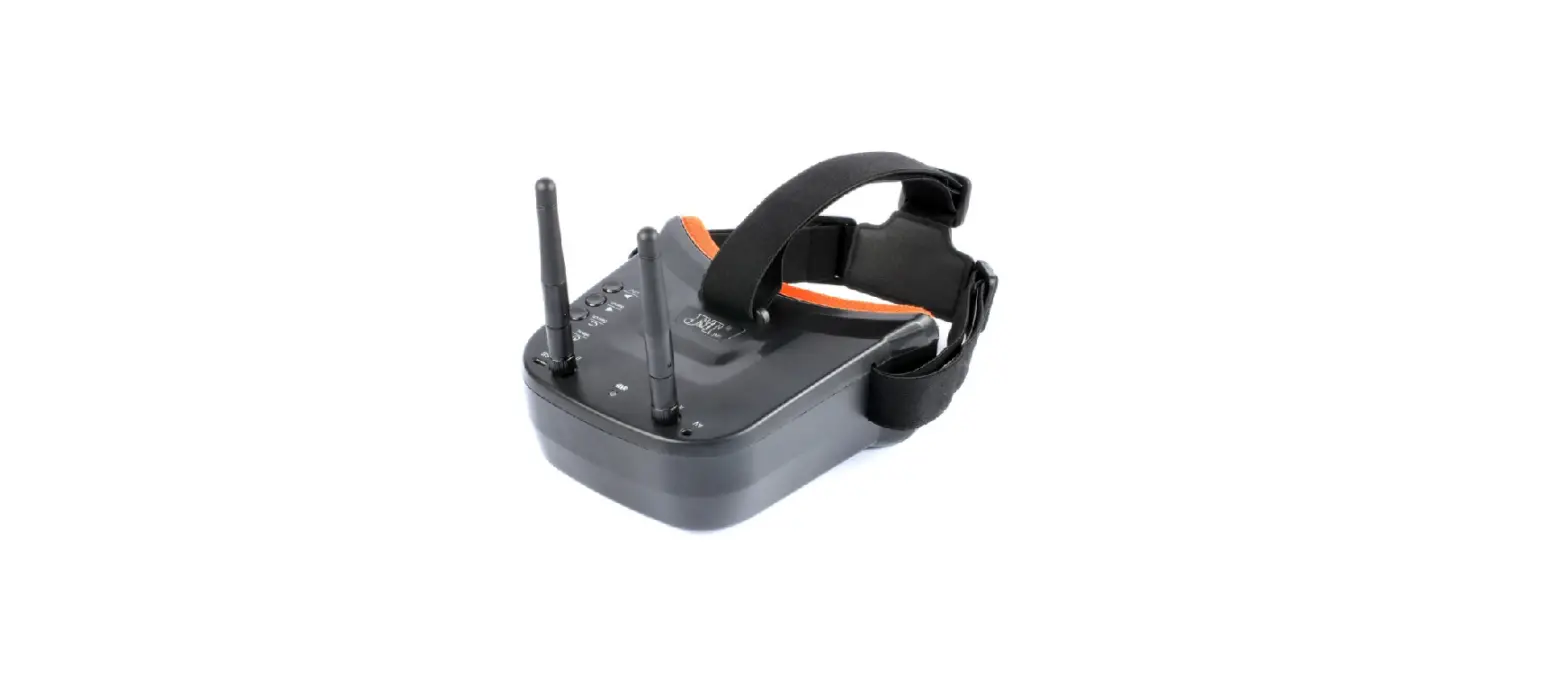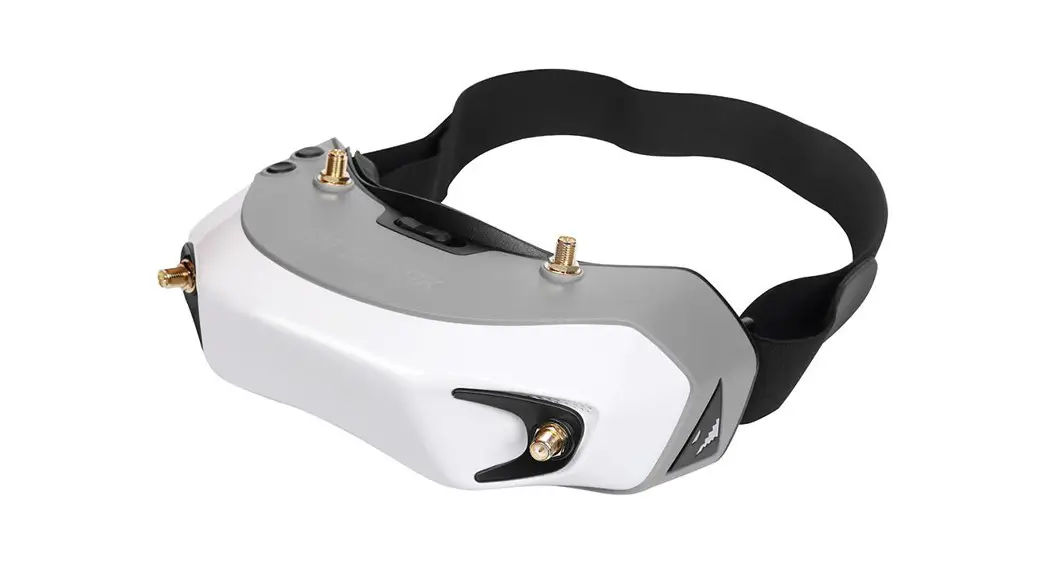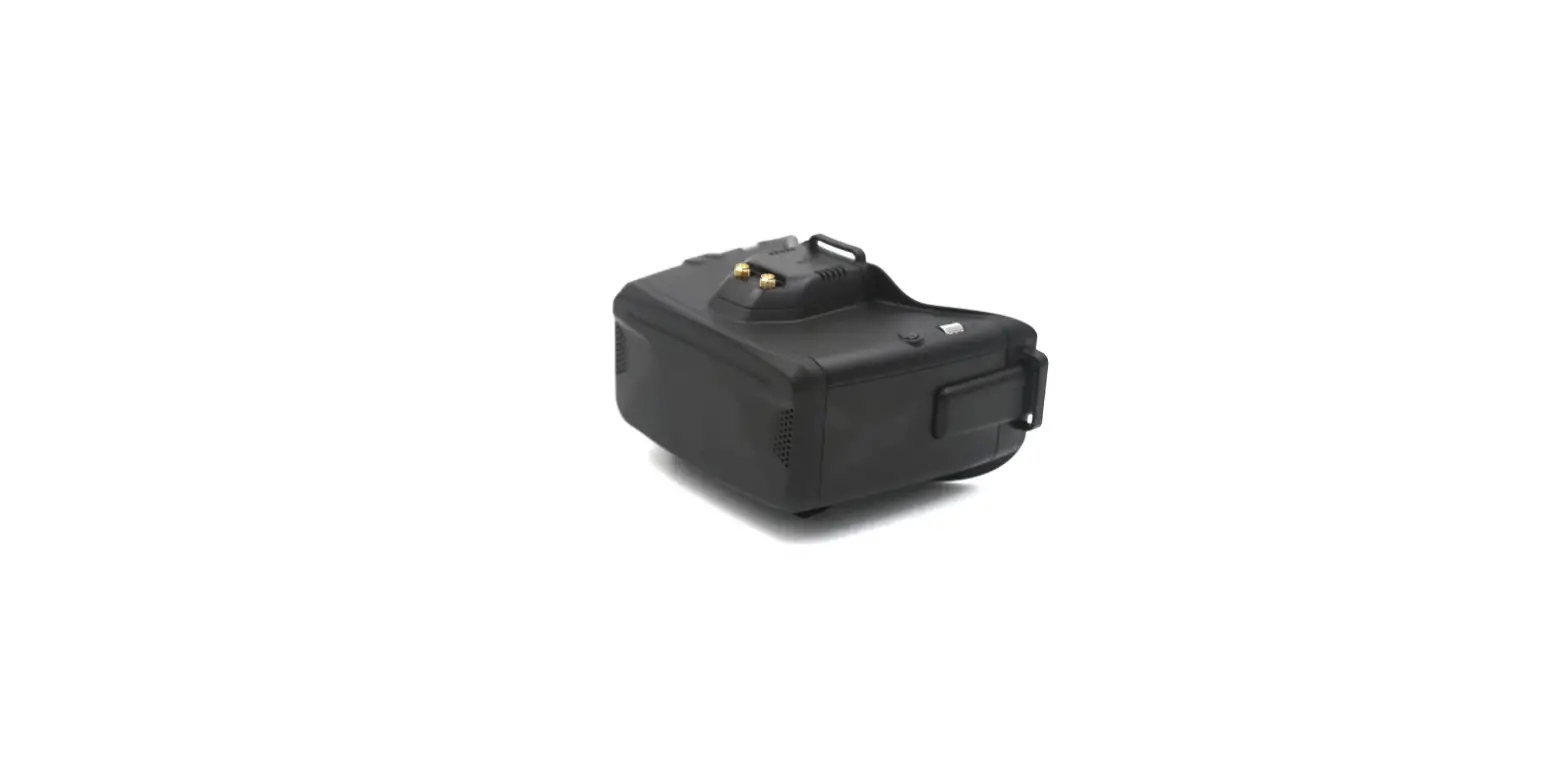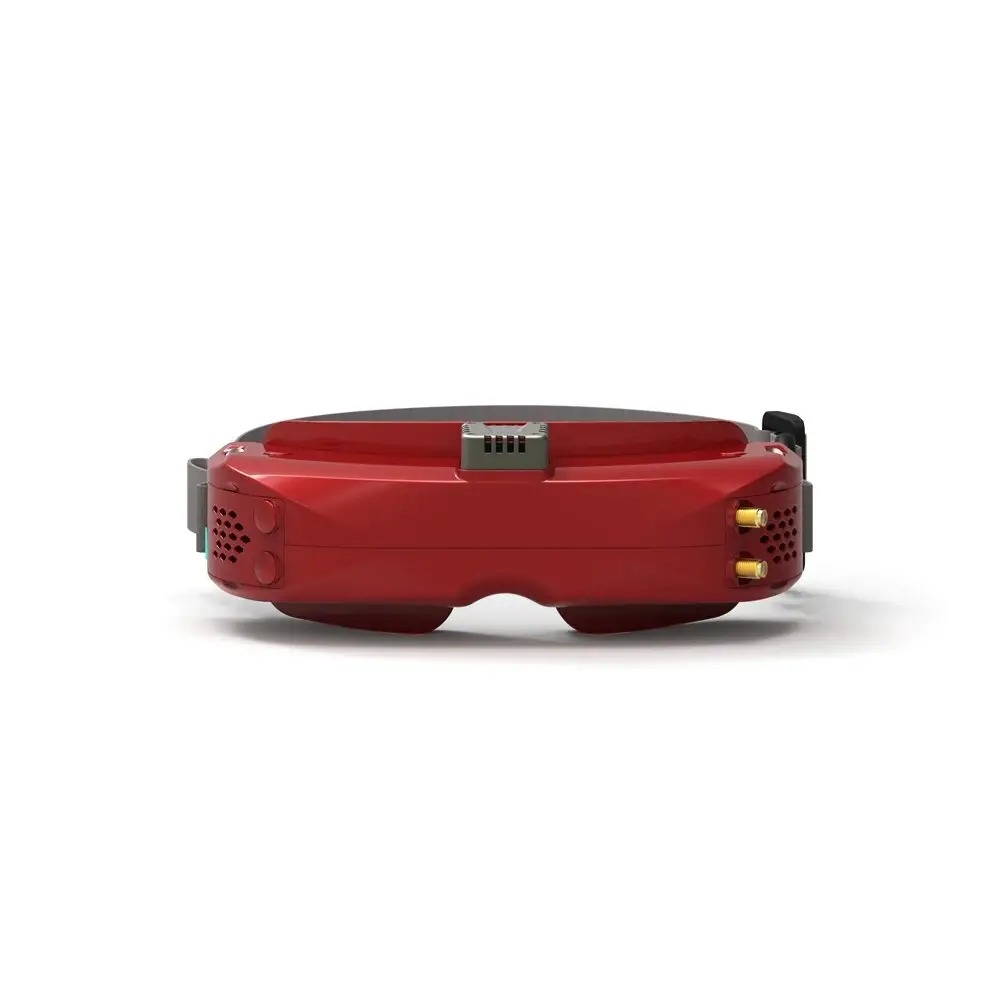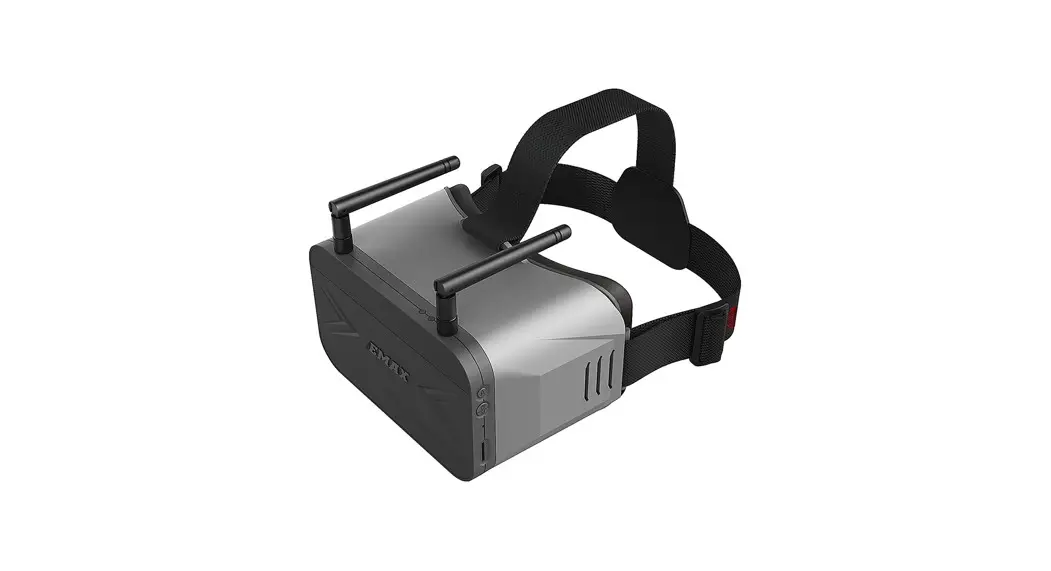
 EMAX TRANSPORTER 2
(WITH DVR) 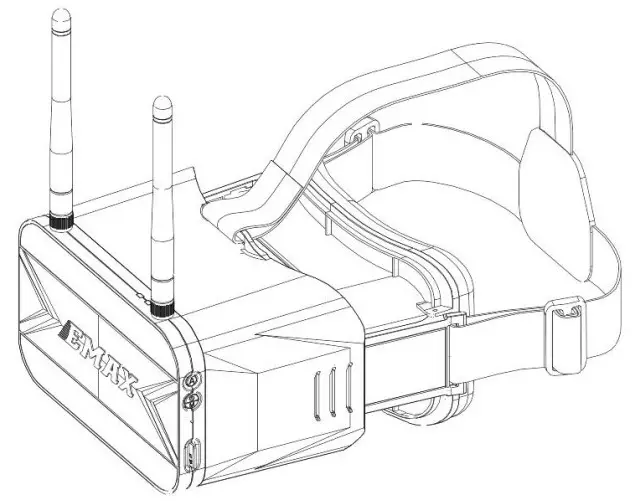
Thanks for purchasing EMAX
www.emaxmodel.com
www.emax-usa.com
Please follow the instruction manual to assemble and configure your product.
Disclaimer
Please read the disclaimer carefully before using this product. By using this product, you hereby agree to this disclaimer and signify that you have read them carefully and completely. This product is not suitable for people under the age of 18.
This product is a flying goggle specially designed for FPV flight. You can view the camera picture in real-time from a first-person view. Dynamic images or changing light may make you feel dizzy, lose your balance, or cause other discomfort. .
Please read the instruction manual and warnings carefully. Before every flight, make sure the battery is fully charged and power connections are secure. DO NOT fly around crowds, children, animals, or objects.
EMAX ACCEPTS NO LIABILITY FOR DAMAGE(S) OR INJURIES INCURRED DIRECTLY OR INDIRECTLY FROM THE USE OF THIS PRODUCT.
Precautions
- Please follow the instructions to assemble and to operate this product in a proper way.
- Please avoid dropping or collision with the product.
- Extended use of this product may cause eye strain or physical discomfort.
- Please stop using this product immediately if you feel any discomfort during use.
- Do not use this product if you have physical or mental illness, dizziness, fatigue, or while under the influence of alcohol or drugs.
- Please operate in a safe area away from people according to local regulations.
- Do not modify or use other parts and accessories not approved for use by EMAX.
- Do not use this product in harsh environments (such as winds, rain, lightning, snow, etc.).
- Do not use this product in a strong electromagnetic environment.
Support
Please visit emax-usa.com or emaxmodel.com for any updates or support needs.
USER GUIDE
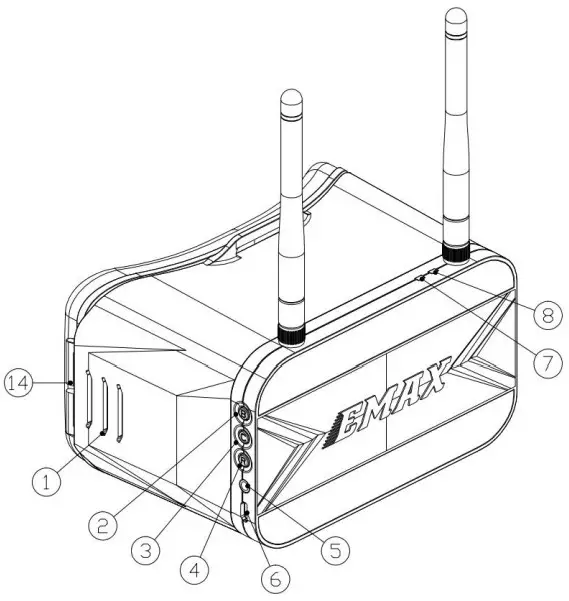
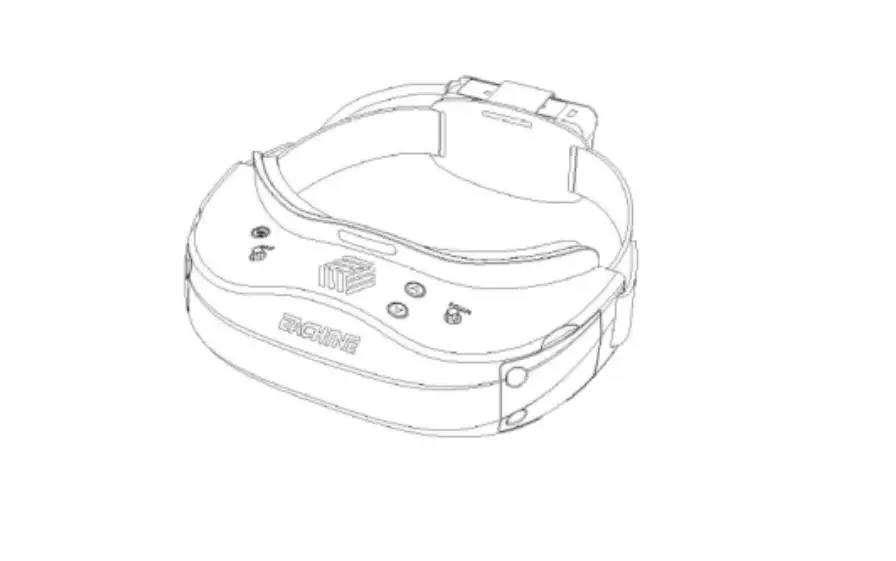
- IPD Eye Adjustment
- Band Button
- Channel Button
- Recording
- Audio
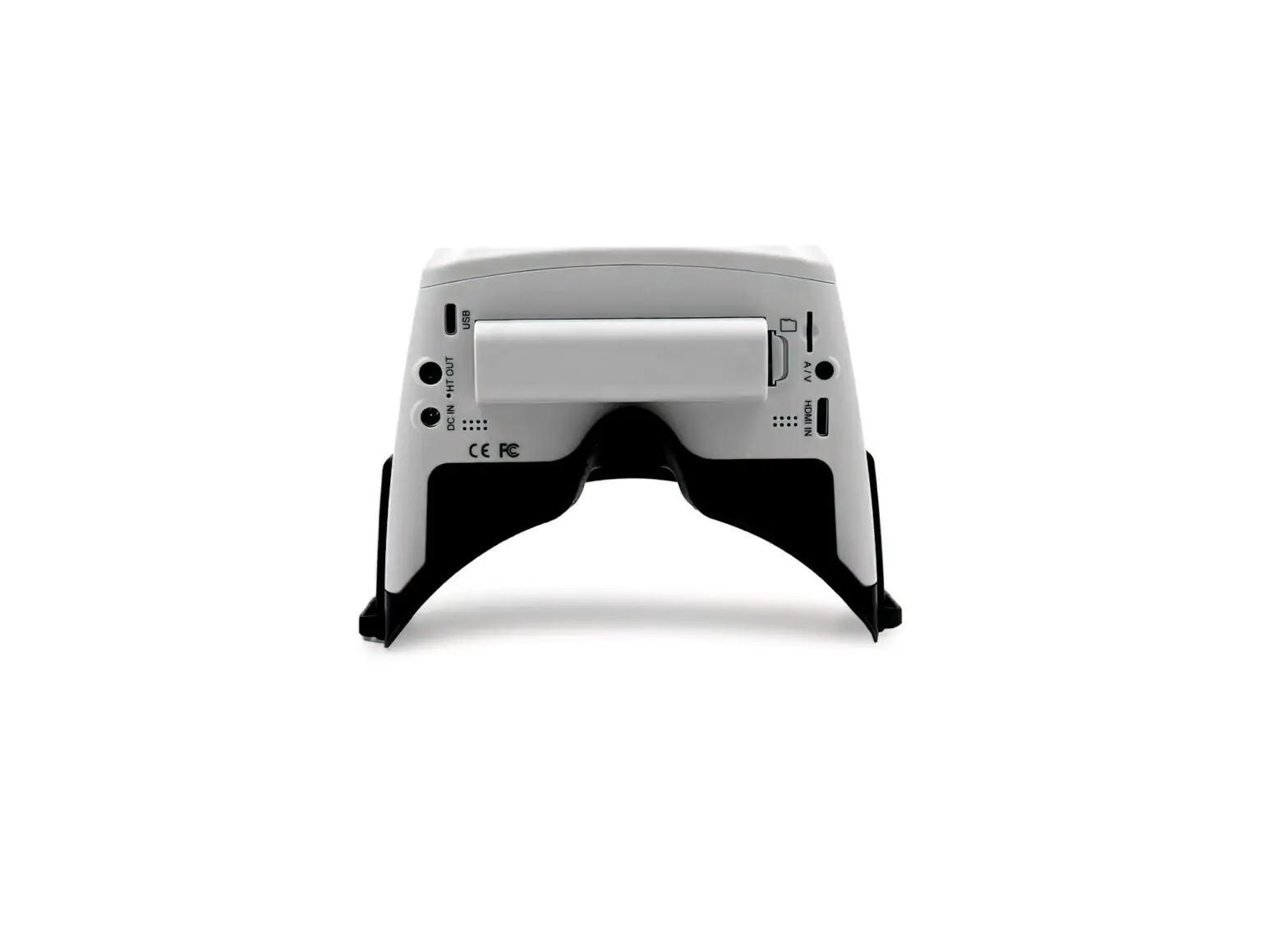
- Micro USB
- Recording indicator
- Charger indicator

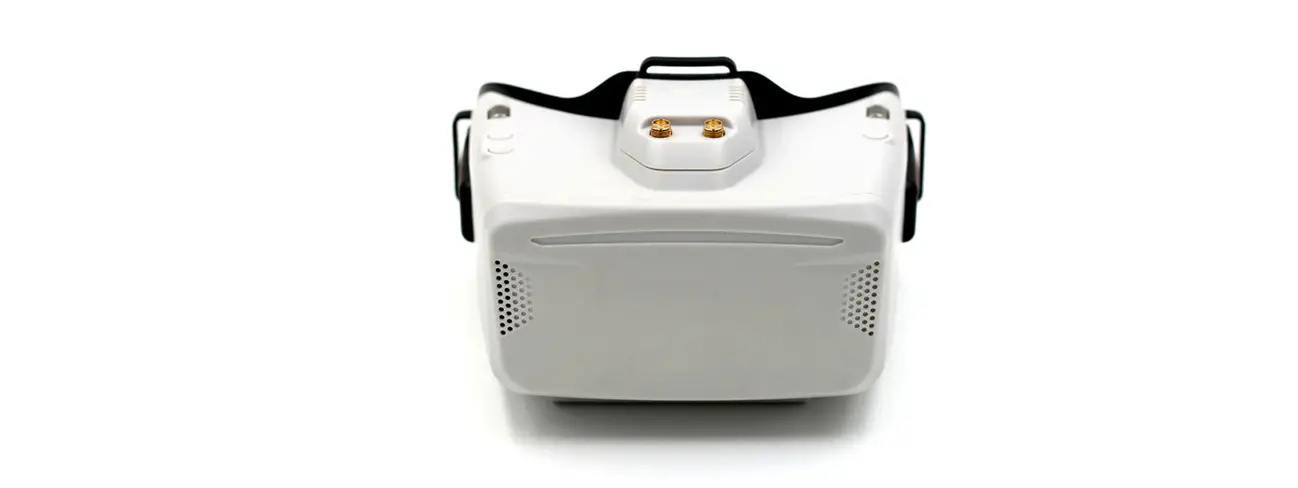
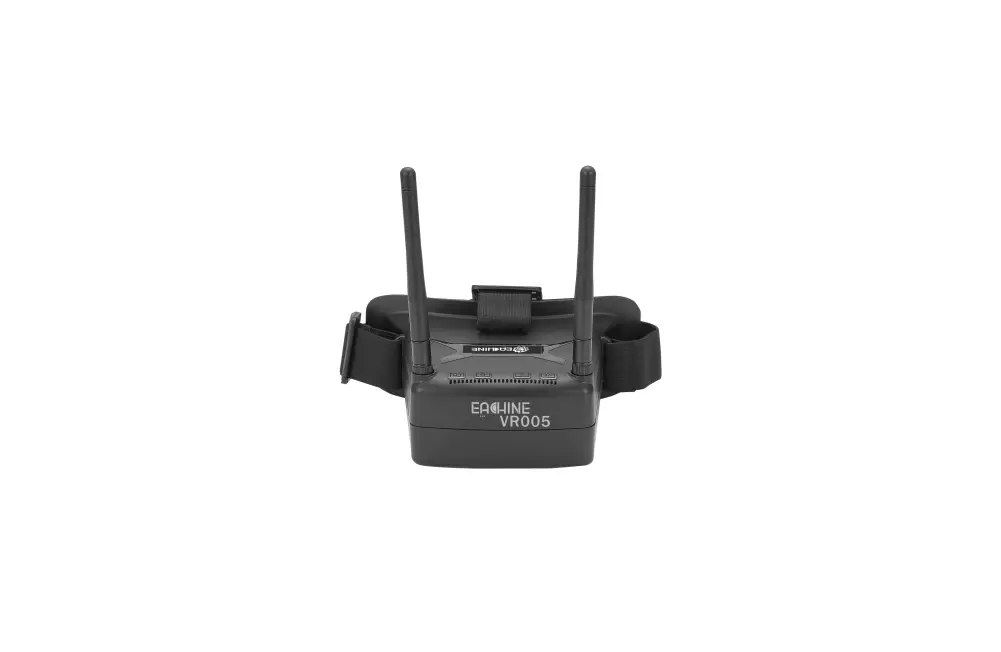
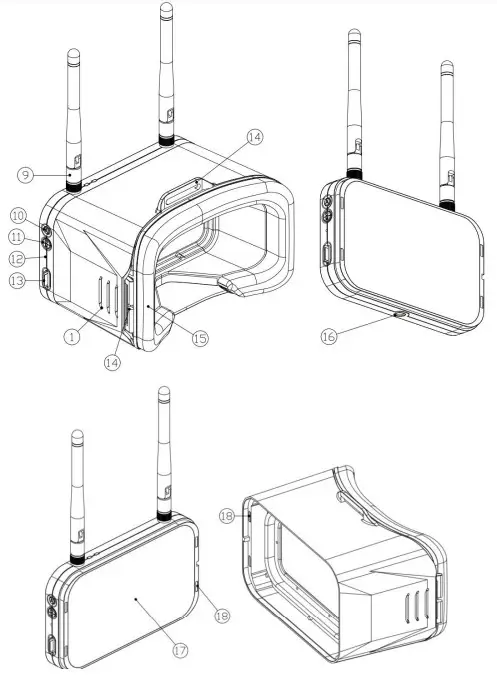
- Antenna
- Auto Scan Key
- Menu key
(Click to enter the menu, press and hold for 2 seconds to power on/off) - Reset
- SD slot
- Headband slot
- Sponge
- Tripod Mount
- Display
- Magnet
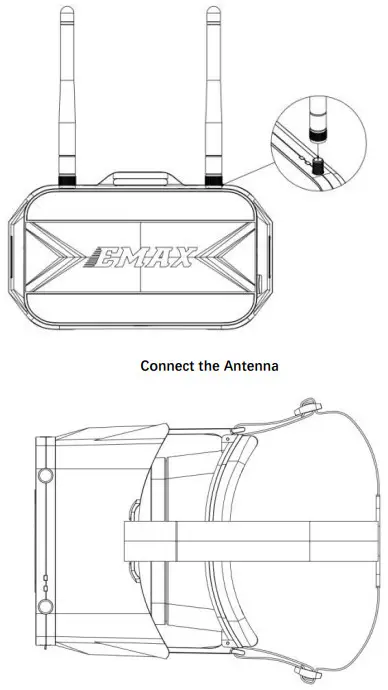
Assemble

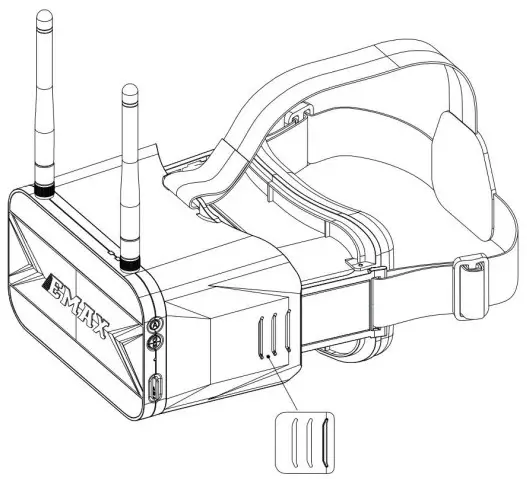
3 Adjust eye distance to a comfortable position; make sure both sides of the slider are equal in length.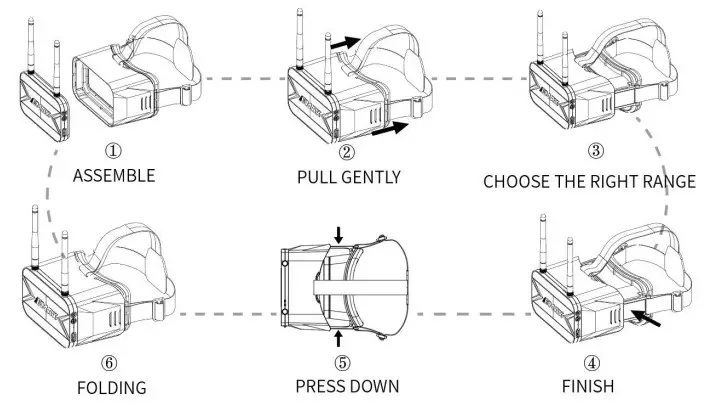
 on/of & Menu key: Click to enter the menu, press and hold for 2 seconds to power on/off (In menu mode, short press to scroll options; when entering other modes, short press this key to return/exit)
 Band selection button: Click to select the A/B/E/F/R/H frequency bands.
(In the menu mode, the key is “confirm” or “+”. For example, select the “DVR” option in the menu, and briefly press B to enter the “DVR” mode. At this time, press B or C to select the video, press R to play, B to adjust the forward playback speed, and C to adjust the reverse playback speed.)
 Frequency channel button: Used as the frequency channel button to select 1-8 frequency channels. (In the menu mode, the key is “-“. For example, select the “DVR” option in the menu, and briefly press B to enter the “DVR” mode. At this time, press B or C to select the video, press R to play, B to adjust the forward playback speed, and C to adjust the reverse playback speed.)
 Record button: Click to start recording, click it again to stop. In DVR mode, play/pause (After a short press to start recording, a red dot appears on the screen to start recording. At the same time, the red light is on and the red LED starts flashing after about 10 seconds)
 Auto Scan Button: Click to automatically select the correct channel and frequency, press and hold for 1.5 seconds to switch to AV mode,In DVR mode, delete the current file.
 Record indicator (DVR working status)
(The indicator light is red when the battery is charging. The indicator light will turn green when charging is complete)
 Audi :Audio input/output
 Micro USB : DC/5V-1A charge
 Reset
Reset SD slot
Product specification
| Goggles | |
| Weight (with headband and Antenna) | 398g |
| Maximum appearance size (Without Antenna and folding state | L*W*H= 155 mm * 100 mm * 90 mm |
| Display size | 4.3inch |
| Resolution | 480×800 |
| Frequency | 5658-5945MHz(40CH) |
| Antenna | 2* 3dB |
| DVR | Max 32 TF(Please use C10 or higher speed card), Compression format MJPEG, file format AVI Video size: VGA/D1/HD (three modes optional); recording time: off/3 mins/5 mins/10 mins (optional) |
| Battery | 1 cell 1300mAh lipo battery |
| Charger | Support 5V/1A USB |
Turn video on/off
Click the R button on the right when DVR is on, the red indicator is on at the top middle of the displays, DVR red LED indicator is on. When the red dot and LED are flashing, it’s ready to record
To stop recording, click the R button during recording then the red indicator and DVR red LED will turn off.
Video Channel Selection
Video Channel Auto Scanning: Press the “A” button on the right side to start the auto scan process when power is on.
(Caution: Auto Scanning may mix select a channel close to your correct channel. Please adjust to the correct channel before flight.)
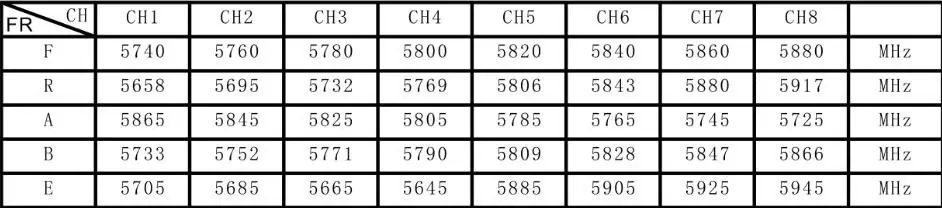
2. Manual Selection: There are 2 buttons (CH and FR) that can manually select the correct channel and frequency band. The table below shows the channel and frequency band map with the respective frequency number.
Channel
About disposal of the product:
Please follow the local residential waste disposal rules when this product (main case/display module, display module built-in battery) is discarded.
Warning: Please pay attention to your surroundings. Avoid flying for extended periods of time. Not Recommended for persons under 18 years of age.
Please visit www.emax-usa.com www.emaxmodel.com for any updates or support needs.
 Thanks for choosing EMAX products!
 Emax Racing Drones - The Leader In FPV Drones
 Emaxmodel.com-R/C Store
 Emax Racing Drones - The Leader In FPV Drones
 Emaxmodel.com-R/C Store