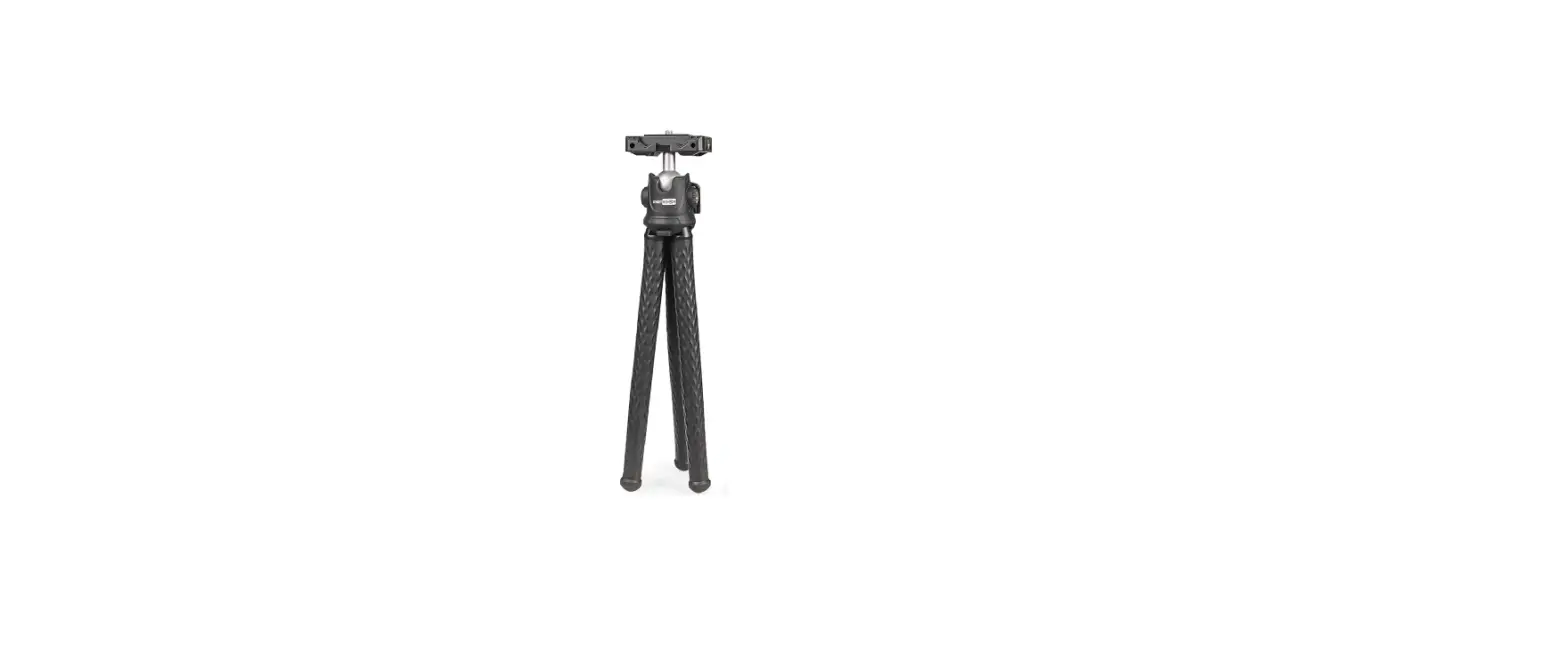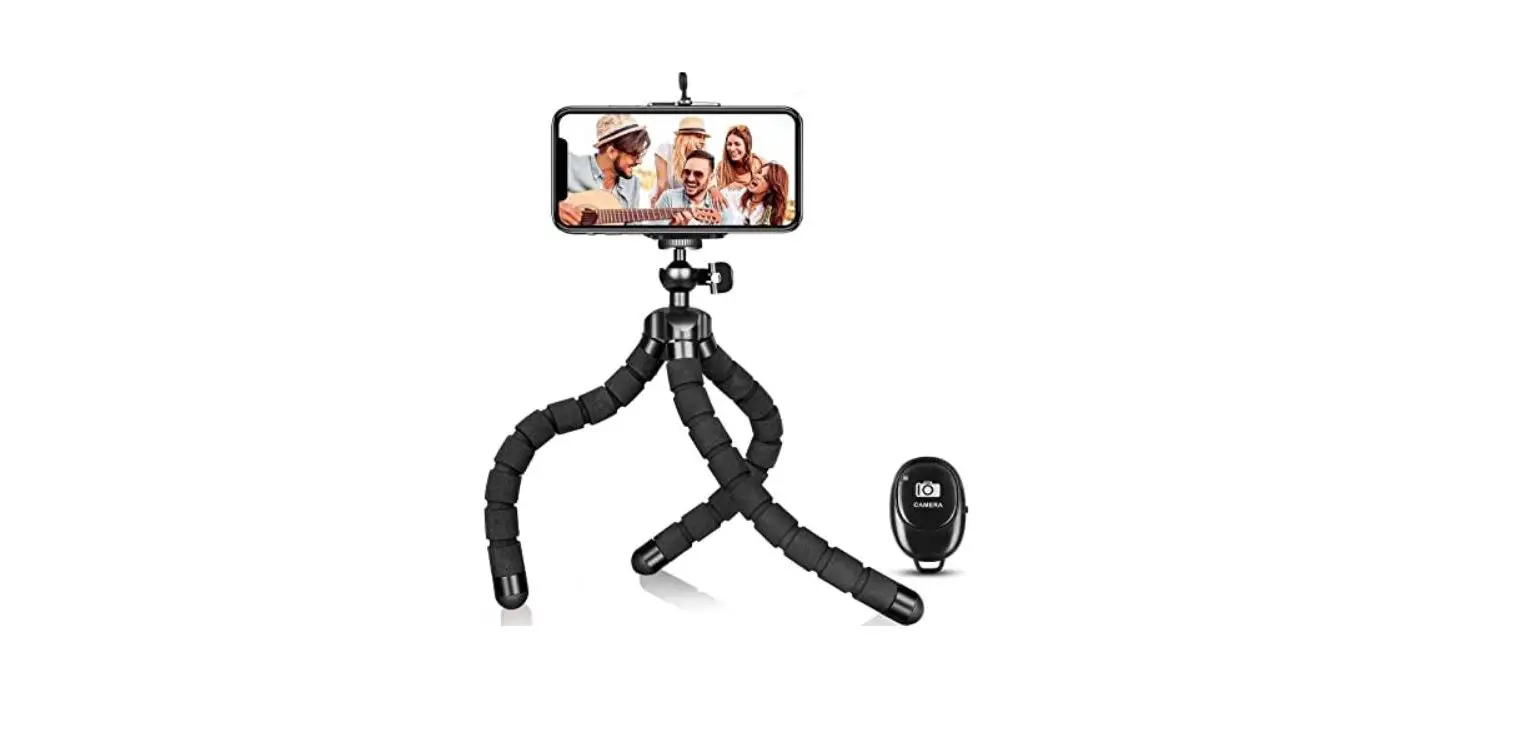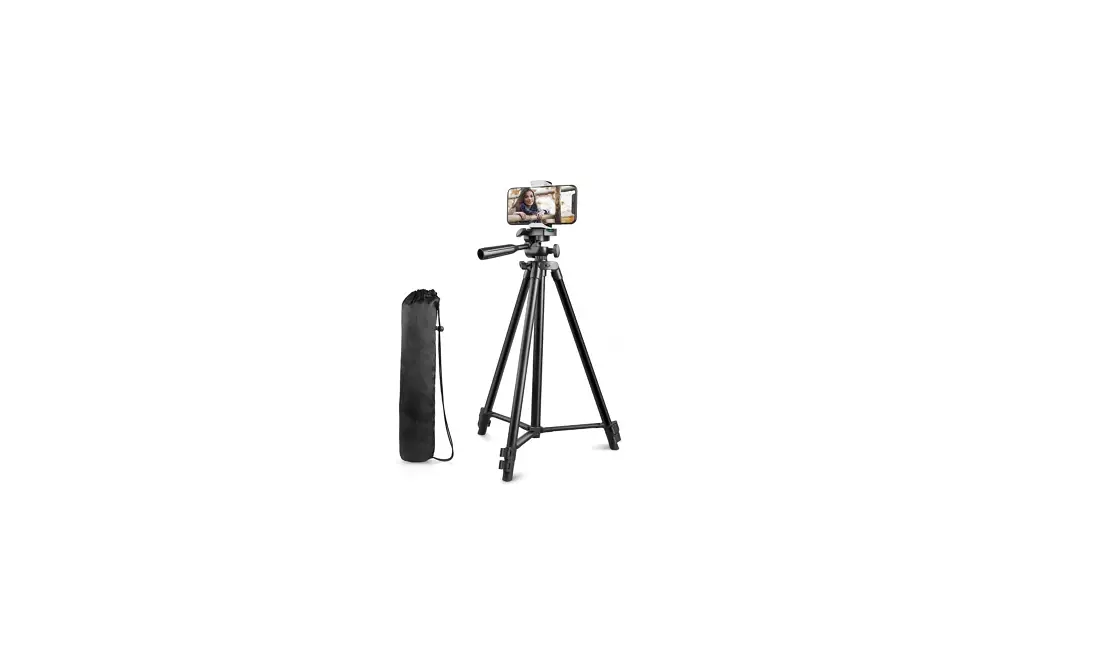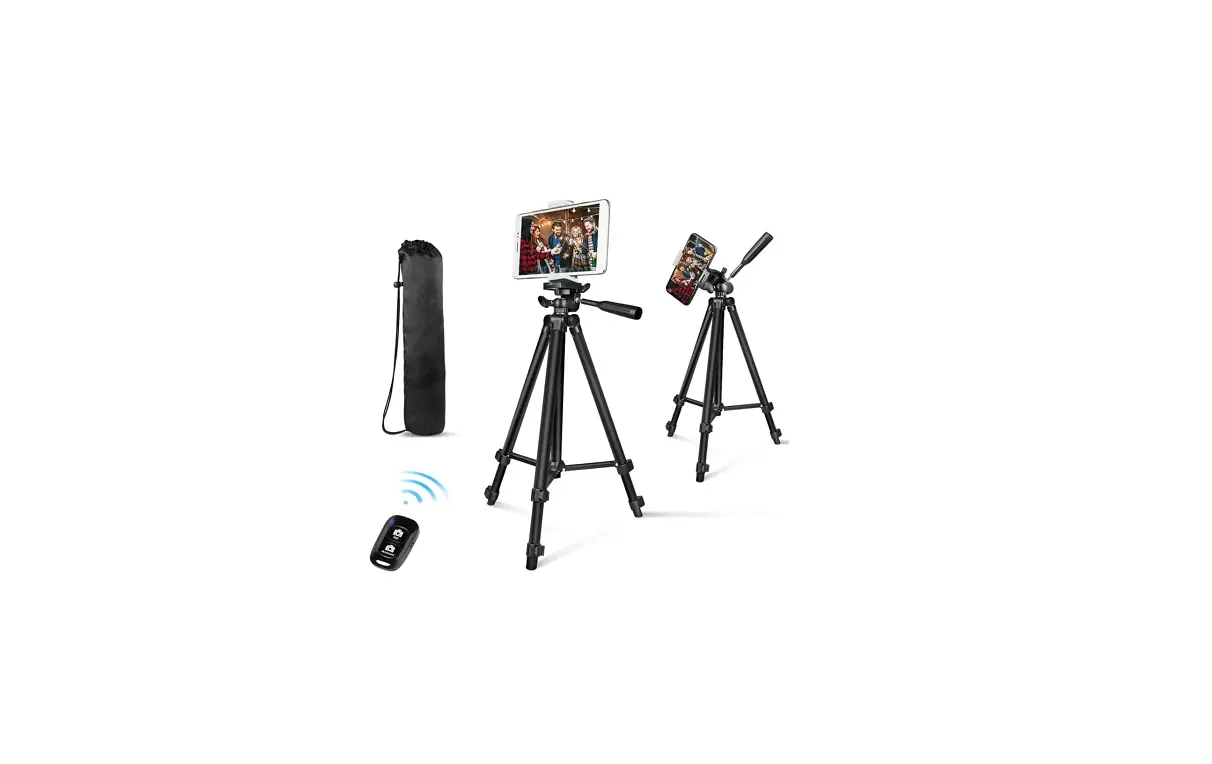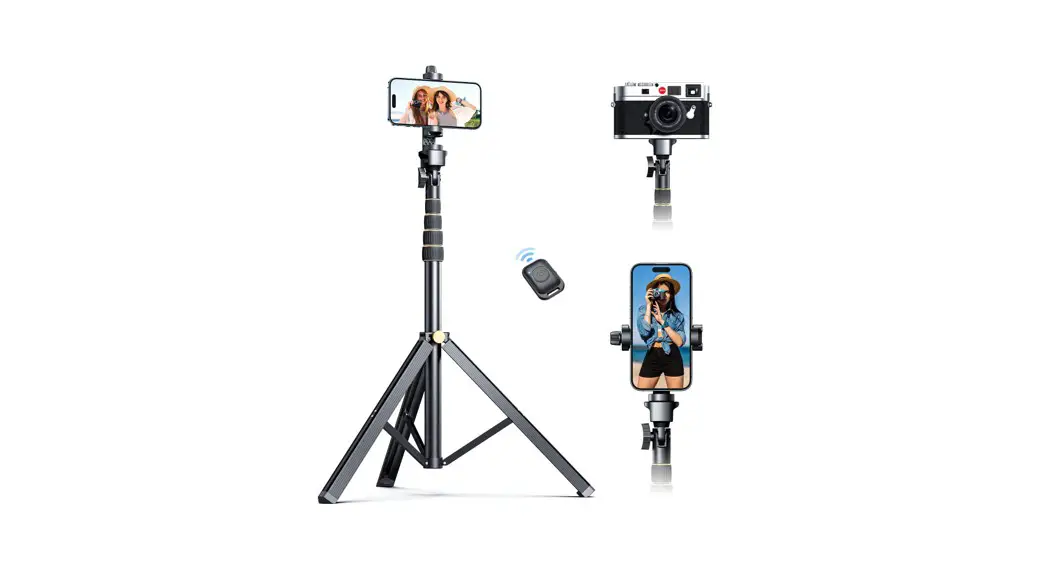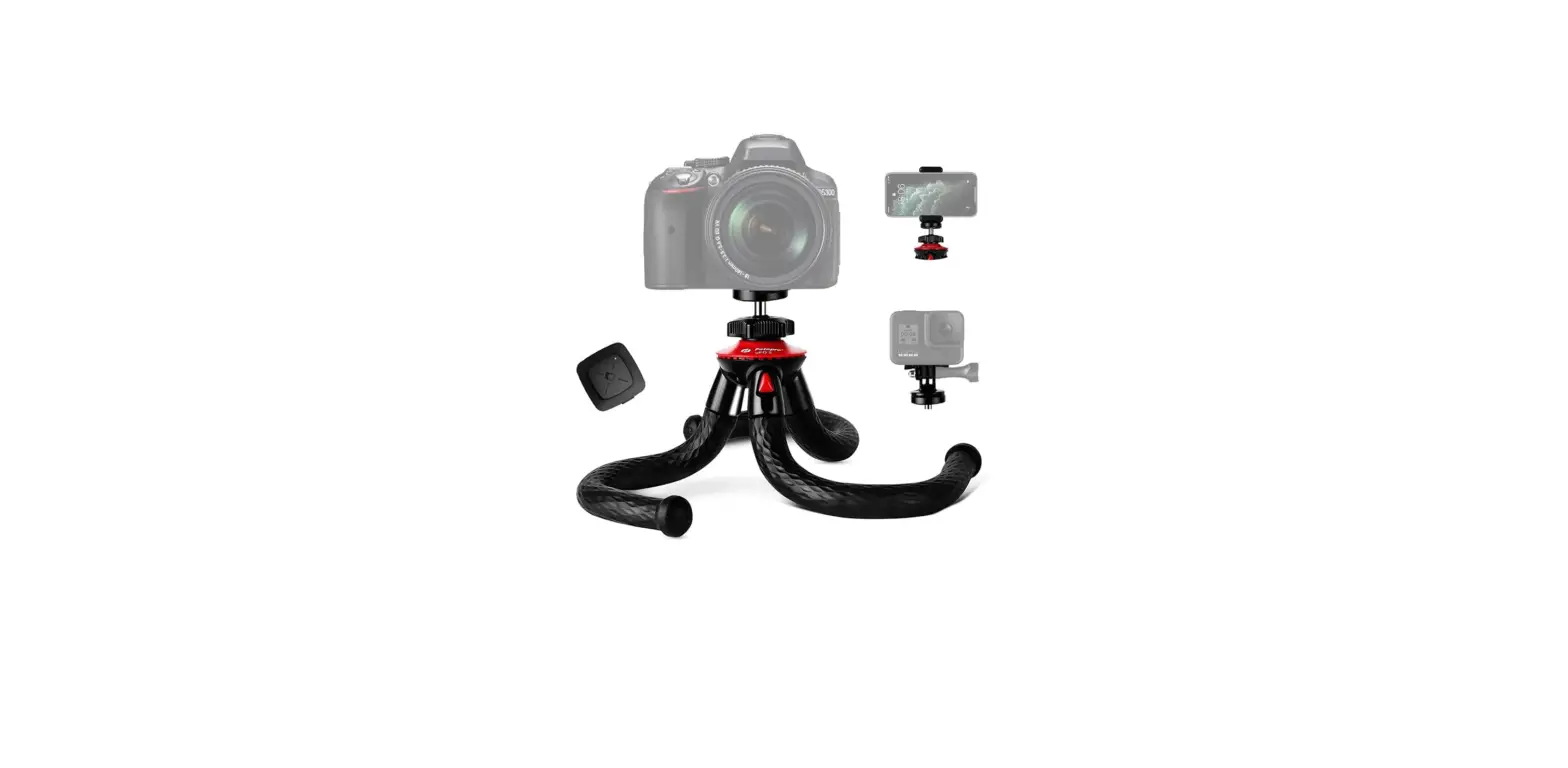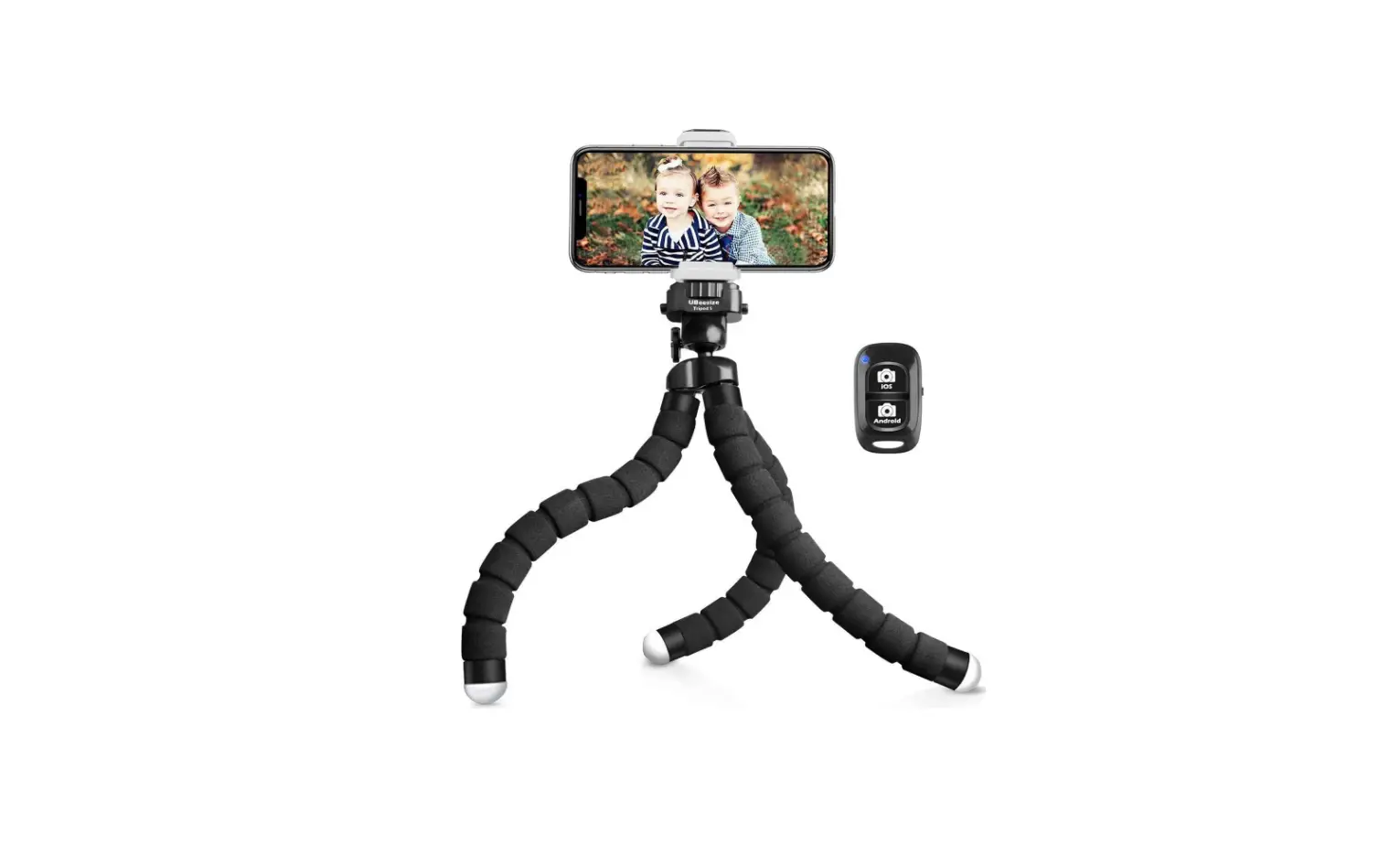

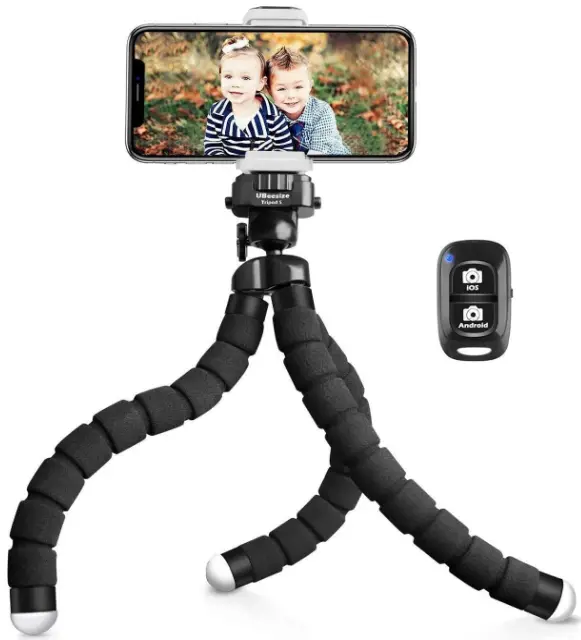
Practical Use Scenarios
THINGS YOU CAN DO WITH THIS TRIPOD
- Video calls
- Taking selfies
- Taking family photos
- Filming artworks

- Vlogging
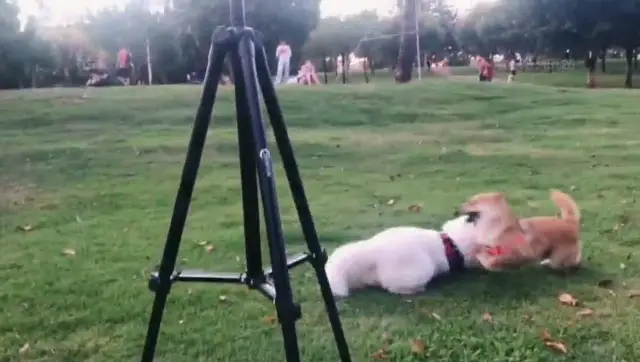
- Capturing wild animals
- Taking group photos
- Filming growing diary
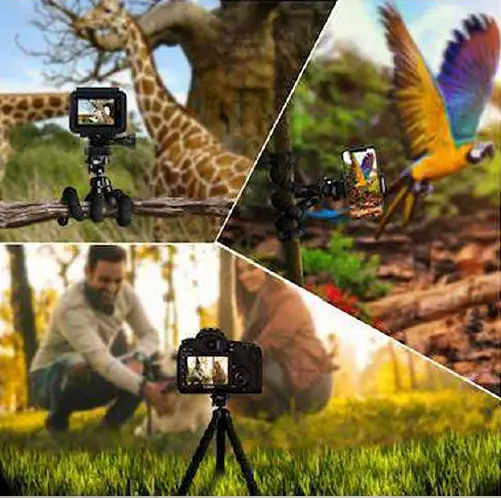
Wonderful ideas for using this tripod
CONTRIBUTED BY OUR DEAR CUSTOMERS
Filming car videos
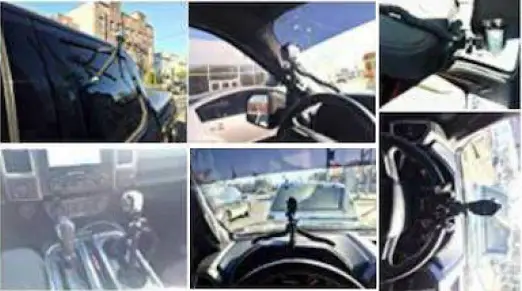
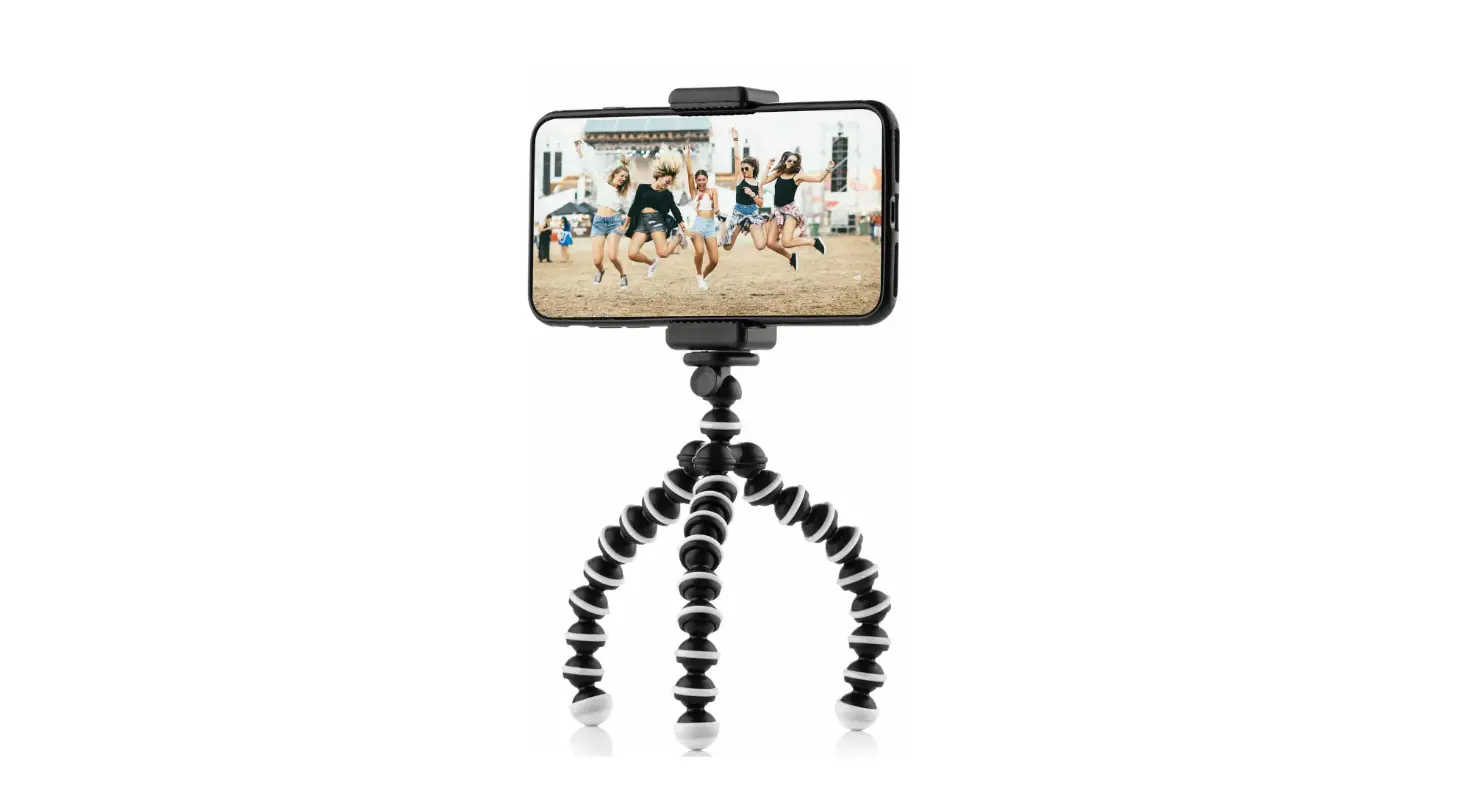
Guys, I hate advertising fake reviews but this product is one of the best you can buy for this really cheap price I’m doing car videos before I carry a bunch of suction stands or other garbage high price stands now only this amazing tripod I’m set Good thing its soft arms so you can use anywhere.
Holding small things for you
The legs are super strong. You bend them how you want them and they stay in position. Super portable, and fits in my bookbag with no problem. I use this to hold my 7″ FPV monitor when I’m flying drones. I haven’t used it for my phone get but I’m sure it works well. I had one small issue where I did something wrong and messed up the piece with the tripod mount screw. The company asked no questions and sent out a new unit. I would recommend this to a friend.
Taking nice pictures.the easiest way
It was exactly what I was looking for. I ordered a second one for my little sister. I took it on my trip to Cancun, Mexico. I was able to take really nice pictures with it.
Filming in the wild In this case, recording a proposal on a hike to his girlfriend
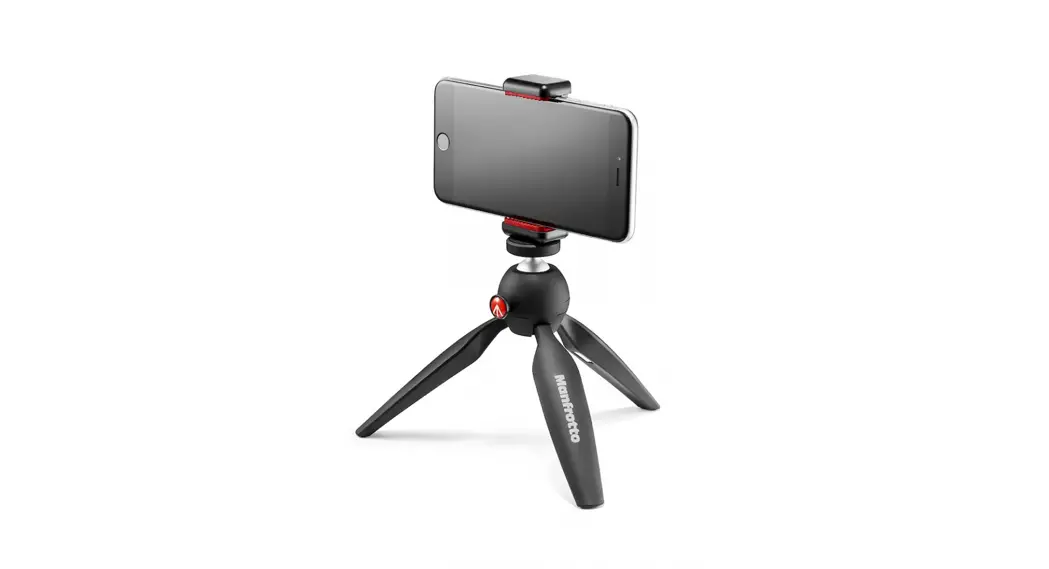
This is a great tripod. I needed a small backpacking size tripod to sneak a proposal on a hike with my girlfriend. It held my iPhone 7 Plus very well, and seems durable. The bendable legs work well on an uneven surface. It was perfect for the big moment.
Indoor/outdoor vlogging
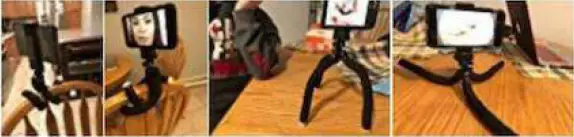
love it!! use my iPhone for vlogging and this has helped so much! t steady my camera, position it where I need it and can grab onto weird things. 10/10 would recommend it. Also, the Bluetooth button helps SO much.
In solo travel, WHO takes the pictures?
Used this on my most recent trip to Universal Orlando! I travel by myself so this helped me get photos for social medial
Approaching impossible angles to shoot
So I had been looking for a cell holder that would connect to my existing camera tripod. I made a very good choice from the many on the market, and I’m very pleased with my purchase. There are enough adapters to accomplish all your needs. I have a newer phone, so when I set it up to use the remote, it worked flawlessly. I think there’s an app for older phones. My #1 want was the cell phone holder. But the remote is awesome at #2. I didn’t think when I purchased it, I would be using the small tripod, but let me tell you, it’s great for taking photos very close to the ground. Very good value. And would purchase it again.
General Assemble Instructions
FOR DEVICES
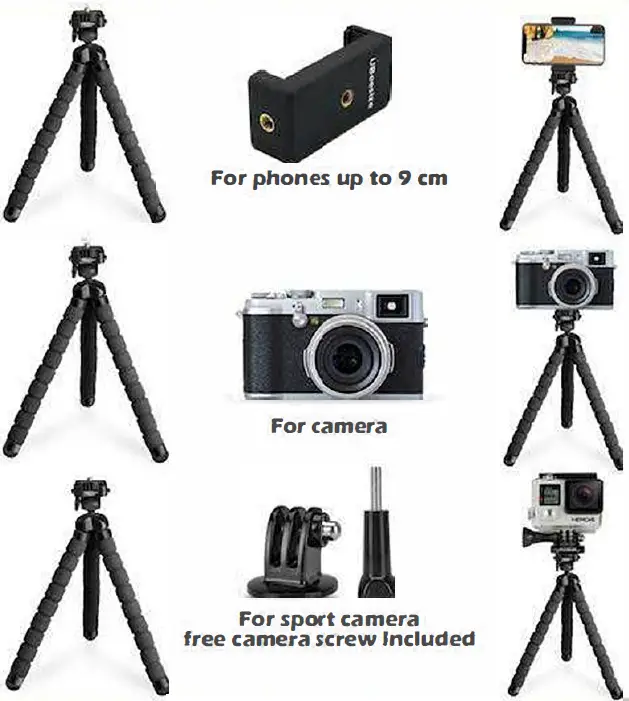
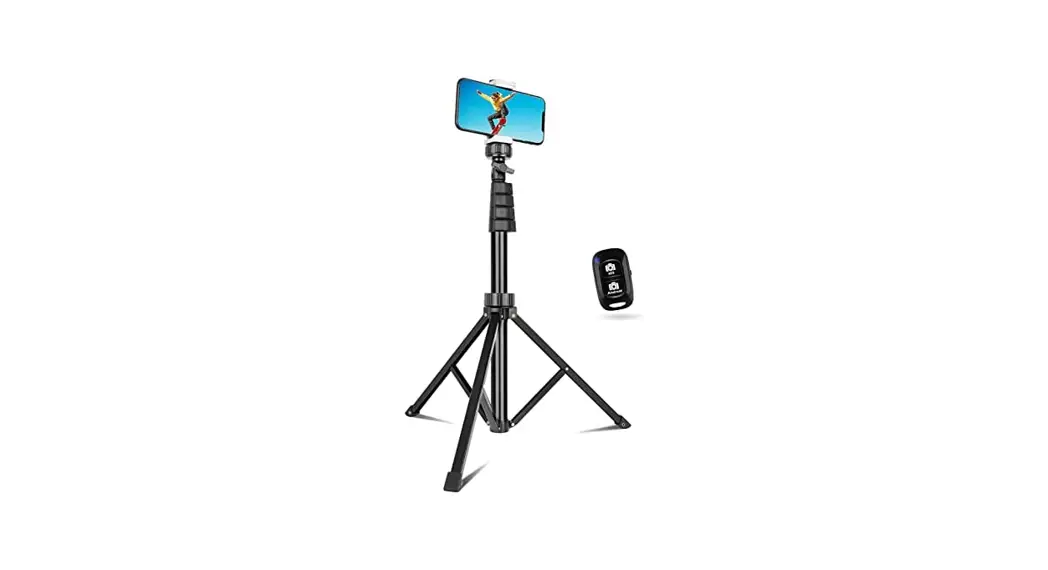
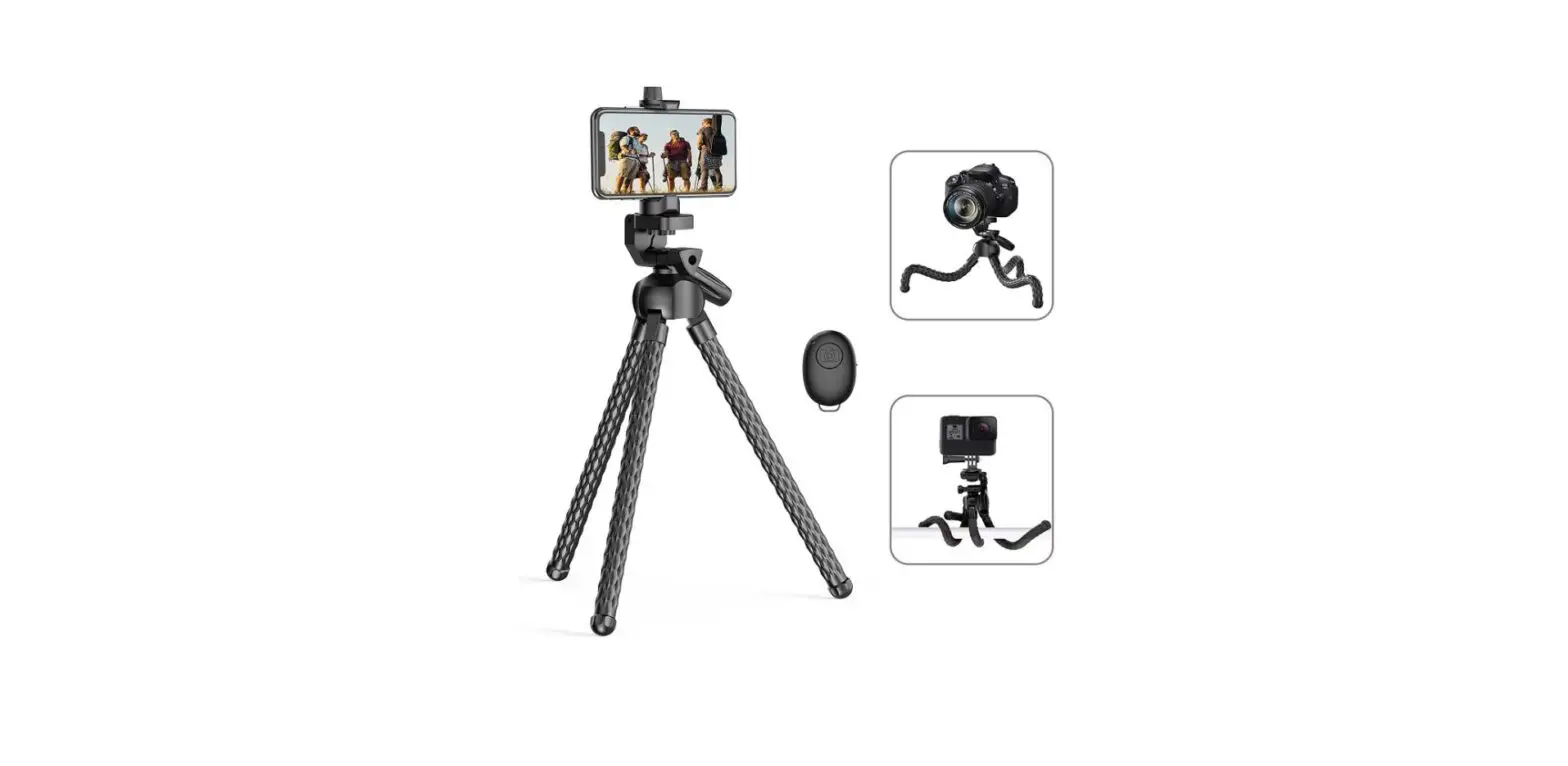
- For Phones, attach the phone mount to the tripod.
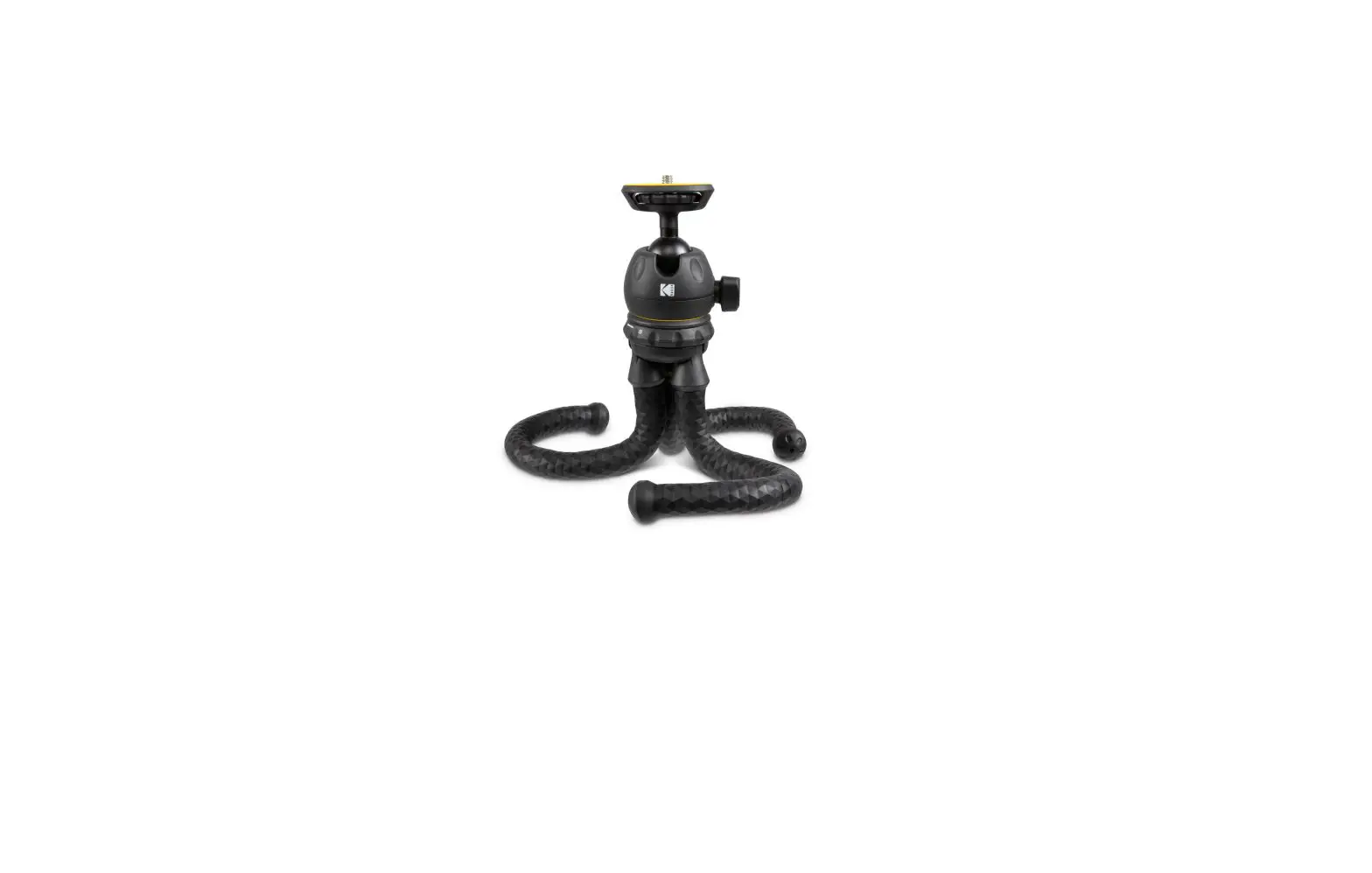
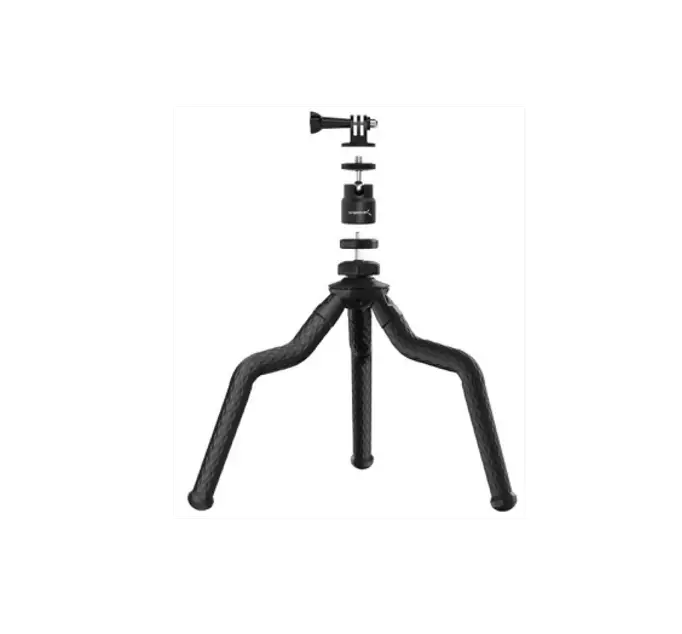
- For cameras with a standard 1/4 screw interface, attach the camera directly to the tripod head.
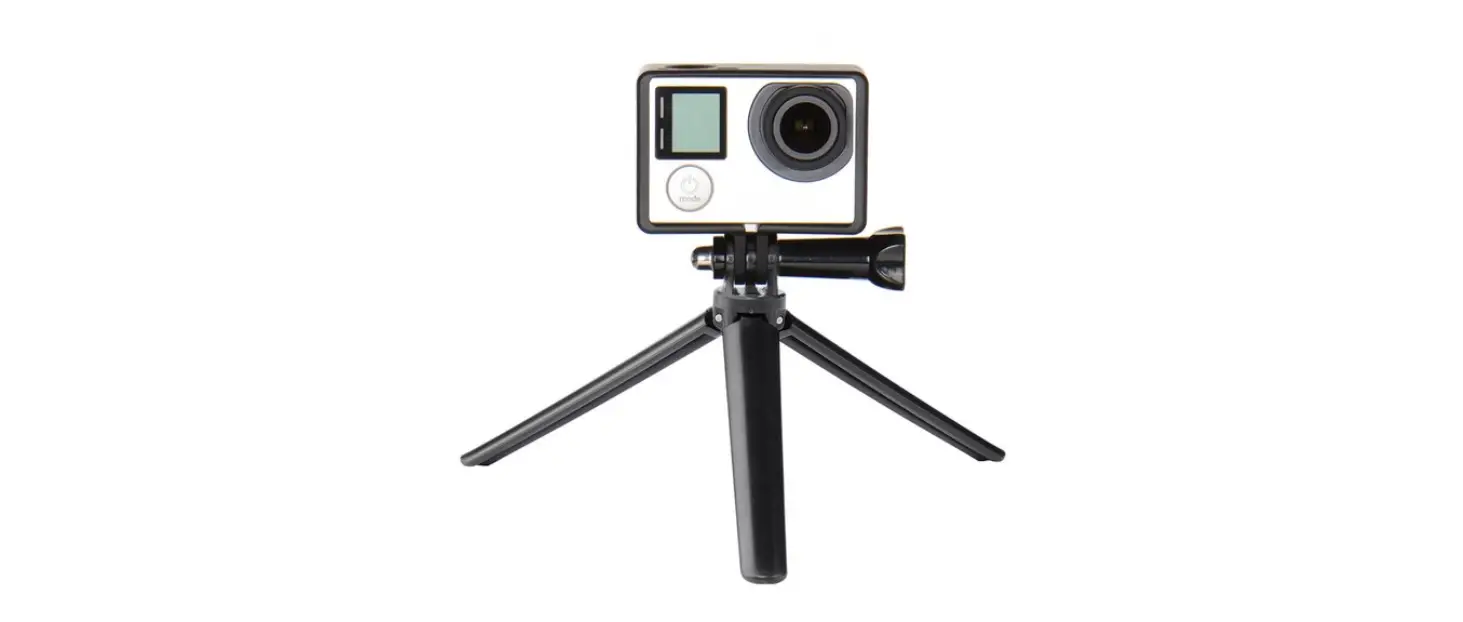
- For sports cameras like GoPro, use the included two adapters.
The Lock Mechanism
TO REMOVE DEVICES EASILY
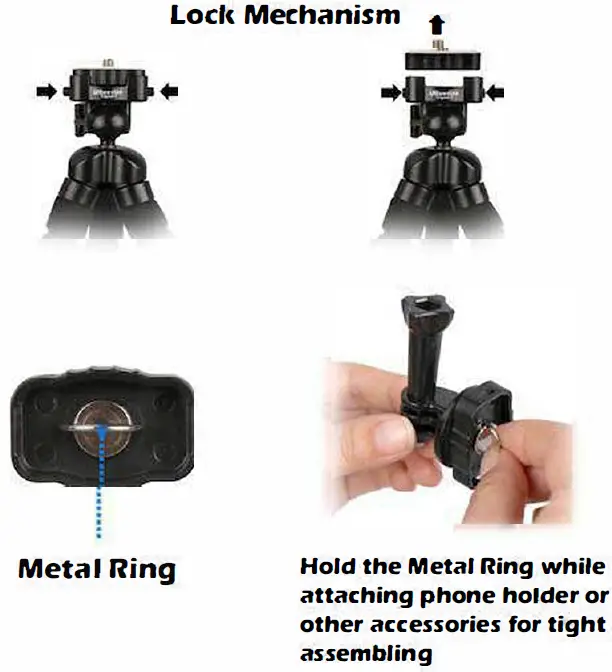
- Push and release the tripod head plate.
- Hold the metal ring while attaching the phone clip or other accessories.
- Push and lock the plate back on. Now it’s ready!
How to make the portrait orientation
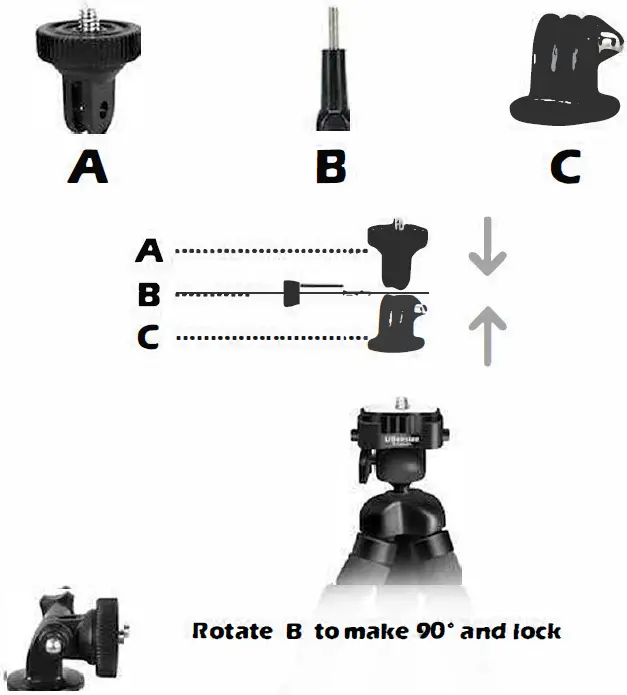
WITH THE ATTACHED PIECES
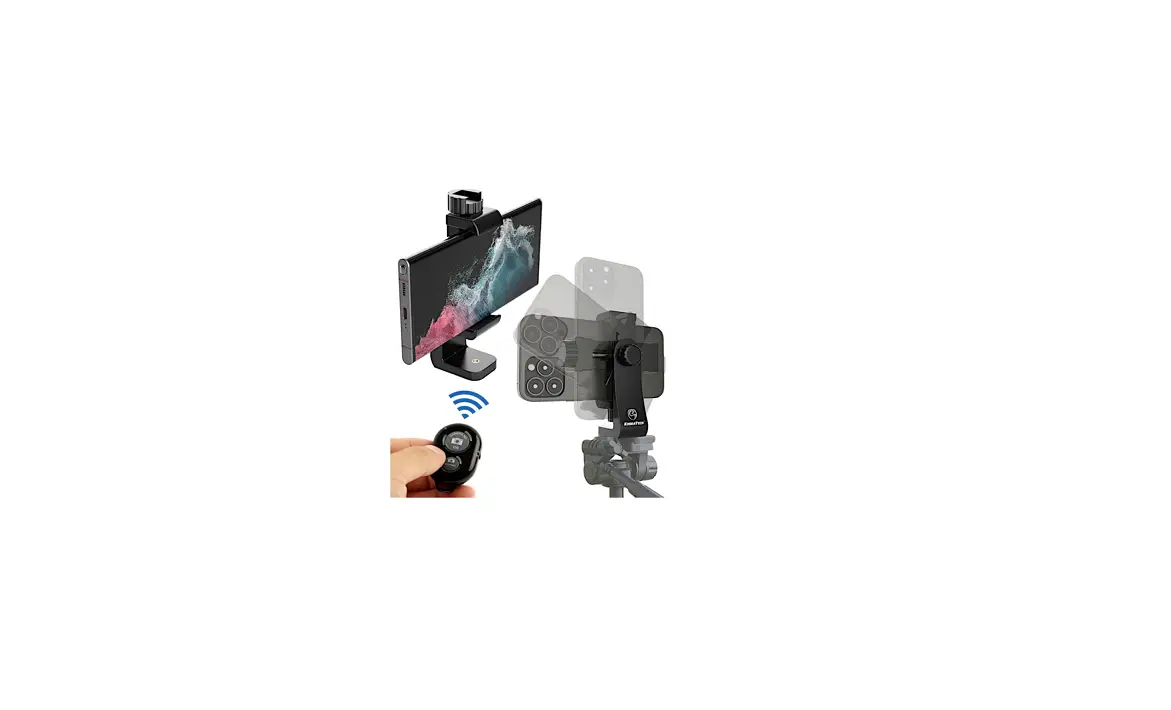
- Take accessories A, B, and C out of the box.
- Assemble them as shown in the right picture.
- Then you can rotate and lock B to make any angle you want.
How to use the Bluetooth remote
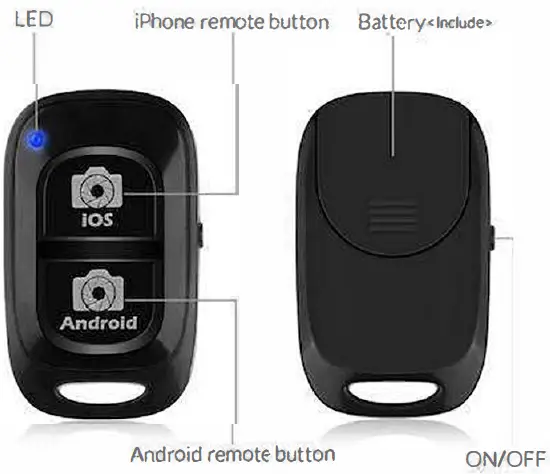
FOR IOS AND ANDROID DEVICES (The Bluetooth remote’s appearance may vary)
- Turn the remote on with the power button located at the side. The blue LED will flicker.
- Turn on your phone’s Bluetooth setting and connect to device 11AB Shutter3″ in the available devices list. The blue light will stop flickering once it’s connected.
FAQ’s
Yes, you can. To make a video with the remote, first, toggle the power button on (located at the side) and pair the remote with your cell phone (device -Shutter 3), then switch your camera app into video mode, that way you can start video recording by just clicking the button, click again to stop video recording.
If you want the replace the battery, you can search and buy a cr2032 3v lithium battery.
Yes, please attach the accessories included in the box, assemble them following the instructions, then you can rotate the phone holder to make it face downwards.
Yes, please attach the accessories included in the box, assemble them following instructions, then you can rotate the phone holder in portrait mode.
Yes, you can, as long as the tripod has a standard 1/4 screw mount interface.
Yes, the phone holder is spring-loaded and expands up to 3.75″, it fits all iPhones. And the remote can be paired with all iPhones and most Android smartphones.
The camera adapter you received with the package is for sports cameras like Go Pros. For other cameras like a digital camera that has a standard 1/4 screw, you can just attach it to the tripod, no adapter necessarily.
Please know UBeesize provides lifetime money back/replacement service for all products, if you have any questions that there is anything missing, broken, incorrect, or different from what you expected, please just contact us and we will try our best to resolve this for you in a timely.
Please watch the following video.
Please watch the following video.
Please watch the following video.