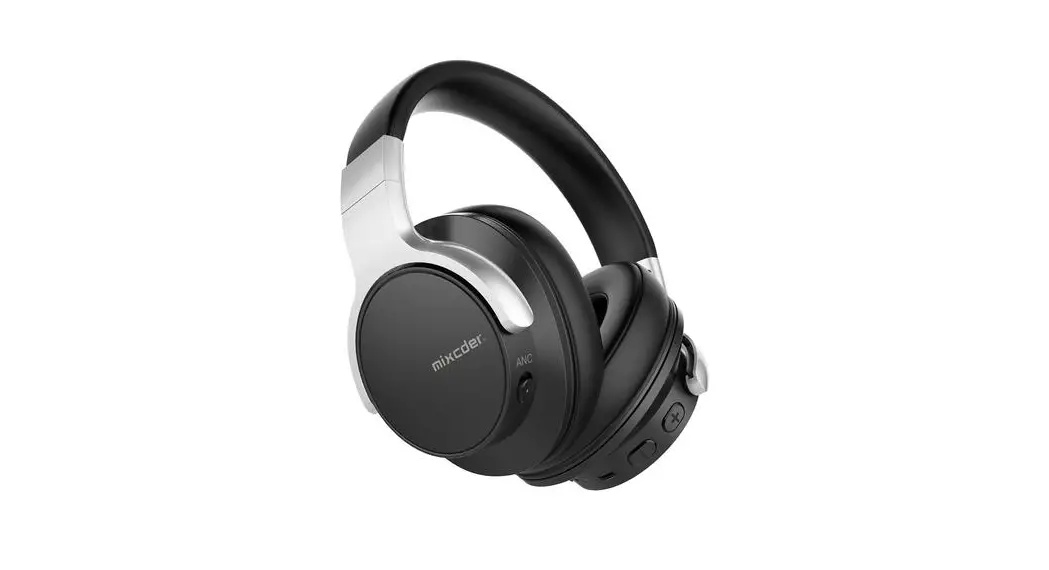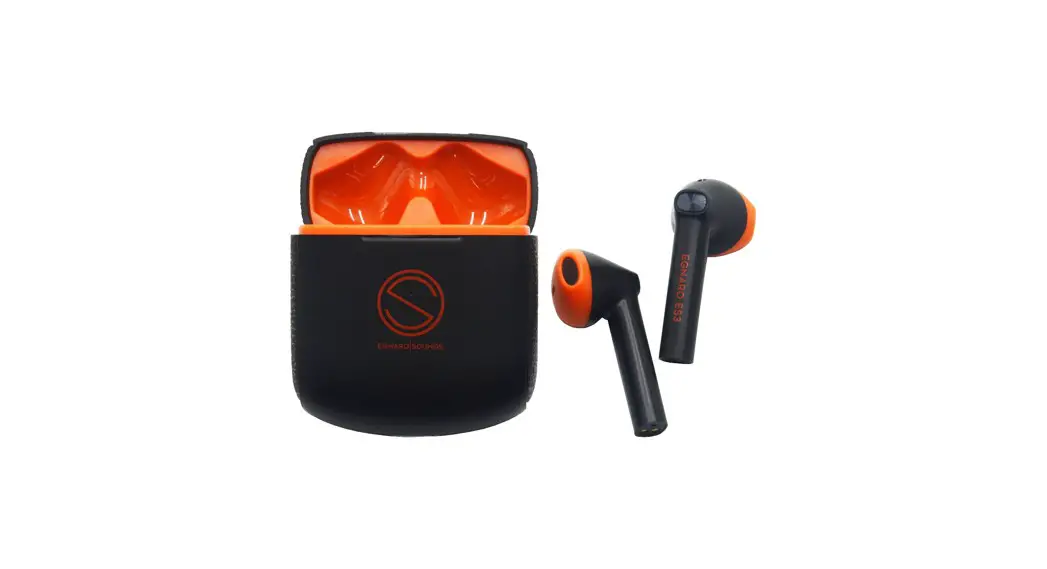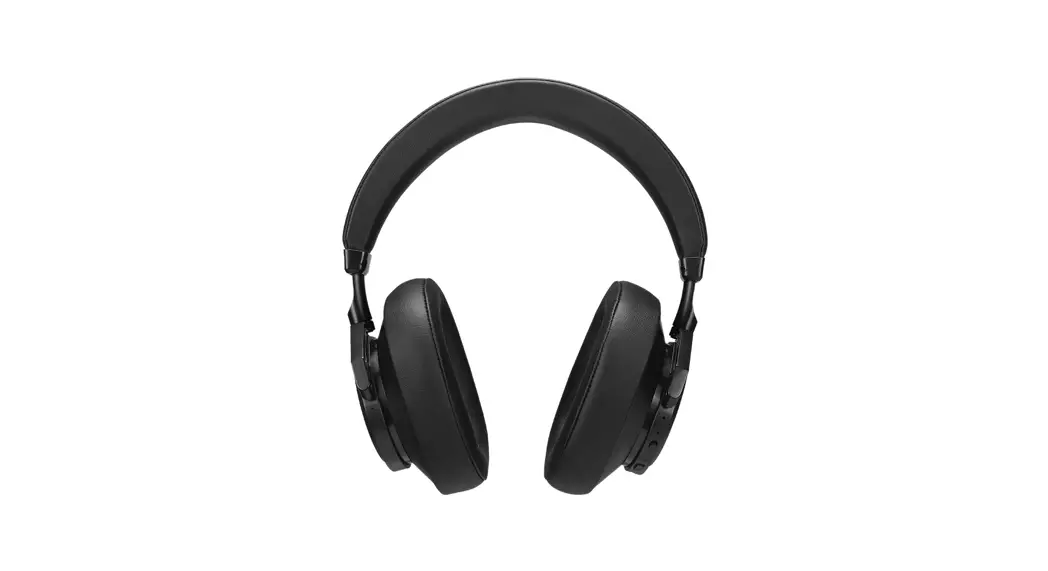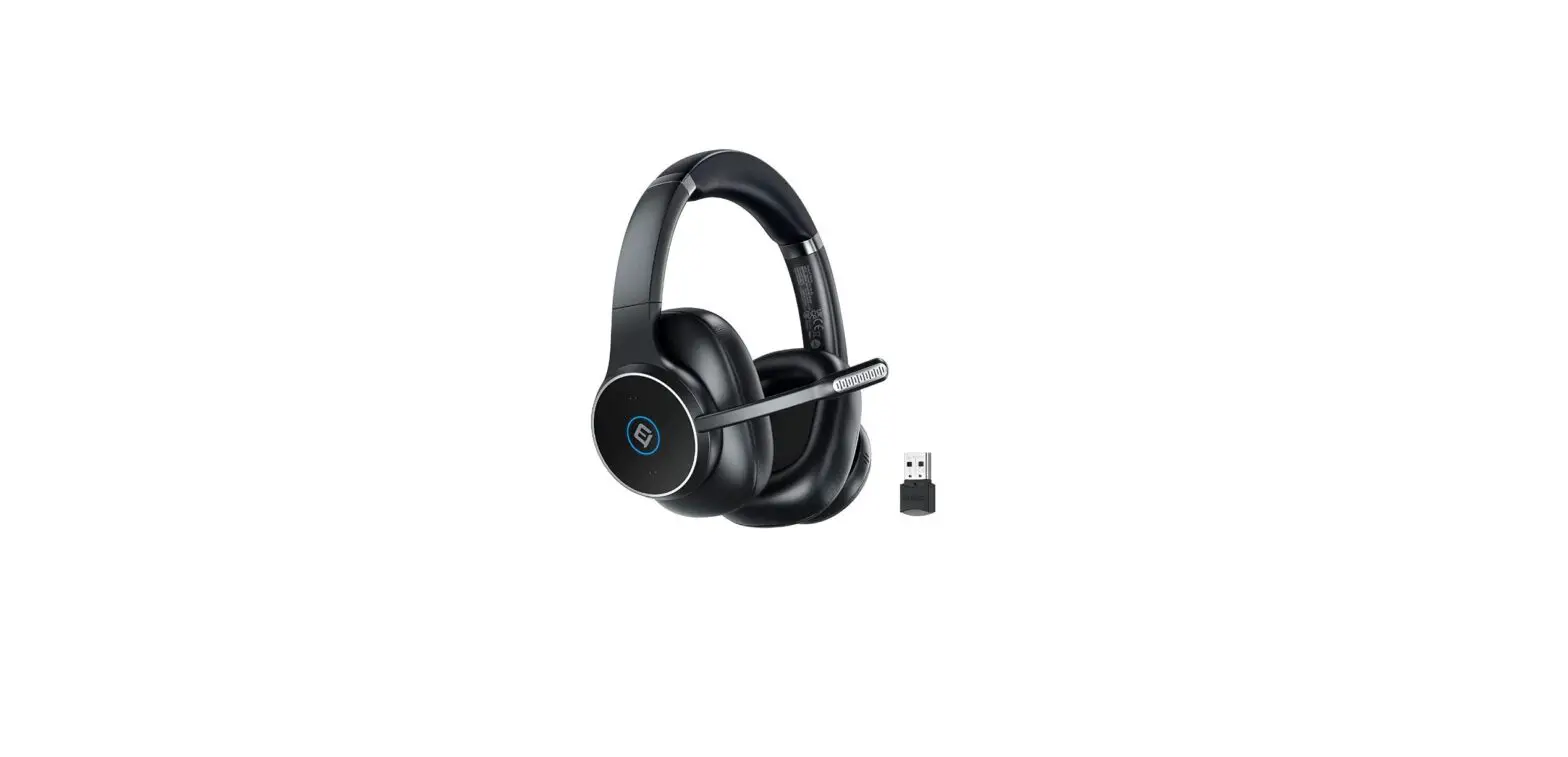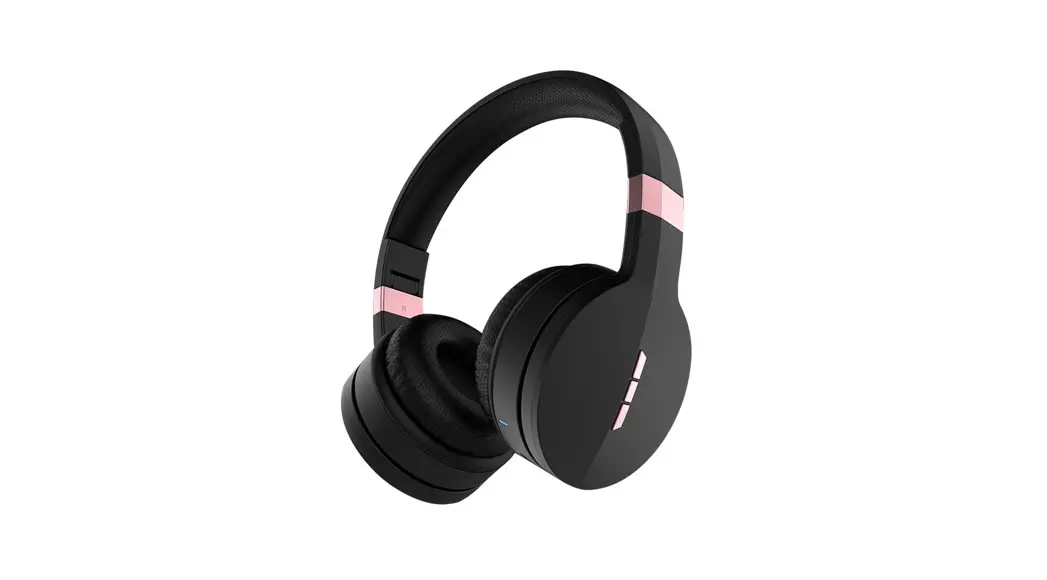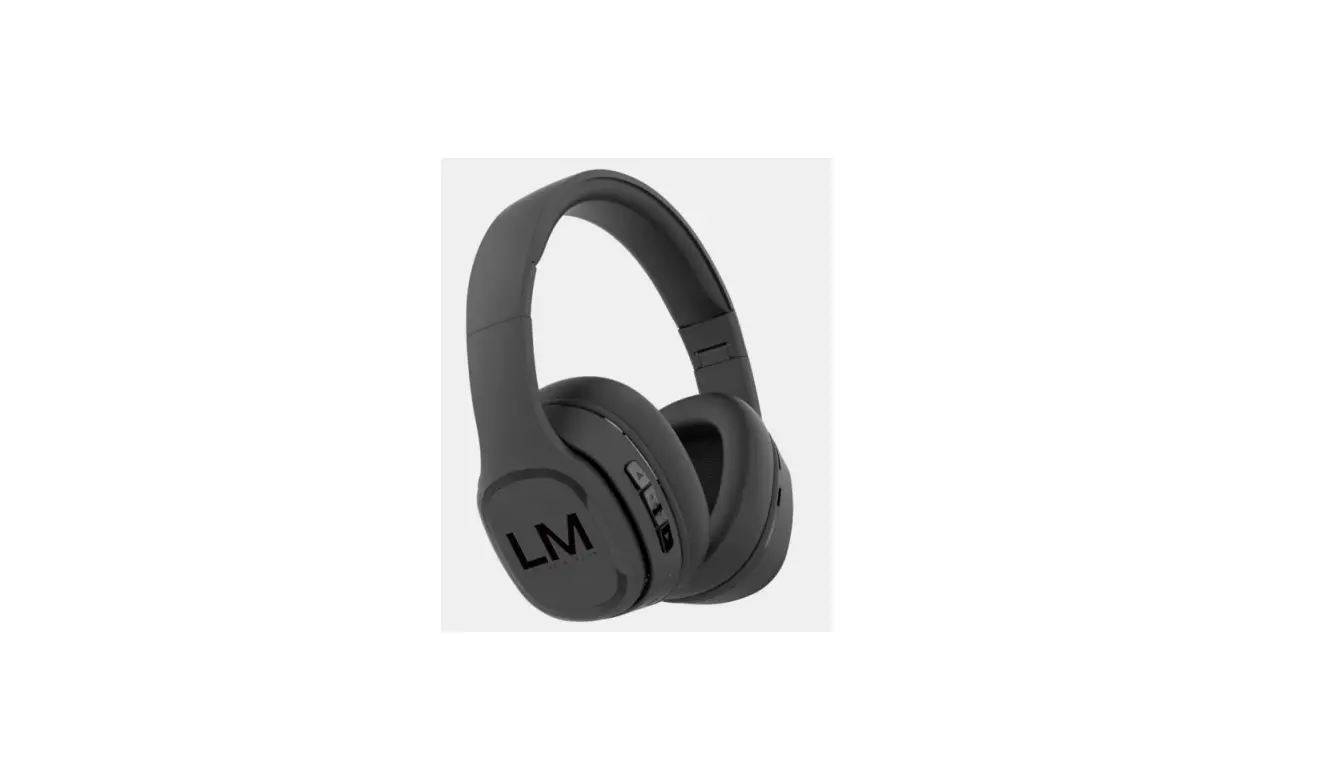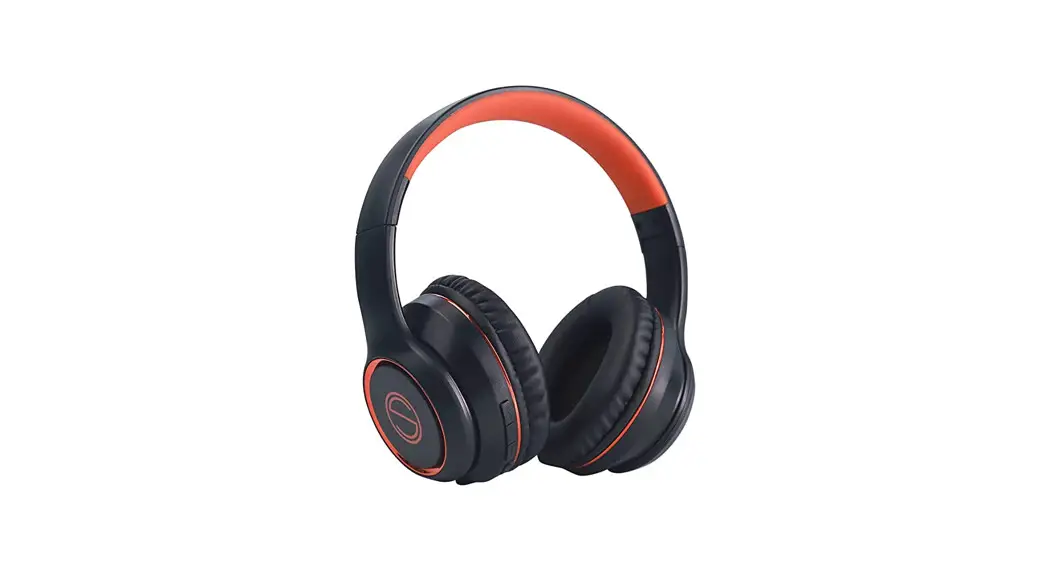
 HS7 Wireless Headphones
User Manual
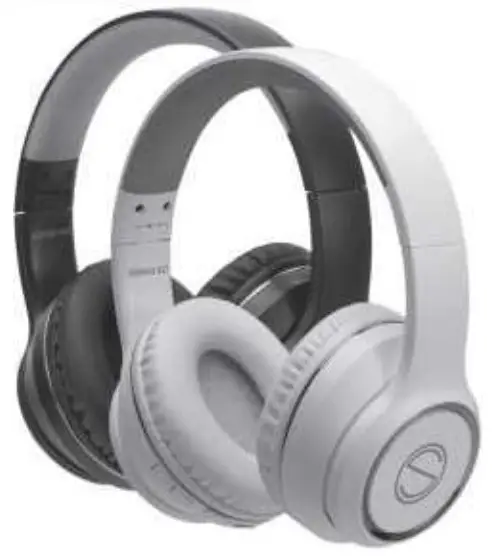 wireless headphones
www.egnarosounds.com
Function Overview
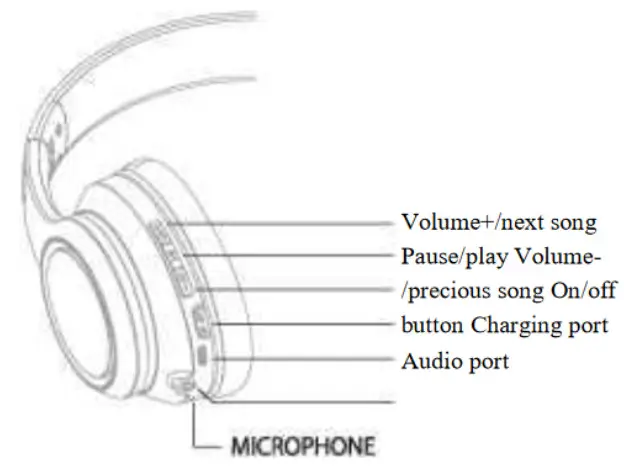
Instructions for use
| FUNCTION | OPERATION |
| @ POWER ON | TOGGLE THE SWITCH BUTTON TO*ON° |
| (S) POWER OFF | TOGGLE THE SWITCH BUTTON TO °OFF |
| @ PAIRING | TOGGLE THE SWITCH BUTTON, THE RED AND BLUE LIGHTS FLASH ASTERN ATE FOR 3 SECONDS |
| @ VOLUME + | SHORT PRESS-VOLUME +”, LONG PRESS” NEXT SONG”, WHEN ADDED TO THE LOUDEST, THERE WILL BE A “NOTICE VOICE” |
| @ VOLUME — | SHORT PRESS •VOLUMES LONG PRESS – PREVIOUS SONG” |
| @ APPLAUSE | PRESS PP BUTTON TO PLAY OR PAUSE |
| ANSWER CALL HANG UP CALL | INCOMING CALL, PRESS PP BUTTON TO ANSWER, PRESS PP BUTTON TO HANG UP |
| ©DECLINE CALL | LONG PRESS PP BUTTON OR DOUBLE CLICK TO REJECT |
| ©LAST NUMBER 2 REDIAL | DOUBLE-CLICK THE PP BUTTON TO CALL BACK THE LAST NUMBER |
| 0 LOWER BATTERY W REMINDER | RED LIGHT FLASH WITH * VOICE NOTICE* |
| MG | THE RED LIGHT IS ON, AND THE LIGHT IS OFF WHEN rr is FULL |
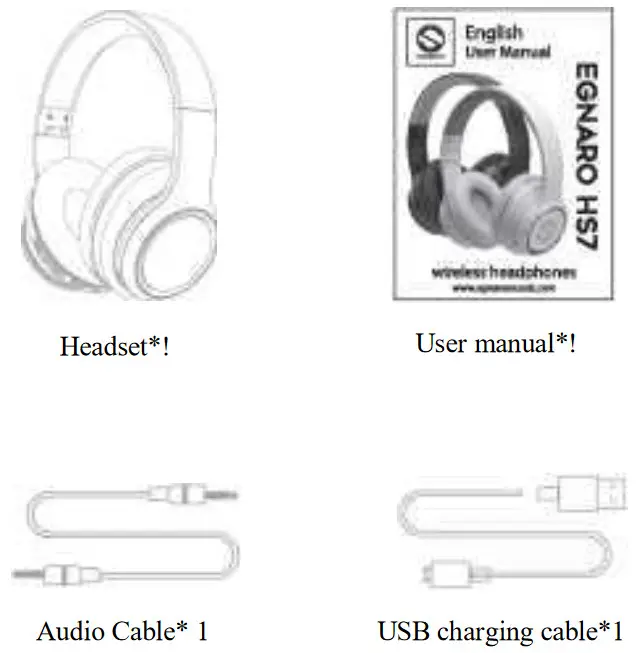
Packing list
Precautions
- Do not use corrosive cleaners to clean the headset;
- Do not expose the earphones to excessively high temperatures, please keep the earphones at room temperature;
- Do not let the headset touch sharp objects to avoid scratches and damage;
- Please stay away from places where WIFI routers and other Bluetooth devices are concentrated, and avoid other Signal equipment interferes with this product;
- Please use this product within an effective distance (10M unobstructed);
- If not applicable for a long time, please store the headset in a dry place, charge it at least once a month to prolong battery life and avoid extreme temperature and dust;
Please dispose of batteries and headphones in accordance with local regulations, do not dispose of it as household waste generally discarded.
Pairing
- Toggle the switch button, the red and blue lights flash alternately.
- Open your bluetooth settings on your device and ensure it is switched on. Search for GENARO HS7
- Select EGNARO HS7to pair.
- Once powered on again, the headset will automatically connect with mobile device.
Android
6 Bluetooth
Bluetooth
Data-name
HJKHBM»3 DD
Interfiles
PAIRED DEVICES
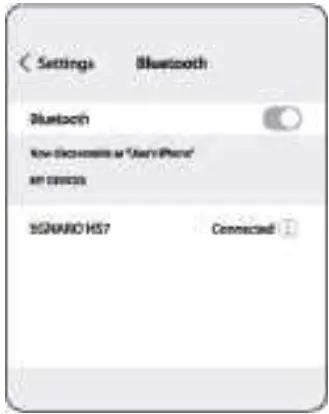
Notice: of change other device, please follow above step to pairing.
FCC COMPLIANCE STATEMENT:
This device complies with part 15 of the FCC Rules.
Operation is subject to the following two conditions:
- This device may not cause harmful interference, and
- this device must accept any interference received, including interference that may cause undesired operation.
Note: This equipment has been tested and found to comply with the limits for a Class B digital device, pursuant to Part 15 of the FCC Rules. These limits are designed to provide reasonable protection against harmful interference in a resident ial installation.
This equipment generates, uses and can radiate radio frequency energy and, if not installed and used in accordance with the instructions, may cause harmful interference to radio communications.
However, there is no guarantee that interference will not occur in a particular
installation. If this equipment does cause harmful interference to radio or television reception, which can be determined by turning the equipment off and on, the user is encouraged to try to correct the interference by one or more of the following measures:
- Reorient or relocate the receiving antenna.
- Increase the separation between the equipment and receiver.
- Connect the equipment into an outlet on a circuit different from that to which the receiver is connected.
- Consult the dealer or an experienced radio/TV technician for help.
Warning: Changes or modifications to this unit not expressly approved by the part responsible for compliance could void the user’s authority to operate the equipment.
FCC Radiation Exposure Statement
The device has been evaluated to meet general RF exposure requirement.
The device can be used in portable exposure condition without restriction.
 Your Store