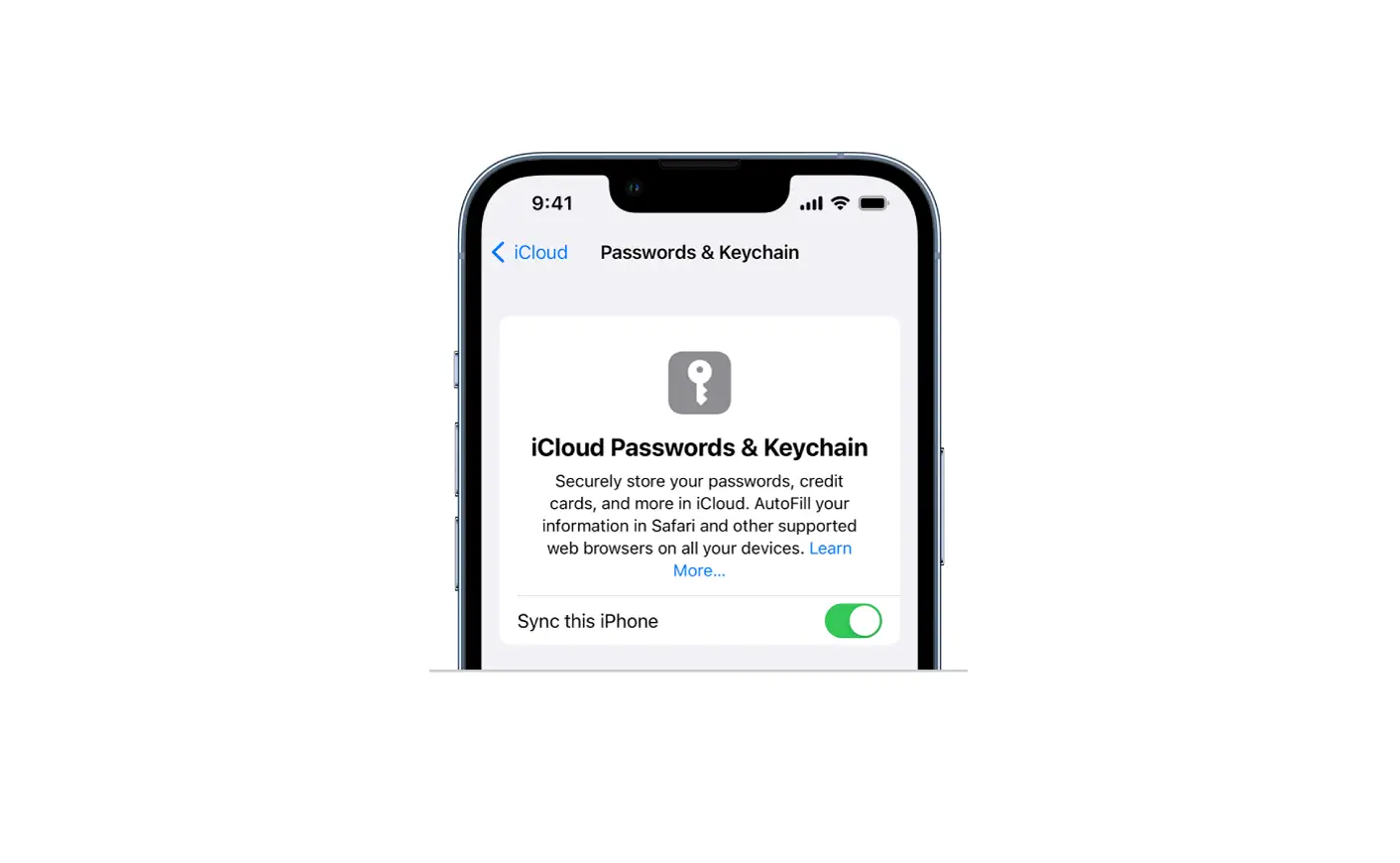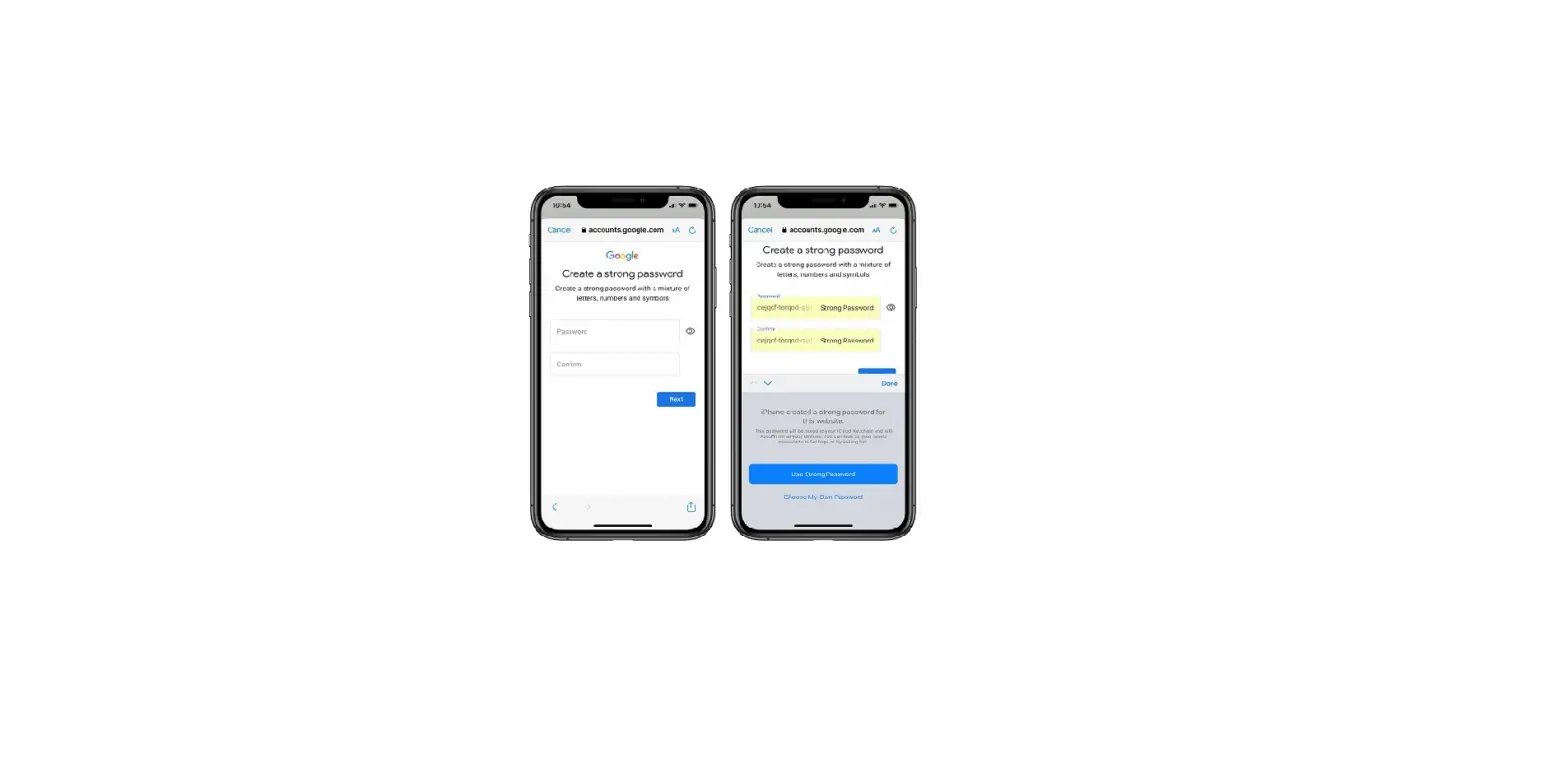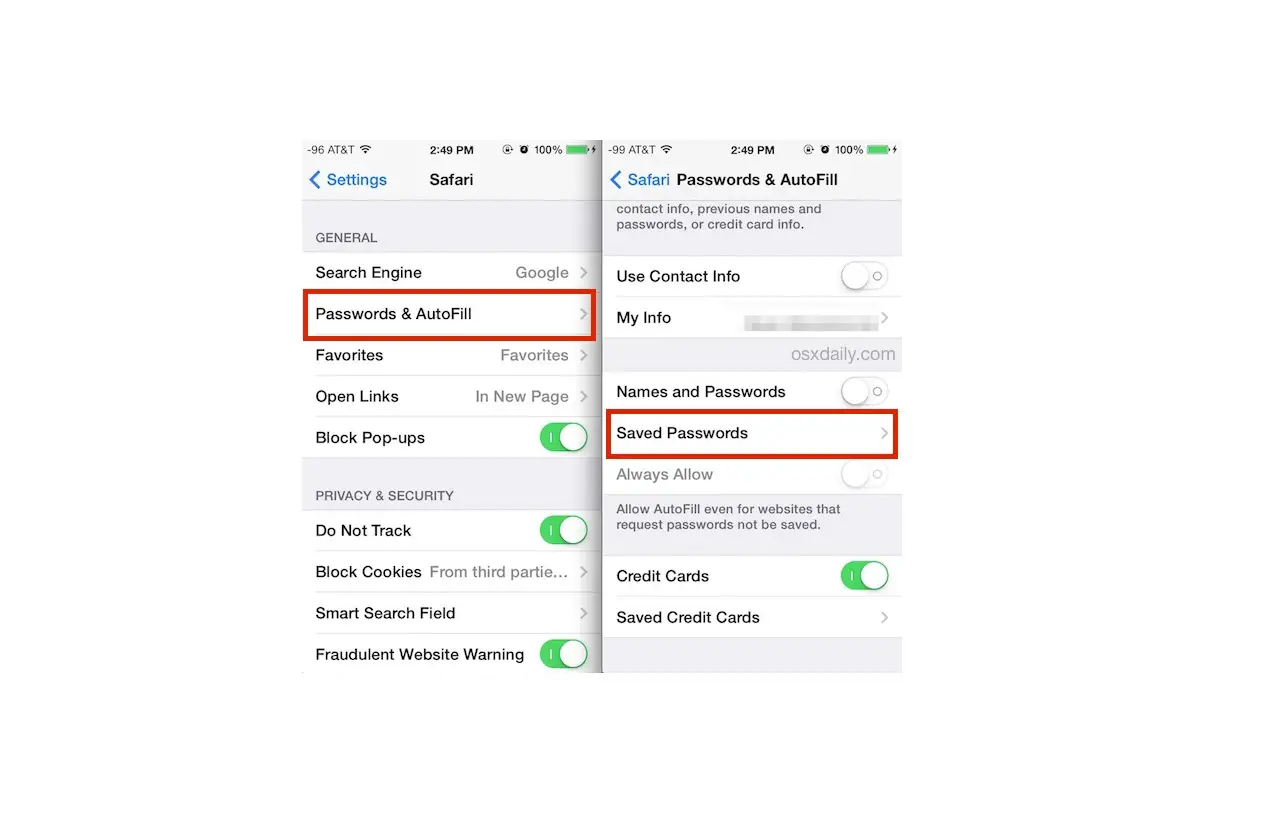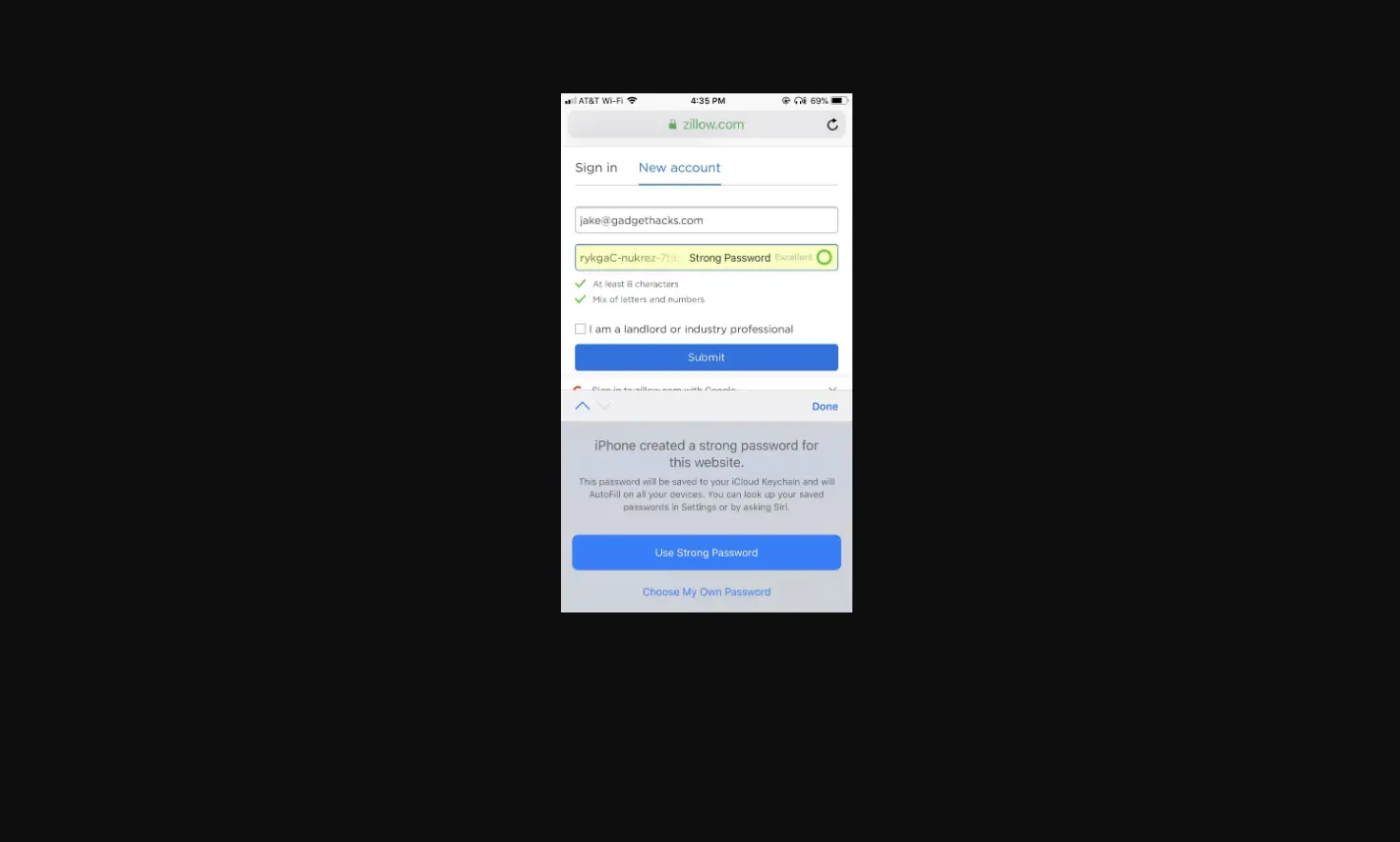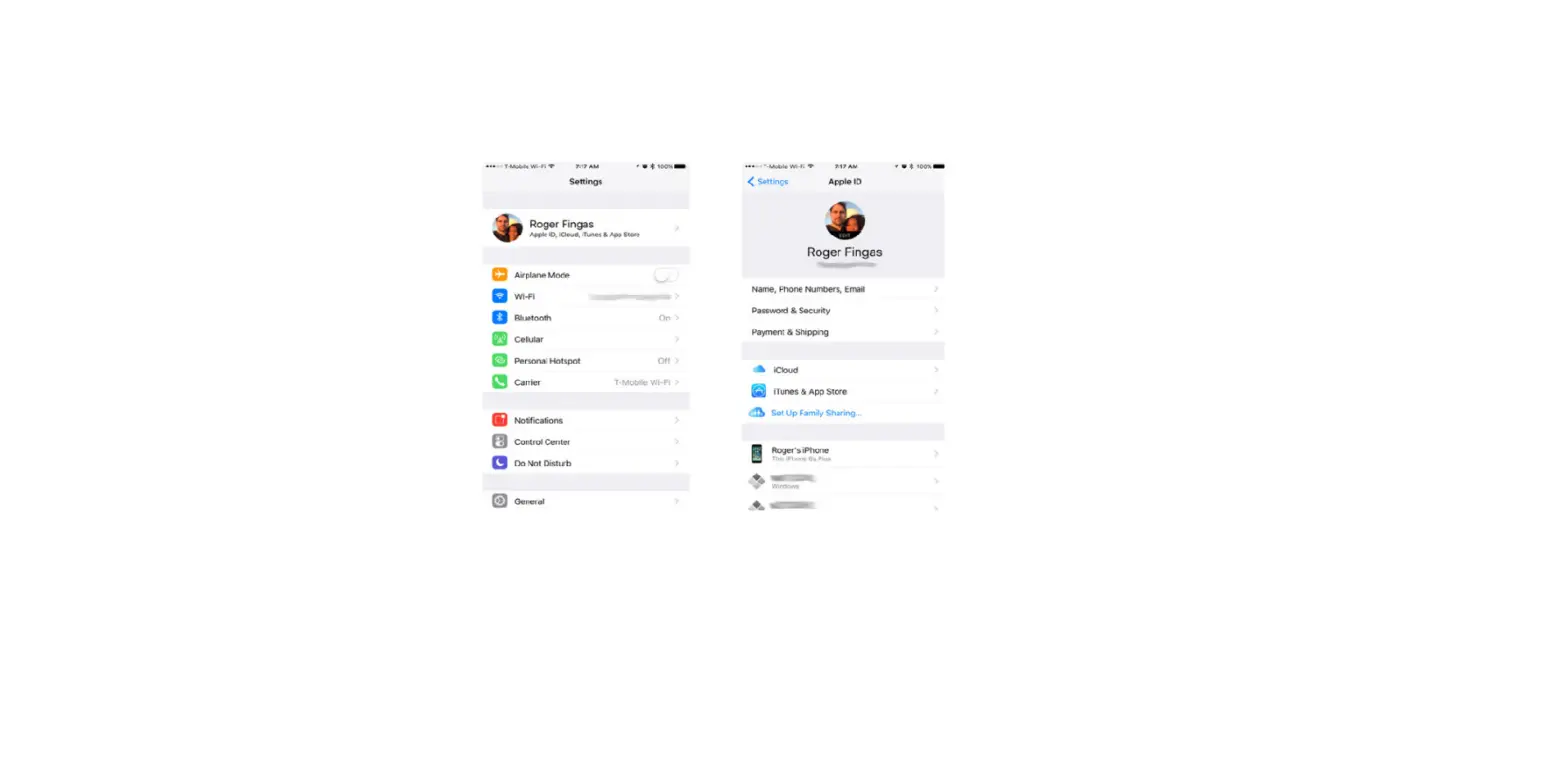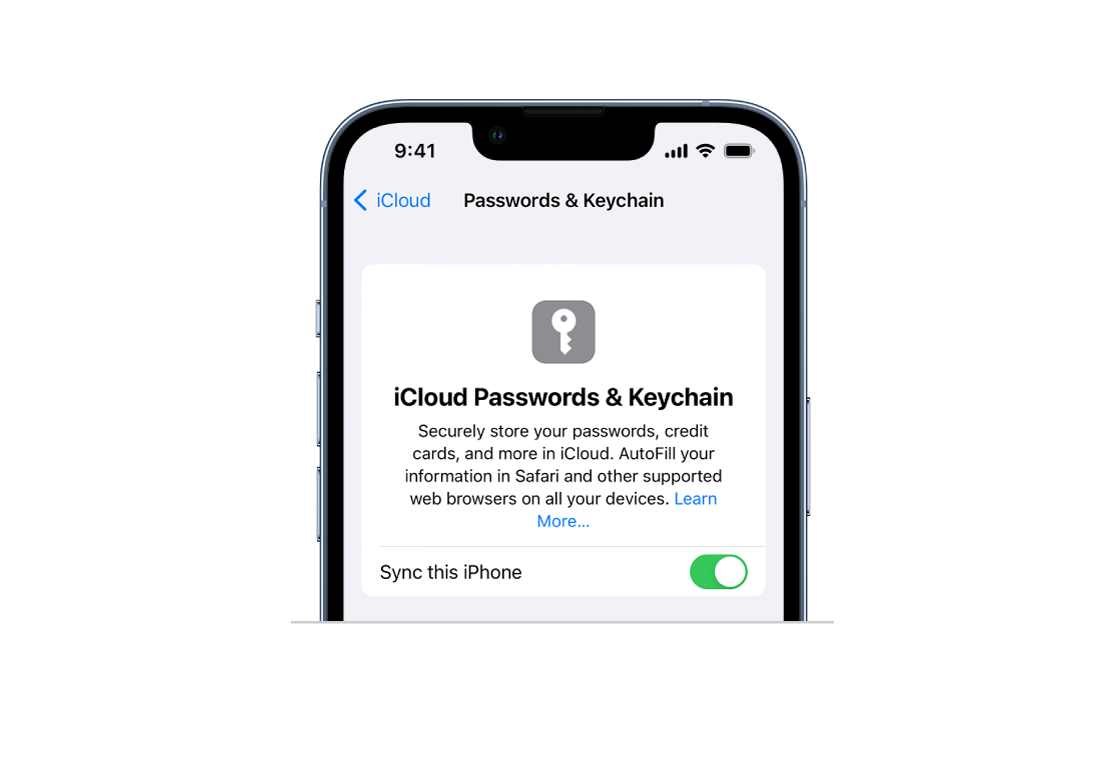
If you didn’t turn on iCloud Keychain when you first set up your iPhone, go to Settings  > [your name] > iCloud > Keychain, turn on iCloud Keychain, then follow the onscreen instructions.
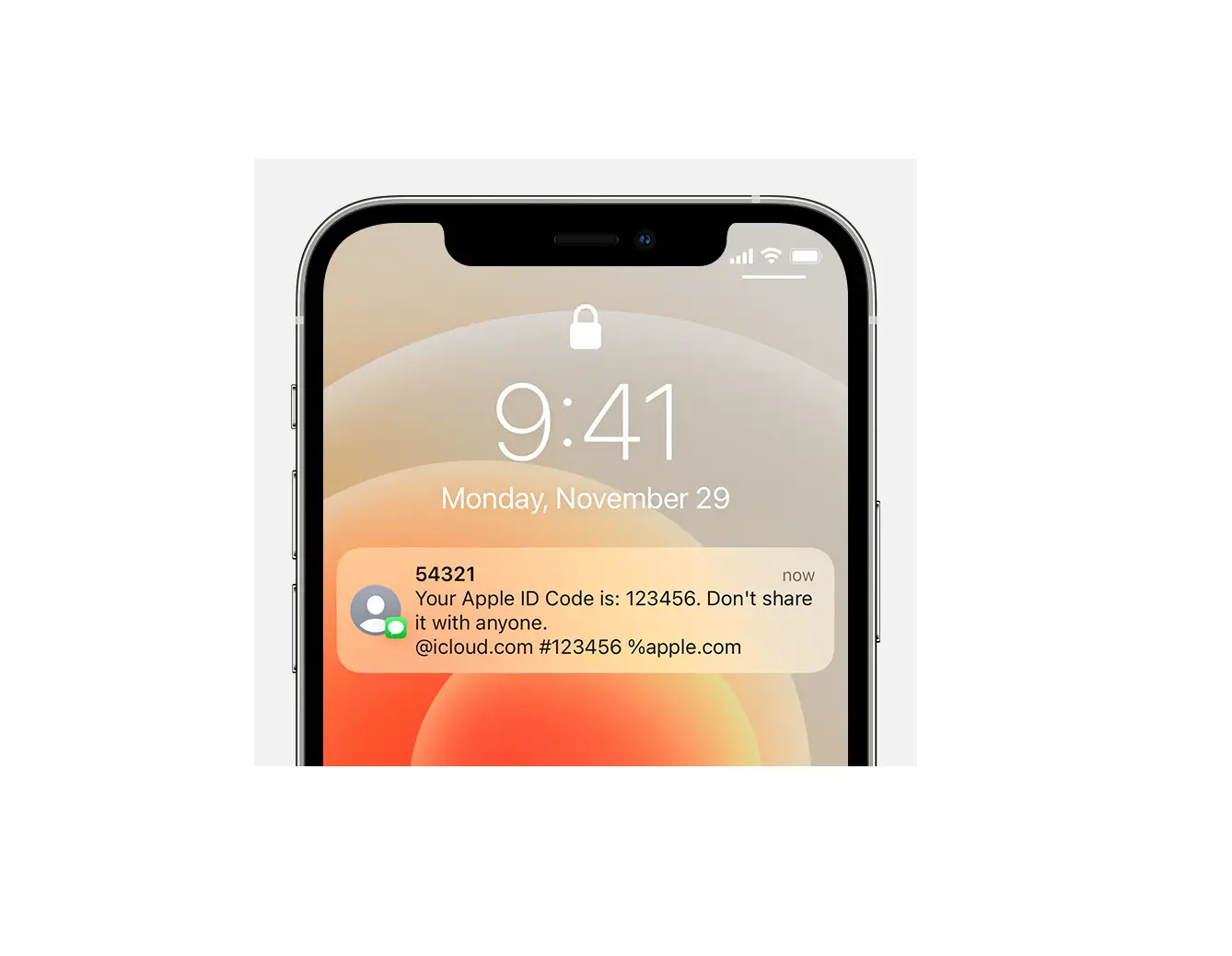
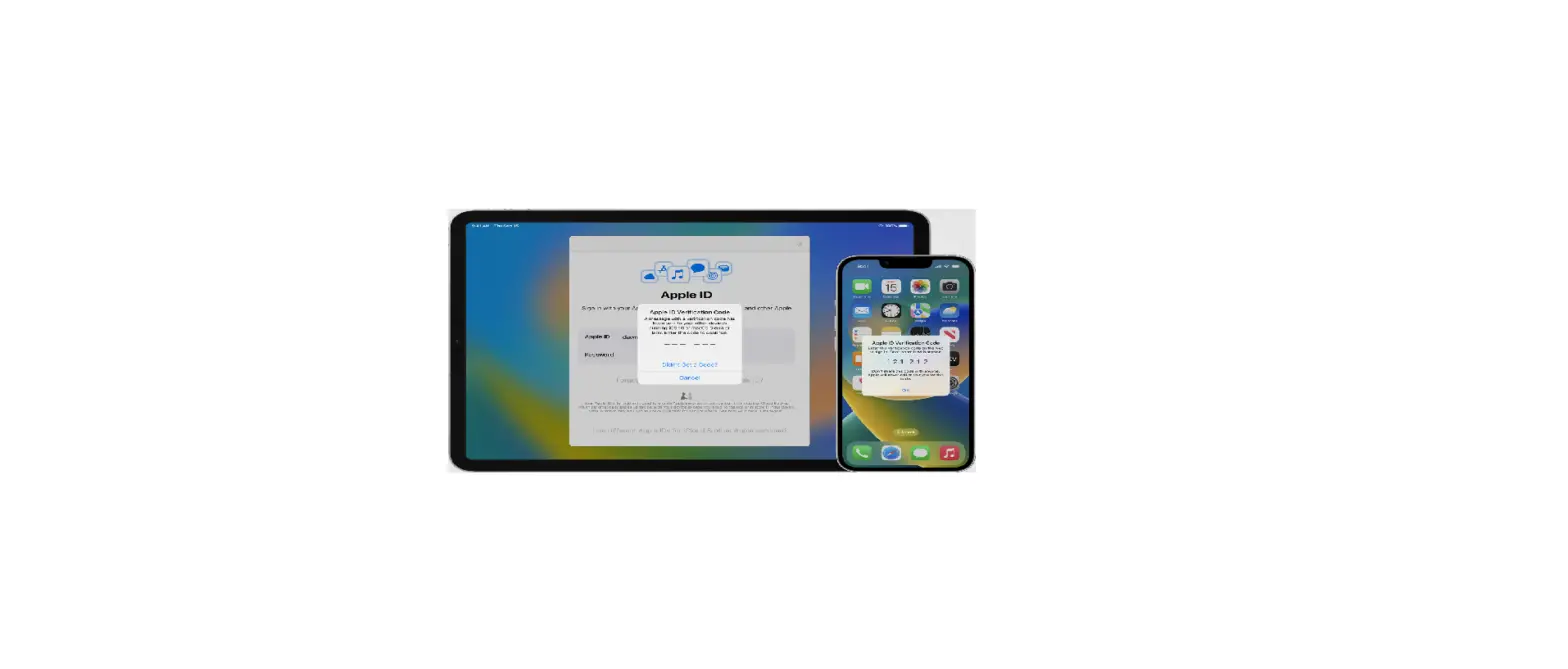
When you set up iCloud Keychain, you create an iCloud Security Code, which you can use to authorize additional devices that use your iCloud Keychain. It’s also used for verification so that you can perform other iCloud Keychain actions, such as recovering your iCloud Keychain if you lose all your devices.