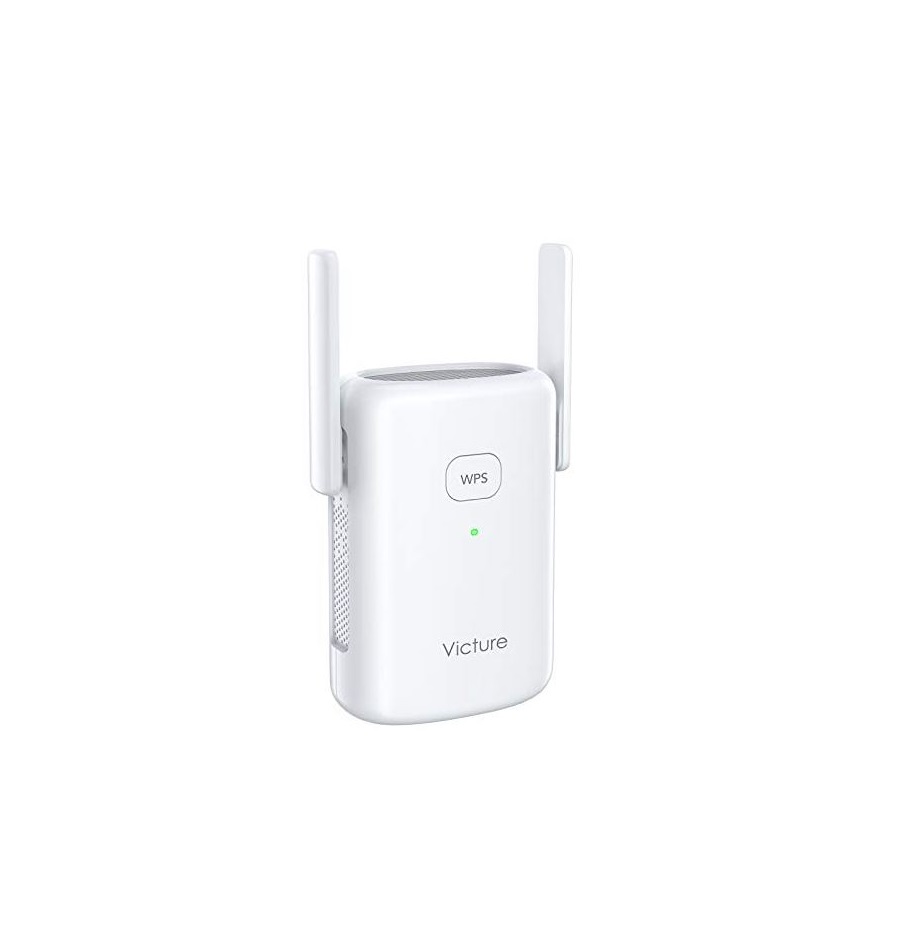
VEC1 Home Long WiFi Receiver System
Product Information:
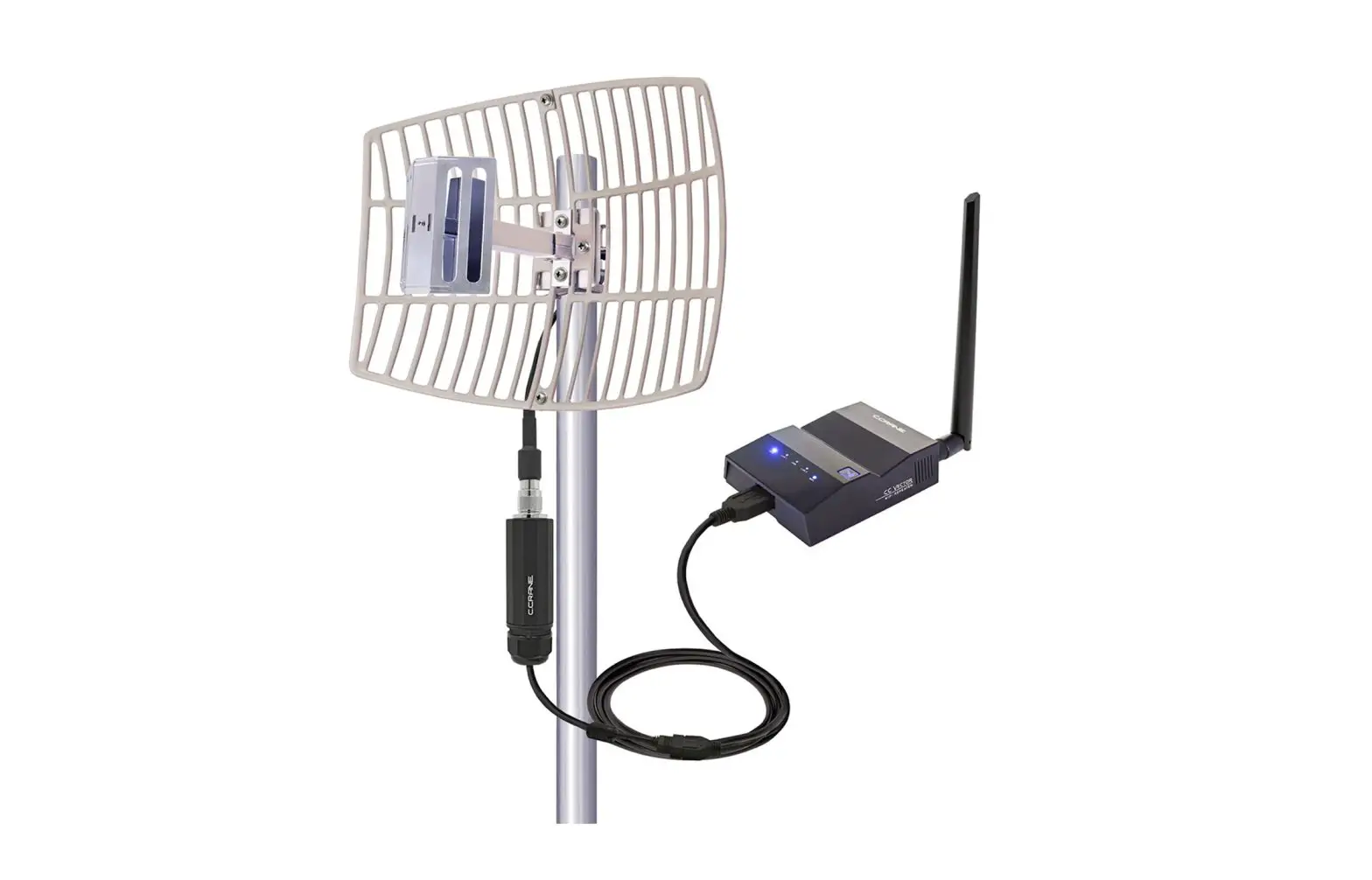
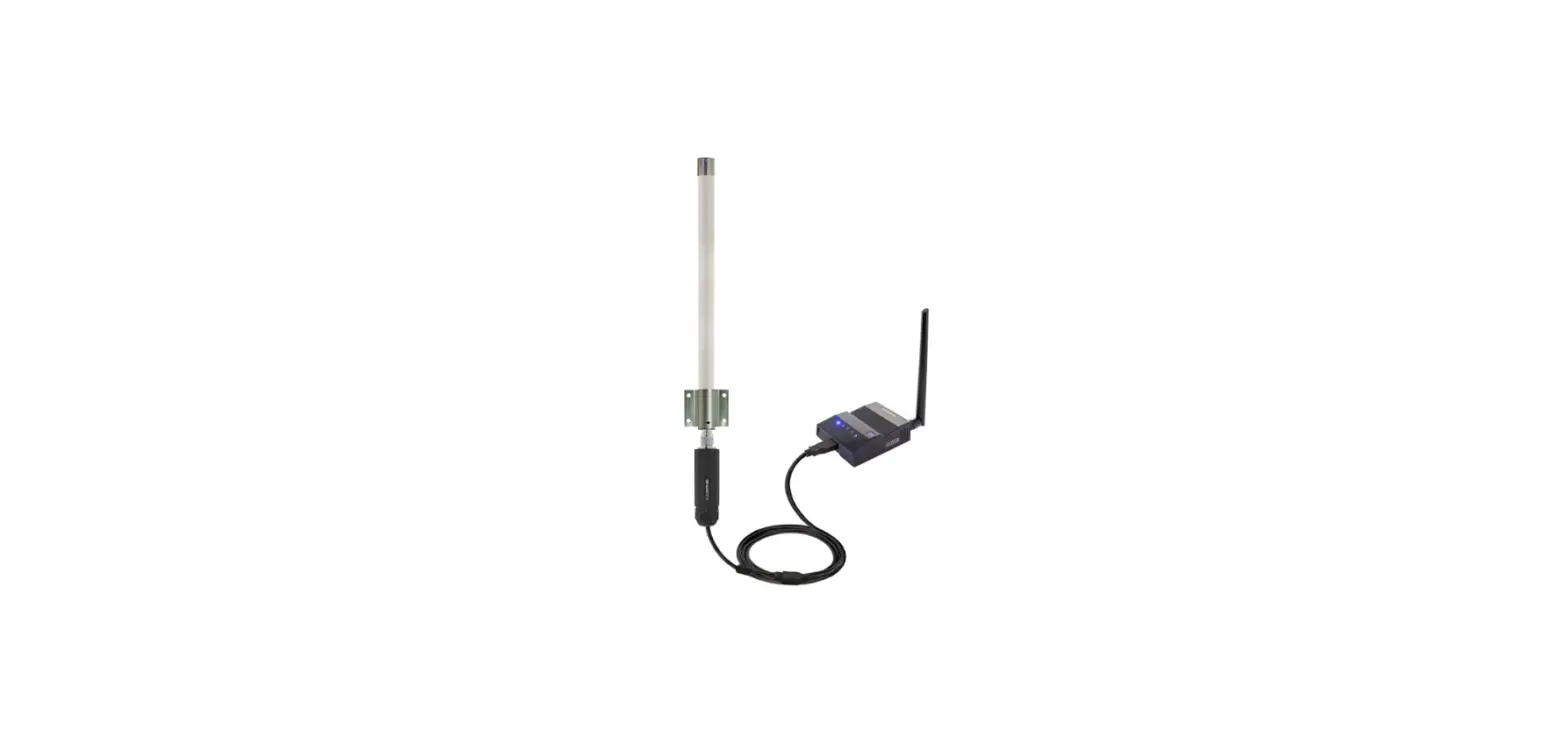
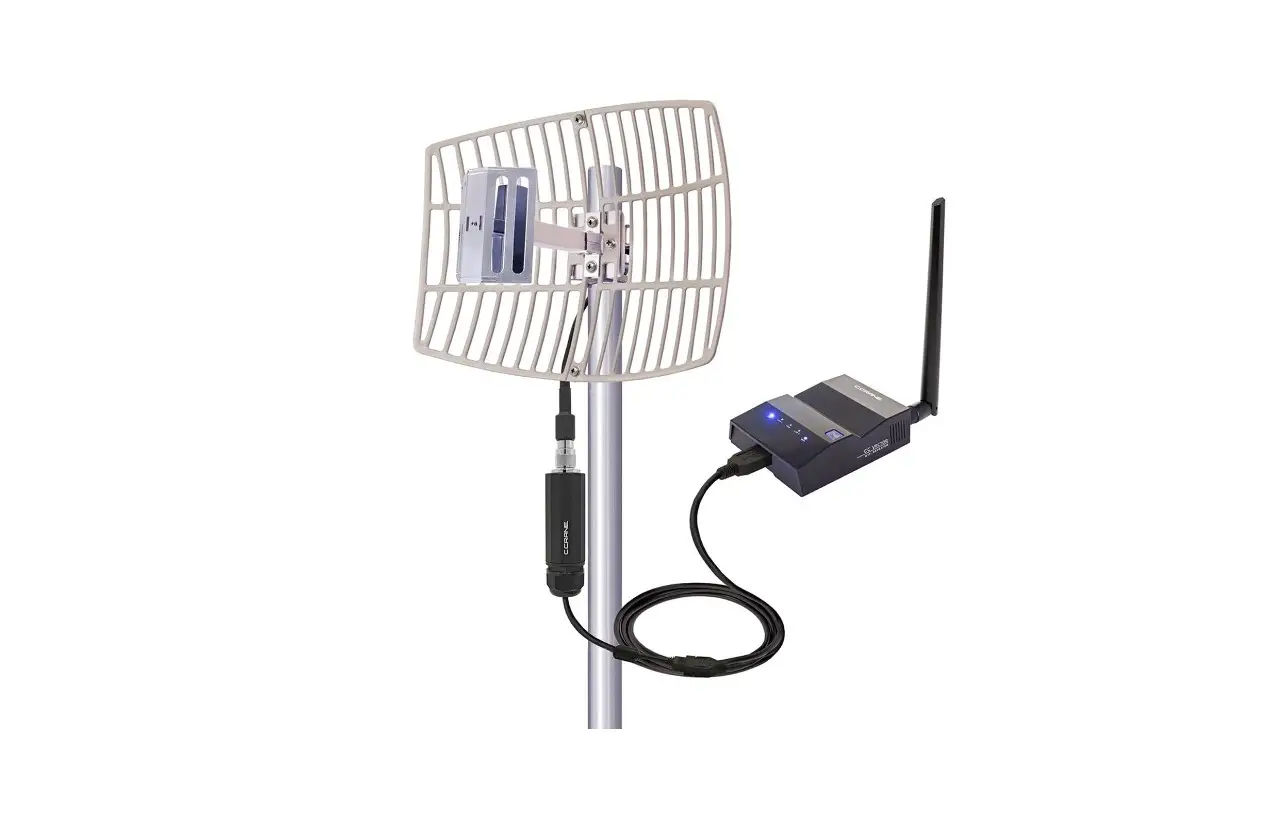
The CC Vector WiFi Repeater is a device that helps boost your
existing WiFi signal. It comes with a Super USB WiFi Antenna DX
that needs to be mounted vertically. The device has a main USB
connector that needs to be plugged into a USB port, while the
secondary USB should be left unplugged.
Product Usage Instructions:
- Refer to the Quick Start Setup Guide for initial setup
instructions. - Mount the Super USB WiFi Antenna DX vertically for optimal
signal strength. - Add silicone grease to the connection between the Super USB
WiFi Antenna DX and the CC Vector WiFi Repeater for additional
weather protection. - Plug in the Super USB WiFi Antenna DX tightly and fully to
ensure a good connection. - Plug the main USB connector into a USB port.
- Leave the secondary USB unplugged.
Assembly Guide & Mounting Instructions
Refer to Quick Start Setup Guide for Further Instructions
CC Vector WiFi Repeater
Plug Main USB Connector into USB Port
USB Port
Leave Secondary USB Unplugged
Super USB WiFi Antenna DX
Mount Vertically
Add Silicone Grease to this Connection for Additional Weather Protection. Plug in Tightly
and Fully to Insure a Good Connection.
Copyright ©2022 by C. Crane, Fortuna, CA 95540 Phone: 1-800-522-8863 Web: ccrane.com All Rights Reserved. No part of this booklet may be reproduced in any form or means whatsoever without permission in writing from C. Crane.
 Portable Radios for Sale | AM/FM Radios & Antennas | C. Crane