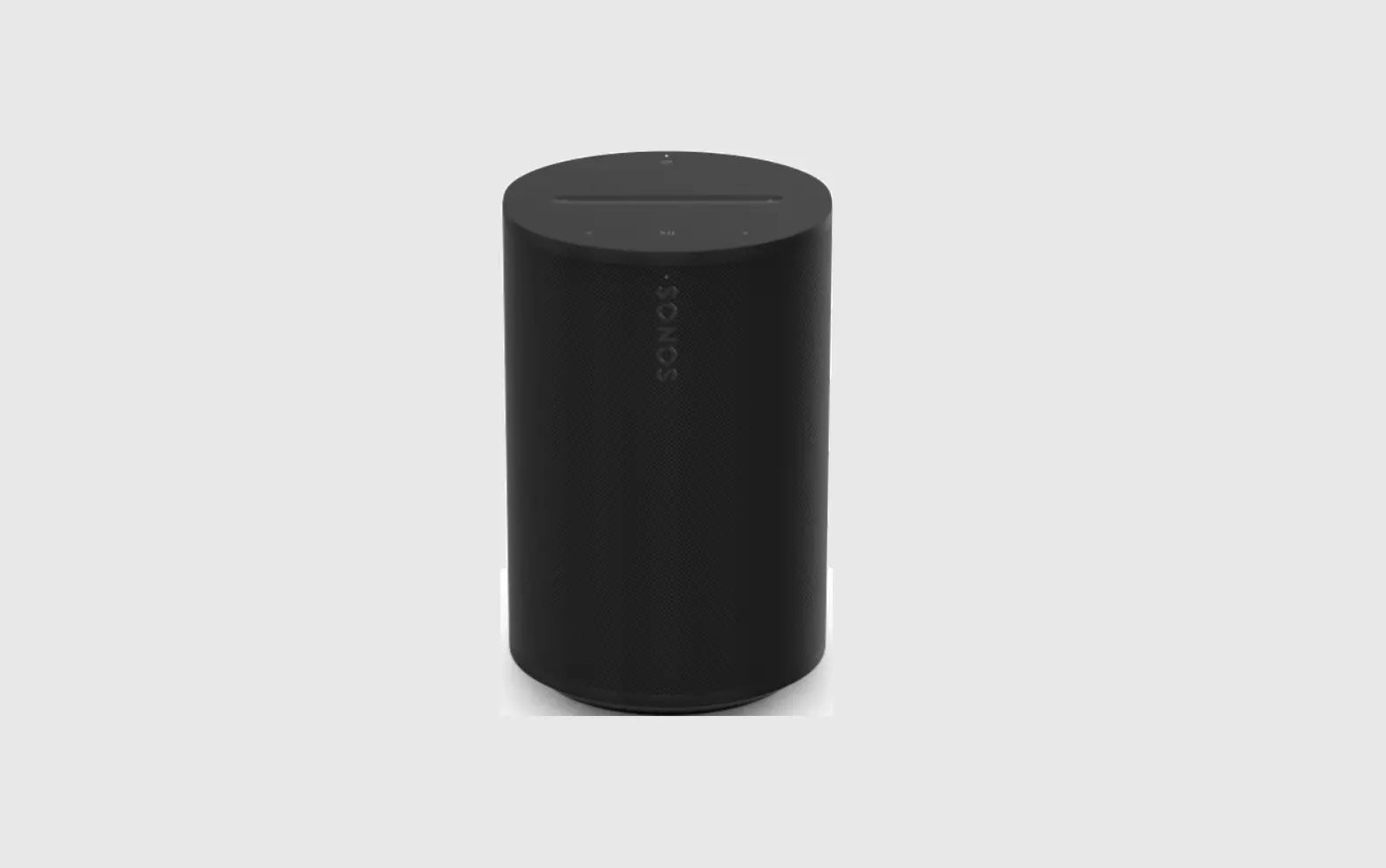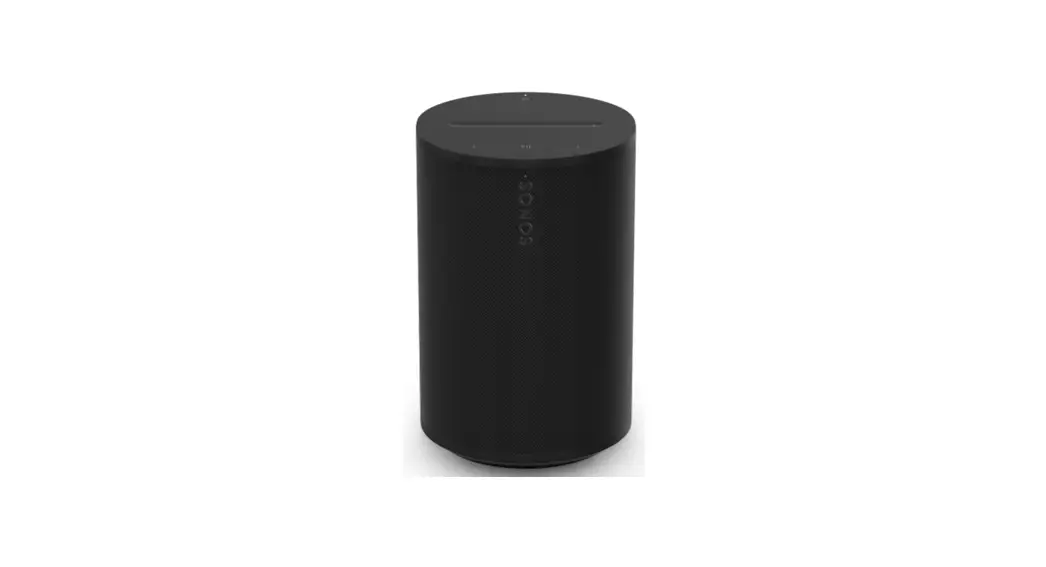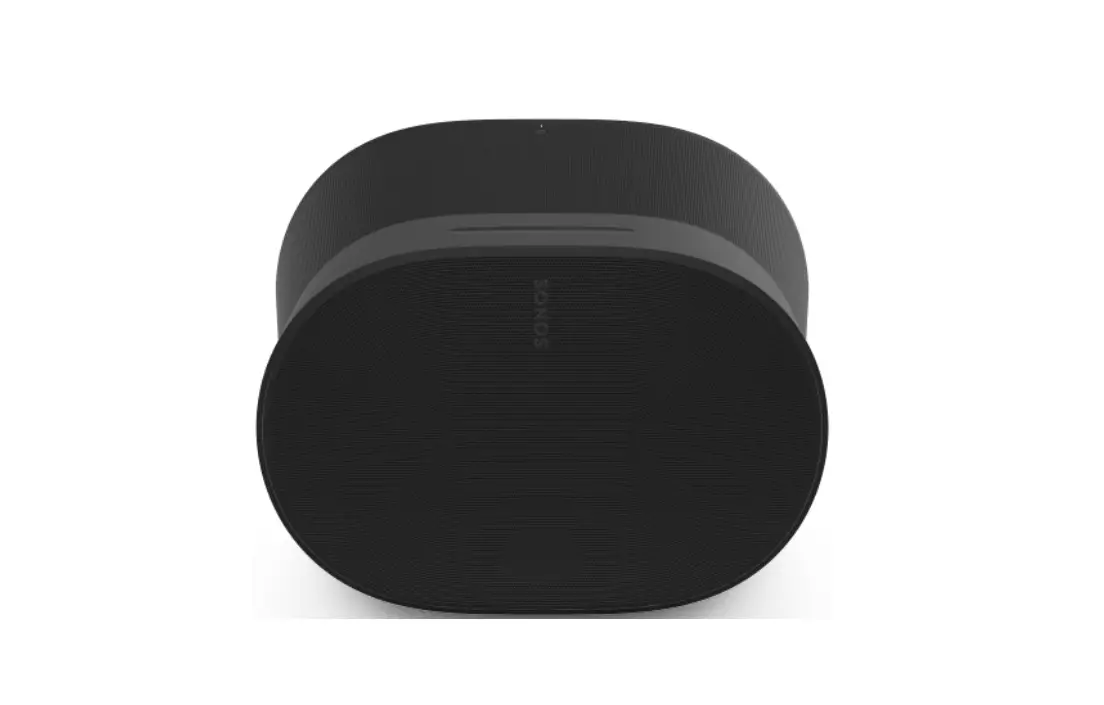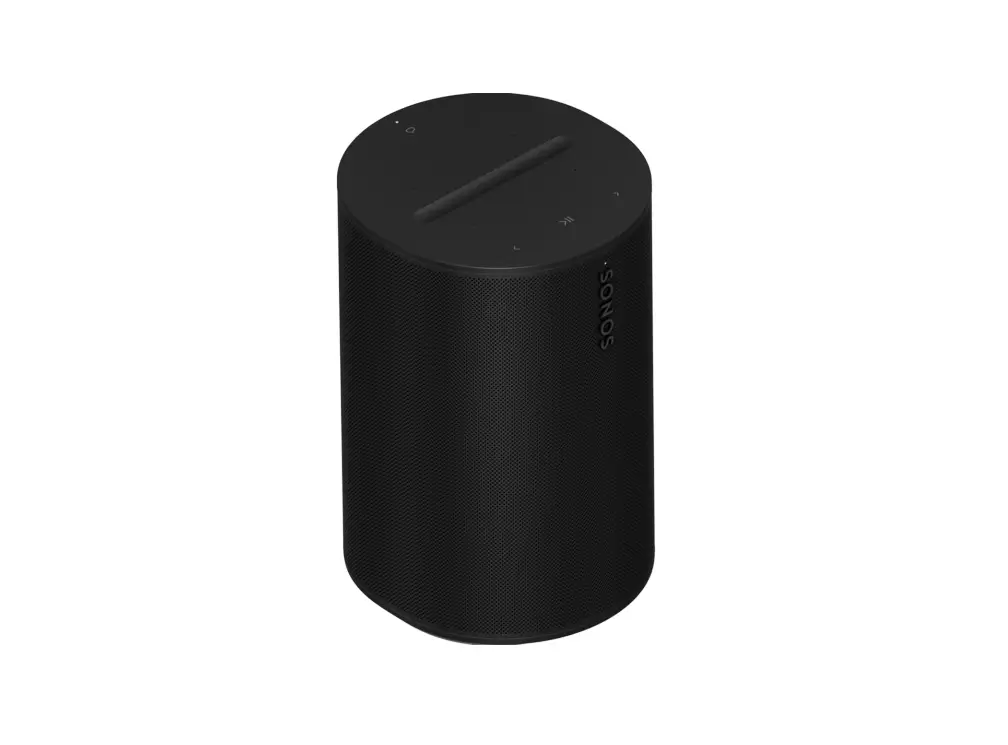
Era 100 Wireless Bluetooth Smart Speaker
Help
Quick start guide
Customer Support sonos.com/support
User Guide sonos.com/guides/era100
Terms of Use, License and Warranty www.sonos.com/ legal/terms-of-use
© 2023 Sonos, Inc. All rights reserved. Sonos*, Sonos Era 100, and Era 100 are trademarks or registered trademarks of Sonos, Inc. *Reg. U.S. Pat & TM Off.
 610-00159–A
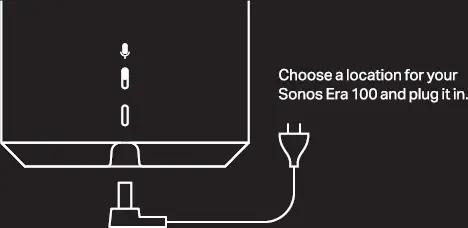
1. Connect the power cord
2. Download the Sonos app for setup
 Open the Sonos app and tap Add, or go to Settings > System > Add Product.
At a glance
Use WiFi to set up Sonos Era 100. Stream content over WiFi or Bluetooth.
Note: Voice control is not supported in every country yet. This feature will be available as soon as Sonos and a voice service launch together in your region.
Group
Press and hold to group Sonos products
Voice Services
Tap to turn on or off
Microphone Switch
When it’s turned off, all microphone-dependent features including voice services are unavailable
Bluetooth
Long press to pair new device; short press to reconnect