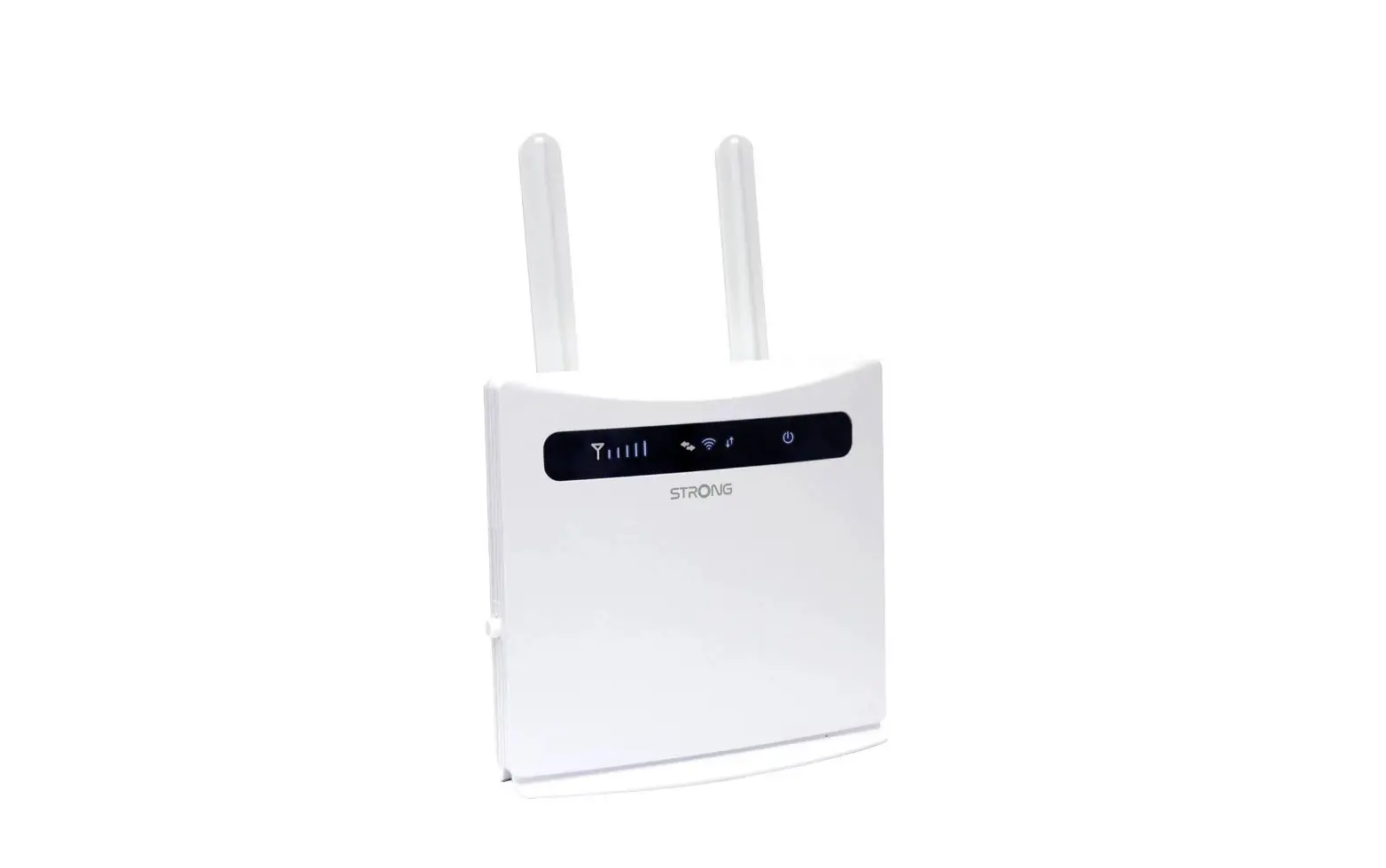
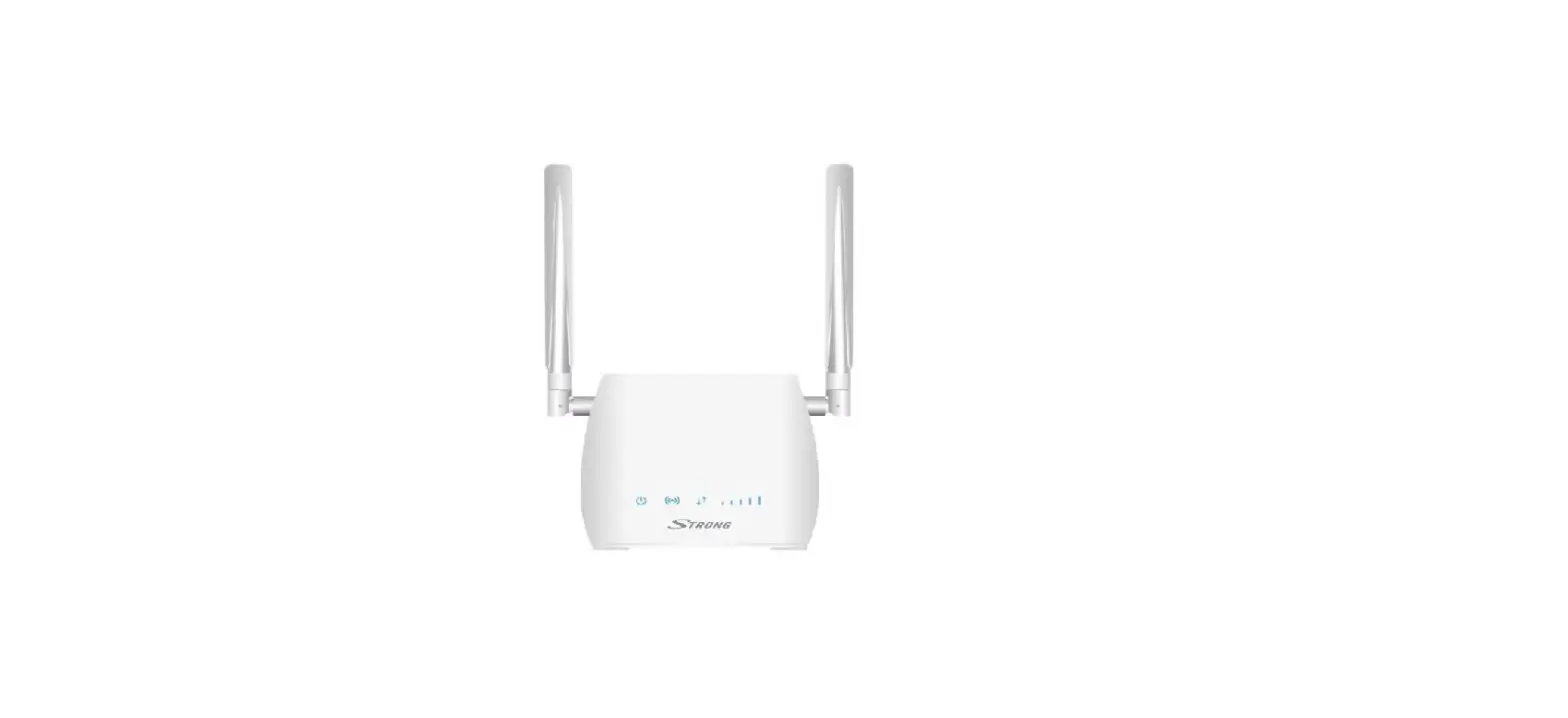
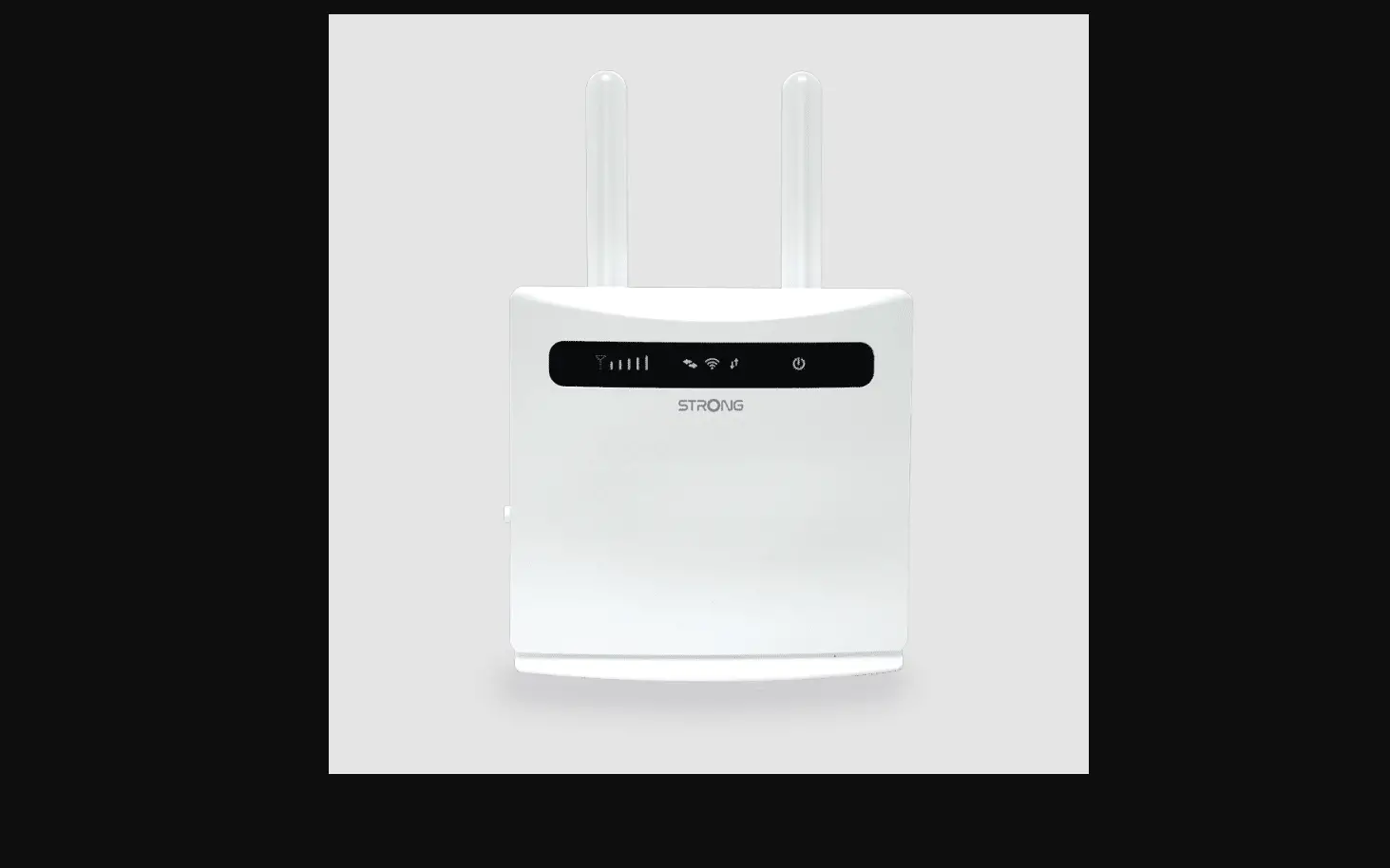
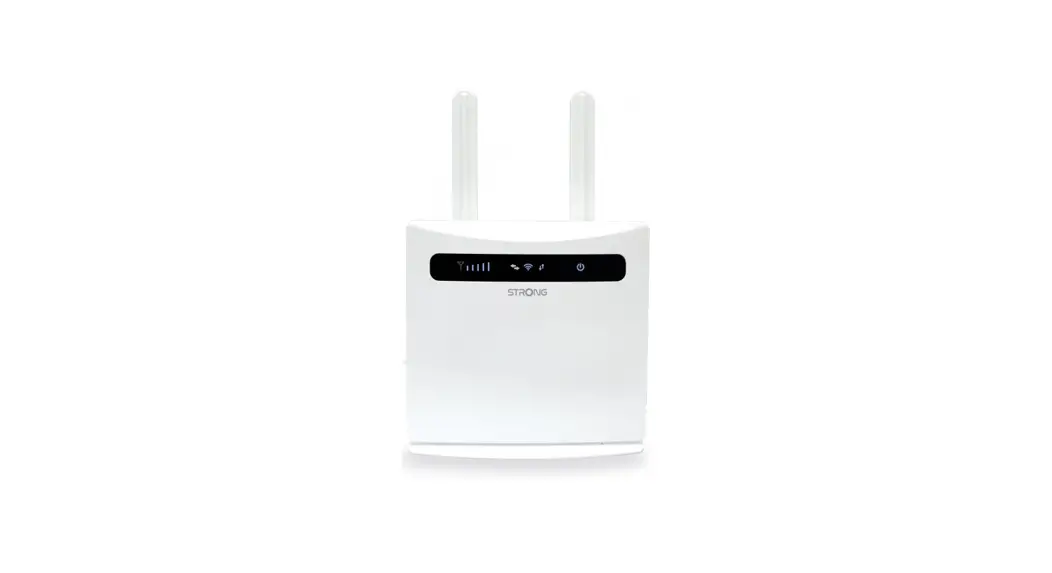
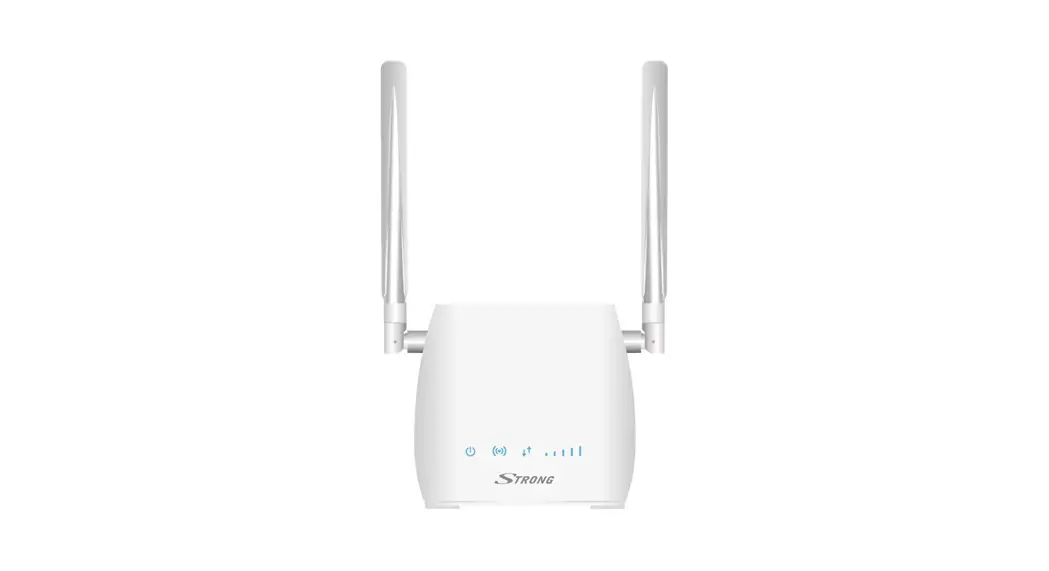
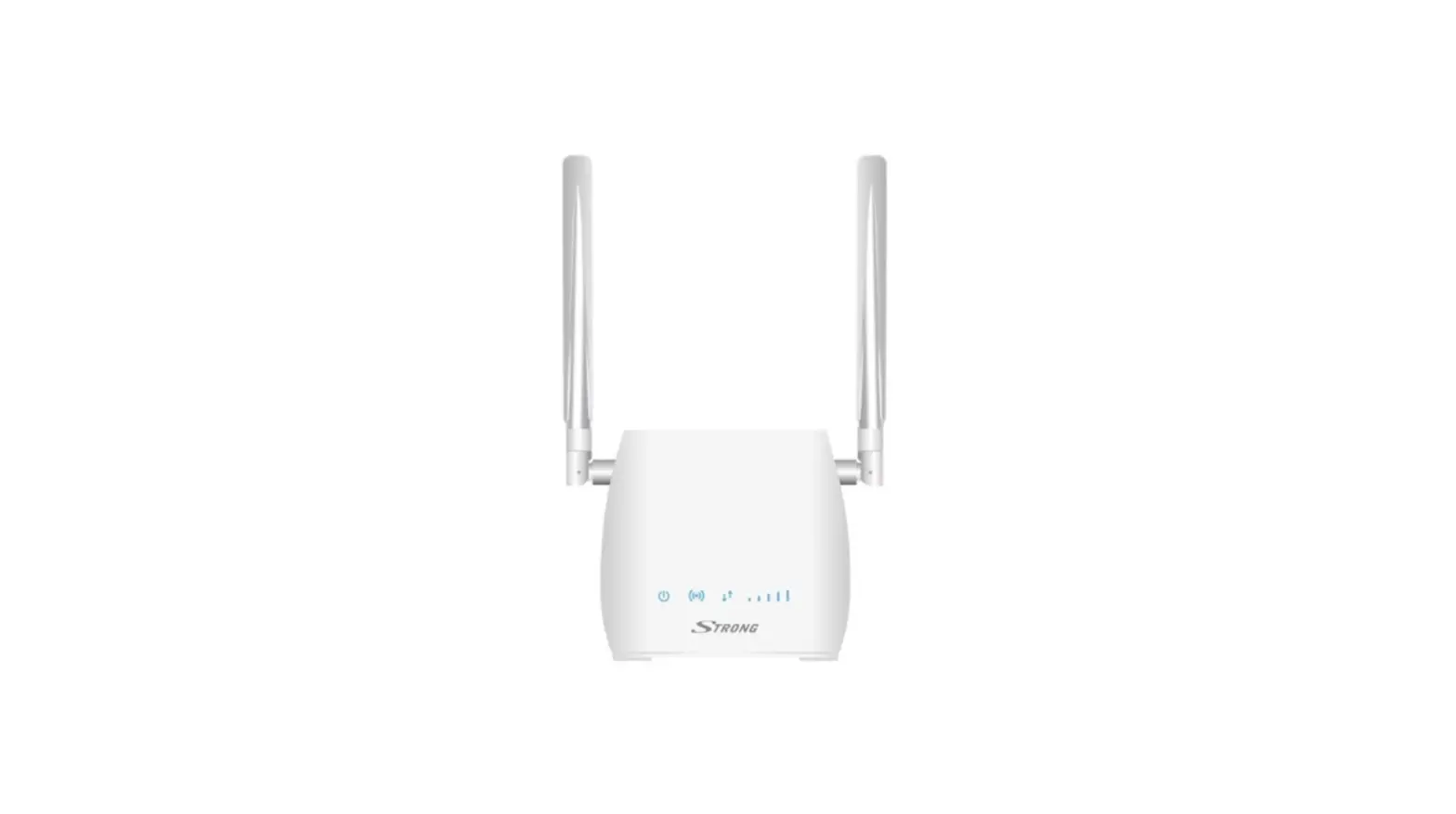
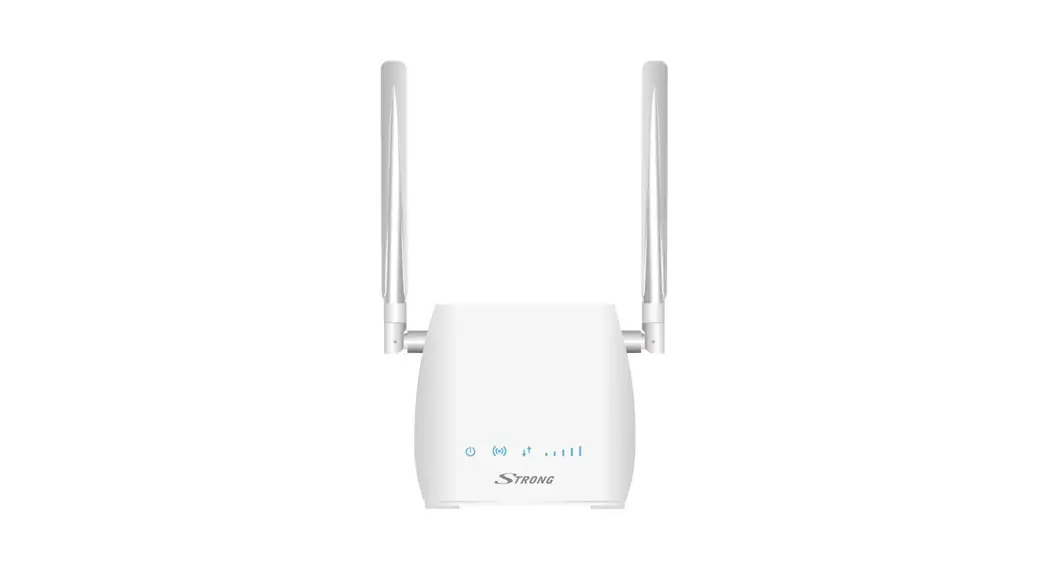
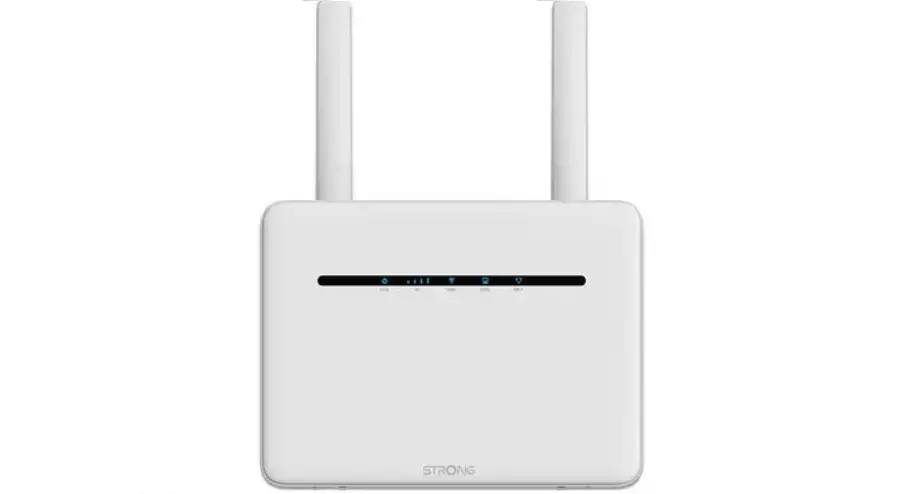
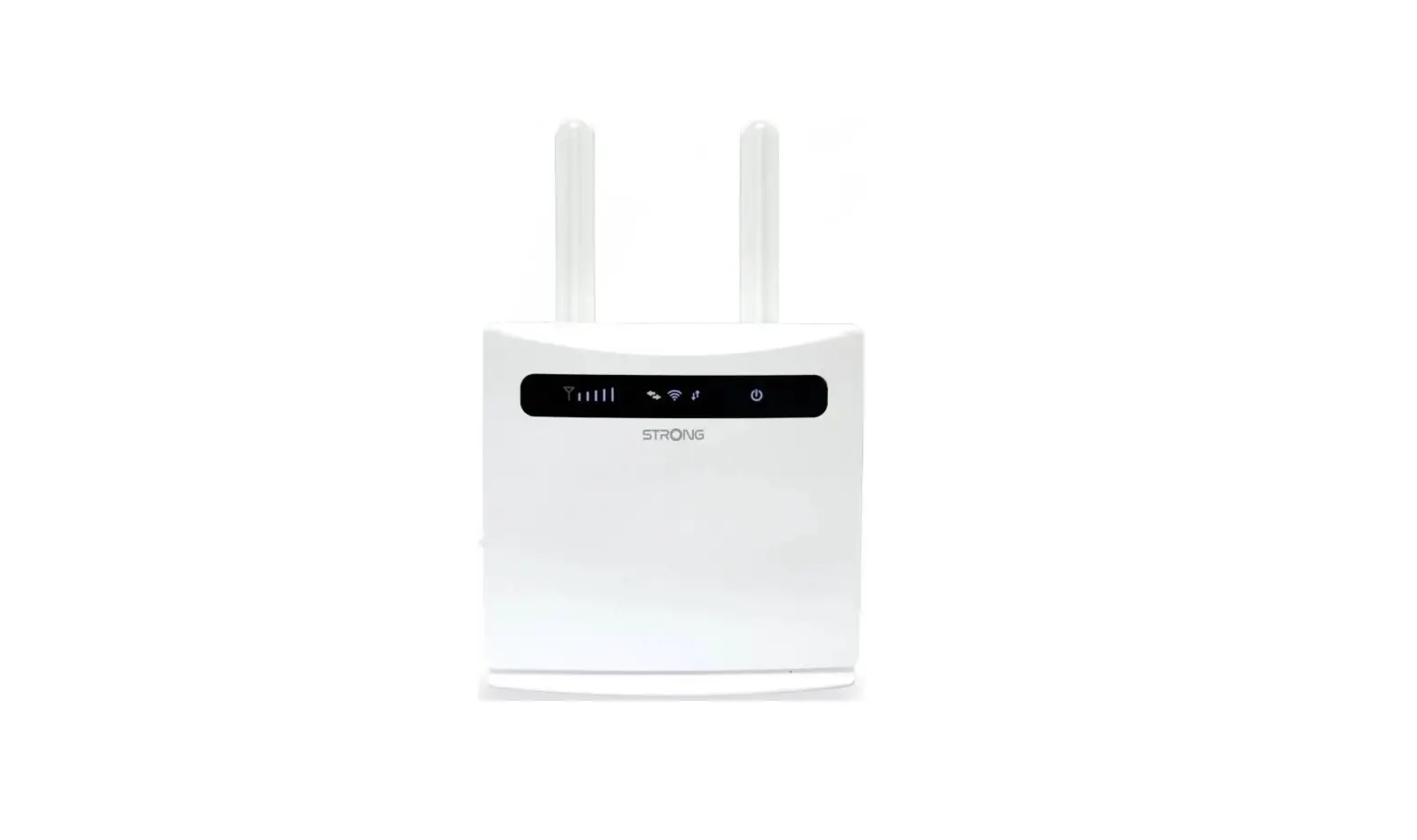
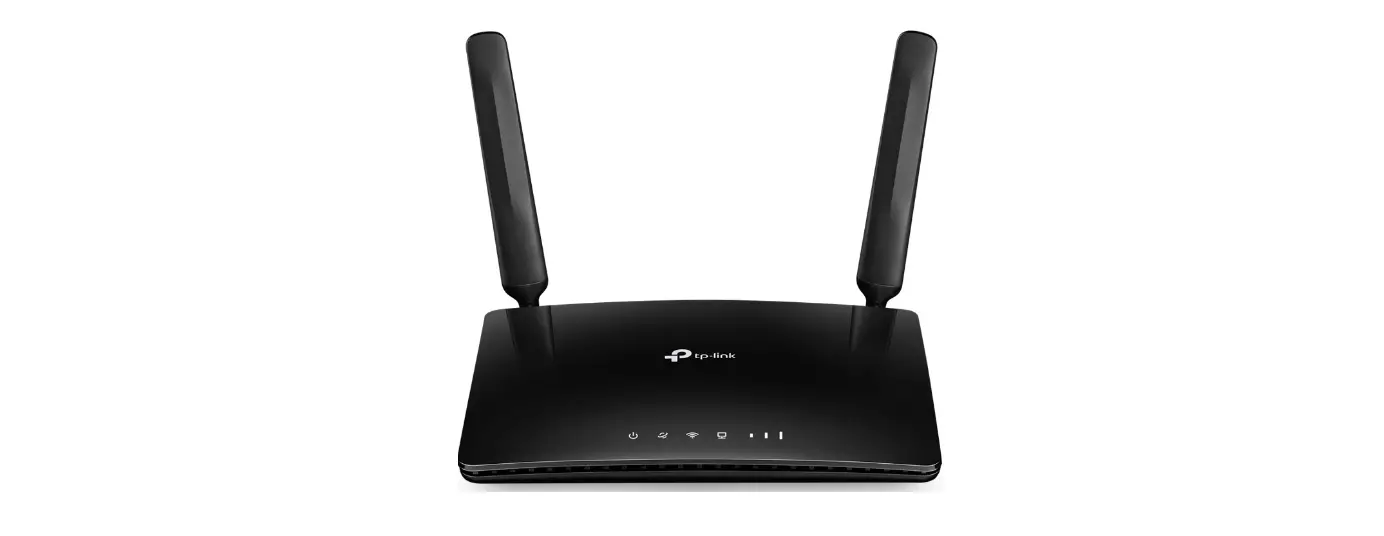
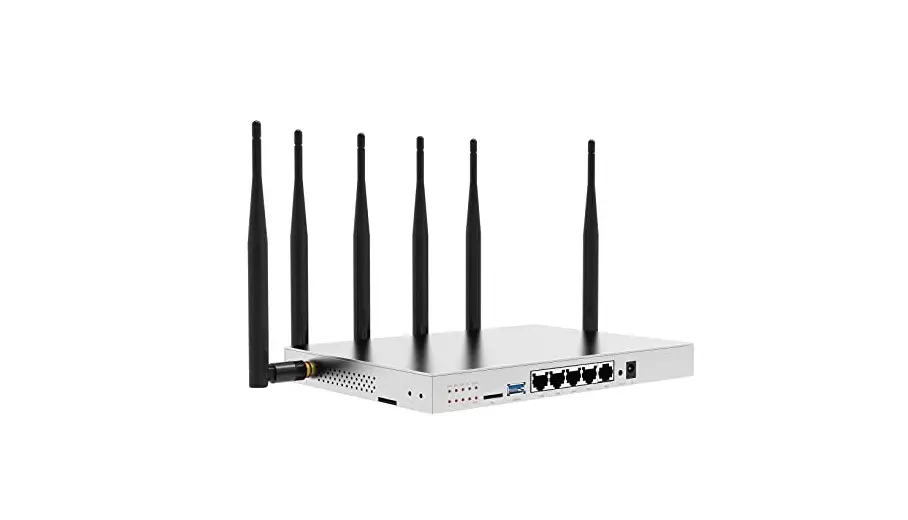
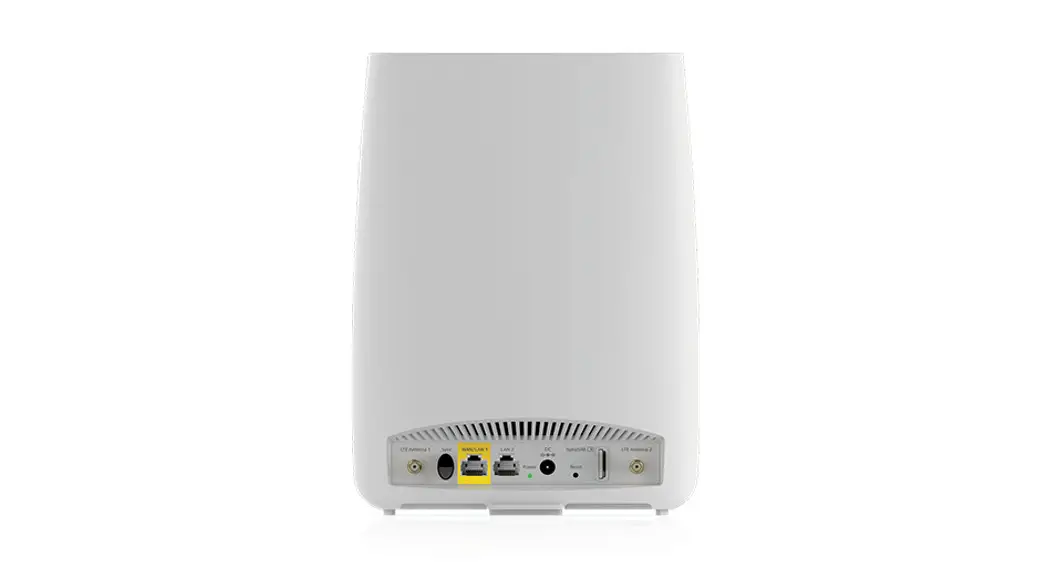
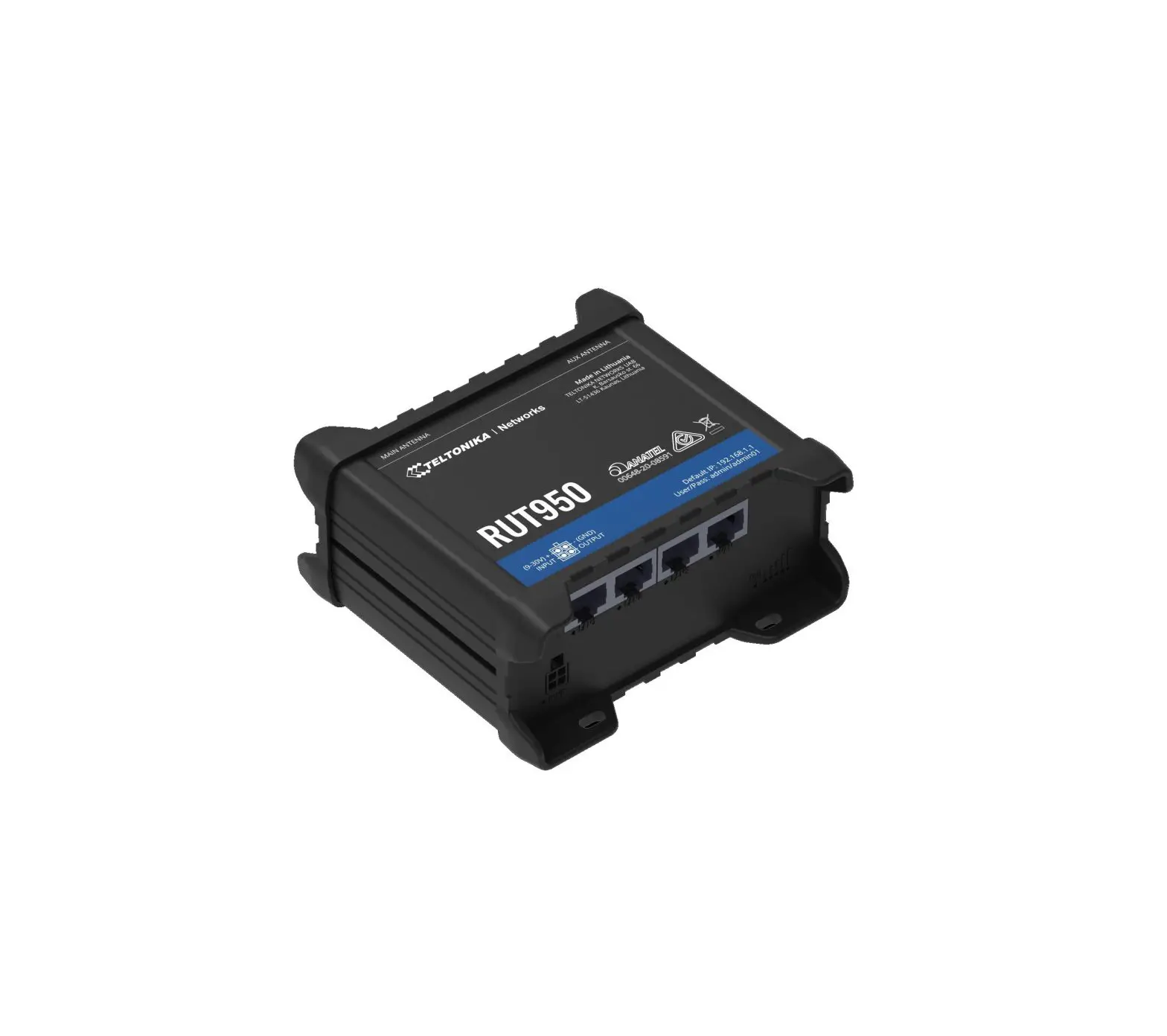
4GROUTER350M 4G LTE Router
Product Information
- Product Name: 4G LTE ROUTER
- Model: 4GROUTER350M
- Maximum Speed: 300 Mbps
- Supported Network: 4G LTE
- Manufacturer: STRONG AUSTRIA
- Distributor: STRONG Ges.m.b.H.
- Supplier Website: www.strong.tv
Product Usage Instructions
- Connect the router to a power source using the provided power
adapter. - Make sure you have a valid SIM card with an active data plan
and insert it into the SIM card slot on the router. - Connect your computer or device to the router using an Ethernet
cable or wirelessly through Wi-Fi. - Power on the router and wait for it to boot up.
- Open a web browser and enter the following URL in the address
bar:http://192.168.188.1. - You will be prompted to enter a username and password. Use
“admin” for both the username and password. - Once logged in, you will be able to access the router’s
settings and configuration page. - Follow the on-screen instructions to set up your internet
connection, including selecting the appropriate network mode (4G
LTE) and entering any required APN settings. - Save your settings and restart the router if necessary.
- Your device should now be connected to the internet through the
4G LTE network provided by your SIM card.
Please note that the provided PIN code (XXXX) may be required
during the initial setup process, depending on your network
provider’s requirements. Refer to your network provider’s
documentation for more information.
PIN: XXXX
hp://192.168.188.1
hp://192.168.188.1
admin admin
4G LTE ROUTER
4GROUTER350M
Mbps
300
Mbit/s
Instructions d’installation Istruzioni per l’installazione Instrucciones de instalación Installasjonsinstruksjoner
Installationsvejledning Instruções de instalação
Telepítési útmutató Návod k instalaci
Upute za instalaciju Installationsanvisningar I
Instrukcje instalacji Anweisungen zur Installation
PIN: XXXX
XXXX
www.strong.tv
Supplied by STRONG AUSTRIA Represented by STRONG Ges.m.b.H.
Teinfaltstraße 8/4.Stock A-1010 Vienna, Austria Email : [email protected]
5 June 2023 3:36 pm
Opon 1
Opon 2 Ethernet (RJ45)
hp://192.168.188.1
hp://192.168.188.1 admin
admin
 Home | Strong-eu.com