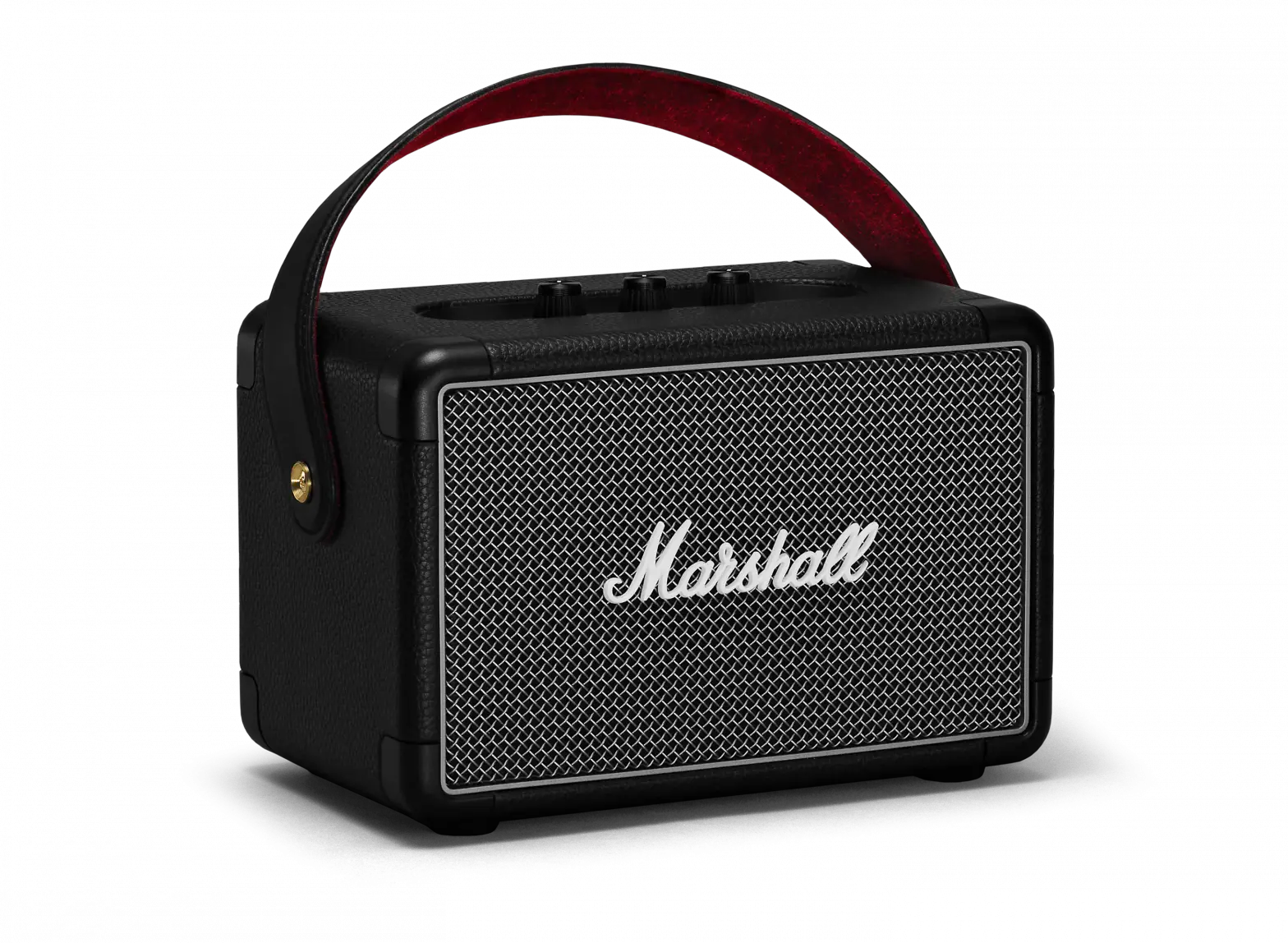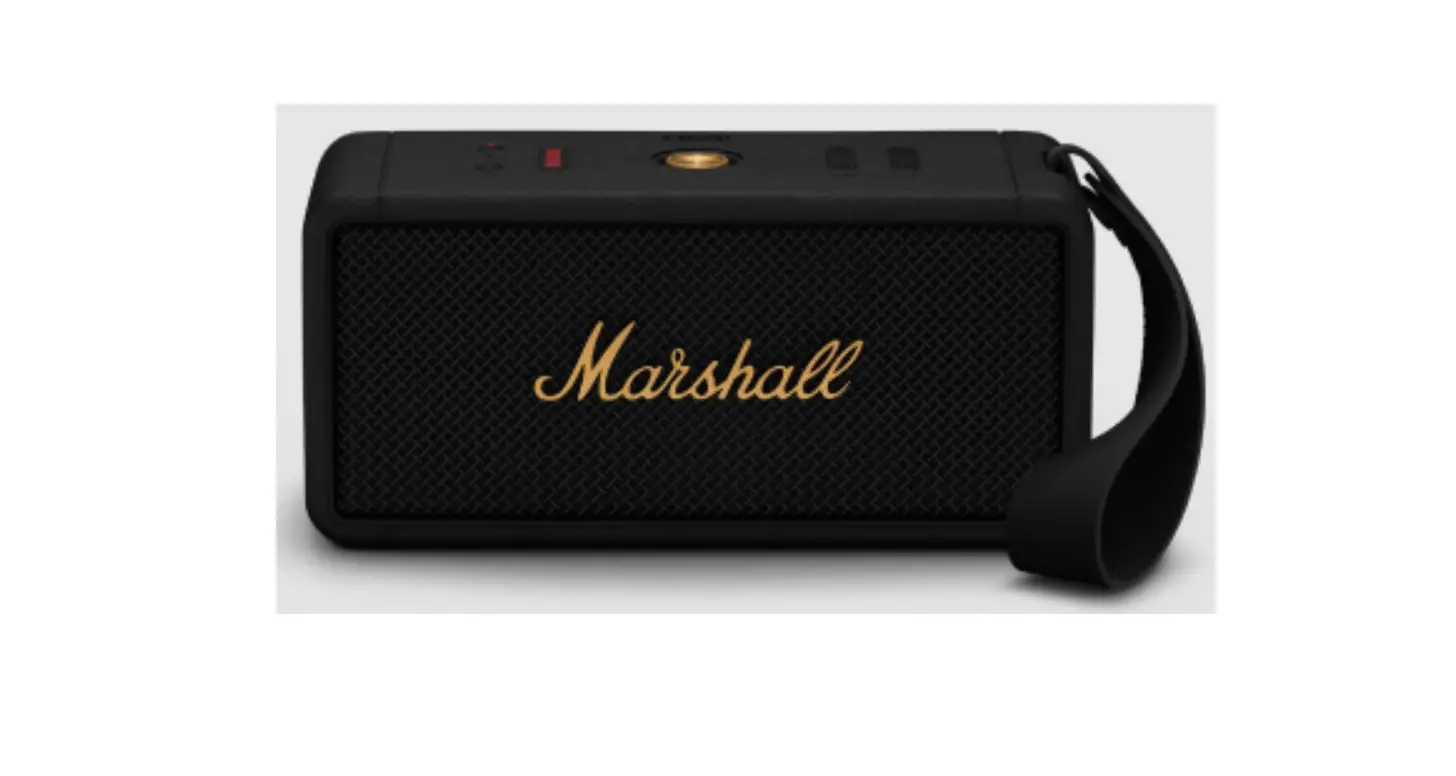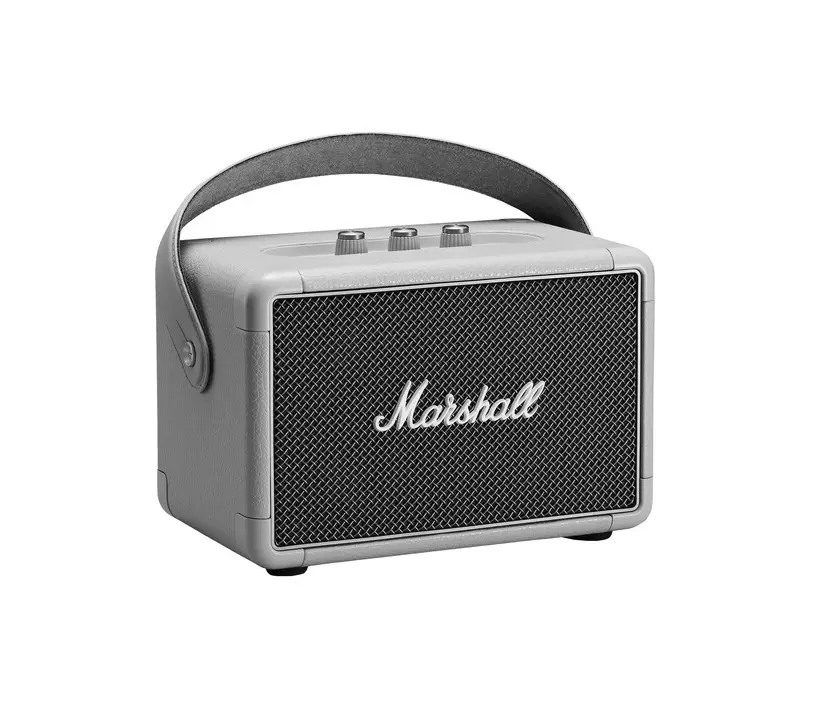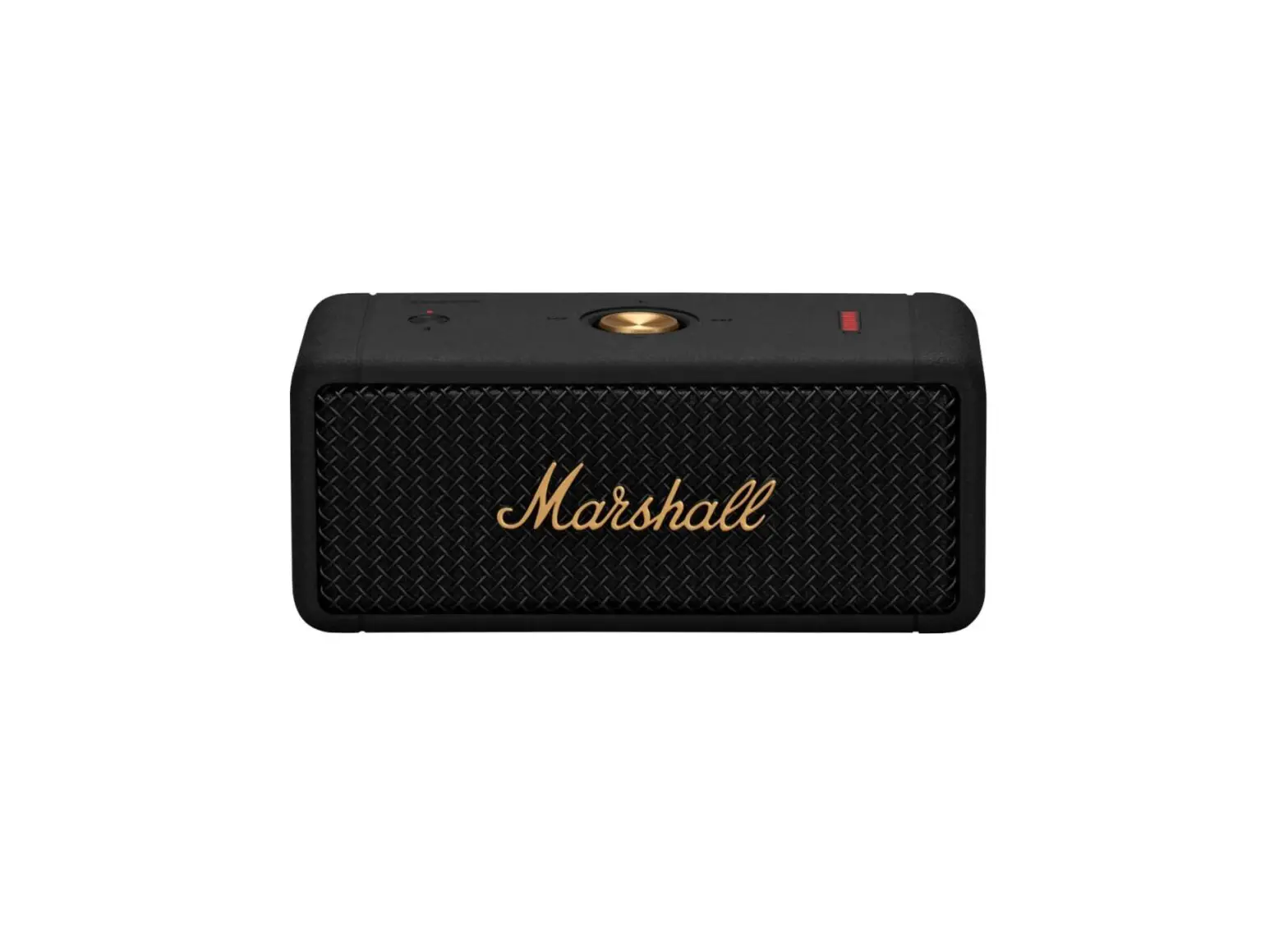
Marshall 1001908 Emberton Portable Loudspeaker User Manual

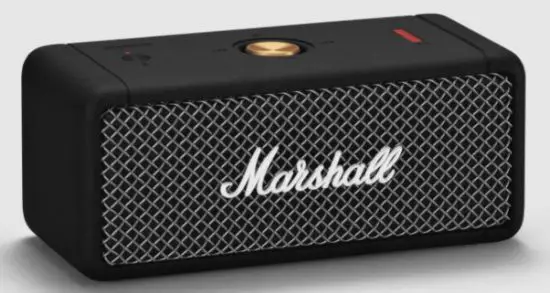
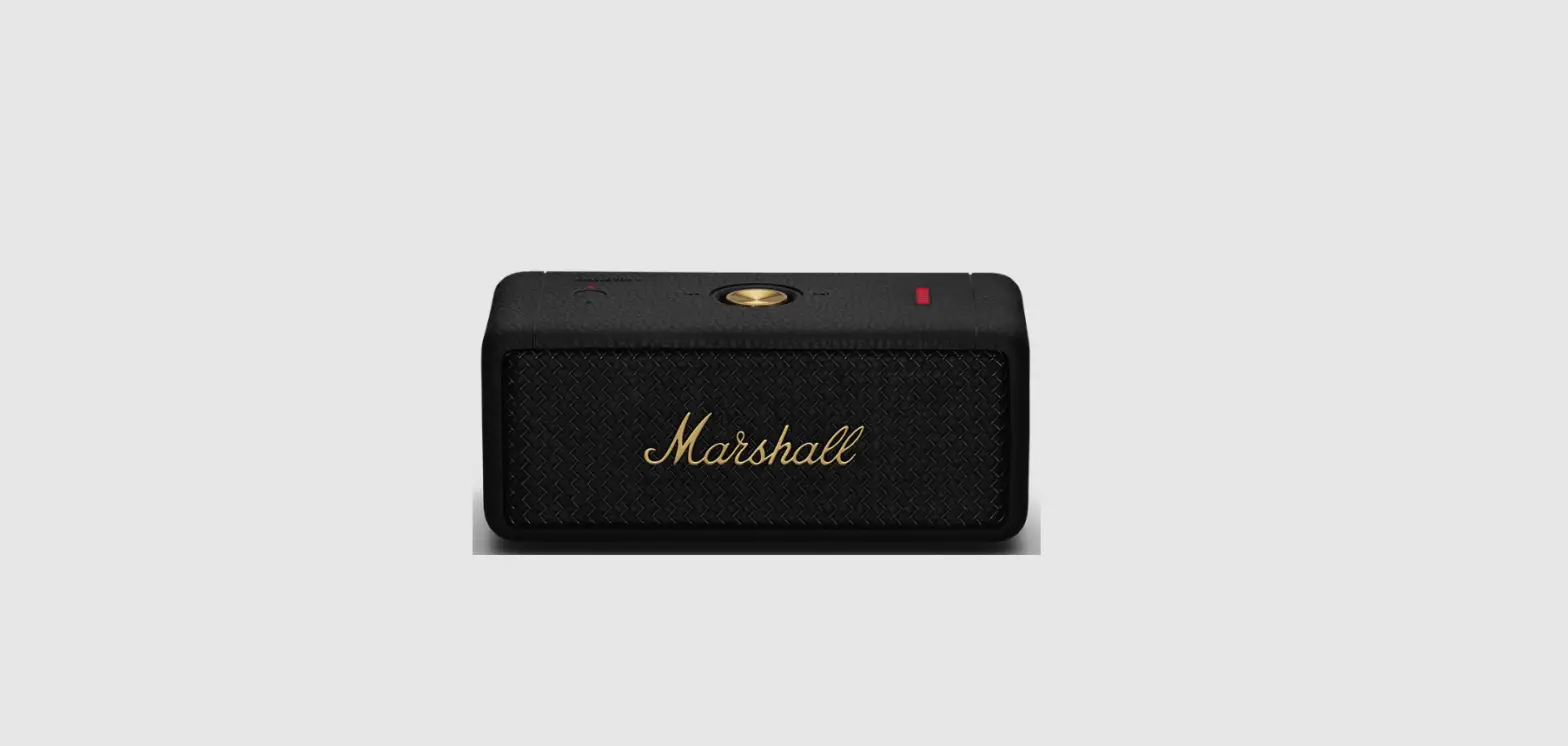
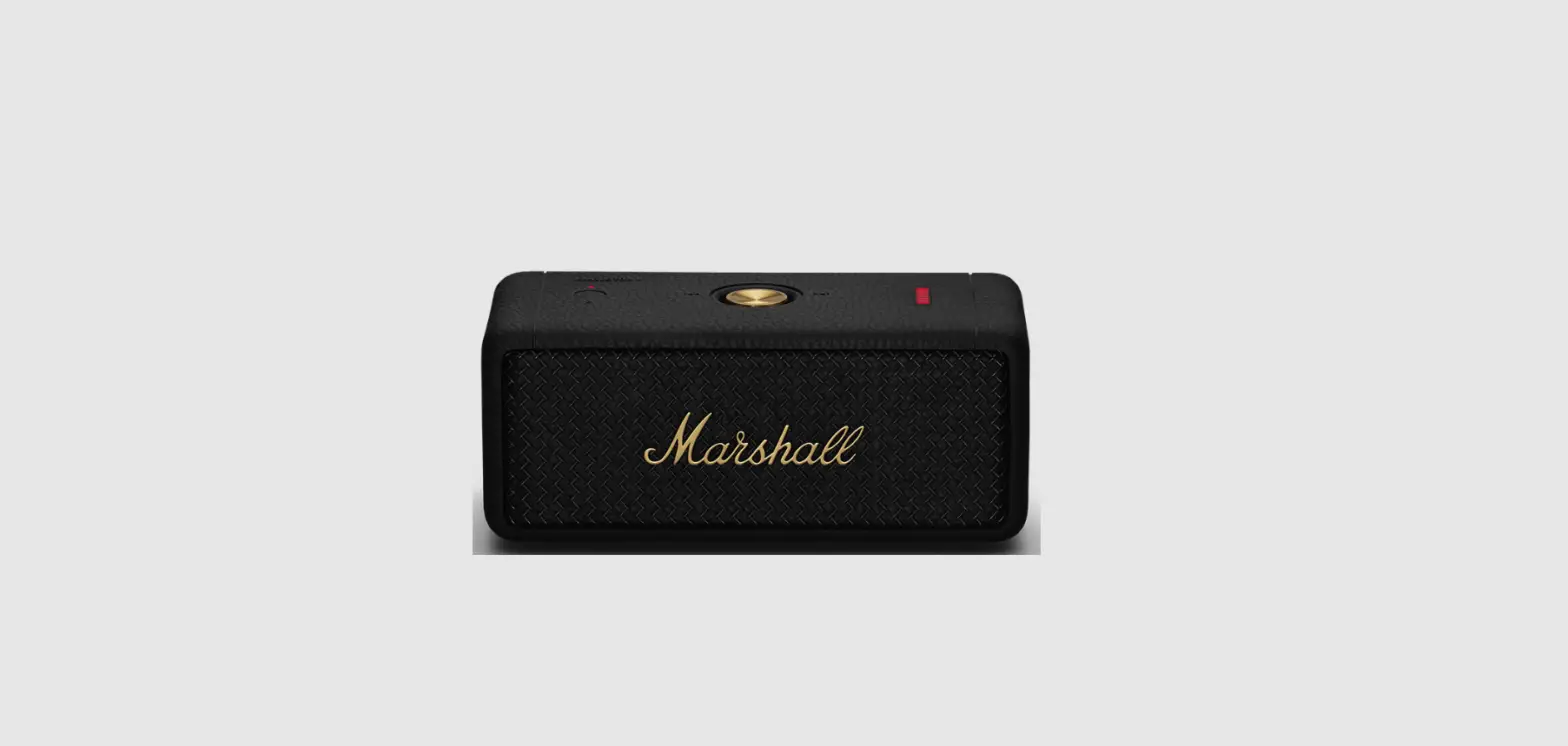
DEVICE LAYOUT
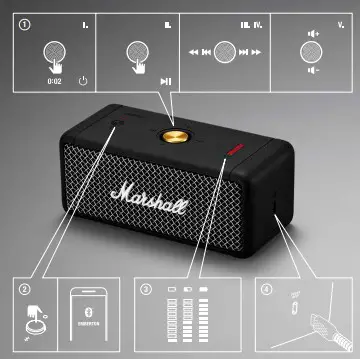
- CONTROL KNOB
I. POWER ON/OFF Push and hold for 2 seconds
II. PLAY/PAUSE Push once
III. SKIP FORWARD/BACK Push to the right or the left
IV. FAST FORWARD/REWIND Push to the right or left and hold
V. TURN UP/DOWN THE VOLUME Push upwards or downwards - BLUETOOTH® PAIRING
BUTTON AND INDICATOR Push the Bluetooth® button until the indicator above starts blinking to initiate Bluetooth pairing mode. - BATTERY INDICATOR
The 10 segment battery indicator shows the battery charge. - USB PORT FOR CHARGING Connect the speaker to a power source via the included USB cable to charge the battery.
The battery is fully charged when the battery indicator stops blinking.
GETTING STARTED
- Push the control knob for 2 seconds. The speaker turns on and is in pairing mode.
- Select EMBERTON from your audio device’s Bluetooth list.