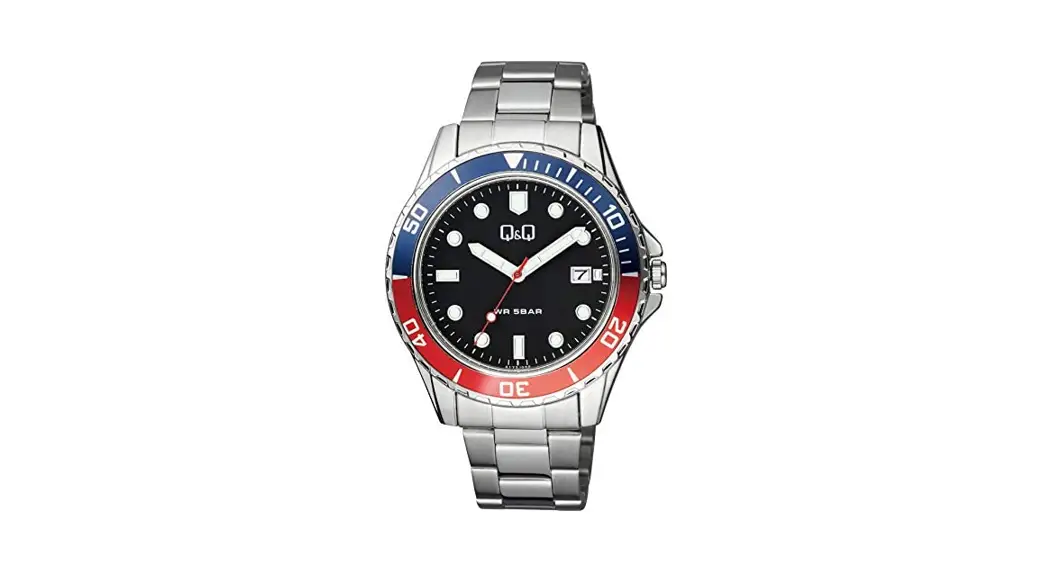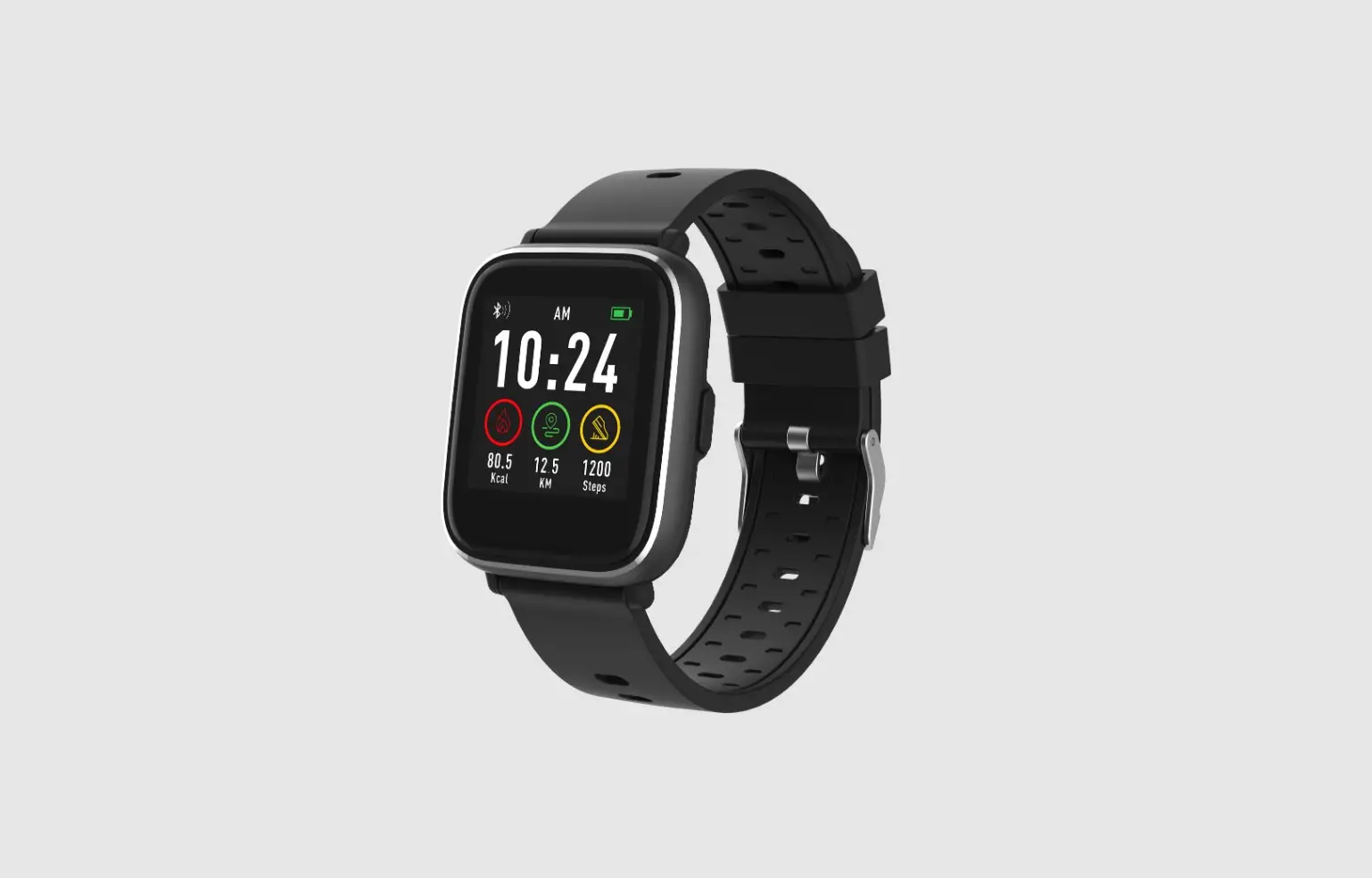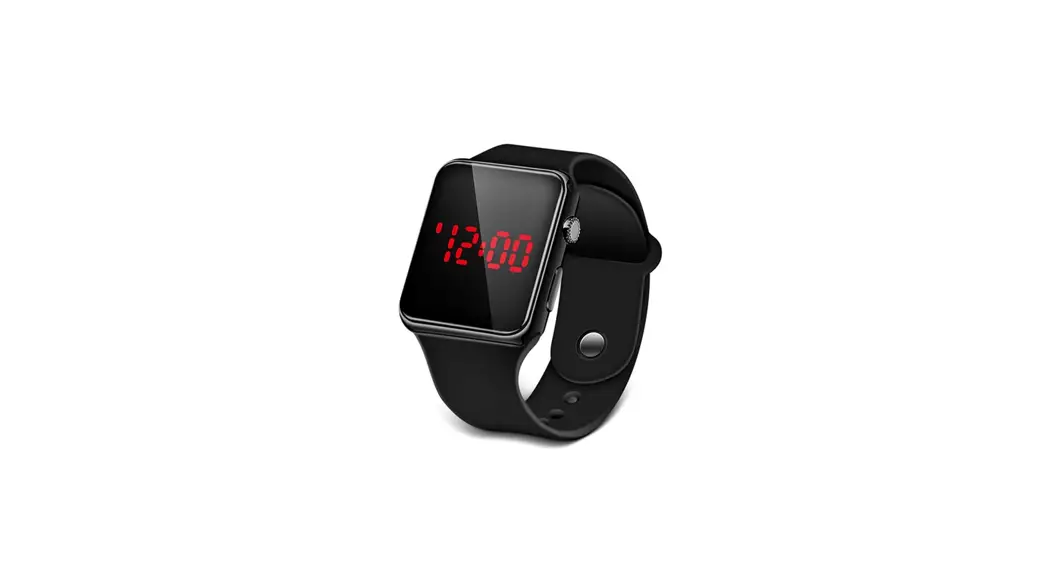

OD17117(MULTI FUNCTION SPORT LCD WATCH)
CITIZEN WATCH CO.,LTD.
Q&Q SALES DEPARTMENT
OD17117 Multi Function Sports LED Watch
 | Stopwatch |  | Back-light |
 | Dual Time |  | Alarm |
 | 100 Years Calendar |  | Chime |
 | 30M Water Resistant |  | Battery(CR1616) |
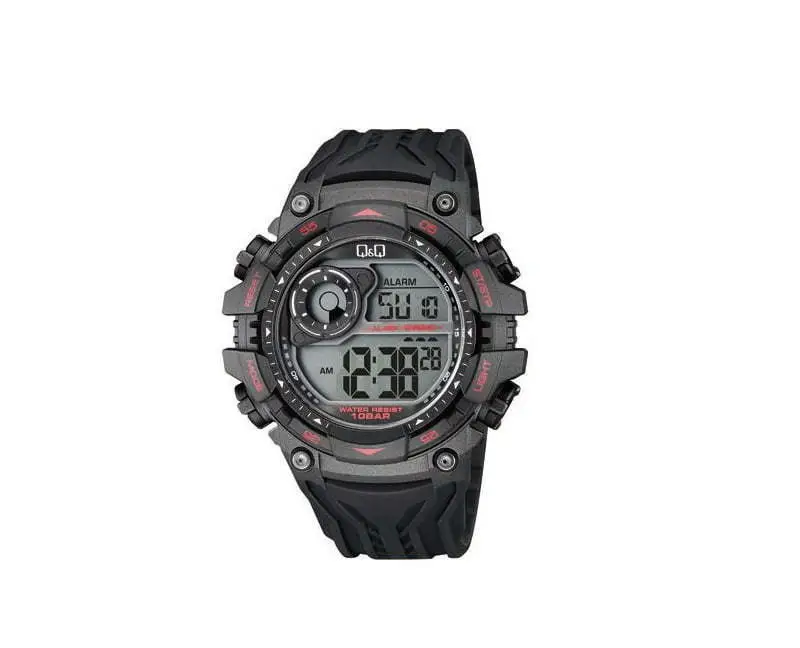
- The operation of buttons are indicated by using the letters shown in the illustration.
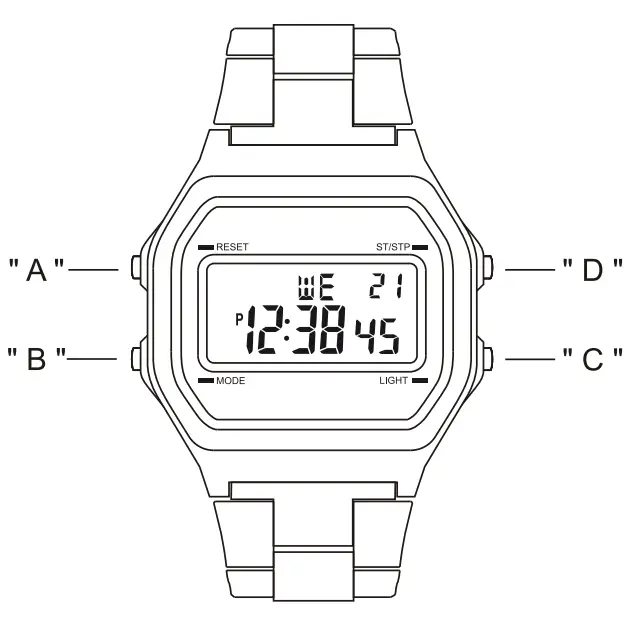
A– Reset
B– Mode
C– Backlight
D– Start /Stop
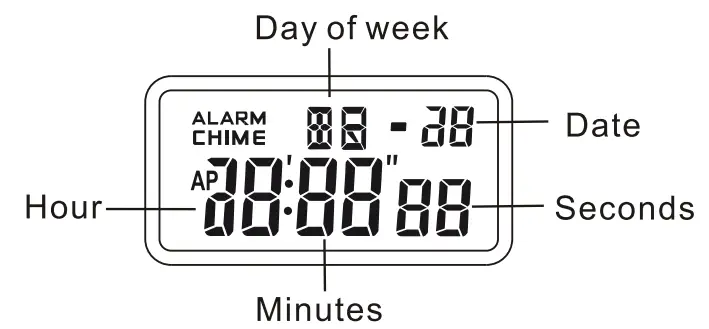
DISPLAY
- The screen shown in below:
ATTENTION
- Never try to open the case or remove its back cover.
- Do not operate buttons under water.
- Should moisture appear inside the watch,have it checked immediately by your dealer. Otherwise it can cause erosion of the metal parts of the watch.
- Though the watch is designed to withstand normal use, you should avoid rough use or dropping the watch.
- Avoid exposing the watch to temperature extremes.
- Wipe the watch with dry, Soft cloth only. Avoid all owing it to come into direct contact with chemical materials, which can cause deterioration of the plastic parts of the watch.
- Avoid to wear the watch in electromagnetic, static conditions.
MODE SELECTION
- Press “B” to change mode to mode in the following Sequence:
Timekeeping Mode → Alarm Mode→Stopwatch Mode → Dual Time Mode.
a ) TIMEKEEPING
- 12/24H Format;
- Hour, Minutes, Seconds, Day of week, Date;
- 100 years Calendar (2000 – 2099).
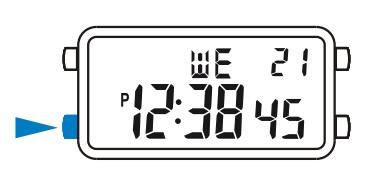
b ALARM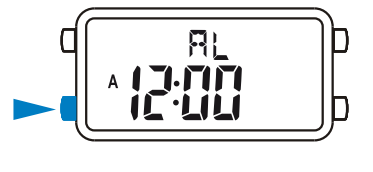
- Hourly time signal;
- The alarm sounds at the preset time each day.
C STOPWATCH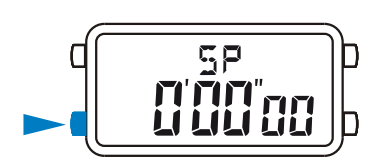
- 1/100 second unit;
- Measuring range: 0100″00 – 23:59’59”.
d DUAL TIME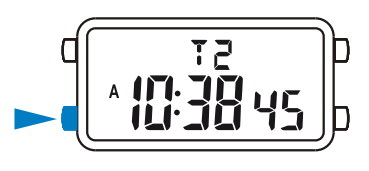
- The time for other time zone.
BACKLIGHT
- The watch has backlight function, that can make the display to glow for easy reading in the dark.
Use Backlight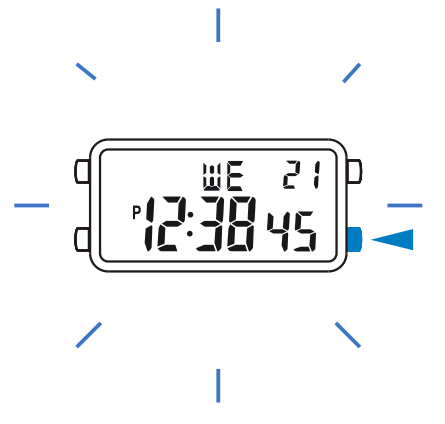
- In any mode, press and hold “C” to illuminate the display.
TIMEKEEPING
12/24TH Format
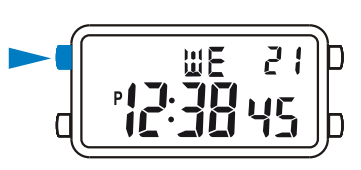
- In the timekeeping mode, press “A” to switch between 12/24TH formats.
Calendar
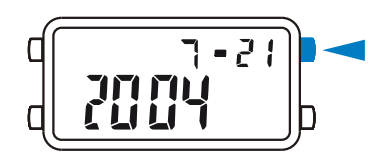
- In the timekeeping mode, press and hold “D” to display: Year, Month, Date.
Time Setting
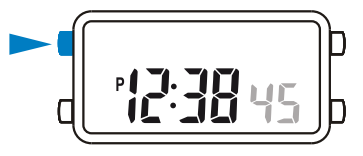
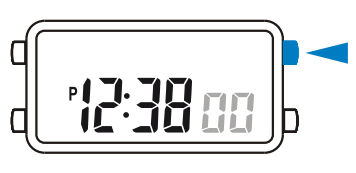
- In the timekeeping mode,press anu hold “A” until the seconds to flash (flashing indicated in set mode);

- Press “D” to reset the seconds ;
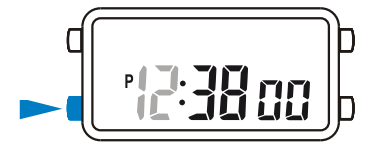
- Press “B” change to the next selection;
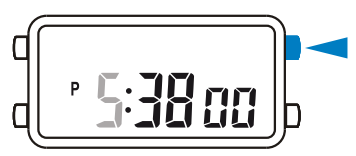
- Press “D” to increase the number, press and hold to increase at high speed;

- Repeat step 3 and 4, the selection in the following sequence: Seconds Hour – Minutes-Year – Month – Date;

- Press “A” to exit the set state, after you set(The day of week is autos-aquatically displayed in accordance with year, month and date setting)
ALARM
Alarm and Chime
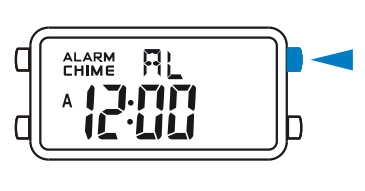
- In the alarm mode, press “D” to onfoff the alarm and chime in the following sequences: Alarm & Chime off —Alarm on — Chime on—Alarm & Chime on.

Alarm Time Setting
- In the alarm mode, press “A” the hour to flash(flashing indicated it set mode);

- Press ‘ID” to increase the hour, press and hold to increase at high speed;

- Press “B” to select the minutes
- Press “D” to Increase the minutes,press and hold to increase at high speed:

- Press “K to exit the set state, after you set.
 • The alarm sounds at the preset time each day for about 60 seconds, press any button to break it.
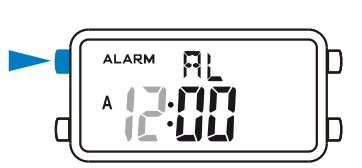
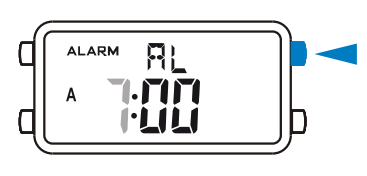
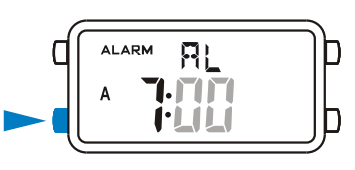
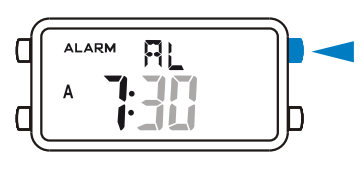 • The alarm sounds at the preset time each day for about 60 seconds, press any button to break it.
STOPWATCH
A Lap Time
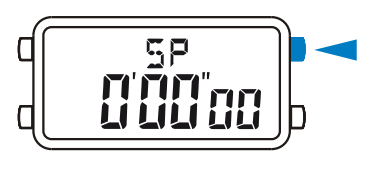
- In the stopwatch mode. press “0” to start the stopwatch;

- To stop the stopwatch by pressing “D” again;
- Press “A’ to reset the stopwatch.

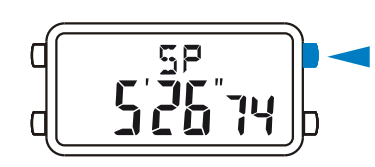
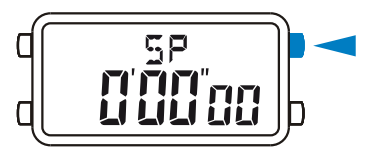
Split Time
- In the stopwatch mode,press “D” to start the stopwatch;

- Press “A’ to display the split time, stopwatch timing continues internally;

- Press “A’ to clear the split time and to continue time measurement;
- Repeat step 2 and 3, you can measure themulti split time;
 Press ‘D” to stop the stopwatch.
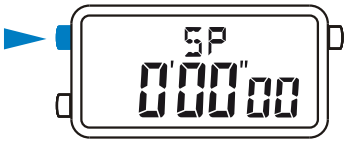
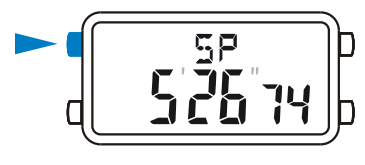
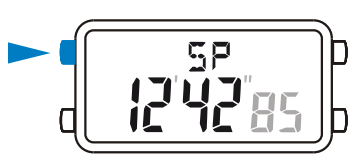 Press ‘D” to stop the stopwatch.
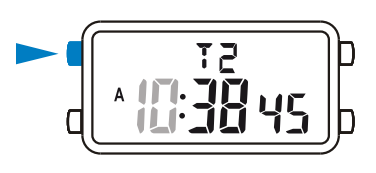
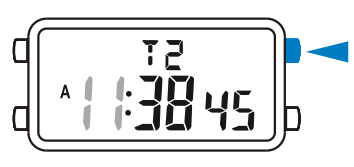
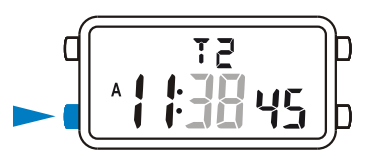
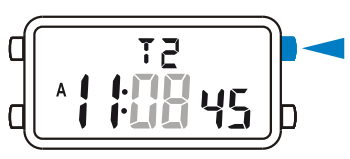
DUAL TIME
Dual Time Setting
- In the dual time mode, press “A’ the hour to flash (flashing indicated in set mode);

- Press “D” to increase the hour, press and hold to increase at high speed;

- Press “B” to select the minutes;

- Press “D” to change the minutes(press once change 30 minutes);

- Press “A” to exit the set state, after you set.