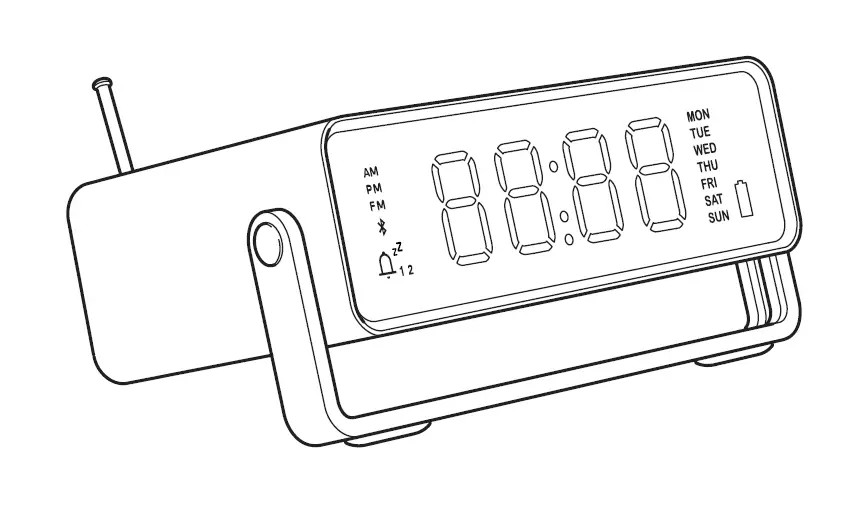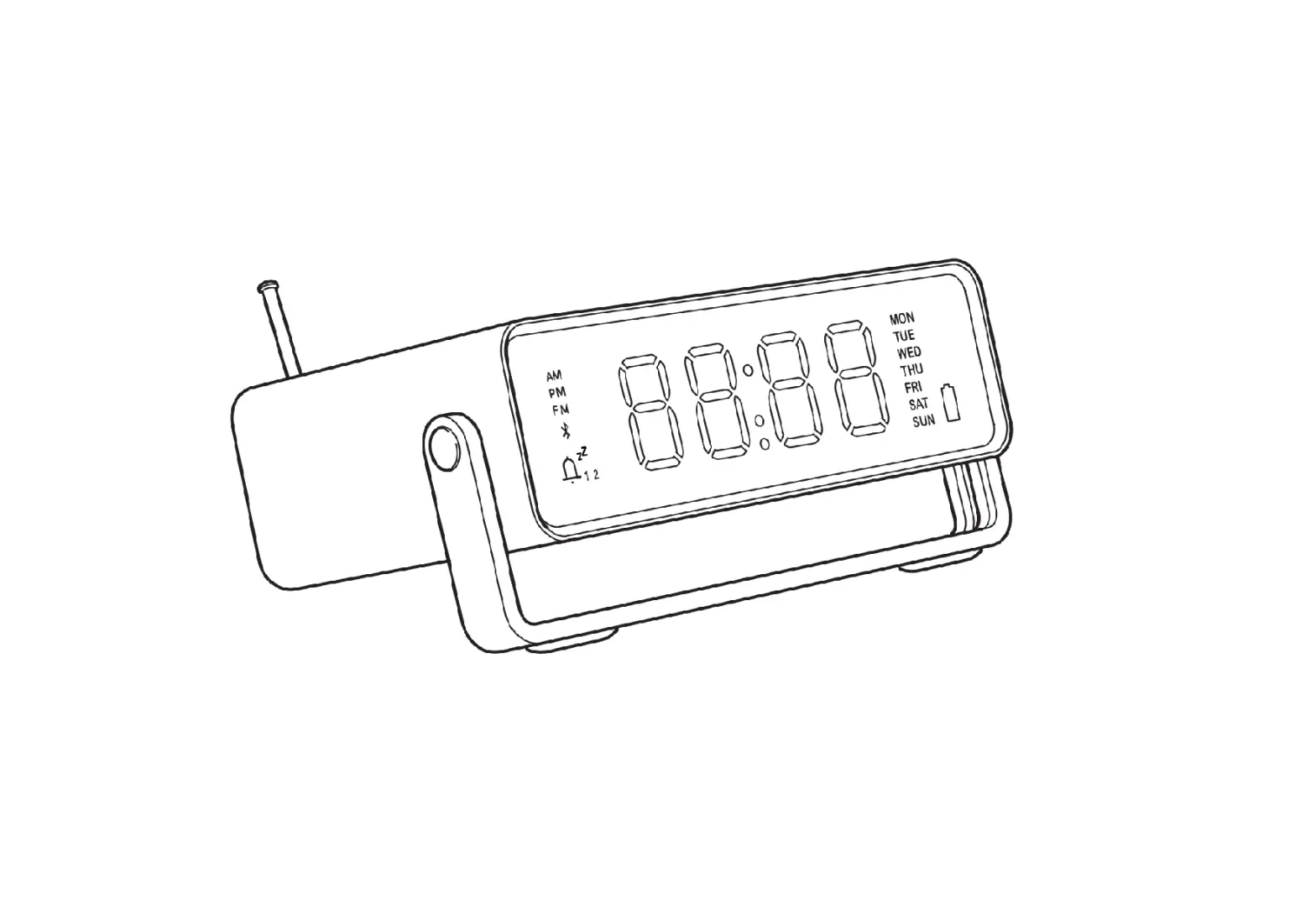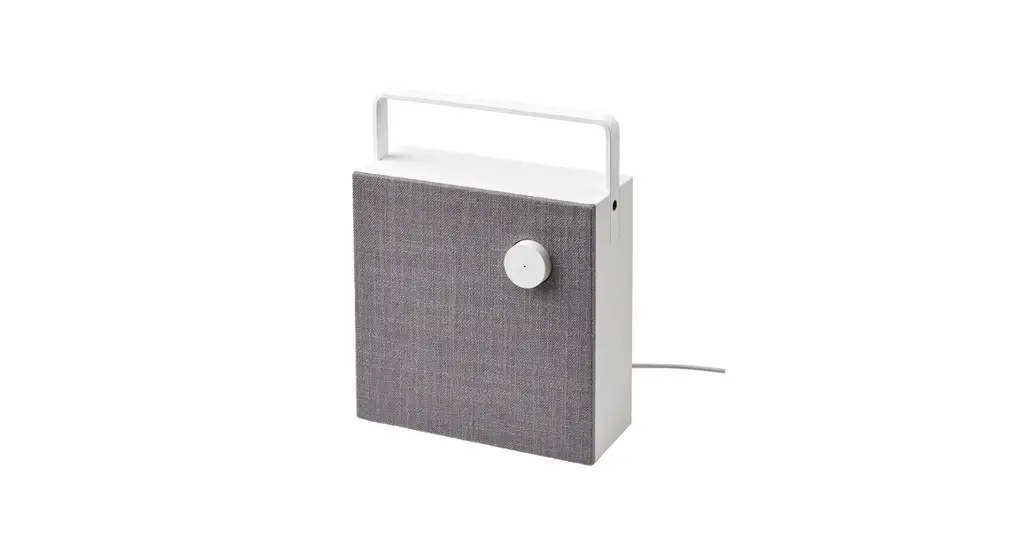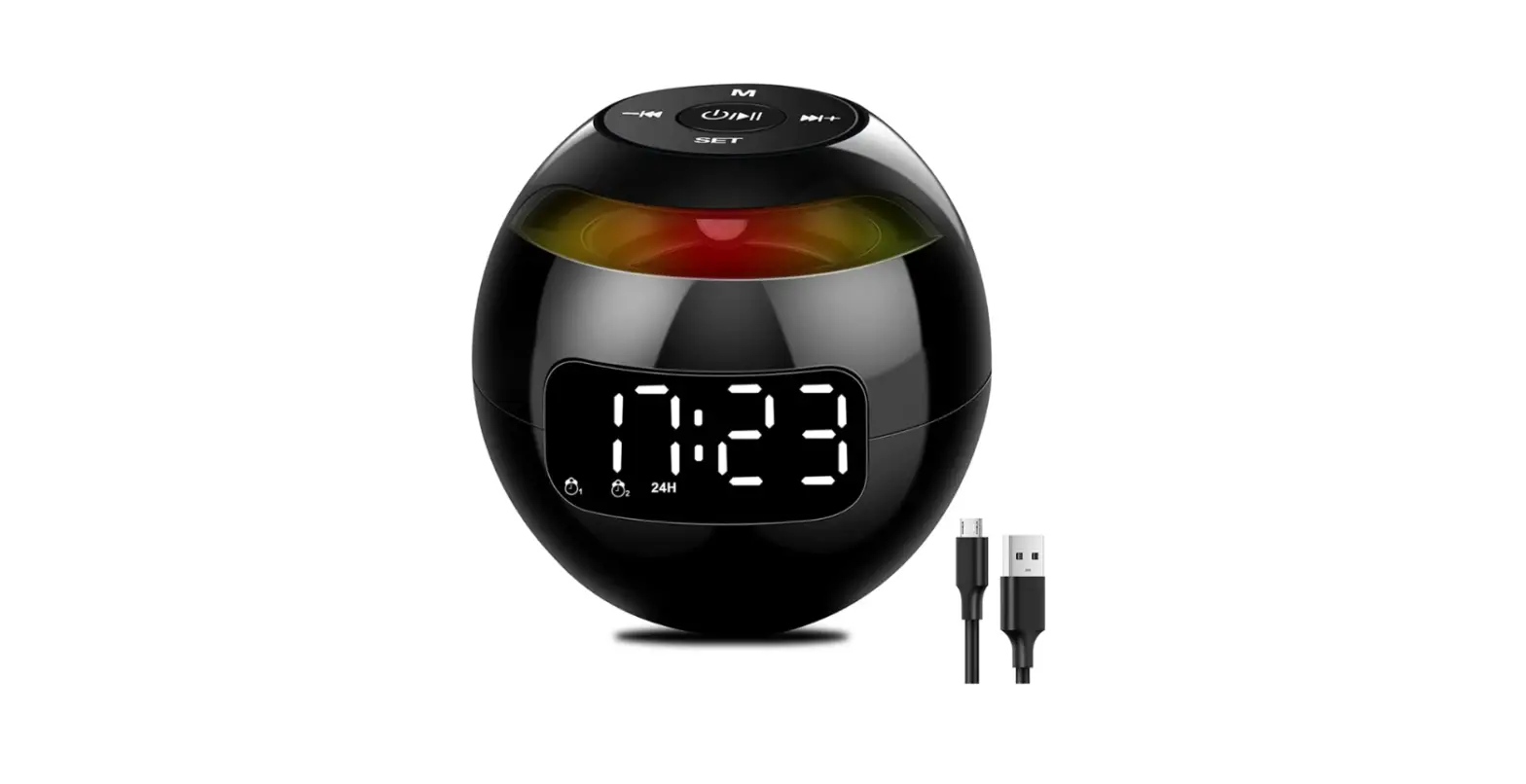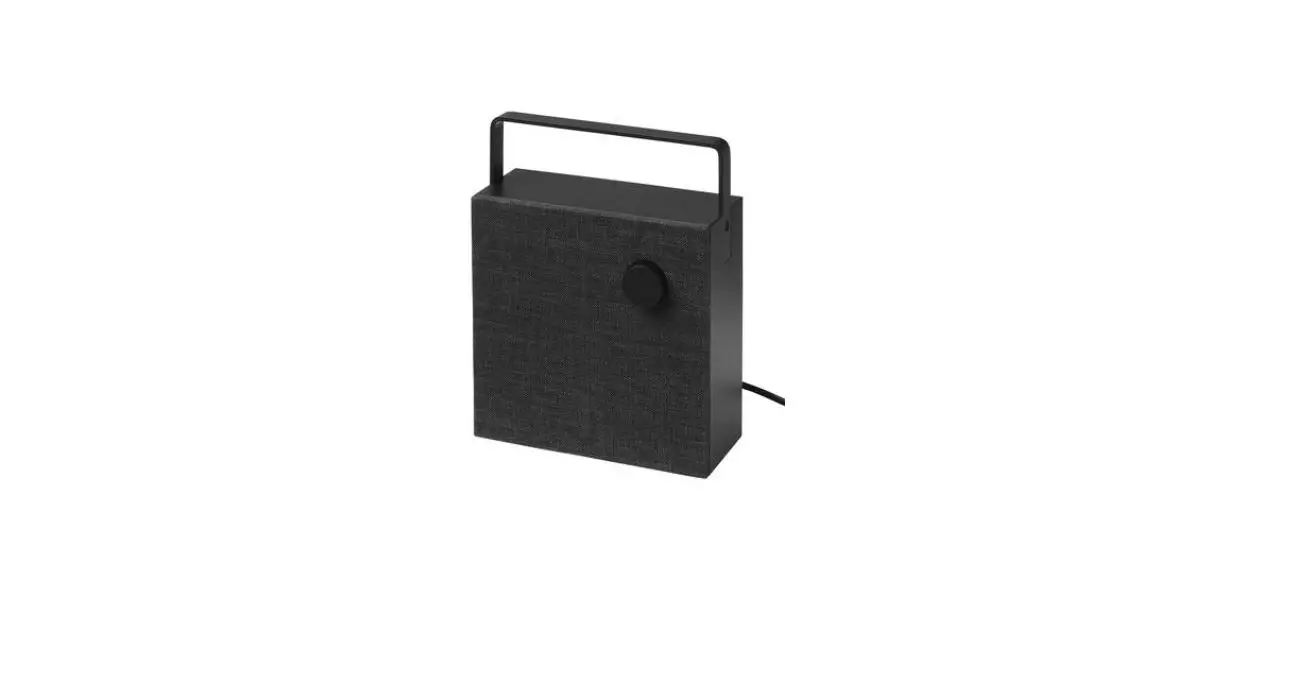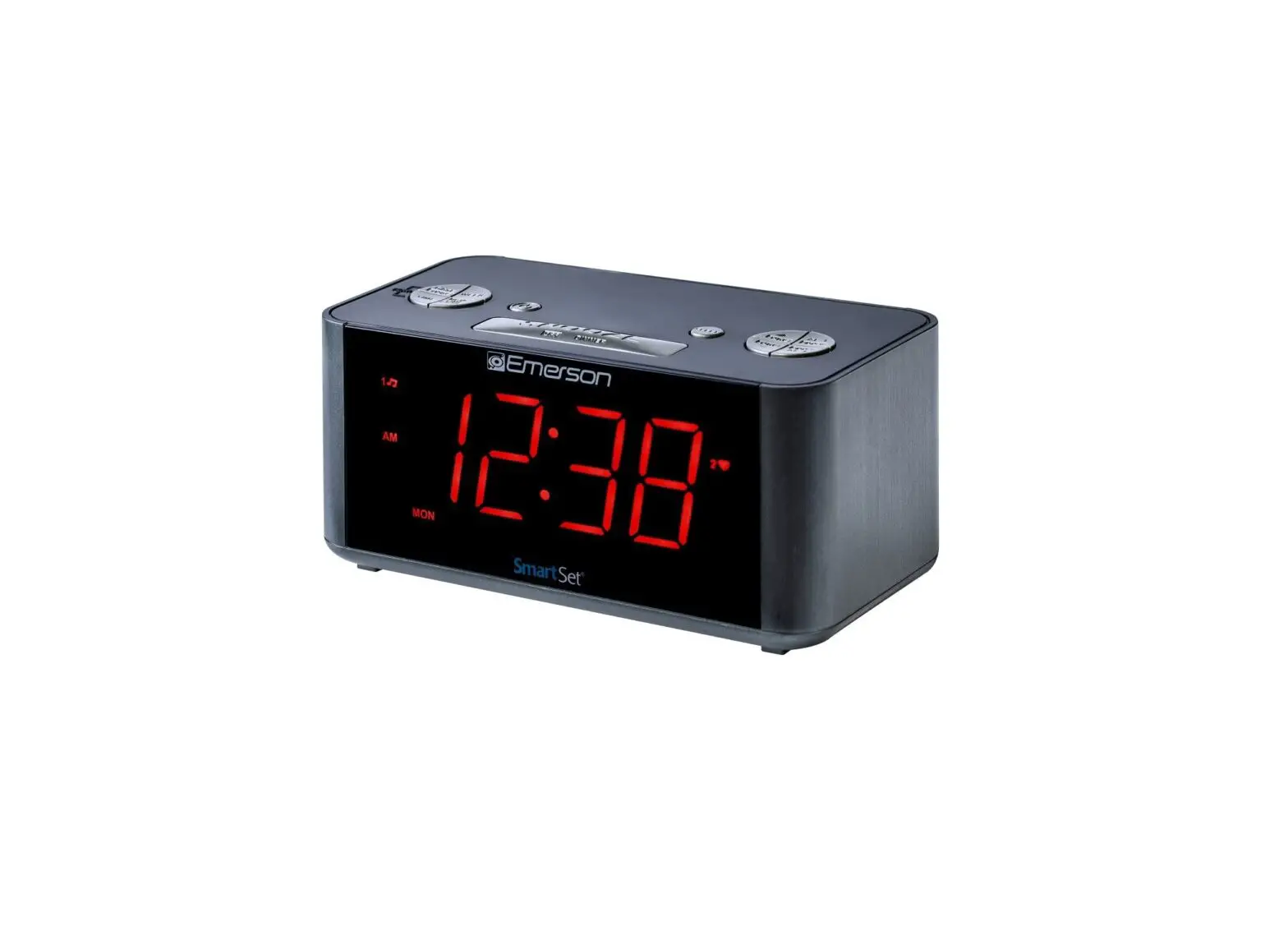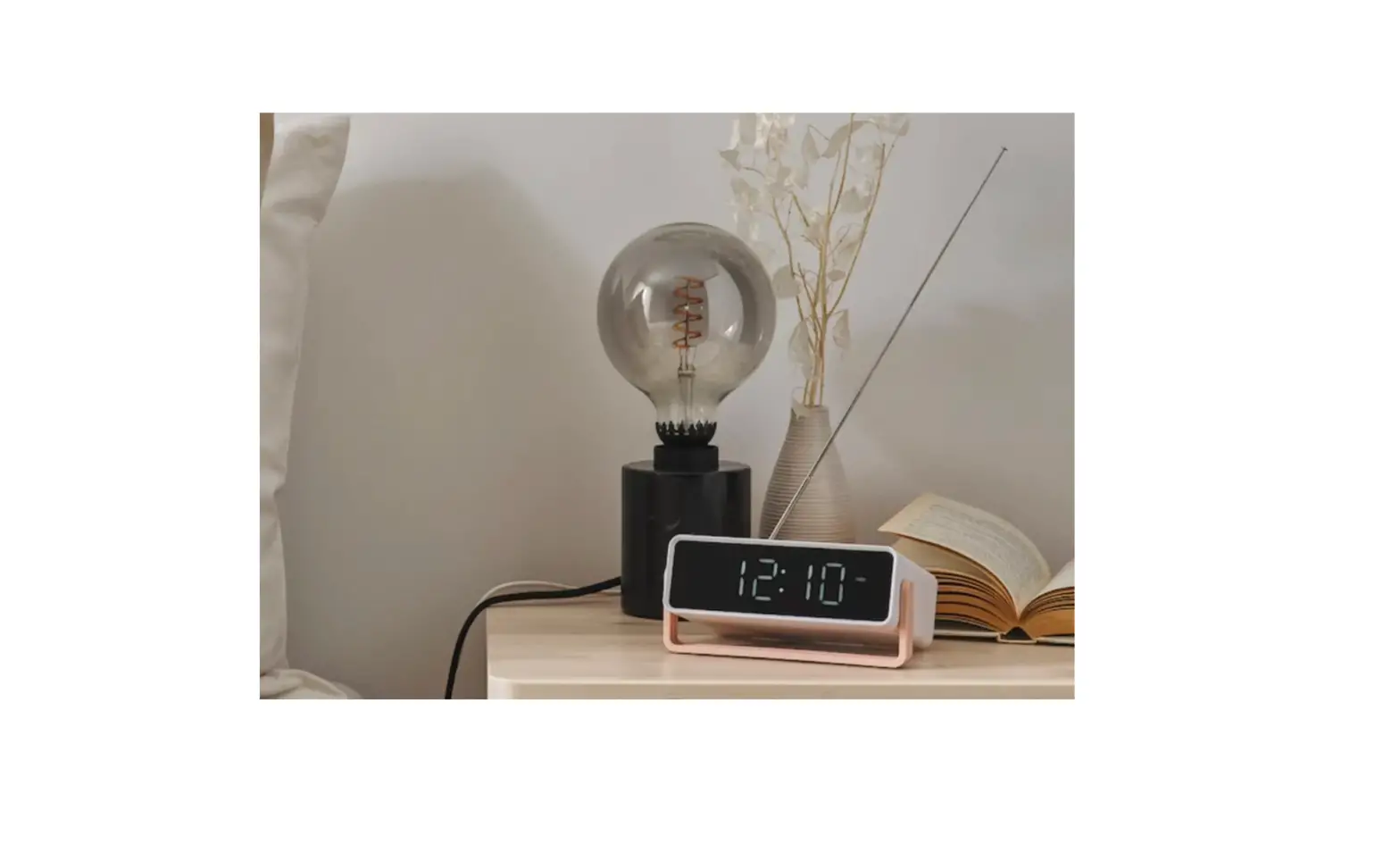
DÅNDIMPEN
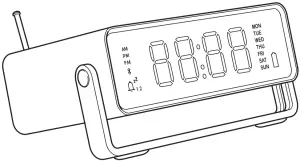

Getting Started
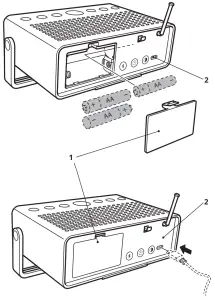
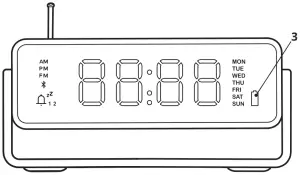
Open lid (1) and insert 3xAA Ni-MH batteries with correct polarity and/or connect USB cord into connector (2).
Setting time
After USB cable or battery is inserted. Hours will start blinking.

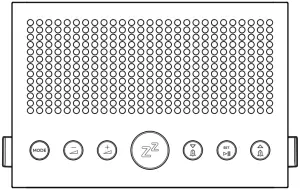
 Increase & decrease hours, minutes and day.
 Set value of hours, minutes and day.
After clock is set the product will start in clock mode.
 Short press toggles between AM/PM and 24 hrs.
Long press 2 sec: set time.
Mode of operation
 Short press toggles mode of operation from “Clock mode” to “Bluetooth Mode” to “FM Mode”.
 Volume down
 Volume Up
Clock mode
To activate alarm:
 Short press toggles alarm 1 on/off.
 Short press toggles alarm 2 on/off.
Set alarm:
Long press 2 sec: Increase & decrease hours, minutes and day. Selection of wake-up sound or Fm Radio.
Set value of hours, minutes, day and wake-up sound/Fm.
Snooze:
 Short press during an alarm activates snooze function.
Long press 2 sec: set snooze duration.
Increase & decrease minutes
Set value
Stop alarm: Press any key except
Bluetooth Mode
Skip Back
Play/Pause
Skip Forward
 Short press: Start searching for new Bluetooth device to connect to. If a device is already connected the connection will be released enabling another device to connect. Up to 8 devices can be paired with Bluetooth.
FM Mode
Short press: Tune down
Long press 2 sec: Scan down
Short press: Tune up
Long press 2 sec: Scan Up
Short press: Toggle preset
Long press 2 sec: Store a preset
To store a preset, scan/tune to the radio station you want to store then long press the SET button. Then select a preset number P1-P6 and confirm with the SET button.
Adjust display brightness
 Short press adjusting the display brightness in three steps, 10%, 50% and 100% brightness.
Factory Reset
Long press 10 sec to factory reset.
Charging
- When battery is low the battery symbol will light up. Connect a power supply to the USB-C connector (2). For charging, use only Ni-MH type AA rechargeable batteries.
- Do not attempt to charge other types such as Alkaline, Carbon Zink etc. The clock radio has built in protection and will detect wrong battery types. The battery symbol (3) will indicate error by flashing.
Recommended power supply:
5Vdc, min 2A (Not included)
Recommended battery types:
3 x IKEA LADDA 2450 (AA, 1.2V, 2450mAh, Ni-MH) (Not included)
Do not mix batteries of different capacities, types or date stamps.
TECHNICAL DATA
Model name: DÅNDIMPEN
Type nr: E1802
Input: 5V DC, 2A or 3xAA
Estimated battery play time at 50% Volume and Bluetooth mode:
-50% display brightness: 10h
Operating Temperatures: 0°C to 45°C
Operating humidity: 0 to 95%RH
Operating Frequency: 2.4-2.48GHz
Radio Output Power: 3 dbm (EIRP)
Manufacturer: IKEA of Sweden AB
Address: Box 702, SE-343 81 Älmhult, SWEDEN
WARNING:
- Never install the product in a confined space. Always leave a space of at least 5 mm around the product for ventilation.
- Product and Batteries (battery pack or batteries installed) shall not be exposed to excessive heat such as sunshine, fire or similar.
- No naked flame sources, such as candle lights should be placed on the apparatus.
CAUTION:
- Risk of explosion if battery replaced by an incorrect type.
- Dispose of used batteries according to the instruction.
- Do not attempt to repair this product yourself, as opening or removing covers may expose you to dangerous voltage points or other risks.
CARE INSTRUCTIONS
To clean the product, wipe with a soft moistened cloth Use another soft, dry cloth to wipe dry.
NOTE!
Never use abrasive cleaners or chemical solvents as this can damage the product.
DECLARATION OF CONFORMITY
Hereby, IKEA of Sweden AB declares that the radio equipment type E1802 is in compliance with Directive 2014/53/EU.
The full text of the EU declaration of conformity can be found at http://www.ikea.com
— Choose the country you are in
— Search your product in the search field
— Go to Assembly Instructions and Manuals (downloads) Here will you find a pdf file of the full DoC.

The Bluetooth® word mark and logos are registered trademarks owned by Bluetooth SIG, Inc. and any use of such marks by IKEA is under license. Other trademarks and trade names are those of their respective owners.
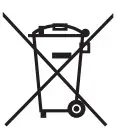 The crossed-out wheeled bin symbol indicates that the item should be disposed of separately from household waste. The item should be handed in for recycling in accordance with local environmental regulations for waste disposal. By separating a marked item from household waste, you will help reduce the volume of waste sent to incinerators or land-fill and minimize any potential negative impact on human health and the environment. For more information, please contact your IKEA store.
© Inter IKEA Systems B.V. 2019 AA-2213638-1
 Hej! Welcome to IKEA Global
 Møbler og interiør til hele hjemmet - IKEA
 Hej! Welcome to IKEA Global