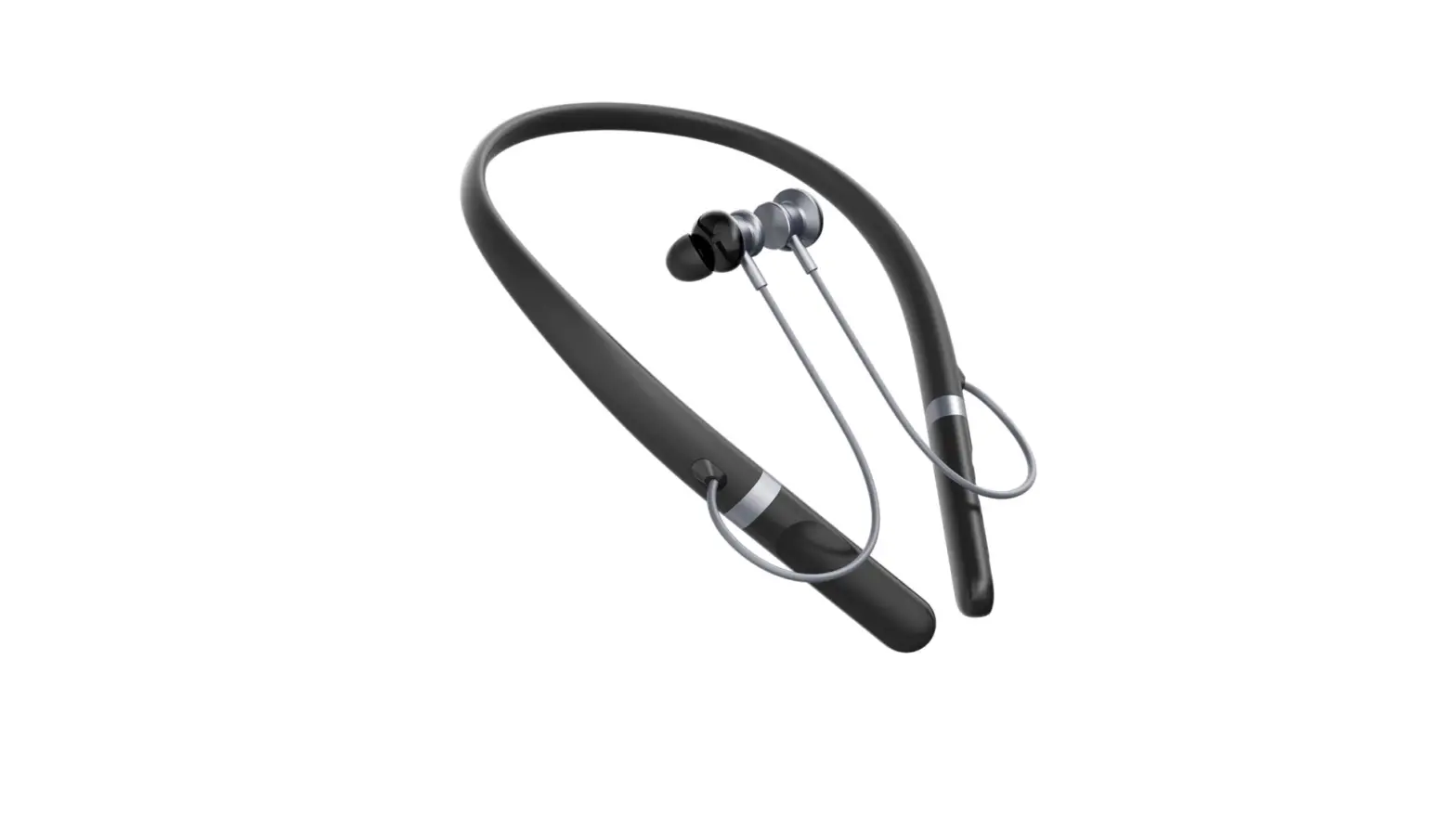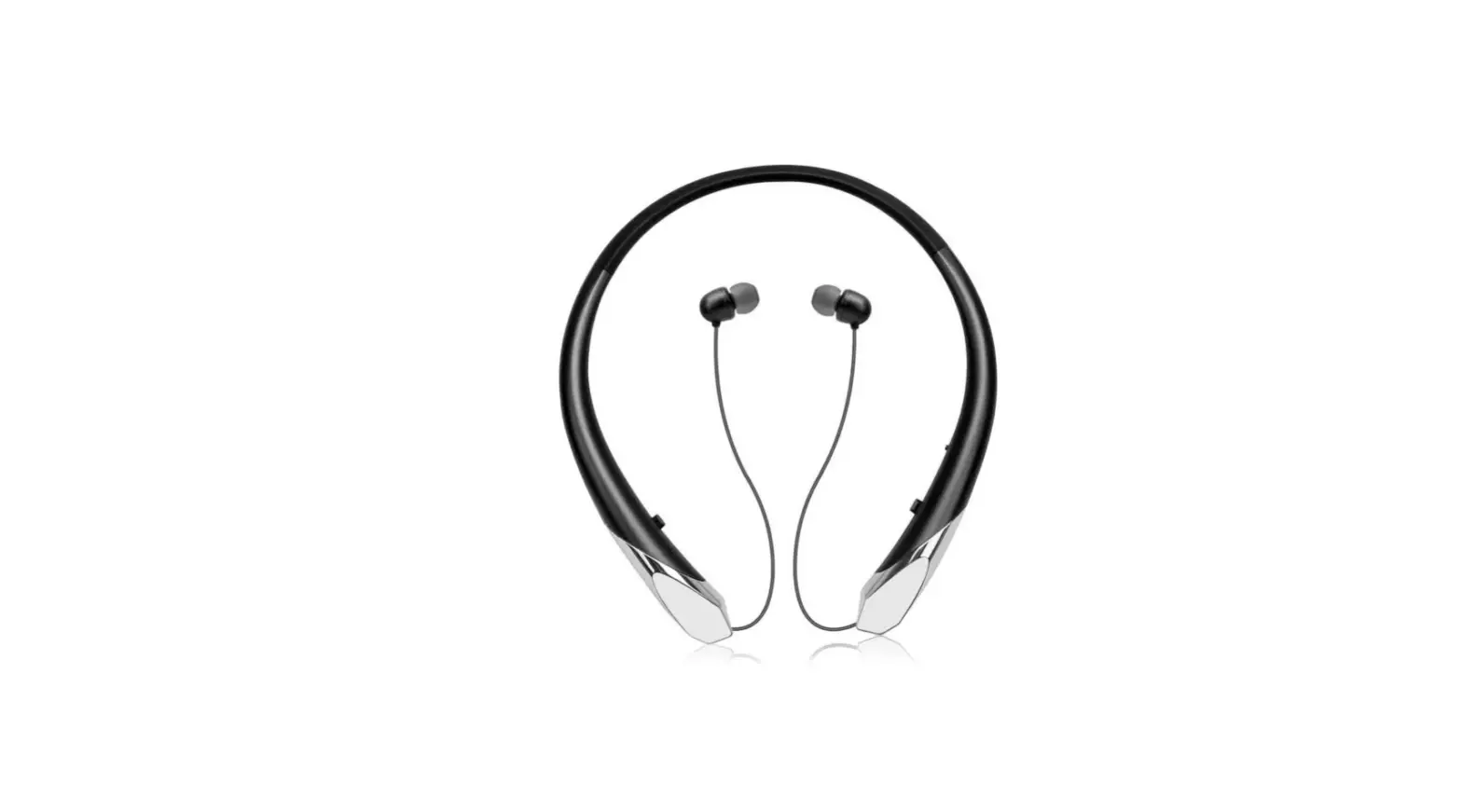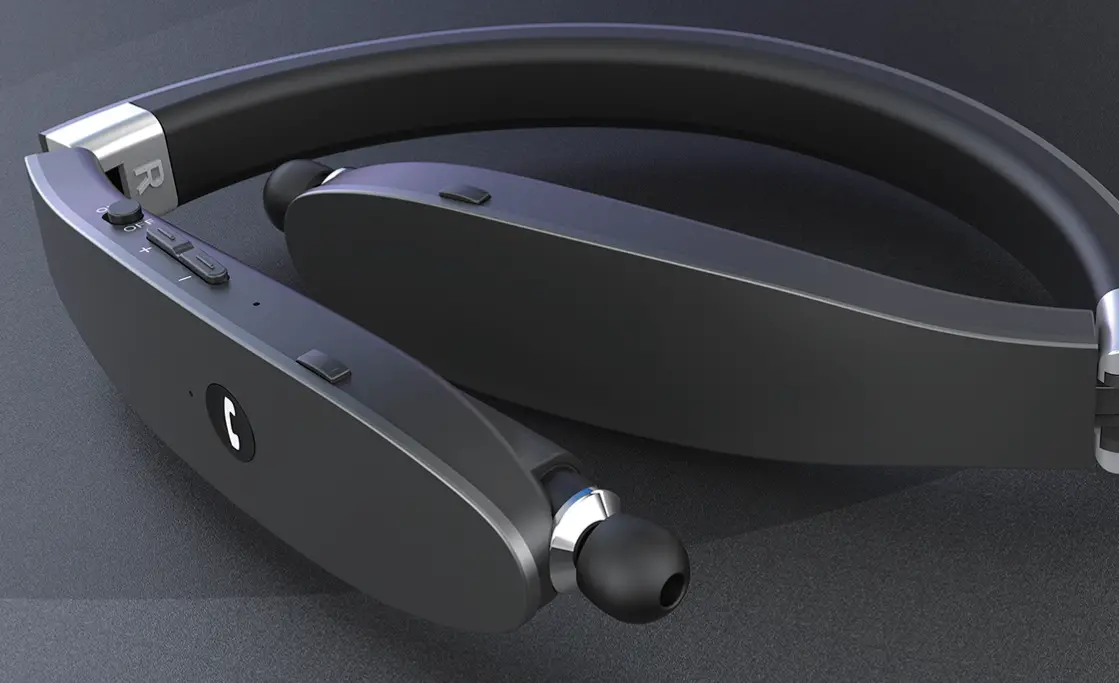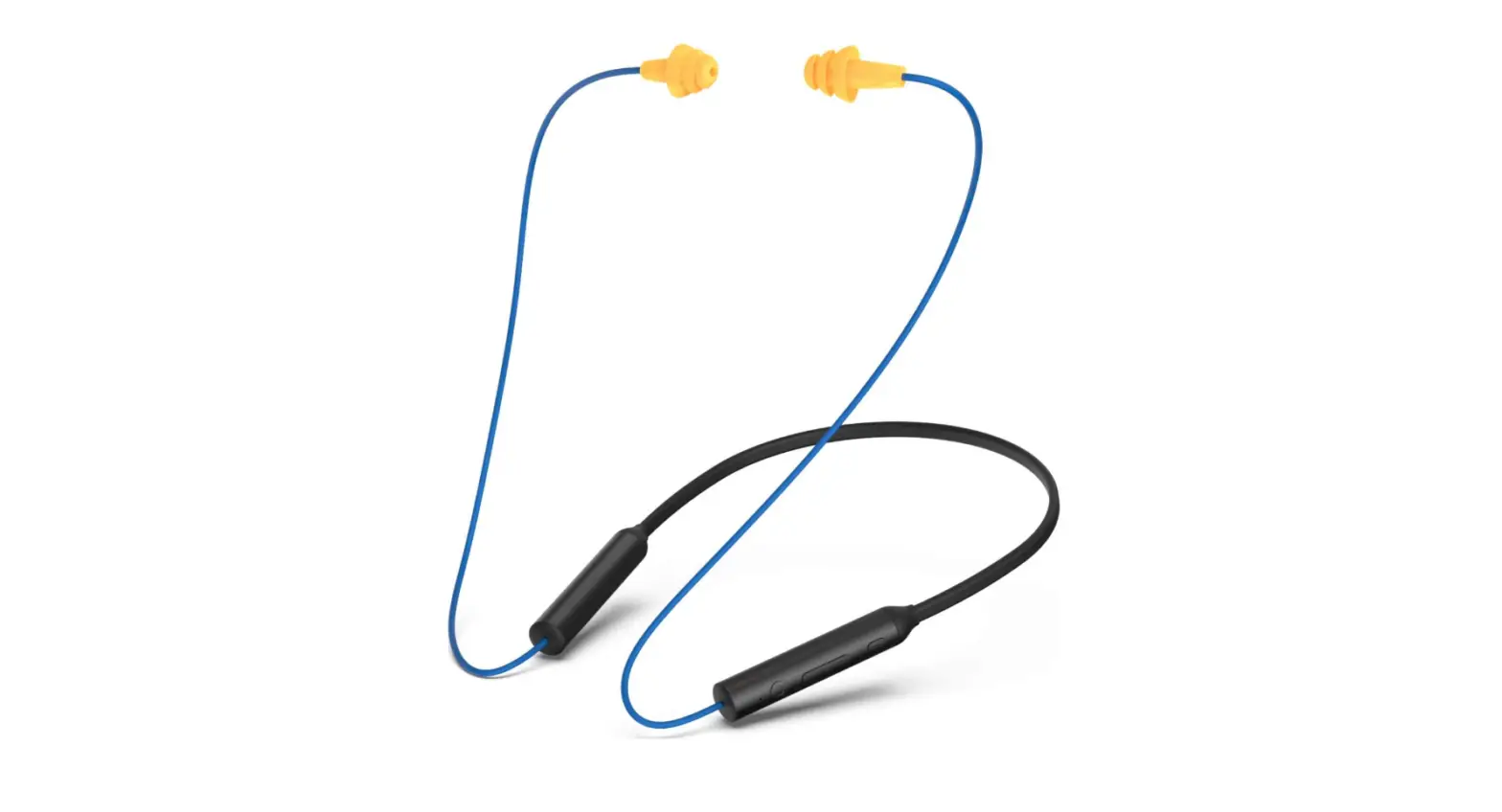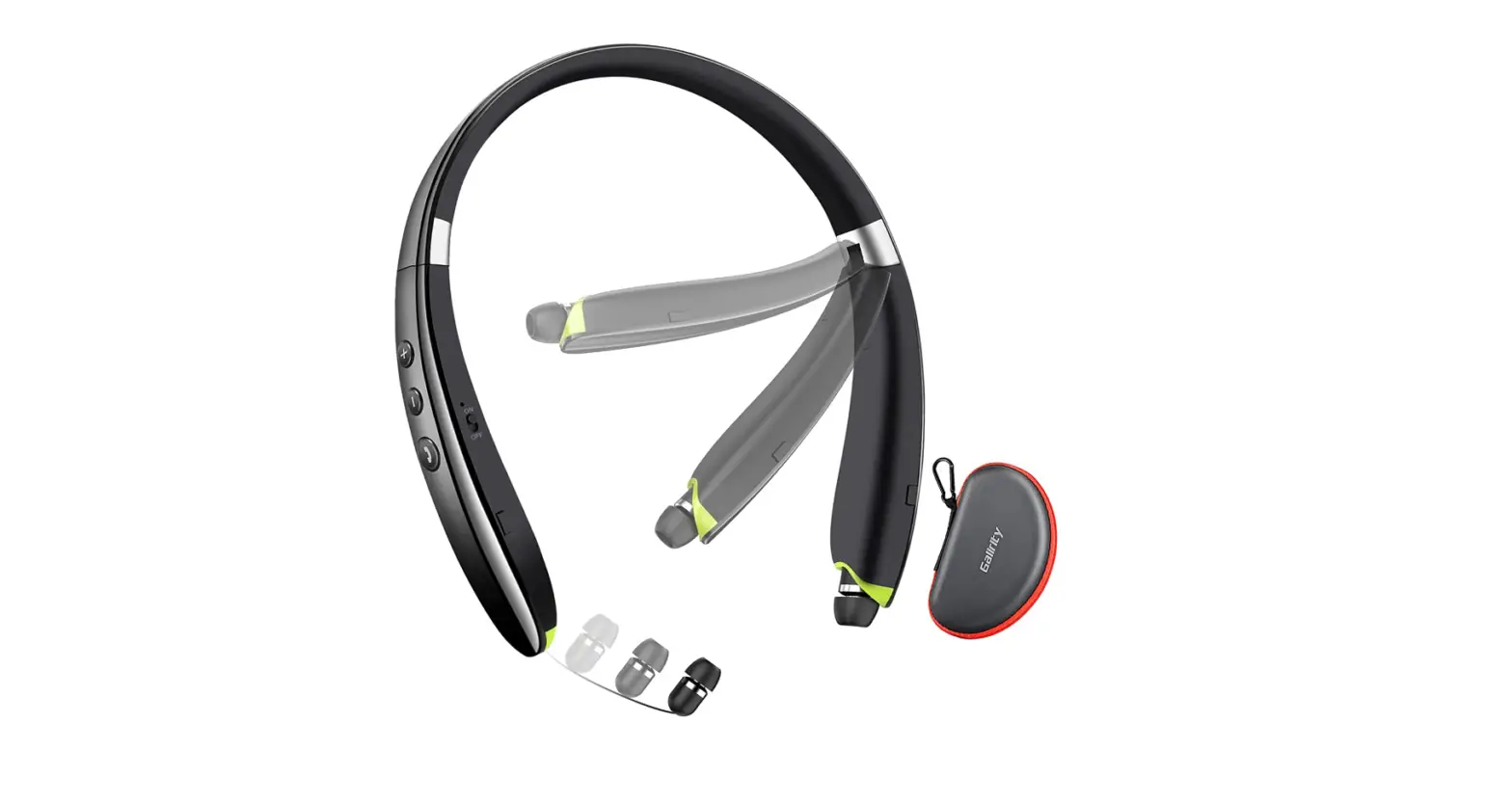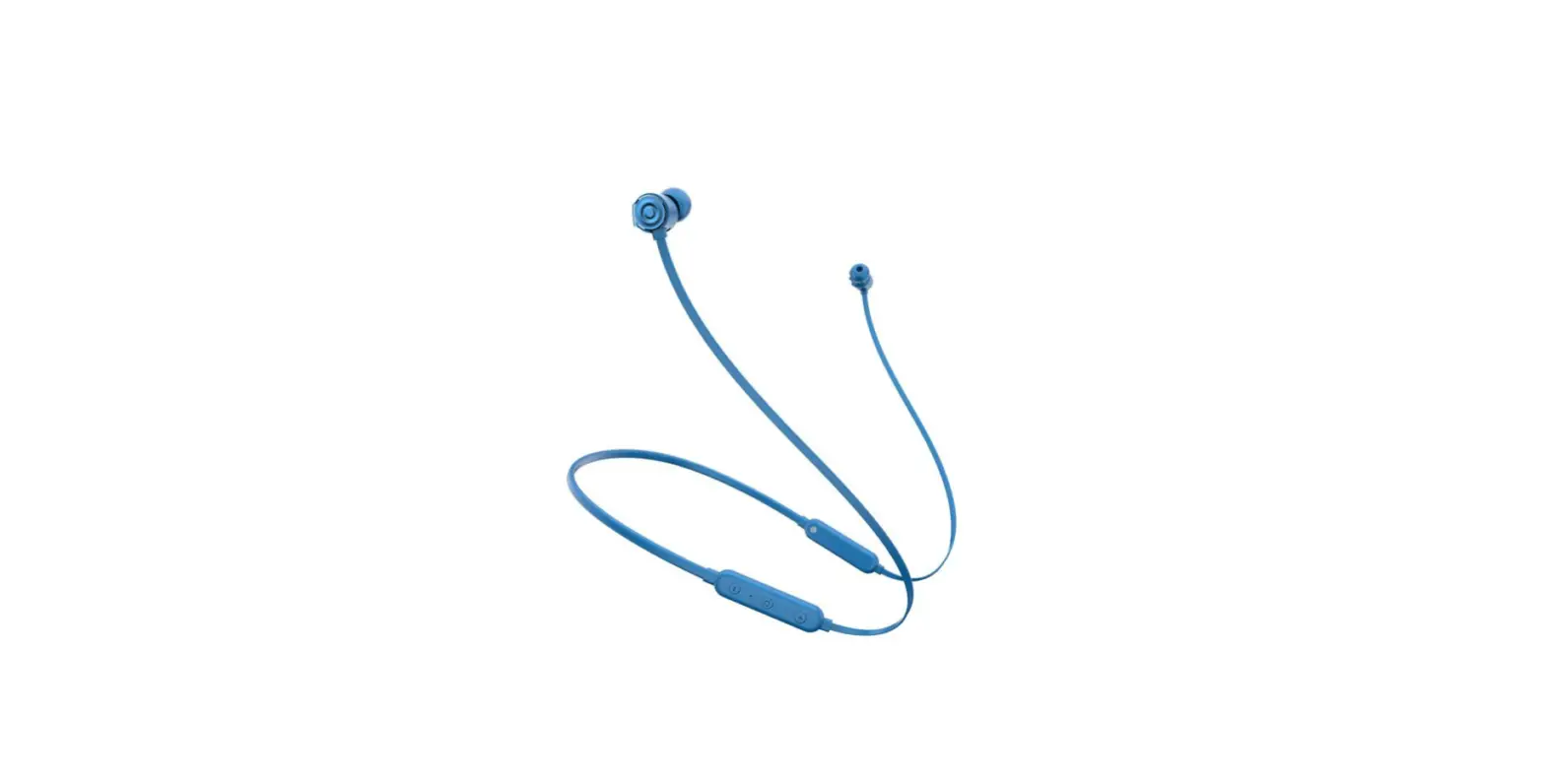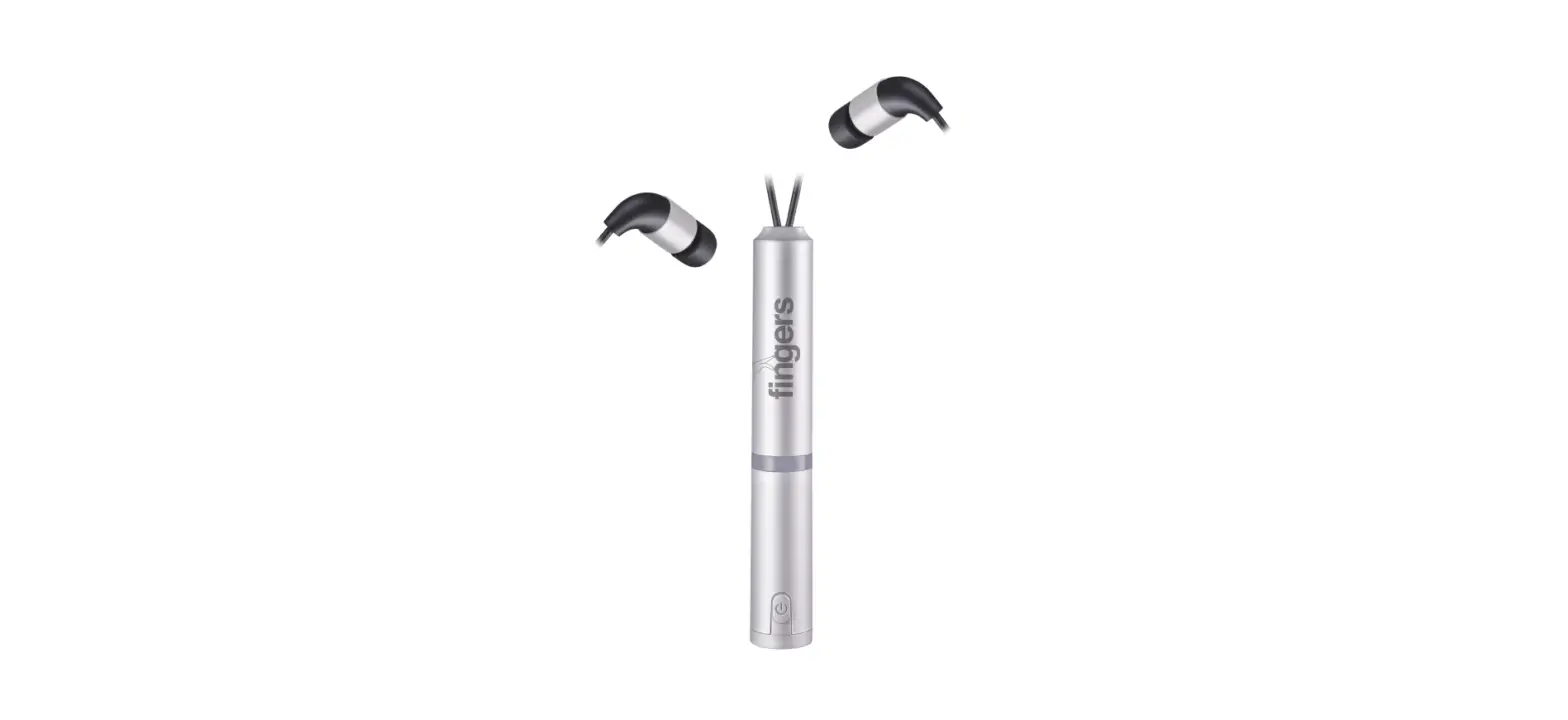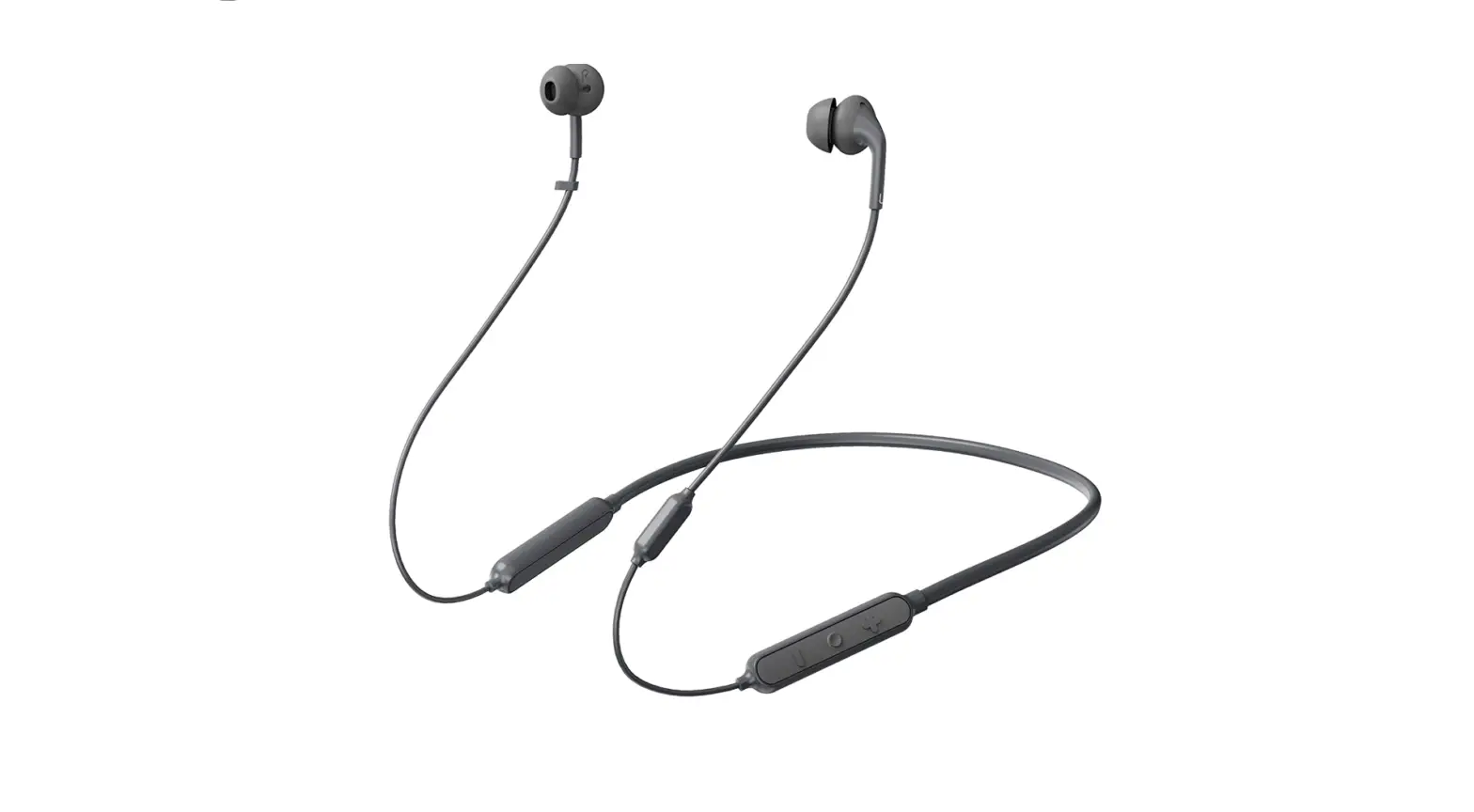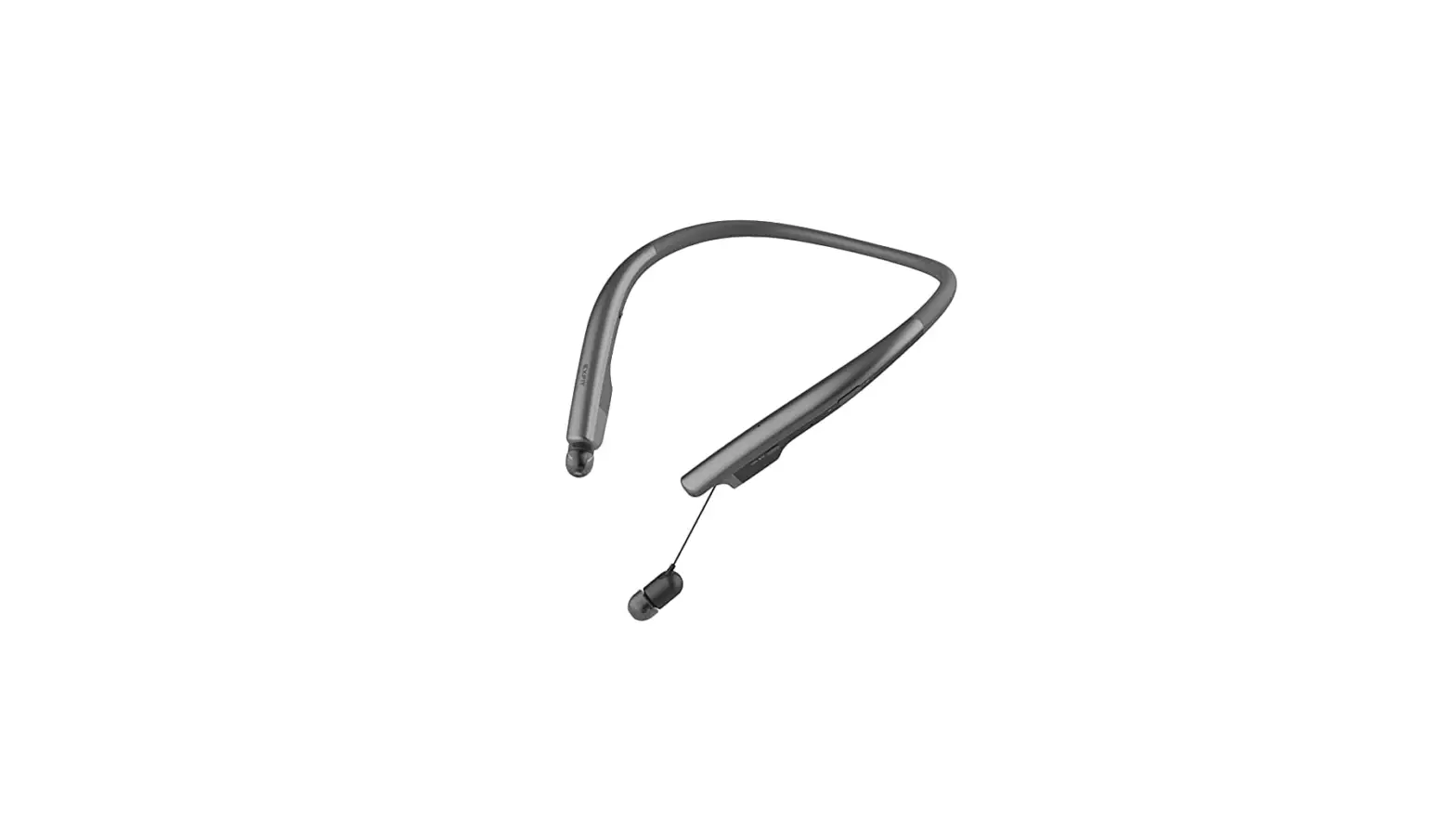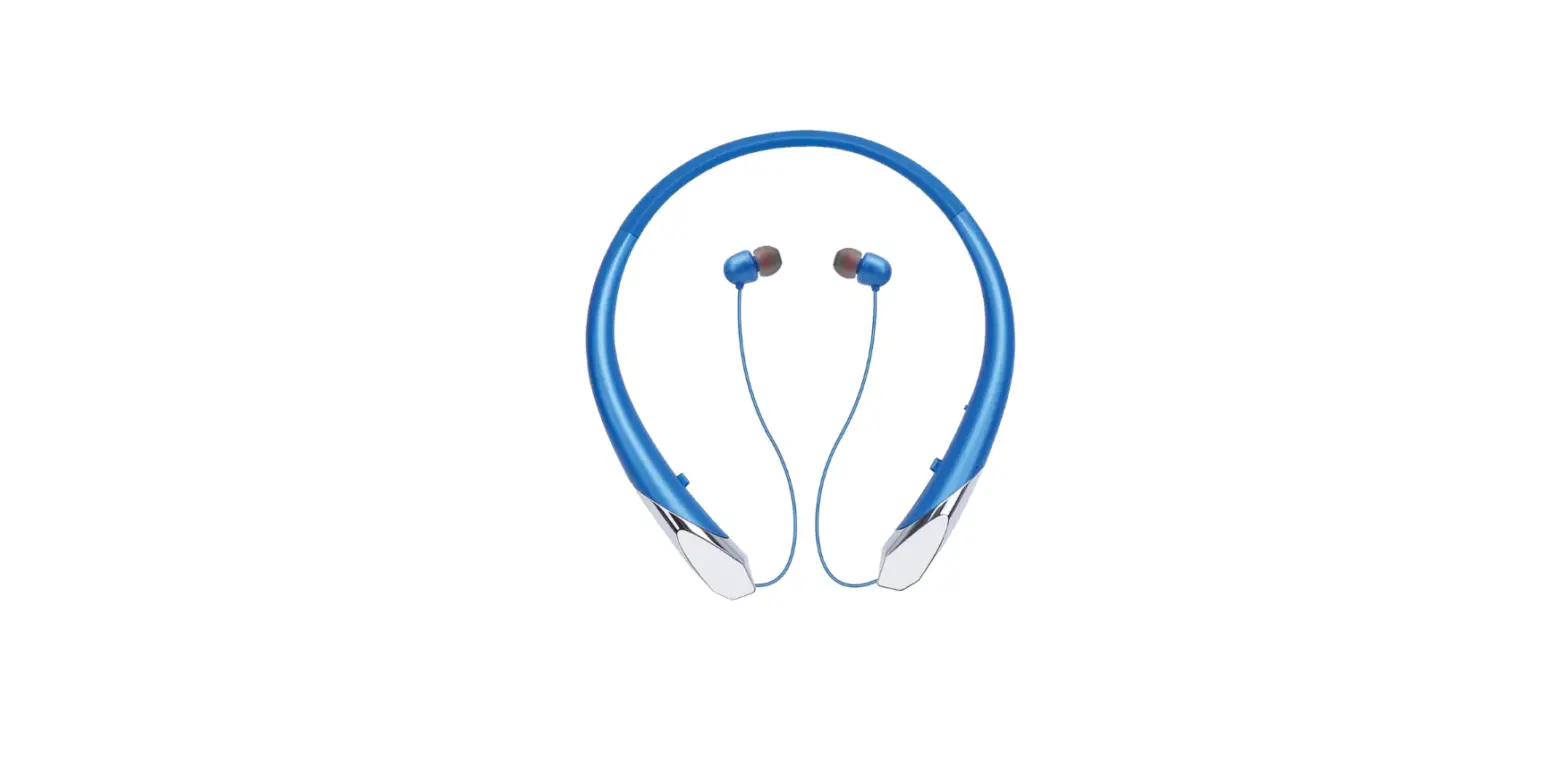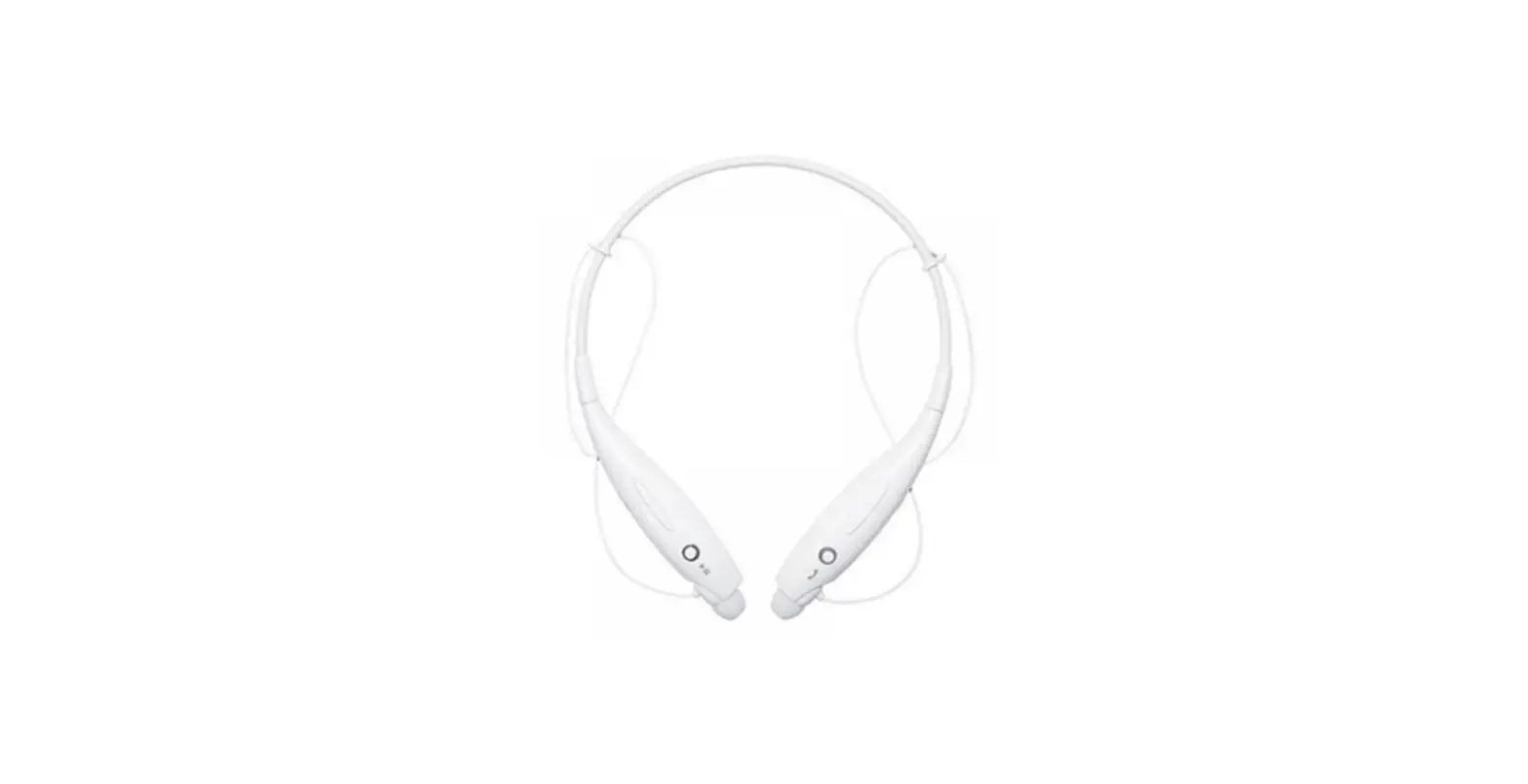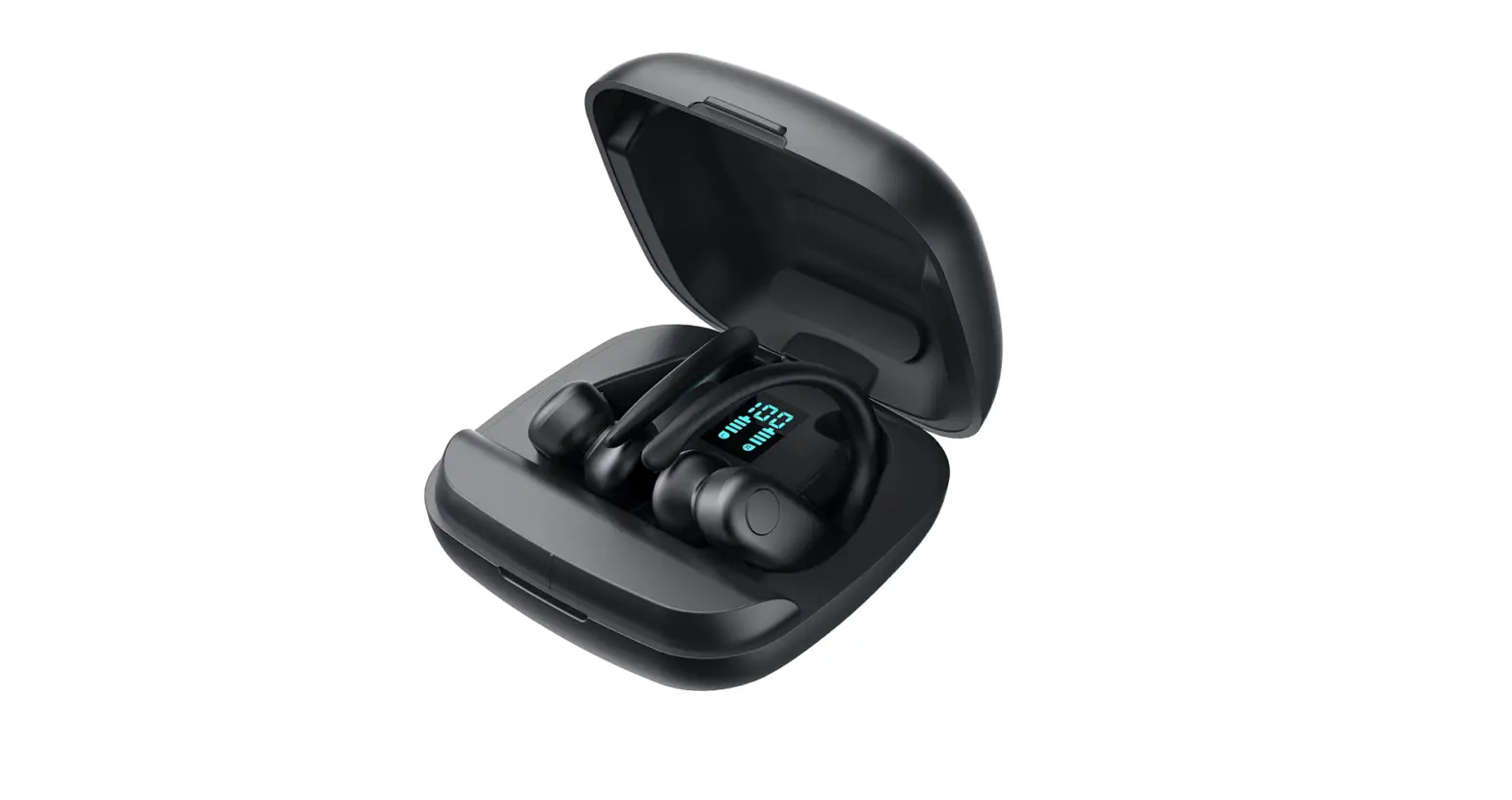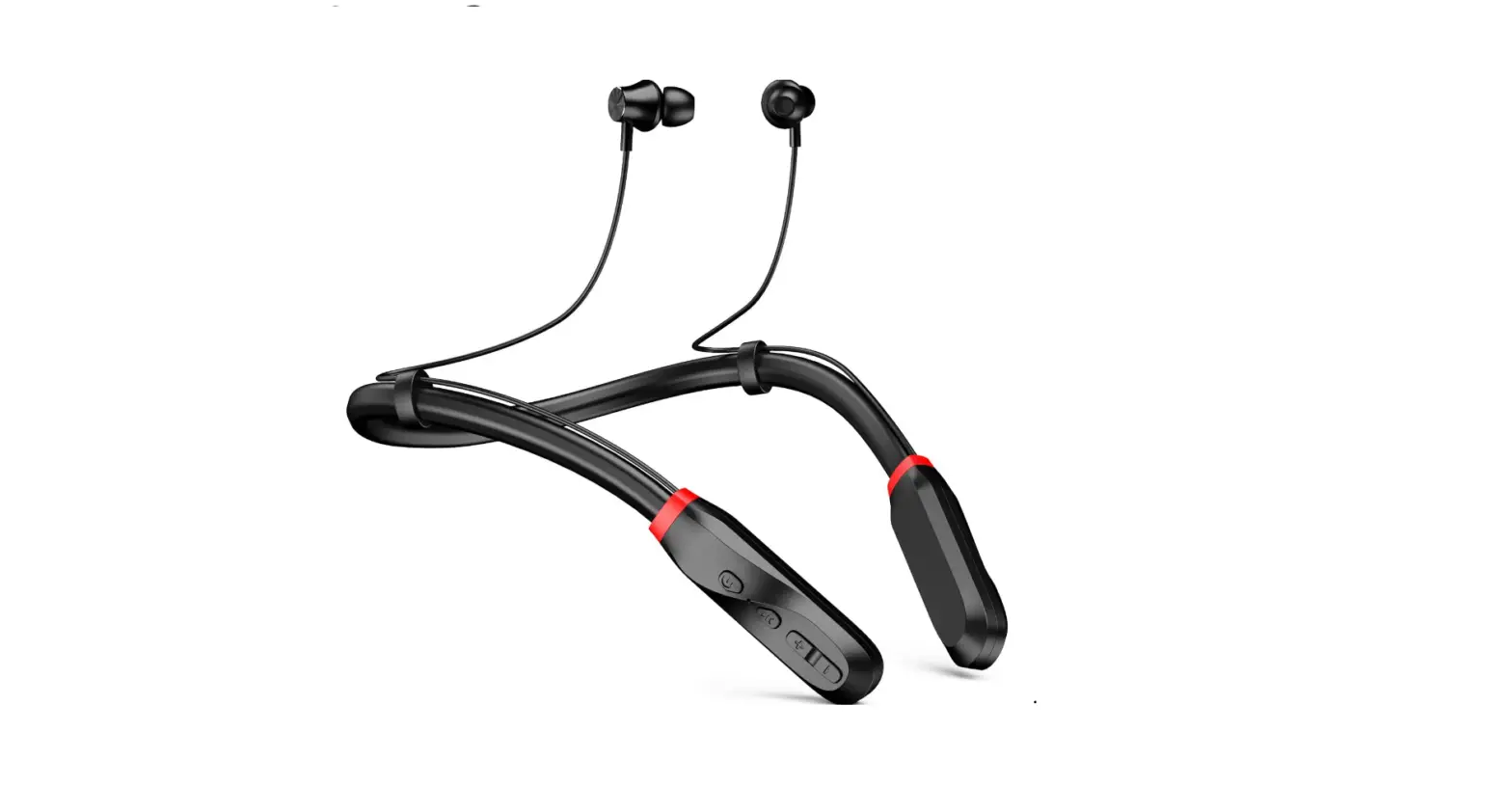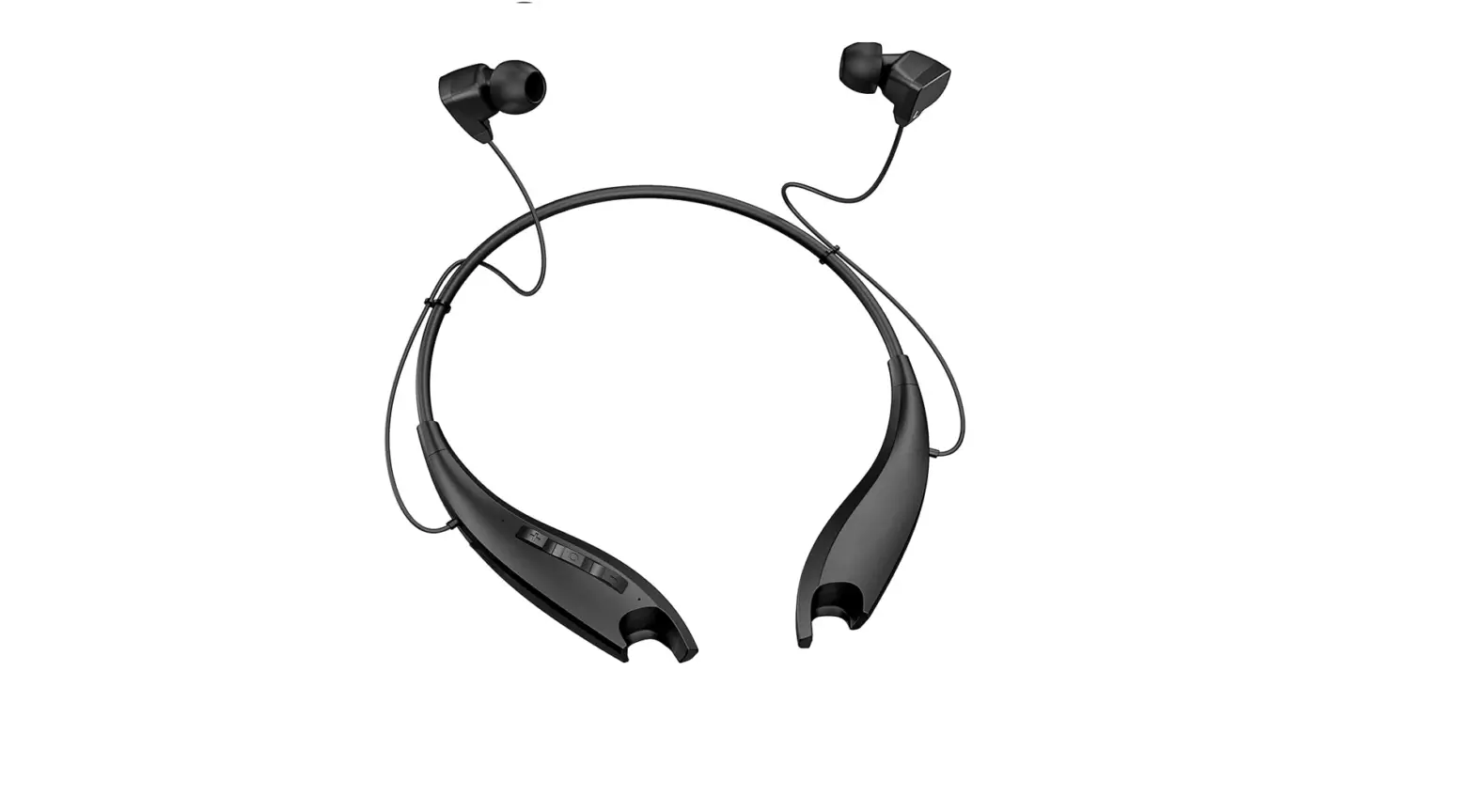

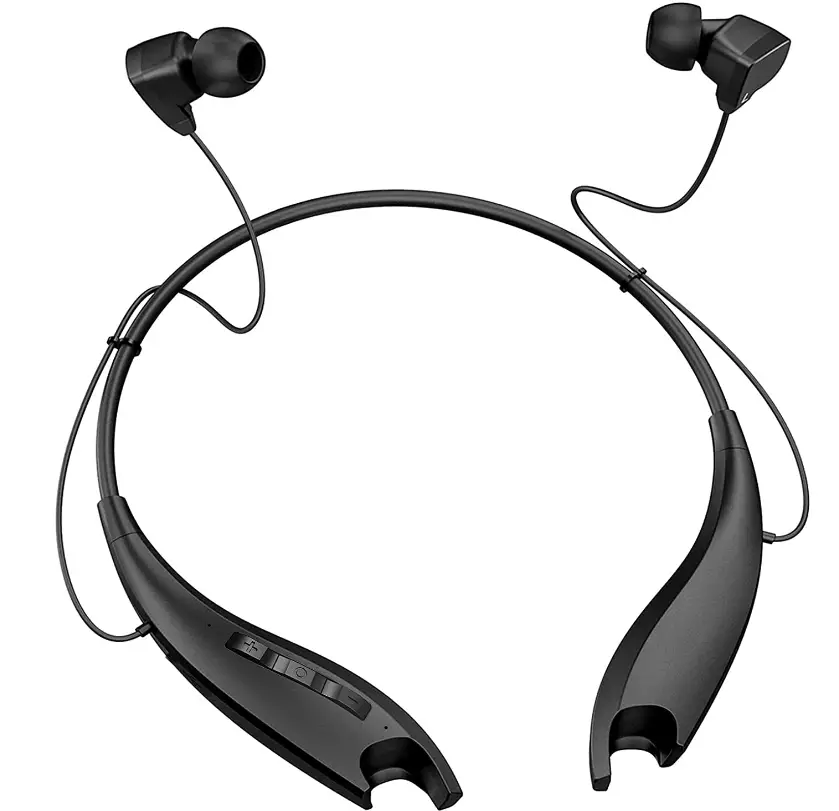
Redzoo Neckband Headphones, Around The Neck Bluetooth Headphones w/Noise Cancelling Microphone
Specifications
- Product Dimensions
7.48 x 5.59 x 1.26 inches - Item Weight
3.91 ounces - Batteries
1 Lithium Ion batteries - Ear Placement
In-Ear - Connectivity Technology
Wireless - Form Factor
In-Ear - Brand
Redzoo
Introduction
When working from home, traveling, or in the workplace, you can enjoy crystal-clear calls with these neckband Bluetooth headphones with surrounding noise cancellation technology. You won’t ever miss a call with its call vibration notification feature. With the help of a sophisticated chip, 8mm big speakers, and Bass+ technology, this wireless headset provides excellent, expertly-tuned sound with high-definition stereo bass. Although the first main advantage of neckband headphones may be the most obvious, it is nevertheless important to mention. You won’t need to go into your purse or pockets to find your earphones when you want to listen to music or answer a call because they are hanging around your neck, just a few inches from your ears.
Battery life is much longer than with those wireless earphones that are smaller. It does not require frequent charging like those more compact and lightweight wireless earbuds. 2. Some truly wireless earphones are easy to lose since they have no cables. When you wear this neckband around your neck, you’ll never experience this problem. 3. These neckband headphones are made to be worn around the neck, making it easy for you to take calls, listen to music, audiobooks, or podcasts without having to raise your hands. Easy to Use with Three Simple Buttons Simple to pair and set up, you only need to do it once to utilize something for the first time. The following time, it will automatically reconnect with the associated device. Additionally, you can pair these neckband headphones concurrently.
What’s In the Box?
- Neckband Bluetooth Headphones
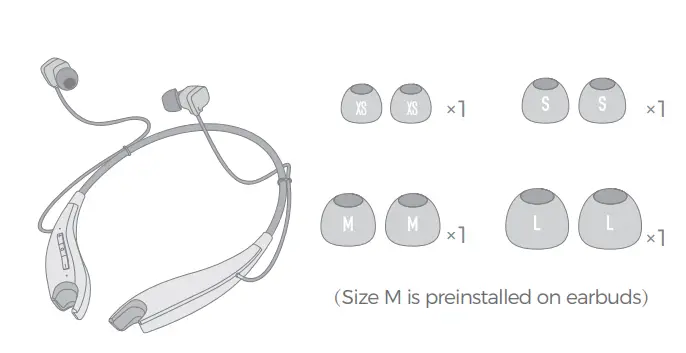
- Soft Eartips in 4 Sizes
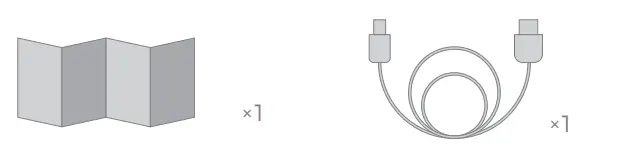
- USB Charging Cable
- User Manual
Package List
Diagram
How To Pair
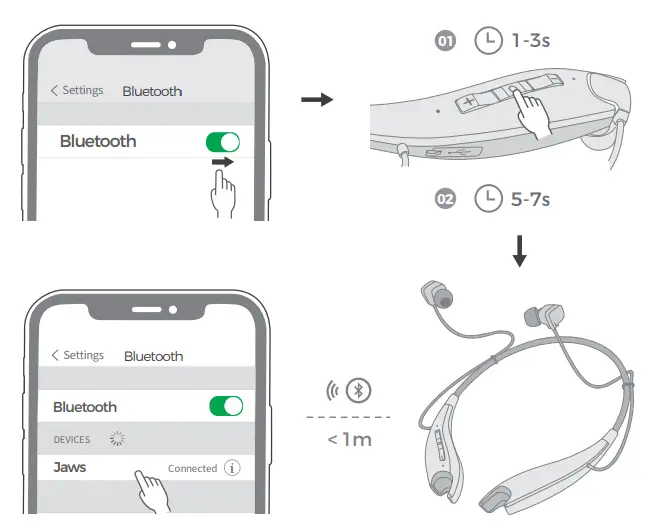
First use
- Turn on the Bluetooth function on your phone.
- Power it on, then it will enter the pairing mode automatically. Red and blue lights will start flashing alternately with the voice “Pairing”
- Search for the Bluetooth devices and select “Jaws”(Enter the code “0000” if needed).
- When pairing is successful, you will hear the voice “Connected”.
Pair to another device
- In the state of shut-down, press and hold on to the MFB button for 5-7 seconds or so. Do not release it until the red and blue lights start flashing alternately with the voice “Pairing”.
- The rest goes the same as above.
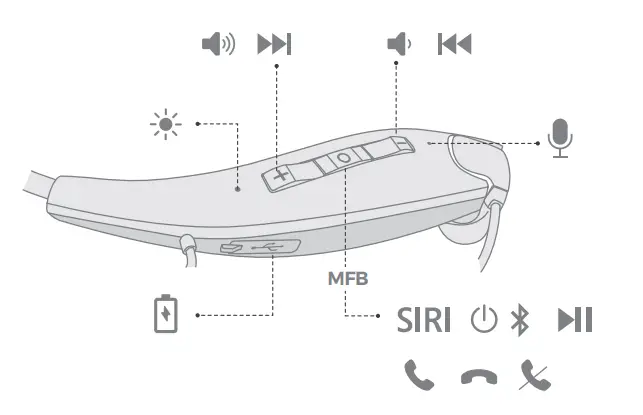
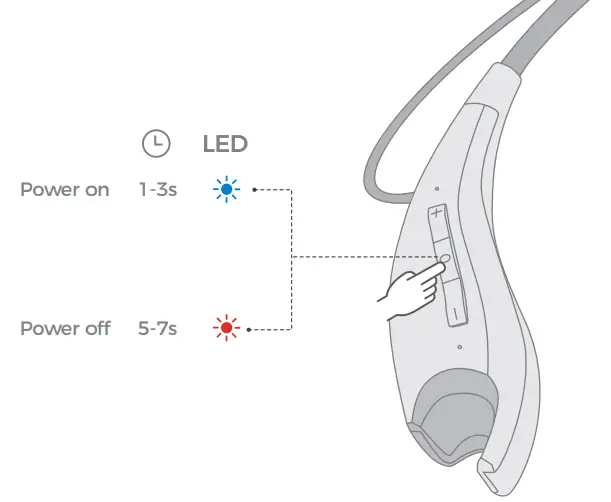
Power ON / OFF
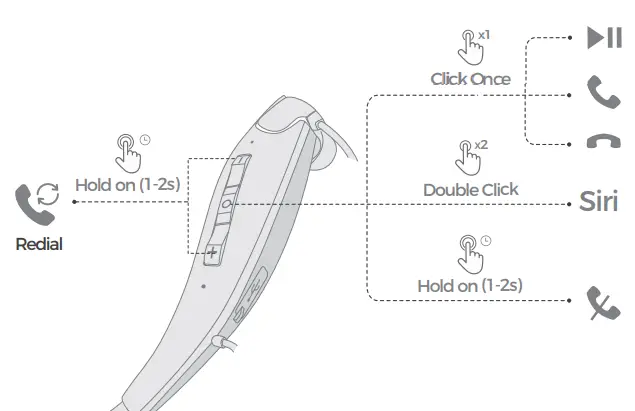
Play / Pause / Answer / Hang Up / Activate Siri / Reject / Redial
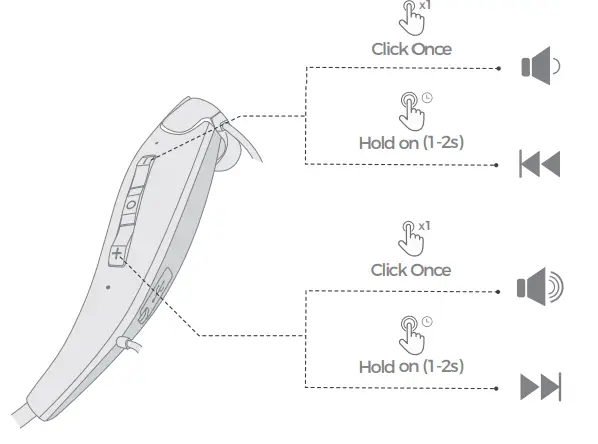
Volume Control / Music Control
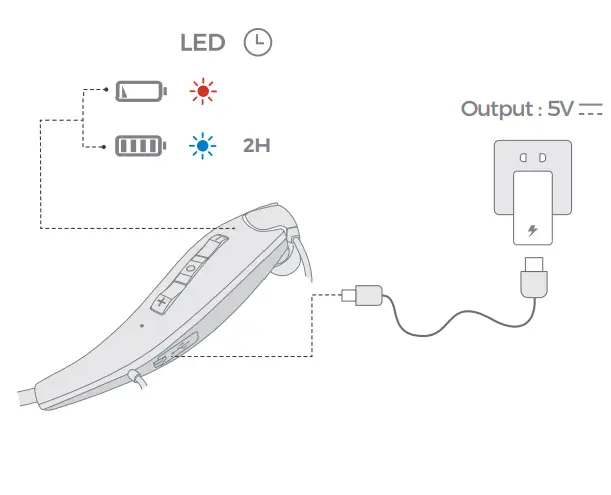
Charge Battery
Correct Disposal of This Product
( Waste Electrical& Electronic Equipment )
This Marking shown on the product or its literature indicates that it should not be disposed of with other household wastes at the end of its working life.
To prevent possible harm to the environment or human health from uncontrolled waste disposal, please separate this from other types of waste and recycle it responsibly to promote the sustainable reuse of material resources. Household user should contact either the retailer where they purchased this product, or their local government office, for details of where and how they can take this item for environmentally safe recycling. Business users should contact their supplier and check the terms and conditions of the purchase contact. This product should not be mixed with other commercial wastes for disposal.
FCC Statement
Any Changes or modifications not expressly approved by the party responsible for compliance could void the user’s authority to operate the equipment.
This device complies with part 15 of the FCC Rules. Operation is subject to the following two conditions:
This device may not cause harmful interference, and (2) this device must accept any interference received, including interference that may cause undesired operation.
FCC Radiation Exposure Statement
This equipment complies with FCC radiation exposure limits set forth for an uncontrolled environment.
Notification
- Please fully charge it if it was going to lay idle for a long time and place it in a cool and dry place. Please recharge it each 2 months for storage.
- Please fully charge it for the first use.
Information Important For Around-The-Neck Headphones
Why do you need Jaws headphones around your neck?
- Battery life is much longer than other wireless earphones that are smaller. It does not require frequent charging like those more compact and lightweight wireless earbuds.
- Due to the lack of cables, certain genuine wireless earbuds are prone to going missing. When you wear this neckband around your neck, you’ll never experience this problem.
- These neckband headphones are made to be worn around the neck, making it easy for you to take calls, and listen to music, audiobooks, or podcasts without having to raise your hands.
Easy to Use with Three Simple Buttons
Simple to pair and set up, you only need to do it once to utilize something for the first time. The following time, it will automatically reconnect with the associated device. These neckband headphones can also be used with two devices at once, such a phone, tablet, computer, TV, etc.
How Do You Use This Neckband to Control Your Phone
- Press the “+” or “-” button for 1-2 seconds to skip tracks.
- Increase or reduce the volume by clicking once on “+” or “-” to go up or down a level.
- Click the middle button once to answer/end a call, play music, or pause it.
- Press and hold the middle button for 1-2 seconds to reject an incoming call.
- Press “+” and “-” simultaneously for 1-2 seconds to redial a number.
- Sri or other voice assistants should be enabled: double-click the center button
Frequently Asked Questions
- Why do you guys don’t buy true wireless earbuds?
Those small earbuds are far too easy to lose. You know you spend one week’s salary to buy those expensive Air p*ds and then one day it gets missing, you will be heartbroken. Yeah, that is my experience. 2. Those true wireless earbuds have small batteries, so you need to refill the juice frequently. But I can wear this neckband to consecutively listen to music & audiobooks, play games, and watch shows on my phone, it lasts the whole day and is still alive. - Does this use USB c or micro?
The headphones use micro to charge. - What kind of warranty does this come with?
This product offers a 2-year warranty, but you must register it first. - Can these be used for working out? Will they stay in your ear when running?
The advantage of these is that even if the bud falls out it is still right there at the end of the neckband and not on the ground. - So I am really nervous about charging my headset because of the warning? Any specific changes that have proven to be safe?
Use the charging cable it came with. - The red light never turns blue when charging. How do I know that they are charging correctly?
The red light only comes on when you plug in the charger. I’ve had my headset for at least 2 months, I use it 7 am to 11 pm and I don’t lose a charge. Love my headset. - When fully charged is the red light supposed to turn blue? Mine never does.
Once your headphone’s battery is full, you will see the blue light. I suggest charging it just every night, and your battery will be healthy. It takes around 20 minutes to be full charged if you do it every night. - Will these also answer calls -coming in?
Yes, I answer and make roughly 60 phone calls daily. They do a great job for the price. - What’s up with this? why is this listing now for redzoo headphones? what happened to mpow? wtf is redzoo?
Not really sure wtf red zoo is but the ones I got are now. So far no issues. I use them for working in the yard or my pt job as a beer disposal tech. Peace - Can I adjust the music volume with it?
Yes. You can use it to increase or decrease volume, skip tracks, control phone calls, activate Siri or Google Assistants, so you do not need to tap your cellphone’s screen.