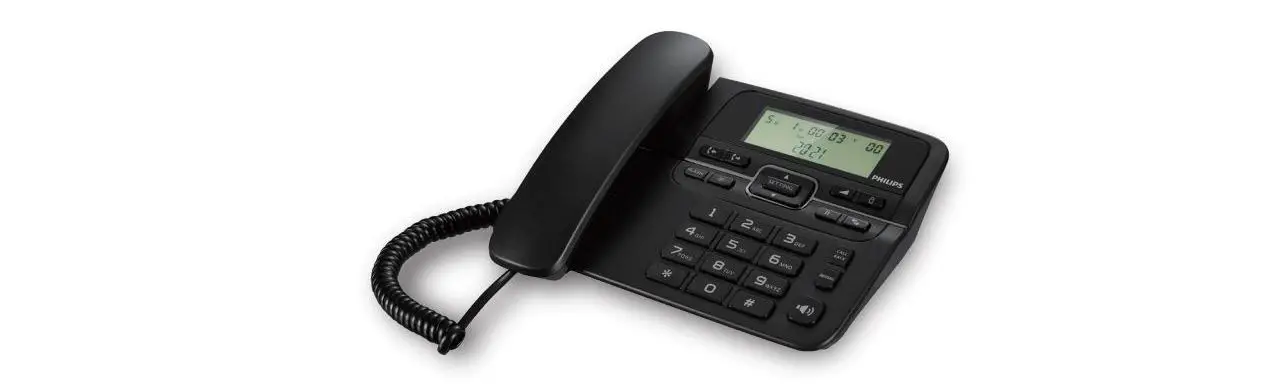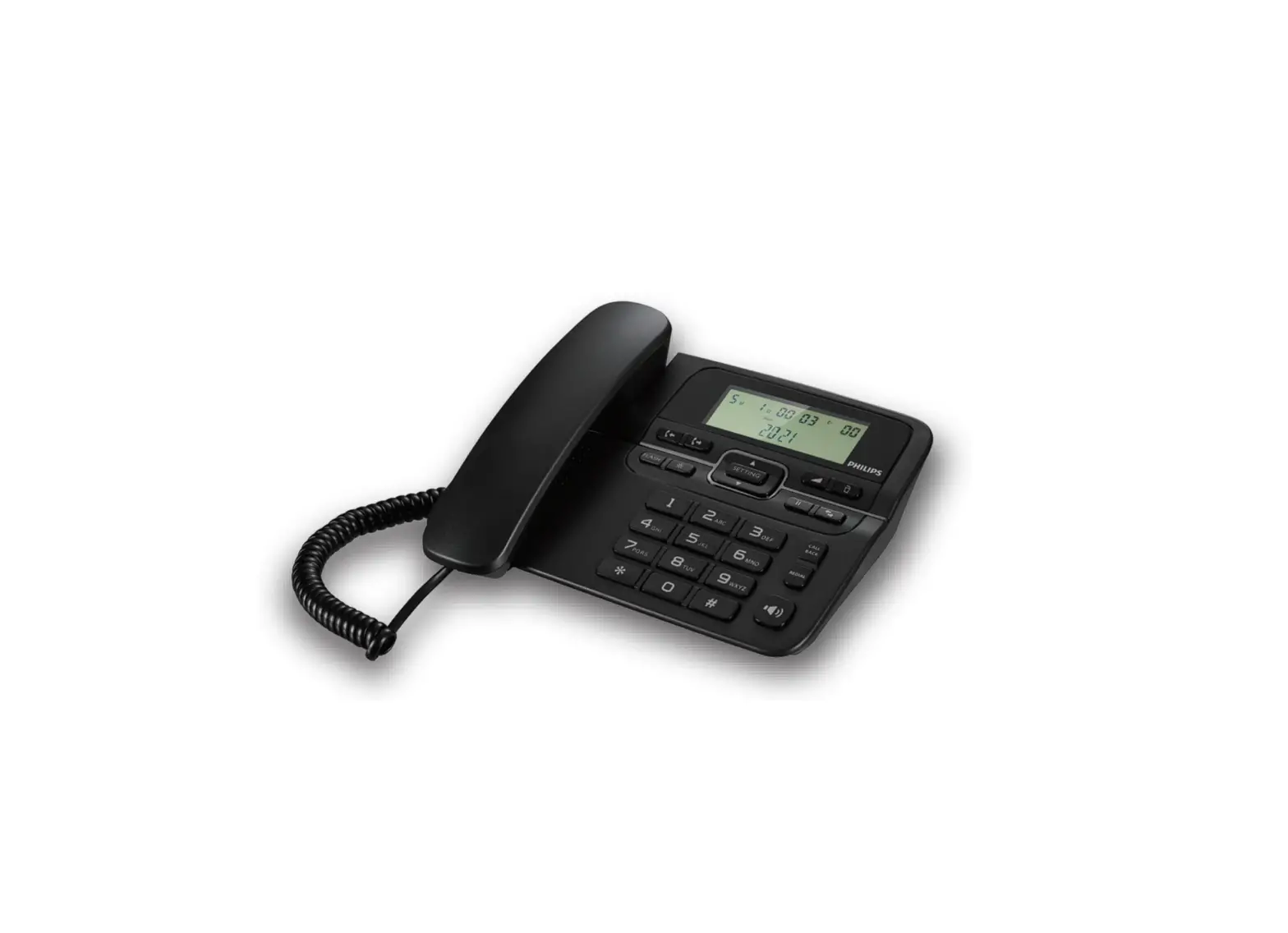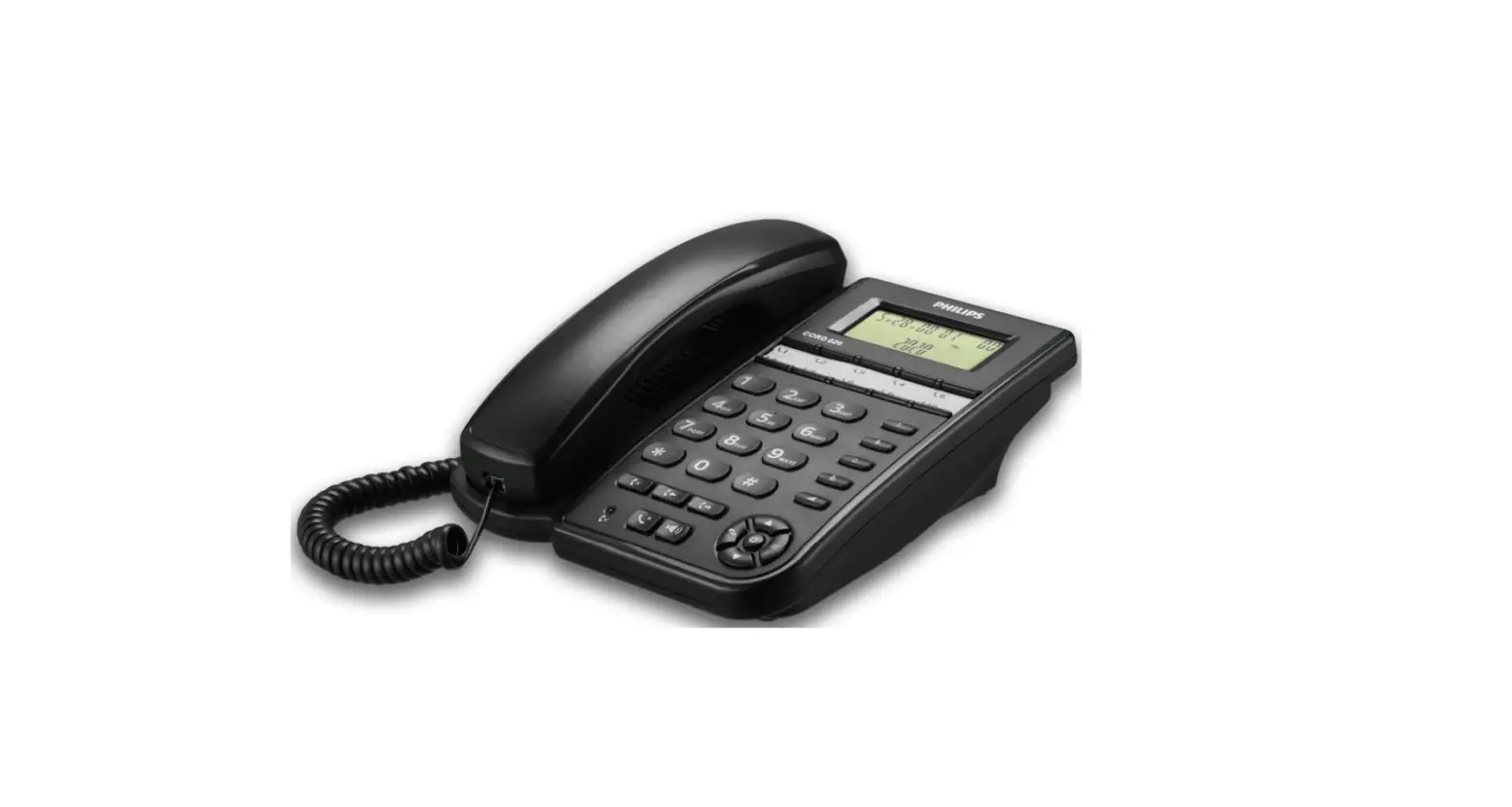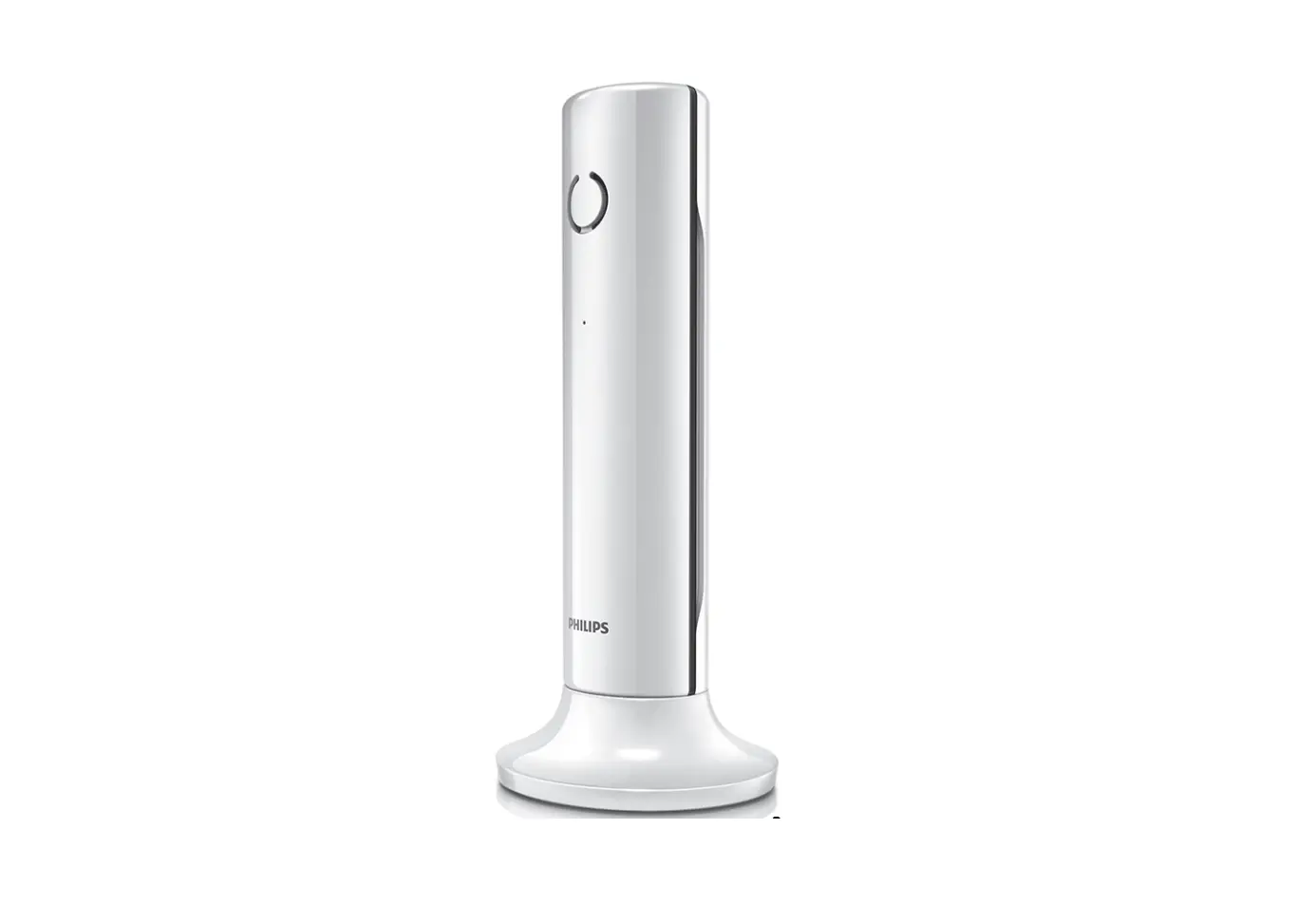
PHILIPS M450 Cordless Telephone Speaker User Manual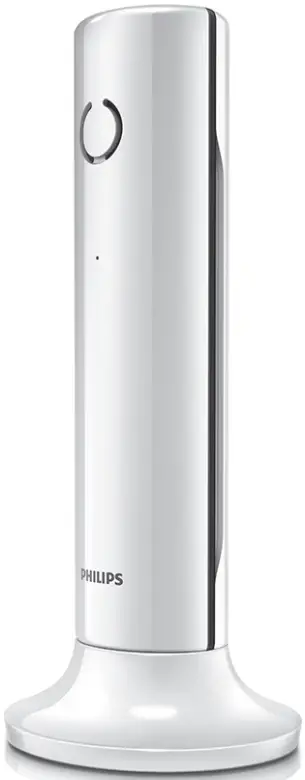
Important safety instructions
Warning
- The Electrical network is classified as hazardous. The only way to power down the charger is to unplug the power supply from the electrical outlet. Ensure that the electrical outlet is always easily accessible.
- Refer to safety information before using the product.
- Hereby, TP Vision Europe B.V. declares that this product is in compliance with the essential requirements and other relevant provisions of Directive 2014/53/EU.
- Use only the power supply listed in the user instructions.
- Use only the batteries listed in the user instructions.
- Do not allow the product to come into contact with liquids.
- Risk of explosion if battery is replaced by an incorrect type.
- Dispose of used batteries according to the instructions.
- When the handset rings or when the handsfree is activated, keep the handset away from your ear to avoid hearing damage.
Overview
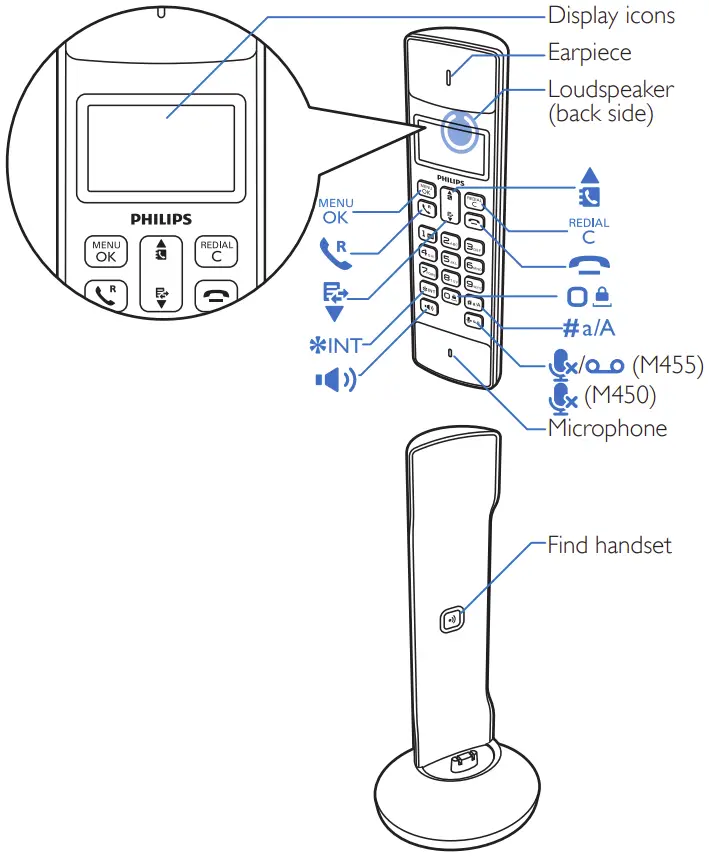
In call
| Enter the option menu |
| Access the redial list. |
| Adjust the volume. |
| Recall (network dependent). |
| End calls. |
| Enter a pause (press and hold). |
| Turn the speaker on/off |
| Mute/unmute the microphone. |


In menu
| Conform/Select/Enter the option menu. |
| Cancel / back |
| Up / down |
| Exit menu. |


Standby
| Access the main menu |
| Access the redial list. |
| Phonebook |
| Call log |
| Make and receive calls |
| Switch the handset on/off (press and hold) |
| Make intercom call (press and hold). |
| Lock/unlock the keypad (press and hold). |
| Make and receive calls through the speaker |
| M335 only: Listen to new message from the answer machine. / Access the answer machine menu |



Display icons
| It displays the connection between the handset and the base. The more bars are shown, the better the signal strength is. |
| It remains steadily on when browsing incoming calls in the call log. |
| It indicates an outgoing call in the redial list. |
| It flashes when there is a new missed call or when browsing new missed calls. It remains steadily on when browsing the missed calls in call log that are already read. |
| It flashes when receiving incoming call. It remain steadily on during a call. |
| The speaker is on. |
| The ringer is off. |
| M455 only: answering machine: it flashes when there is a new message or when the memory is full. It remains steadily on when the telephone answering machine is turned on. |
| Voice message indicator: flashes for new messages, is steady for reviewed messages. *This is network dependent |
| It is displayed when you scroll up/down a list or increase and decrease the volume. |
| There are more digits on the right. Press to read. |
| The ECO+ mode is activated. |


Connect
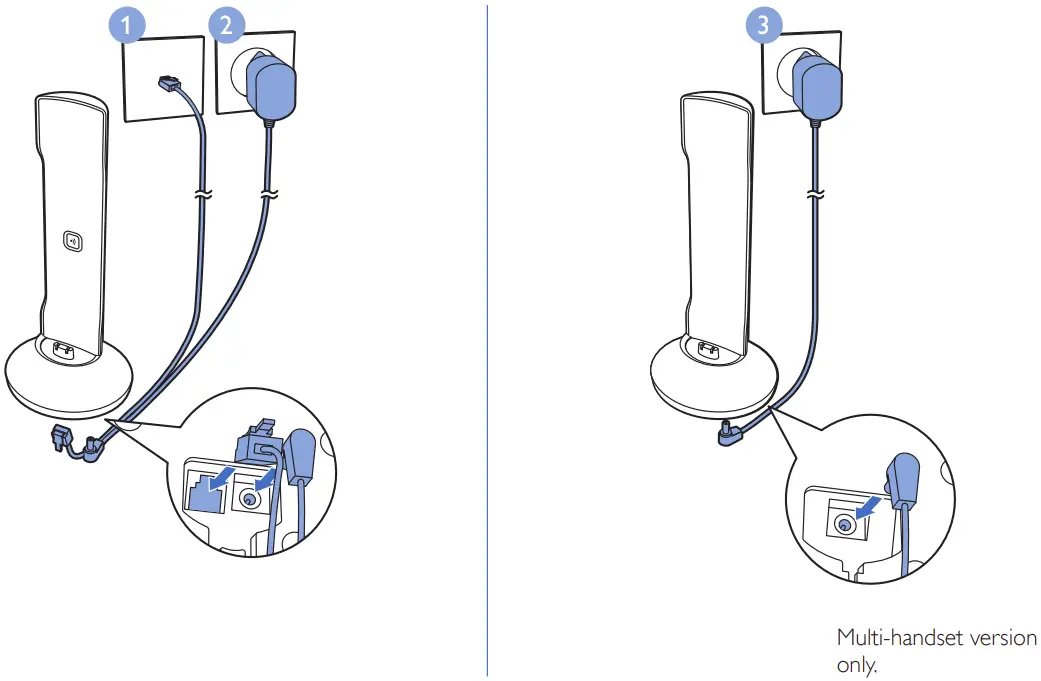
Get started
Configure your phone
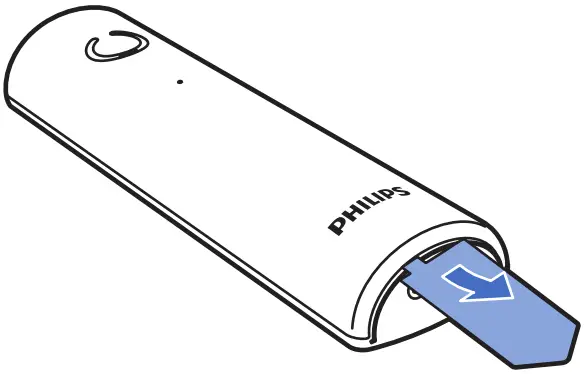
- The batteries are pre-installed in the handset. Pull the battery tape off from the battery door before charging.
- welcome message (country dependent).
- Set the country and language if prompted.
- Set the date and time.
- If the time is in 12-hour format, press / to select [am] or [pm] (country dependent)
Charge your phone
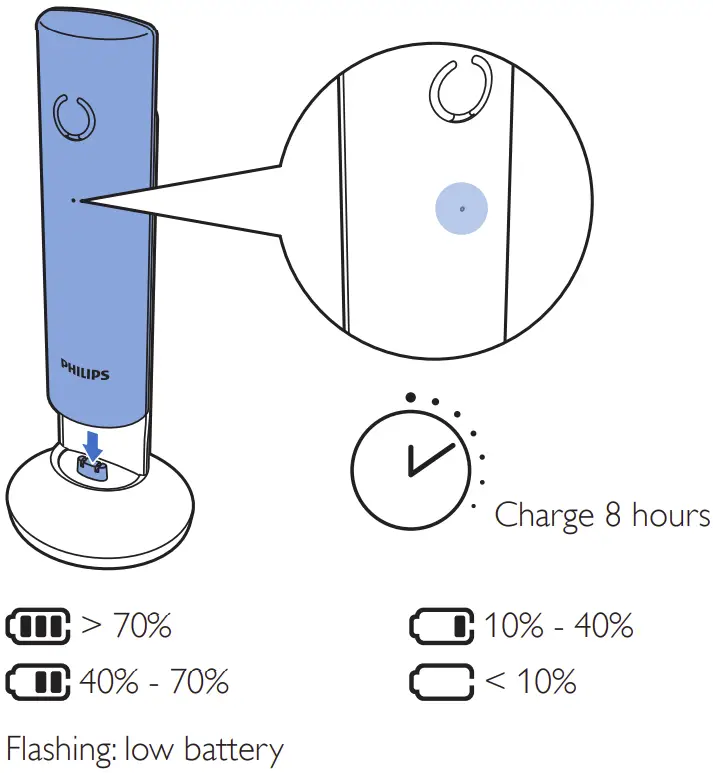
Enjoy
Phonebook
Add record
- Press
 .
. - Select [Phonebook] > [Add new].
- Follow on-screen instructions
Call from the phonebook
- Press
 .
. - Select a record and press

 .
.
Direct access memory
You have 2 direct access memories (Keys 1 and 2). To dial the saved phone number automatically, press and hold on the keys in standby mode. Depending on your country, keys 1 and 2 are preset to the voice mail number and information service number of your service provider respectively. (network dependent).
Call log
Call from the call log
- Press
 .
. - Select a record and press .
View record
Press  >
>  > [View].
Save record
- Press > > [Save number].
- Follow on-screen instructions.
Delete record
- Press > > [Delete].
- Follow on-screen instructions.
Redial list
Call from the redial list
- Press
 .
. - Select a record and press .
 .
.Save record
- Press > > [Save number].
- Follow on-screen instructions.
Delete record
- Press > > [Delete].
- Follow on-screen instructions.
Telephone answering machine (for M455 only)
Record an announcement
- Press > [Answ. Machine] >
[Announcement]. - Follow on-screen instructions
Listen to the incoming messages
Press > [Answ. Machine] > [Play].
Delete an incoming messages
- When you listen to the message, press to enter the options menu.
- Select [Delete], then press to confirm
Register additional handsets
You can register additional handsets to the base station.
- Press .
- Select [Services] > [Register], then press to confirm.
- Press and hold on the base station for 10 seconds
- Enter the system PIN/passcode (0000).
- Press to confirm the PIN/passcode
Registration is complete in less than 2 minutes.
Restore default settings
You can reset your phone settings to the original factory settings.
- Press .
- Select [Services] > [Reset], then press to confirm.
- Follow on-screen instructions.
Note
- You may recall the original PIN/passcode by following this procedure.
Technical data
Battery
- Philips: 2 x AAA NiMH 1.2V Rechargeable 550 mAh batteries
Use only the supplied batteries.
Adapter (Base and charger):
| Meic: MN0063-E06004 | HuaJin: HJ-0600400P1-EU | |
| Input | 100-240V~ 50/60 Hz 0.2A | 100-240V~ 50/60 Hz 0.15A |
| Output | 6V 0.4A | 6V 0.4A |
Phonebook with 50 entries
Call log with 20 entries
Talk time: 16 hours
Standby time: 180 hoursRF output power: <24 dBm
Frequency Band: 1880 MHz ~ 1900 MHz
Note
- You can install (digital subscriber line) filter to prevent noise and caller ID problems caused by the
DSL interference. - You can find the Declaration of conformity on http://www.p4c.philips.com/
Frequently asked questions
No signal bar is displayed on the screen.
- The handset is out of range. Move it closer to the base station.
- If the handset displays [Unregistered], register your handset (see the section on “Register additional handsets”).
If I fail to pair (register) the additional handsets to the base station, what do I do?
Your base memory is full. Access > [Services] > [Unregister] to unregister the unused handsets and try again.
I have chosen a wrong language which I cannot read, what do I do?
- Press
 to go back to the standby screen.
 - Press to access the main menu screen.
- The following options will appear on the screen:

- Select them to access the language options.
- Select your own language.
 to go back to the standby screen.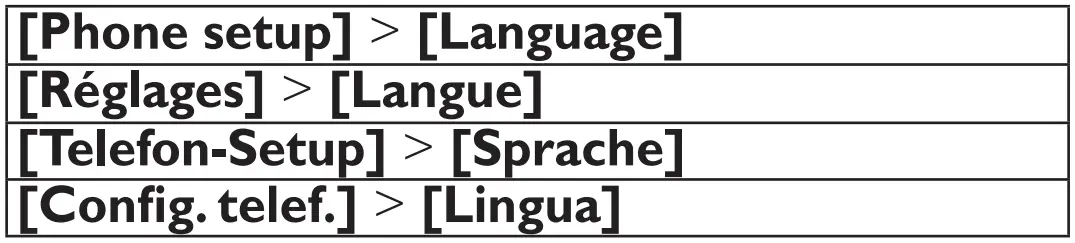
My handset is in searching status, what do I do?
- Make sure that the base station has power supply.
- Register the handset to the base station.
- Move the handset closer to the base station.
I cannot change the settings of my voice mail, what do I do?
The voice mail service is managed by your service provider but not the phone itself. Contact your service provider to change the settings.
No display
- Make sure the batteries are charged.
- Make sure there are power and phone connections
The handset on the charger does not charge.
- Make sure the batteries are inserted correctly.
- Make sure the handset is placed properly on the once.
- Make sure the docking tone setting is turned on. When the handset is placed correctly on the charger, you can hear a docking tone.
- The charging contacts are dirty. Disconnect the power supply first and the contact with clamp cloth.
- Batteries are defective. Purchase new ones with the same specification
Bad audio (crackles, echo, etc.)
- The handset is nearly out of range. Move it closer to the base station.
- The phone receives interference from the nearby electrical appliances. Move the base station away from them.
- The phone is at a location with thick walls. Move the base away from them.
The handset does not ring.
Make sure the handset ringtone is turned on.
The caller ID does not display.
- The service is not activated. Check with your service provider.
- The caller’s information is withheld or unavailable.
Support
www.philips.com/support
To access the user instructions online, use the reference model number written on the product label at the bottom of the base station.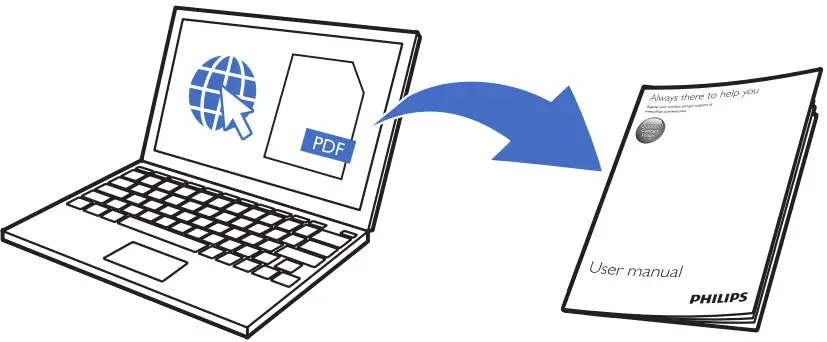
2021 © MMD Hong Kong Holding Limited.
All rights reserved. Specifications are subject to change without notice.
This symbol on a product means that the product is covered by European Directive 2012/19/EU.
This product has been manufactured by, and is sold under the responsibility of Hong Kong Holding Limited and
Hong Kong Holding Limited . is the relation to this product.
Philips and the Philips Shield Emblem are registered trademarks of Koninklijke Philips N.V. and are used under license from Koninklijke Philips N.V.
UMS_M450/M455
01_EN_V1.0
 Philips Global Consumer Care - Royal Philips Electronics
 Support Home | Philips