 Hartland
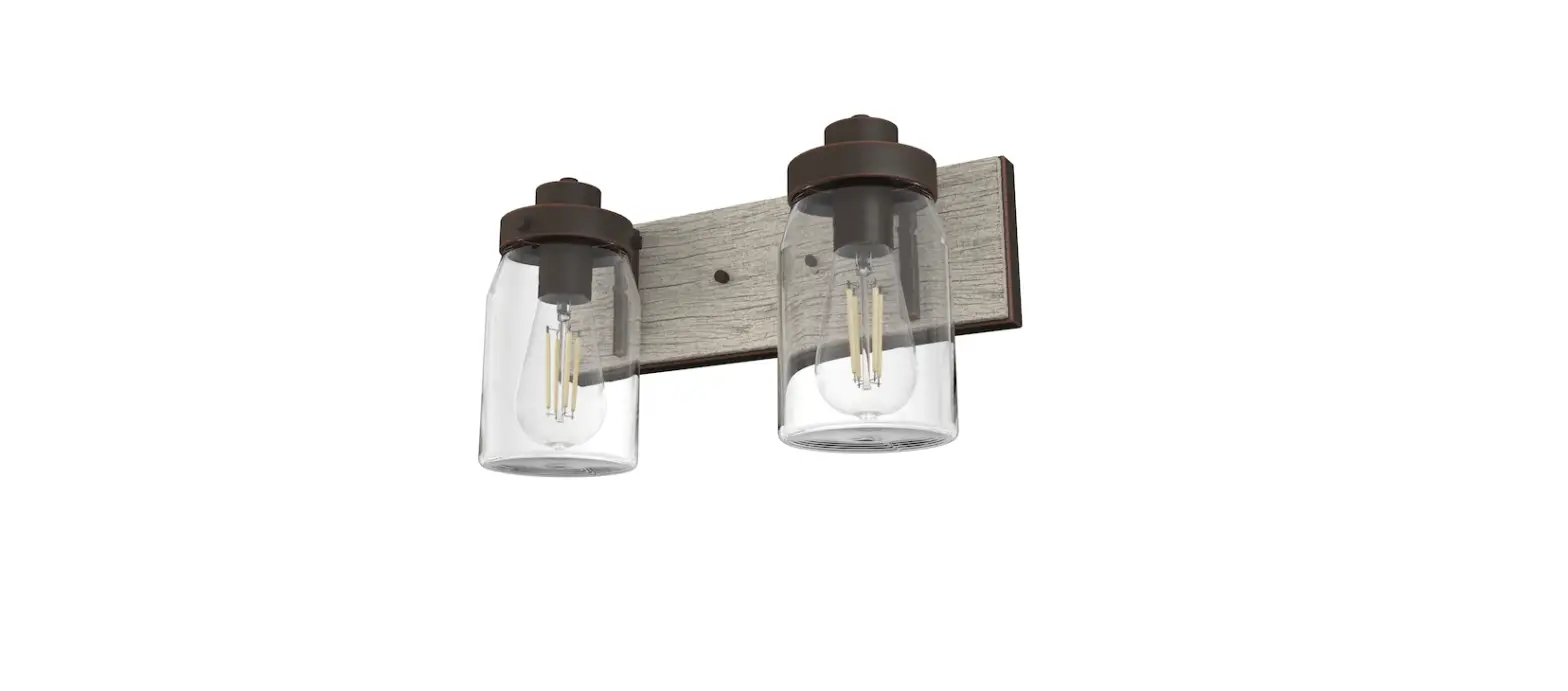
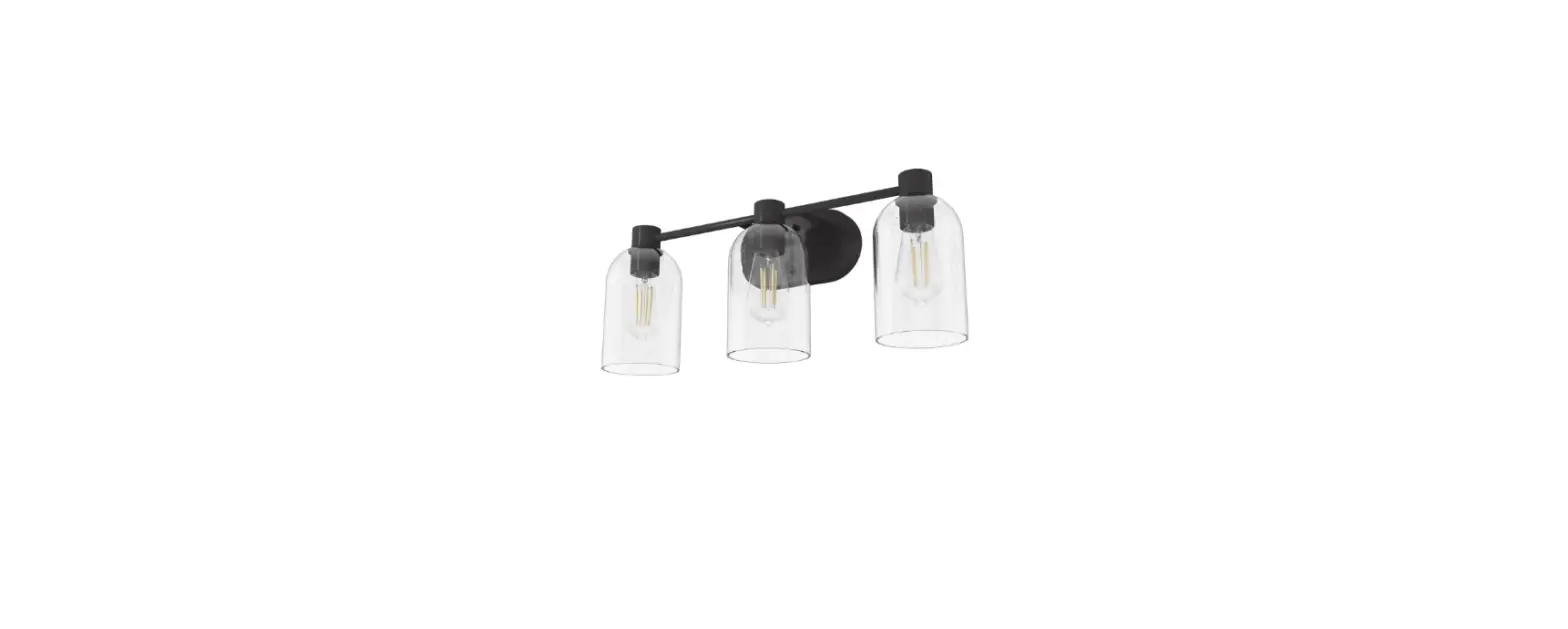
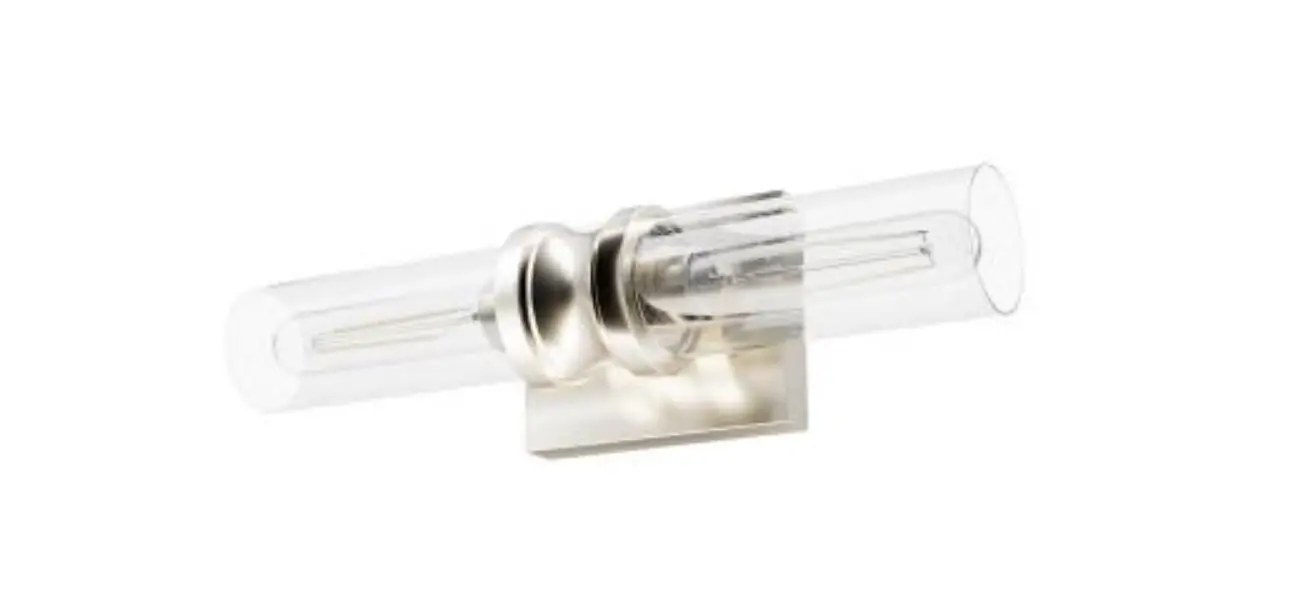
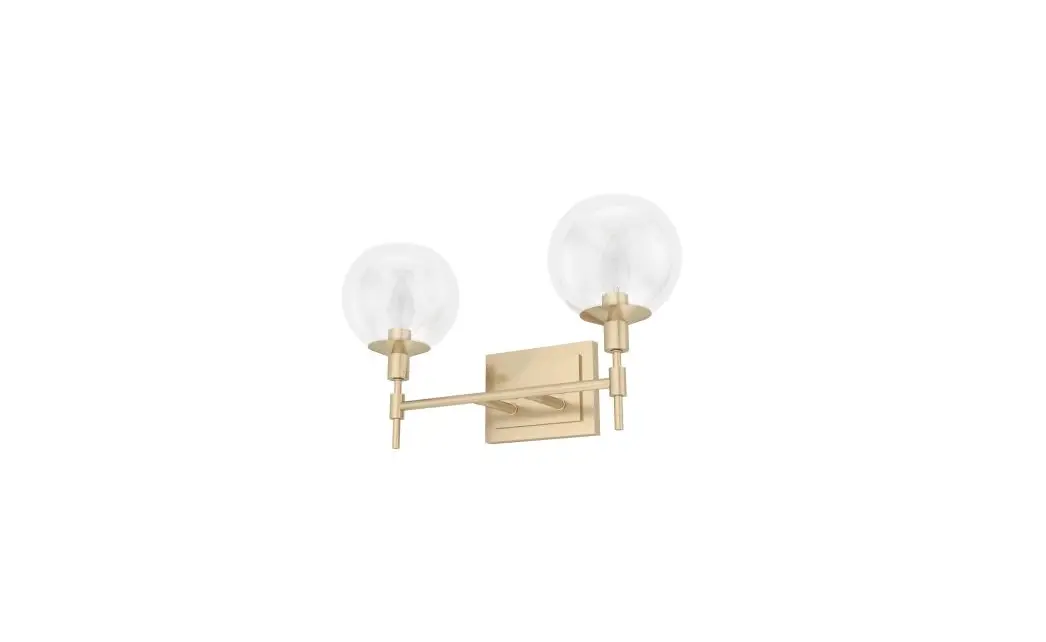
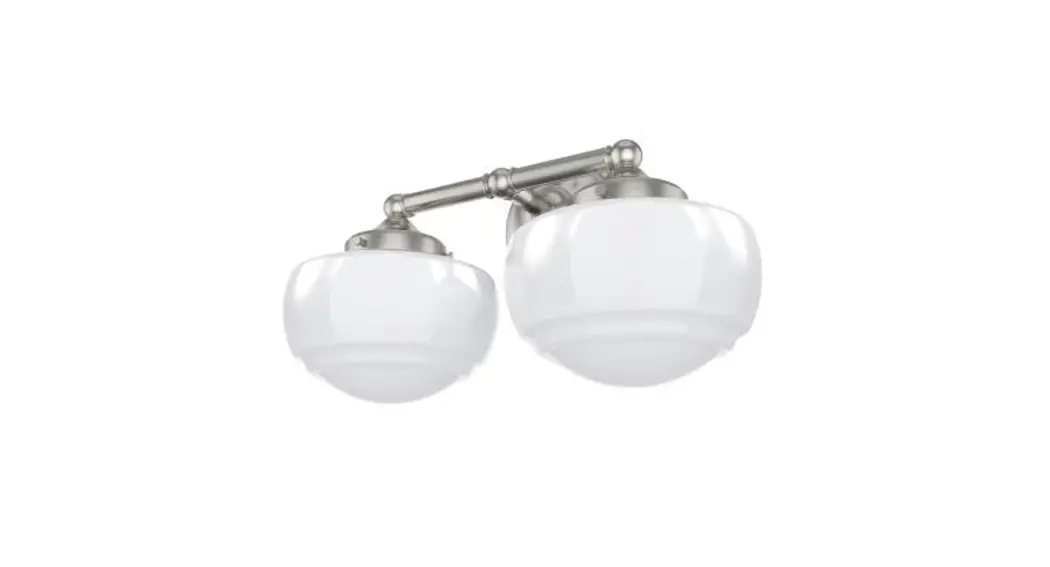
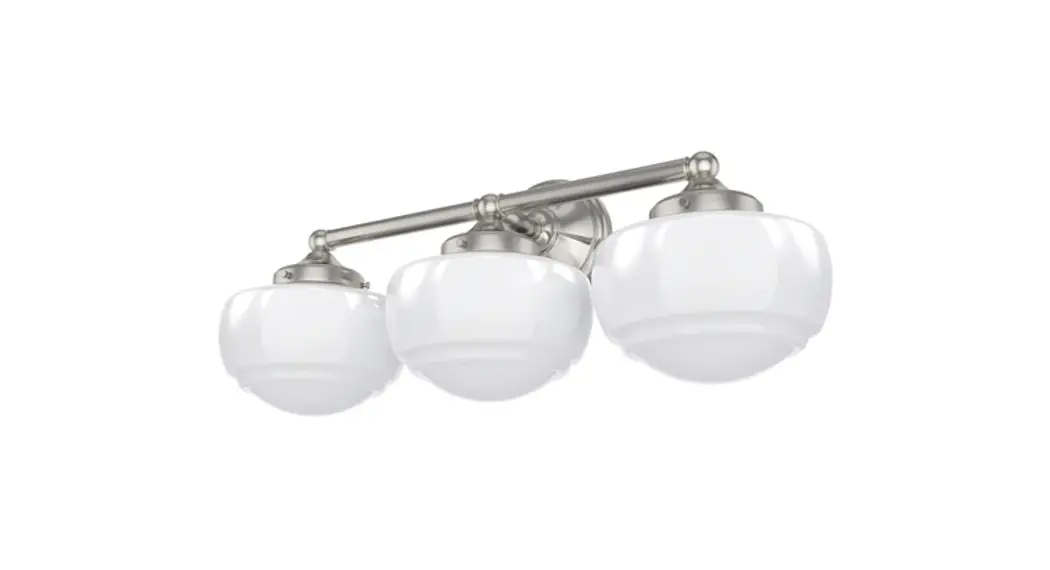
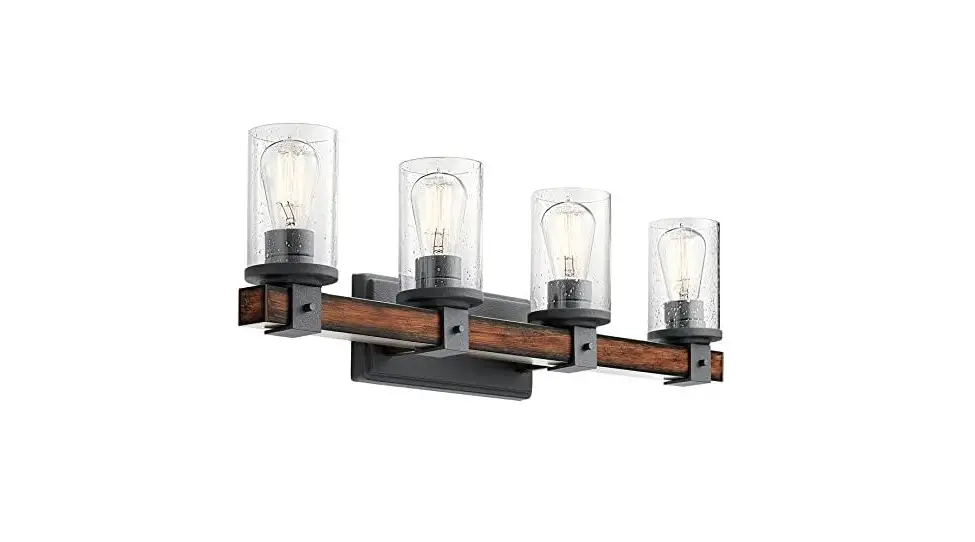
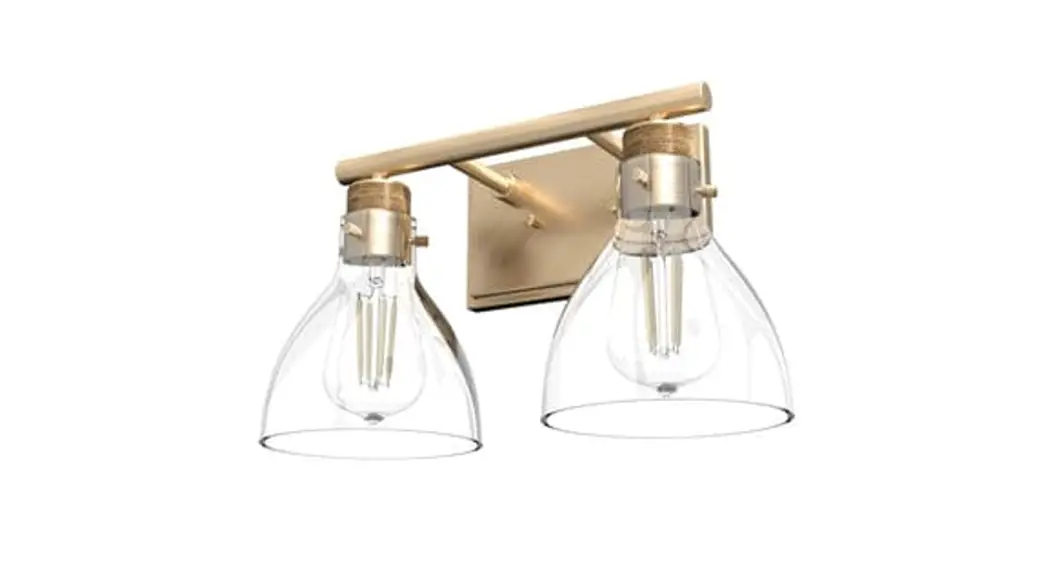
13074 2 Light Vanity
Instruction Manual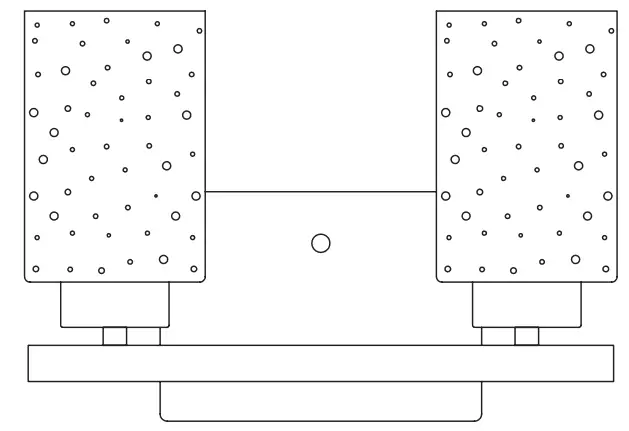
For Models:13074 13075 13076
13074 2 Light Vanity
Here are the tools you’ll need to complete your installation:
 |  | 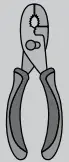 | 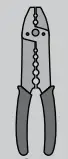 |
Ladder | Screwdriver | Pliers | Wire Strippers |
Light Vanity
Fixture weight ±2 lbs:
Peso ±2 lb:
Poids fixe ±2 lbs: 3.34 lbs (1.51 kg)
Hardware Service Kit
Part # | Model | Finish |
KC04402214 | 13074 | Brushed Nickel |
KC04402L11 | 13075 | Alturas Gold |
KC04401834 | 13076 | Noble Bronze |
Glass
| Part # | Model | Type |
| KA28301046 | 13074 13075 13076 | Clear Seeded Glass |
INSTALLATION INSTRUCTIONS
 WARNING
- To avoid possible electrical shock, before installing your light fixture, disconnect the power by turning off the circuit breakers to the outlet box associated with the wall switch location.
- The lighting fixture must be grounded. If the ground wire for the installation site is not present, immediately STOP installation and consult a qualified electrician.
- All wiring must be in accordance with national and local electrical codes ANSI/NFPA 70. If you are unfamiliar with wiring or in doubt, consult a qualified electrician.
READ AND SAVE THESE INSTRUCTIONS
These instructions are provided for your safety. It is very important that they are read carefully and completely before beginning installation of the lighting fixture.
PREPARING FOR INSTALLATION
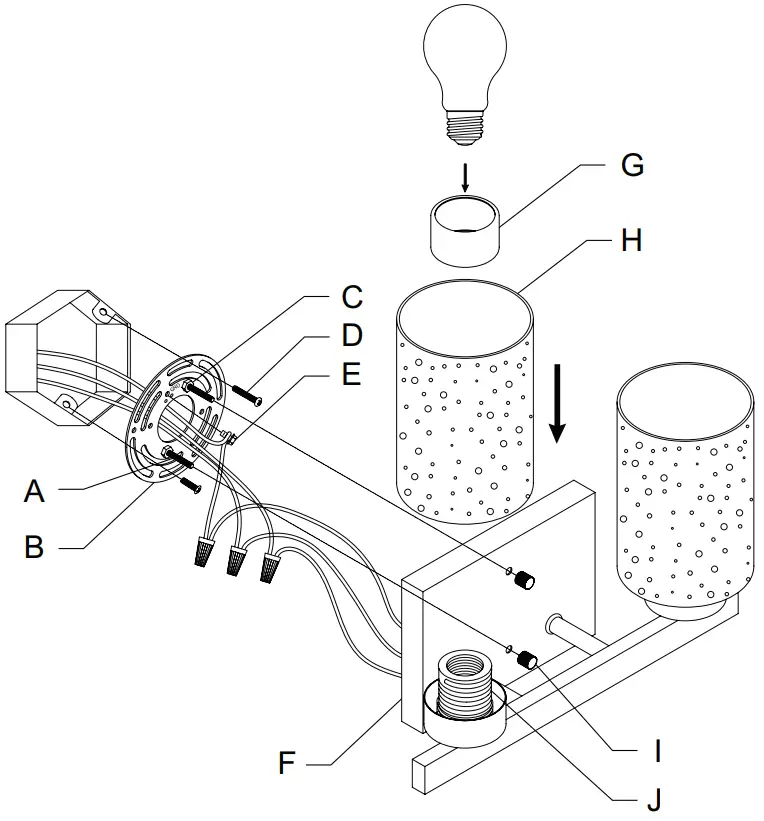
Carefully remove all contents from the carton. Shut off the power at the circuit breaker and completely remove the old fixture from the wall, including the old mounting bracket. Remove the new mounting bracket assembly from the bag. Then remove cap nuts (I) from mounting screws (A). Place the mounting plate (B) over the junction box so that mounting screws (A) and nuts (C) extend out away from the wall. Depending on the placement of your junction box the position of mounting screws (A) may need to be adjusted to allow the backplate to be flush with the wall. Adjust the position of mounting screws (A) so that mounting screws (A) can be exposed 5-6 mm after passing through the backplate (F) to properly fit the cap nuts. Mounting screws (A) can be adjusted by loosening nuts (C) and loosening or tightening mounting screws (A). Once the ideal position of mounting screws (A) has been confirmed, tighten nuts (C) on mounting screws (A) on the front of the mounting plate to ensure that mounting screws (A) are secure. Pull the house wires through the center of mounting plate (B). Secure mounting plate (B) to the junction box by tightening the screws (D).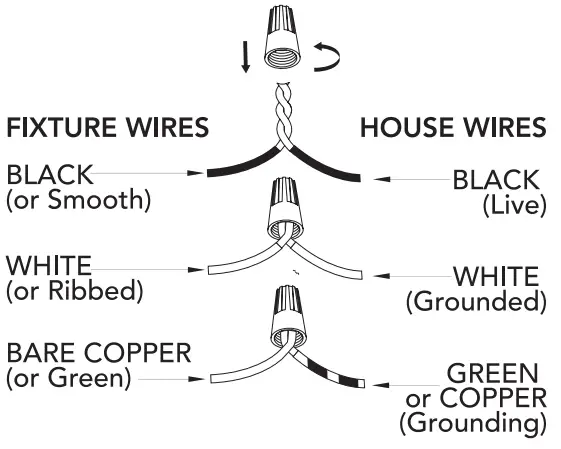
CONNECTING THE WIRES
Have a helper support the fixture’s weight while completing the wiring. Attach the fixture’s wires to the power supply wires from the junction box. Connect black to black (live); white to white (neutral); grounding to grounding (green or copper). Twist the ends of the wire pairs together. Then, twist on a wire connector. Make sure all twists are in the same direction. Loop fixture’s ground wire around grounding screw (E) and tighten. If there is no ground wire (green or copper) from the junction box, contact a qualified electrician.
FINISHING THE INSTALLATION
Place the fixture’s backplate (F) over the mounting screws (A) so the threads protrude through the holes on the front of the backplate. Tightly screw the cap nuts (I) onto the mounting screws (A) until the backplate (F) of the fixture is snugly against the wall. Secure glass (H) onto the socket (J) by screwing socket ring (G) tight. Install light bulb (not included) in accordance with the fixture’s specifications. Do not exceed the recommended wattage. Turn on the power and test the fixture. Your installation is now complete.
CLEANING TIPS
Treat the fixture gently! Regular cleaning will reduce the need for deep cleaning. For regular cleaning, turn off the light and wipe down the fixture with a clean lint-free cotton or microfiber cloth. Never spray cleaner directly onto the fixture.
©2022 Hunter Fan Co.
ML407 r_080722