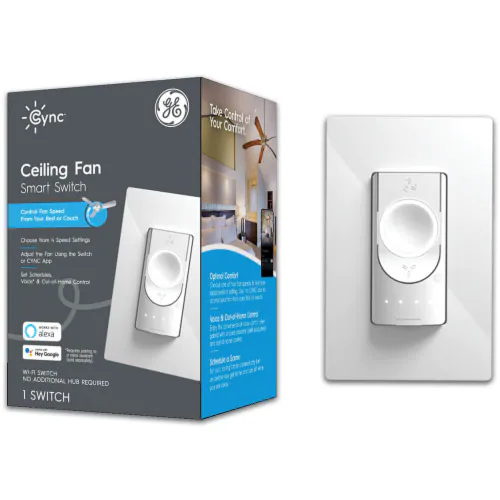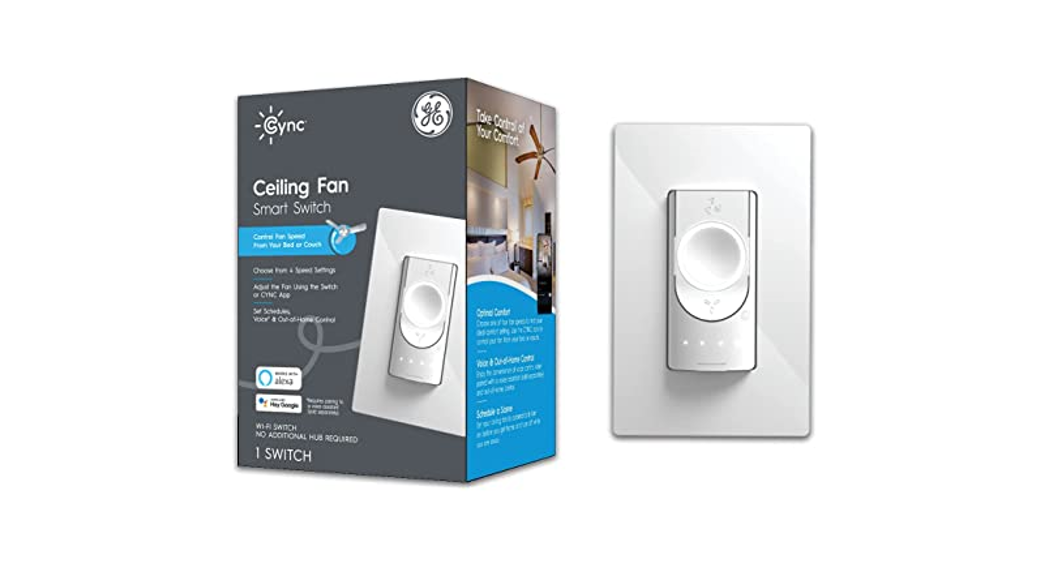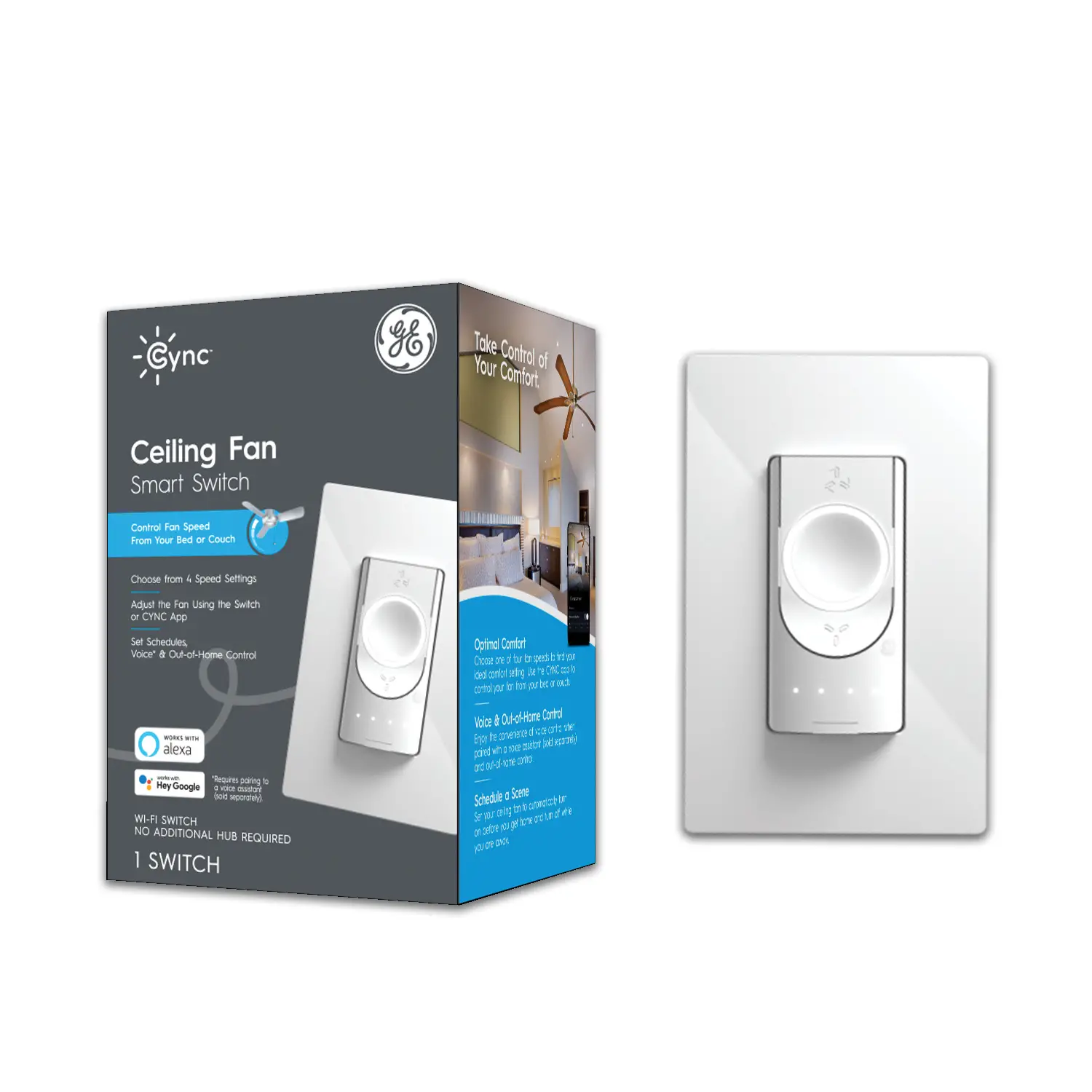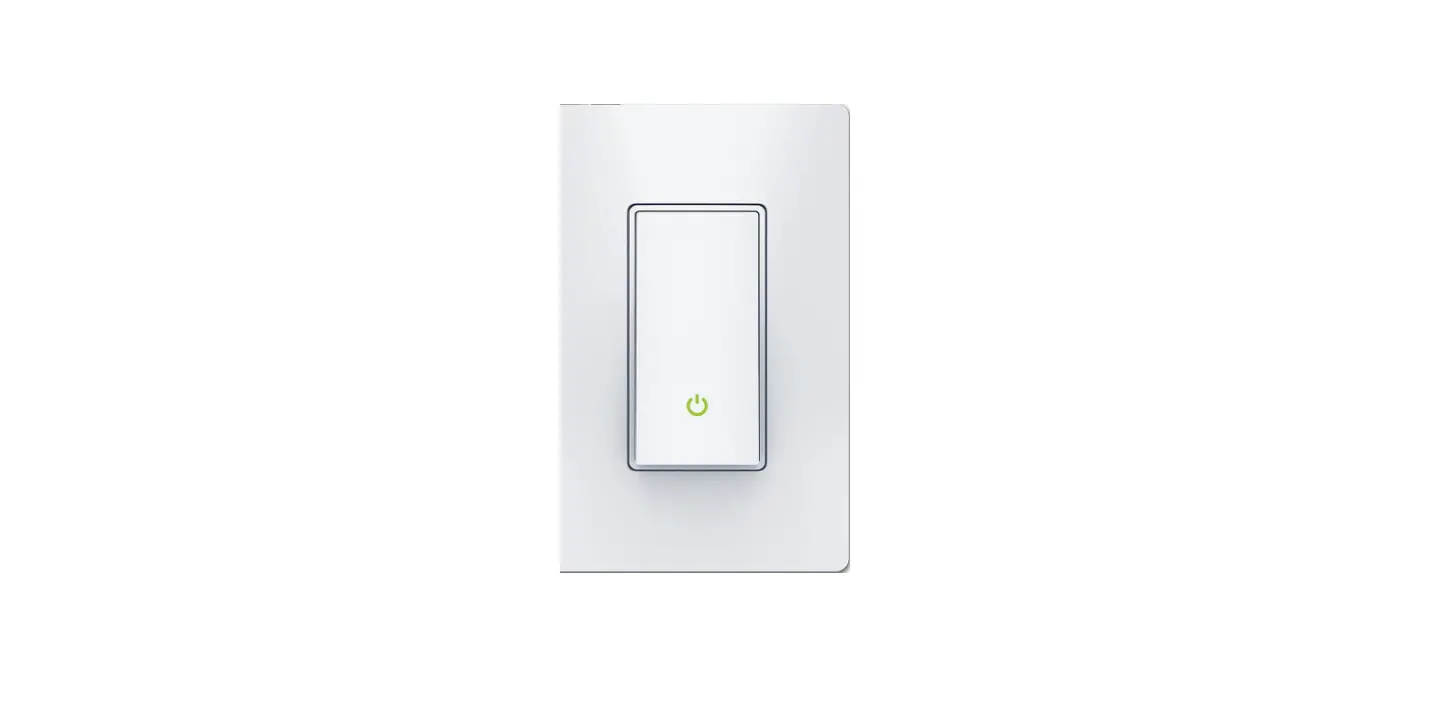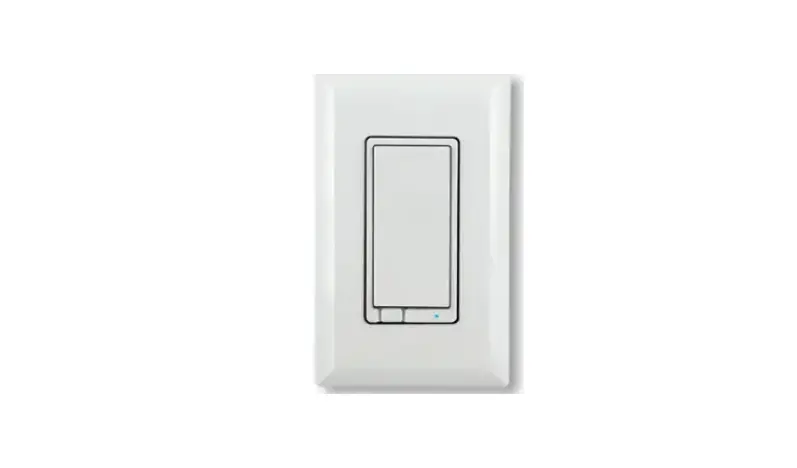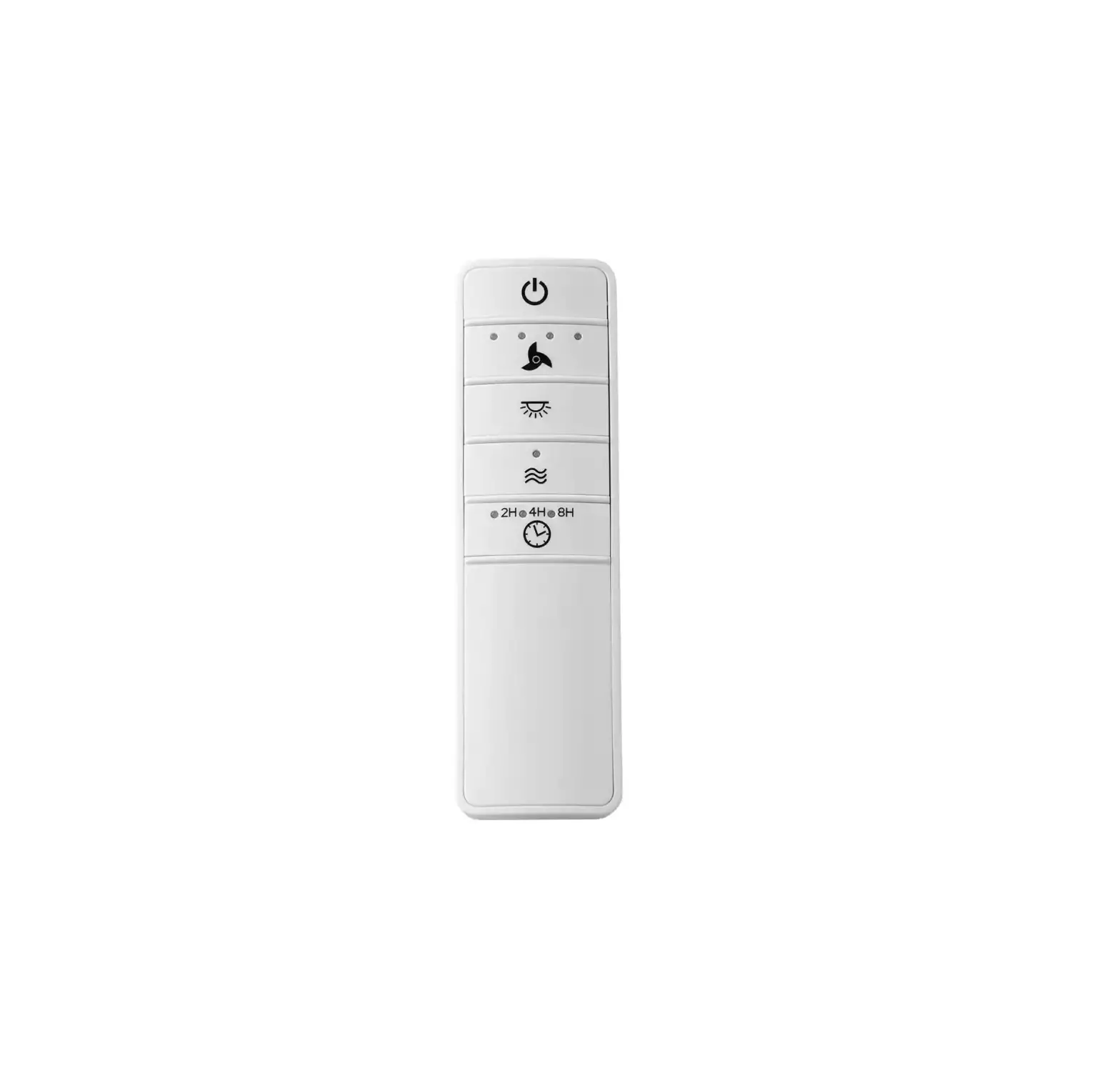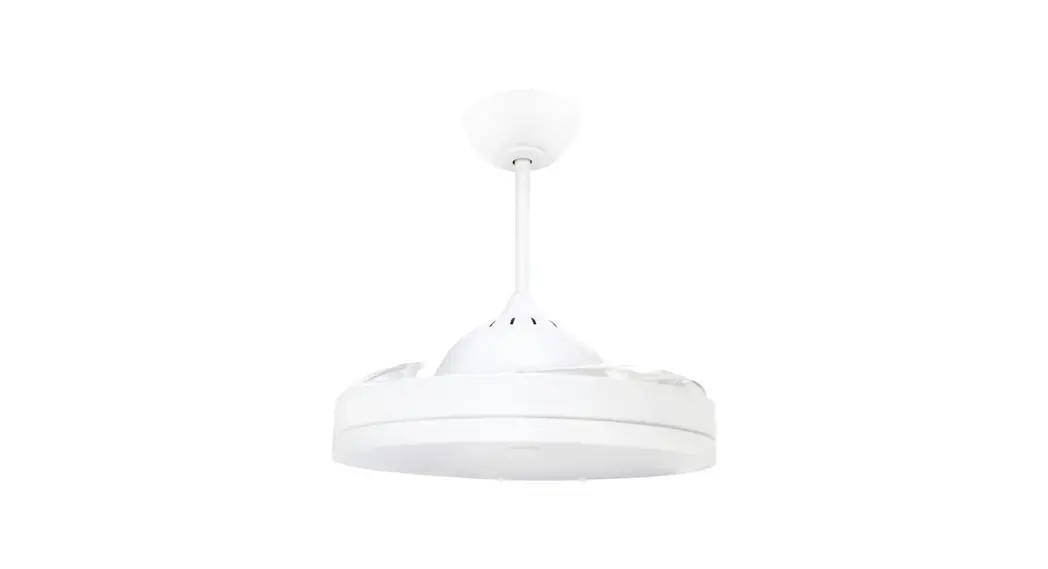
GE Cync 93128847 Wi-Fi Smart Ceiling Fan Switch Instructions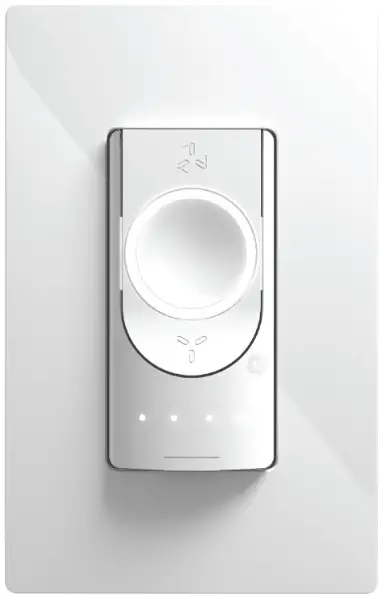
Introduction
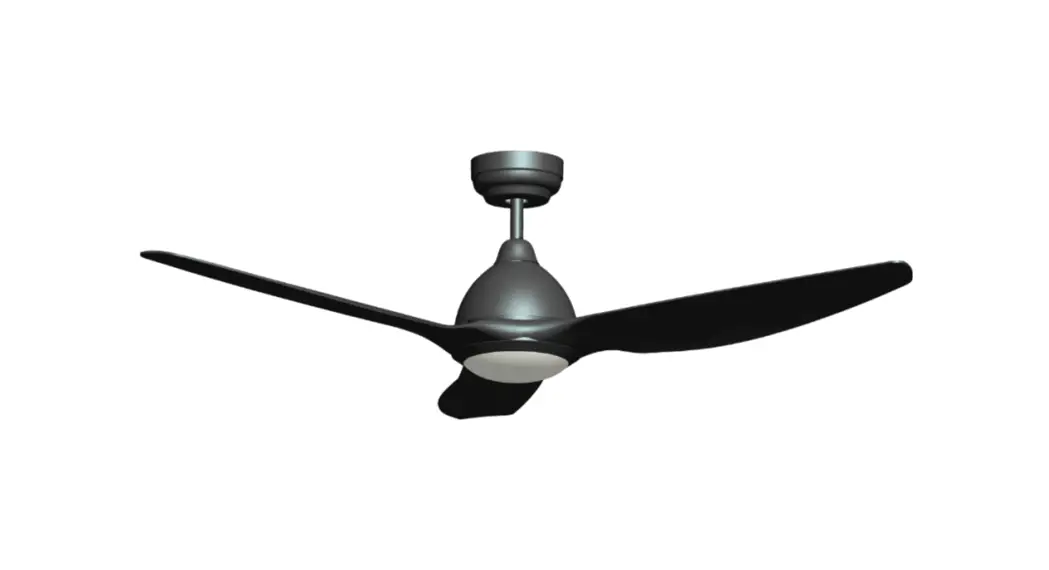
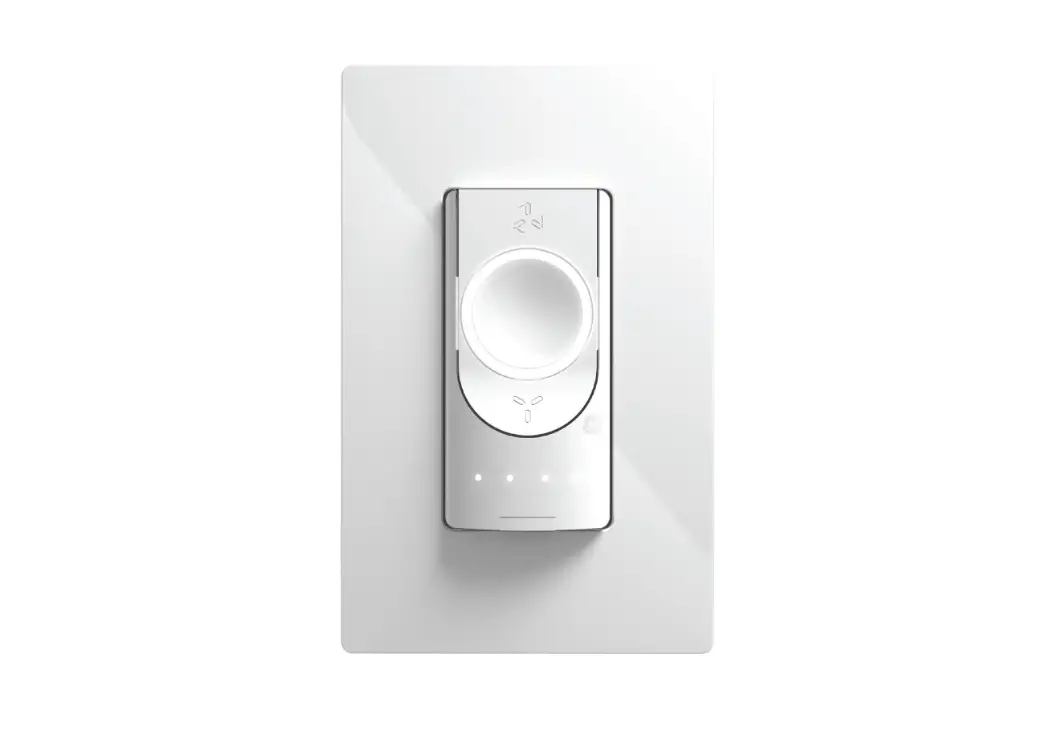
Let’s see what your Ceiling Fan Smart Switch can do:
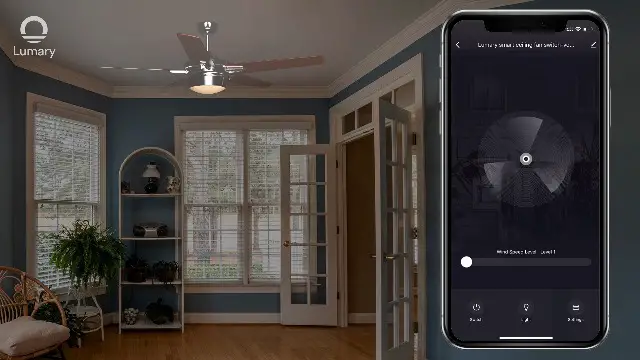
 | Adjust your fan from the comfort of your bed. Go to the Cync App and turn on the ceiling fan or change the fan speed. |
 | Automate your fan to turn on when you come home. Go to Cync App and schedule times to turn your fan on and off under create a scene. |
 | Enable whole-room comfort and control. Assign your Ceiling Fan Smart Switch to the same Room as other Cync and C by GE devices to get whole-room control over your lights, fan and electric devices. |
GE and C by GE are trademarks of General Electric Company. Used under trademark license.
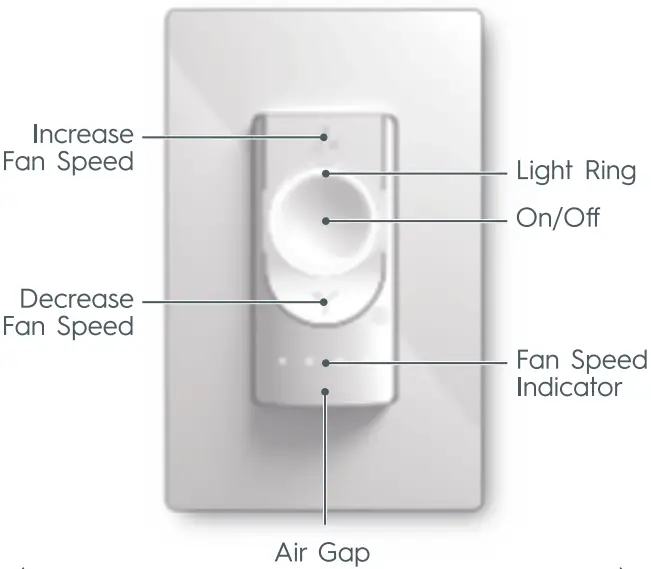
Touch Controls
(Pull out to turn off power while servicing the fan)