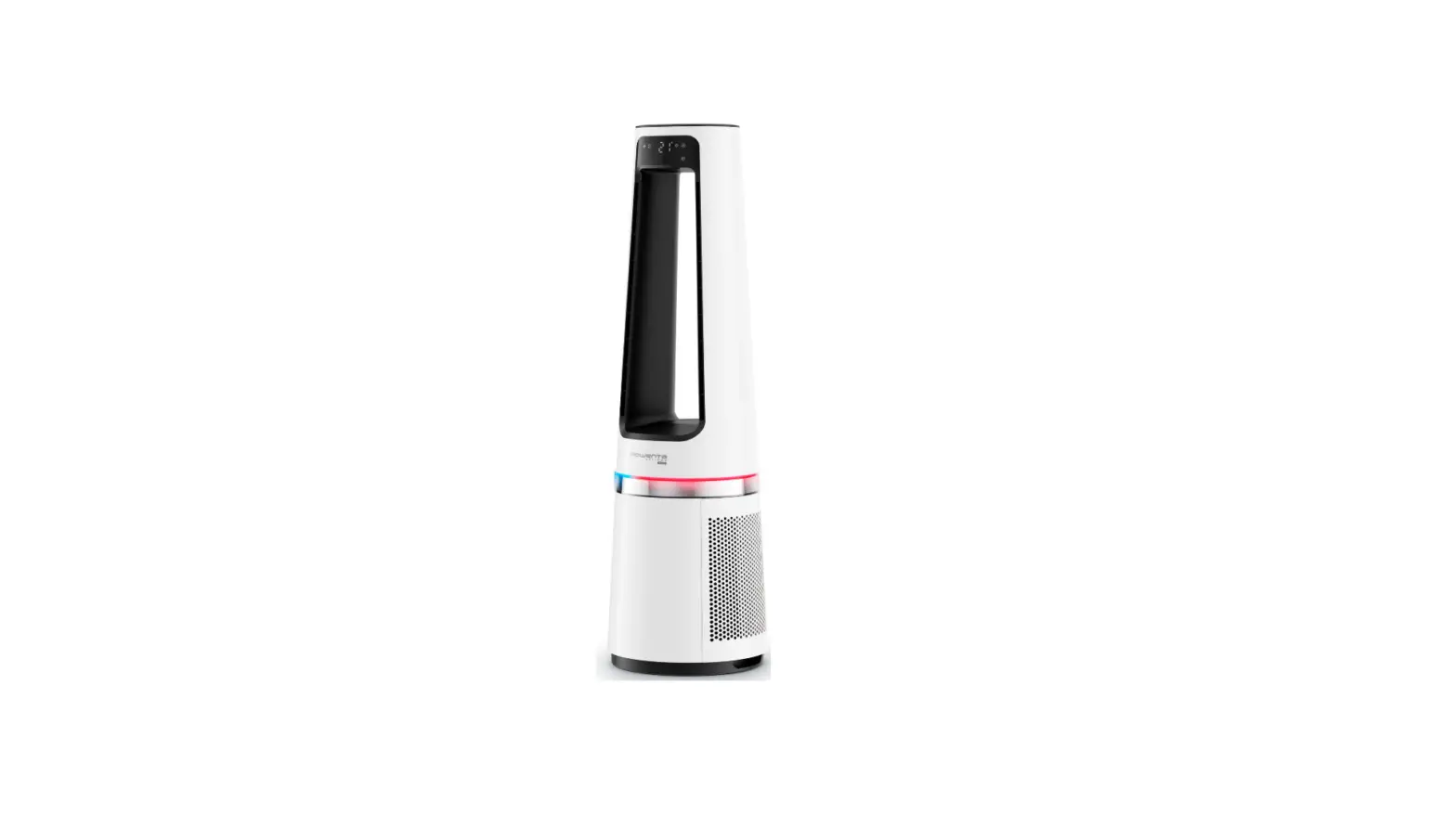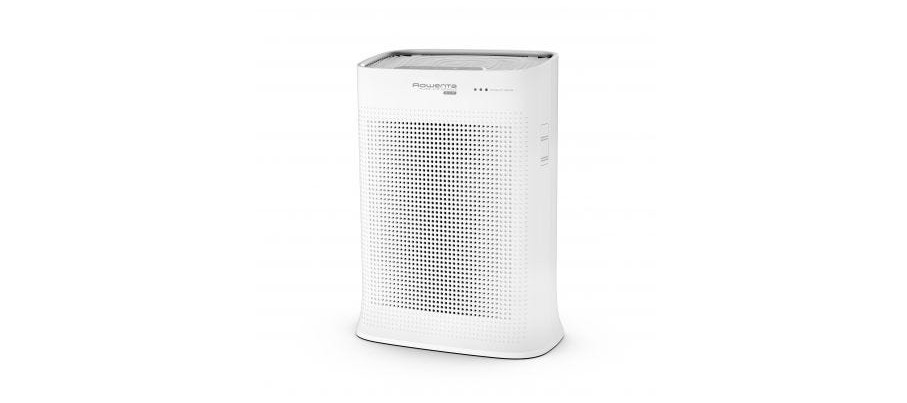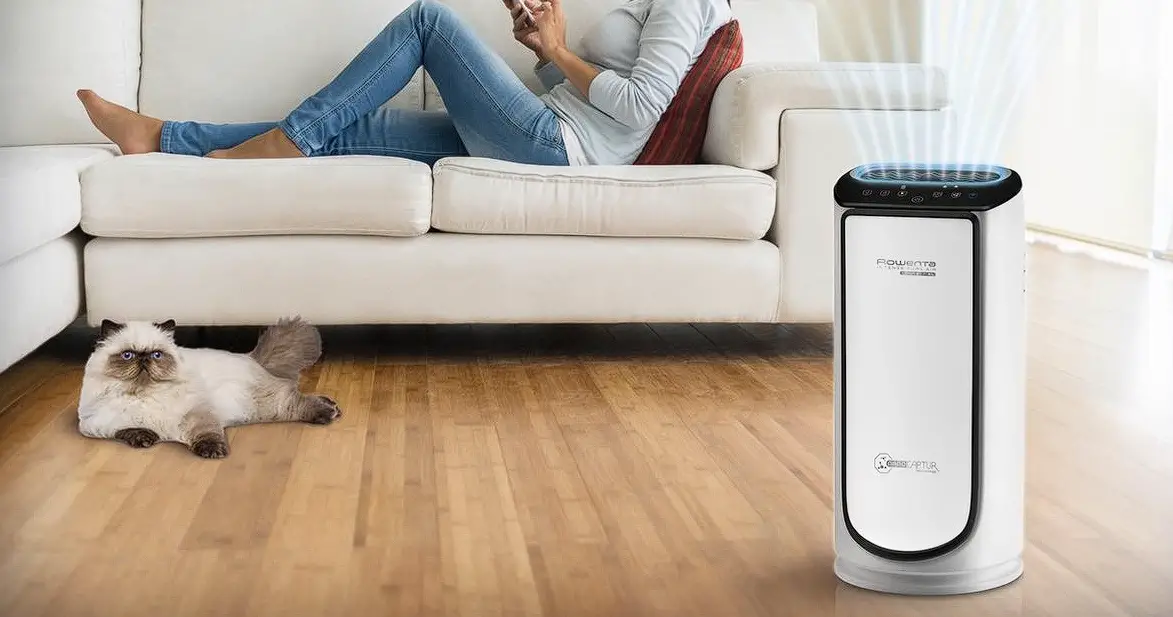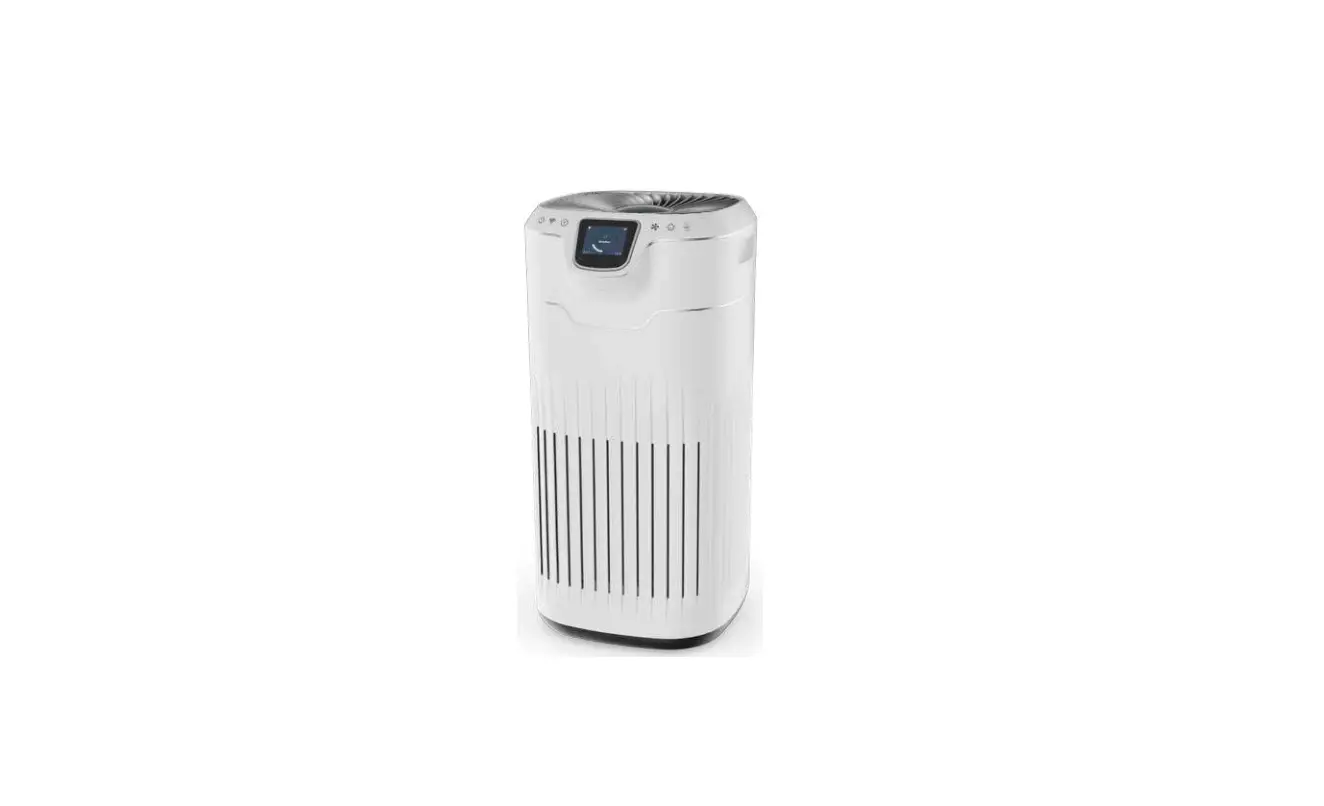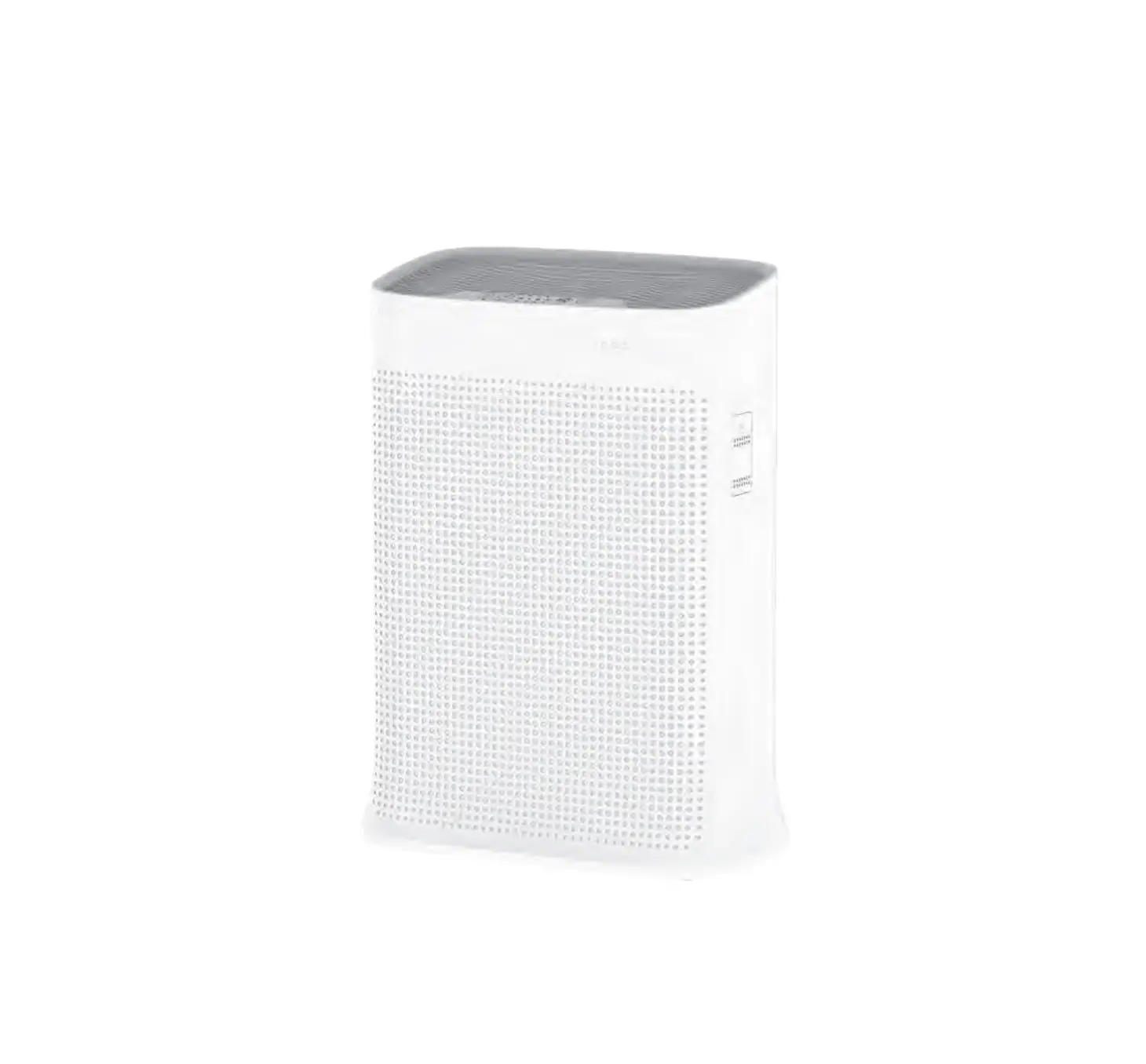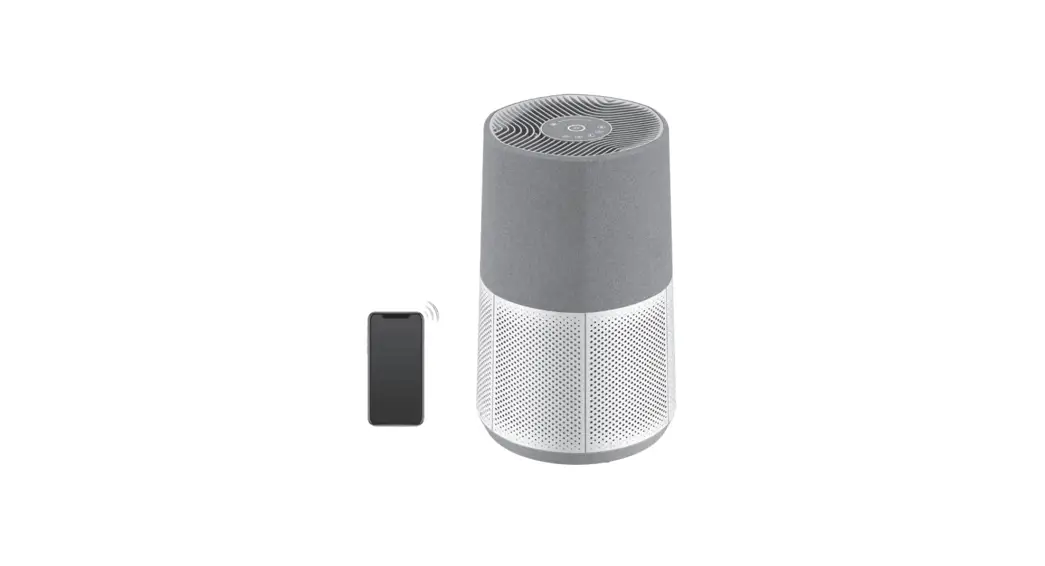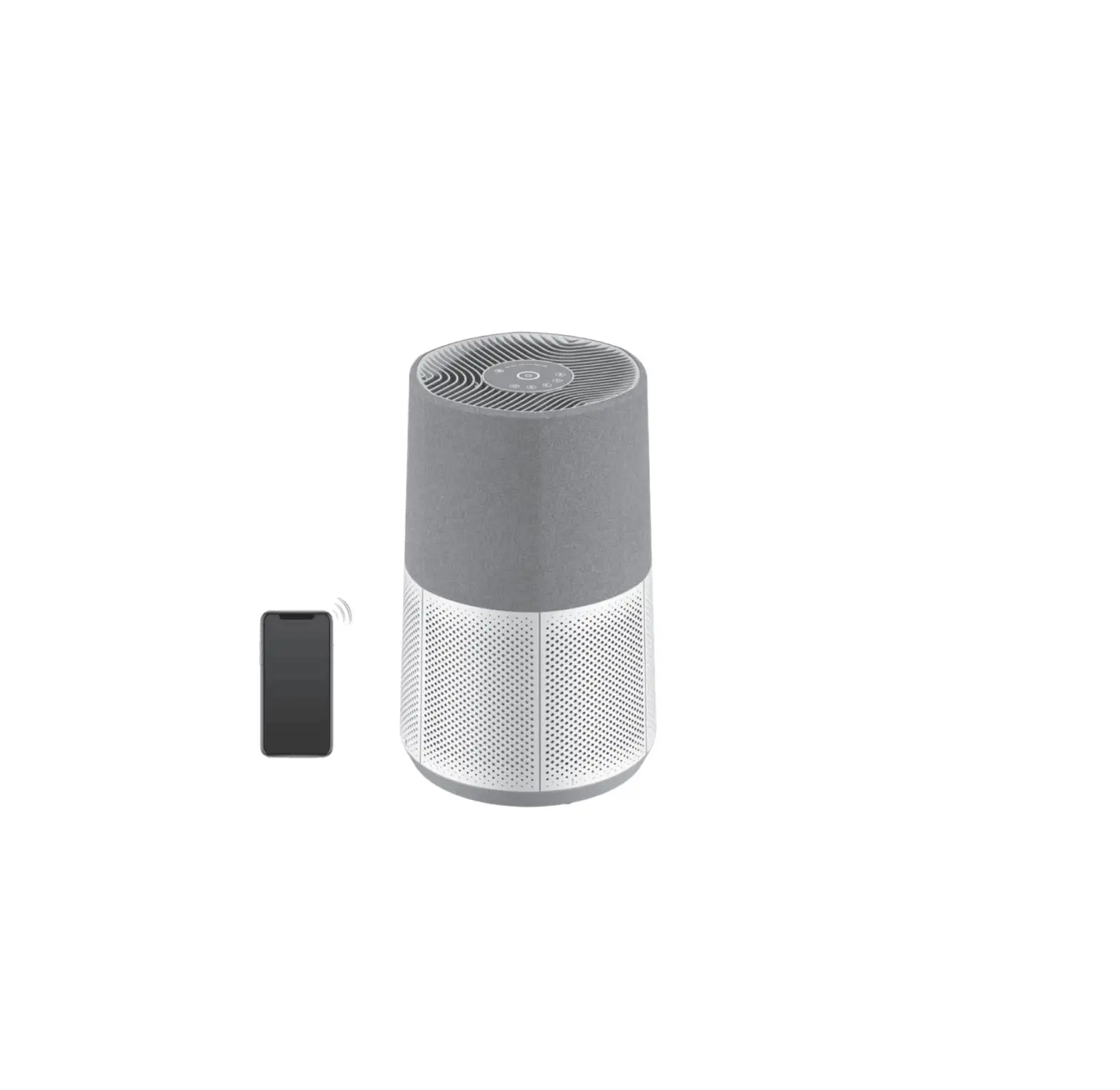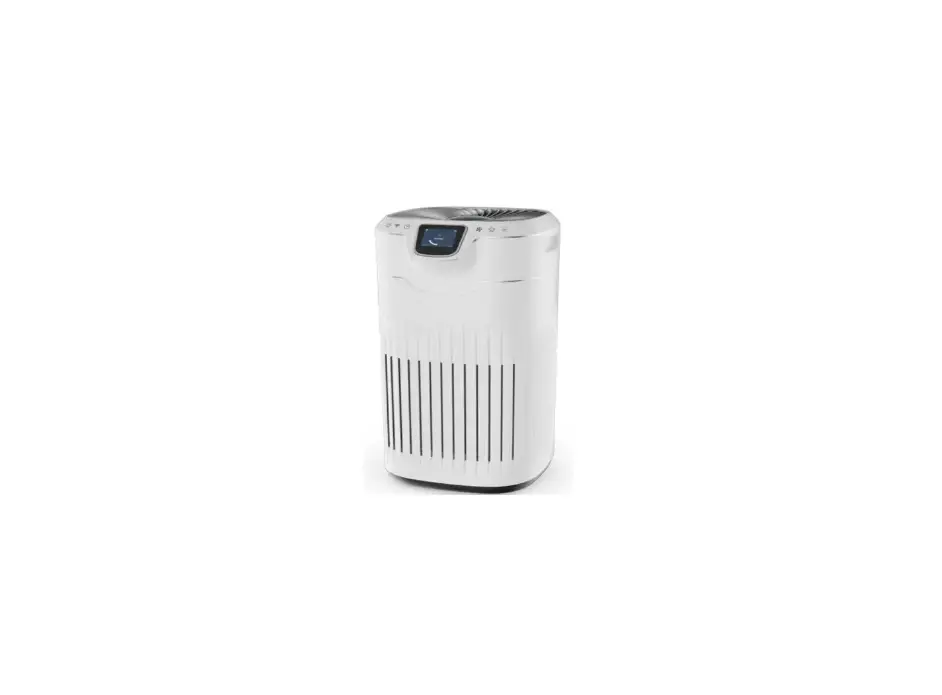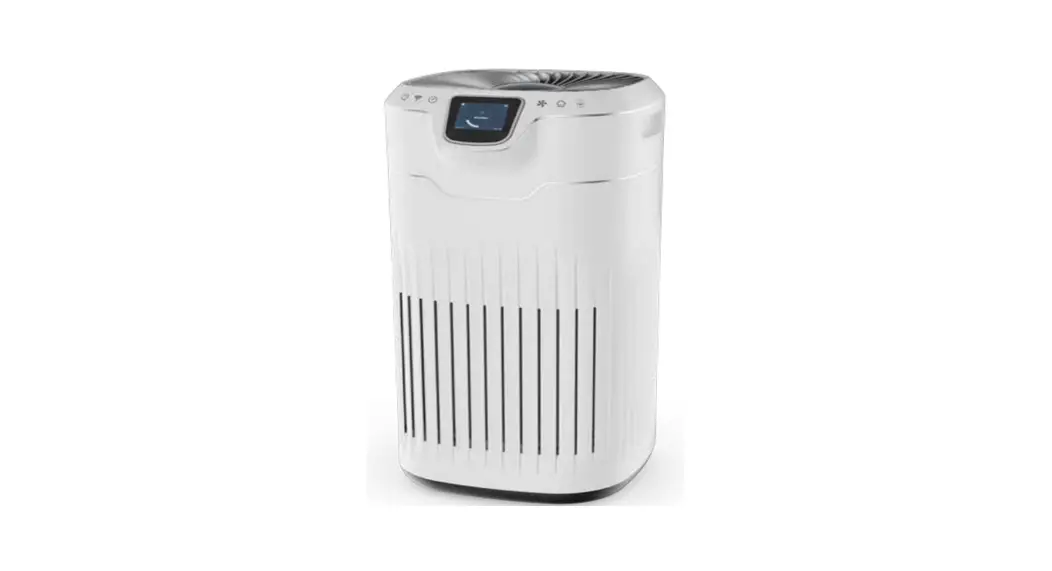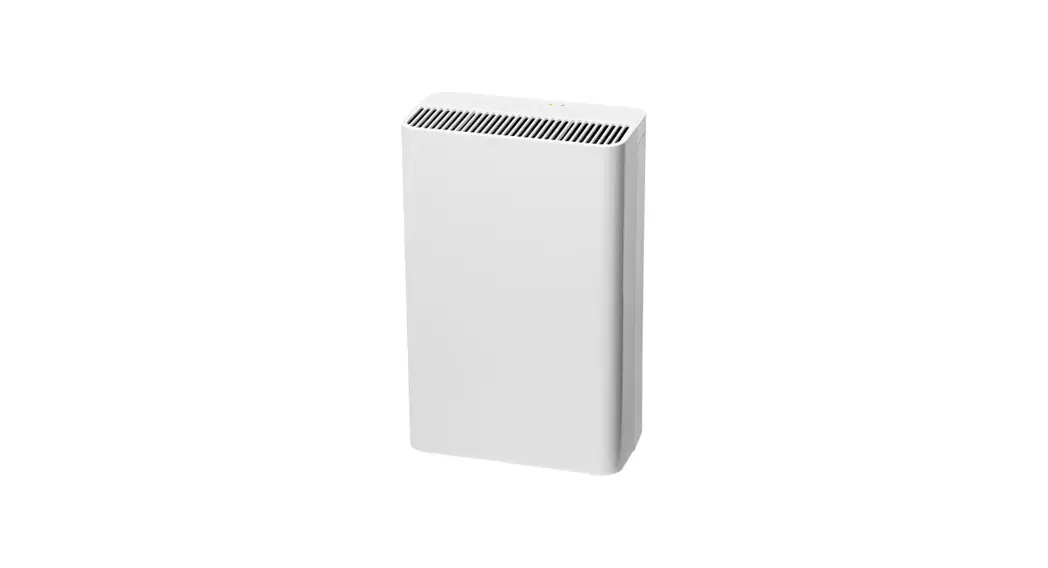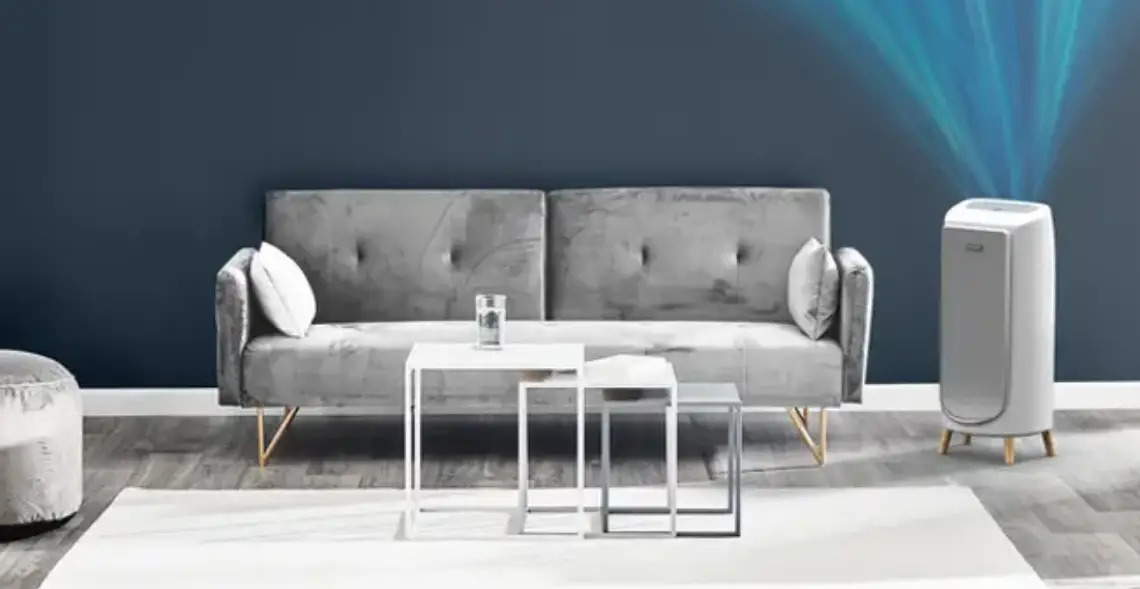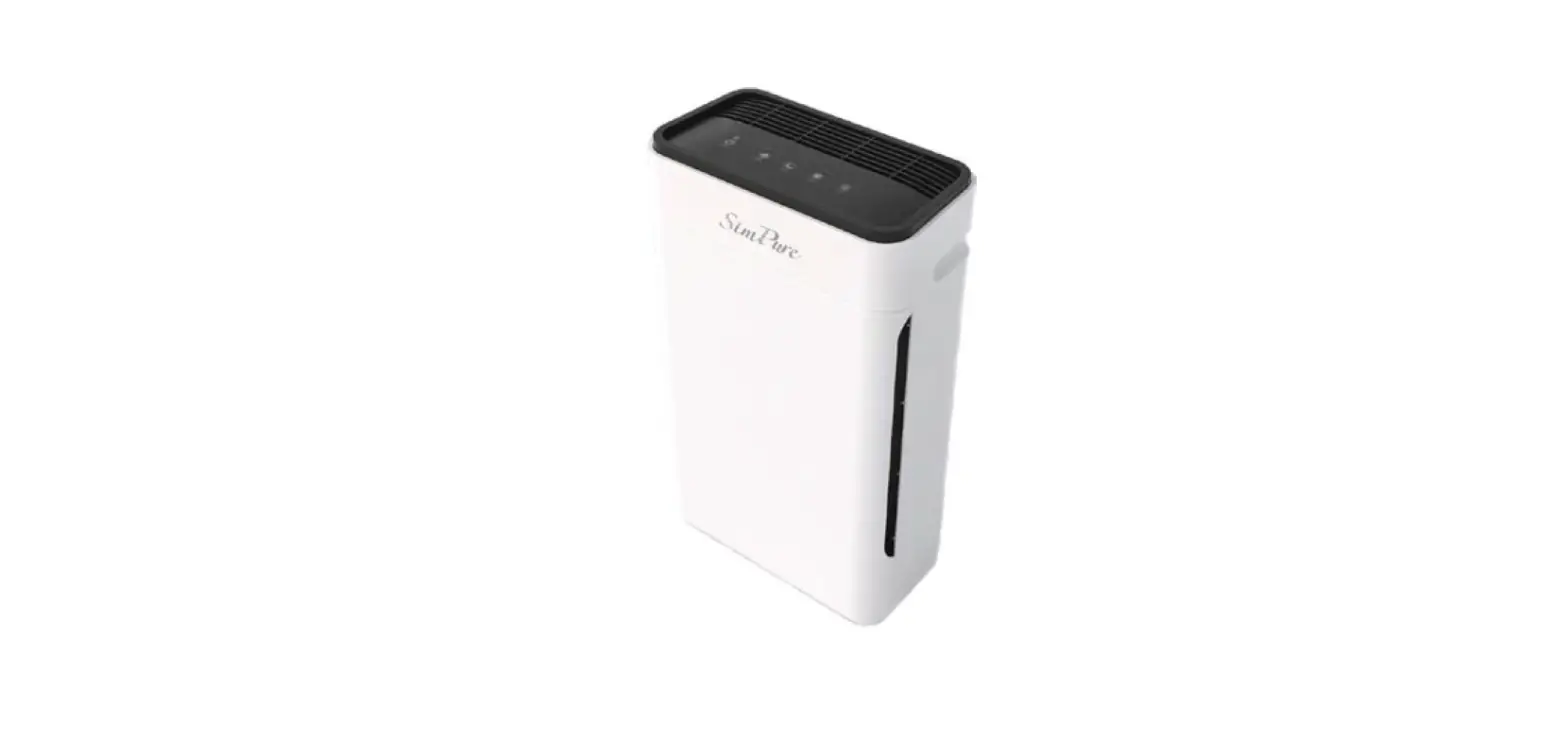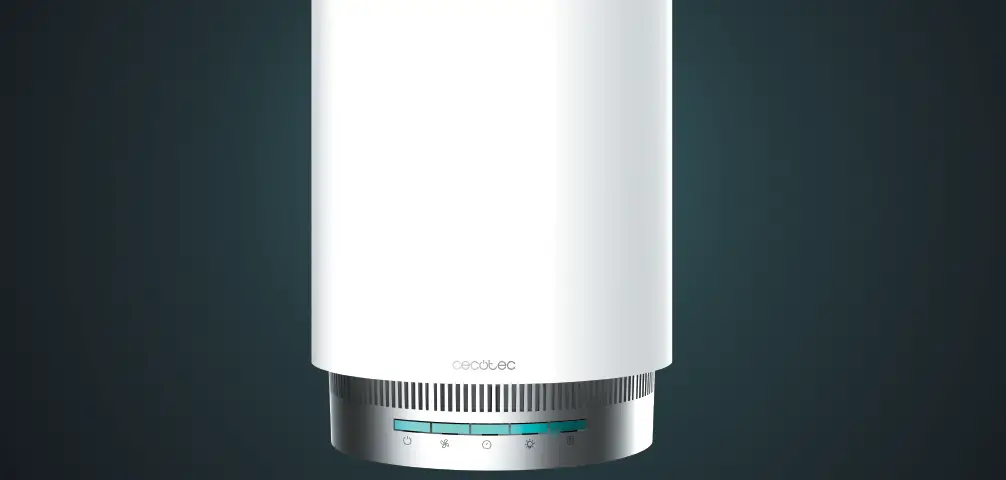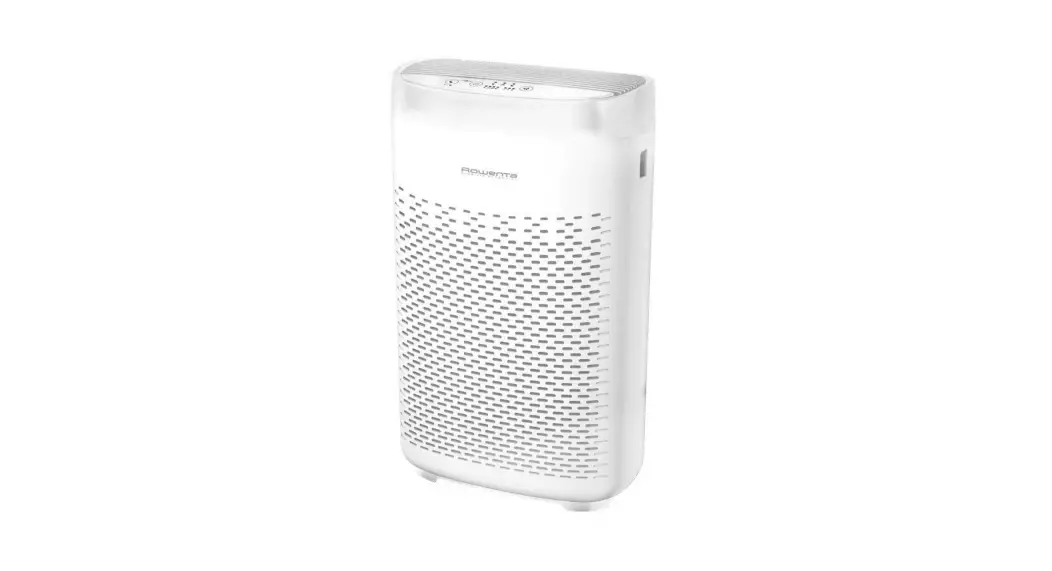

Rowenta Eclipse QU506 Series Air Purifier
STORAGE
When the device is not in use, store it in a cool, dry place, under ambient conditions. ambient temperature not exceeding 35°C.
DESCRIPTION
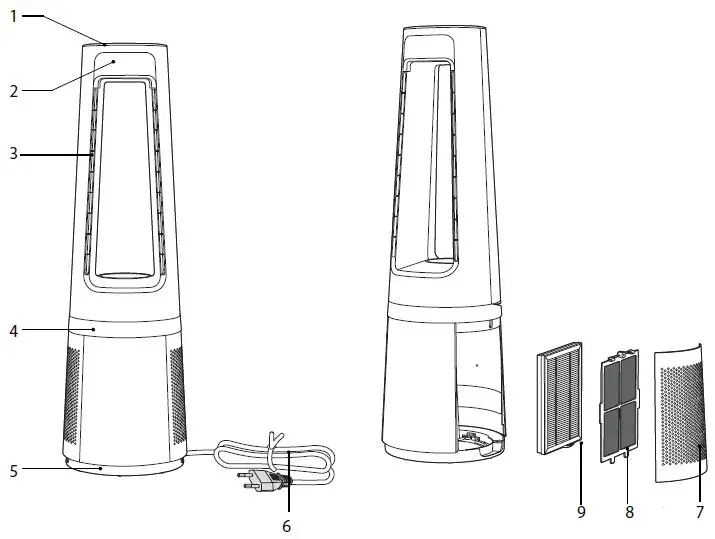
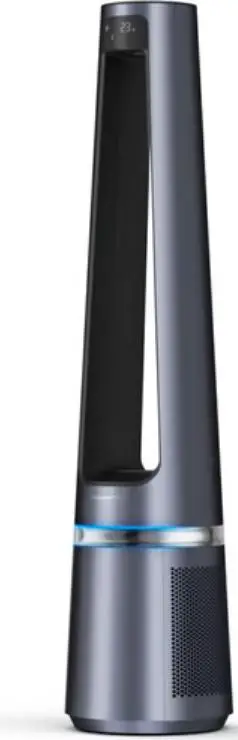
- Control panel 6 Power cord
- Screen
- Air outlet
- Decoration light
- Base
- Power cord
- Air inlet grid
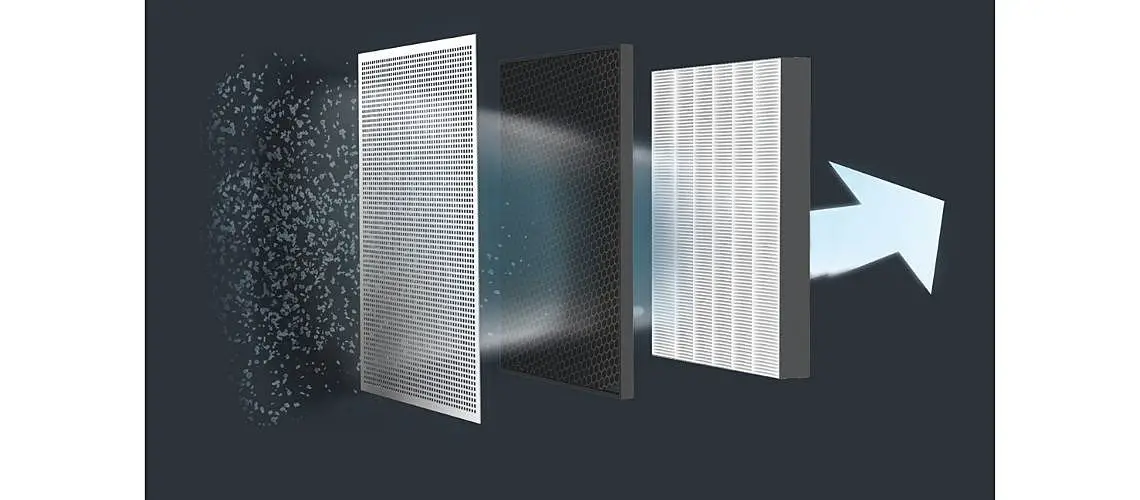
- Pre-filter
- Particle filter XD6520F0
INSTALLATION
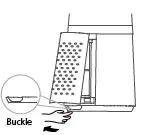
- Remove the air inlet grid.

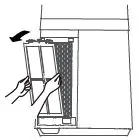
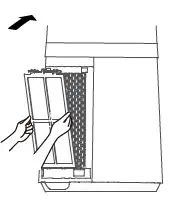
- Take out the pre-filter. Press the raised part on both sides to pull it outwards, and take out the pre-filter.

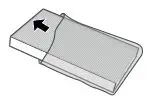
- Remove the protective film of the particle filter.

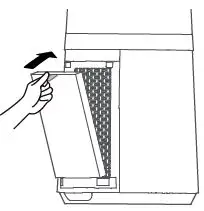
- Install the particle filter.

- Install the pre-filter. Align the slot position at the bottom, and buckle up the upper U-shaped buckle.

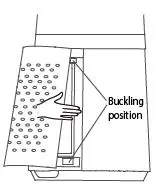
- Install the air inlet grid. Align the upper two buckles and press them tightly, then press the two sides at lower part, slowly and gently buckle the air inlet grid.

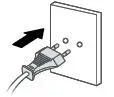
- Plug power supply.

INSTRUCTIONS
Control panel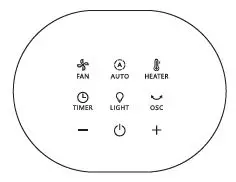
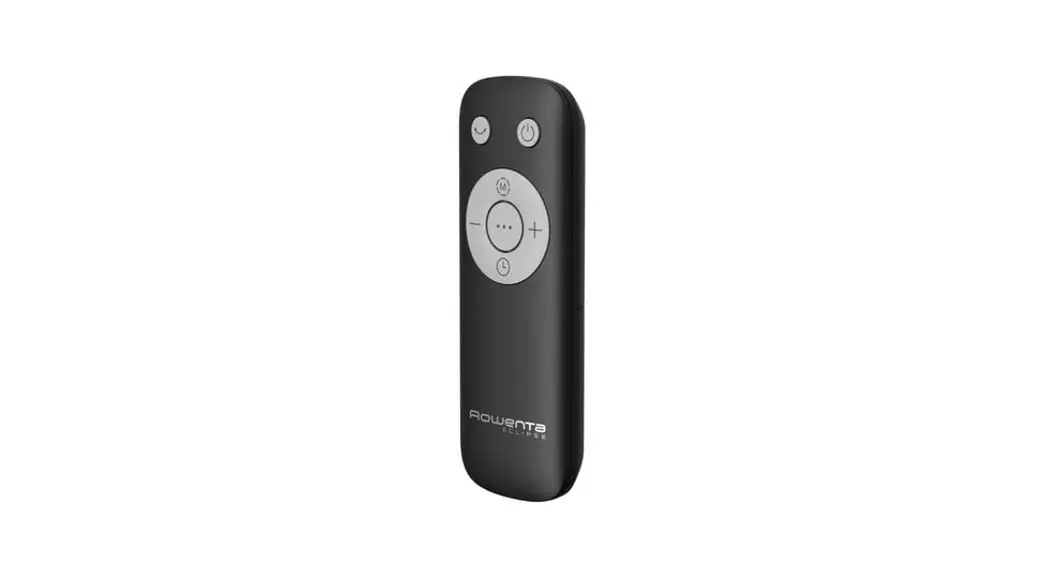
Remote control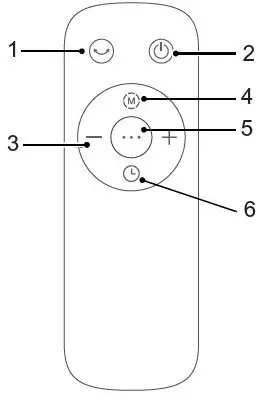
- Oscillation
- ON/OFF
- Speeds / Temperature / Timer / Delayed Start
- Auto modes
- Fan / Heater Mode
- Timer/Delayed Start
Screen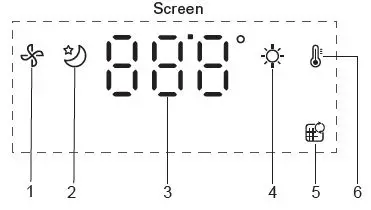
- Fan Mode
- Auto Night Mode
- Speeds / Temperature / Timer /Delayed Start
- Auto Day Mode
- Filter replacement indicator
- Heater Mode
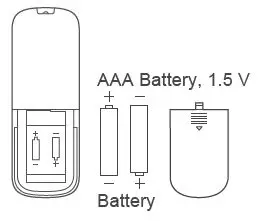
Use alkaline batteries of type «AAA».2 batteries are included with the appliance.
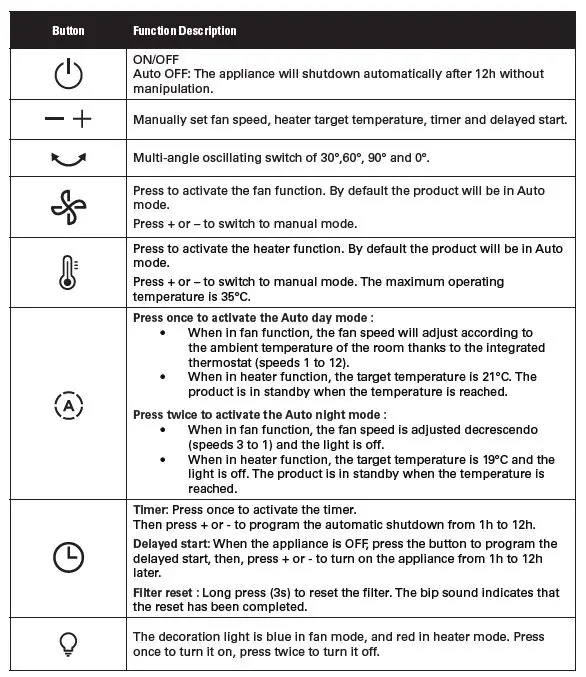
NB : on the first use, the product default setting is fan function in auto mode. When plugged, the product will save its last mode after each use.
WARNING:- Never cover the appliance, it may cause overheating in both heater and fan modes. – In case of overheating, switch off and unplug the appliance to let it cool down. – Once the appliance cooled down, you can re-plug it and use it again.
MAINTENANCE & CLEANING
Always switch the appliance off and unplug it before conducting any maintenance or cleaning operation. Use a damp cloth to clean the surface of the product. Important: Do not use any abrasive materials, as these may damage the surface of the product. Filter replacement.
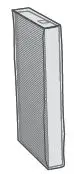
- Filter model: XD6520F0 (including 2 sets)

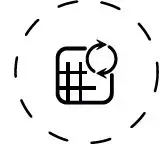
- The indicator is lighted when the particle filter needs to be replaced.

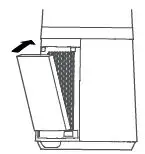
- Replace a new filter

- Long press the timer button for 3 seconds to turn off the indicator light for filter replacement.


Forced reset:
If you have replaced a filter before its end of life, force the reset of the filter replacement cycle.Hold the timer button for 3 seconds.
IMPORTANT: it is recommended to change the filters as soon as the replace filter alert indicator is triggered to avoid a product malfunction.
www.rowenta.com
 Rowenta USA | Garment Steamers, Steam Irons & Humidifiers