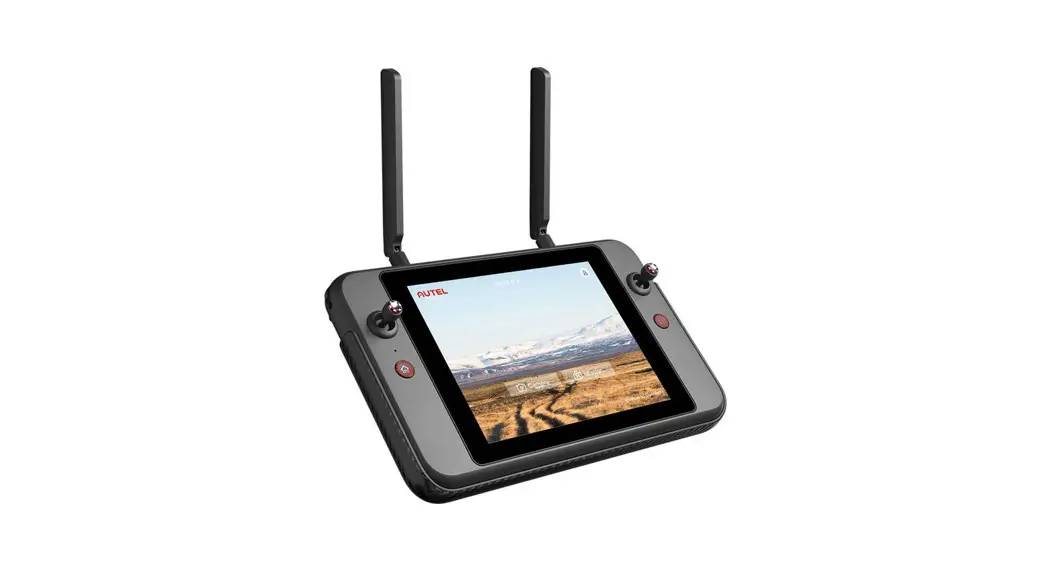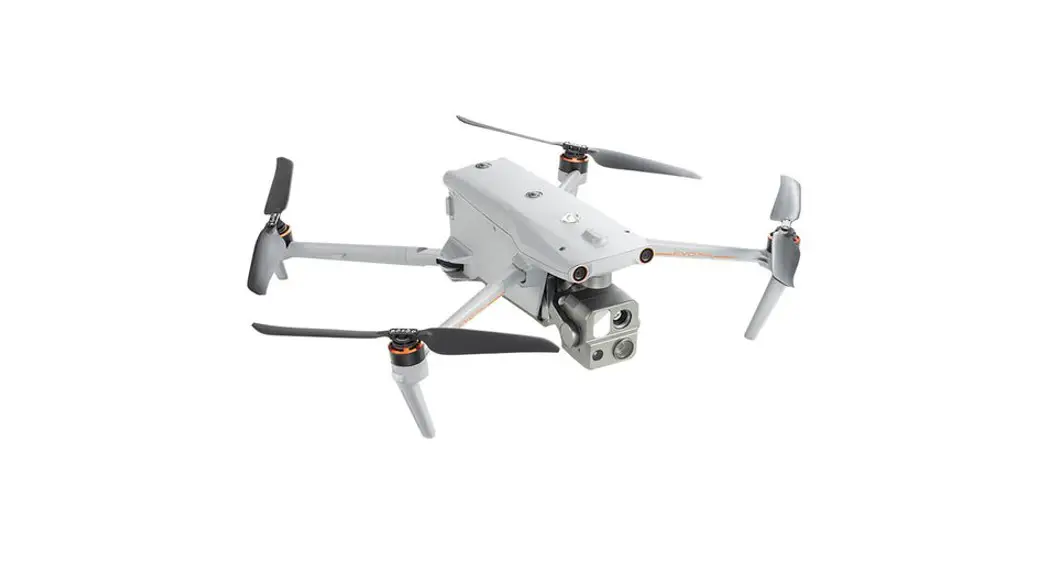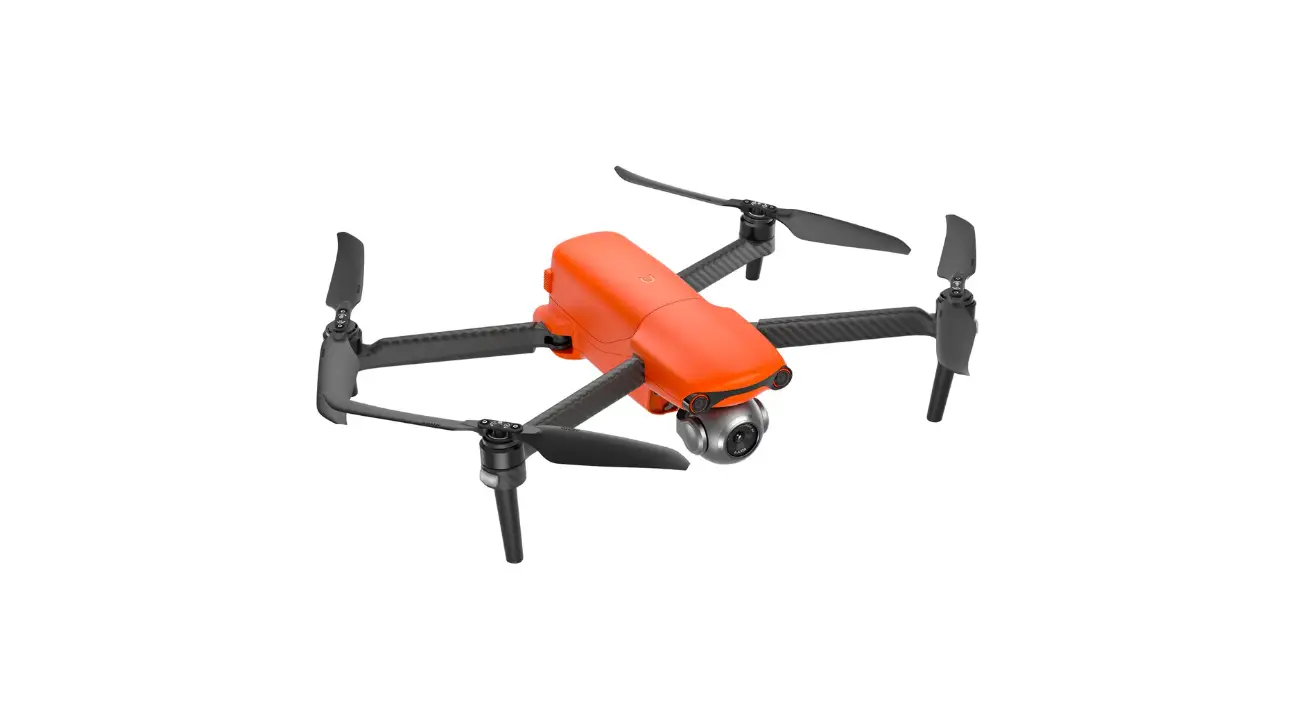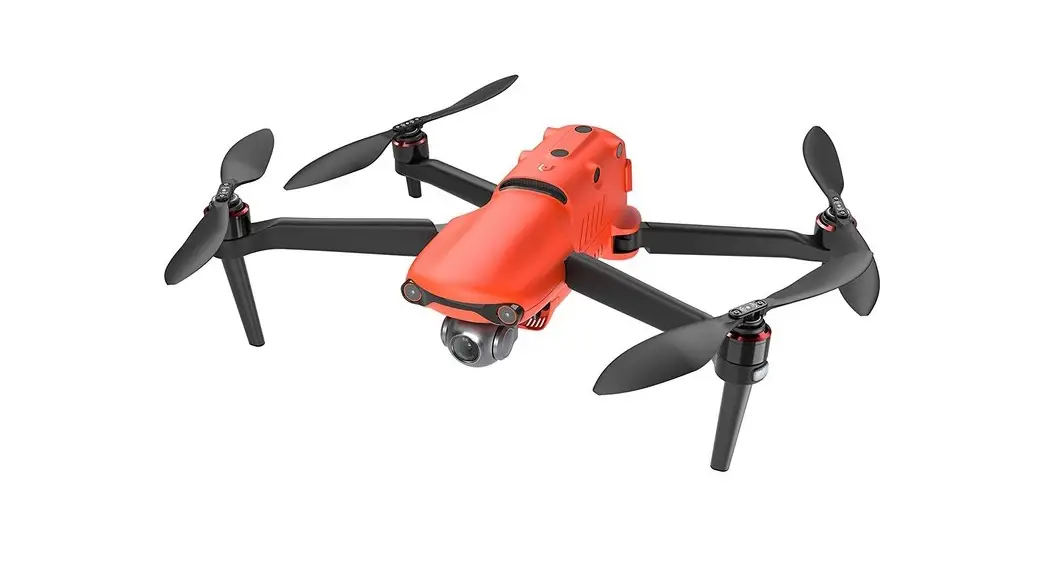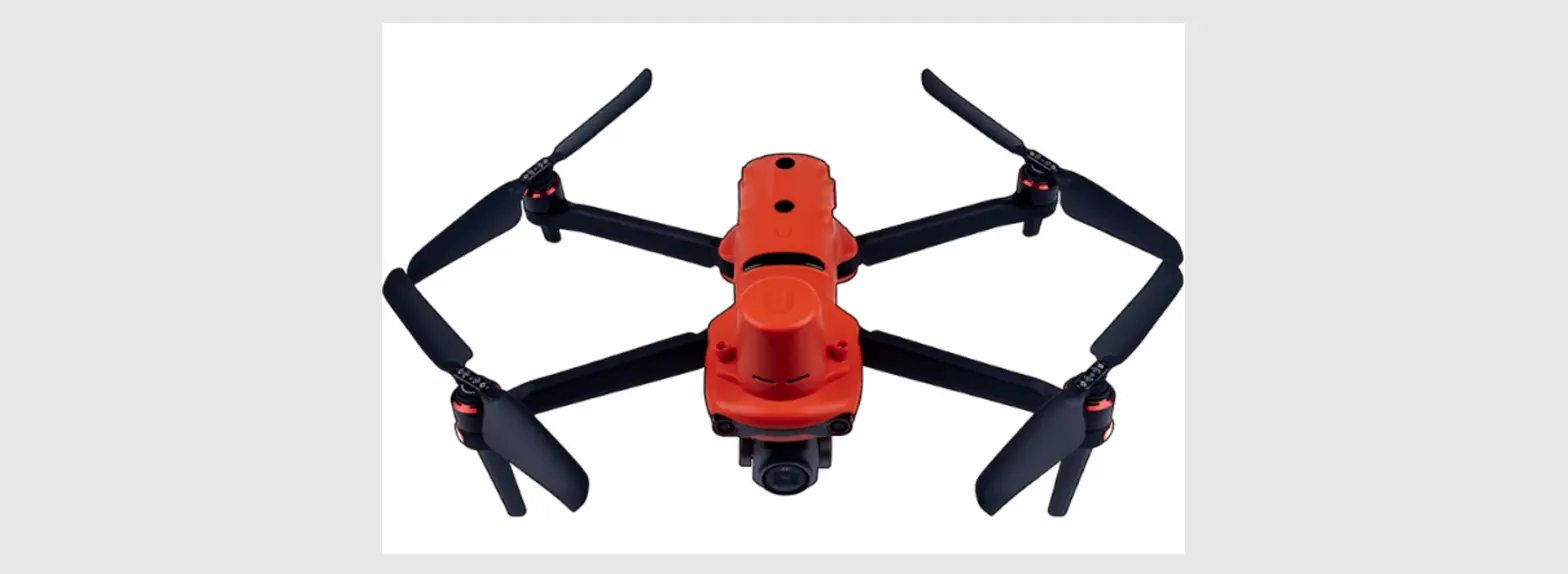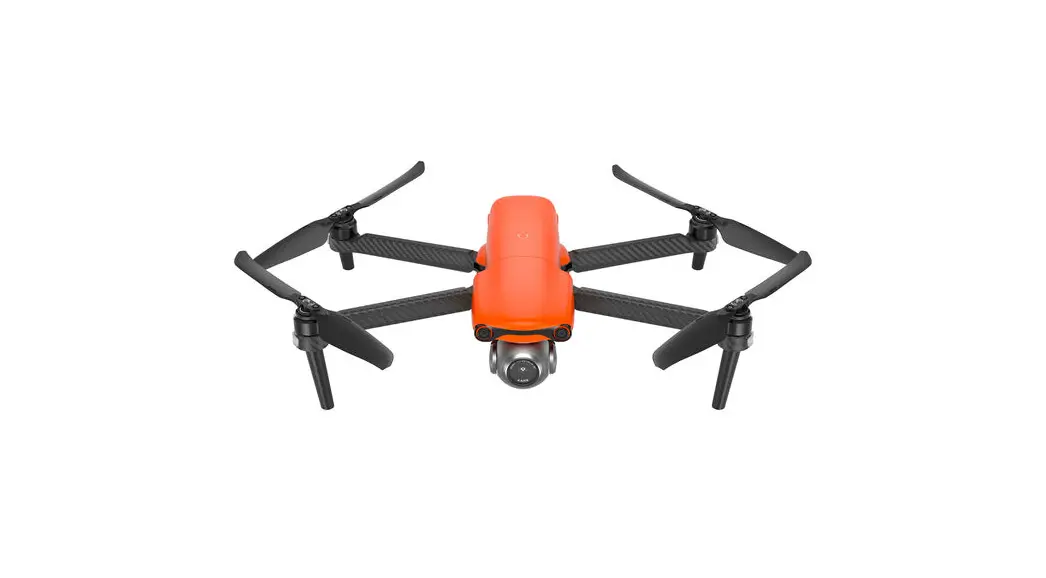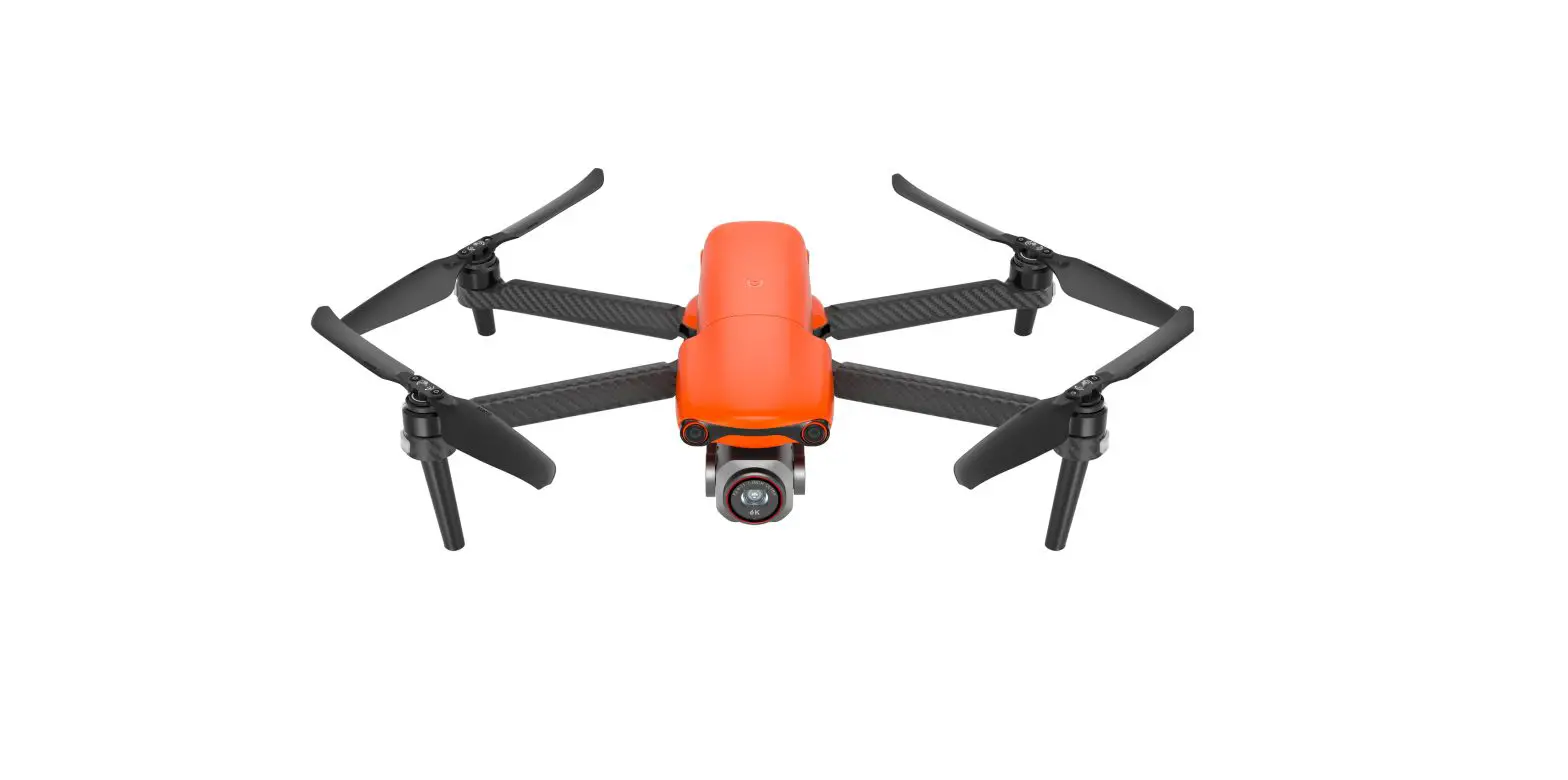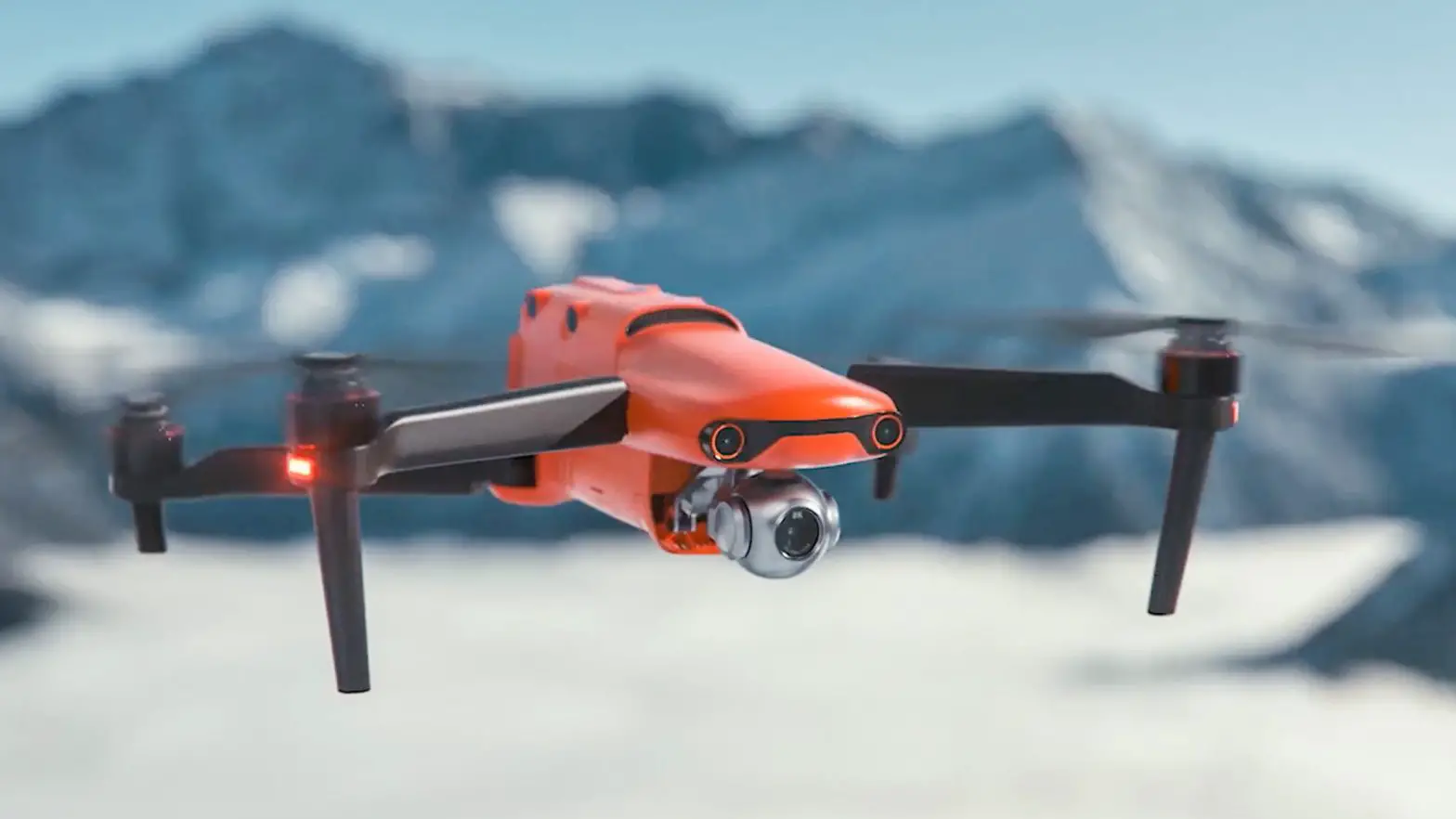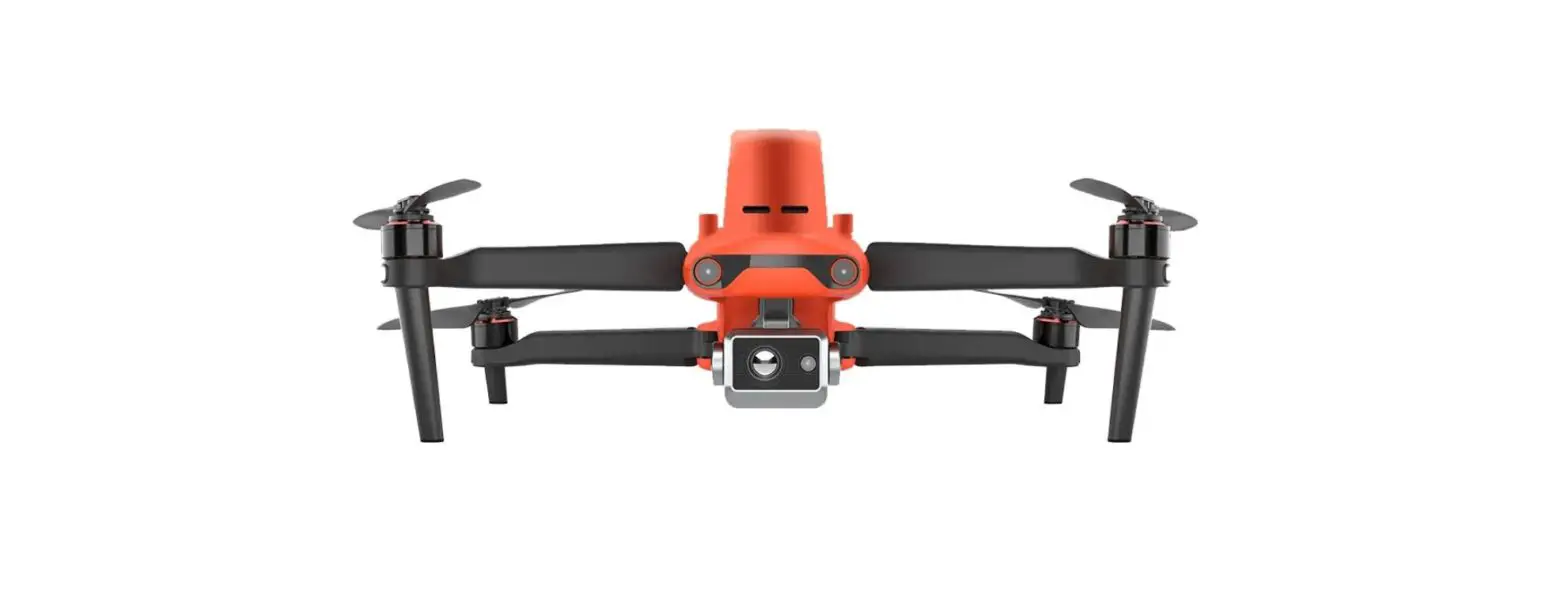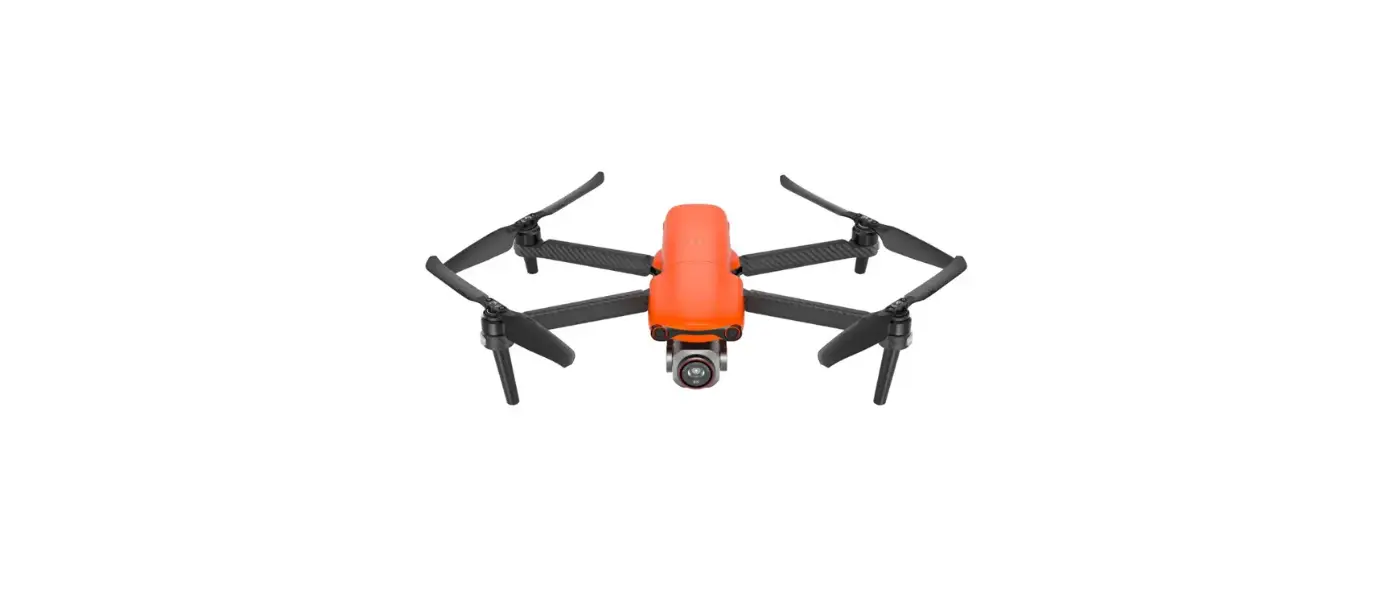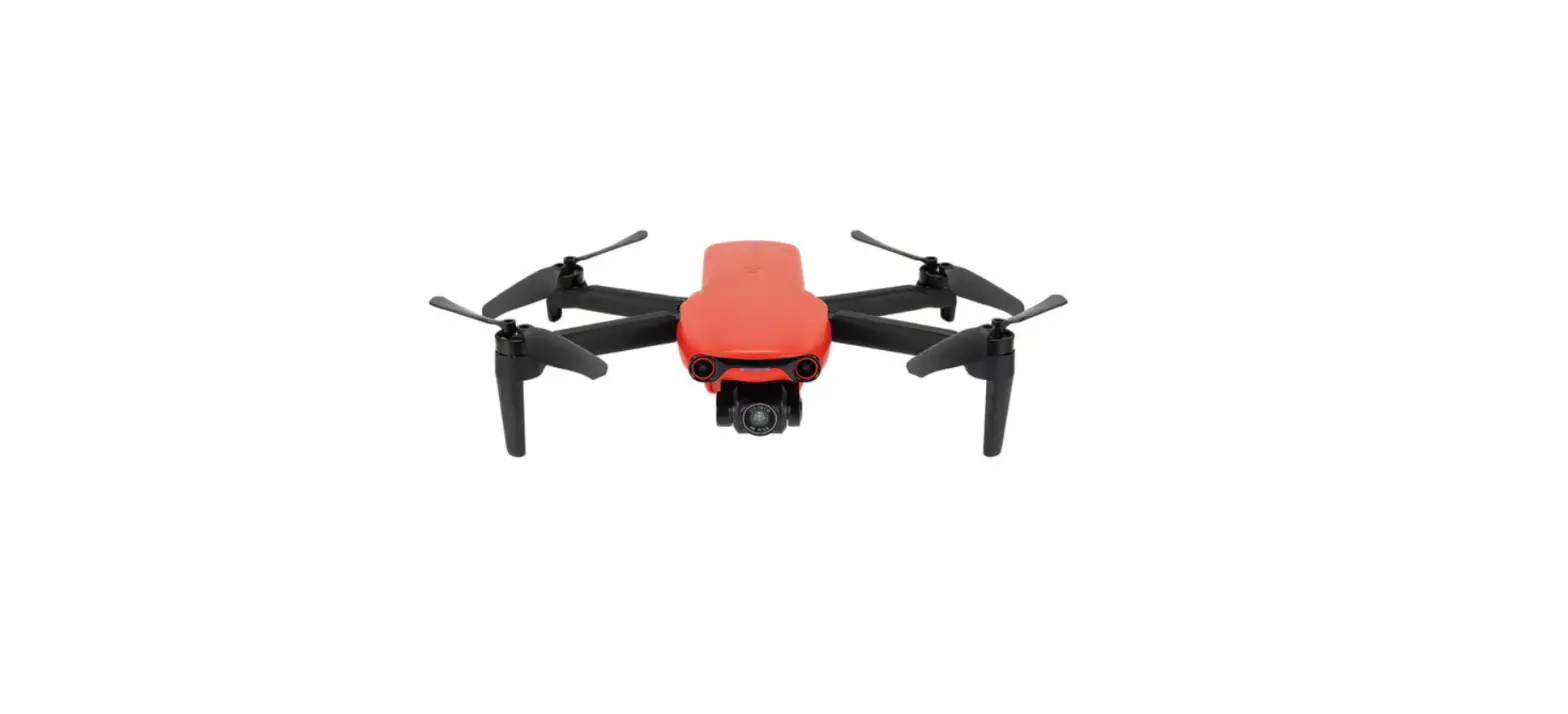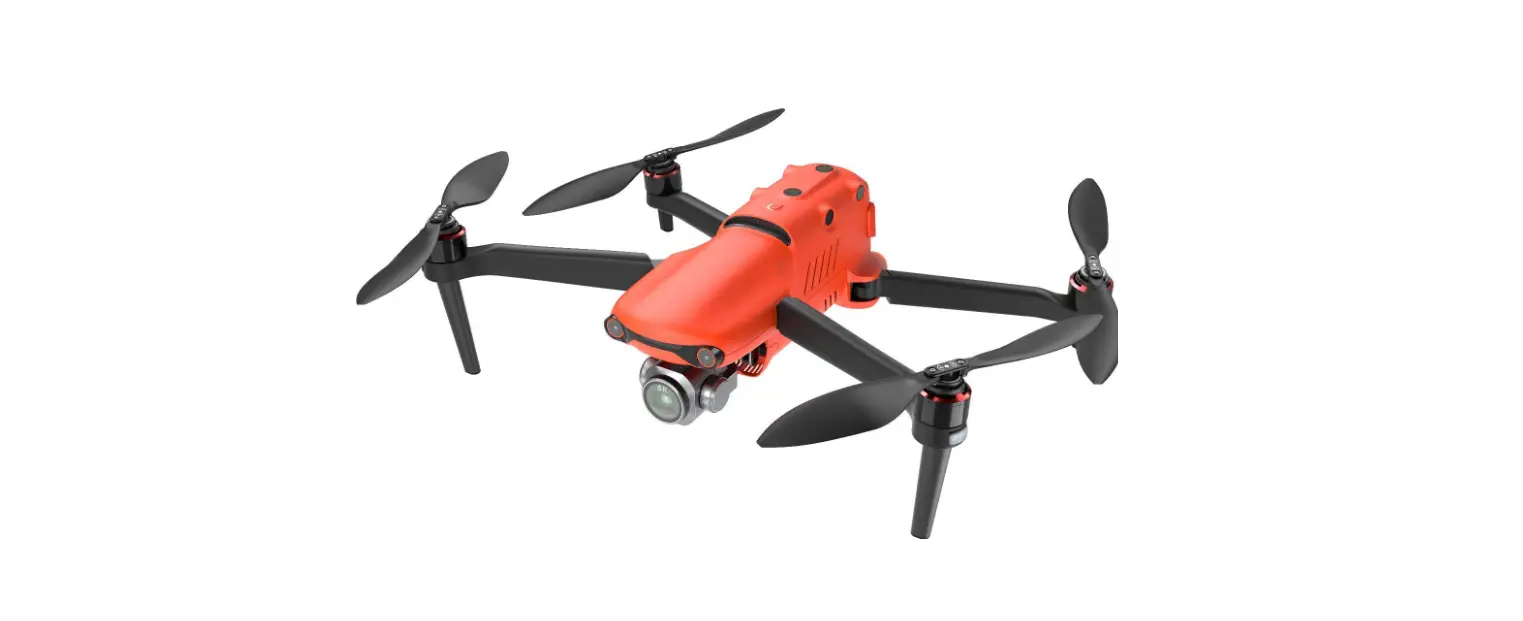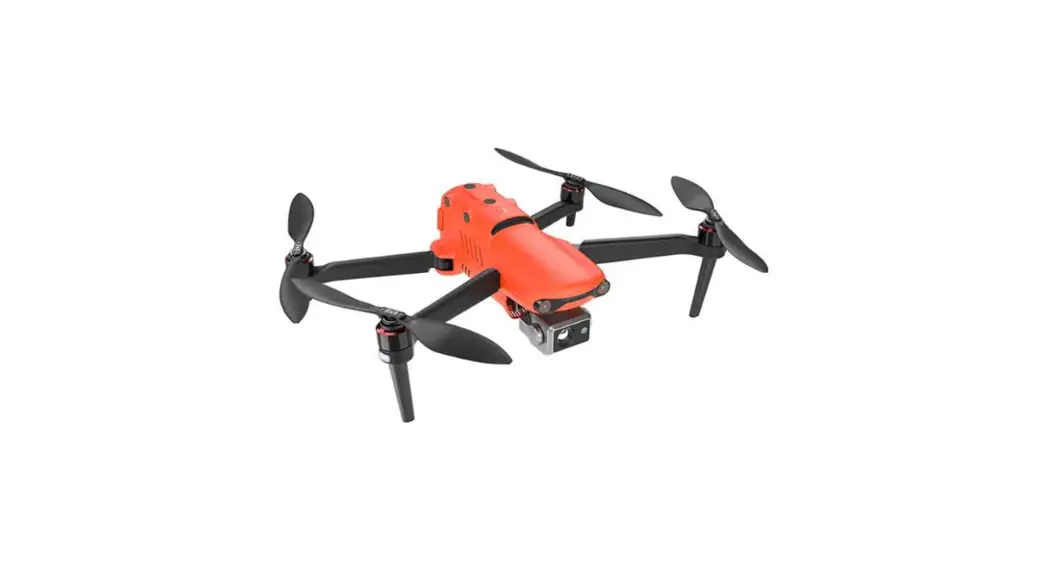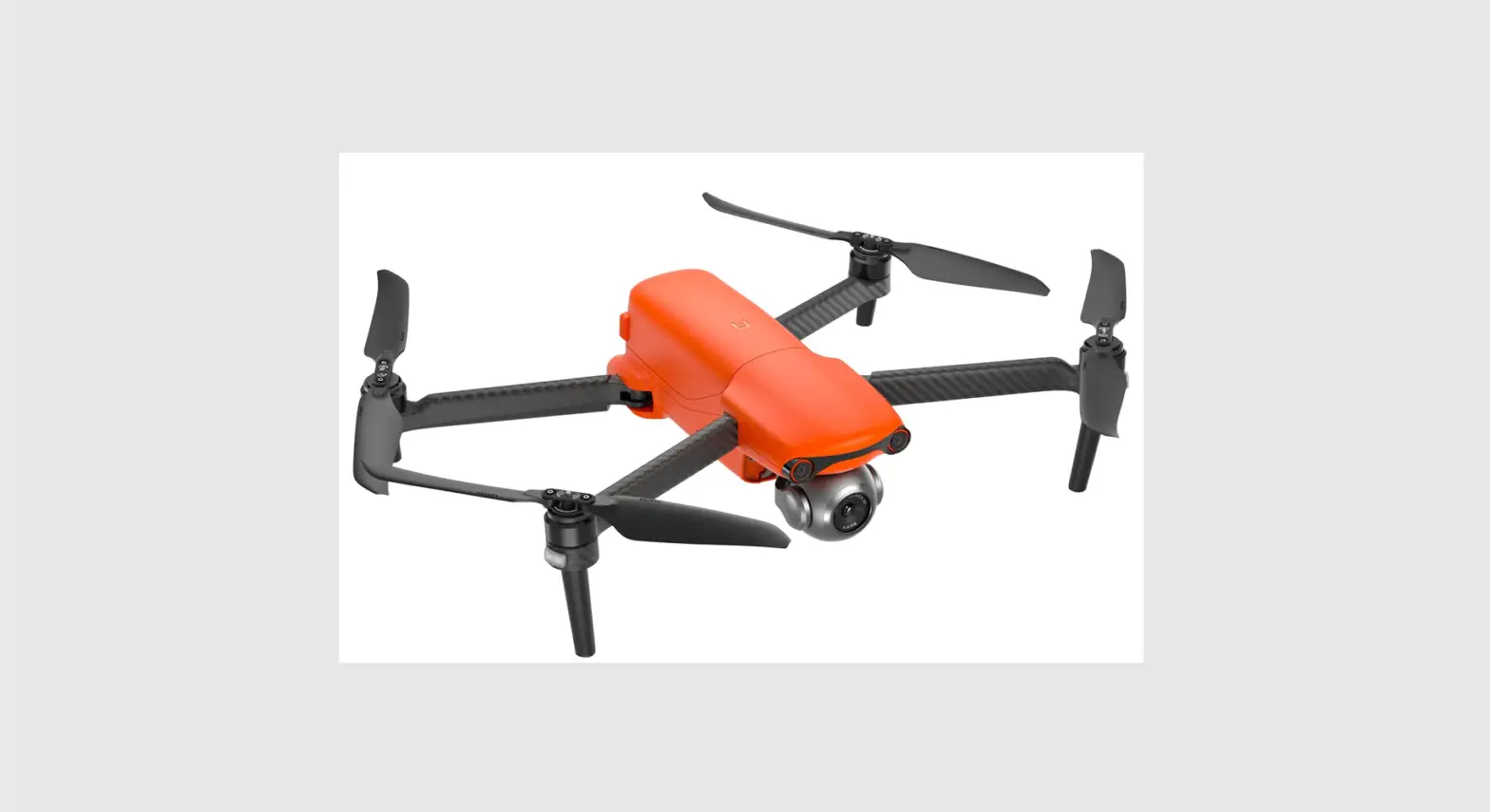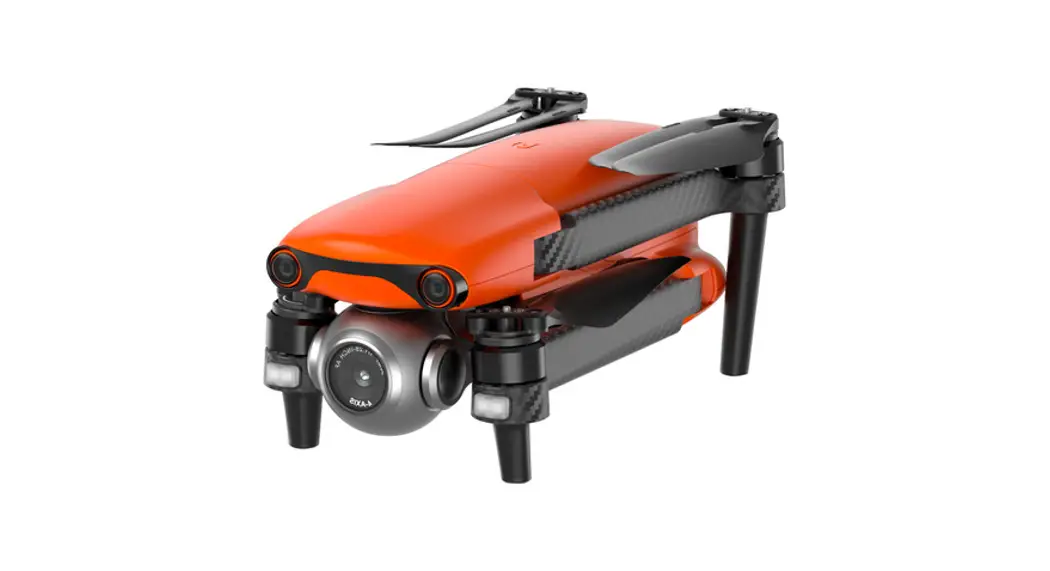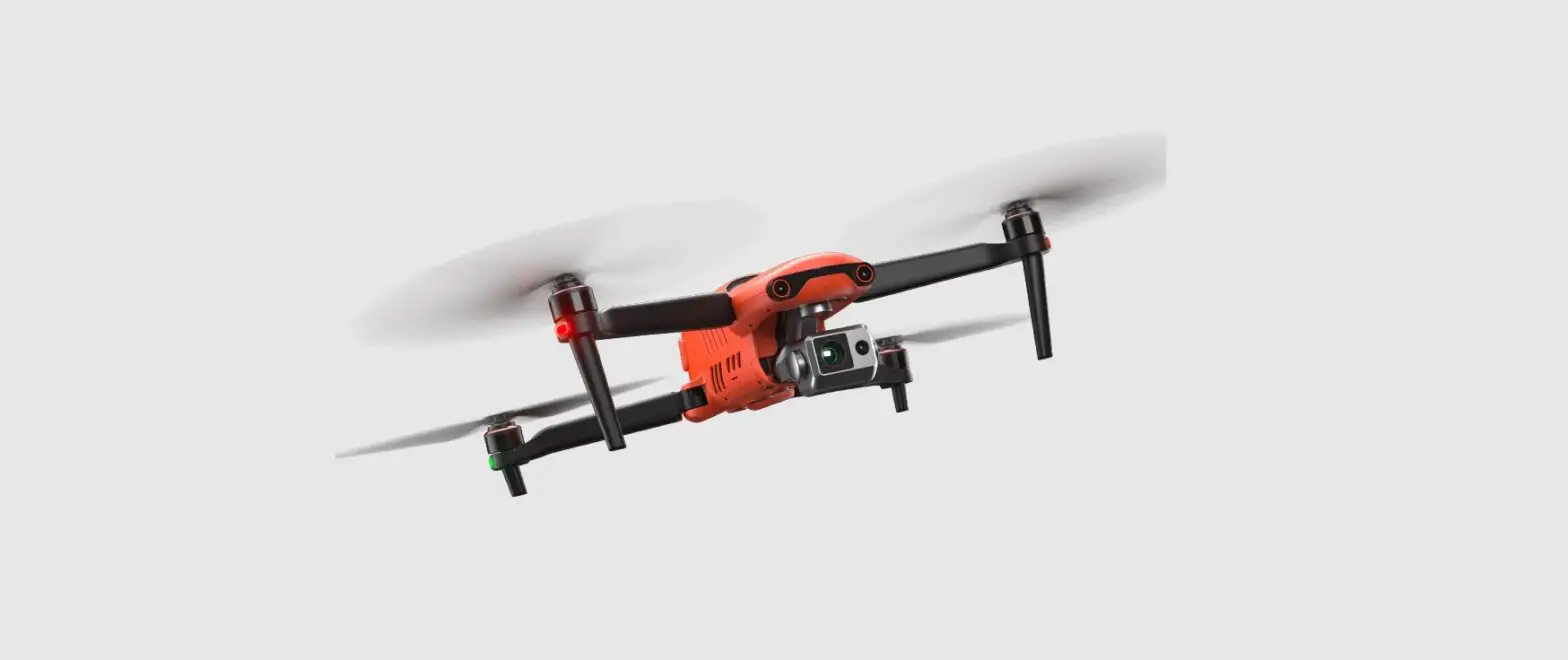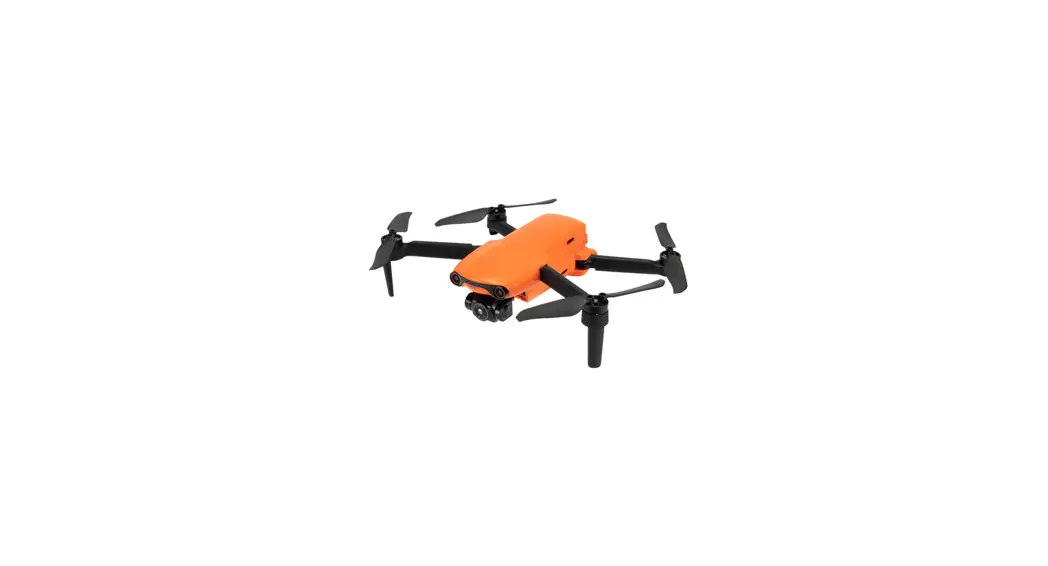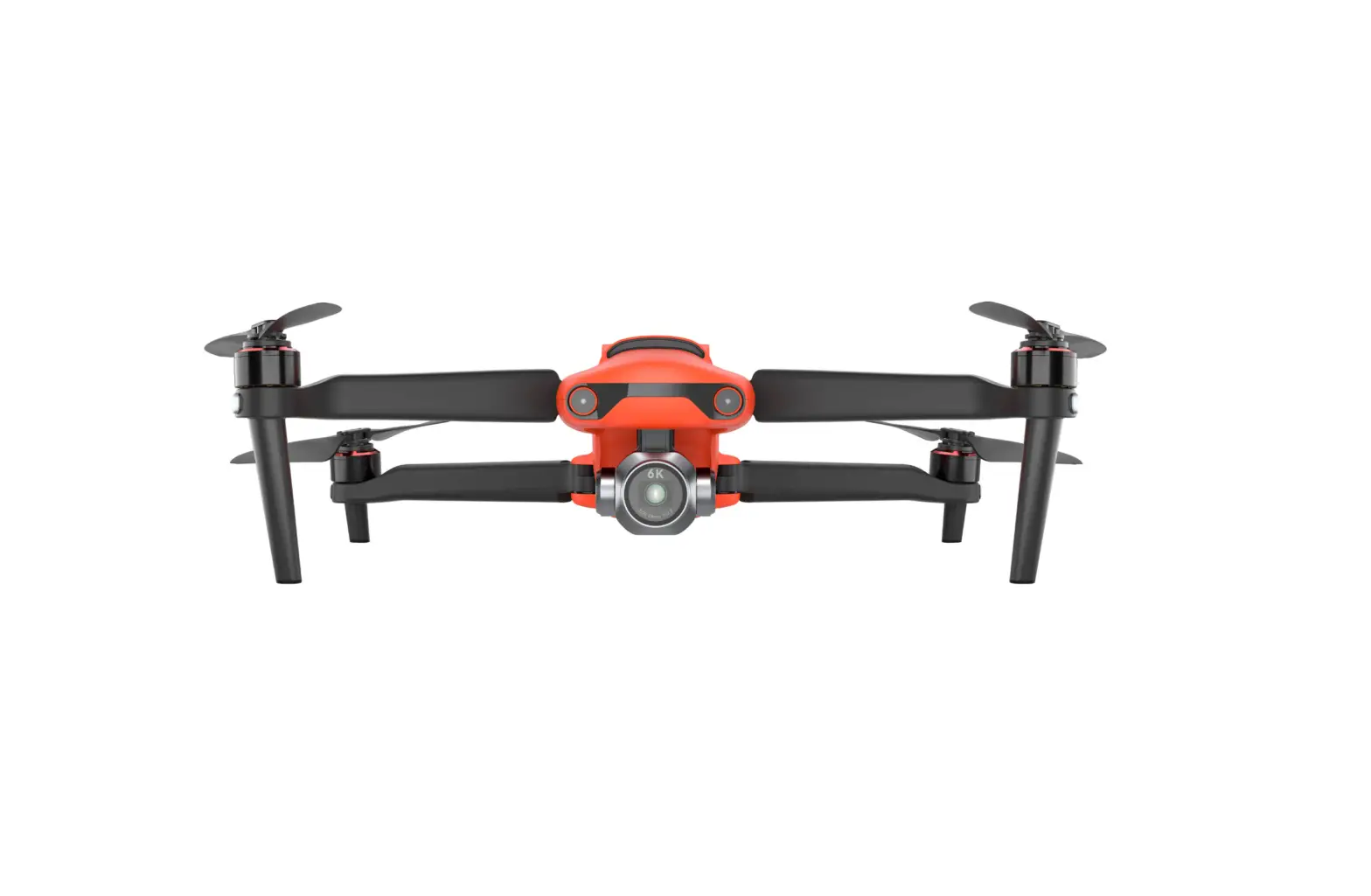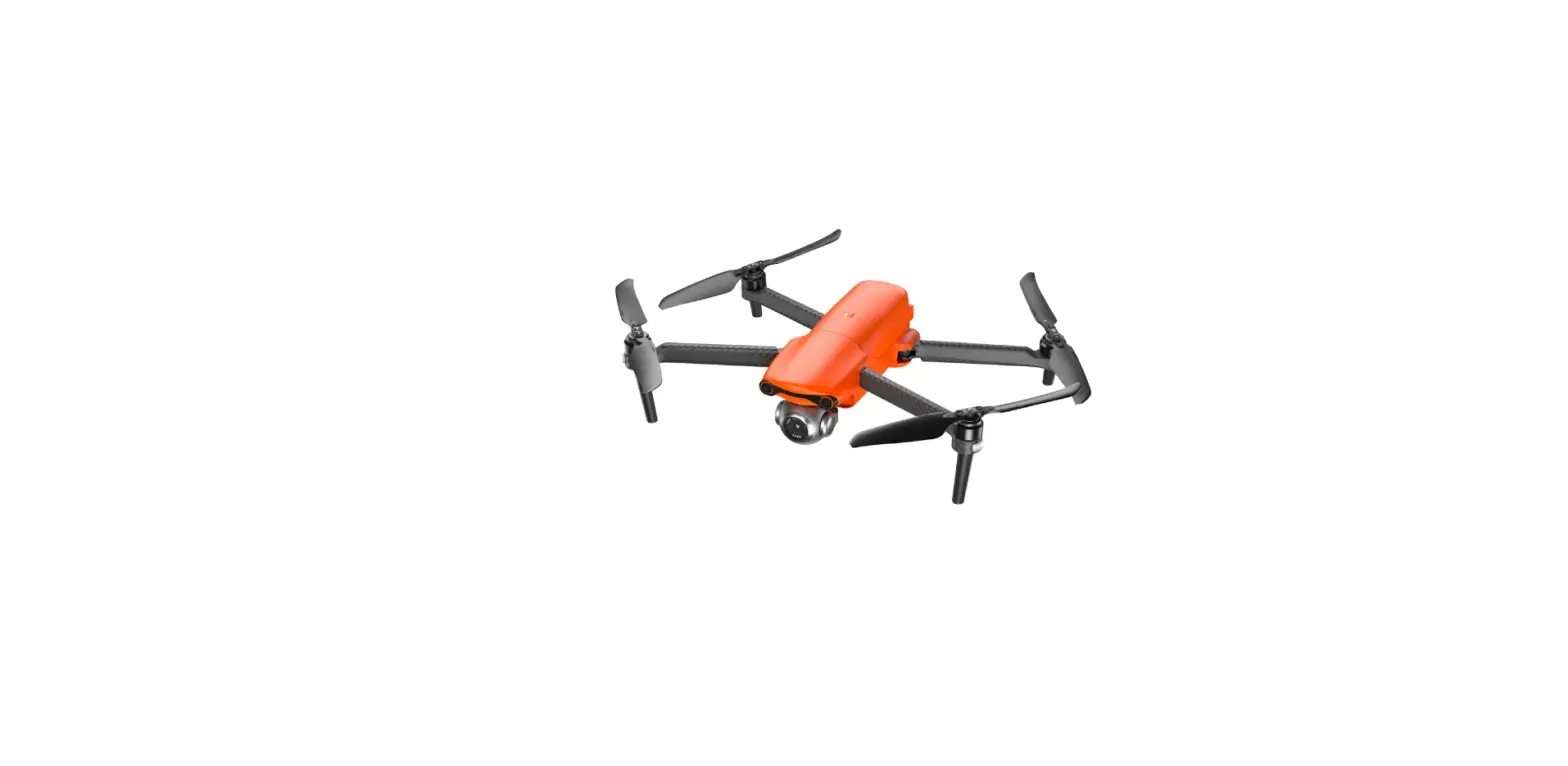

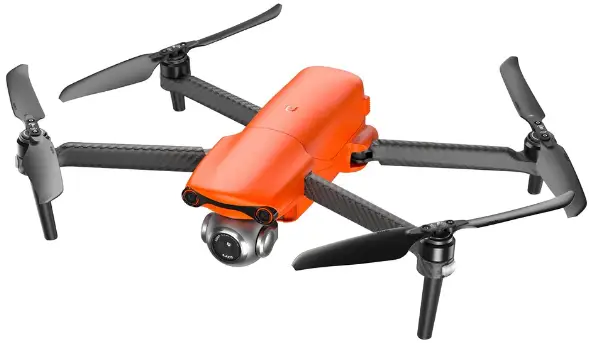
AUTEL ROBOTICS AR82060194 EVO Lite Series Drone Camera
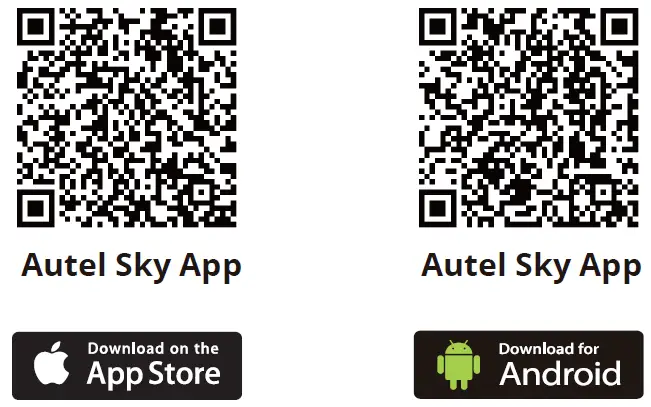
Download
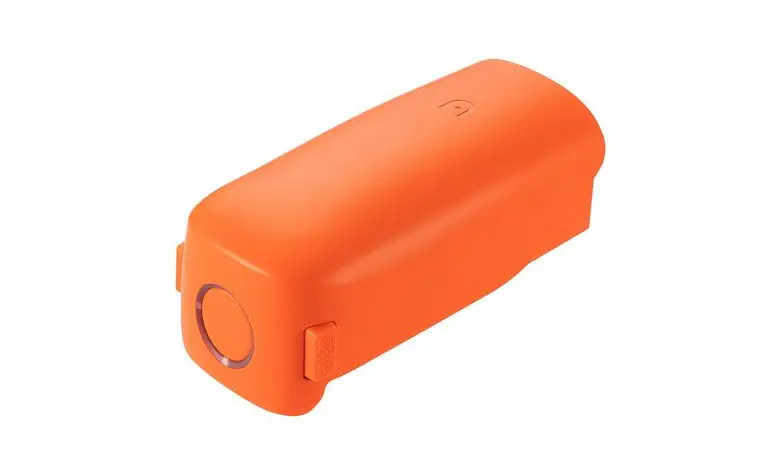
Charge
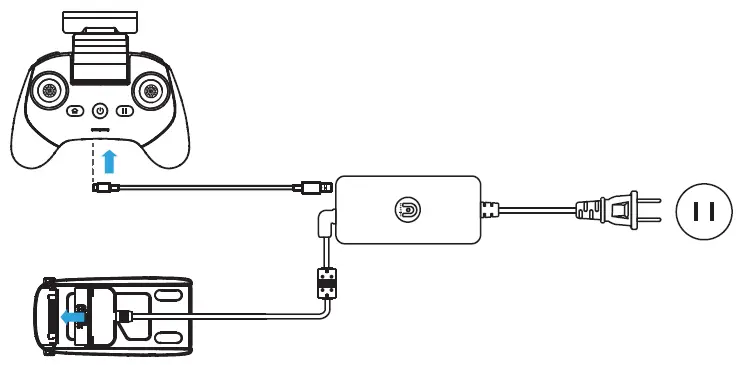
- Press and hold the release button on both sides of the battery and connect the battery to the adapter.
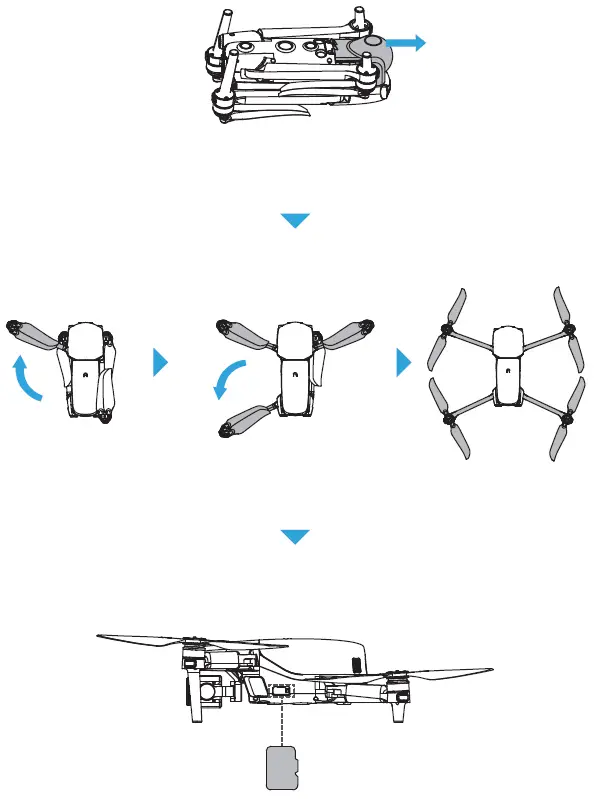
Prepare the aircraft
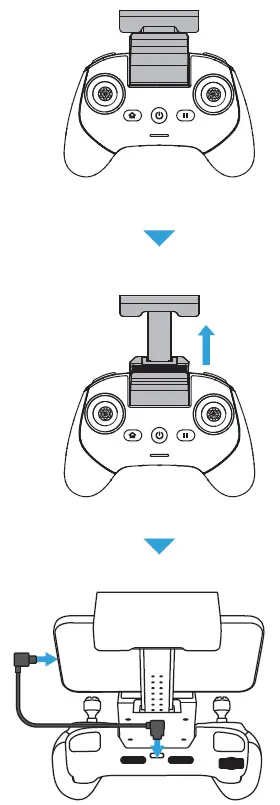
Prepare the remote control
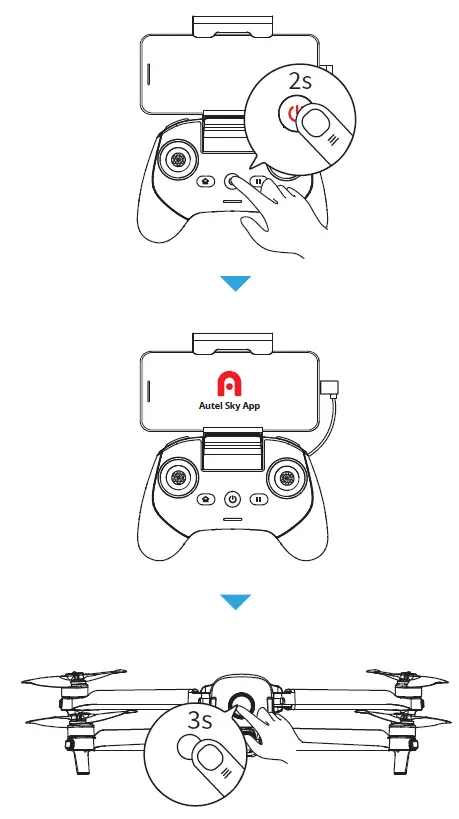
Power on
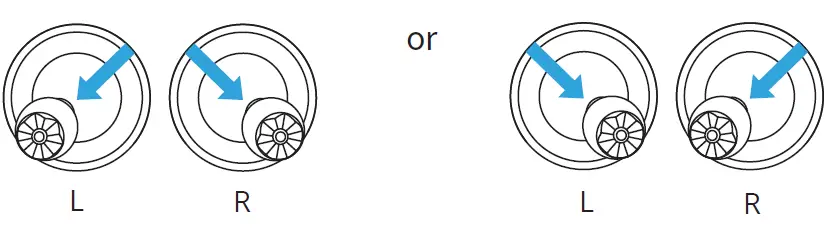
Start motors(Mode 2)
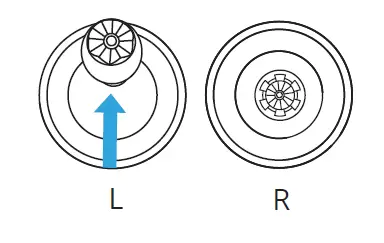
Take off (Mode 2)
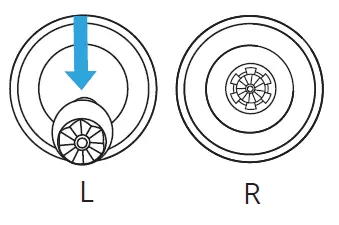
Landing (Mode 2)
- Please read all documentation before your first flight.
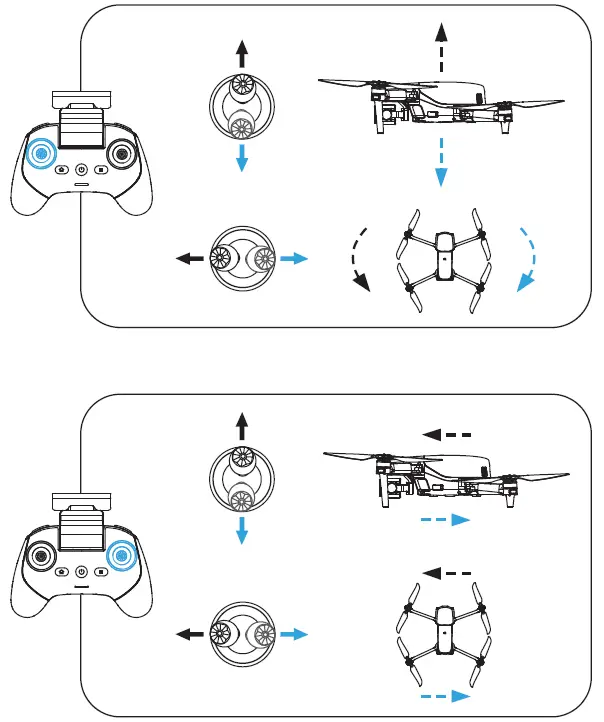
Joystick controls (Mode 2)
- For more details, see the user manual at: www.autelrobotics.com/download/67. www.autelrobotics.cn/download/20.
Subscribe for more information

Copyright © 2022 Autel Robotics. All rights reserved.
 EVO LITE系列-道通智能-官方网站
 English Version-Autel Robotics Enterprise Drone, Quadcopter & UAV for Sale | Leader in Drones