AJAX SpaceControl CHM Security User Manual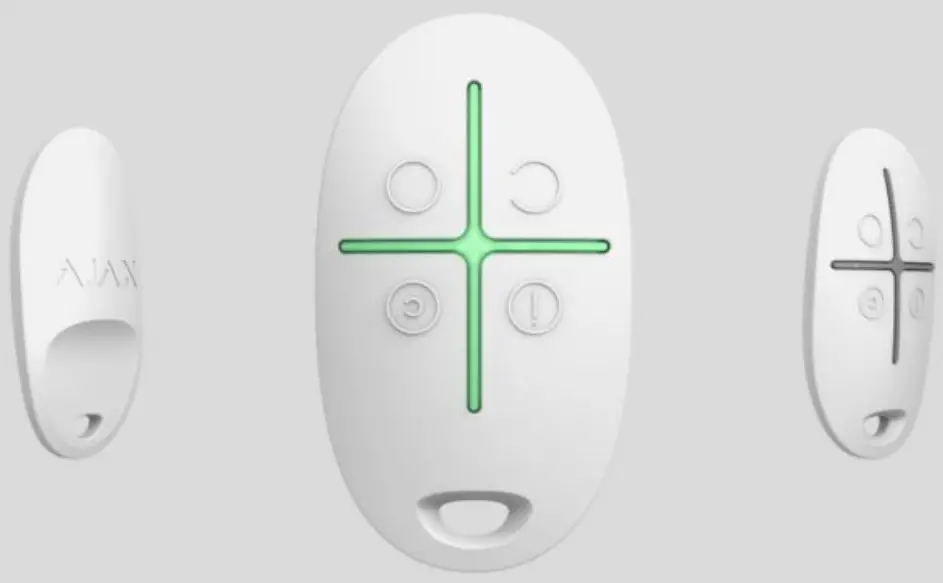
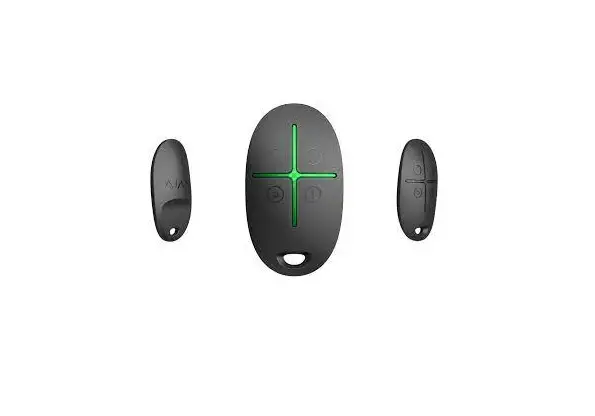
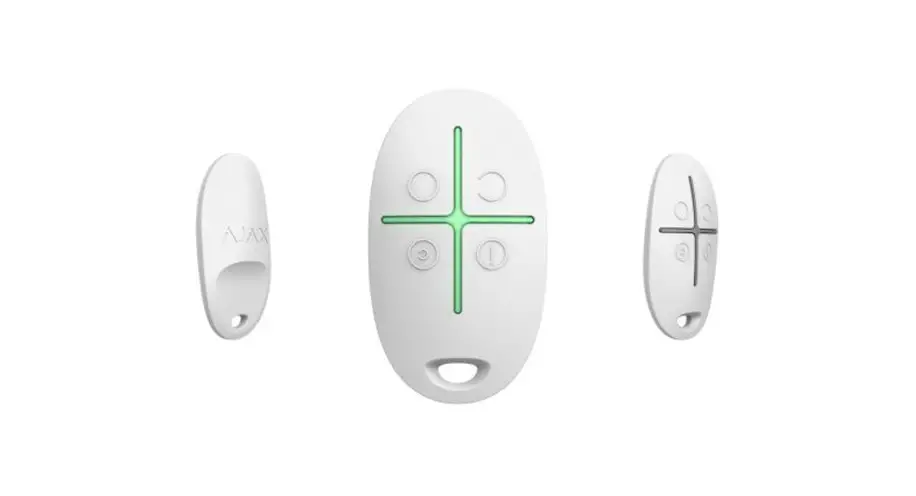
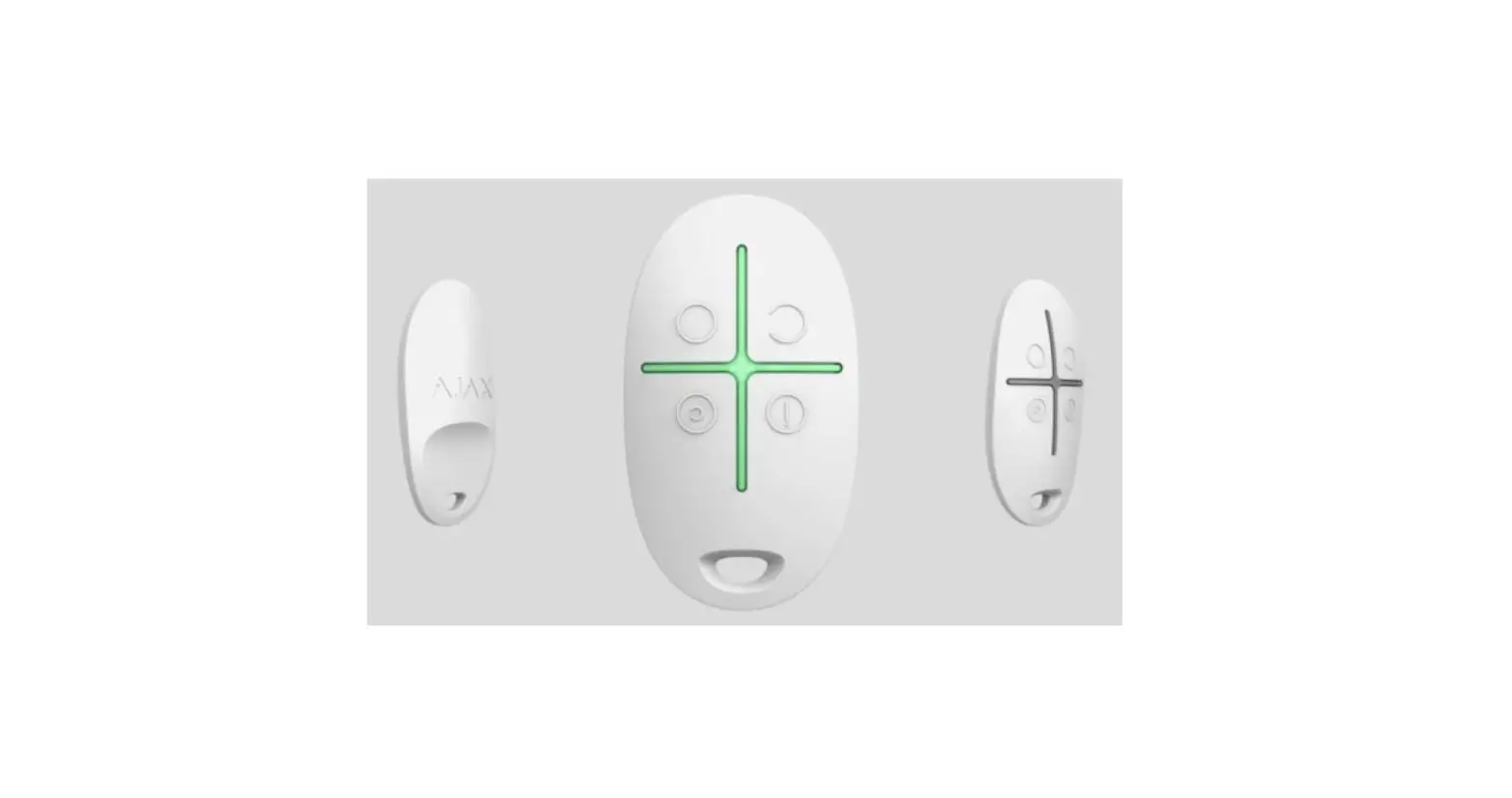
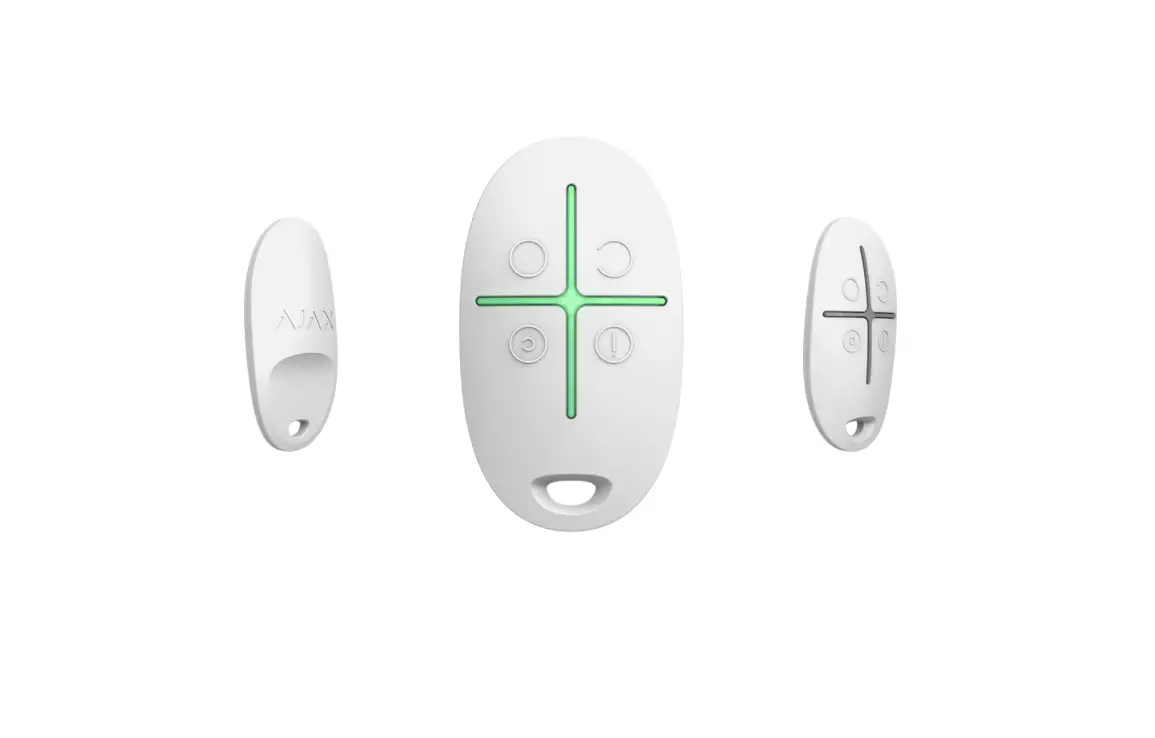
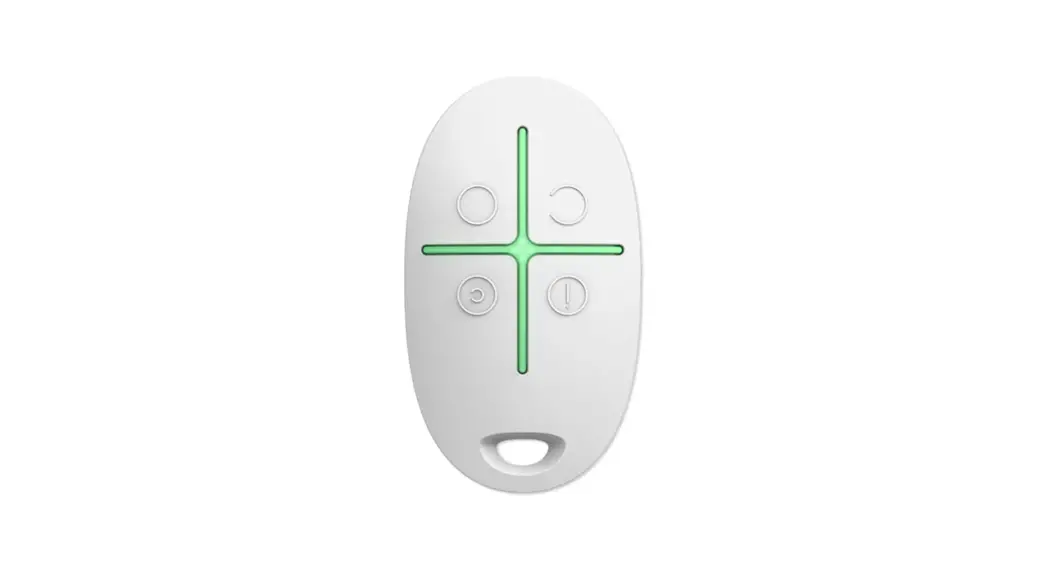
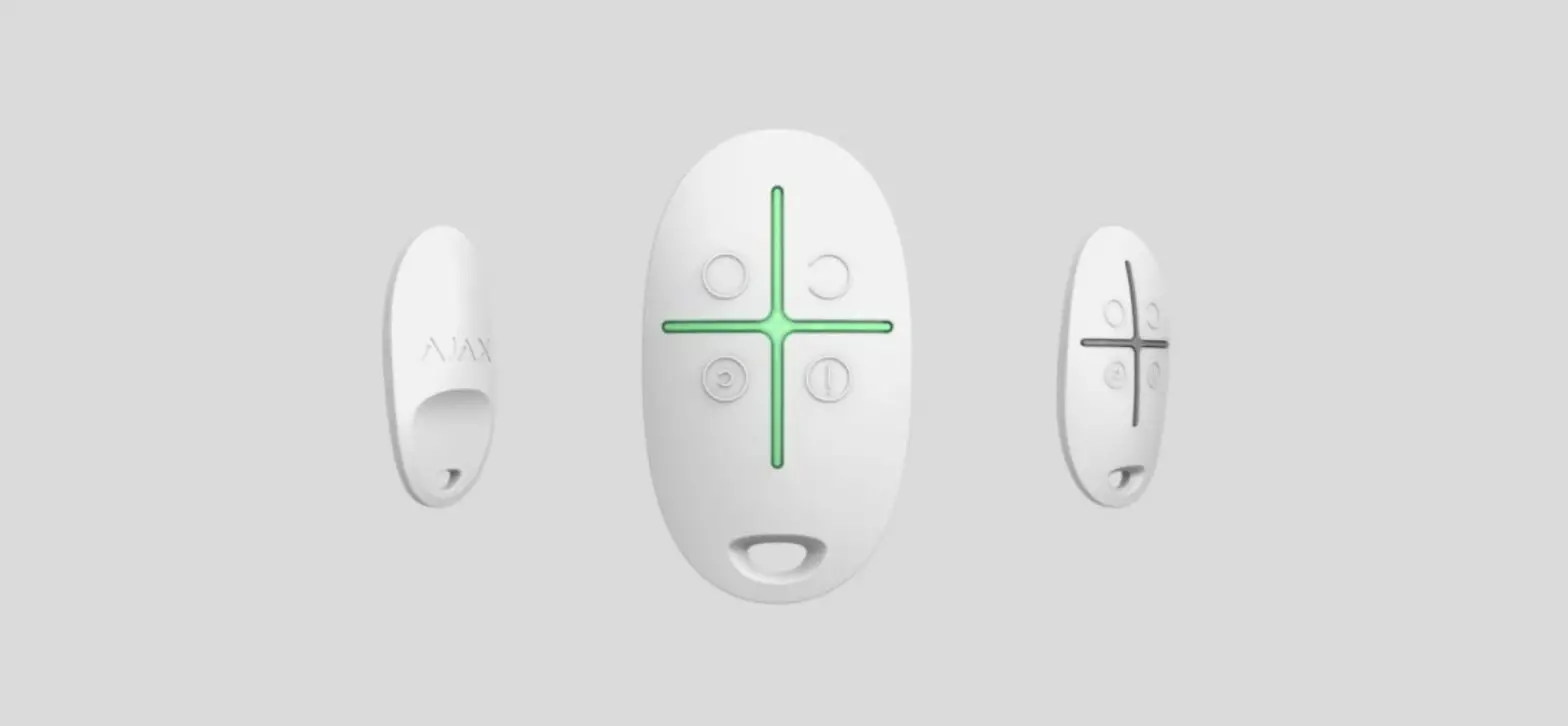
SpaceControl is a miniature key fob with accidental click protection. It allows to set the Ajax security system in the armed, night or disarmed mode, as well as switch on an alarm.
As it is the two-way communication, you will know whether the system has received the SpaceControl command.
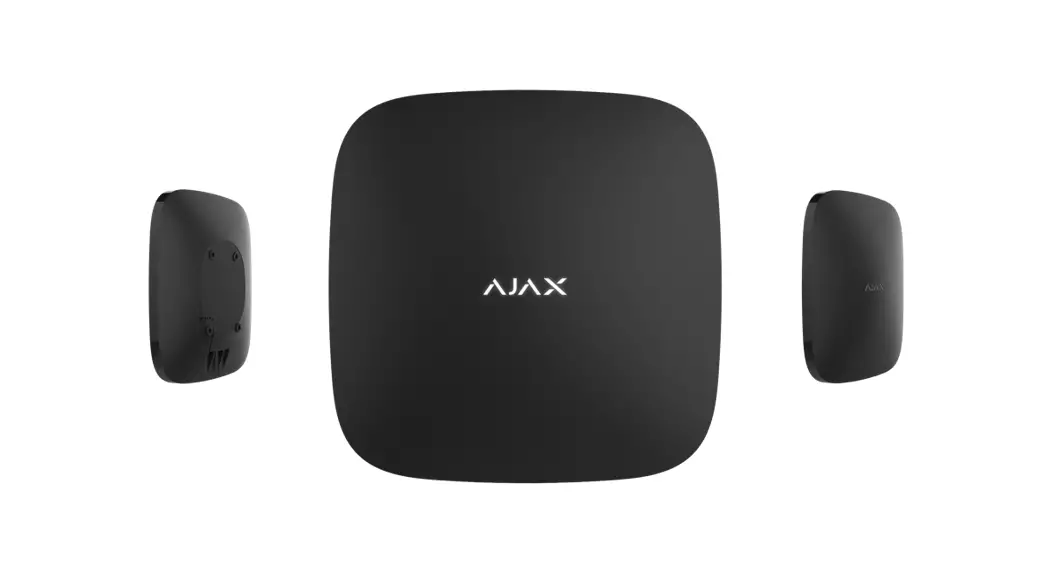
Operating as part of the Ajax security system, the key fob is connected to the via the protected protocol. In addition, the key fob can be used to control any third party security central unit through the or integration module.
The key fob is set up through the iOS and Android-based
Buy key fob SpaceControl
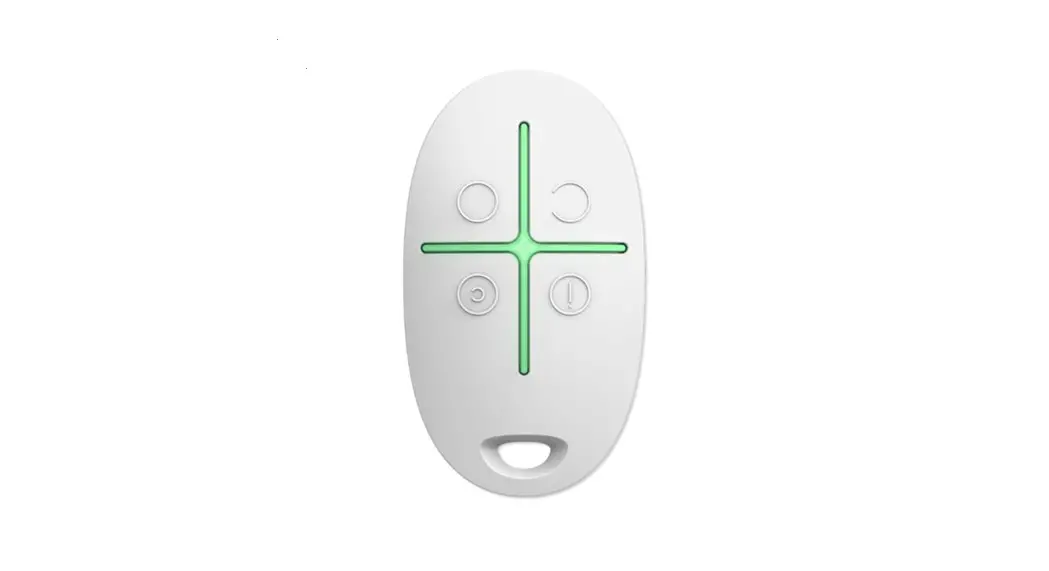
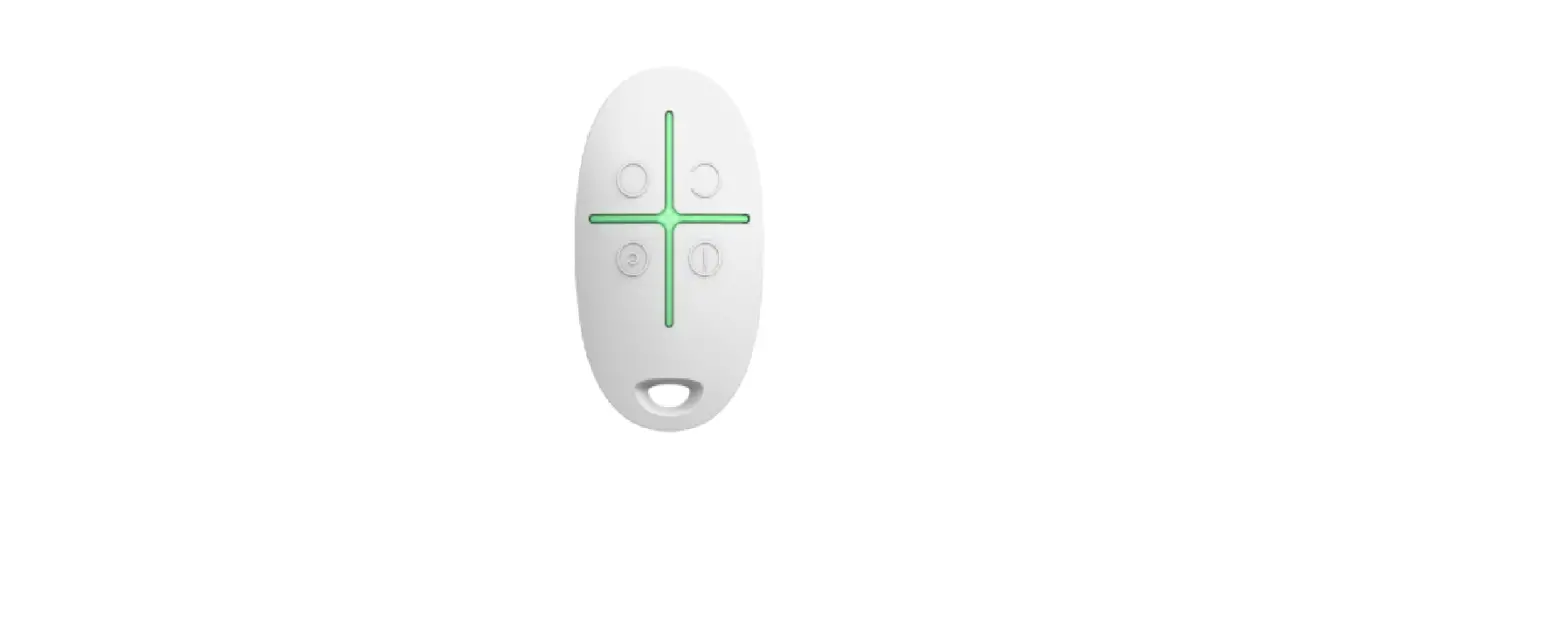
Functional elements
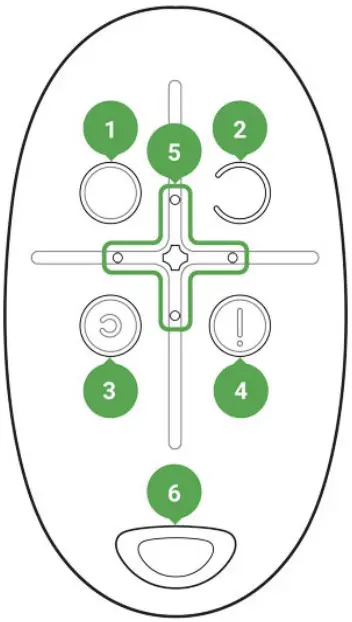
- System arming button
- System disarming button
- Night mode button
- Panic button (activates the alarm)
- Light indicators
- The hole for attaching the key fob
 Buttons can be assigned when using a key fob with hub and Ajax uartBridge. At the moment, the feature of modification of commands (and deactivation) of the key fob buttons when using with the Ajax hub is not available.
Using the key fob
Maximum connection distance between the key fob and the hub — 1,300 meters. This distance is reduced by walls, inserted floors and any objects hindering the signal transmission.
SpaceControl operates only with one security system (Ajaх or third-party system via the integration module). If you connect the key fob to a new security system, it will cease to interact with the previous system. However, the key fob will not be automatically deleted from the list of devices of the hub.
The key fob can
- Arm the system — press the button
 once
once - Turn on the night mode — press the button once
- Disarm the system — press the button once
- Switch on an alarm — press the button
 once
once
 once
once once
onceTo turn off the actuated security system (siren), press the disarming mode button  on the key fob.
Accidental click protection is available on the SpaceControl with firmware version 5.54.1.0 and higher.
Operational Indication
The key fob reports its status only after any button is pressed.
Type and color of indication of the key fob display depends on the firmware version of the device. You can find out the firmware version in the Ajax application → Devices  → key fob. Information about the firmware version is displayed at the very bottom.
| Indication | Event |
| 4 green key fob LEDs blink 6 times | The key fob is not registered with any security system |
| Two green LEDs next to the pressed button light up once | The key fob command has been sent over to the security system |
| Firmware version 3.16 and lower The LEDs next to the pressed button quickly blink green 4 times Firmware version 3.18 and higher The central LED lights up red briefly | The command has not been delivered as the security system is too far away and cannot receive the command |
| Two LEDs next to the button light up green twice. Then 4 key fob LEDs blink green 6 times | The key fob has been removed from the security system devices |
| The central LED lights up green for a few seconds | Linking a key fob to the security system |
| Firmware version 3.18 and higher The central LED lights up green for approximately half a second | The system has executed the key fob command |
| Firmware version 3.18 and higher The central LED lights up red for approximately half a second | The system has not executed the key fob command — integrity verification is enabled in the system and one of the devices is faulty |
| Firmware version 3.16 and lower After the main indication, the central LED lights up green once and gradually goes out Firmware version 3.18 and higher After the main indication, the central LED lights up red once and goes out gradually | The key fob battery needs replacement. In this case, the key fob commands are delivered to the security system. |
| Firmware version 3.16 and lower Continuous short flashes of green light Firmware version from 3.18 to 3.52 Continuous short flashes of red when a key fob with firmware version from 3.18 to 3.52 is used. Key fobs with firmware version 3.53 and latest do not function when the battery charge level is unacceptably low, do not communicate commands to the hub, and do not notify with LED indication | The battery charge level is unacceptably low. The battery needs replacement. In this operation mode, the key fob commands are not delivered to the security system. |
Connecting the key fob to the Ajax Security System
Connection to hub
Before starting connection:
- Following the hub instruction recommendations, install the on your smartphone. Create an account, add the hub to the application, and create at least one room. Ajax application
- Go to the Ajax application.
- Switch on the hub and check the internet connection (via Ethernet cable and/or GSM network).
- Ensure that the hub is disarmed and does not start updates by checking its status in the mobile application.
Only users with administrative privileges can add the device to the hub.
How to connect key fob to hub:
- Select the Add Device option in the Ajax application.
- Name the device, scan/write manually the QR Code (located inside the body, on the battery fixture and packaging), and select the location room.
- Select Add — the countdown will begin.
- Simultaneously press the button for armed mode and the panic button — the key fob will blink with the central LED. For the detection and interfacing to occur, the key fob should be located within the coverage area of the wireless network of the hub (at a single protected object).
Request for connection to the hub is transmitted for a short time at the time of switching on the device.
The key fob connected to the hub will appear in the list of devices of the hub in the application.
Connecting the key fob to Third Party Security Systems
To connect the key fob to a third party security central unit using the or integration module, follow the recommendations in the manual of the respective device.
States
- Devices

- SpaceControl
| Parameter | Value |
| Battery Charge | Battery level of the device. Two states available: ОК Battery discharged How battery charge is displayed in Ajax apps |
| Accidental click protection | Indicates the method of protection against accidental clicks:OffLong press Double click |
| The function is available on key fobs with firmware version 5.54.1.0 and higher | |
| The status of the connection with the ReX range extender | Displayed if the key fob is working through a radio signal range extender |
| Panic | Panic button status |
| Temporary Deactivation | Displays the status of the device: active or completely disabled by the user |
| Firmware | Firmware version of the key fob. It is not possible to change the firmware |
| Device ID | Device identifier |
Key fob Maintenance and Battery Replacement
When cleaning the key fob body use any means suitable for equipment maintenance.
Do not use for cleaning SpaceControl any substances containing alcohol, acetone, gasoline and other active solvents.
The pre-installed battery provides up to 5 years of operation of the key fob during normal use (one arming and disarming of the security system per day). More frequent use can reduce battery life. You can check battery level at any time in the Ajax app.
 Keep new and used batteries away from children. Do not ingest battery, Chemical Burn Hazard.
The pre-installed battery is sensitive to low temperatures and if the key fob is significantly cooled, the battery level indicator in the app may show incorrect values until the key fob gets warm.
The value of the battery level is not updated regularly, but only after pressing one of the buttons at the key fob.
When the battery is discharged, the user will receive a notification in the Ajax app, and the key fob LED will slowly light up and go out red each time the button is pressed (key fobs with firmware version 3.16 and lower light up green). Tech Specs
How long Ajax devices operate on batteries, and what affects this
Battery replacement
| Setting | Value |
| First field | Device name, can be edited |
| Room | Selecting the virtual room to which the device is assigned |
| Arming/Disarming Permission | Selection of a security group that the key fob manages. You can select All groups or a single group. ? Configuration is available only after group mode activation |
| User | Selection key fob user. Key fob is unassigned: Key fob events are sent to Ajax apps under the key fob name. |
| Security mode management rights are determined by key fob settings. Key fob is assigned to user: Key fob events are sent to Ajax apps under the user’s name. The key fob has the same security mode management rights as the user. | |
| Panic | Turning on/off the panic button |
| Accidental click protection | Choosing the method of protection against accidental clicks: Off — protection is turned off Long press — in order for the key fob totransmit the command to the hub, you should hold the button down for more than 1.5 seconds Double press — in order for the key fob totransmit the command to the hub, you should double-press on the button with a pause of no more than 0.5 seconds The function is available on key fobs withfirmware version 5.54.1.0 and higher |
| Alert with a siren if panic button is pressed | If active, Ajax sirens are activated after panic button pressing |
| User Guide | Opens the device User Manual |
Temporary Deactivation | Allows a user to deactivate the device without deleting it from the system. The device will not execute system commands and participate in automation scenarios. The panic button of a deactivated device is disabled Learn more about device temporary deactivation |
| Unpair Device | Disconnects the device from the hub and deletes its settings |
Complete Set
- SpaceControl
- Battery CR2032 (pre-installed)
- Quick Start Guide
Warranty
Warranty for the “AJAX SYSTEMS MANUFACTURING” LIMITED LIABILITY COMPANY products is valid for 2 years after the purchase and does not apply to the pre-installed battery.
If the device does not work correctly, you should first contact the support service — in half of the cases, technical issues can be solved remotely! Technical support:
User Agreement [email protected]
Subscribe to the newsletter about safe life. No spam
Email: Subscribe
References
 End user agreement - Ajax Systems
-
Jeweller radio technology | Ajax Systems
-
Current product lines of the Ajax security system
-
Current product lines of the Ajax security system
-
Security system control panels | Ajax Systems
-
ocBridge Plus — Module for Ajax devices integration with wired systems
-
Signal range extenders in the security system | Ajax Systems
-
SpaceControl — Ajax security system key fob | Ajax Systems
-
uartBridge — Module for Ajax devices integration with third-party wireless alarms systems
-
Software | Ajax Systems
-
Ajax devices standards compliance list
-
Warranty - Ajax Systems
-
How battery charge is displayed in Ajax apps | Ajax Systems Support
-
How to find out the the Ajax device production date | Ajax Systems Support
-
How long Ajax devices operate on batteries, and what affects this | Ajax Systems Support
-
How to deactivate a device without removing it from the system | Ajax Systems Support
-
How to change the battery in SpaceControl | Ajax Systems Support
-
Jeweller radio protocol: technology and capabilities | Ajax Systems Support
-
What is system integrity check? | Ajax Systems Support
 End user agreement - Ajax Systems
 How battery charge is displayed in Ajax apps | Ajax Systems Support