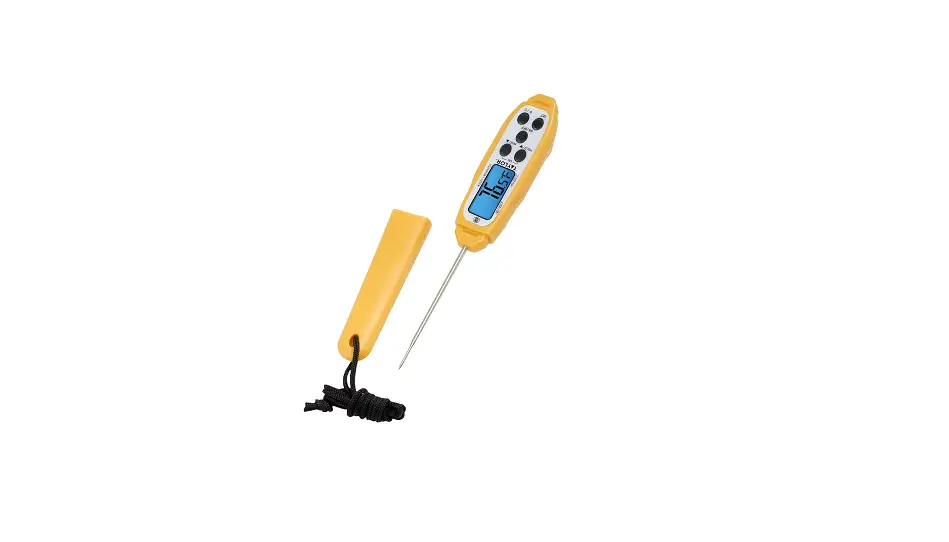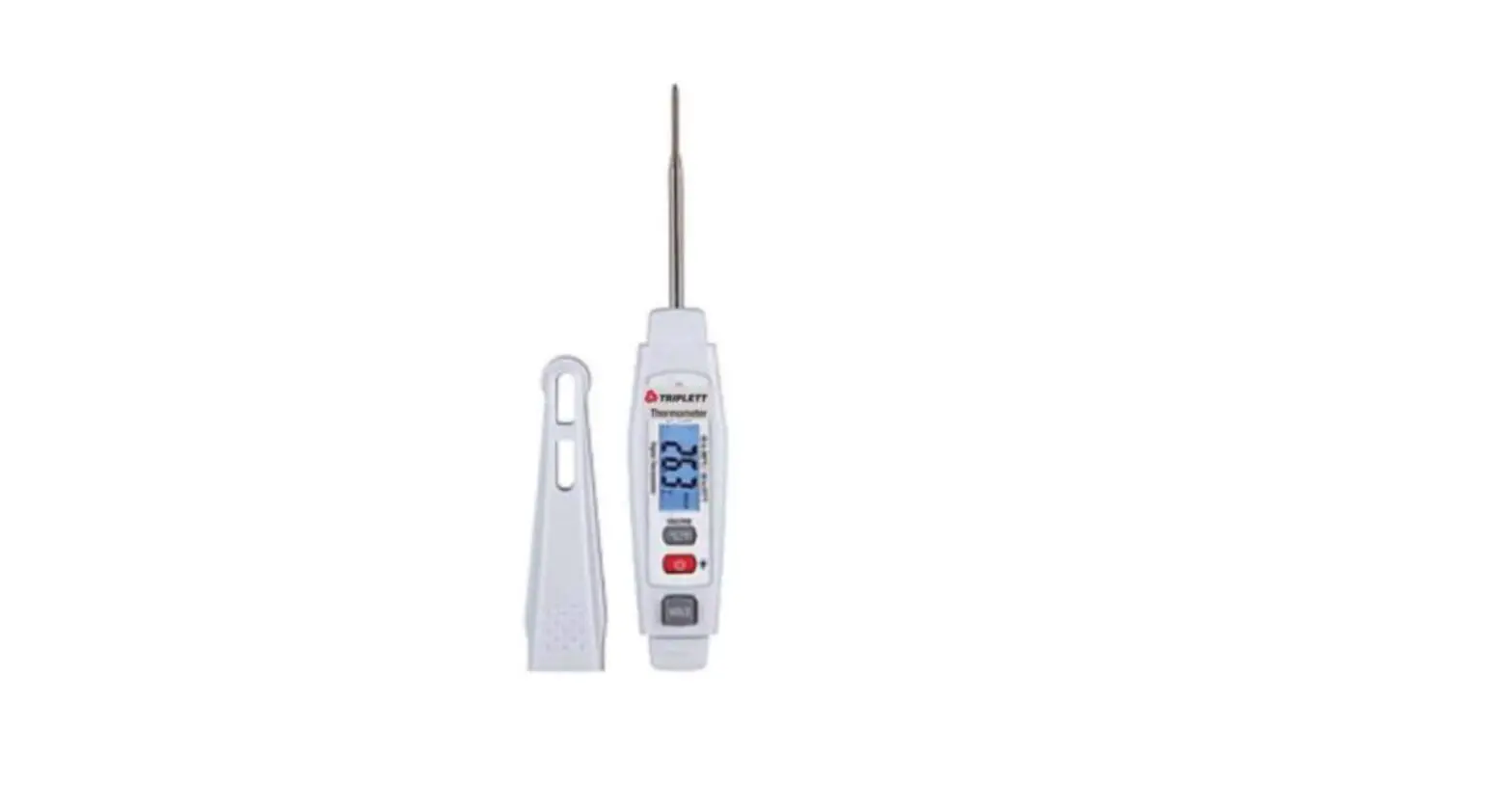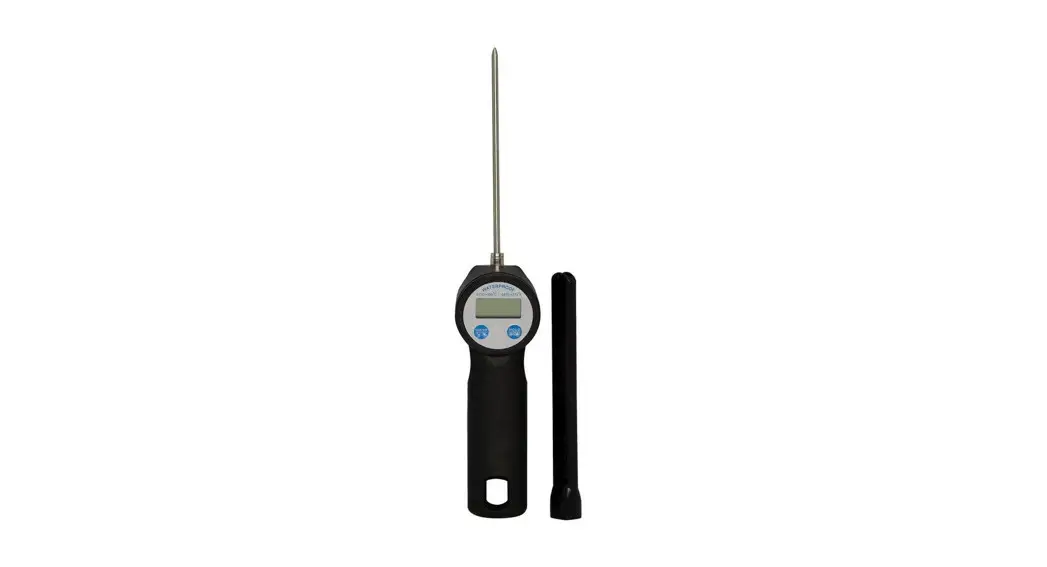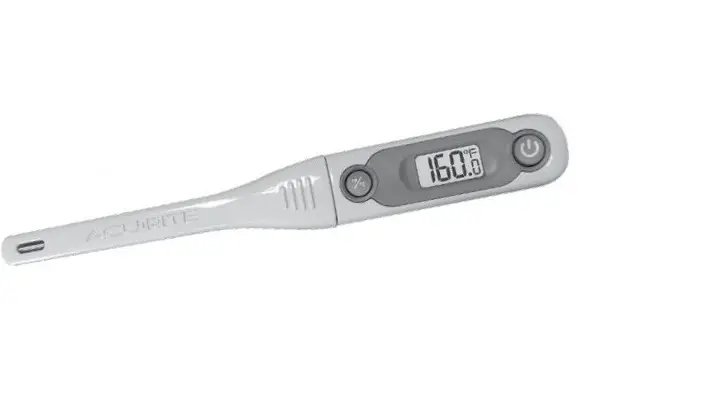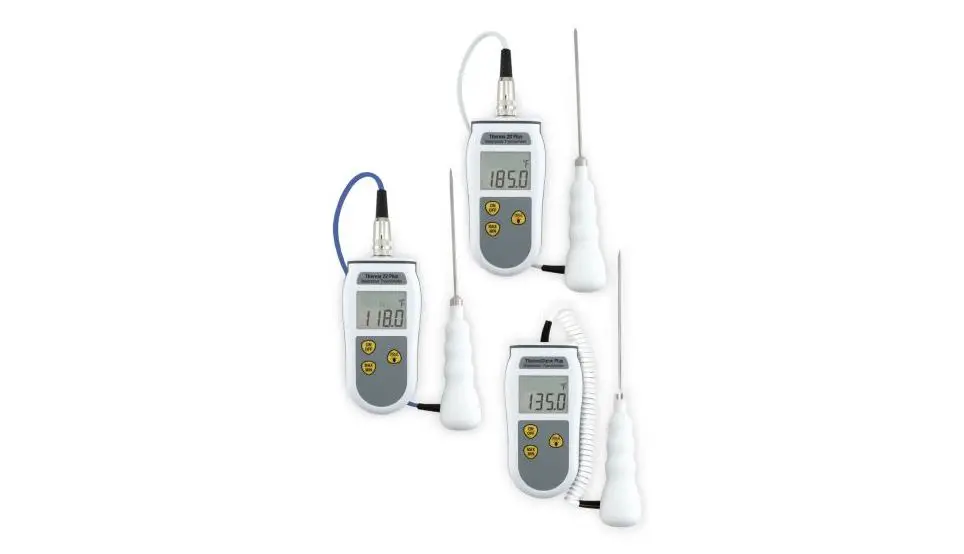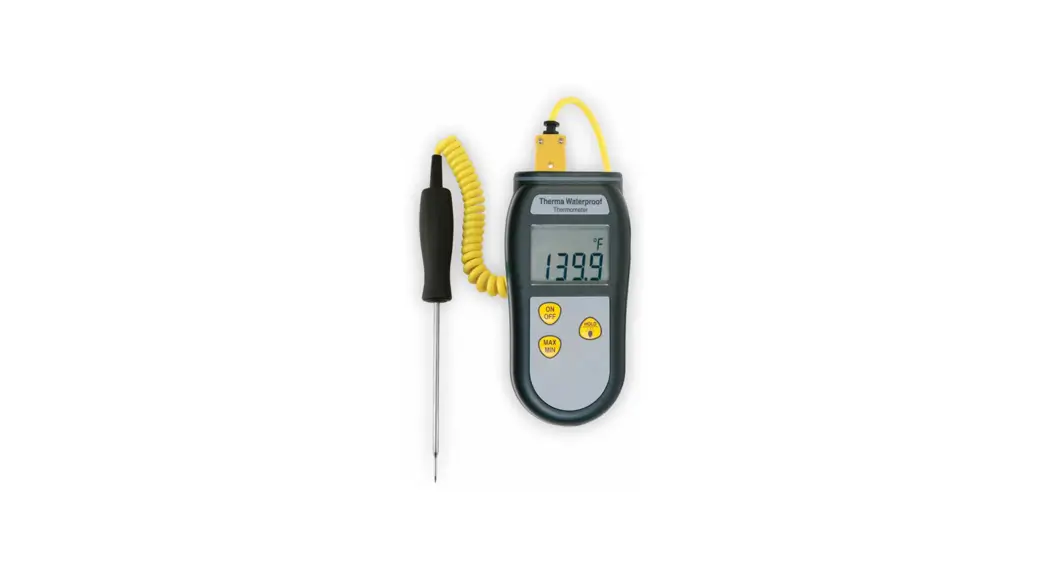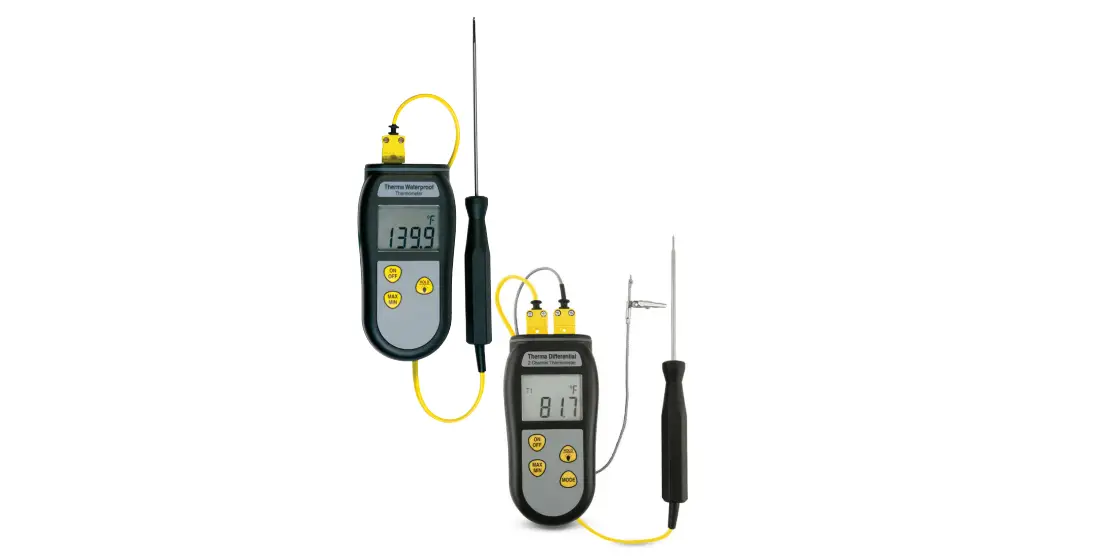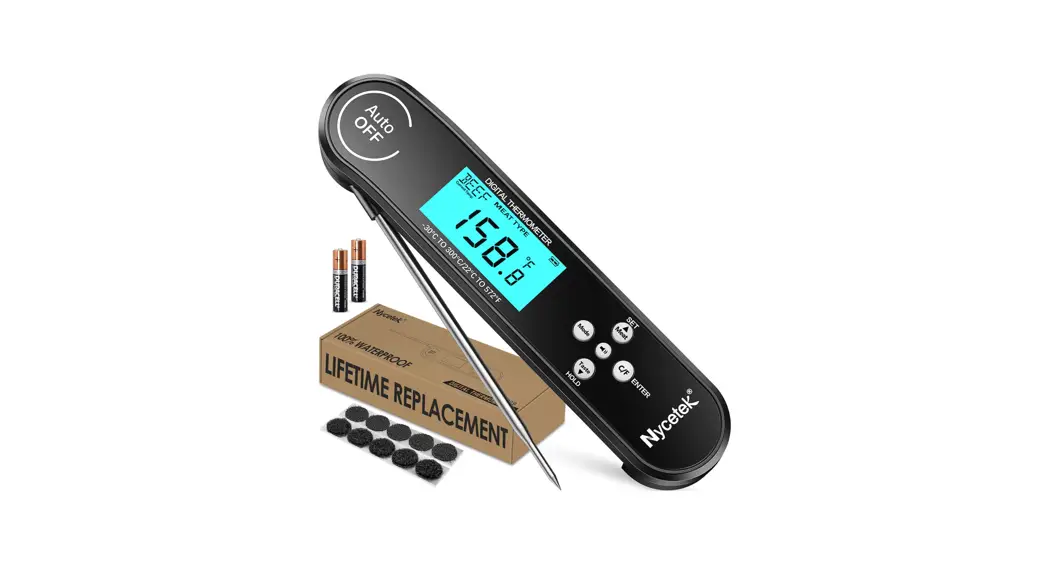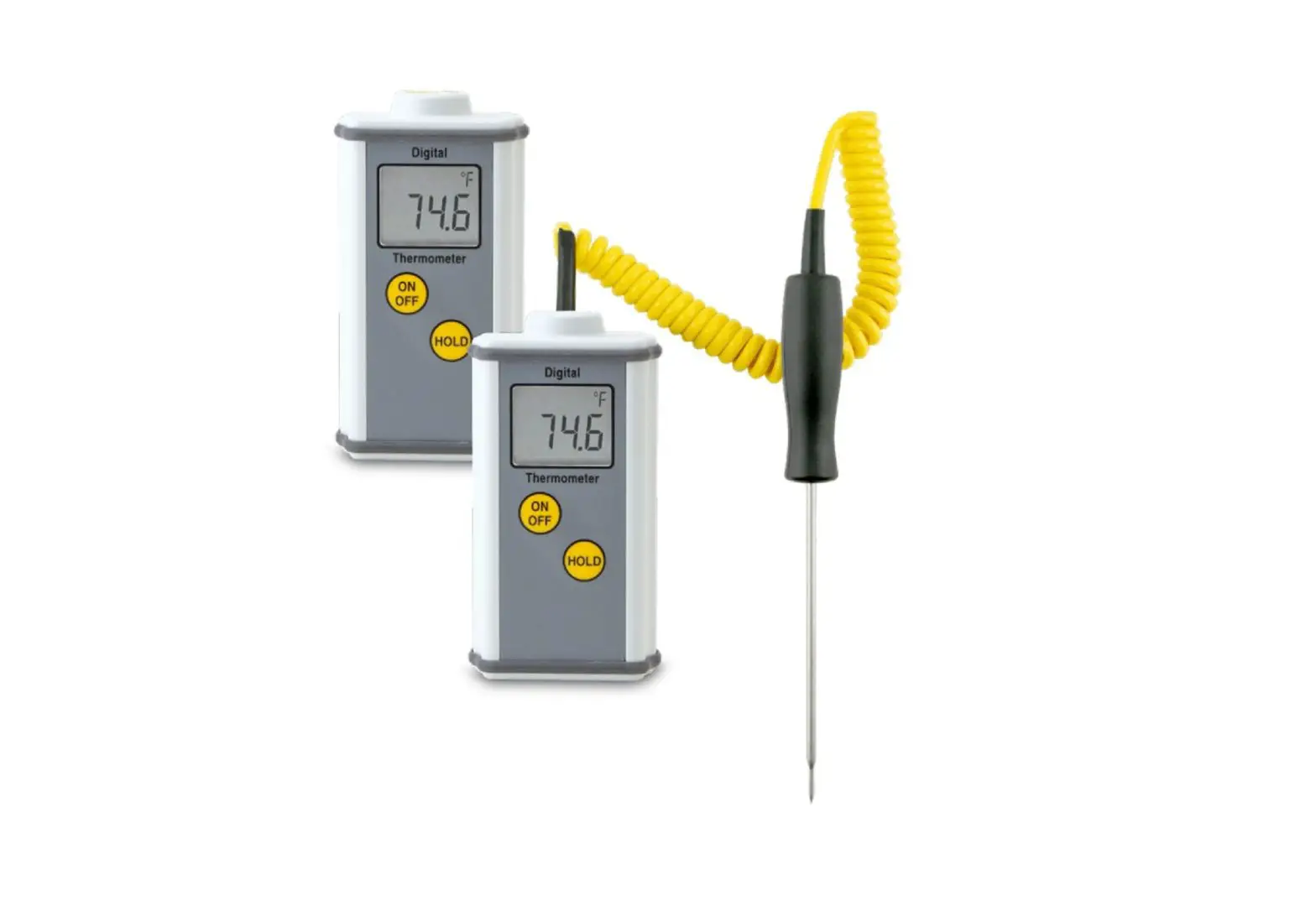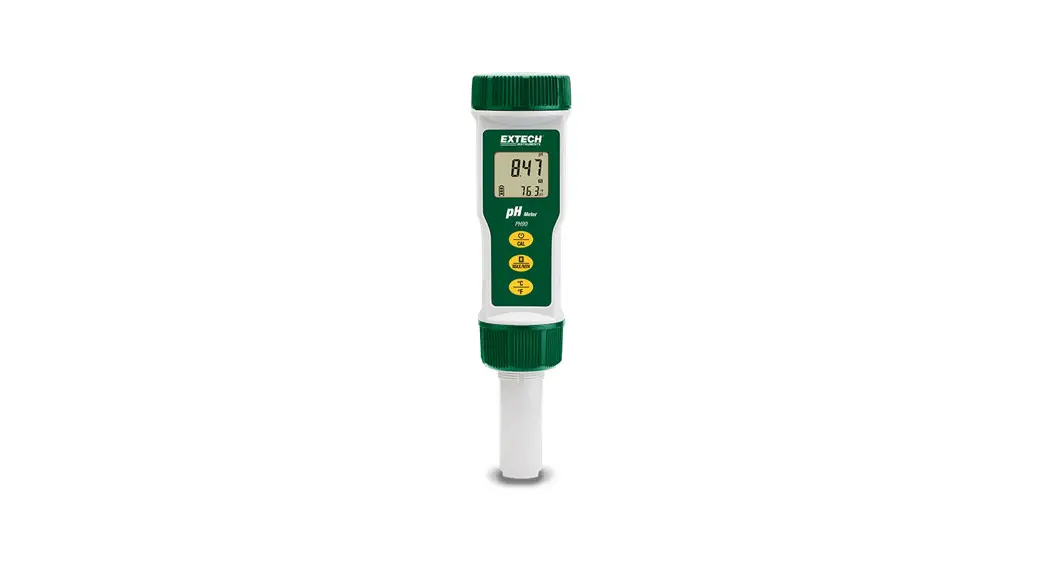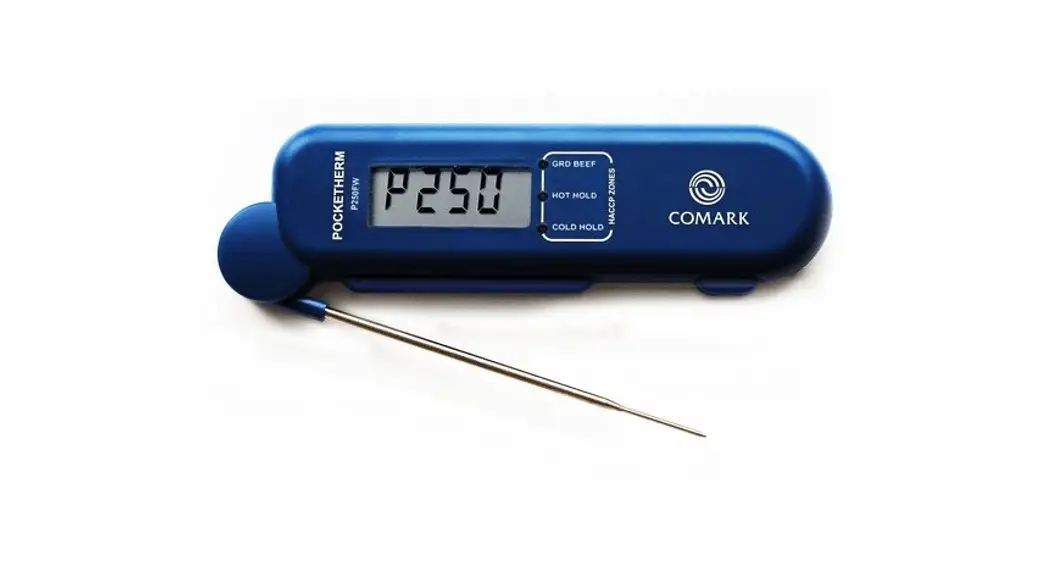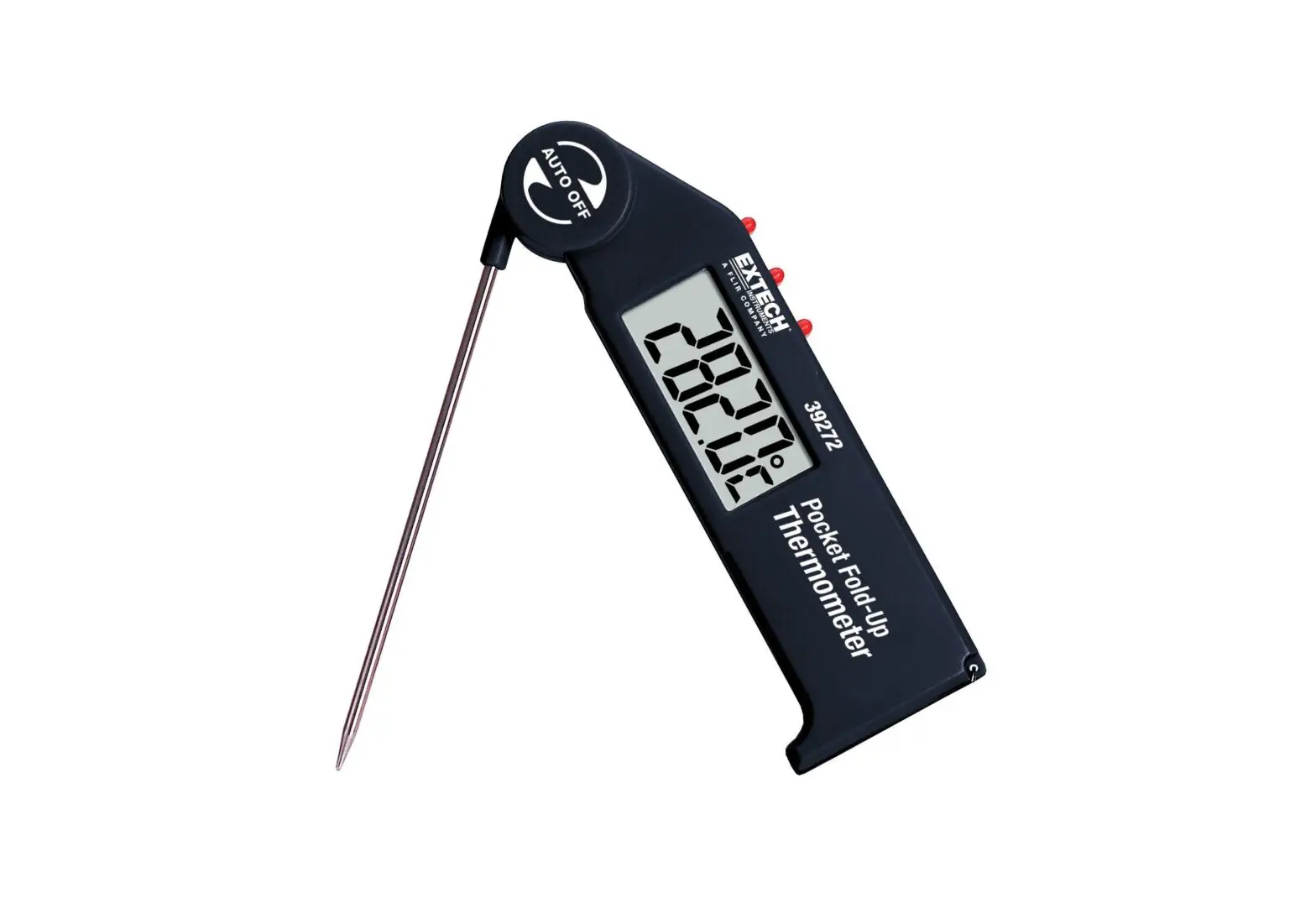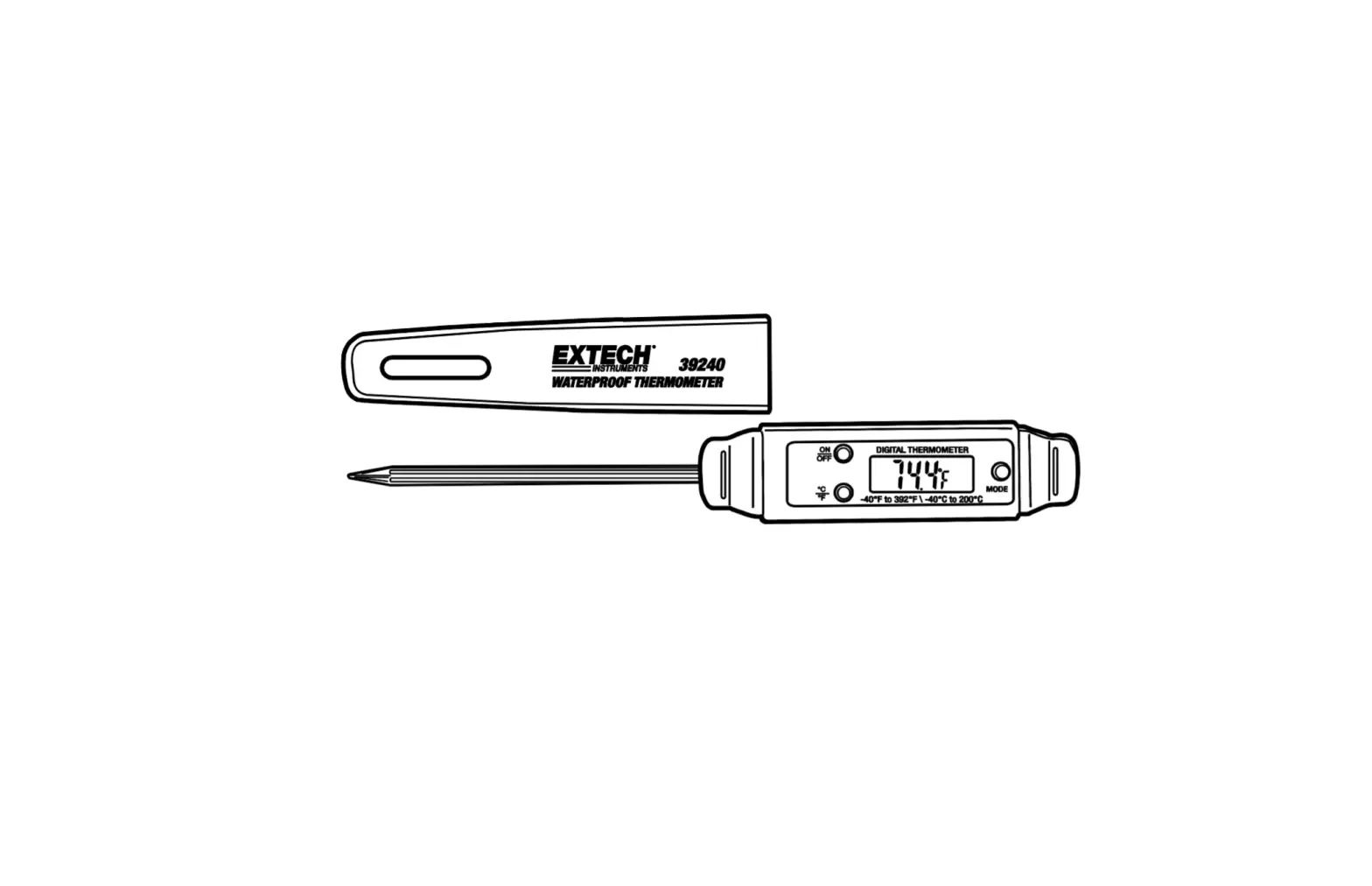
EXTECH 39240 Waterproof Thermometer
Operation
| ON/OFF | Press to turn power on or off |
| C/˚F | Press to select the temperature units |
| MODE | Press once to hold the display. Auto OFF will be disabled and shown with an “X” on the display. Press and hold “MODE” for 3 seconds and the “X” will disappear. The instrument will return to normal operating mode. Press a second time to display the stored maximum reading. “MAX” will appear in the display. Press a third time to display the stored minimum reading. “MIN” will appear in the display. Press a fourth time to return to normal operation. |
| Reset | With “MAX” or “MIN” in the display, press and hold the MODE key until – – – appears. The memory selected is cleared. Press MODE to return to normal operation. |
Battery Replacement
- Use a flat blade screwdriver or a coin to open the rear battery compartment
- Replace the button battery and replace the cover.
Other Battery Safety Reminders
- Never dispose of batteries in a fire. Batteries may explode or leak.
- Never mix battery types. Always install new batteries of same type.
Specifications
| Range | 40 to 200oC / -40 to 392oF |
| Resolution | 0.1o |
| Accuracy | ±1 oC /+ 2 oF |
| Stem | 70mm / 2.75” stainless steel |
| Battery | LR44 button (or equivalent) |
| Weight | 29g / 0.7oz |
| Dimensions | 150x20x18mm / 5.9×0.8×0.7” |
| Dimensions | Display: 109 x 99 x 20mm (4,3 x 3,9 x 0,8”) |
Copyright © 2021 Teledyne FLIR LLC
All rights reserved including the right of reproduction i n whole or in part in any form www.extech.com