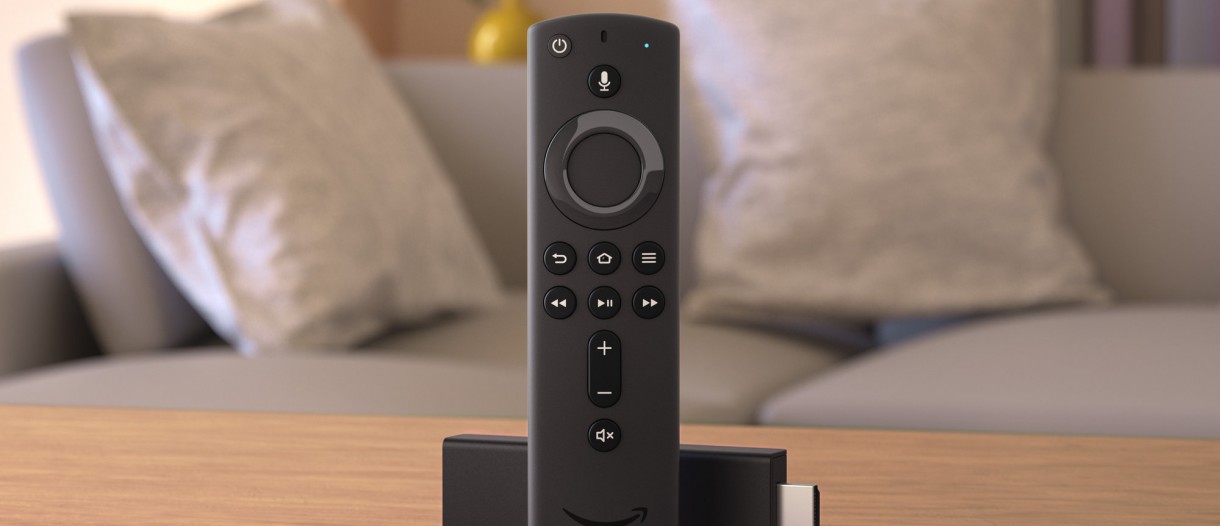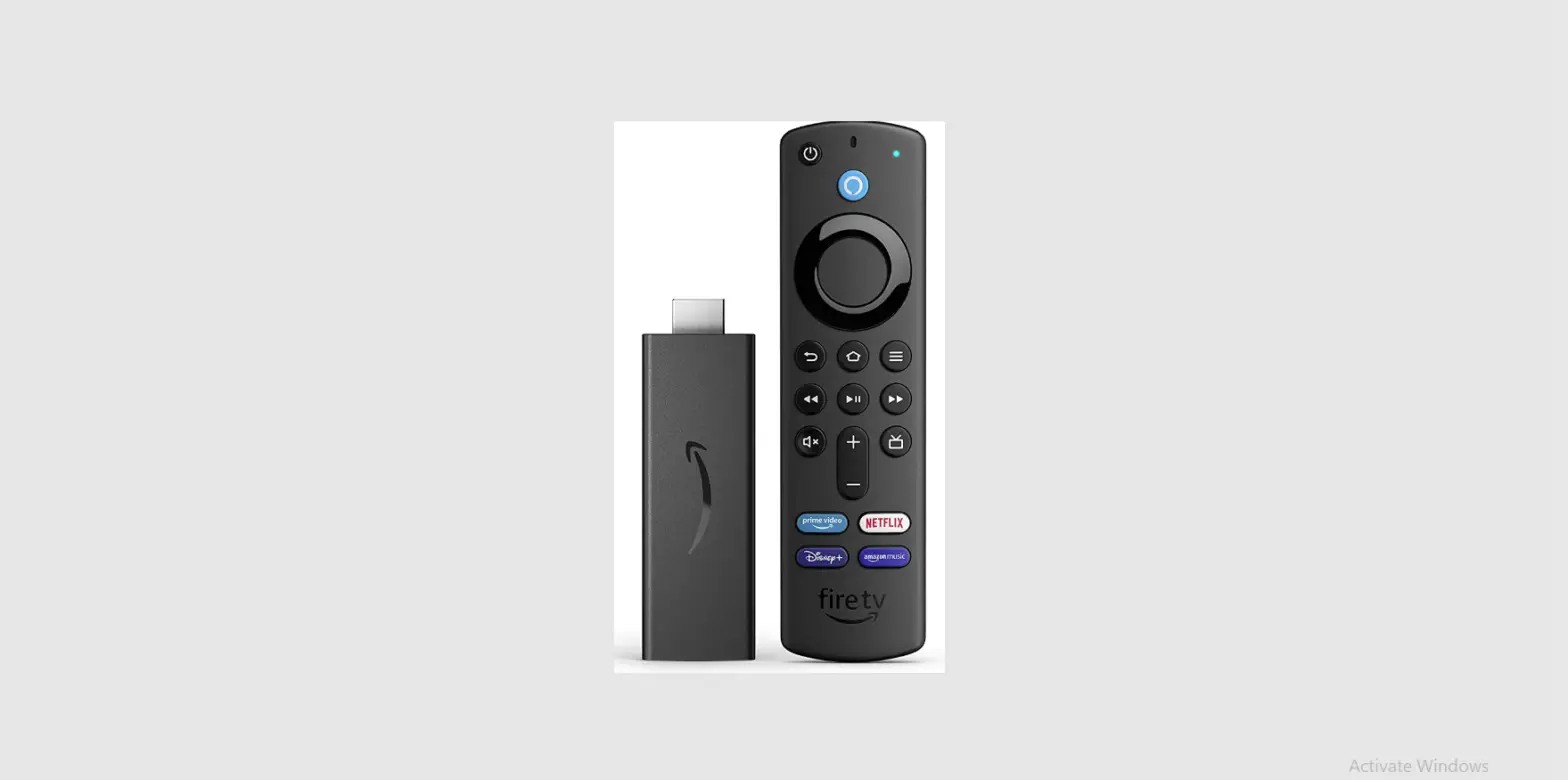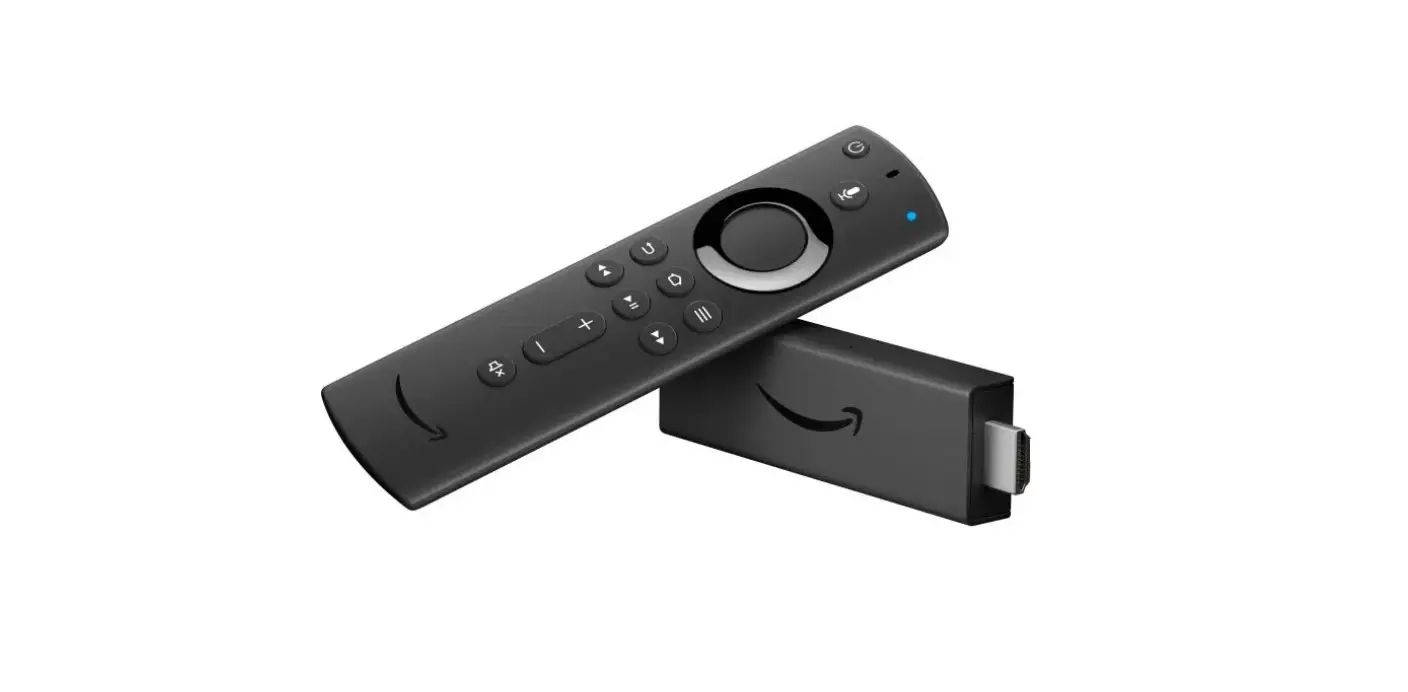

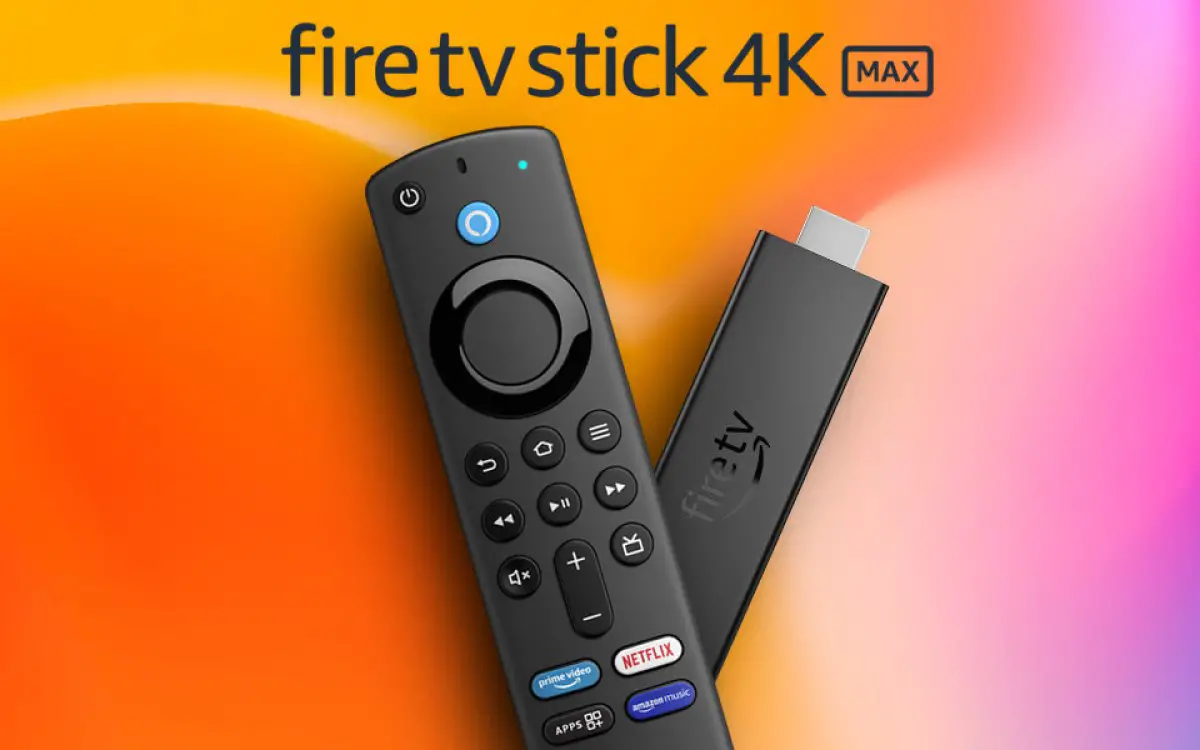
GSMArena Fire TV Stick 4K Max
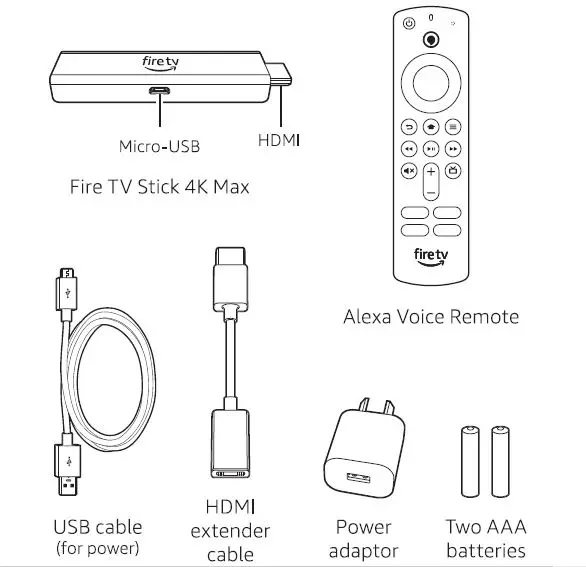
What’s in the box:
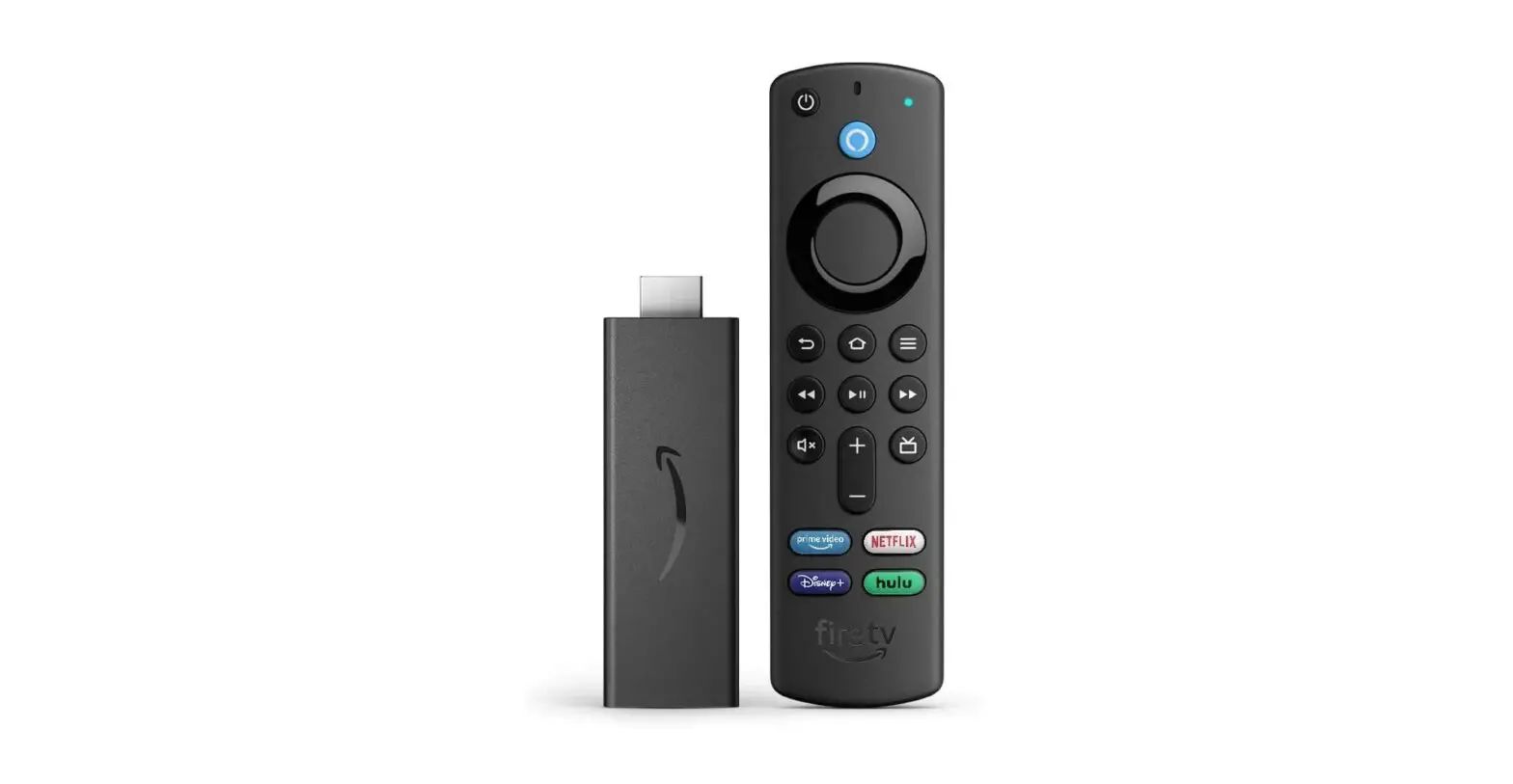
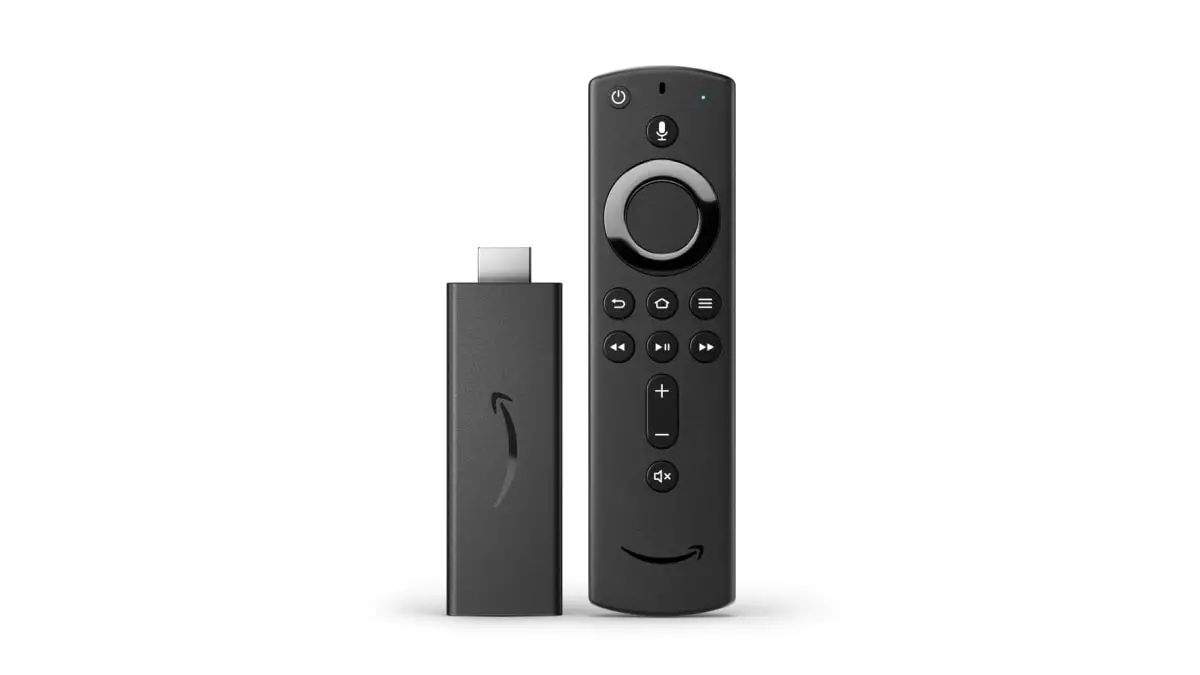
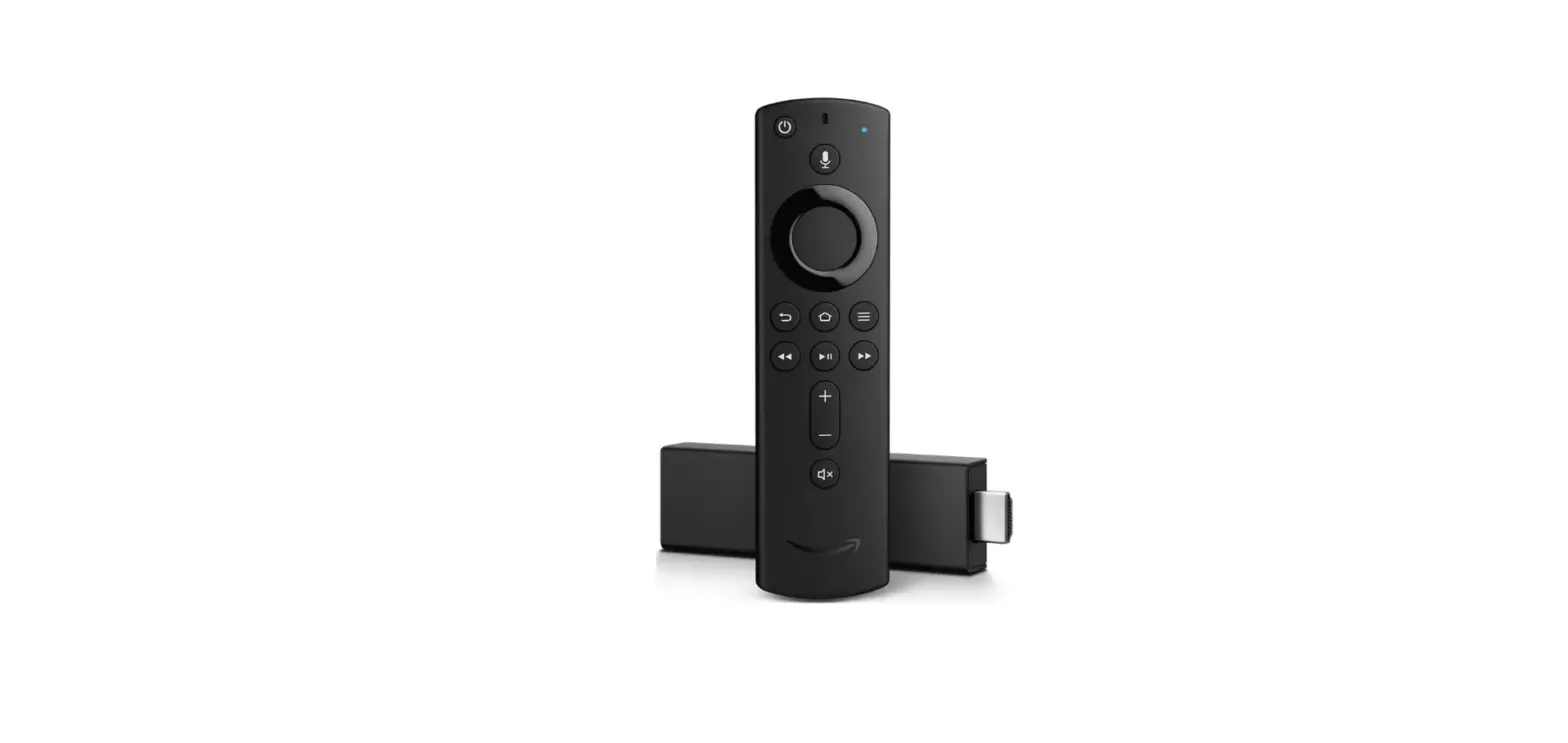
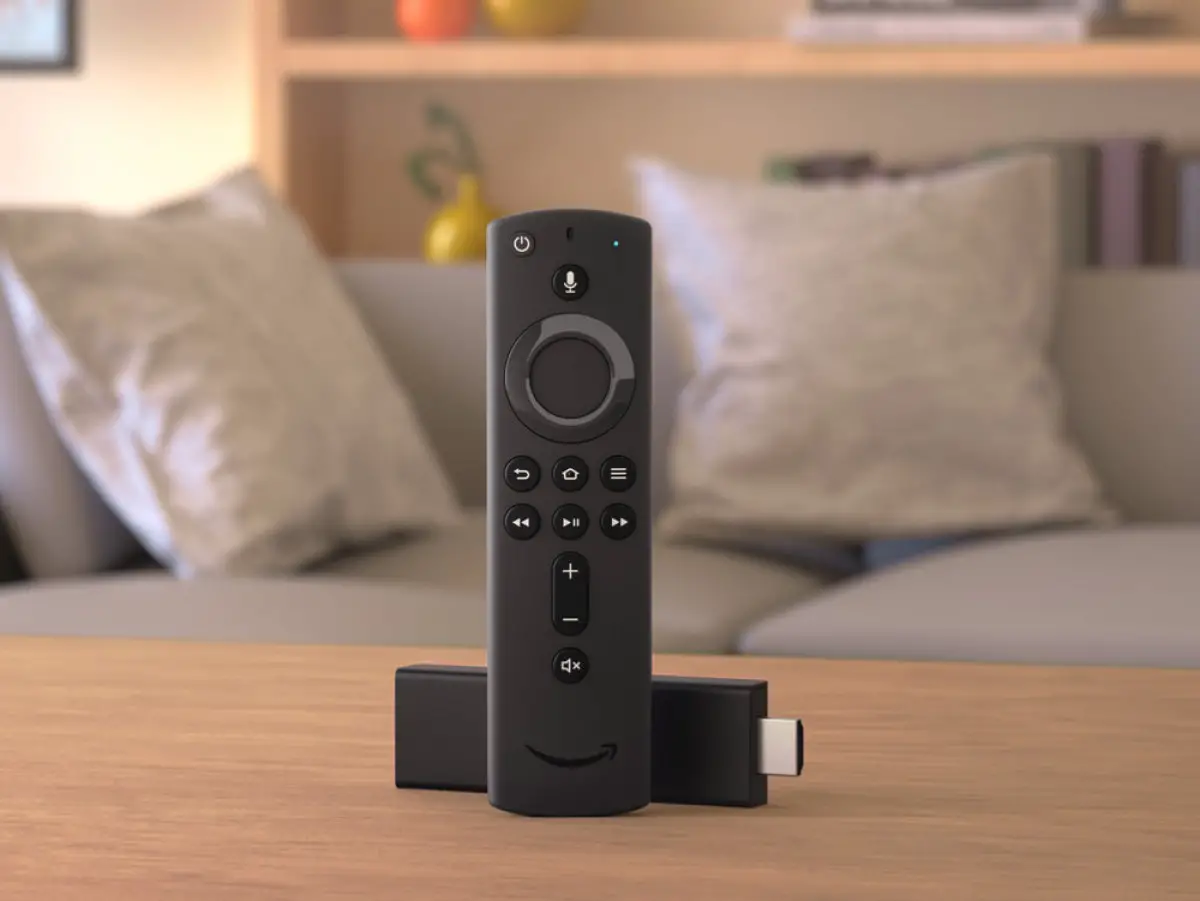
- Fire TV Stick 4K Max
- Alexa Voice Remote
- USB Cable (for power)
- HDMI cable tender
- Power Two
- AAA adaptor batteries

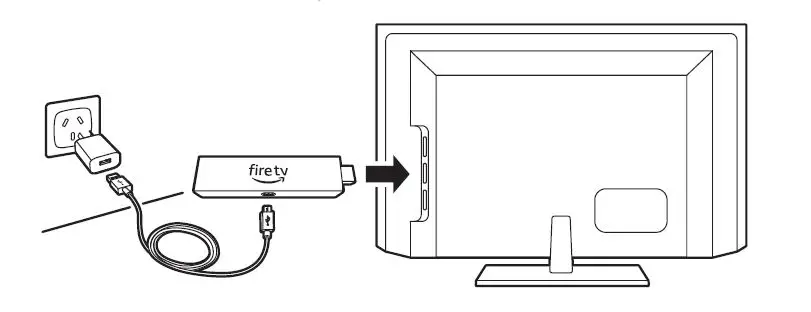
Connect your Amazon Fire TV Stick 4K Max
Stick Connect 4K Max one and end of the the other USB to cable the to required your power Amazon Fire adaptor. TV
and Plug Turn on then your your plug Fire TV TV the and Stick power then 4K Max adaptor select into the into the a HDMI appropriate nearby port electrical HDMI on your input. socket. TV
For HDMI 4K HDCP streaming, 2.2 port connect on your the 4K Fire TV. TV Stick 4K Max to an HDMI HDCP 2.2 port on your 4K TV.
Use the included HDMI extender to imporove Wi-Fi on remote performance,or if you have trouble fitting your fire TV Use remote Stick the 4K included Max performance, into HDMI port on your TV.

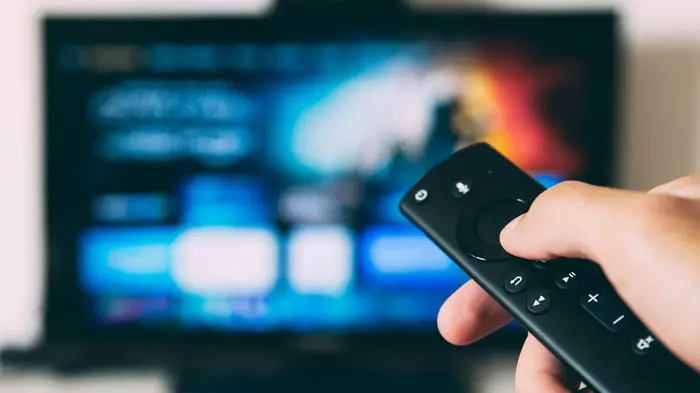
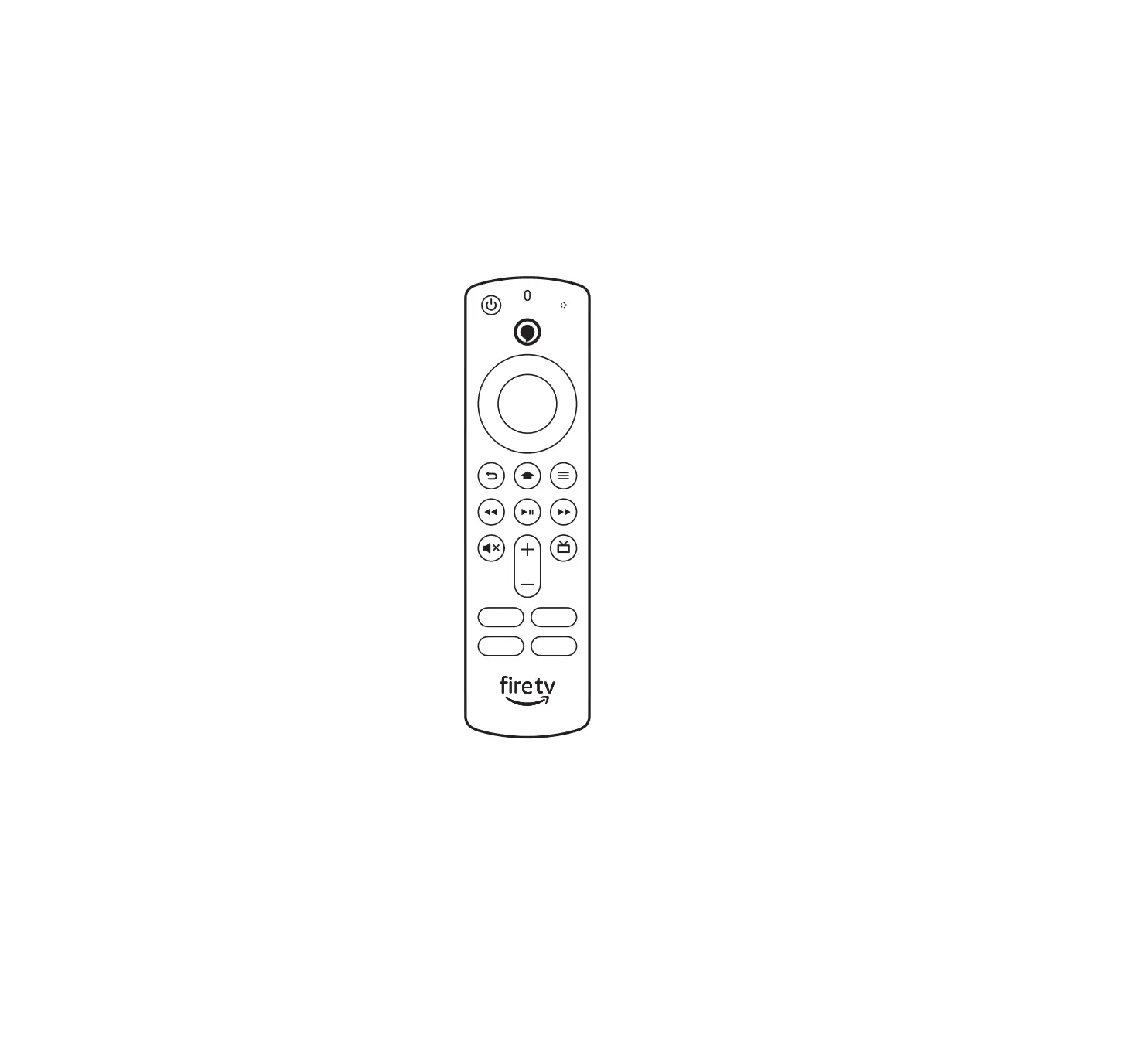
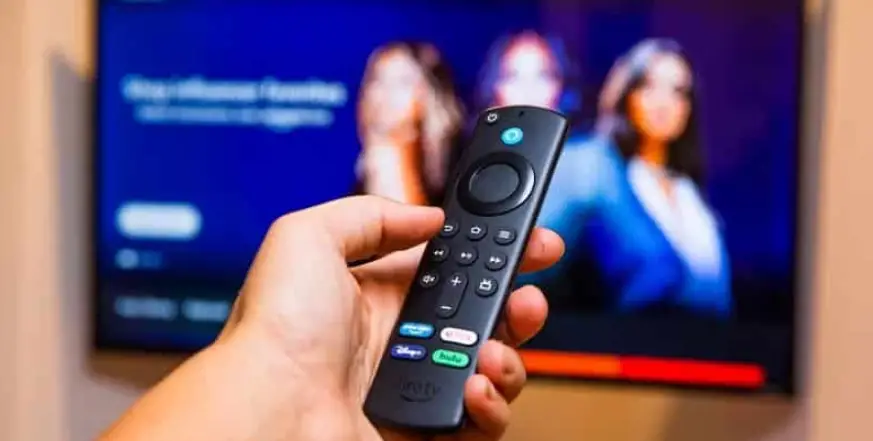
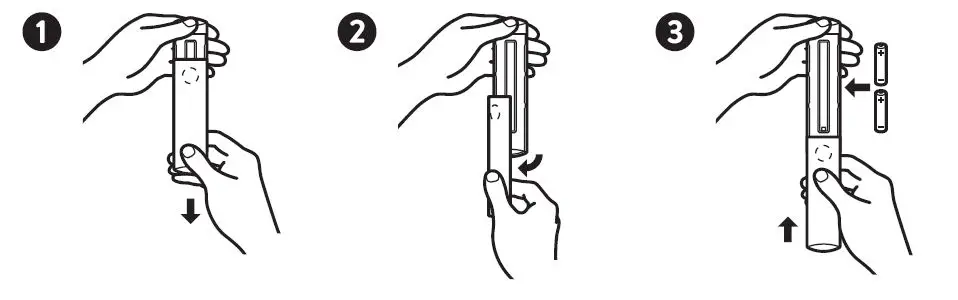
Power up your Alexa Voice Remote
- Open the back of the remote and insert the included batteries.

- After pairing your Alexa Voice Remote, follow the on-screen instructions to control the power and volume of your compatible TV.

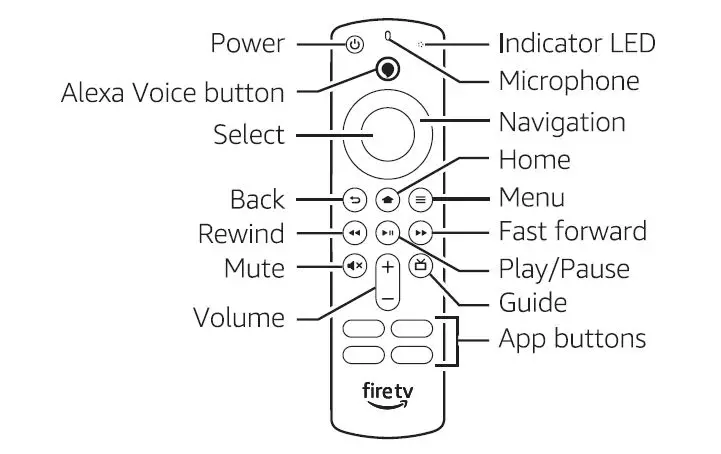
Complete the on-screen setup
Using on-screen your Alexa instructions. Voice Remote, follow the on screen instructions
Select screen. your Wi-Fi network from the options displayed on the screen
Note: if network your Wi-Fi password network ready is to connect password-protected, your Fire TV have Stick your 4K Join network Max Other to the password Network internet. using tile If from the your the on-screen network list. If is required, keyboard. hidden, enter select your the join other network tile form the list.
Registering your Fire TV Stick 4K Max
If you Amazon.com.au purchased your using Fire your TV Amazon Stick 4K Max account, from it is already registerd to you
Tips and troubleshooting Wi-Fi
connectivity performance depend on distance from router and presence of other Wi-Fi 6 device
Remote pairing
Having batteries trouble in with your your remote. remote? The First, remote remove should and automatically reinsert and pair flash with hold amber. the your device. Home@If your button remote until the isn’t LED discovered, starts to press rapidly
For more troubleshooting and information, go to www.amazon.com/devicesupport.